

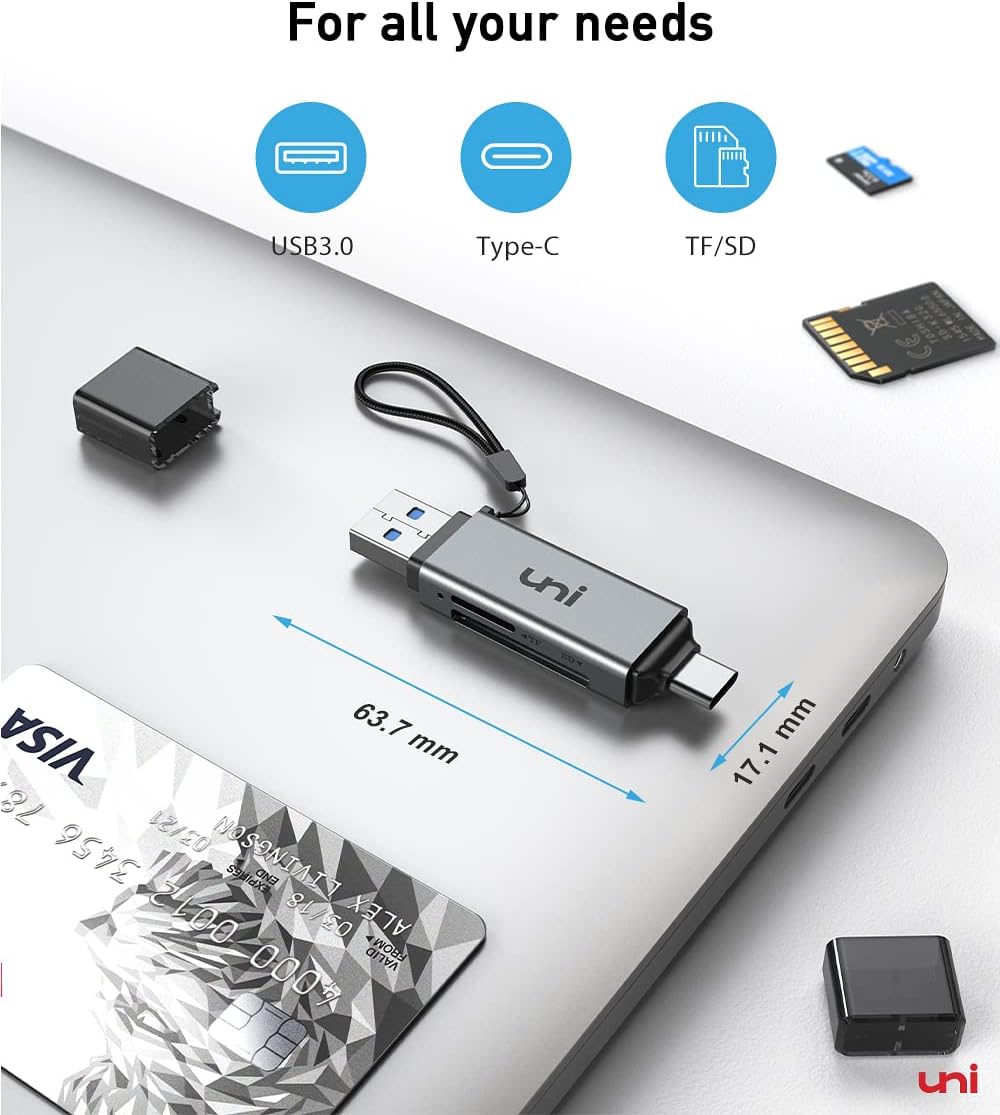
uni PIXEL UNICASD01 Dual-Slot USB-C and USB 3.0 SD Card Reader
Reviews
Price
Product description
Move photos from a camera card to a laptop or USB-C phone with the uni PIXEL UNICASD01 card reader. Its SD and microSD slots support common SD, SDHC, SDXC, MMC, and RS-MMC formats, while the USB-C and USB 3.0 connections make it useful across compatible computers and mobile devices.
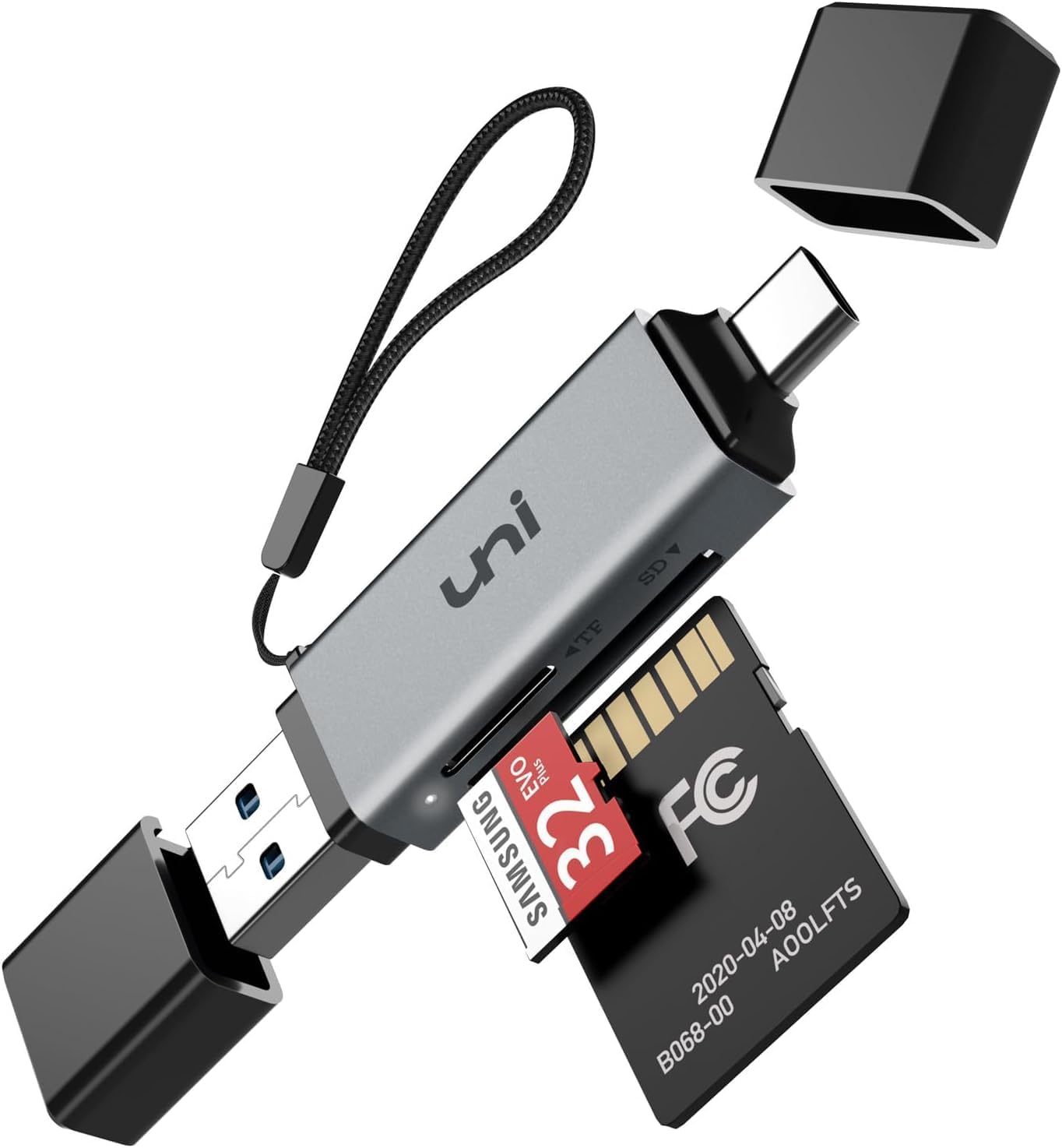
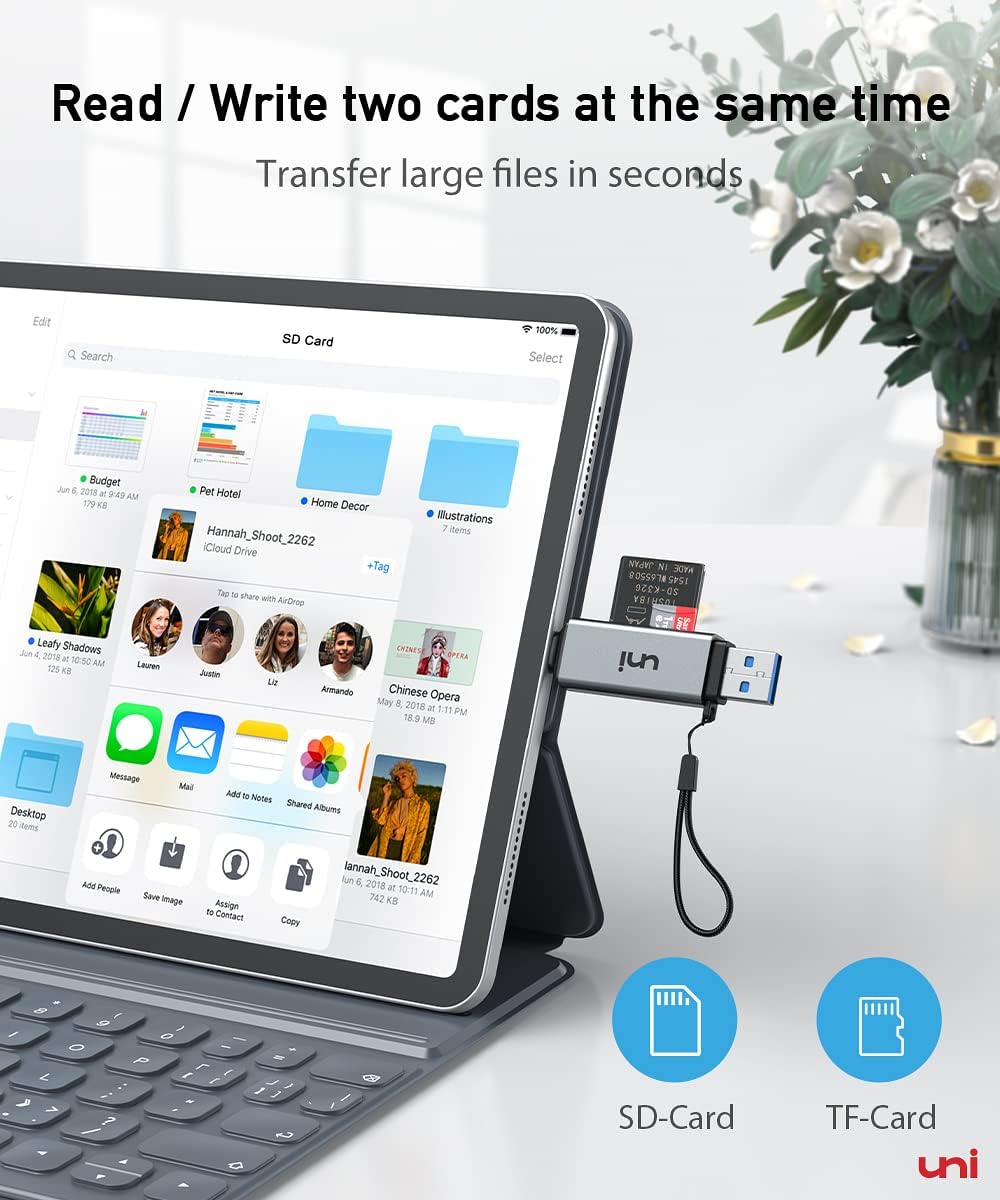
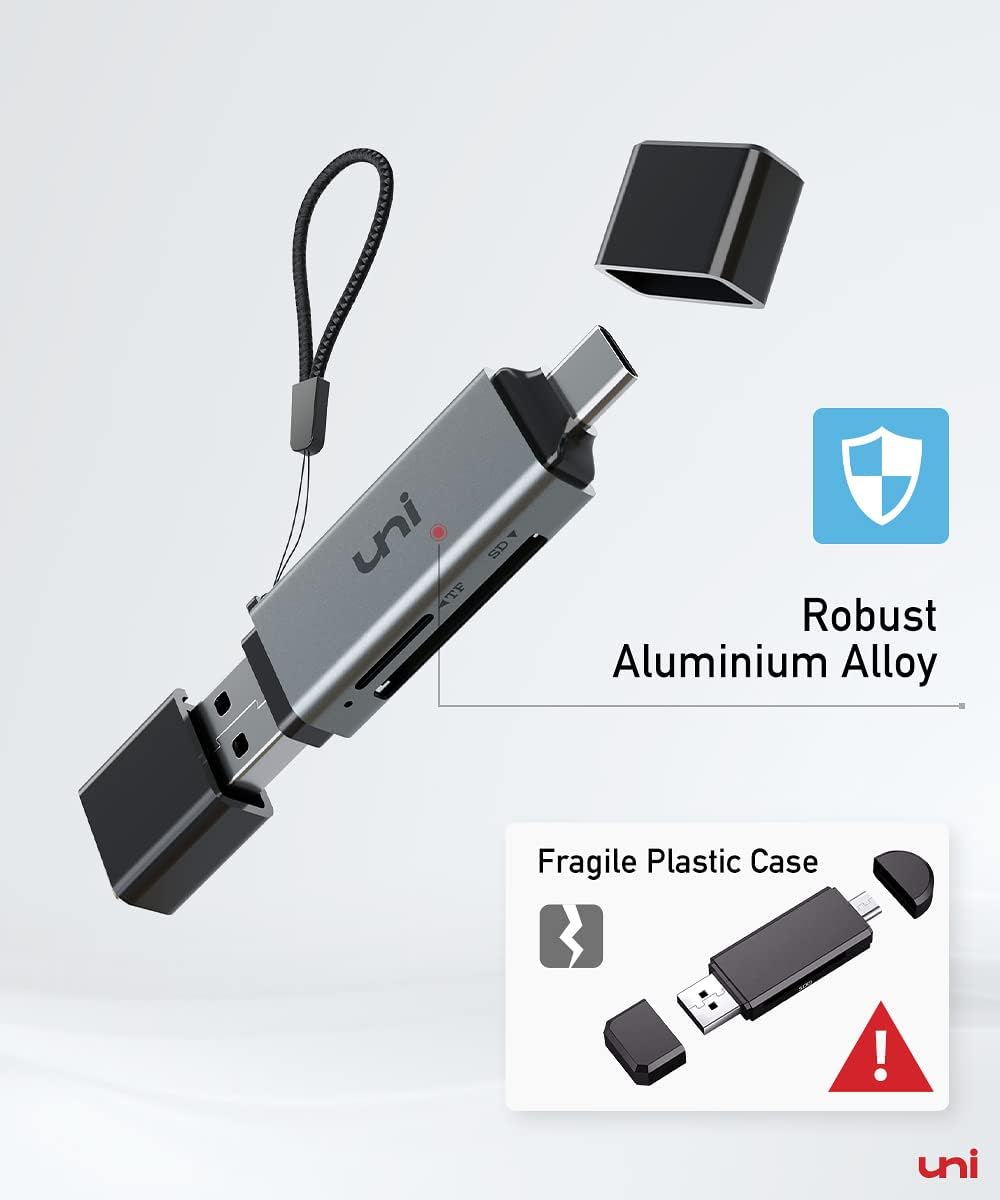
Read or write to both card types at the same time, whether you’re organizing camera footage, viewing dash-cam recordings, or transferring files for editing. The compact reader also has covers at both ends to help keep dust and liquid away from the slots when it’s packed in a camera bag.
Tech specs
- Type: Dual-slot SD and microSD card reader
- Connectivity: USB-C and USB 3.0
- Supported cards: SD, SDHC, SDXC, microSD, microSDHC, microSDXC, MMC, and RS-MMC
- Card access: Simultaneous reading and writing on two cards
- Transfer interface: Up to 5 Gbps, UHS-I card interface up to 104 MB/s
- Supported capacity: Up to 2 TB
- Color: Gray
- Weight: 13 g
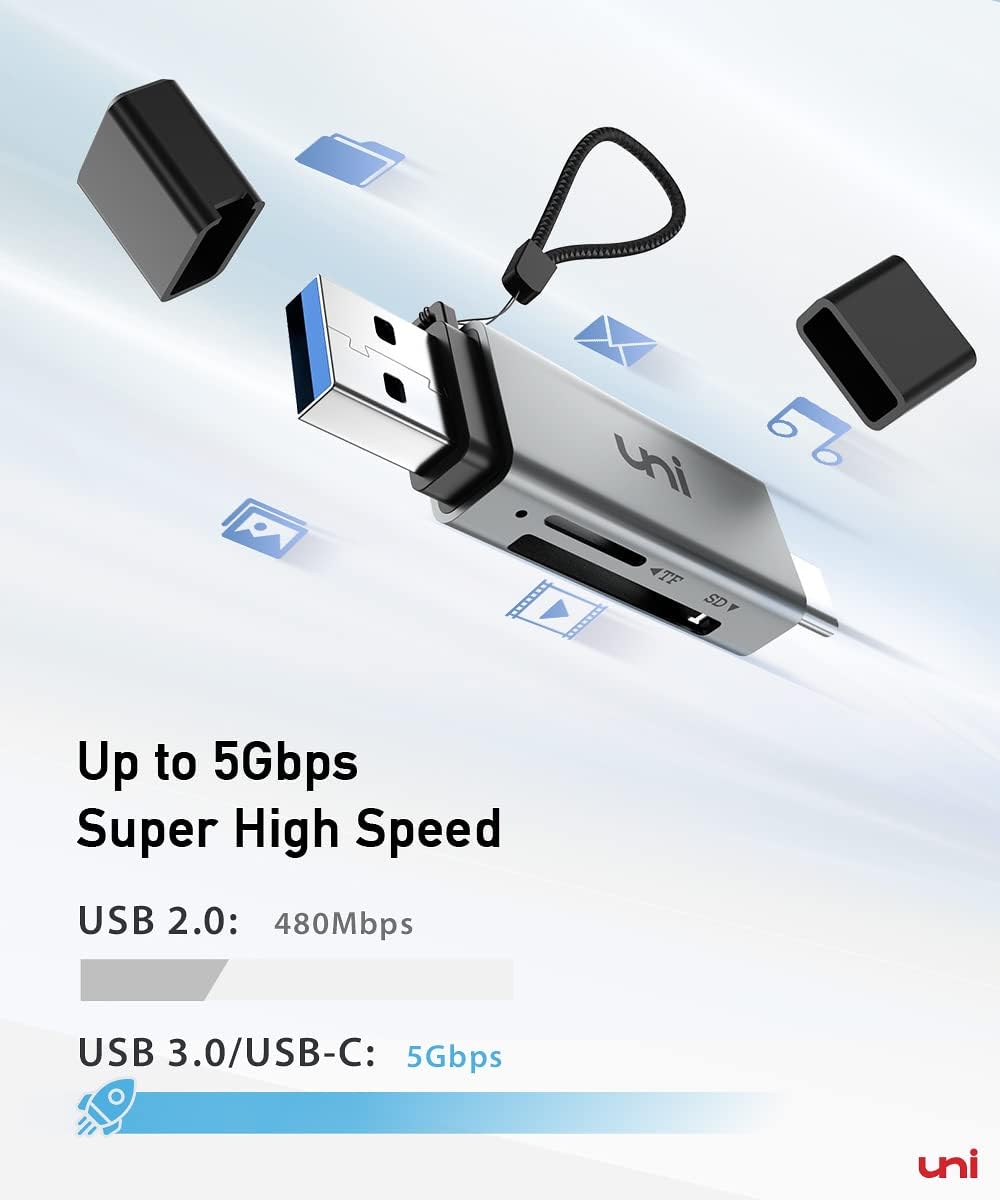
Transfer speed also depends on the card and the USB port on the connected device. The reader accesses files stored on a card, it does not connect directly to a camera. For Android phones or tablets, the device must support USB OTG.
How to use it
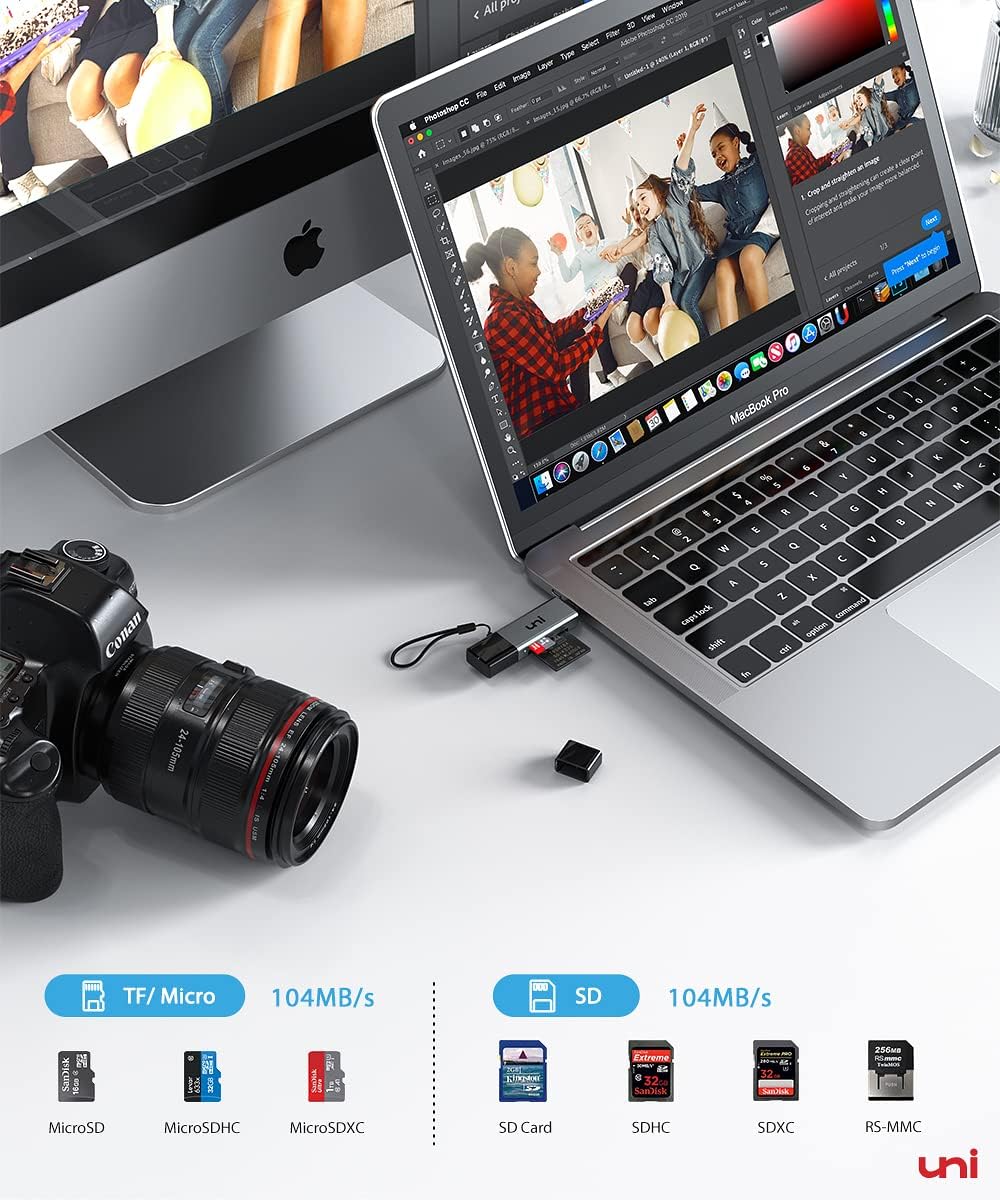
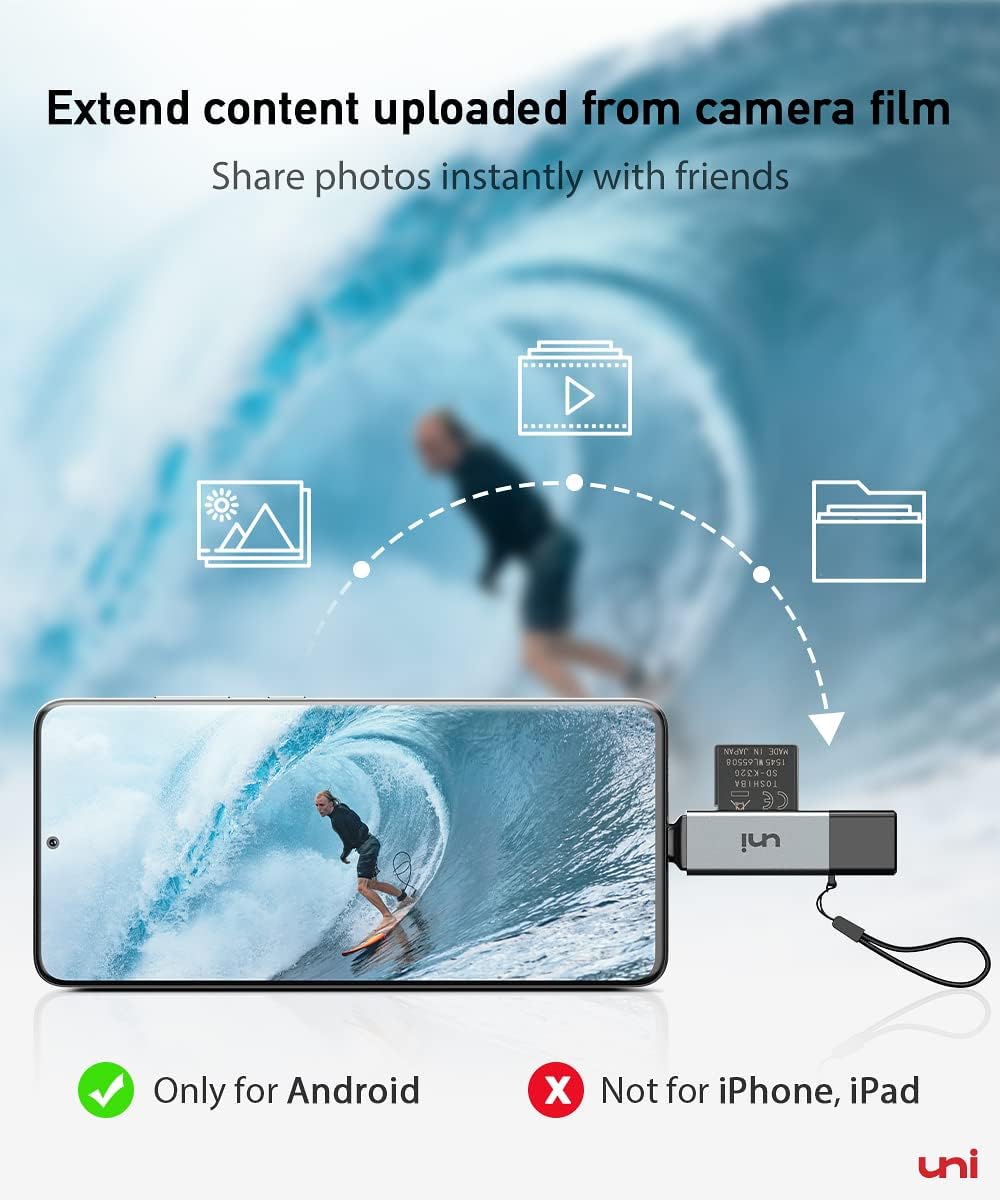
Insert a compatible card, connect the reader to a matching USB-C port, and open the card’s files on your device. On Android, enable OTG if required by the device settings. With a USB-C iPhone, open the Files app to browse the connected card. The plug-and-play design requires no driver on supported systems, and no additional power supply is required.
The two slots let you work with an SD card and a microSD card in the same session, such as copying files between cards or accessing footage without repeatedly swapping the reader. For easier card handling, insert the microSD card first and remove the SD card first. The reader is also backward compatible with USB 2.0 and USB 1.1, with transfer speeds dependent on the connected port.
Included in the package
The package contains one card reader. SD and microSD cards are not included, so use your own compatible cards to view or transfer stored files.
What to clarify
Can it read two cards at once? Yes. The reader supports simultaneous reading and writing through its SD and microSD slots, so you can access both cards without repeatedly unplugging the reader.
Can I connect it directly to a camera? No. It reads and transfers data from memory cards. Remove the card from the camera and insert it into the reader to access its files.
What should I check before using it with a phone? The phone needs a USB-C connection, Lightning devices are not compatible. Android phones and tablets also need USB OTG support. On a USB-C iPhone, use the Files app to browse the card.
Buying verdict
Customer feedback often highlights the reader’s compact size, portability, and convenience of having both card slots. Reports on device compatibility and durability are mixed, so the most practical fit is for someone whose USB-C device supports the reader and who wants a small way to access SD and microSD files. Its simultaneous card access and support for formats up to SDXC make it particularly useful for moving or reviewing camera and device recordings.