

atolla Powered USB 3.0 Hub 7‑port with 20W power adapter
Product description
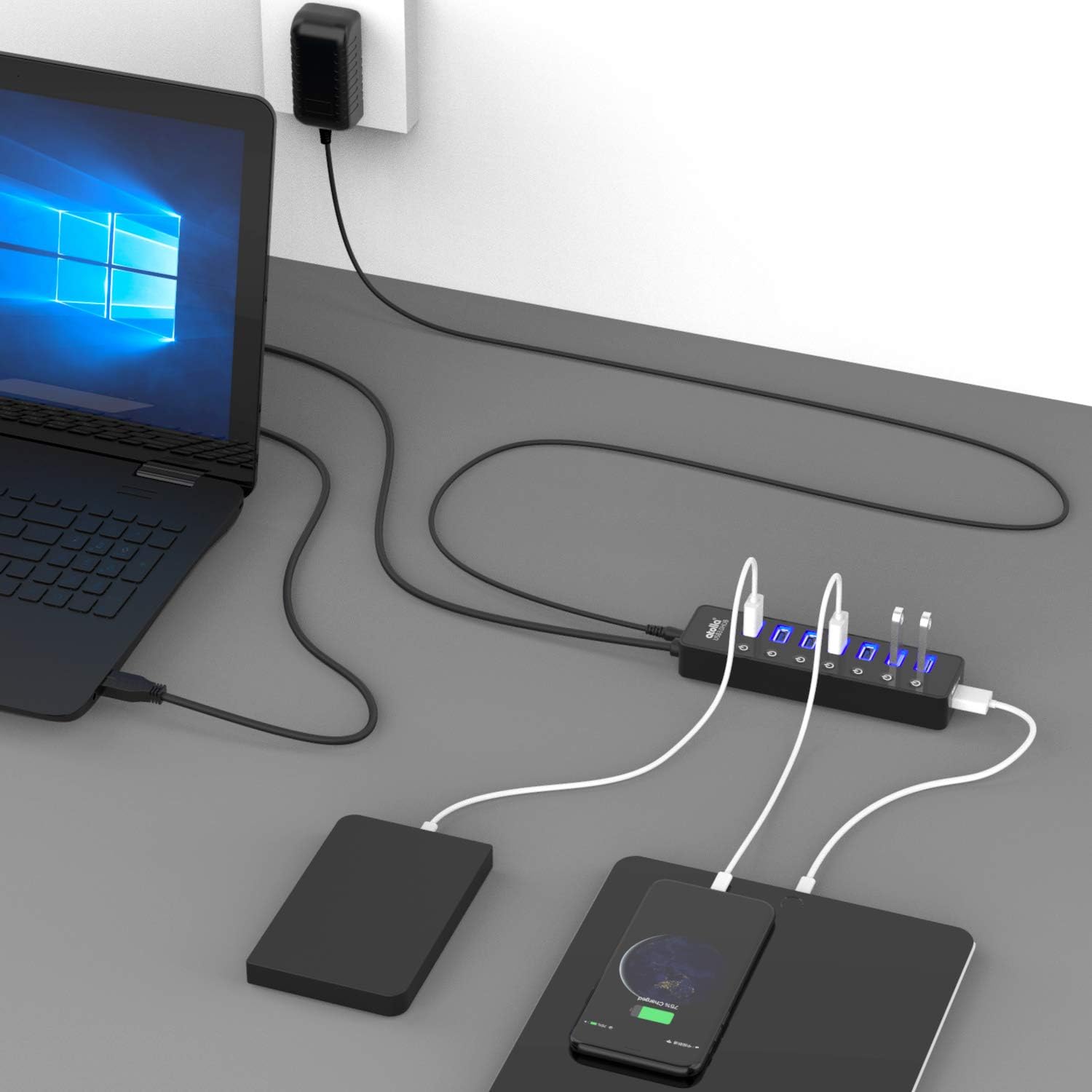
This USB hub expands a single USB port into multiple convenient connections for desktop peripherals and mobile charging, making it easier to work with a MacBook or other laptops. It combines seven USB 3.0 data ports with a dedicated charging port and a 5V/4A power adapter to keep several devices connected and powered while transferring files at USB 3.0 speeds.
Key Points
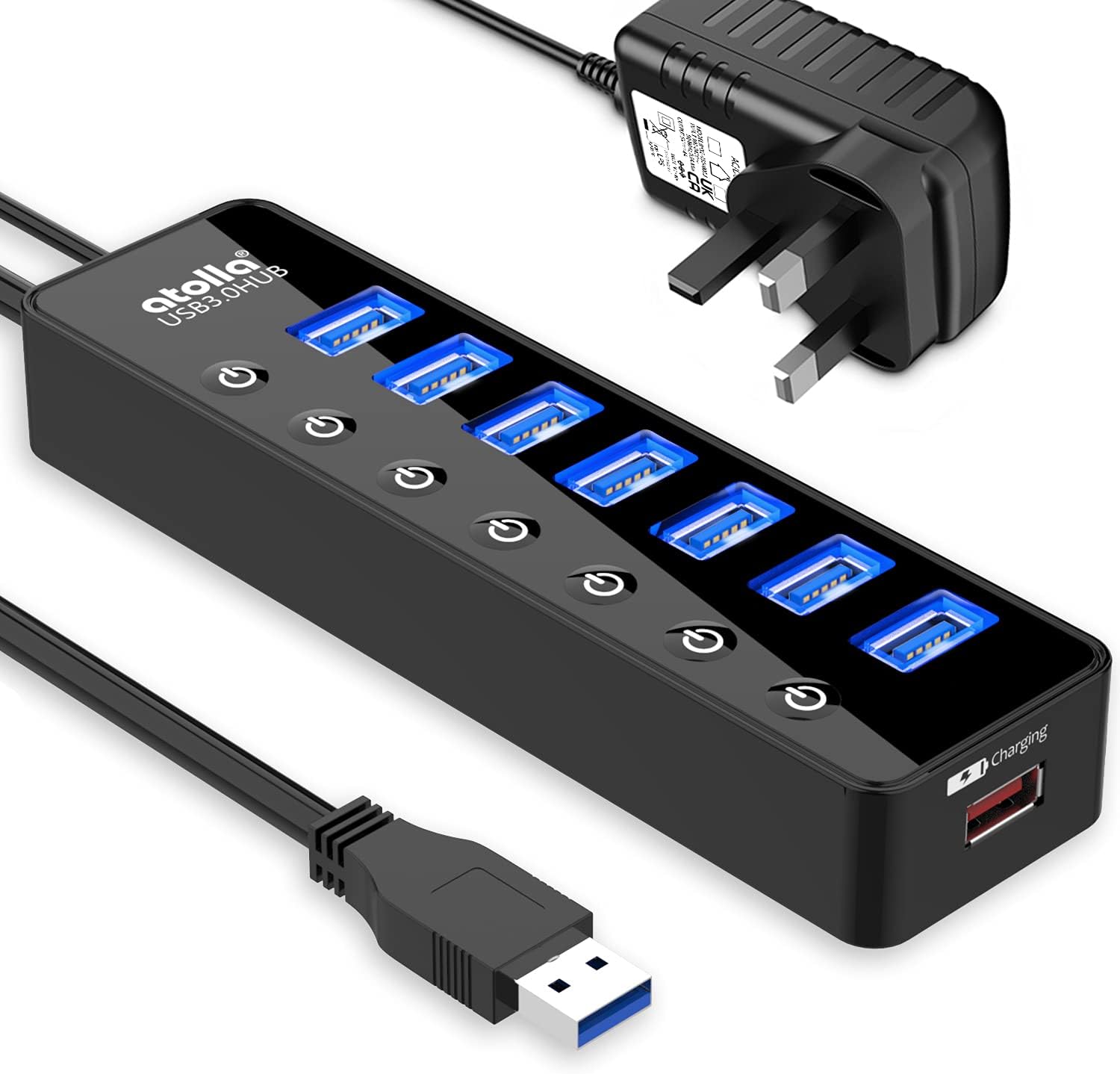
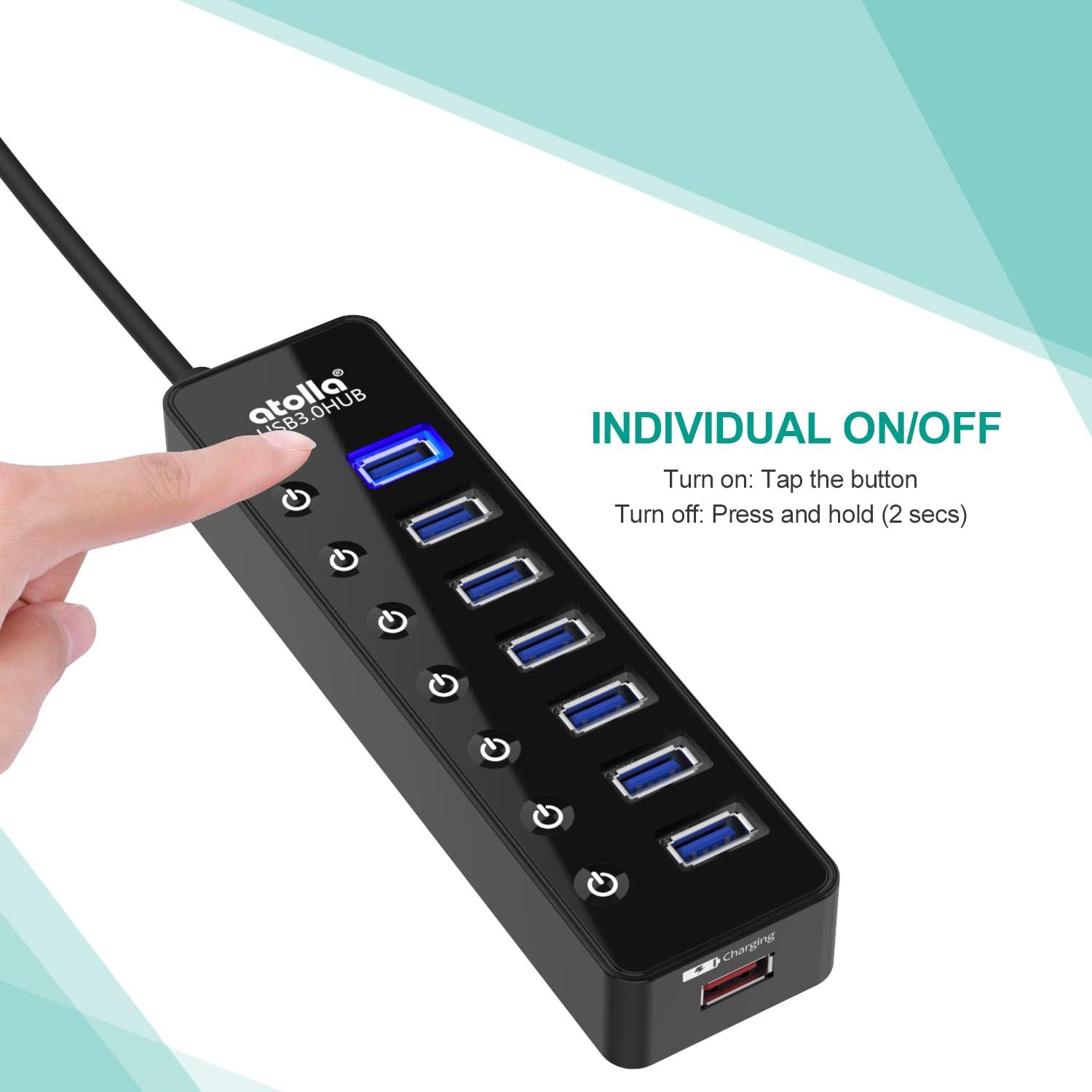
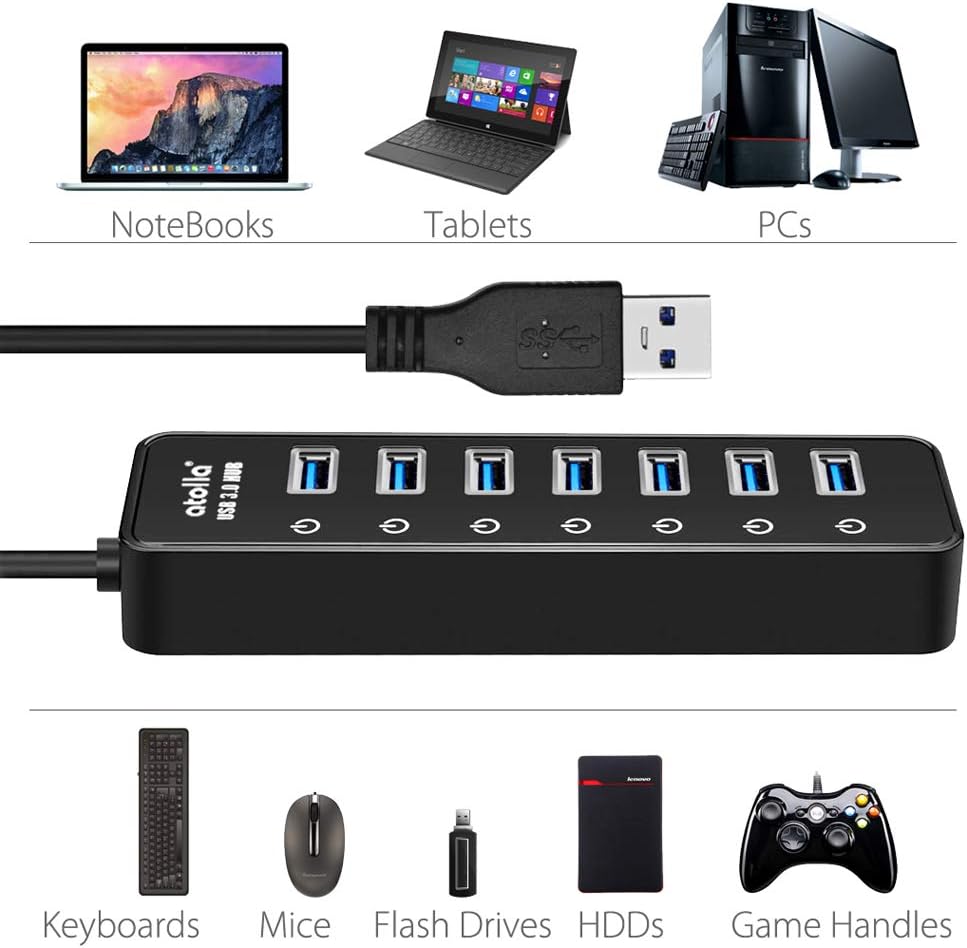
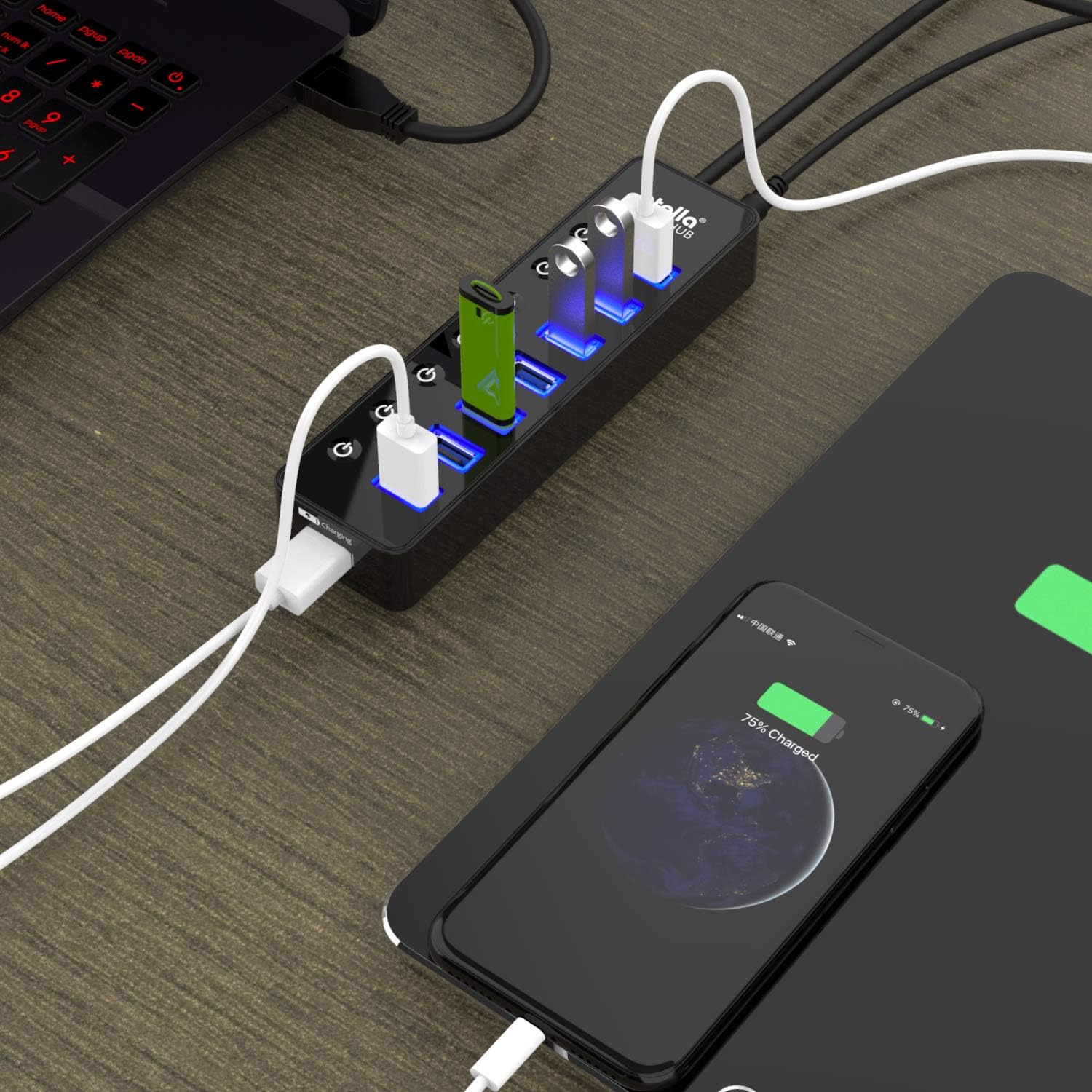
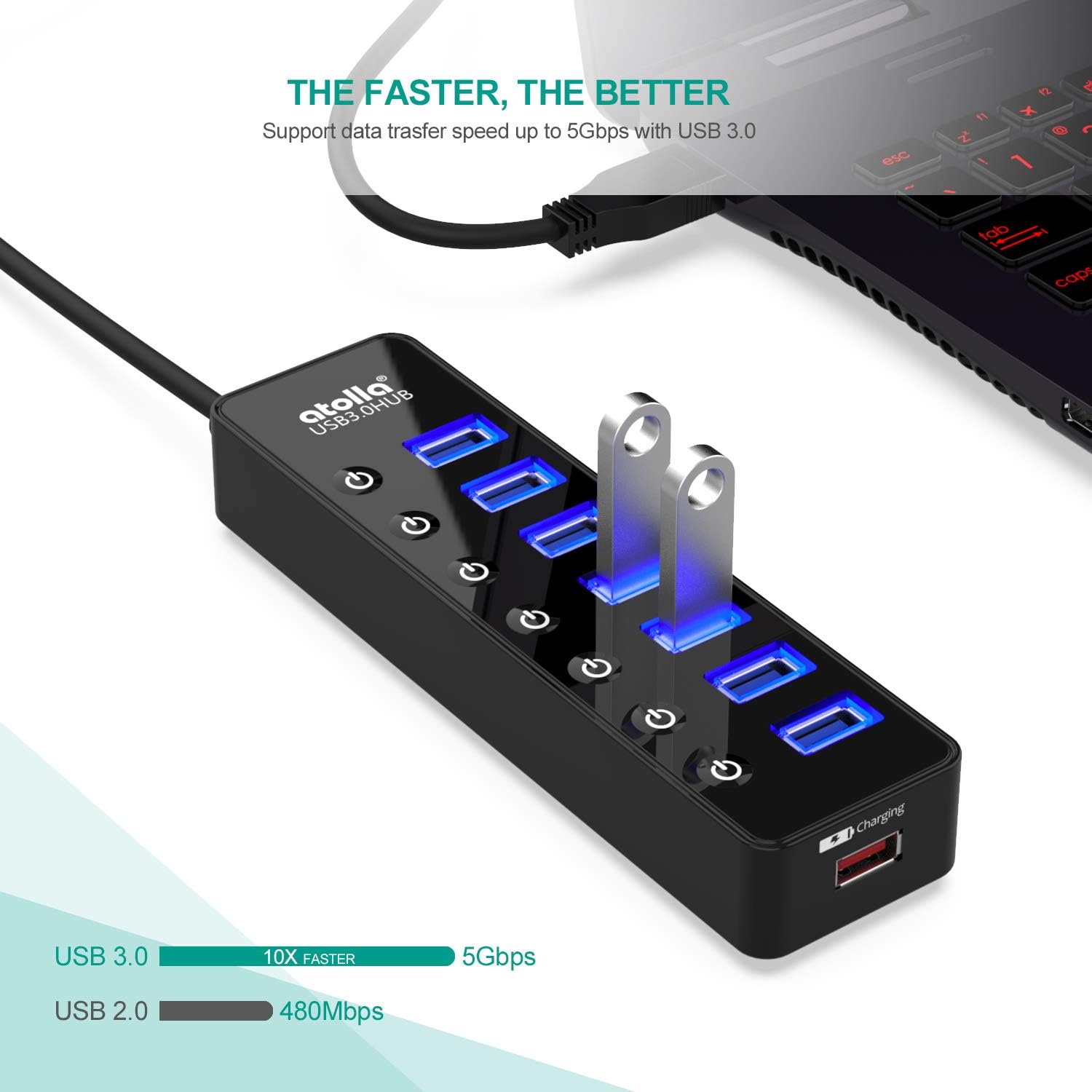
The hub offers seven SuperSpeed USB 3.0 ports for peripherals such as keyboards, mice and external drives, which means faster file transfers compared with USB 2.0. One additional port is dedicated to charging, supplying up to 2.4A for smartphones and tablets when used alongside the bundled 5V/4A power adapter. Individual on/off switches let you disable unused ports without unplugging devices, helping to manage power and ports more cleanly. For plug and play convenience, the hub supports hot swapping and does not require extra drivers with modern operating systems.
Technical Specifications
- Name: atolla Powered USB 3.0 Hub 20W
- Ports: - 7 x USB 3.0 data ports, plus 1 x dedicated charging port.
- Data transfer rate: - up to 5 Gbps (USB 3.0 SuperSpeed, according to the manufacturer).
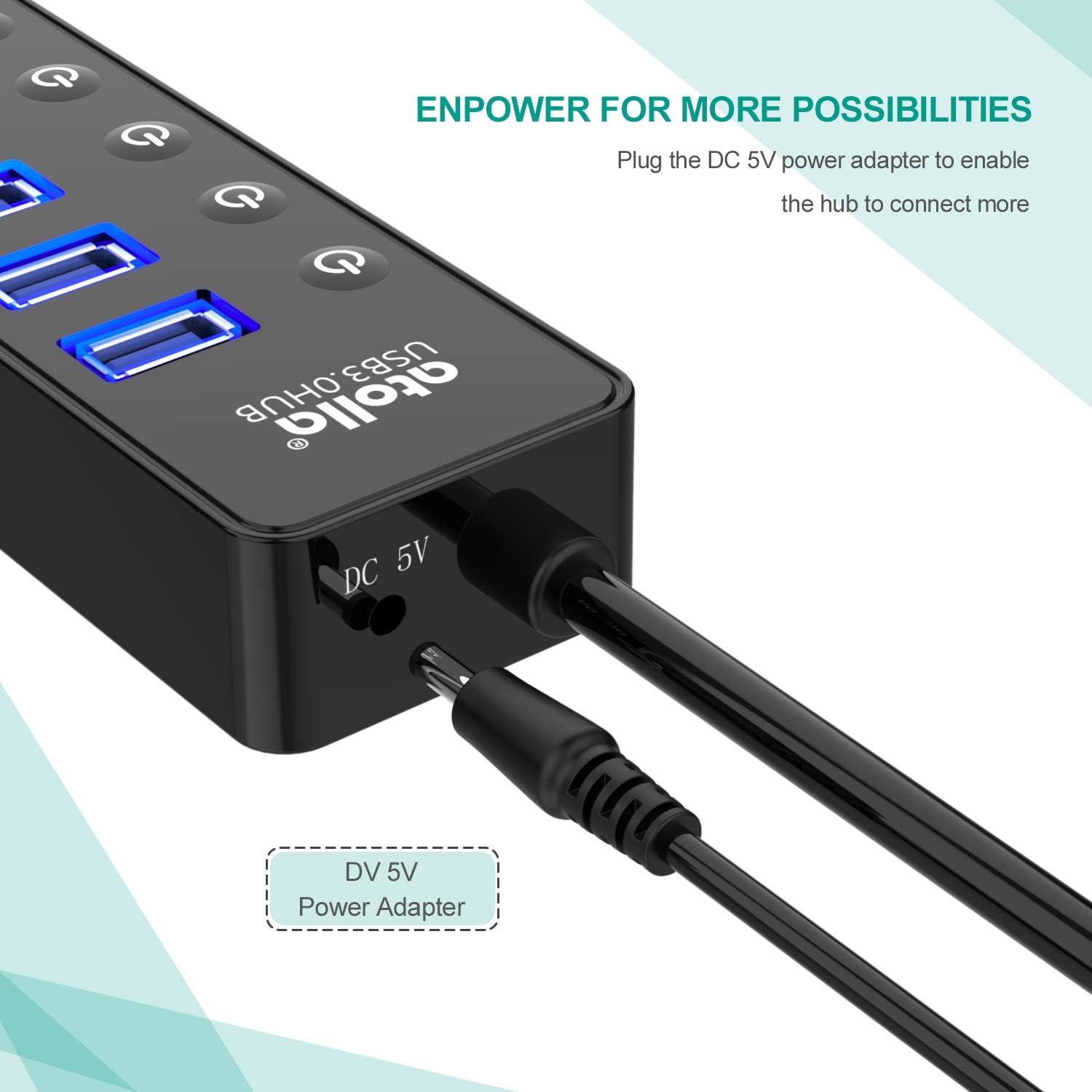
- Power adapter: - 5V/4A external power adapter included.
- Cable lengths: - 100 cm USB hub cord, 120 cm electrical cord included.
Benefits
Using this hub reduces cable swapping and frees up laptop ports for other uses, so you can keep a compact workspace without losing connectivity. The combination of powered charging and data transfer makes it useful for small offices and home setups where a mixture of peripherals and mobile devices need to be connected. It is compatible with a wide range of systems, including Windows, Mac OS X and common Linux distributions, which increases its flexibility across different machines. ⚡
Usage Recommendations
Place the hub on a desk within reach of the nearest power outlet to make the most of the external adapter. When transferring large files from external drives, connect directly to the USB 3.0 ports for best speed. Consider switching off individual ports for devices you rarely use to reduce background power draw and keep peripherals orderly. Note that actual charging current can vary by device and cable, and the maximum 2.4A output for the charging port is stated by the manufacturer. 🔌💻
Technical Limitations
While the hub supports USB 3.0 speeds at up to 5 Gbps, performance may be limited by the capabilities of connected devices and the host computer. Also, some high-power peripherals may require their own dedicated power sources for reliable operation. The inclusion of individual switches is useful for control, however they do not provide overload protection beyond what is offered by the hub and adapter.