

atolla 10-Port USB 3.0 Hub with Switches 🔌
Reviews
Price
Product description
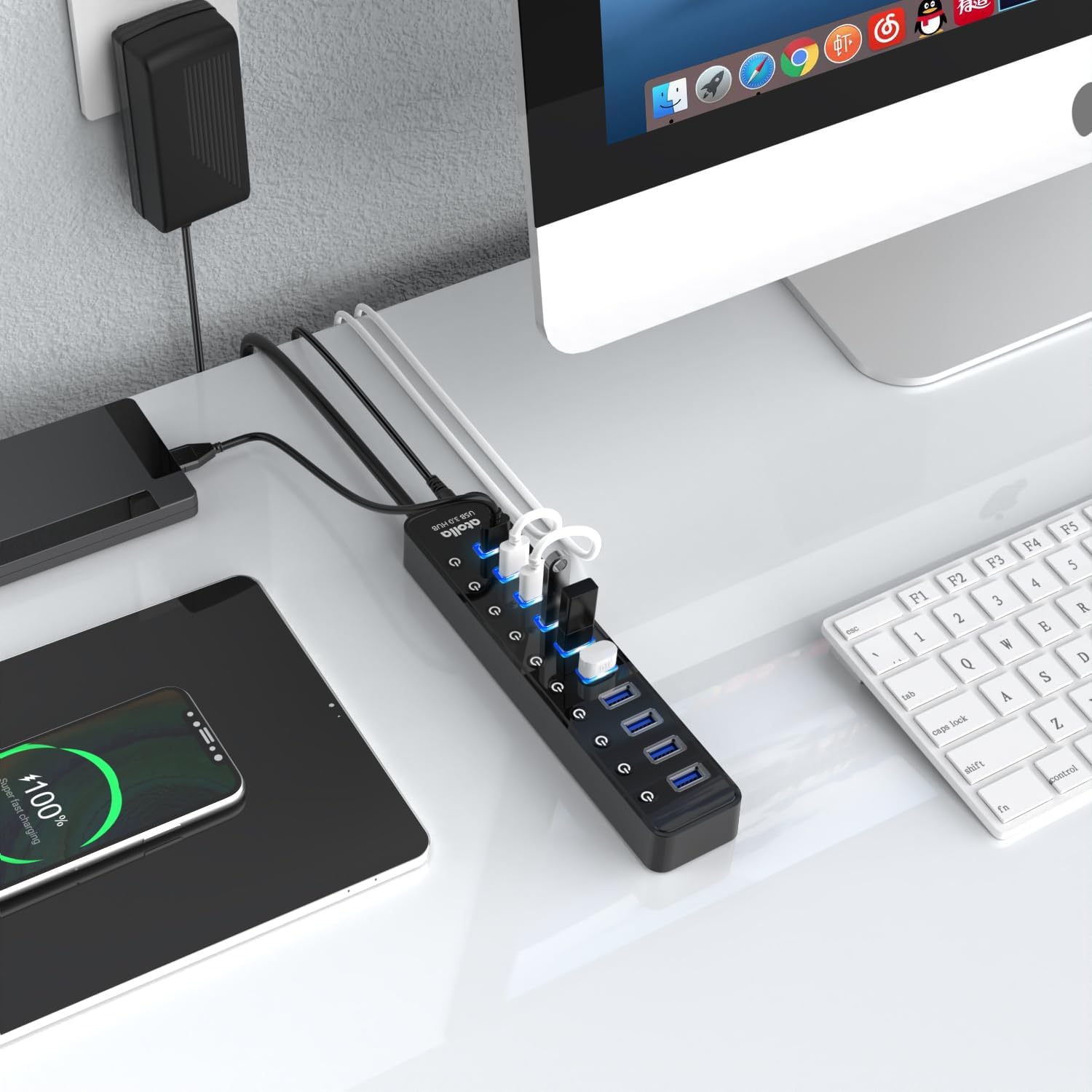
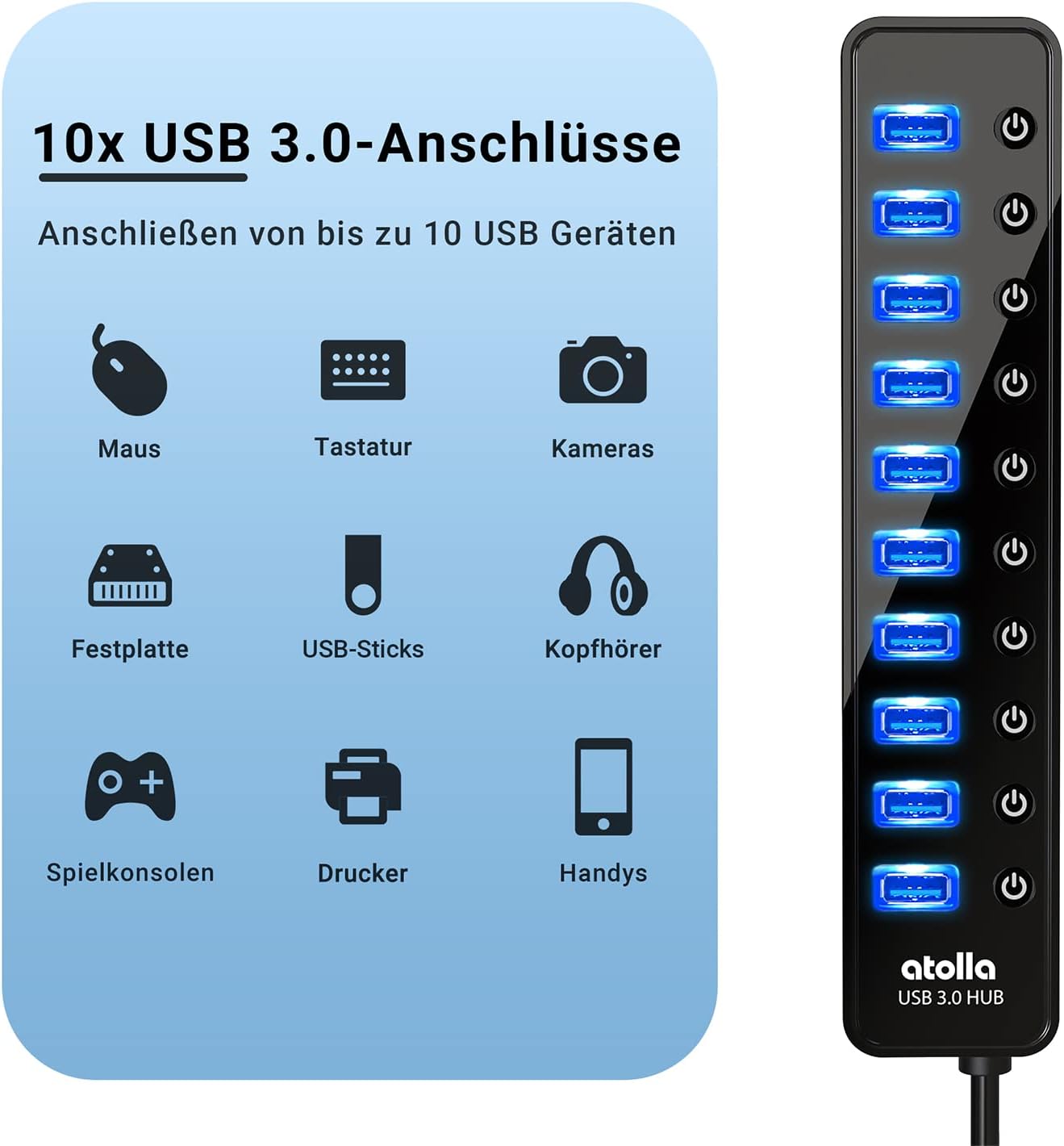
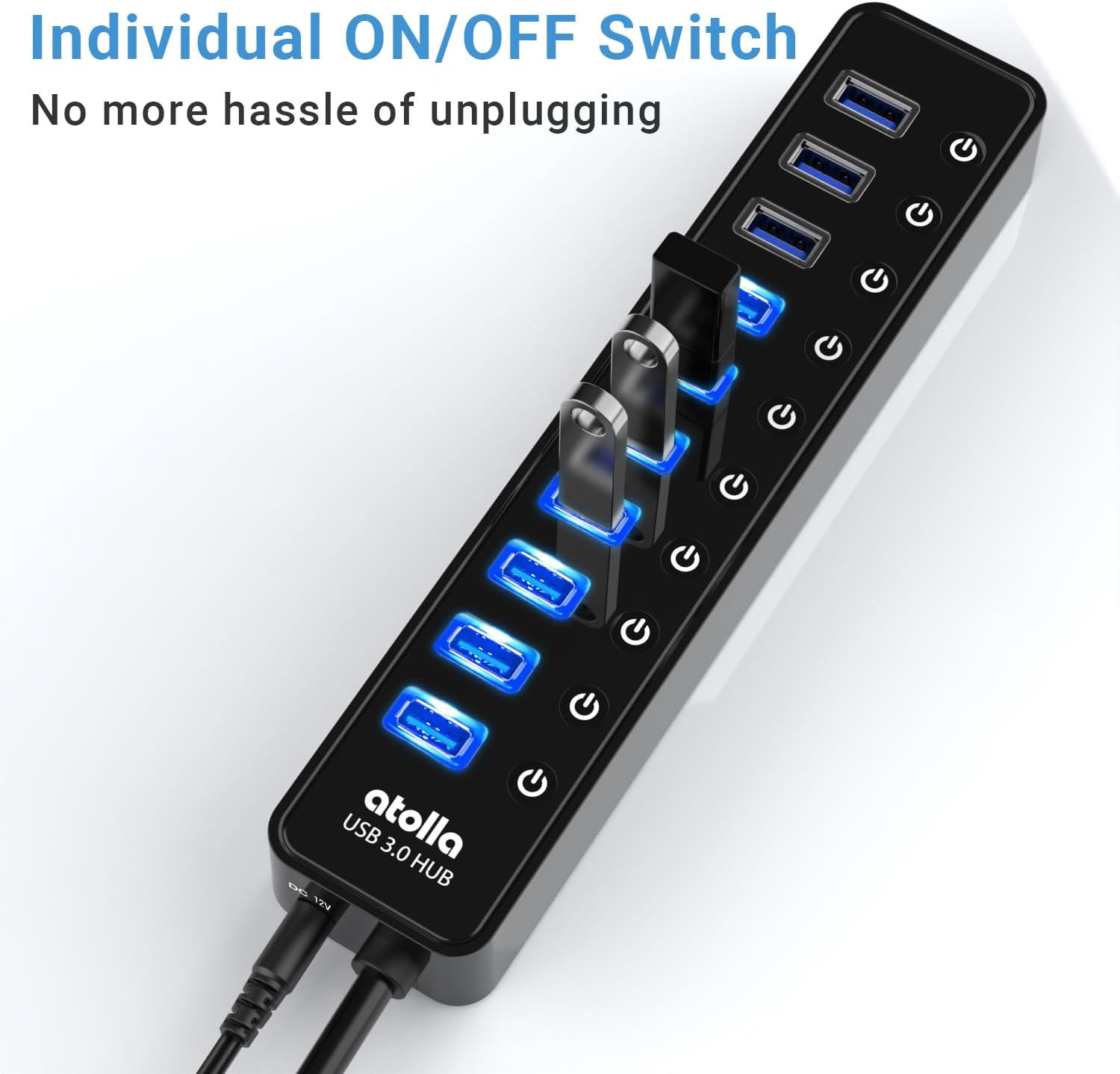
This powered USB 3.0 hub expands a single USB connection into ten independent ports for peripherals such as a mouse, keyboard, external hard drive and printer, making it easier to manage a crowded desk. It offers high transfer rates so large files and media move quickly, and individual switches let you power devices on or off without unplugging them.
Key Points
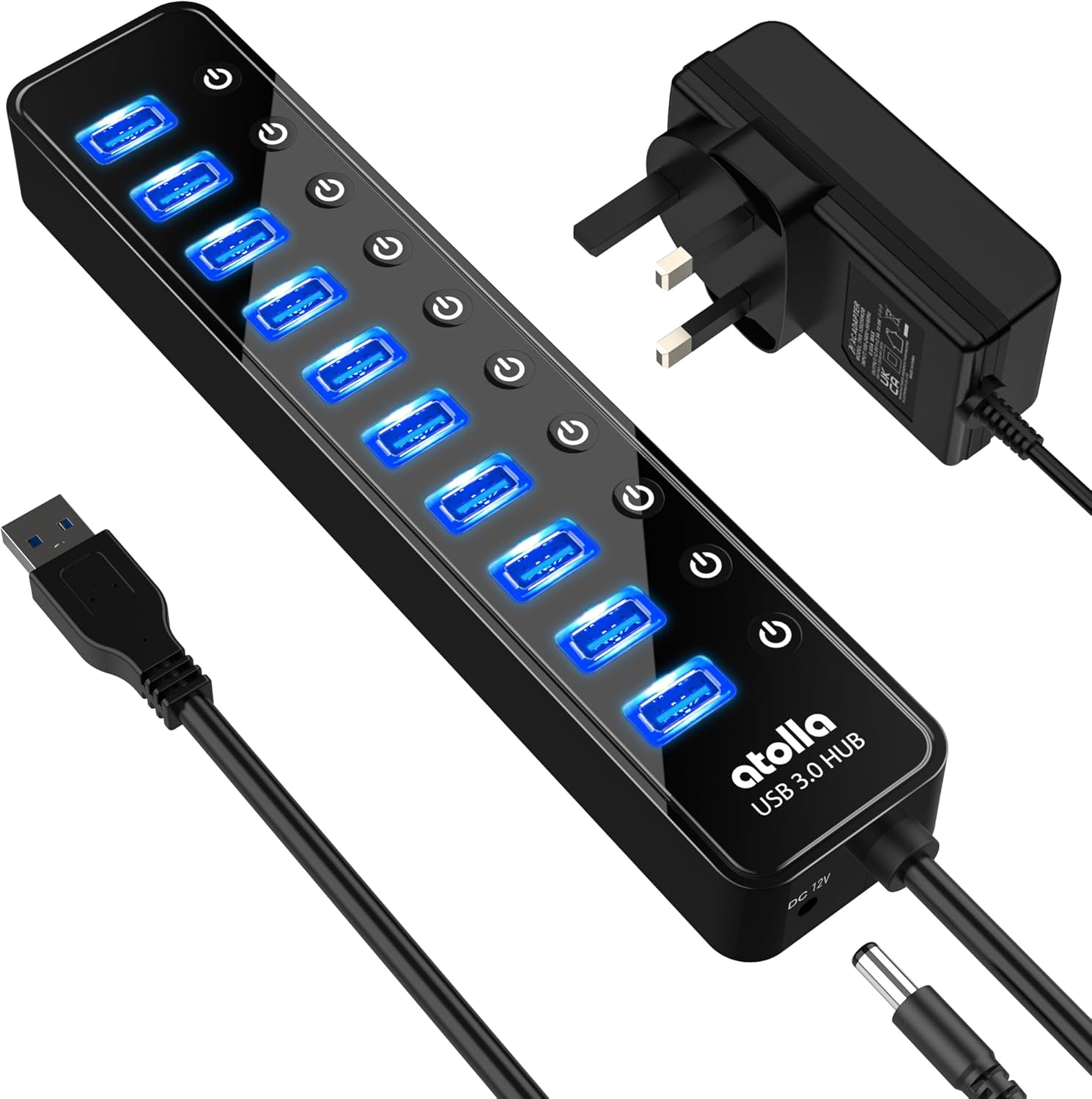
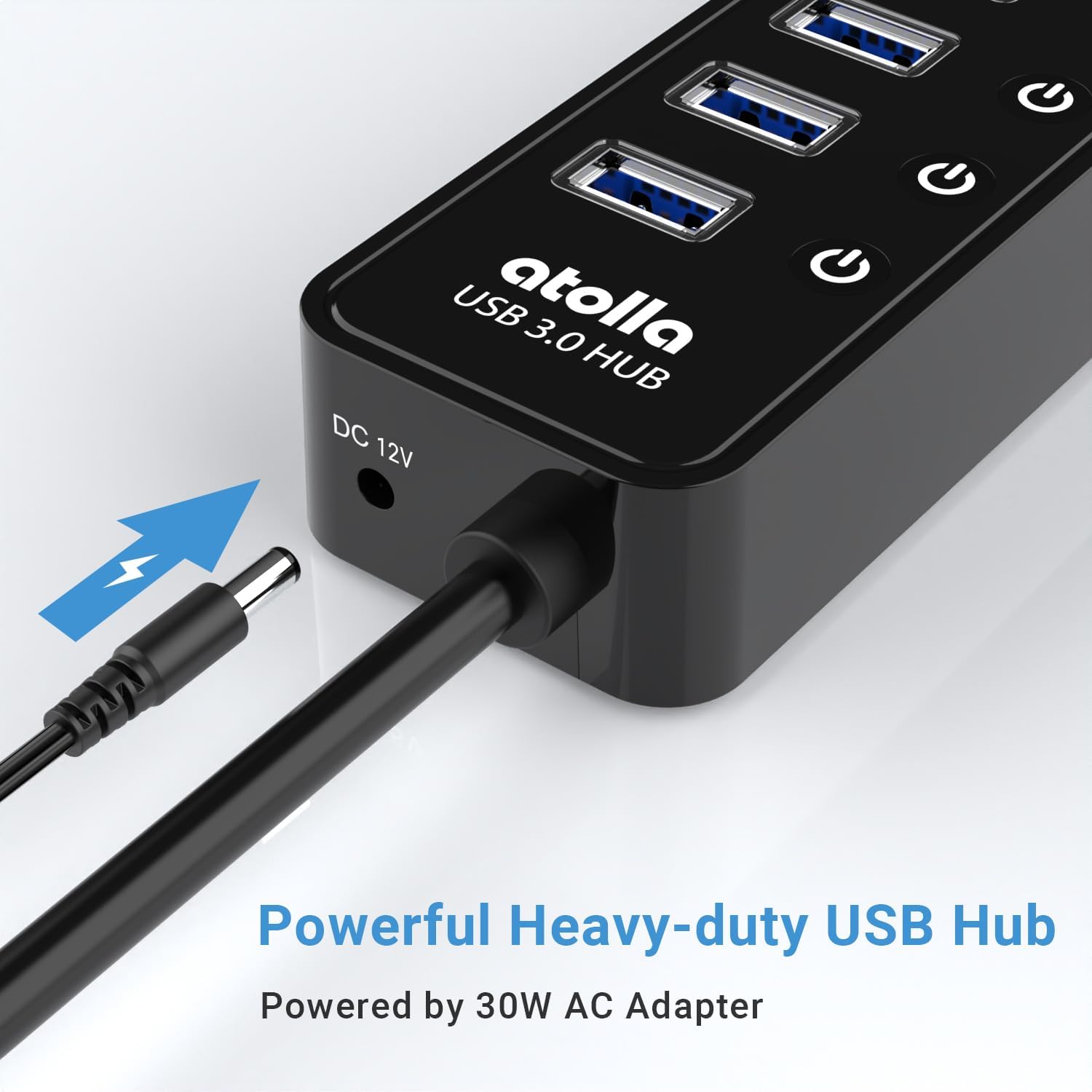
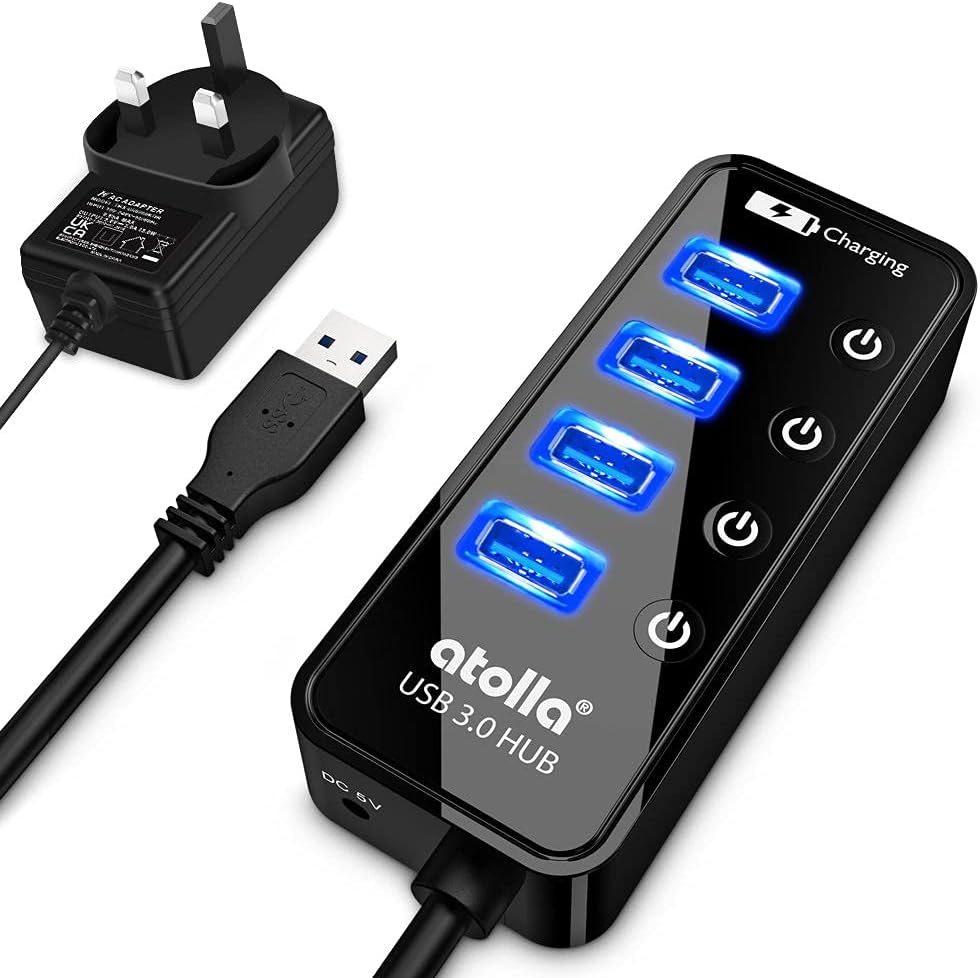
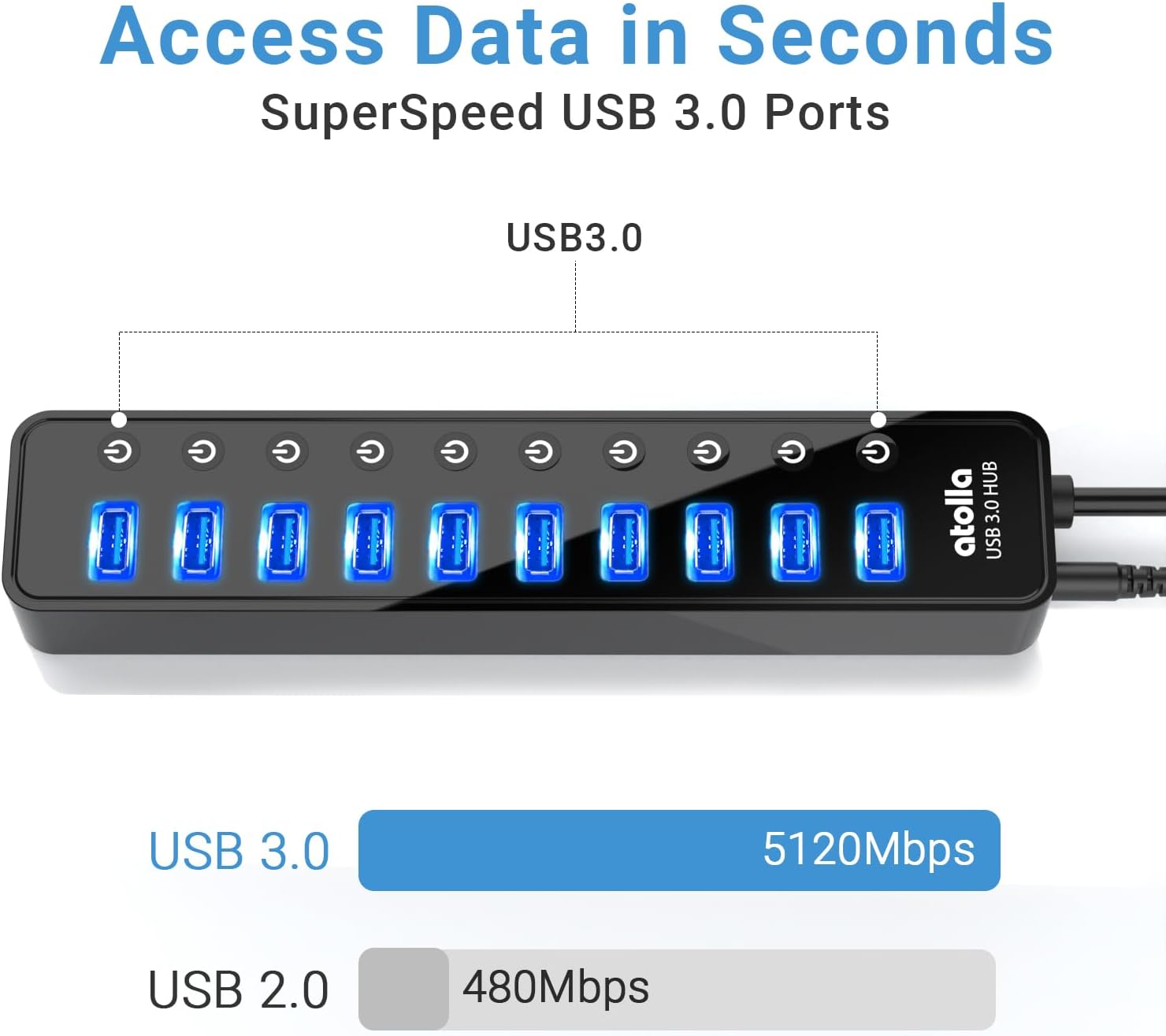
The hub accepts a separate power adapter, which helps maintain stable connections when several devices draw current at the same time. Each port has its own LED and a tactile on/off switch, so you can disconnect a peripheral with a single press rather than removing cables. Transfer speeds up to 5 Gbps make the hub suitable for moving HD photos and video clips between drives quickly. Note that the manufacturer advises plugging in the power adapter before using the hub. ⚡️
This unit includes basic safety protections against over-voltage and over-current, which provides extra reassurance when connecting multiple drives or other power-hungry accessories. The package comes with a 12V/2.5A power adapter and a quick setup guide. 📦
Technical Specifications
- Name: atolla 10 Ports USB Data Hub
- Interface: USB 3.0
- Number of ports: 10
- Power adapter: 12V / 2.5A (30W)
- Maximum transfer speed: 5 Gbps
- Included accessories: Power adapter and quick setup guide
Practical Tips
Place the hub on a flat surface near your devices to keep cable lengths tidy and to avoid strain on ports. If you plan to use several external hard drives or charge power-hungry devices simultaneously, ensure the hub is connected to the supplied power adapter before starting transfers. Using the individual switches helps reduce unnecessary power draw when some peripherals are idle, and it also reduces the need to reach behind a PC to unplug cables.
When connecting sensitive storage devices, allow the operating system to complete any data transfers before switching a port off. The LED indicators make it easy to verify which ports are active at a glance, especially in low-light workspaces. 🔌
Usage Recommendations
Use this hub to expand the number of available USB ports on a laptop or desktop when you need to connect several accessories at once, or to centralise peripherals on a shared workstation. Consider labelling cables if you regularly switch between devices, and remember that the hub’s 5 Gbps rate refers to theoretical maximum transfer speed according to the manufacturer, which may vary with your system configuration and cable quality.