

Philips Hue Bridge: The Hub for Your Hue Lighting System
Reviews
Price
Product description
What it is and why it matters
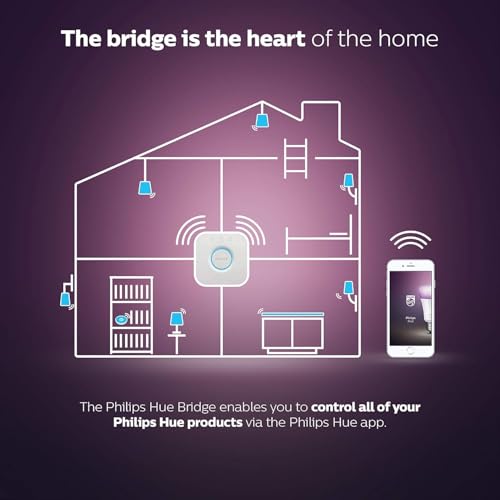
The Philips Hue Bridge is the central hub for the Hue lighting ecosystem. It acts as the brain of your setup, letting you control multiple Hue products from the Philips Hue app, even when you’re away from home. If you want a cohesive smart lighting experience rather than standalone bulbs, the Bridge is the connective tissue that makes it possible.
How many devices can it handle?
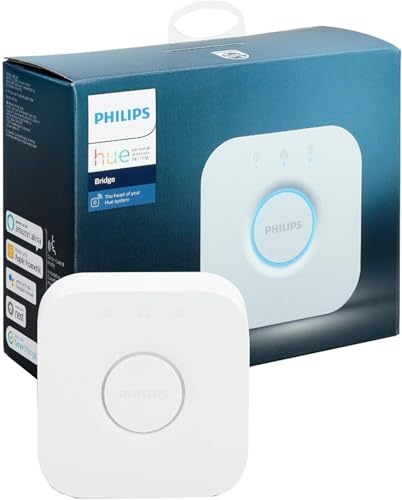
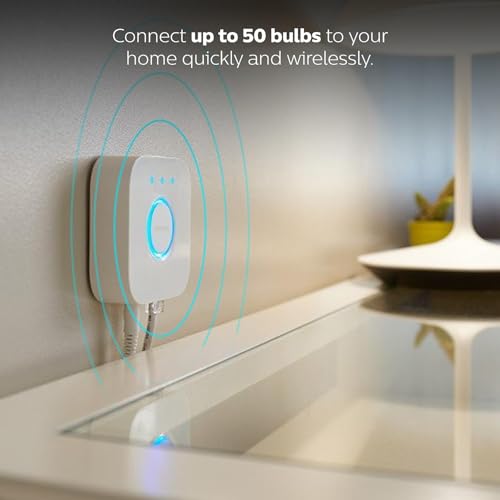
The Bridge is designed to support up to 50 Philips Hue lights. In practice, this means you can light up a whole home with Hue without needing additional hubs or devices, assuming your network and power are reliable.
Compatibility and smart home integration
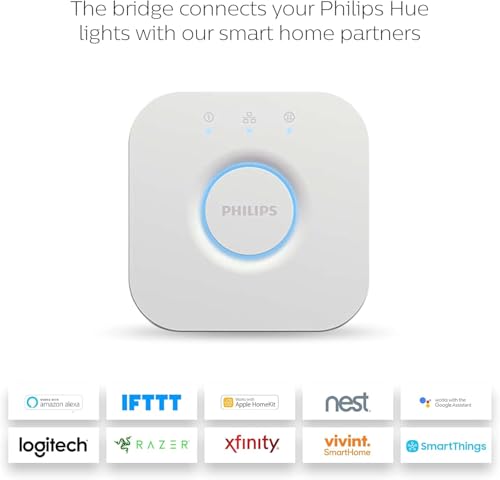
Hue works with a wide range of smart home platforms, including Amazon Alexa, Google Assistant, and Apple HomeKit. It also lists compatibility with other ecosystems via IFTTT and similar services, which matters if you’re building a broader smart home. This openness helps you control scenes, routines, and individual lights from the voice assistants or automation platforms you already use.
How it connects and what you’ll need
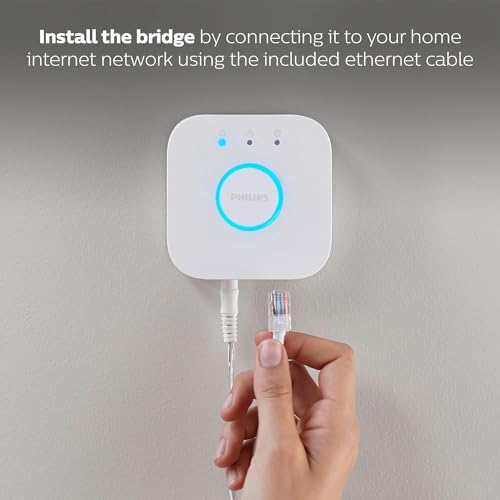
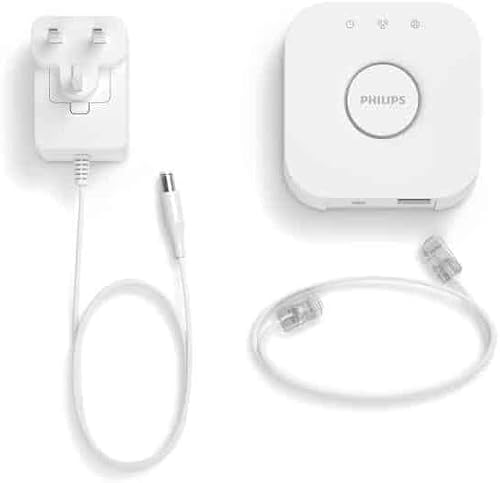
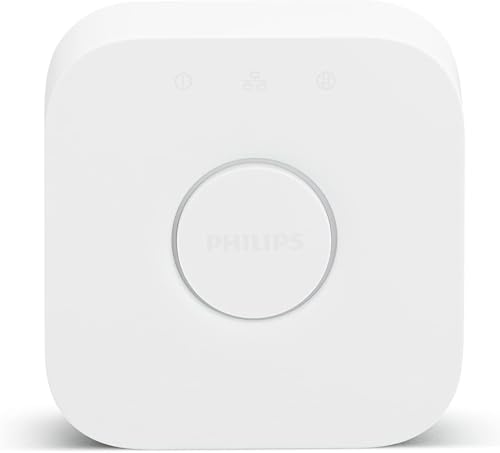
The Bridge uses Zigbee technology to communicate with lights and accessories. An Ethernet connection is required to link the Bridge to your home network and enable remote access. This means a wired setup is part of the core experience, which tends to be more reliable than purely wireless options.
What you gain in day-to-day use
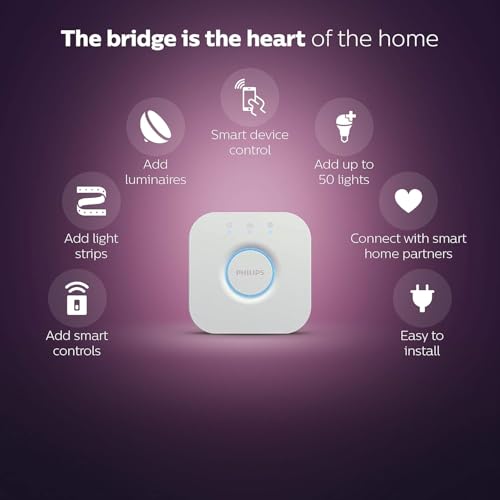
With the Bridge, you can check lights remotely, switch them on or off via the Hue app when you’re away, and run automation routines that respond to time, location, or other smart devices. The ability to control lighting from anywhere adds peace of mind and convenience, particularly when you’re away from home for extended periods.
Practical downsides or limits to note
No product is perfect in every situation. If you don’t already have a Hue lighting system or if you rely heavily on wireless-only setups, you may find the need for a steady Ethernet connection a constraint. Also, while the Bridge supports many lights, adding more devices or complex scenes can tax the system if your network isn’t robust or if you expand far beyond a typical home layout.
Who this is for
This is a sensible choice if you want centralised control for a Hue-only setup, value reliable home-automation integration, and prefer using voice assistants to manage lighting. It’s particularly fitting for homes already invested in Hue bulbs or those planning to automate lighting throughout multiple rooms.
Who it’s not ideal for
If you only need a couple of Hue bulbs or you’re exploring a broader ecosystem with lots of non-Hue devices, you might not get the best value from the Bridge. Also, if you’re not comfortable with Ethernet connections or if you rely on purely wireless mesh networking, you may encounter some limitations.
When it makes sense to buy
If you want a unified Hue experience with remote control, automation, and reliable connectivity across a sizeable number of lights, the Bridge makes practical sense. It’s the basis for scalable Hue deployment and for taking full advantage of the ecosystem’s automation features.
What to check before buying
- Ensure you have or plan to have enough Hue lights to justify the 50-light capacity.
- Confirm Ethernet access for the intended installation area.
- Consider how you’ll integrate with your preferred voice assistants and any existing smart home routines.
How it compares to broader approaches
If you’re weighing Hue against standalone bulbs or a mixed-brand setup, the Bridge represents a more cohesive, future-proof approach for Hue enthusiasts. It trades a bit of initial setup complexity for deeper integration, remote control, and the promise of smoother updates via Zigbee over time.
FAQ
- Do I need the Bridge to use Hue lights? Yes, the Bridge is the central control hub that enables most remote and automated features for Hue lights.
- Can I control Hue lights without the Bridge? You can control individual bulbs locally, but many smart features require the Bridge and network connection.
- Is it compatible with my existing smart home ecosystem? Hue states compatibility with major platforms like Alexa, Google Assistant and Apple HomeKit, check your specific hub version for full integration details.
Decision: Is it worth it?
You’ll like it if you want dependable centralised control for a sizeable Hue install and value seamless automation. It may not be the best fit if you only need a couple of bulbs or if you prefer purely wireless, non-Bridge configurations. For most Hue-focused homes, it’s a practical cornerstone rather than an optional luxury.