



acer Wireless Mouse 3‑DPI Ergonomic
Product description
Key features
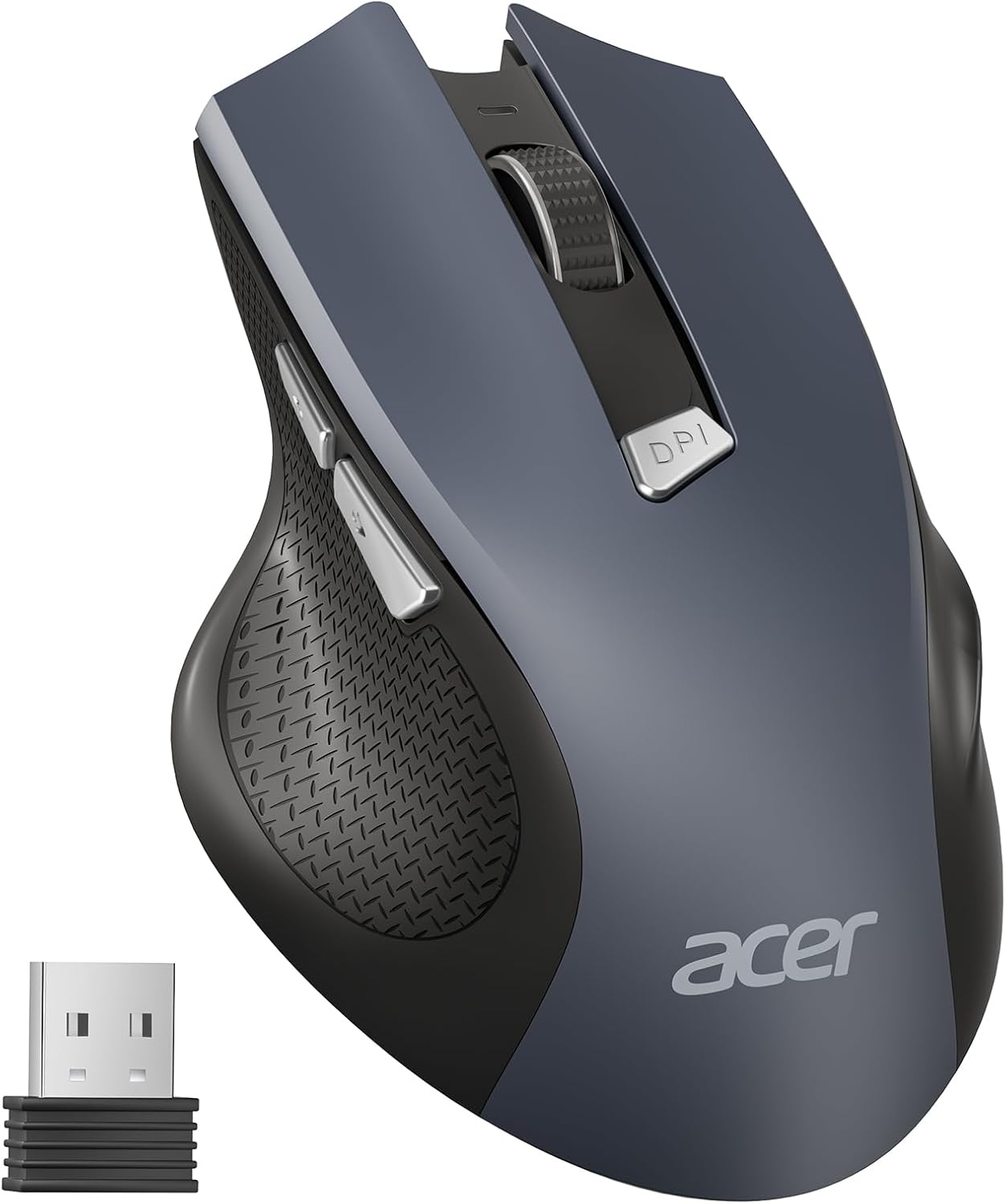
The Acer wireless mouse is a compact, right‑hand ergonomic mouse built for everyday laptop and desktop use. It blends a comfortable moulded shape with a portable design and a visible battery and DPI indicator, making it straightforward to check status while working or travelling. The main selling point is reliable cordless operation that aims to outlast a laptop trackpad during long sessions.
Technical details
- Name: acer Wireless Mouse
- Type: Wireless optical mouse
- Format: Right‑hand ergonomic
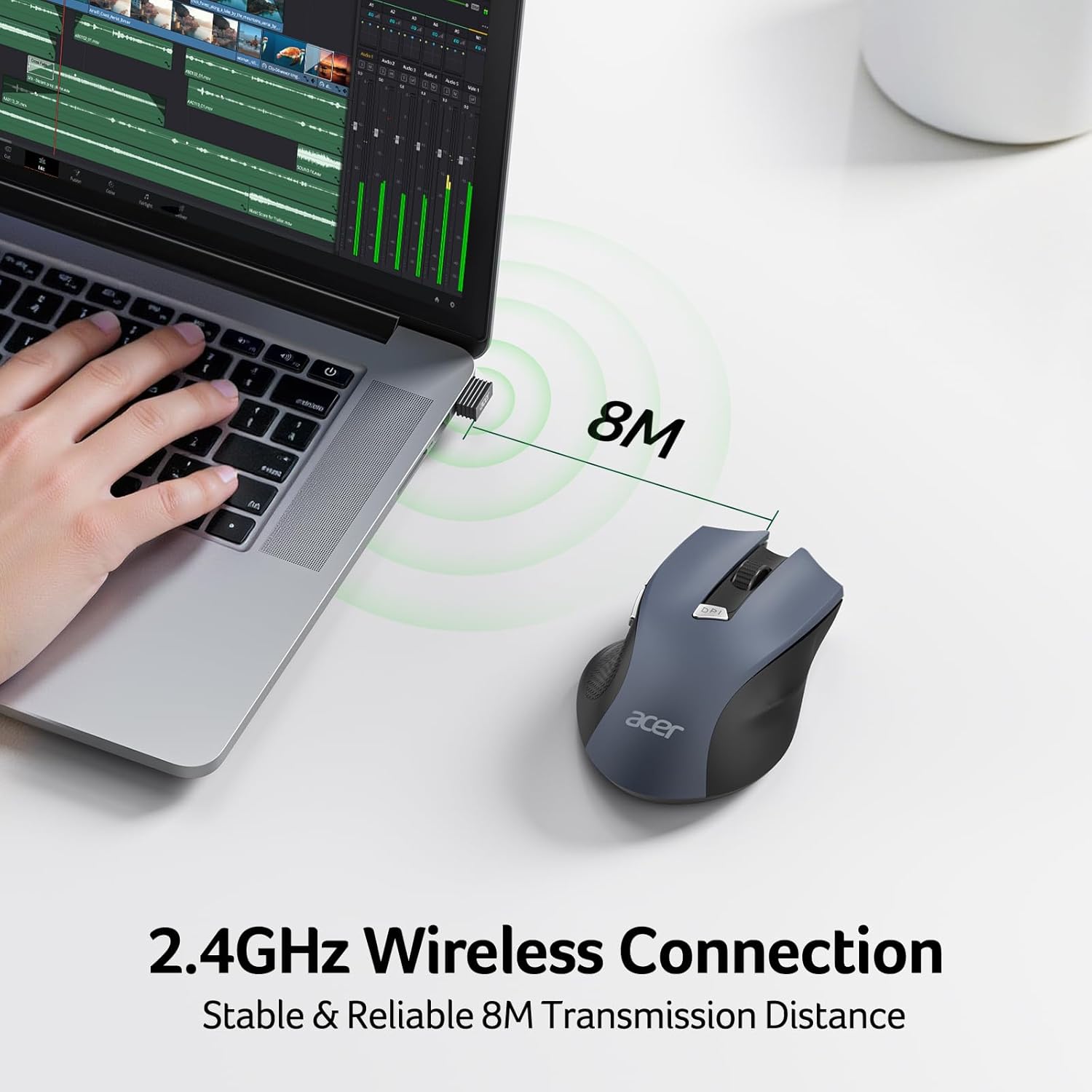
- Connectivity: 2.4GHz with USB‑A receiver
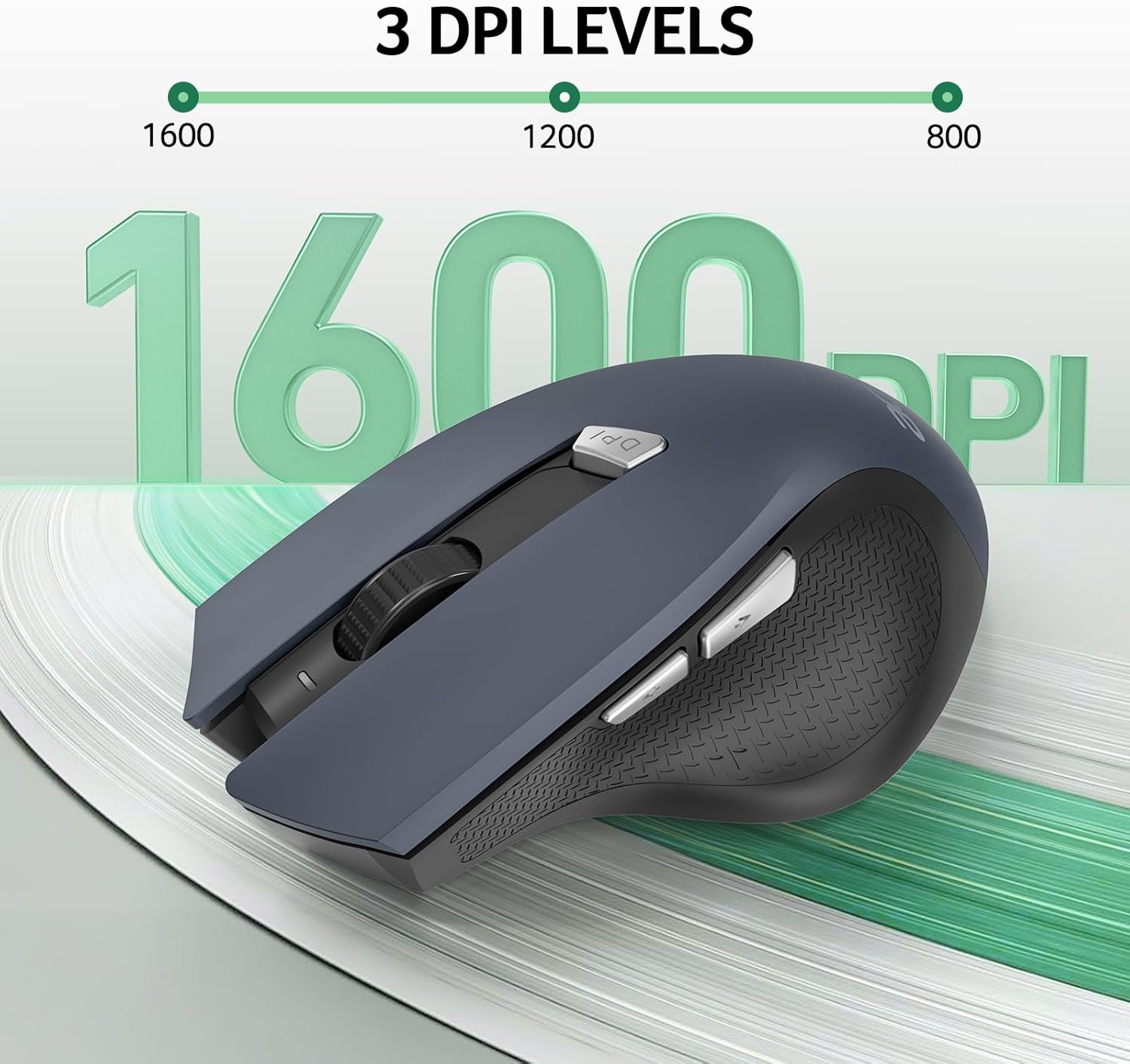
- DPI: 800, 1200, 1600
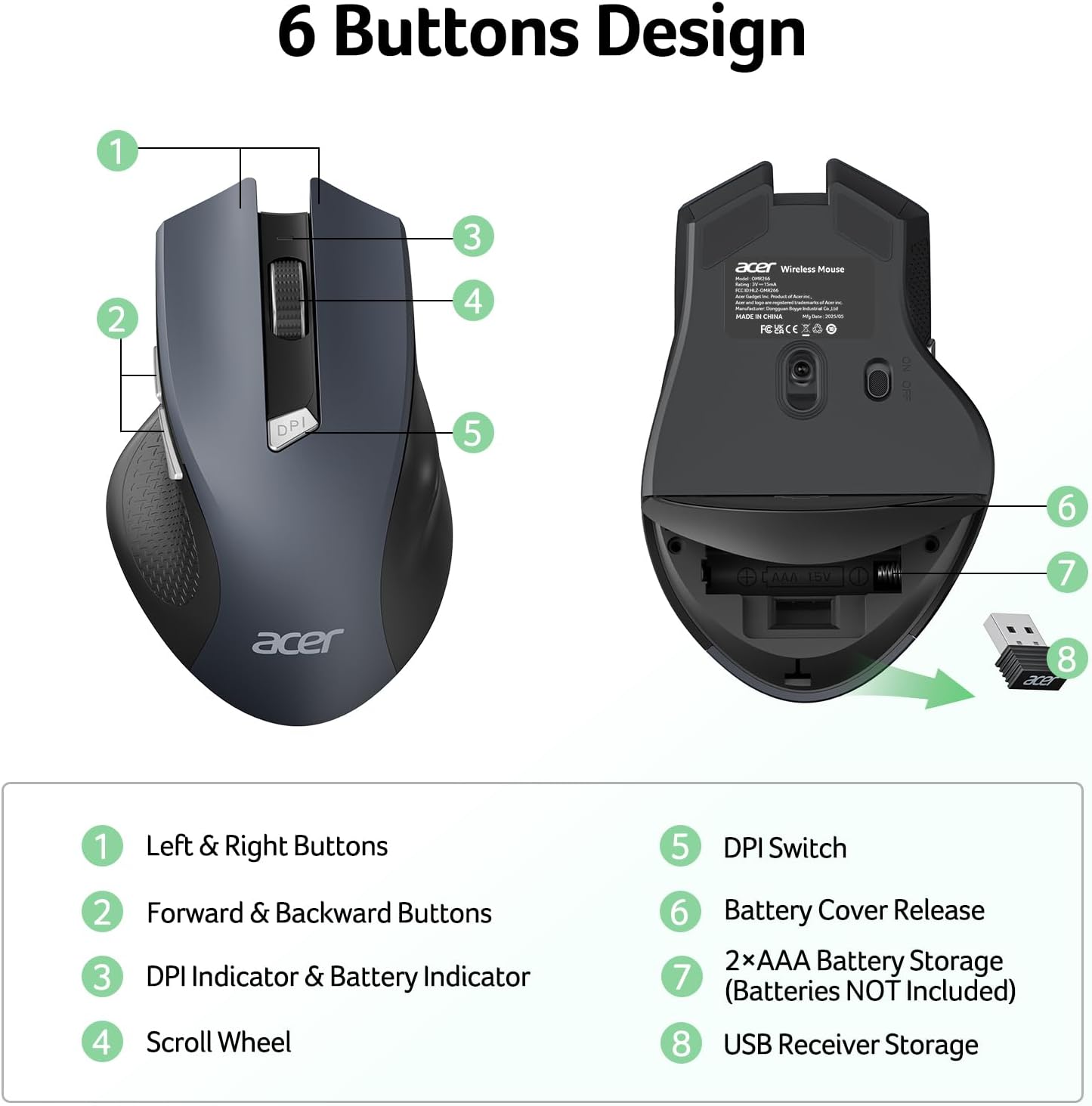
- Buttons: 6
Why it’s worth it
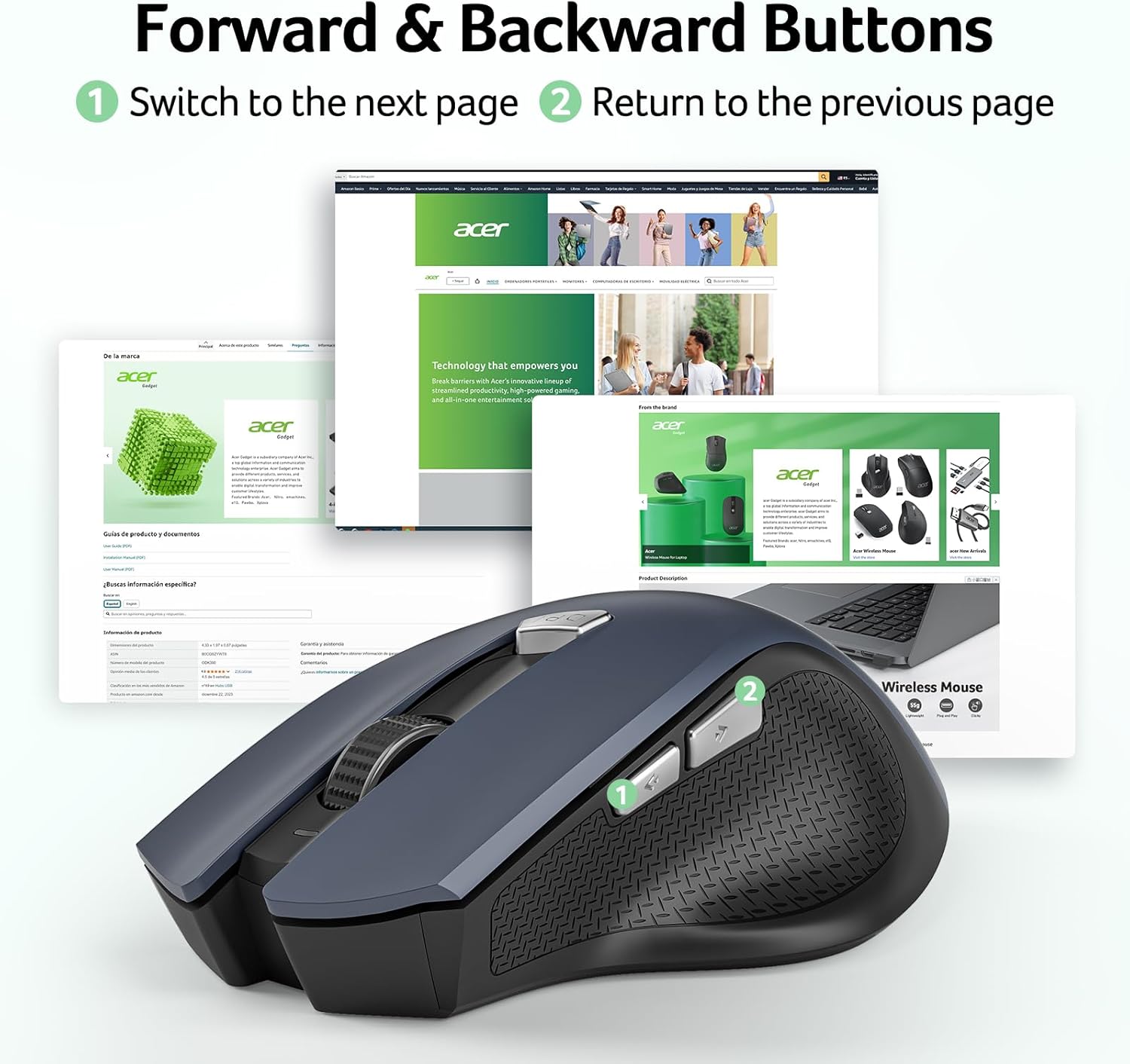
This mouse delivers practical features without fuss. The 3‑step DPI switching helps when you move between precise document work and quicker browsing or light gaming. The forward and back side buttons speed up web navigation, and the non‑slip finger rest improves control during long use. According to the manufacturer the primary buttons are rated for 10 million clicks which suggests decent longevity.
Usage tips
It’s a good fit if you want a small, no‑nonsense wireless mouse for daily office tasks and travel. For best results remove the protective film under the mouse before first use and store the tiny USB receiver inside the battery compartment when you’re on the move. Do bear in mind that the mouse requires 2xAAA batteries which are not included, so carry spares if you rely on it away from mains power.
Compatibility
The mouse supports common systems including Windows 11, 10, 8, 7, Windows XP and Vista, and Mac devices, so it will work with most laptops and desktops without additional drivers. The plug‑and‑play USB receiver gives a stable connection up to around 8 metres, which is convenient for presentations or paired setups when you need a tidy desk.