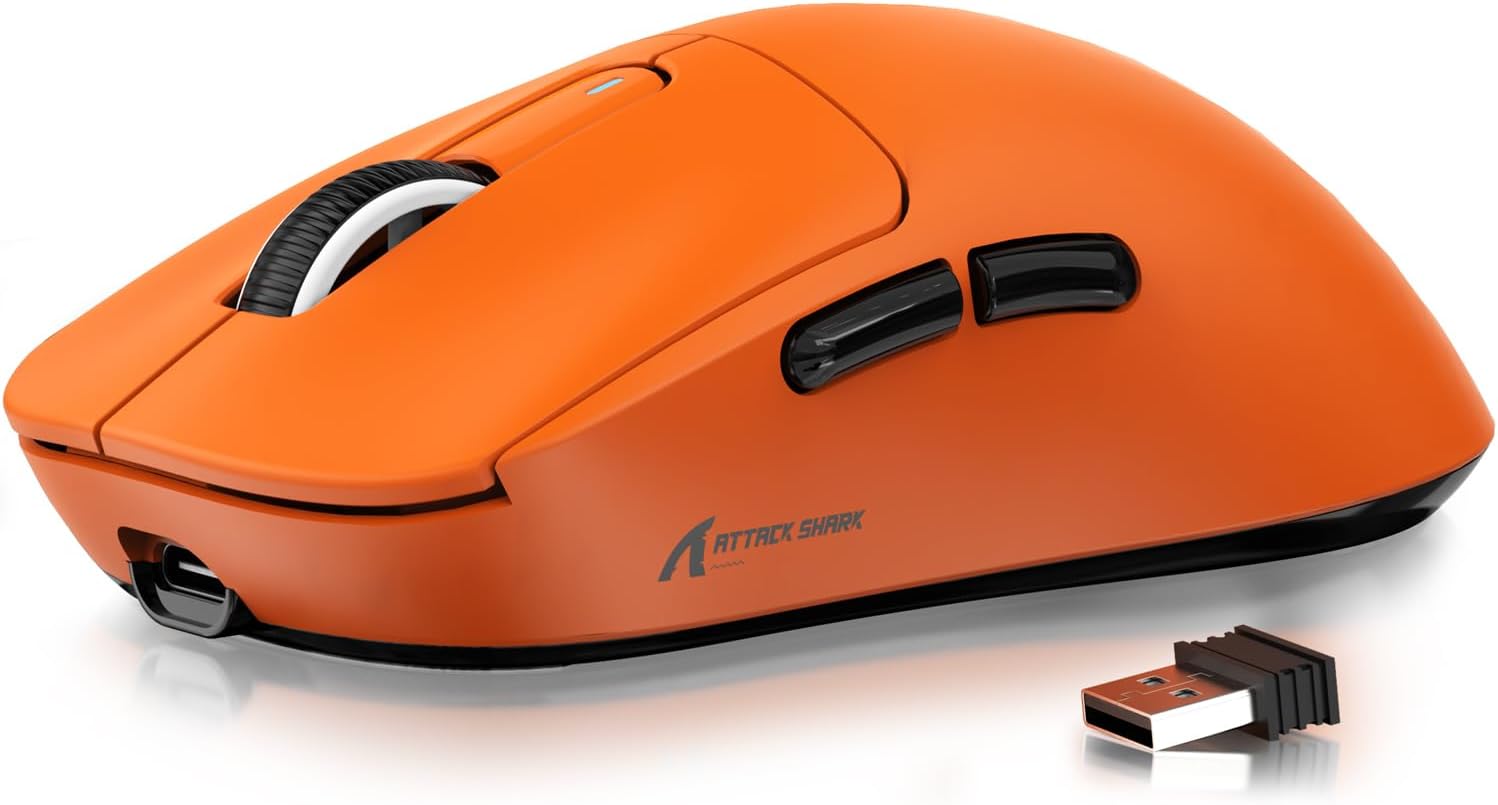
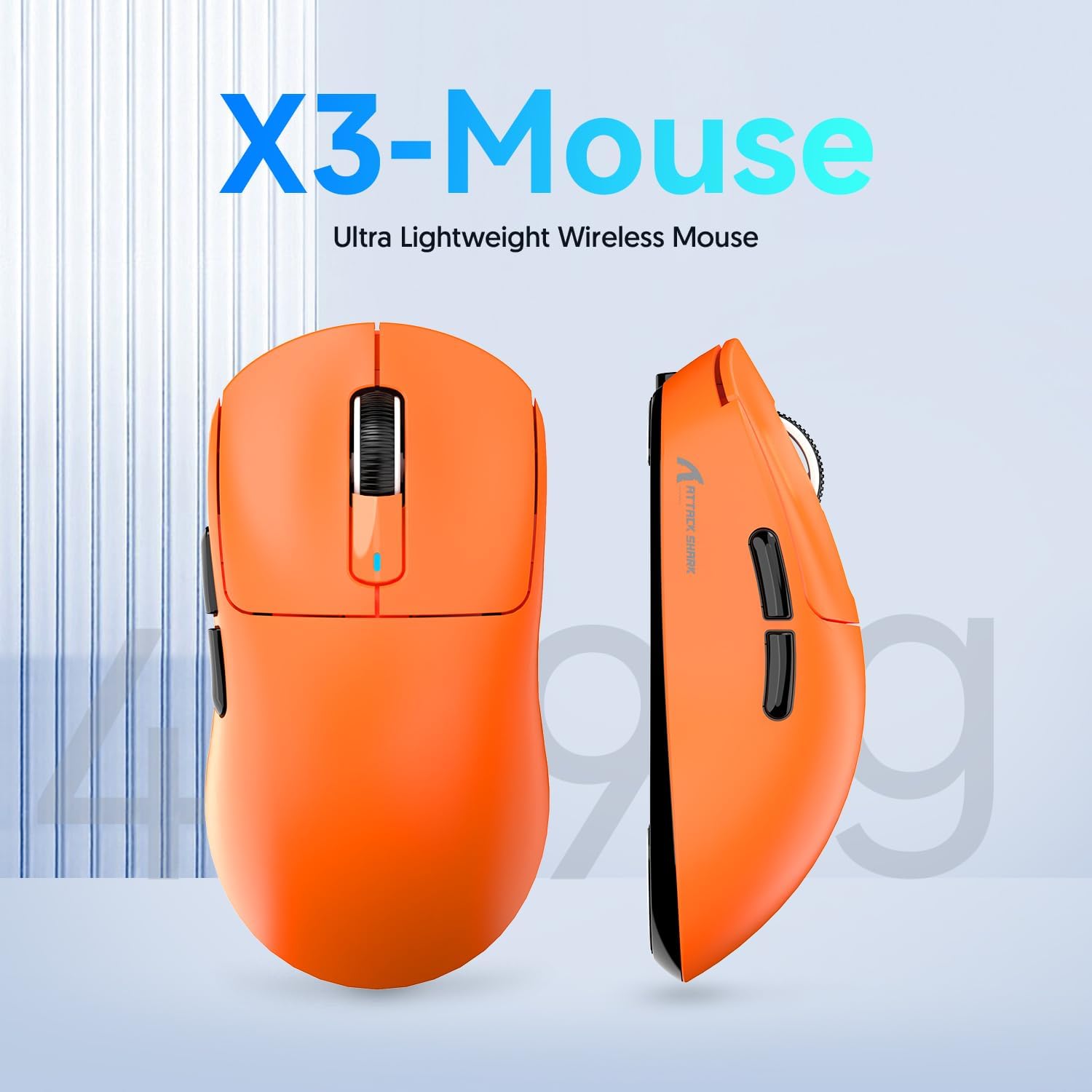
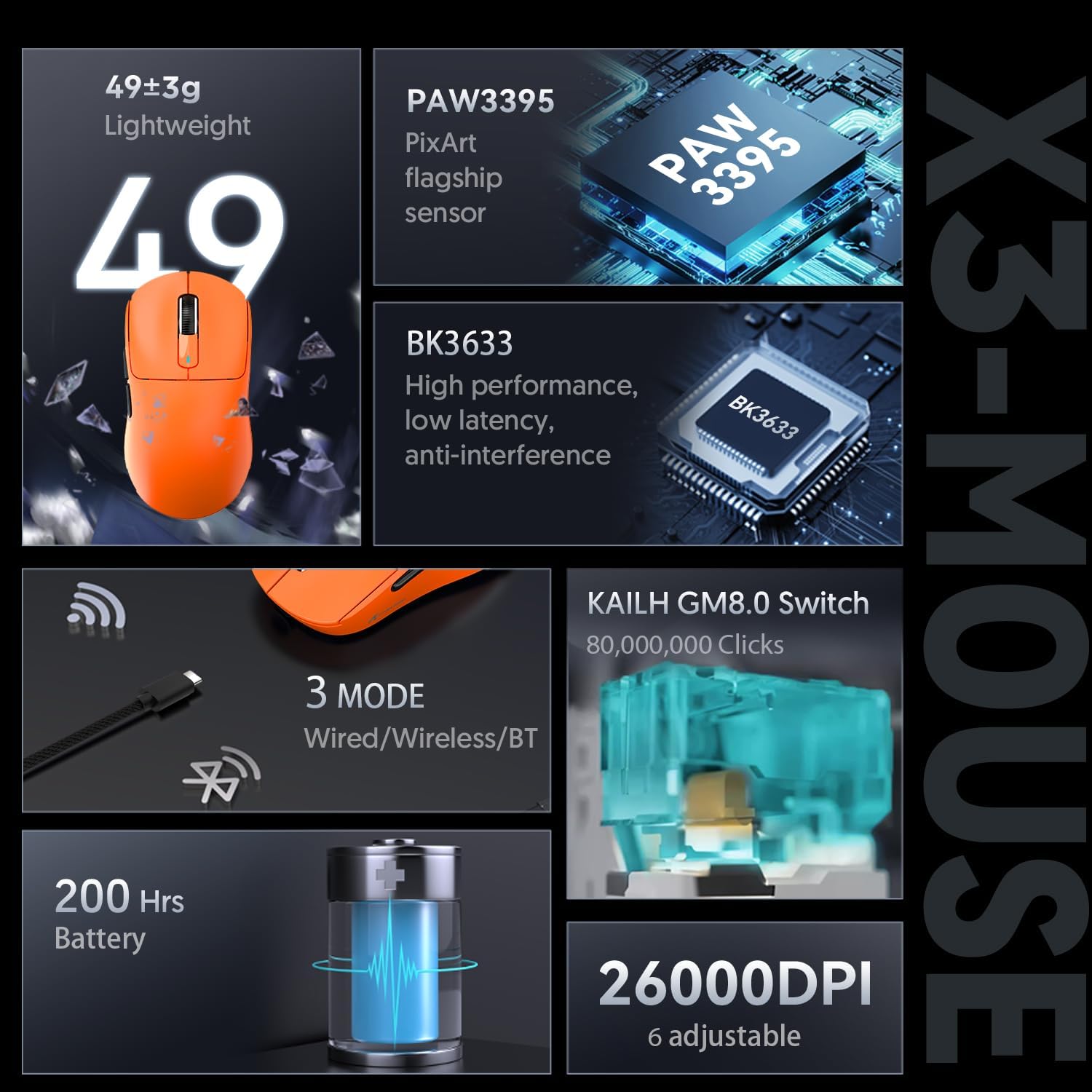
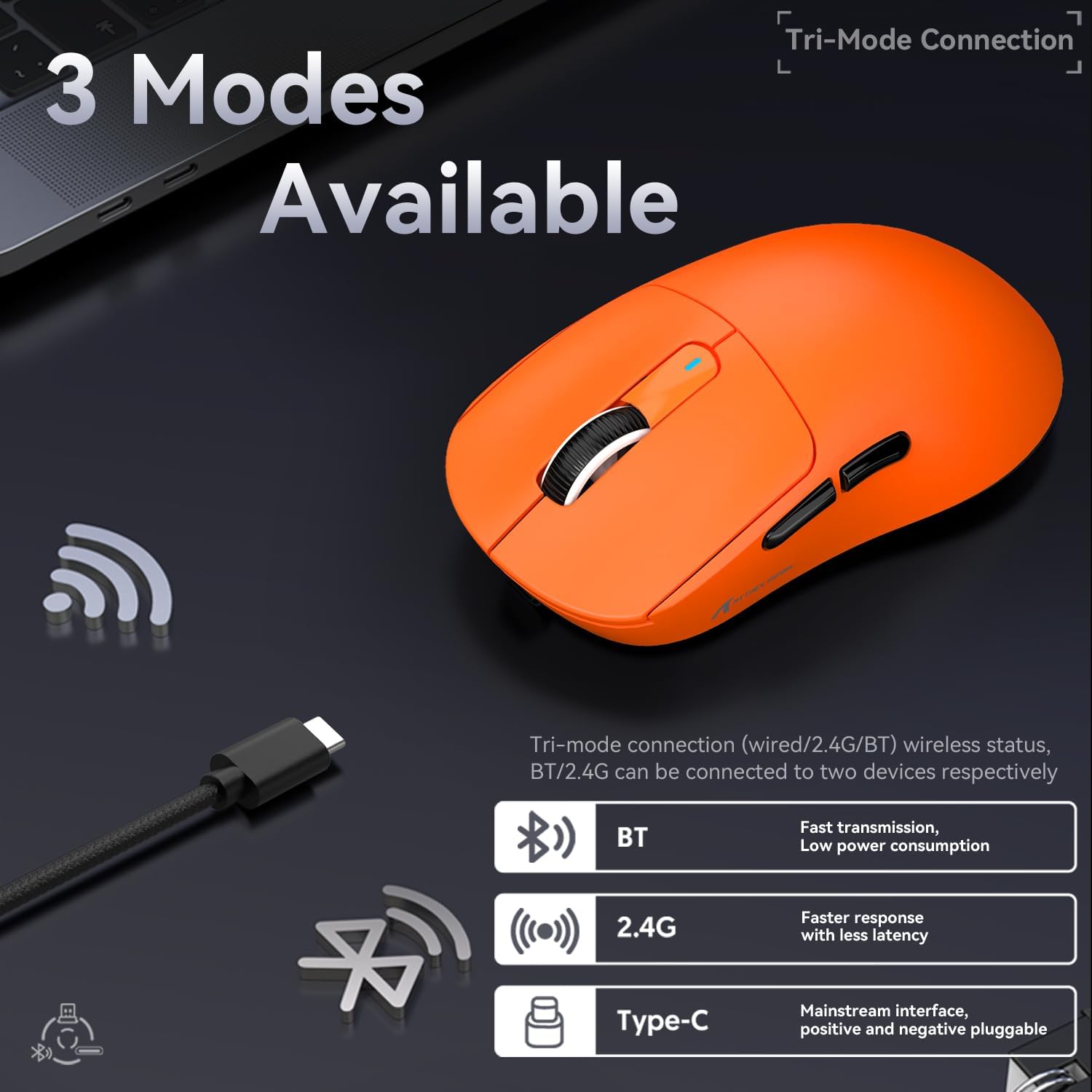
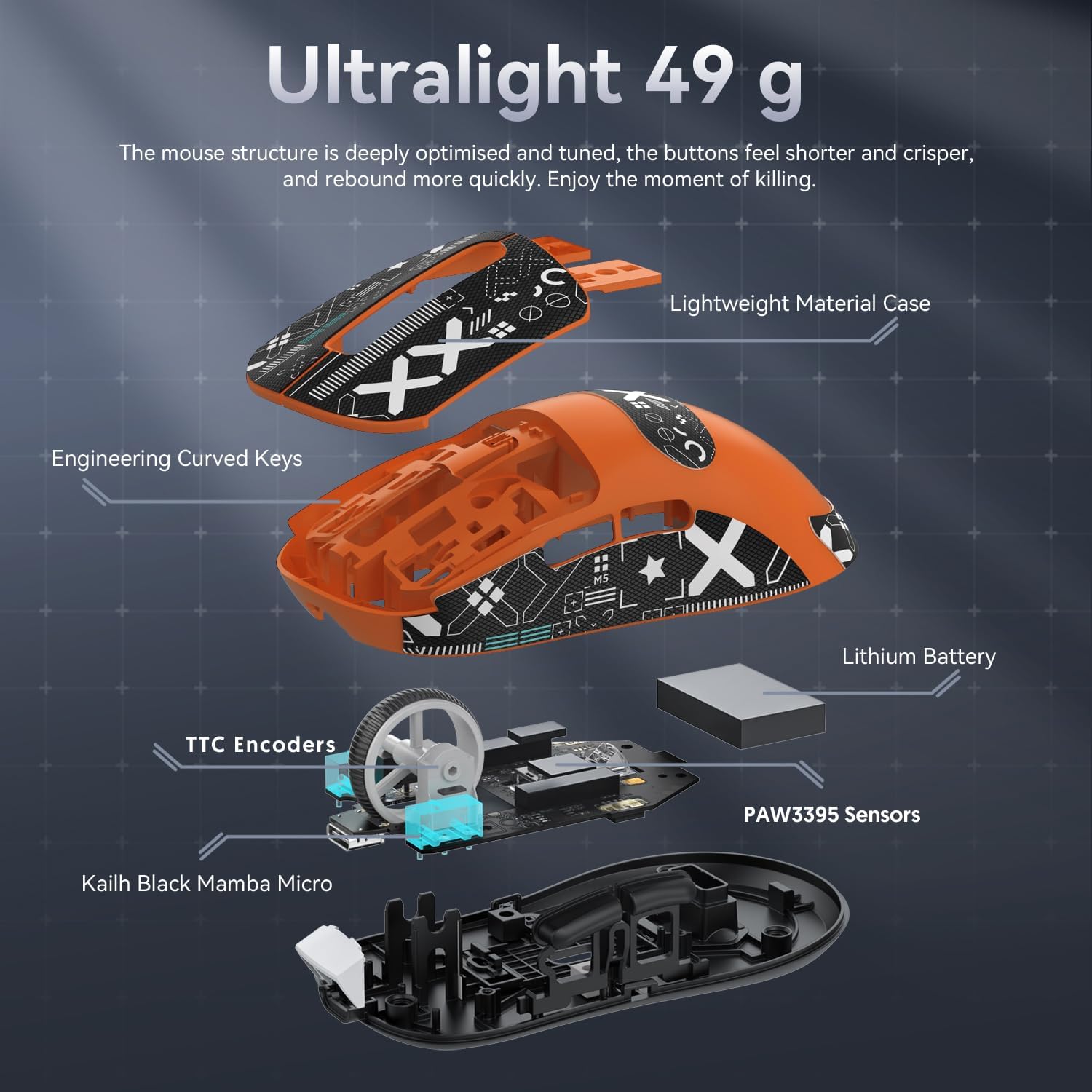
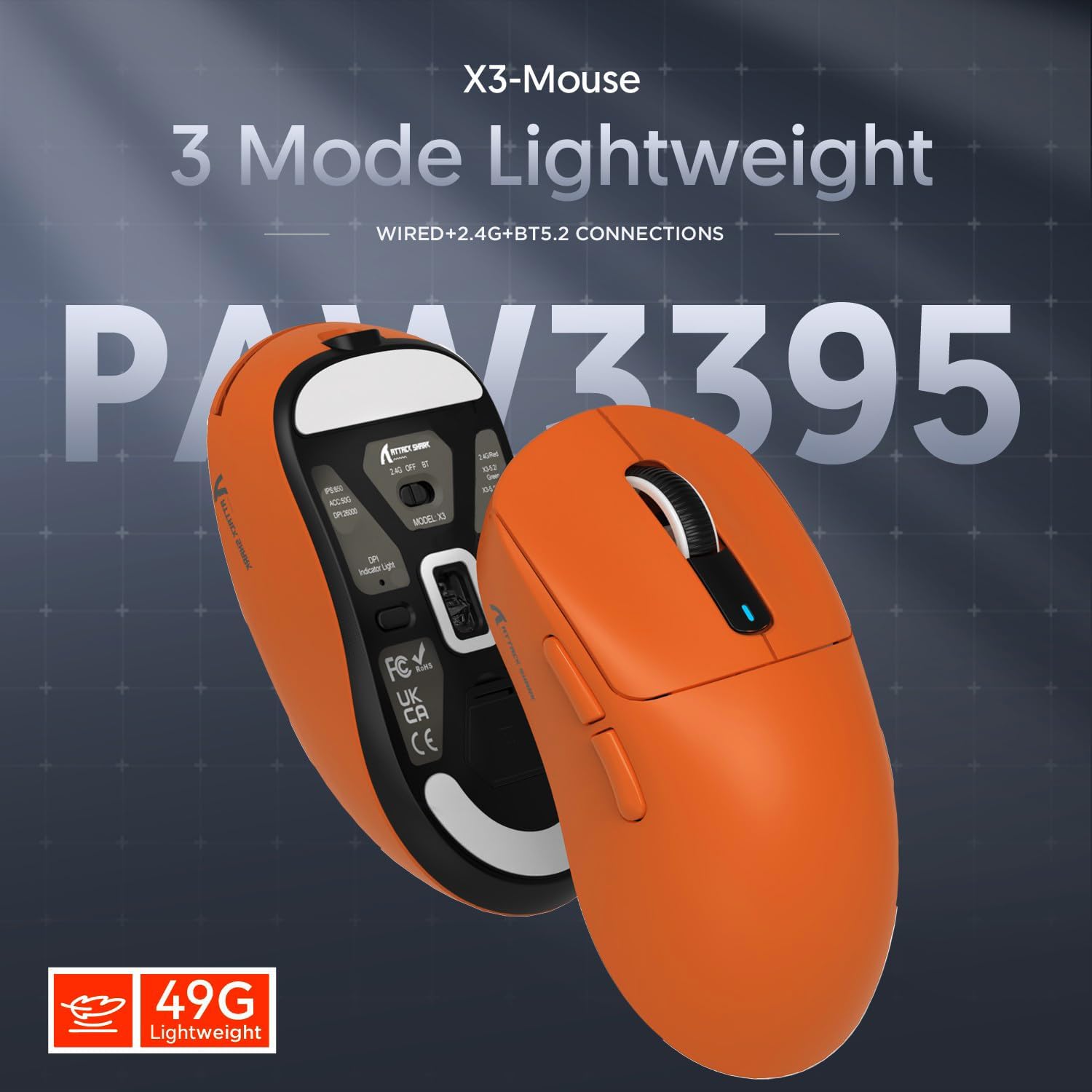
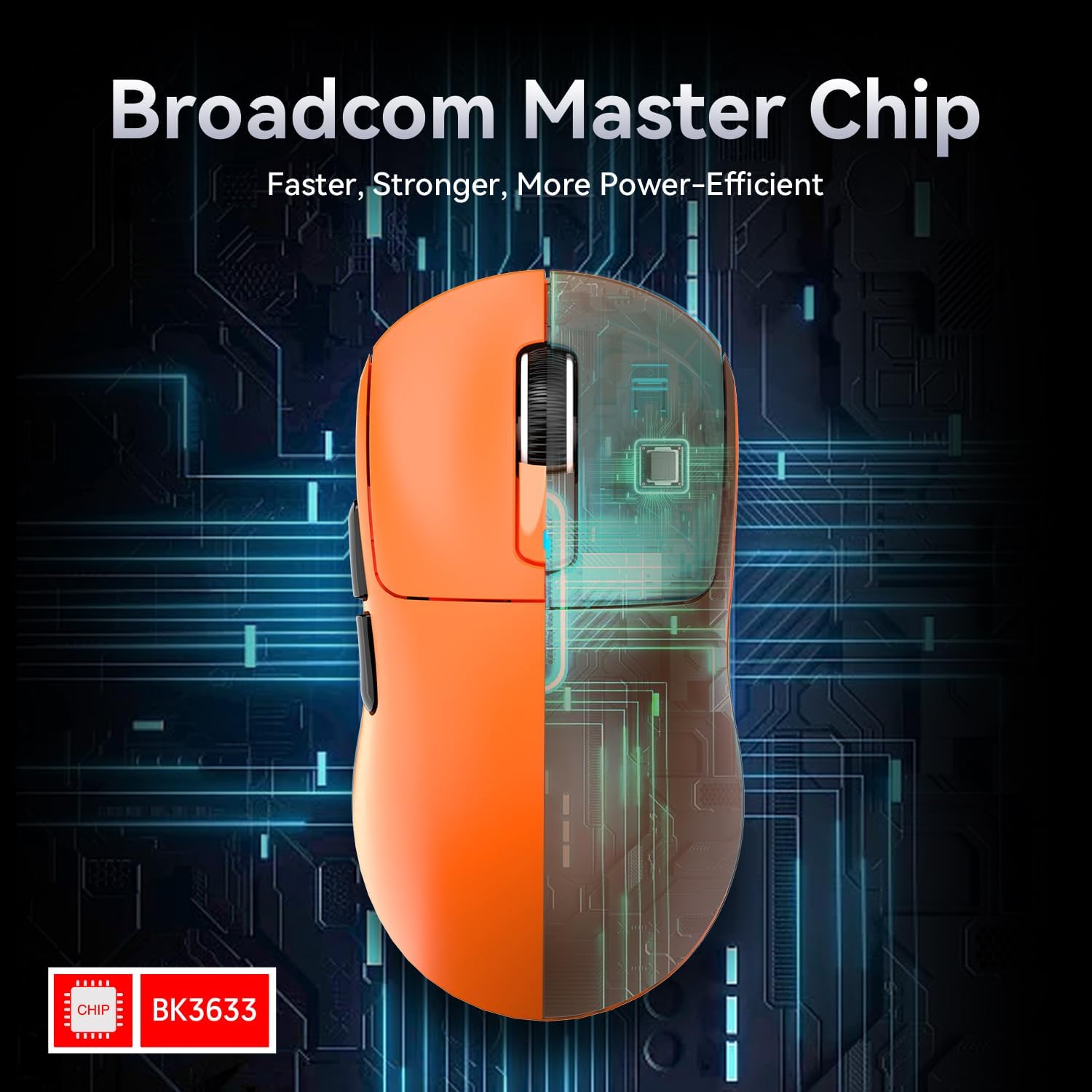
What it is and who it’s for\nThe Attack Shark X3 is a ultra-light gaming mouse at 49g, designed for players who prioritise fast, precise tracking with minimal fatigue. If you value speed and shred-long sessions with minimal hand strain, this model aims to cater to you. It’s also pitched as capable for office use on Windows 11 and across popular platforms, including Xbox, PS, and Mac, making it a versatile option for mixed work and play.\n\n## Design and weight\nA standout feature is its very light construction, achieved through liquid nitrogen cooling injection moulding, bringing weight down to 49g. The aim is to enable quicker hand movements and reduce fatigue during extended sessions. The design prioritises a low profile and clean lines, with an eye-catching orange finish that makes it easy to locate on a desk.\n\n## Sensor and performance\nEquipped with the PixArt 3395 flagship sensor, the X3 supports up to 26,000 DPI and offers 6 adjustable levels. On paper, that level of precision should suit competitive gaming as well as precise desktop tasks. The sensor is central to how responsive the mouse feels in fast flicks and fine aiming.\n\n## Connectivity and power\nThe X3 integrates BK3633 with three connection modes: wired USB-C, 2.4 GHz wireless, and Bluetooth. The switch between modes is done via a back-of-mouse button, which helps tailor the setup to different scenarios—wired for competitive play, wireless for flexibility, or Bluetooth for light use. Battery life is rated around 200 hours on a single charge under typical use, with full recharge in about 2–3 hours. This is a meaningful advantage if you game long sessions or commute with fewer charging breaks.\n\n## Durability and switches\nThe mouse uses Kailh GM8.0 micro switches rated for over 80 million clicks, with a measured actuation force around 65±10 gf and a lightweight feel at 25 gf release. Gold-plated contacts are a plus for longevity and corrosion resistance. The long click-life suggests it should stand up to heavy daily use, though real-world performance can still vary by grip and style.\n\n## Versatility and compatibility\nSupported environments include Windows 11 and commonly used consoles and Mac systems, which is helpful if you’re looking for a single device for both work and games. The footprint and weight make it a potentially good match for players who prefer fast, low-friction cursor movement, but the trade-off is that a sub-50g weight can feel extremely light in some grip styles.\n\n## What to check before you buy\nConsider your typical grip, desk space, and whether you’ll be switching between games and work. If you favour larger hands or palm grips, the extremely light design may feel transiently unfamiliar. Check your preferred DPI levels—while 26,000 is impressive on paper, the practical benefit depends on your monitor resolution, sensitivity, and personal comfort. The three connection modes are convenient, but ensure your devices support the required pairing or USB-C connectivity.\n\n## Practical use and real-world notes\nIn practice, the X3 could shine in fast-paced shooters or editing tasks where rapid micro-adjustments matter. Its lightness helps with rapid repositioning, and the long battery life reduces interruptions during extended sessions. A practical example would be switching from wireless to wired during a high-stakes match to avoid potential interference, then returning to wireless for casual play or mobility around a desk.\n\n## What it means in context of alternatives\nIf you’re choosing between ultra-light mice, the X3 sits alongside competition that emphasises weight reduction and sensor accuracy. It may be more appealing if you prioritise minimal weight and long battery life over a deeper ergonomic fit or a heavier, more substantial feel. If you prefer a heavier profile for confident control or larger hands, you might find it less comfortable over time.\n\n## Final verdict\nIs it worth it? It’s worth considering if you prioritise ultra-lightweight design, a high-end sensor, and flexible tri-mode connectivity for mixed usage. The X3 offers a strong balance of performance and endurance, but its extreme lightness may not suit every grip or hand size. If you value long battery life and a low-profile feel for quick, precise moves, this mouse is a solid candidate.\n\n## FAQ\n- How does the 49g weight affect comfort for long sessions? The low weight helps reduce fatigue, but comfort will depend on grip style and hand size.\n- Can I game on Bluetooth or is wired better for latency? Bluetooth offers convenience, but for competitive gaming wired USB-C typically provides the most reliable latency.\n- How durable is the 80 million-click lifespan in daily use? It suggests good long-term reliability, though real-world wear will vary with how aggressively you click.\n- What surfaces work best with the PAW3395 sensor? A flat, consistent surface generally helps sensor accuracy, irregular or reflective surfaces may affect tracking.\n- Is it compatible with my Mac/console setup? It supports Windows 11 and common gaming setups across Xbox/PS/Mac, but always verify pairing on your specific device.