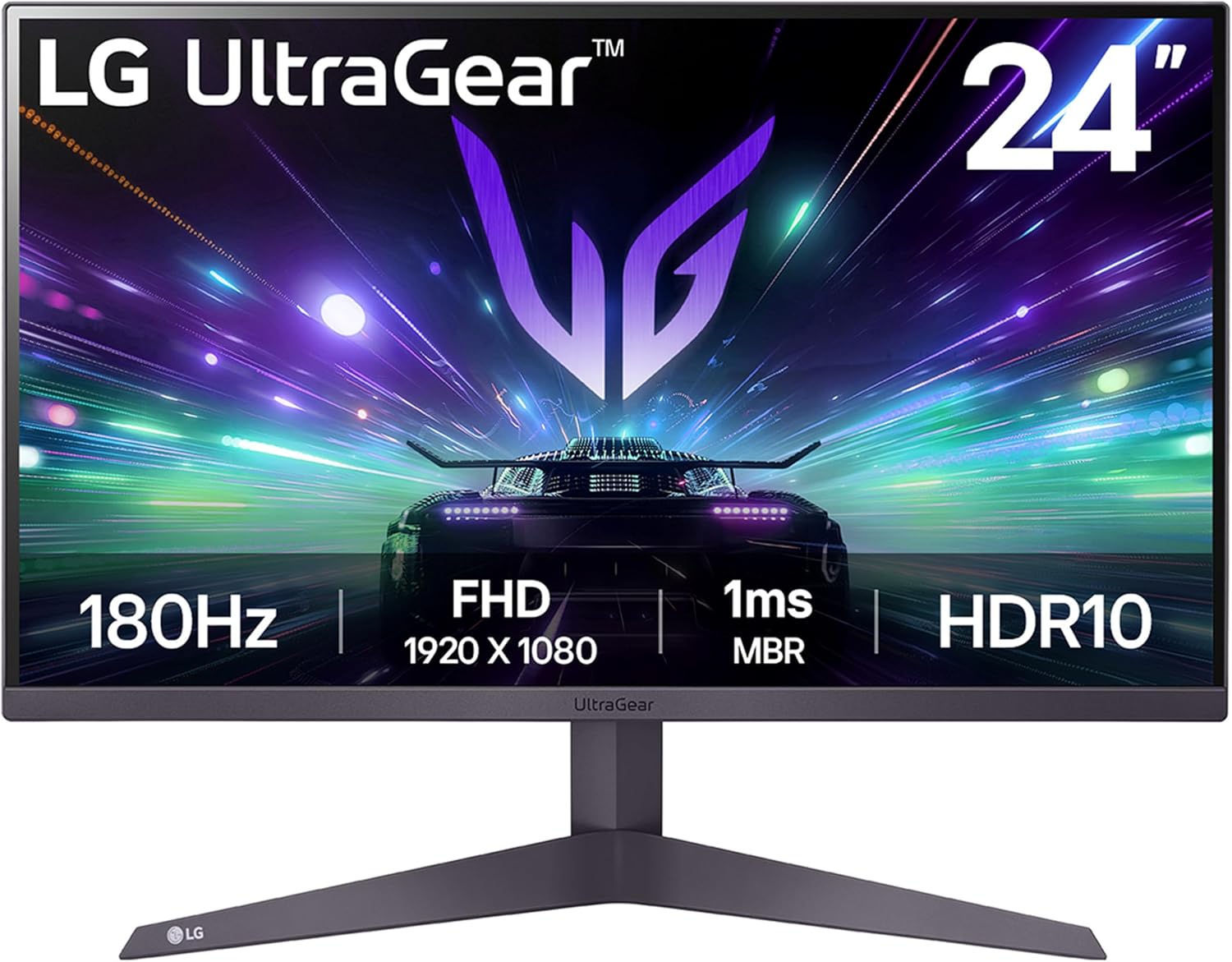
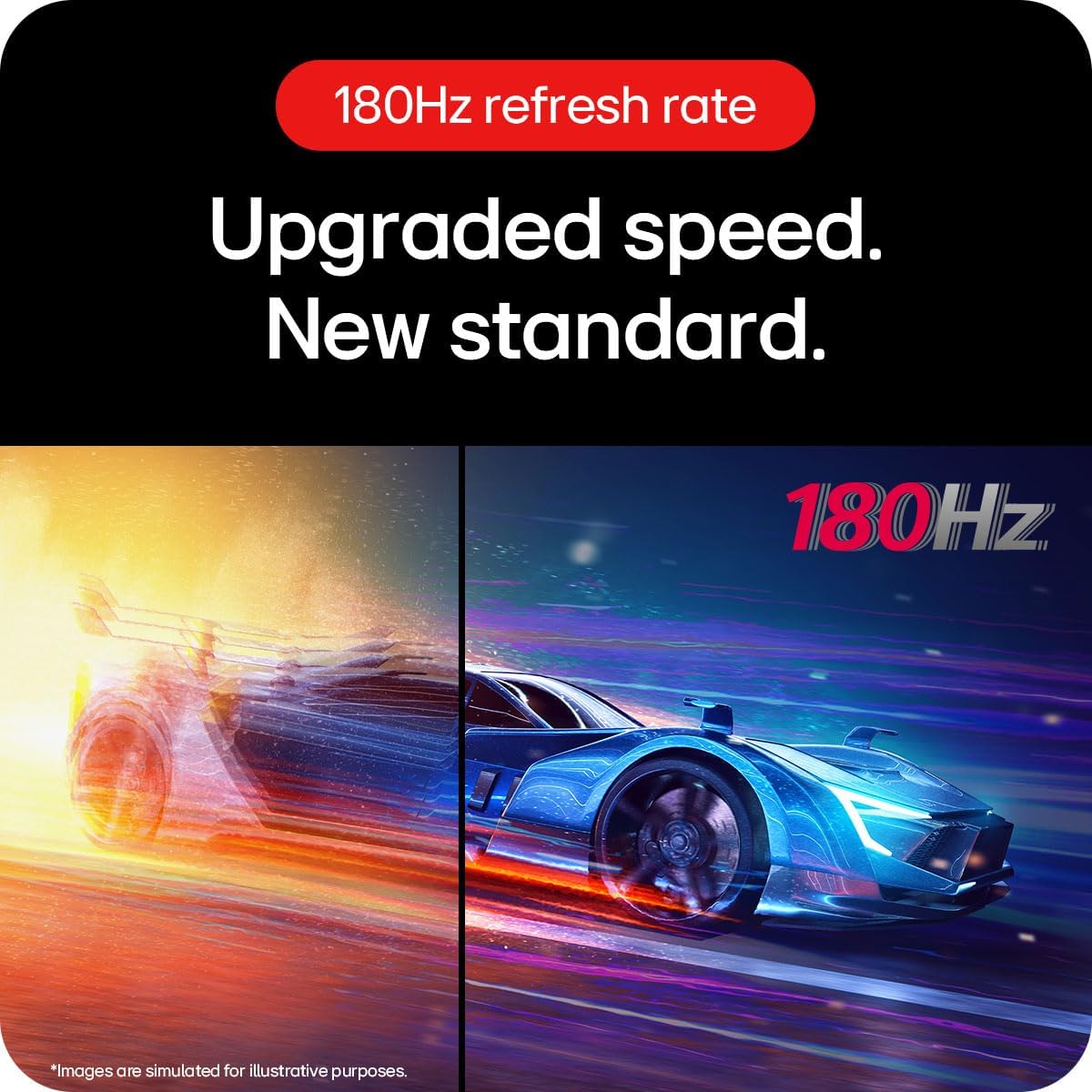
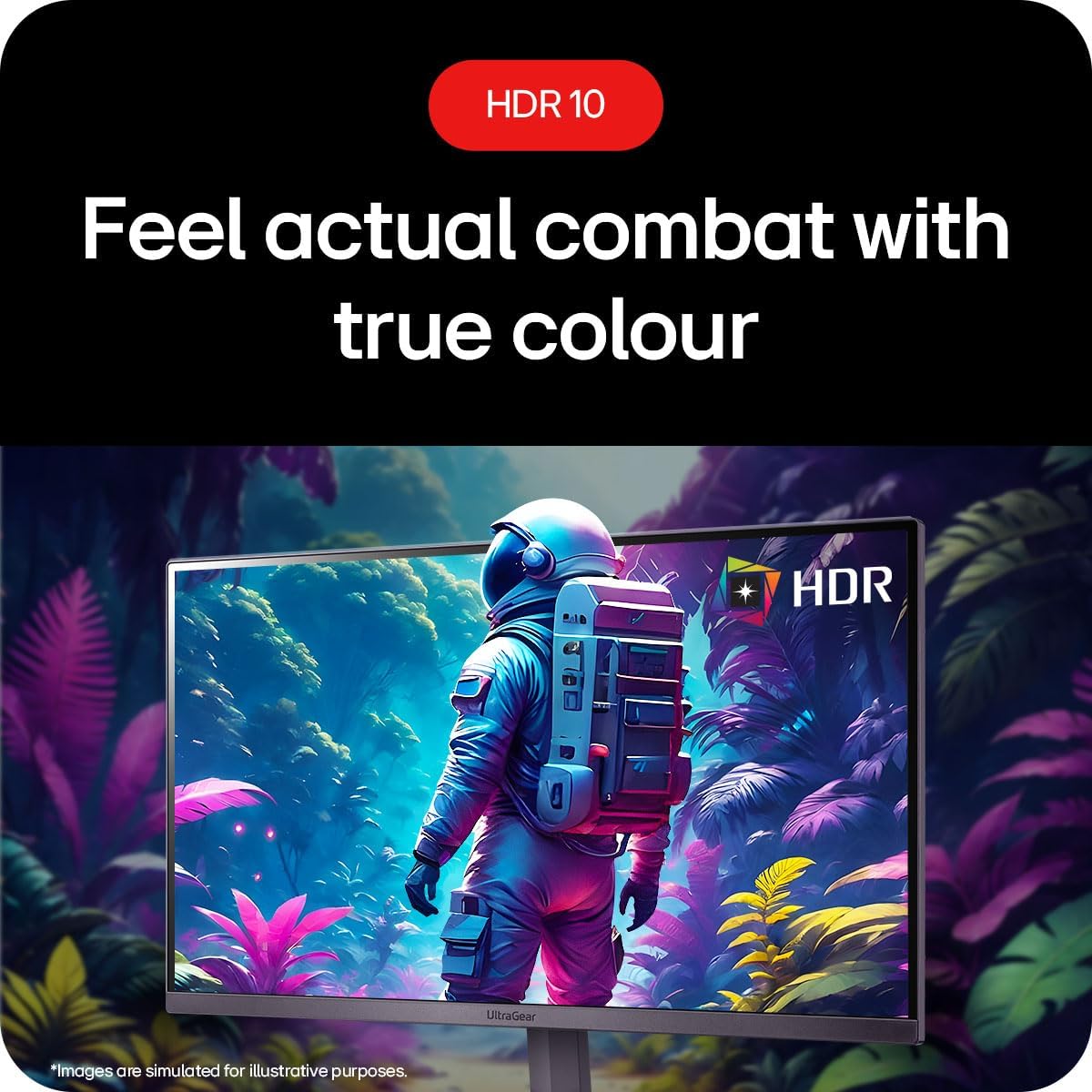
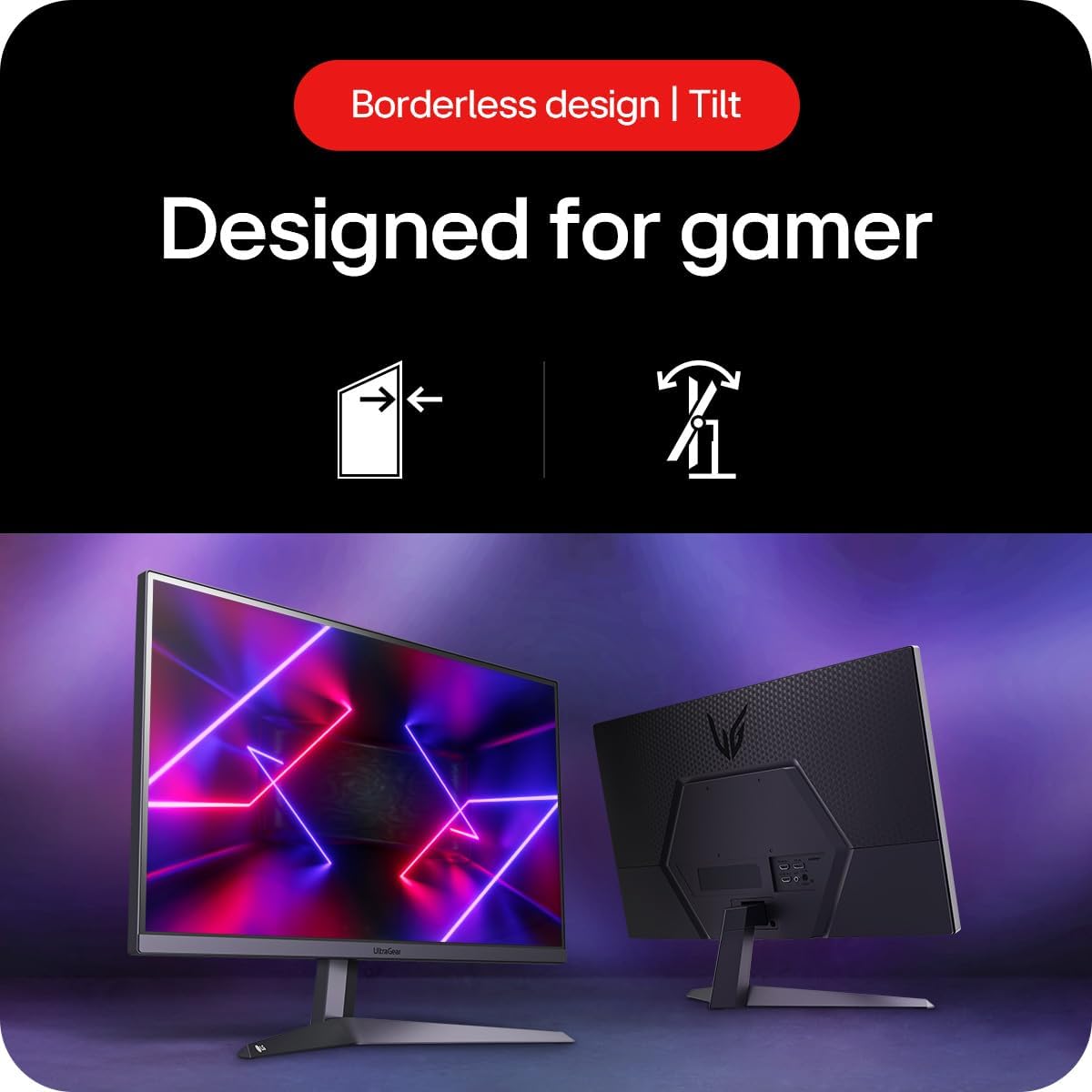
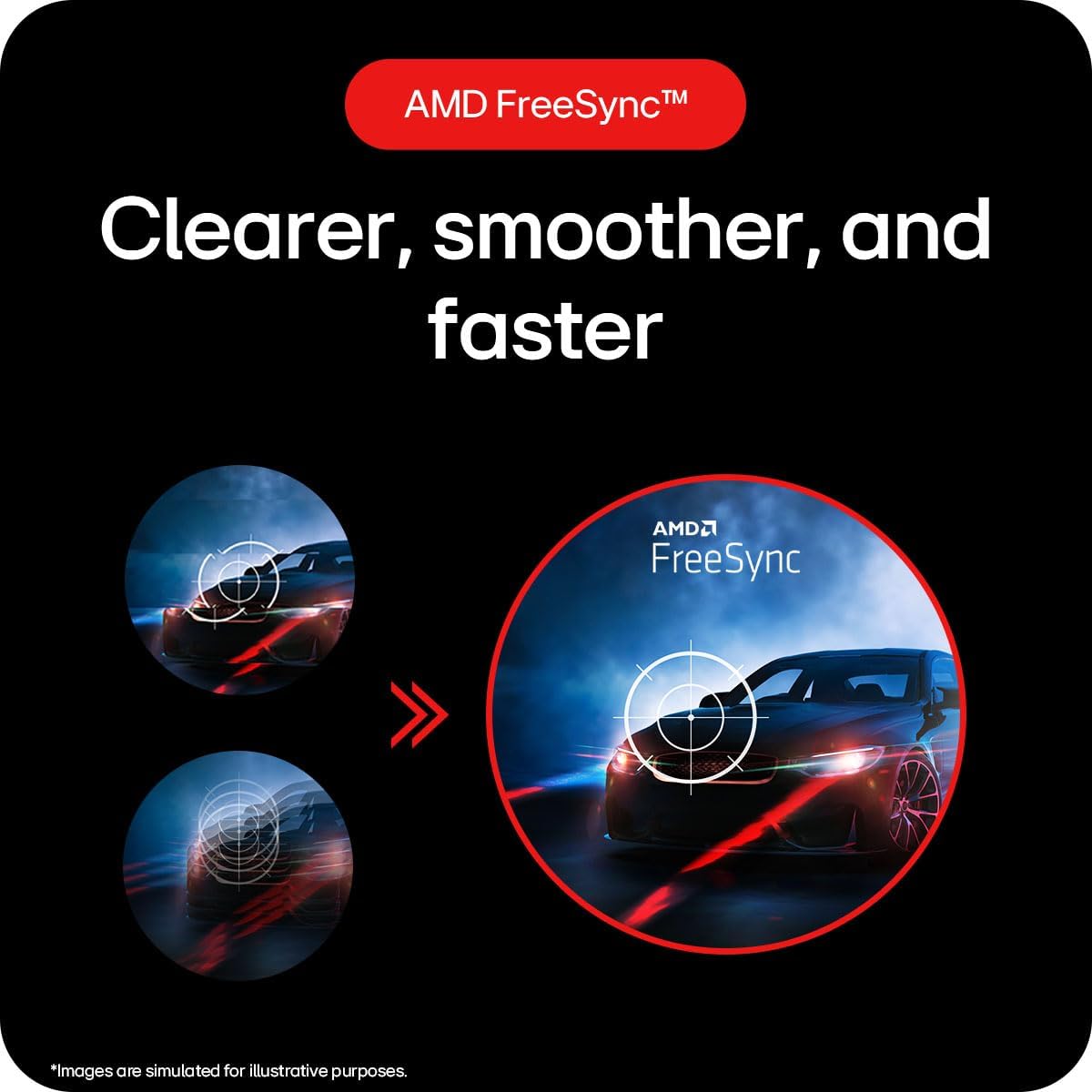
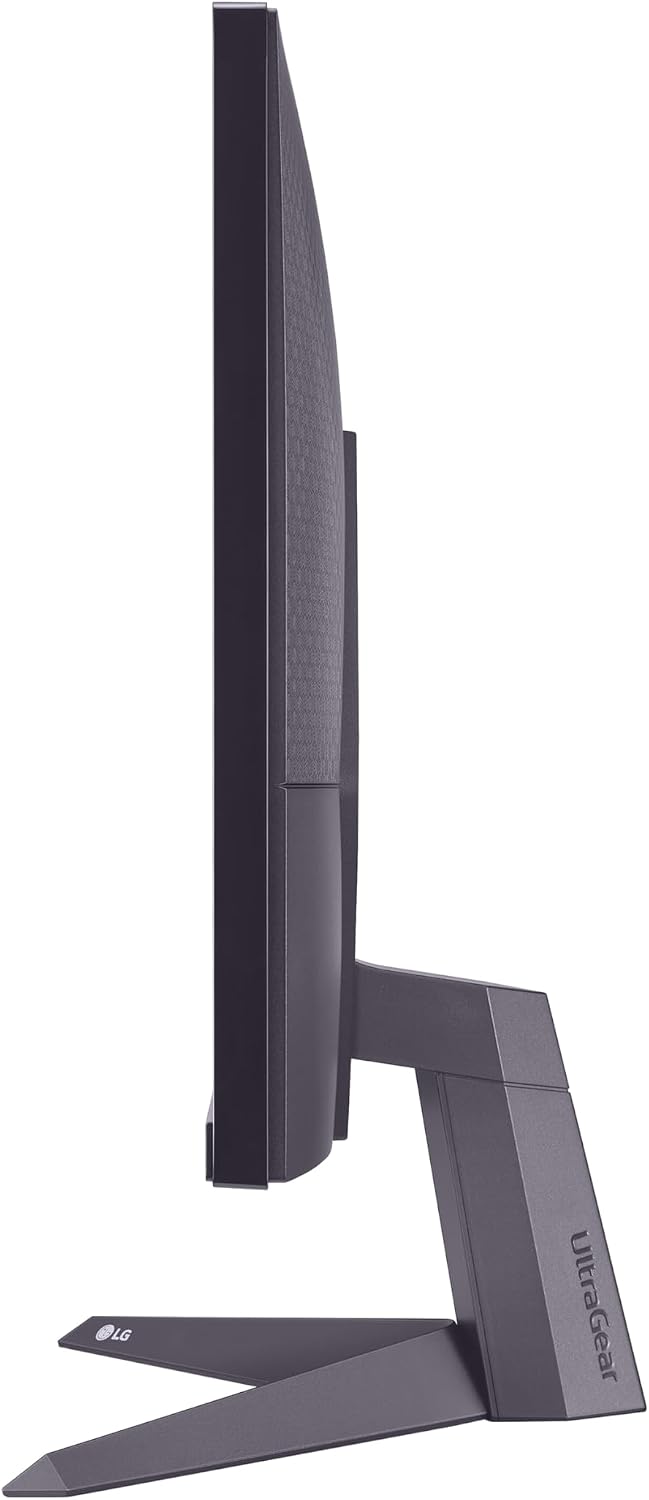
What this monitor is and what it aims to solve\nThe LG UltraGear 24GS50F is a 24-inch gaming display designed to offer smooth, responsive visuals for competitive titles. With a 1080p resolution, it prioritises refresh rate and motion clarity to help you keep up with fast-paced gameplay. If you’re chasing a straightforward upgrade from a lower refresh panel without moving into high-end resolutions, this model presents a pragmatic option.\n\n## Core features at a glance\nThe standout specs are a 180Hz refresh rate and a 1ms Motion Blur Reduction (MBR) which together aim to reduce perceived blur and ghosting between frames. HDR10 support is included, offering more dynamic range and colours than a basic SDR panel, though it’s important to temper expectations on brightness and contrast given the 1080p class. AMD FreeSync is present to mitigate tearing and stutter, especially when you’re paired with compatible GPUs. The design emphasises a slim bezel on three sides to help create a more immersive multi-monitor setup, plus tilt adjustment for comfortable viewing angles.\n\n## What stands out in everyday use\nIf you prioritise fast response and smoother motion, the 180Hz refresh rate combined with MBR can deliver noticeably clearer action in shooters and racing titles. HDR10 gives a more vivid look to games that support it, though the impact can vary by title and scene. For general usage beyond gaming, the screen remains suitable for multimedia and productivity tasks at 1080p.\n\n## Potential limitations to consider\nWhile 1080p is common for a 24-inch panel, it won’t deliver the pixel-density you’d get from higher-resolution screens at the same size. HDR performance depends on the panel’s peak brightness, which isn’t provided here, as a result, HDR may look less impactful in bright rooms or at brighter scenes. The 5ms listed as the “response time” figure may not directly translate to real-world gaming latency—responsiveness often depends on processing and game setting optimisations.\n\n## Who this monitor is for\nIt suits gamers who want a high refresh experience without jumping to 1440p or 4K, and who value smoothness and reduced motion blur in fast games. It’s also a sensible pick for someone setting up a compact or secondary gaming station where desk space is at a premium and the goal is a straightforward, value-driven upgrade.\n\n## Who it isn’t the best option for\nIf you’re chasing the sharpest possible image or plan to play primarily in HDR from a bright living room, this model may fall short compared with higher-end panels or 1440p/4K options. For those who want cutting-edge gaming features beyond FreeSync and MBR, or extremely high peak brightness for HDR, this monitor won’t quite hit that mark.\n\n## What to check before buying\n- Ensure your GPU supports FreeSync in the appropriate mode for a tear-free experience.\n- Consider the suitability of 1080p on a 24-inch screen if you’re coming from a higher-resolution monitor.\n- Check your desk setup to enjoy the slim bezel and confirm tilt adjustment provides a comfortable viewing angle.\n- Look for the available connectivity: DisplayPort and HDMI are standard, so verify your PC or console outputs align.\n\n## How it compares to the alternatives in the market\nIf you’re weighing options, this model competes with other 24-inch, high-refresh gaming screens that pair 1080p with strong motion features. It tends to be more about value-for-money than chasing every high-end spec, making it well suited to budget-conscious gamers or those building a secondary/display-led setup rather than a flagship battlestation.\n\n## FAQ (based on available information)\n- Q: Does it support G-Sync? A: The specification notes AMD FreeSync, compatibility with Nvidia GPUs may depend on support in the specific graphics driver and mode.\n- Q: Is HDR performance strong? A: HDR10 is supported, but without stated peak brightness, the impact will vary by content and room lighting.\n- Q: Can I use it with a console? A: Yes, via HDMI, though 1080p at 180Hz is not a universal setting for all consoles.\n\n## Should you buy it? (Final verdict)\nIs it worth it? It’s a solid pick if you want a budget-friendly, high-refresh monitor with smooth motion and HDR10 support, without committing to higher resolutions or top-tier features. If you prioritise pixel-dense images or the absolute strongest HDR, you may want to explore higher-end options. This model makes sense for a gamer who values quick frame delivery and practical ergonomics in a compact 24-inch package.