

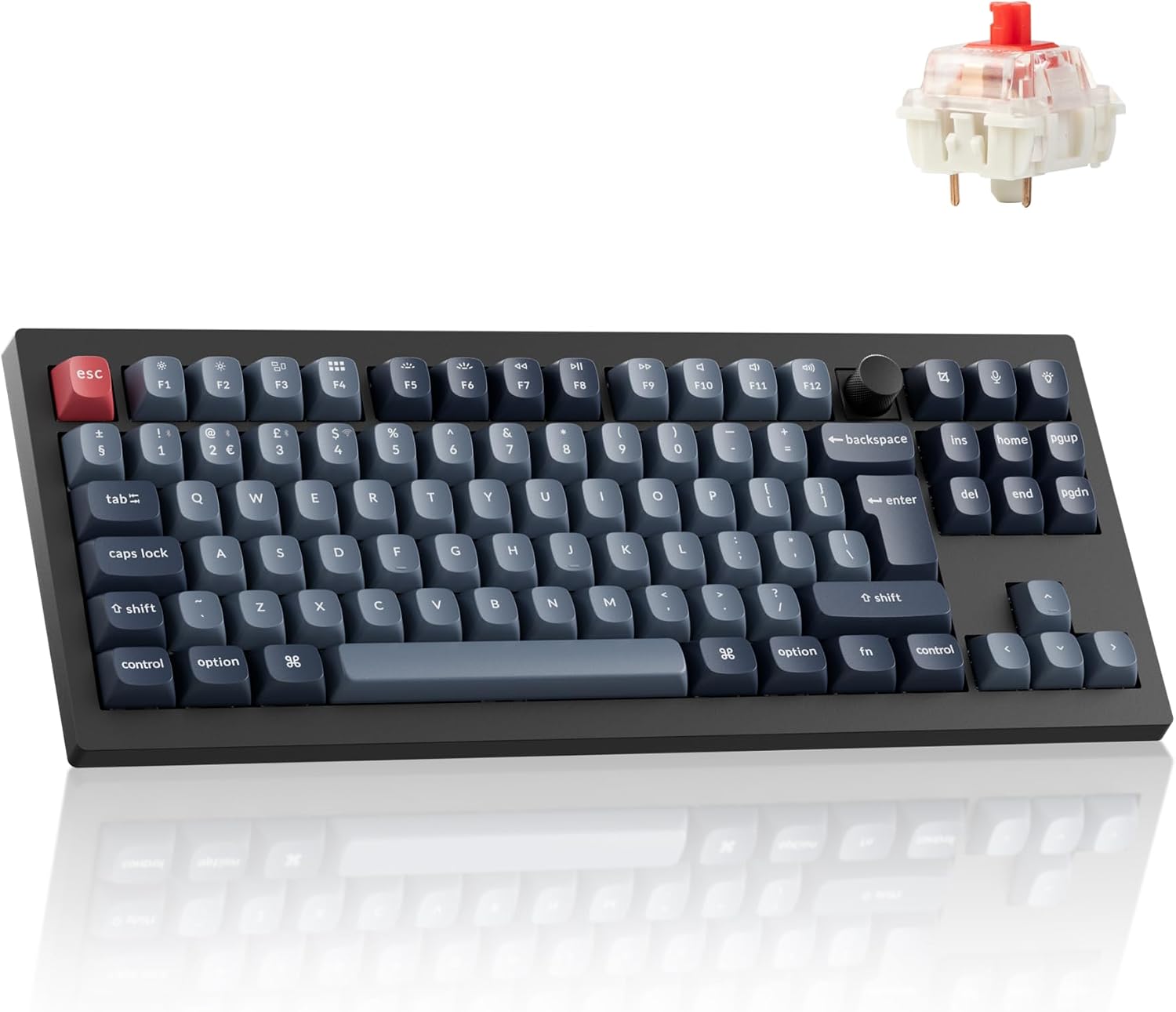
Keychron V3 Max TKL Wireless Mechanical Keyboard (UK ISO) – Hot-swappable Gateron Banana switches, QMK/VIA RGB, Black
Product description
The essentials
If you want a wireless mechanical keyboard that you can actually customise (rather than just admire from afar), the Keychron V3 Max TKL is built for that middle ground: it’s a TKL layout for desk space, a UK ISO design for familiar key positions, and it supports hot-swappable switches so you can change the feel without soldering.
On paper, the combo of hot-swap + QMK/VIA control looks like a strong “grow with it” setup for office work and gaming. You’re not limited to whatever switch the keyboard ships with, and the software side gives you room to remap keys and build macros if you care about that sort of thing.
That said, it’s not a set-and-forget keyboard. If you simply want the most minimal setup possible and never touch keymaps or lighting, you may find it slightly over-specified for your needs.
Key points
The headline features here are straightforward: UK ISO layout, RGB backlighting with customisable effects, hot-swappable switches, and programmability via QMK/VIA.
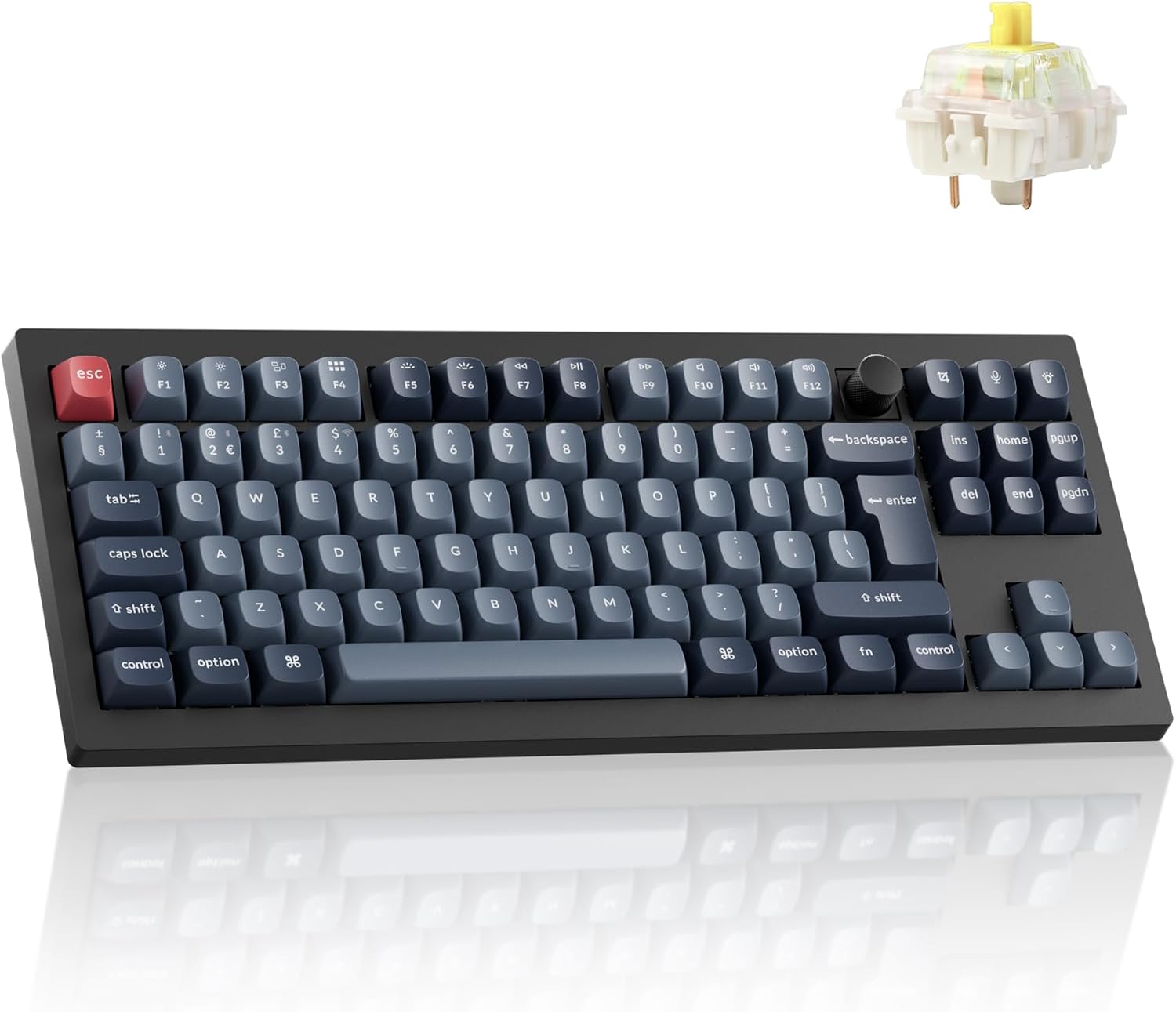
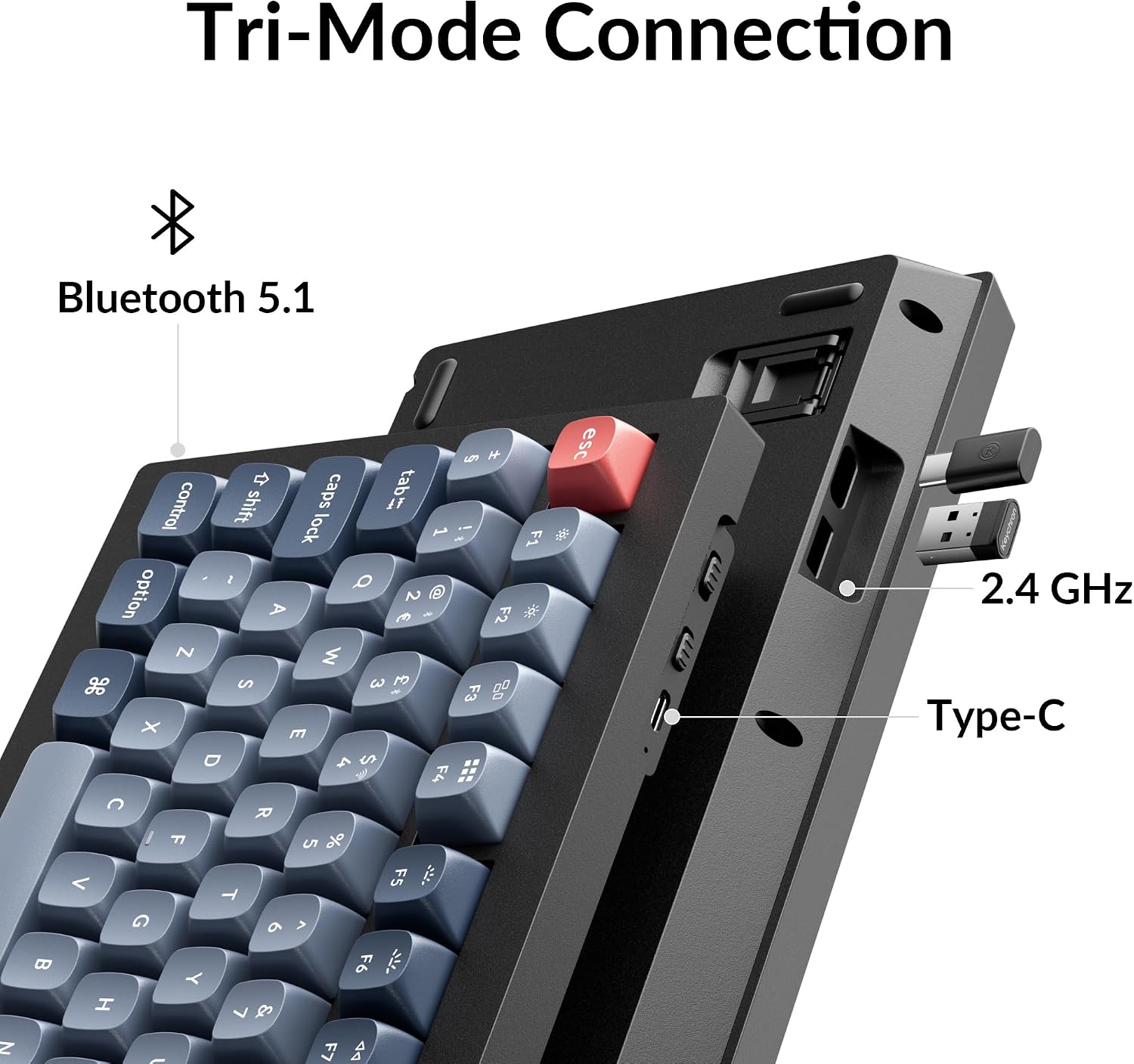
It also offers both wireless and wired use, switching between Bluetooth and USB-C. That flexibility matters on real desks—especially if you alternate between a laptop/tablet setup and a more permanent workstation.
A small but practical detail is the switch choice: the V3 Max TKL is listed with Gateron Banana (tactile/silent-leaning as described), as well as options using Gateron Jupiter Brown (tactile) or Gateron Red (linear). Picking the right switch variant can make or break the “feel”, so it’s worth aligning it with how you type and play.
What you’ll notice day to day
The TKL size is a sensible compromise. You lose the full number pad, but you keep the more compact footprint that makes your mouse space easier to manage.
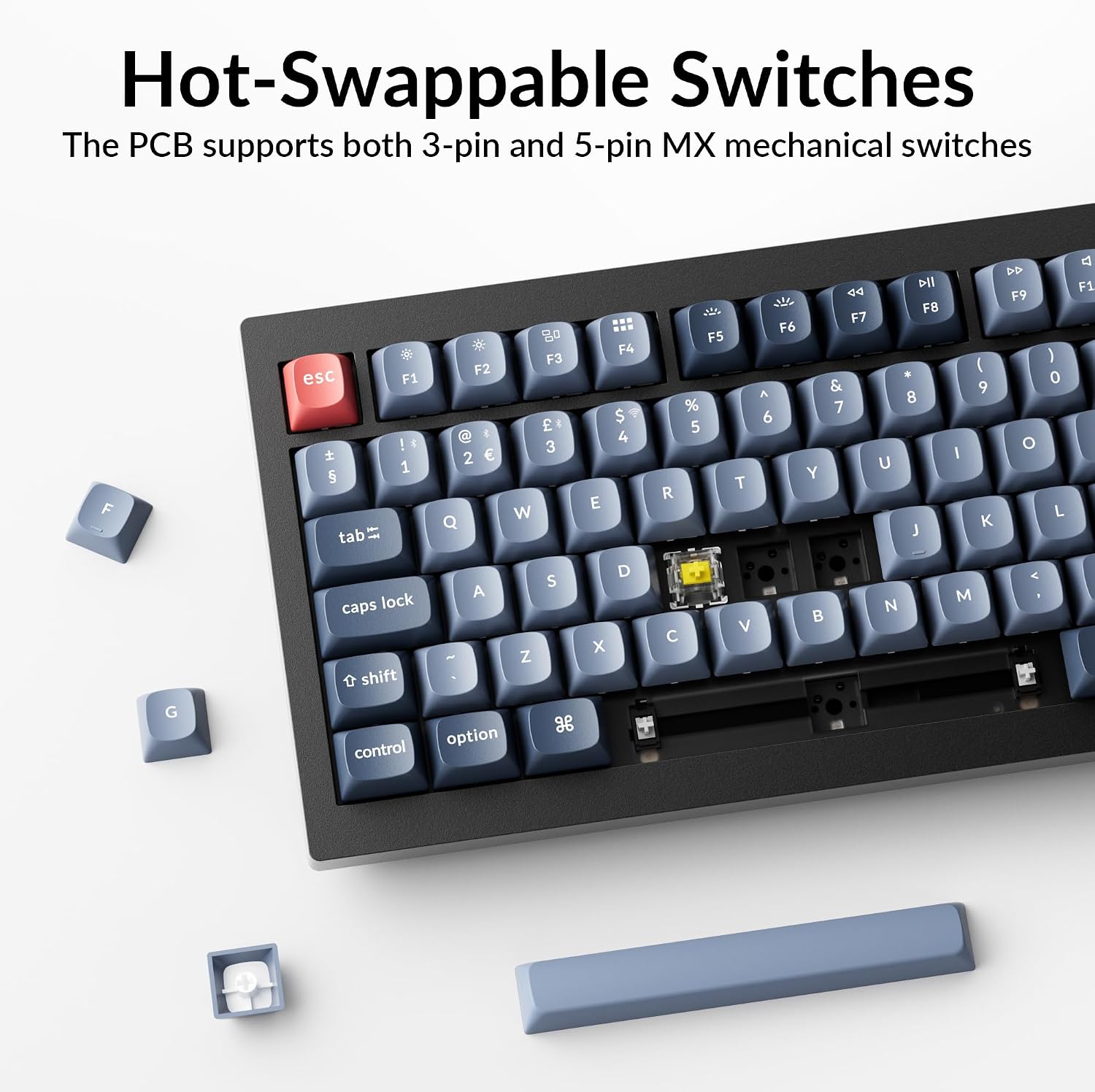
The UK ISO design is there for comfort and intuition. For people used to UK layouts, ISO key positions reduce the “why is that where it is?” friction—especially during longer sessions.
In daily use, the hot-swappable approach is the real convenience. Instead of living with one switch feel forever, you can experiment later—something that’s often missing in more budget-friendly keyboards where switch replacement means extra work.
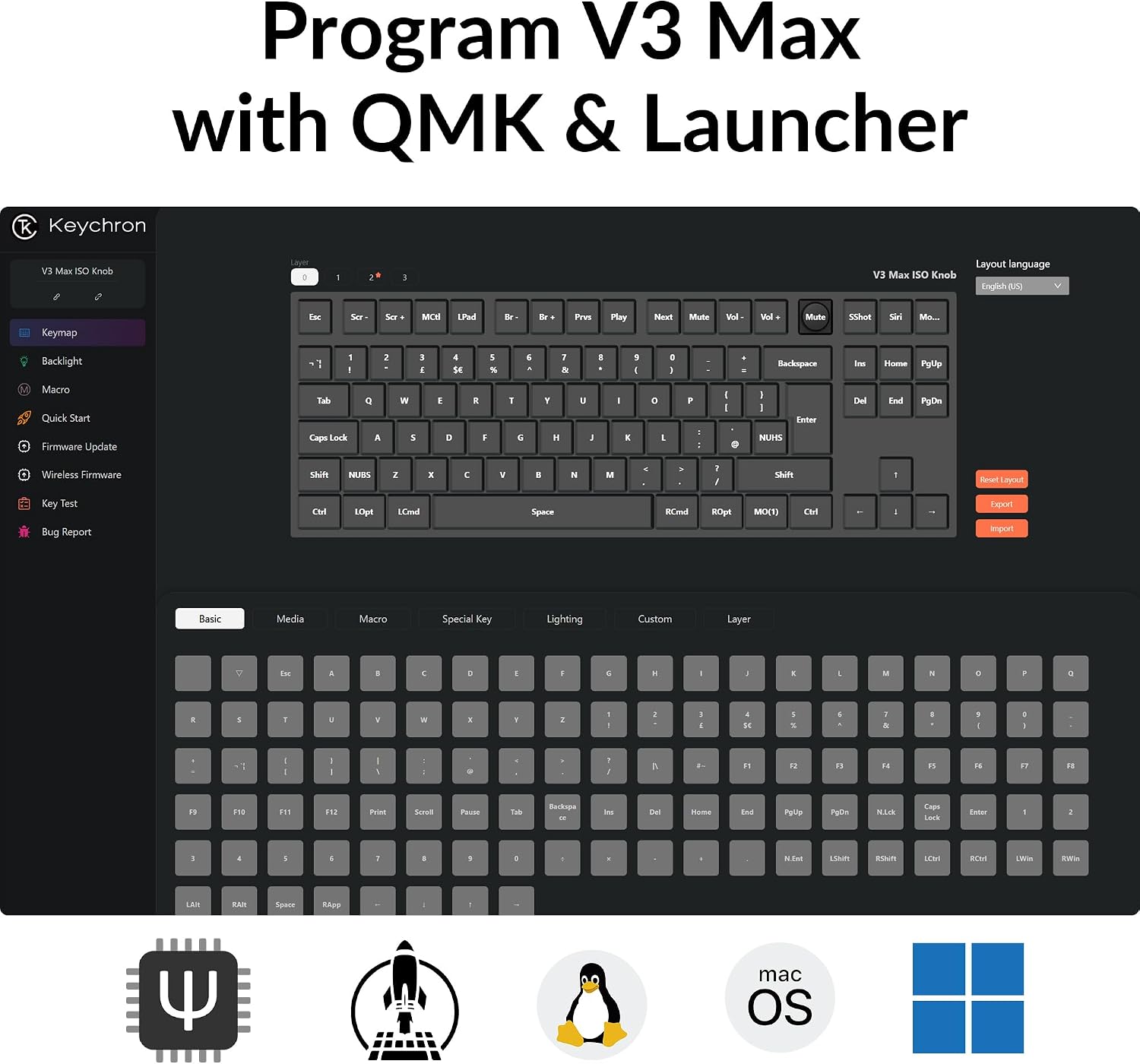
And if you do more than just type, QMK/VIA programmability is the kind of feature that quietly pays off: key remapping for shortcuts, and macros for repeated tasks. You don’t have to use it heavily, but it’s there if you want it.
Where it shines (and where it may fall short)
Where it shines is flexibility. Wireless via Bluetooth or wired via USB-C means you can shift between devices without committing to one connection method forever.
It also suits people who like tinkering within reason. Hot-swap + QMK/VIA is an inviting route if you want to refine your setup over time—switch feel, lighting preferences, and key behaviour.
What to watch: this keyboard is only as good as the software and workflow you’re willing to use. If you prefer to avoid configuration, a keyboard that’s simpler out of the box may suit you better. Also, the switch description you choose (Banana vs Brown vs Red) will change the experience quite a bit, so double-check you’re buying the switch type you actually want.
Spec sheet
- Type: Wireless mechanical keyboard (TKL)
- Layout: UK ISO
- Keys: 87 keys
- Hot-swappable switches: Yes (no soldering required)
- Switch option (model shown): Gateron Banana (listed as silent tactile)
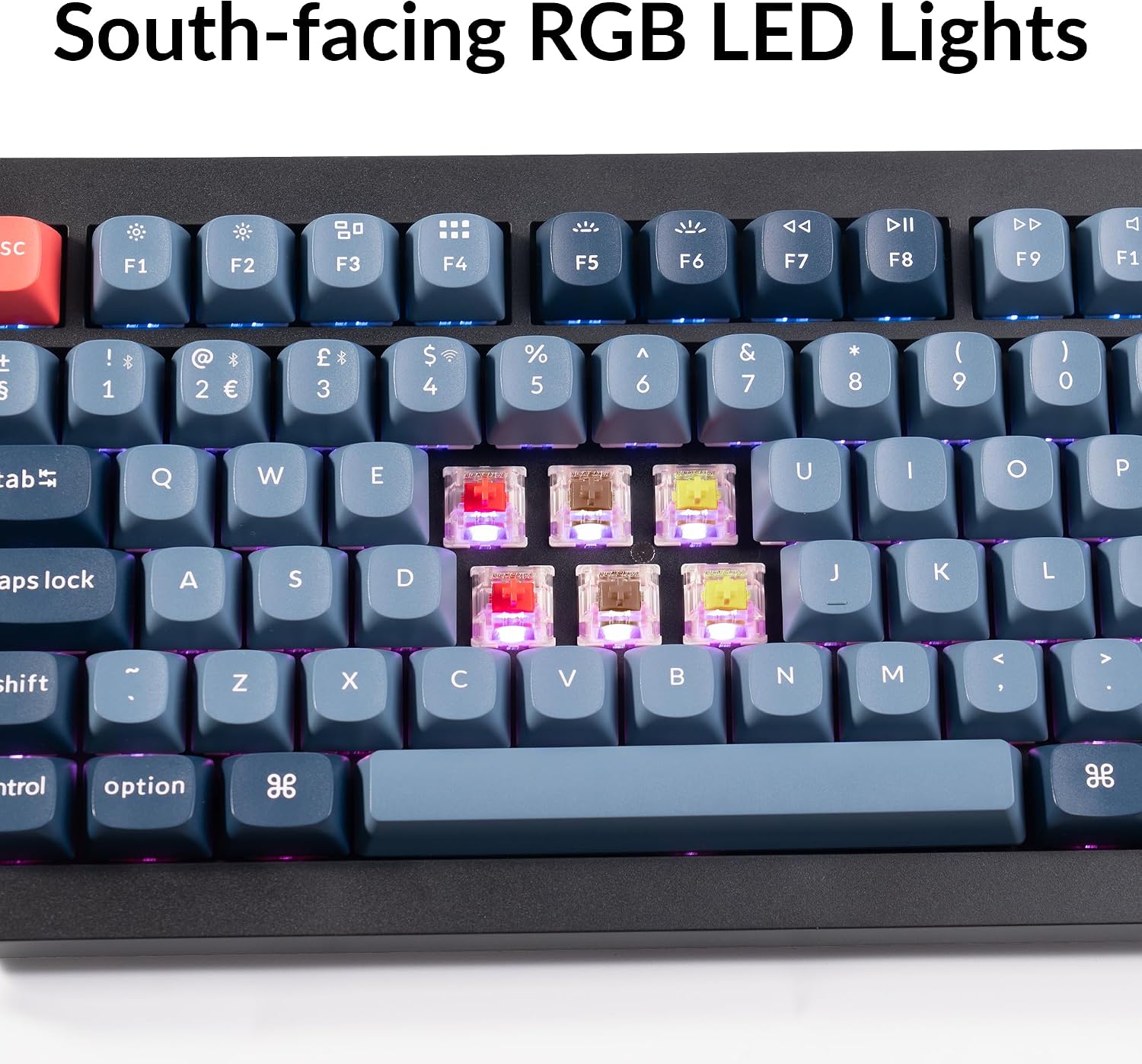
- Alternative switch options listed: Gateron Jupiter Brown (tactile), Gateron Red (linear)
- Backlighting: RGB with customisable effects
- Programming: QMK/VIA supported (key mapping and macros)
- Connectivity: Bluetooth and USB-C wired
- Compatibility (as stated): Mac, Windows, Linux
Who it’s for
It makes sense if you’re after a TKL mechanical keyboard with UK ISO layout and you like the idea of changing the switch feel later. It’s a good match for office typing where comfort matters, and for gaming where you might want remapping or macros set up.
It also suits people who bounce between devices: Bluetooth for quick laptop use, USB-C when you want a stable wired session.
It’s less ideal if you’re expecting a completely no-fuss keyboard setup. If you don’t care about remapping, macros, or lighting customisation, the extra programmability may be wasted effort.
Care & setup considerations
Because this is hot-swappable, it’s designed for adjustment without soldering, which should reduce future hassle if you want to try a different switch feel. Still, if you’re particular about keypress sound and feel, the exact switch variant (Banana vs Brown vs Red, as listed) is worth treating as a first decision, not an afterthought.
Also think about connectivity habits. If you regularly use multiple devices, check that the Bluetooth + USB-C approach fits your workflow, if you only ever use one device, the wireless features may not add much day-to-day value.
In the box
The provided information doesn’t list what’s included in the pack beyond the keyboard itself, so it’s worth checking the listing details before you buy if you need accessories.
Is it worth it?
Buy the Keychron V3 Max TKL if you want a UK ISO mechanical keyboard that you can customise over time—hot-swappable switches, RGB effects, and QMK/VIA programmability give you options for both office use and gaming.
Skip it (or at least think twice) if you’d rather set up once and never touch configuration. In that scenario, you might be better served by a simpler keyboard where you don’t need to invest time in remapping or lighting preferences.
If your priority is a comfortable UK layout plus wireless convenience, this fits the brief. Just make sure you’re choosing the correct switch variant for the feel you want from the start.
Mini FAQ
Is this keyboard suitable for UK layout users?
Yes, it’s described with a UK ISO layout designed for UK users.
Can you change the switches without soldering?
According to the description, the switches are hot-swappable, so you can swap them without soldering.
Does it work wirelessly?
Yes. It supports Bluetooth wireless mode and can also be used via USB-C.
What does QMK/VIA support mean in practice?
The listing states you can fully customise key mapping and use macros.
Which switch option should I pick?
It depends on your preferred feel: Banana is described as silent tactile, Brown as tactile, and Red as linear (as listed).