

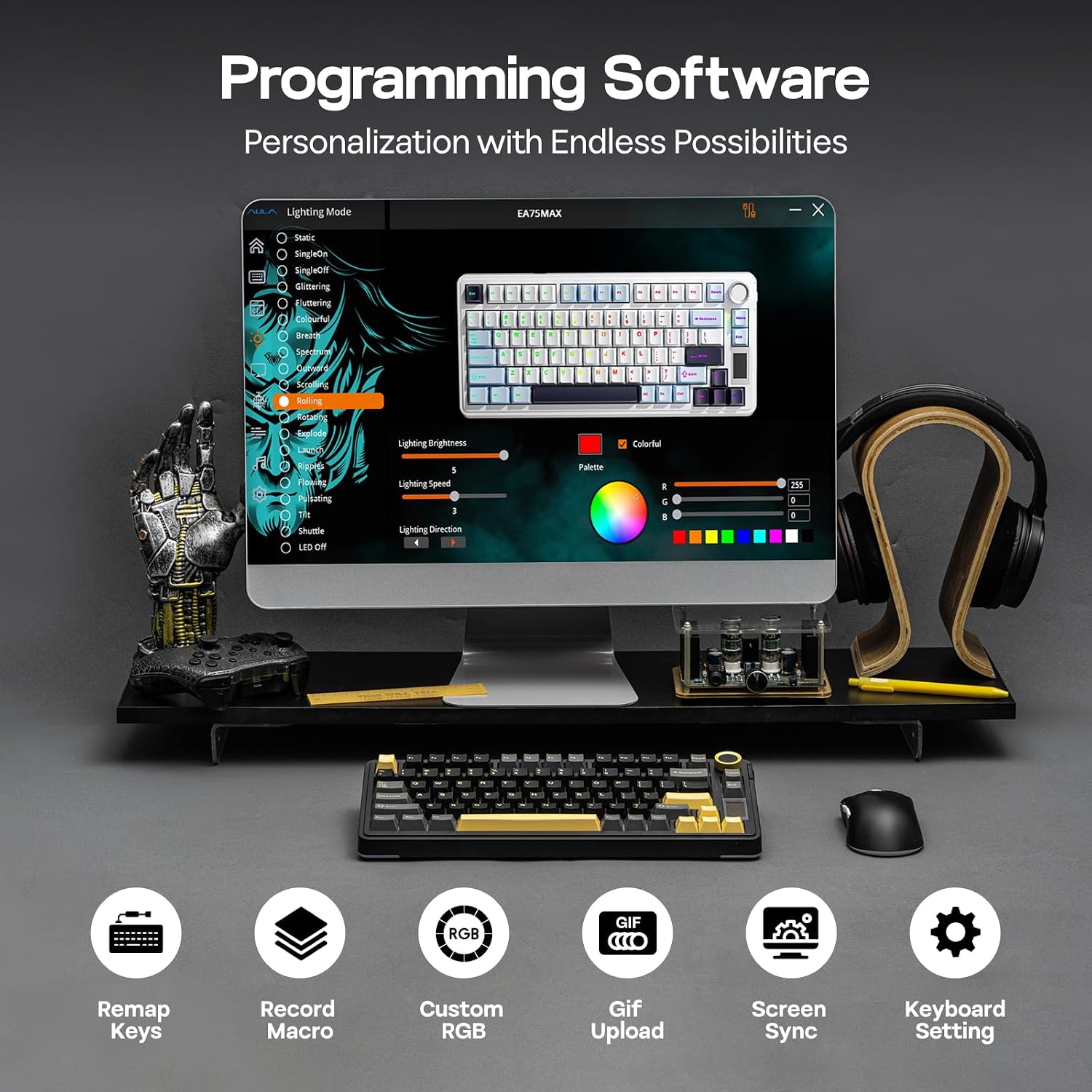
EPOMAKER X Aula EA75 MAX Wireless Gaming Keyboard with Screen & Knob – 75%, PBT, Hot-Swap, RGB (US Layout, Black, Silent Switch)
Product description
What it is and who it’s for
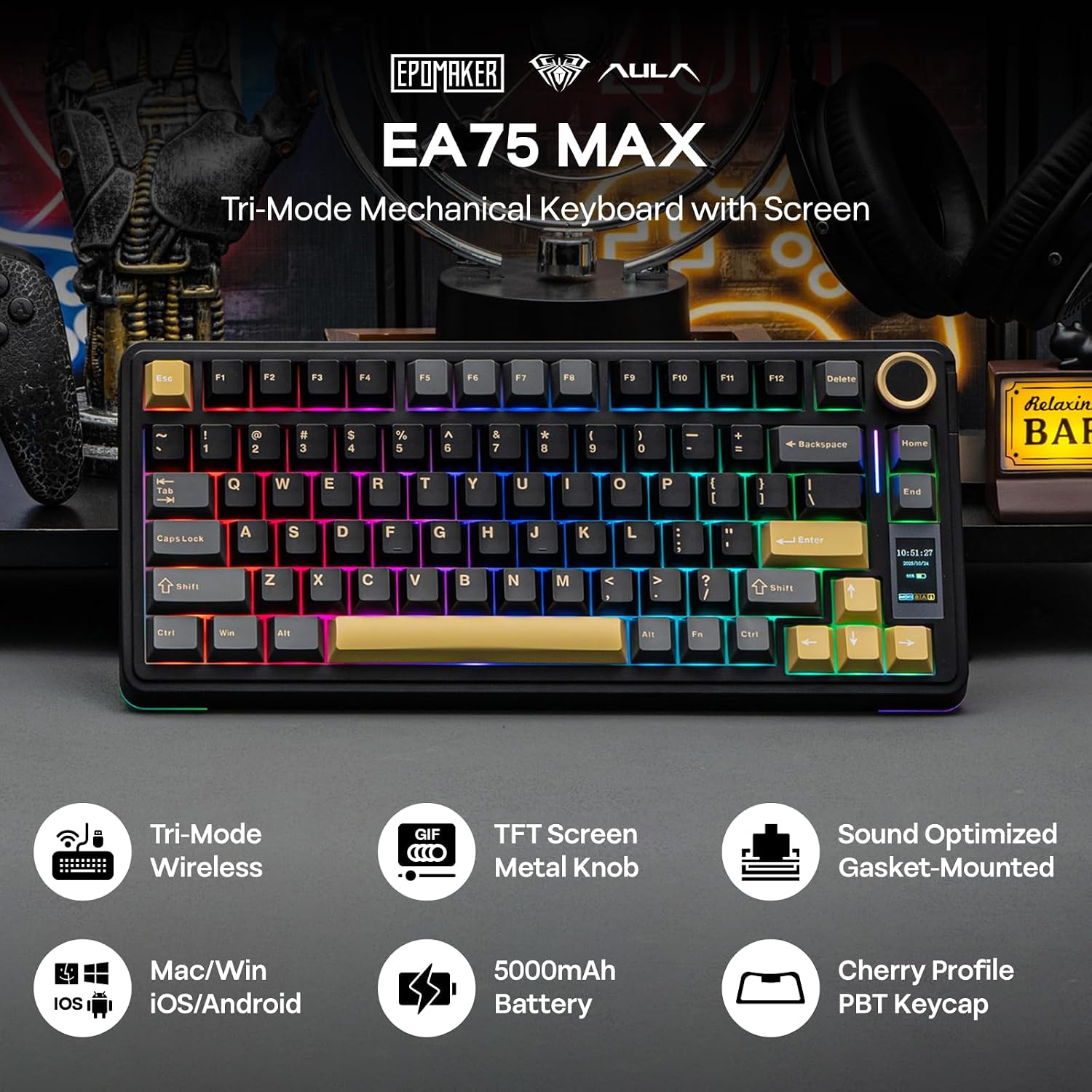
The EPOMAKER X Aula EA75 MAX is a compact, 75% wireless mechanical keyboard designed for gamers and productive users who value desk space and precise control. It combines a visual LCD screen with a multi‑function knob for real‑time feedback and quick adjustments. If you prioritise a smaller footprint without sacrificing essential keys, and you like the idea of on‑the‑fly customisation, this model aims to deliver a balanced experience.
Design and typing feel
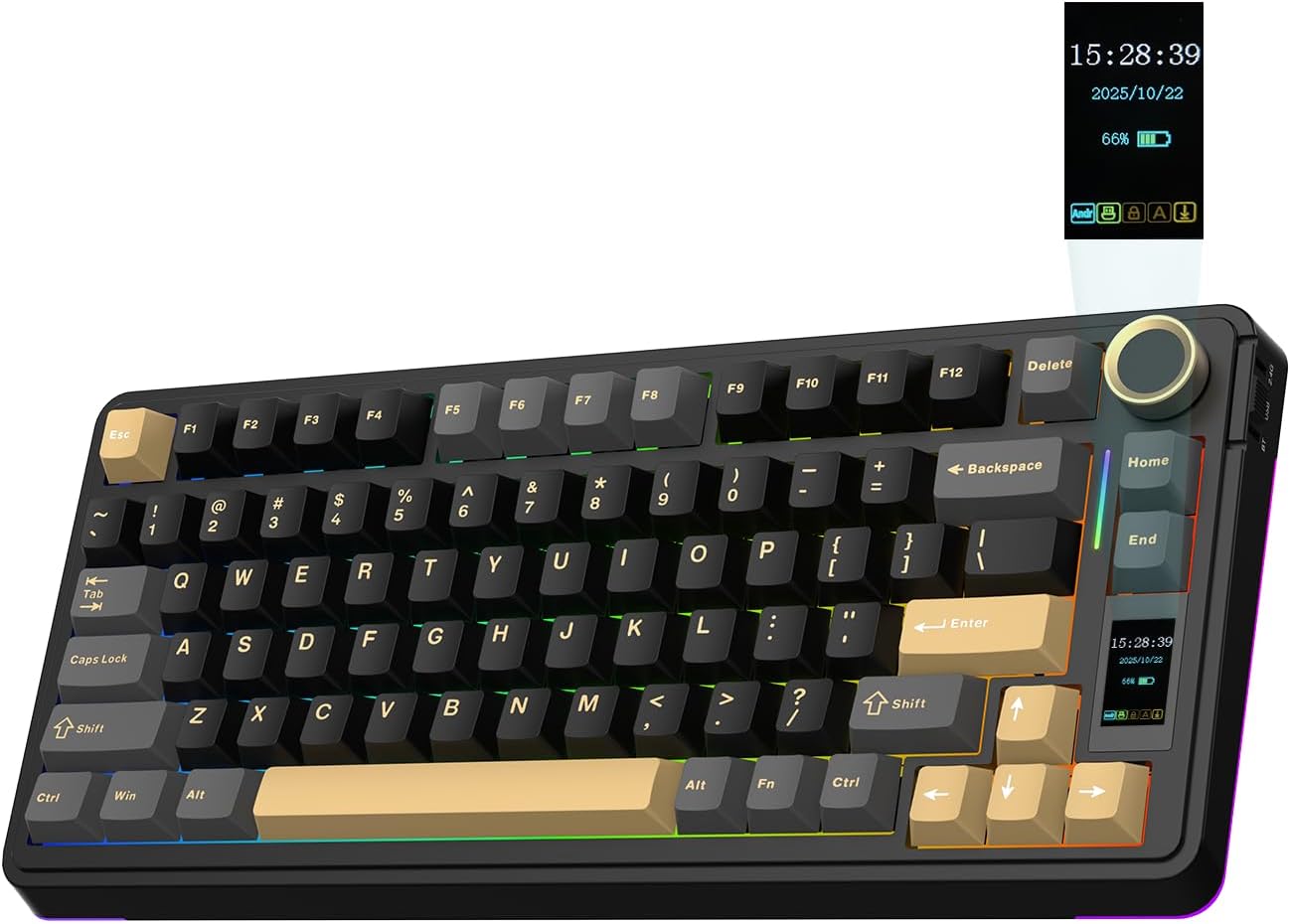
Compared with standard full‑size boards, the EA75 MAX tucks 80 keys into a neat 75% layout, retaining dedicated arrow keys for gaming and navigation. The keyboard uses Cherry‑profile PBT keycaps with double‑shot legends, which helps prevent wear over time. The build includes a bevelled front height and a multi‑layer gasket structure that’s described as dampening harsh bottom‑outs, which can translate to a softer, more forgiving typing experience in long sessions.
Screen and knob: what they do
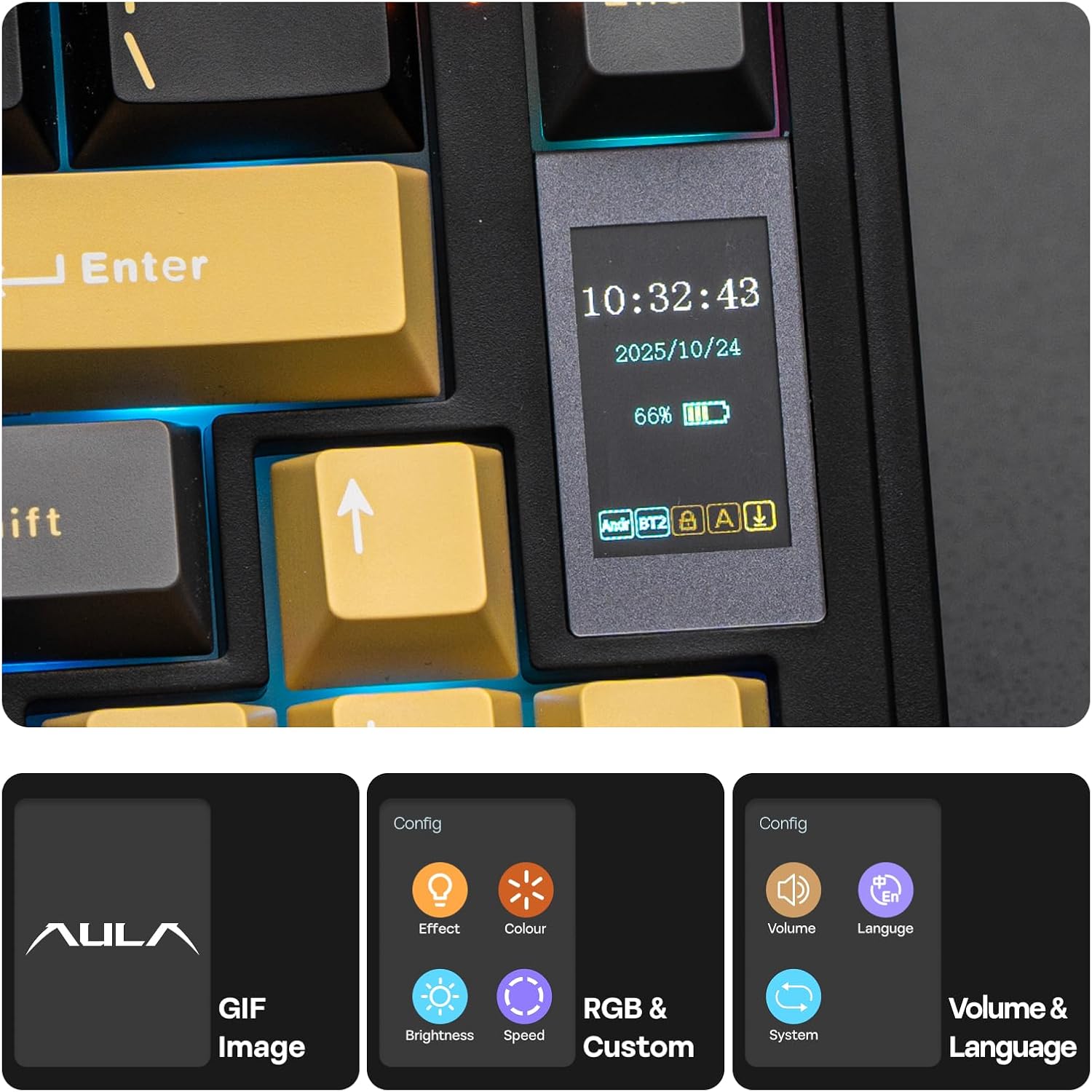
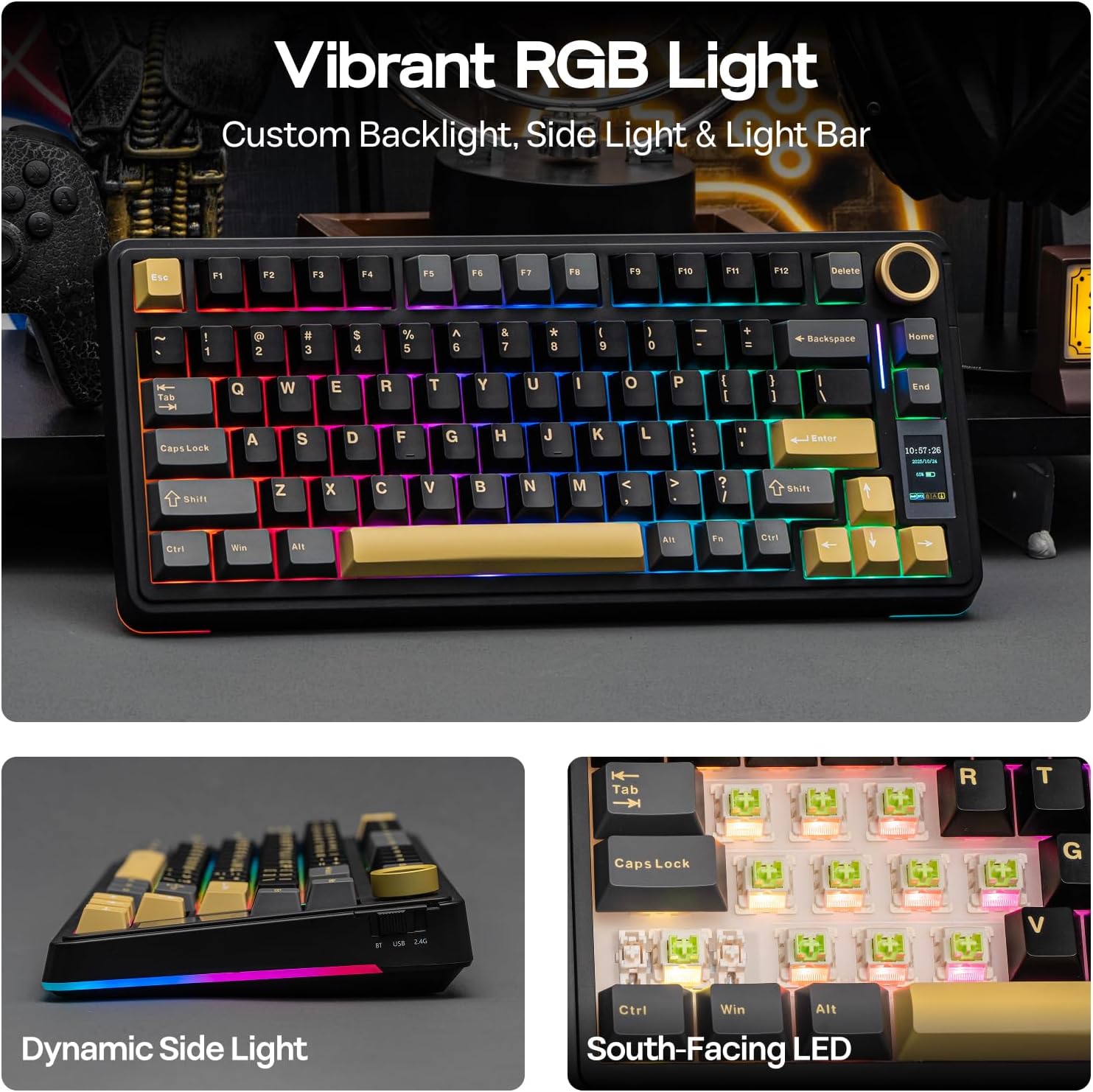
A standout feature is the integrated LCD screen, which can display time, connectivity status, operating mode, or GIFs, giving you at‑a‑glance information. The responsive multi‑function knob adds hands‑on control for RGB backlight, volume, and other customised settings. On paper, this is a neat way to adjust common duties without leaving the home row, though the actual utility will depend on how much you rely on on‑screen feedback and knob tweaks.
Connectivity and practicality
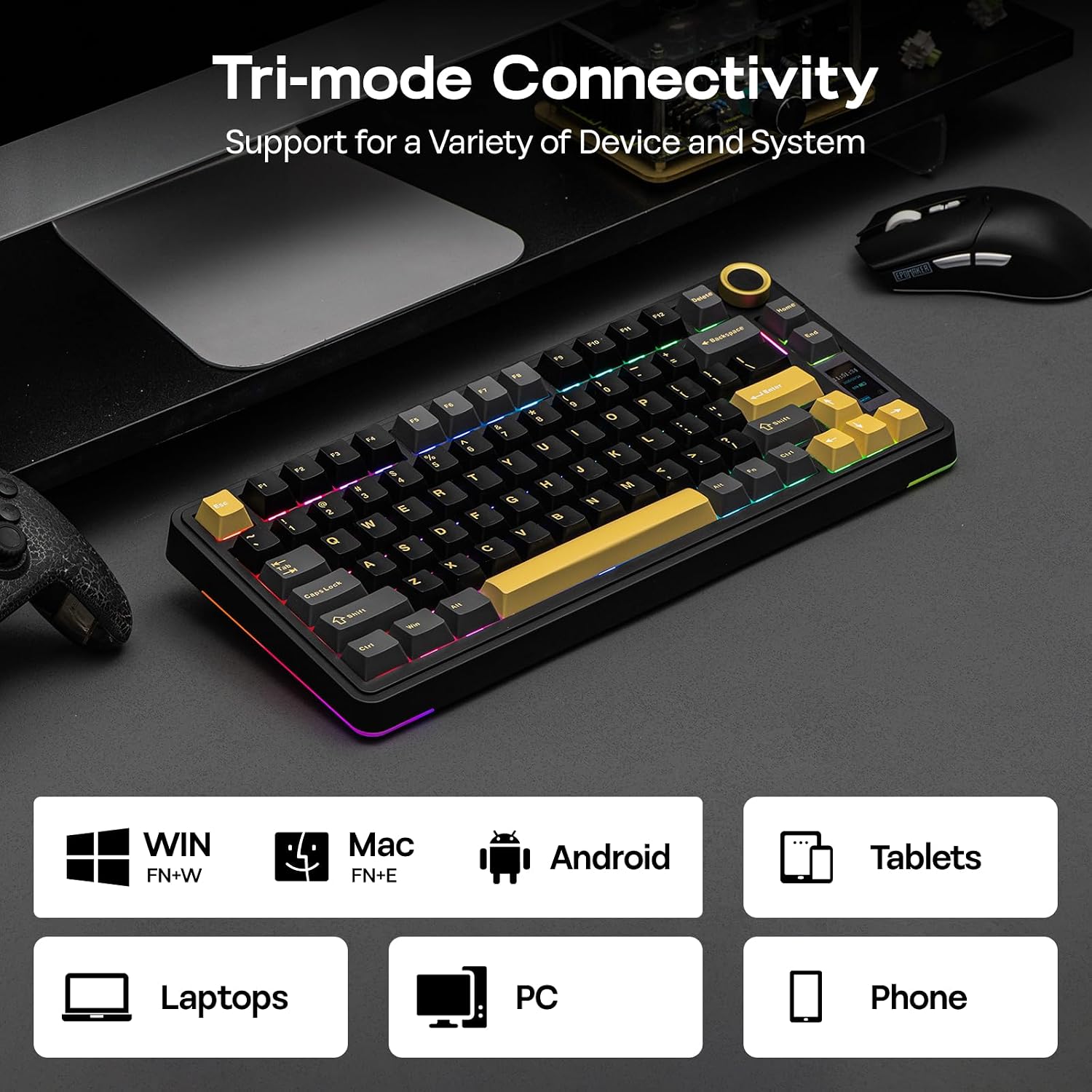
The EA75 MAX supports wired use and wireless connections (2.4 GHz and Bluetooth), with N‑Key Rollover and anti‑ghosting promises. That combination can be appealing if you switch between devices or want reliable multi‑input performance for both gaming and productivity tasks. Battery life and specific wireless specs aren’t itemised here, so it’s sensible to check how these claims align with your usage patterns in real life.
Build quality and customiseability
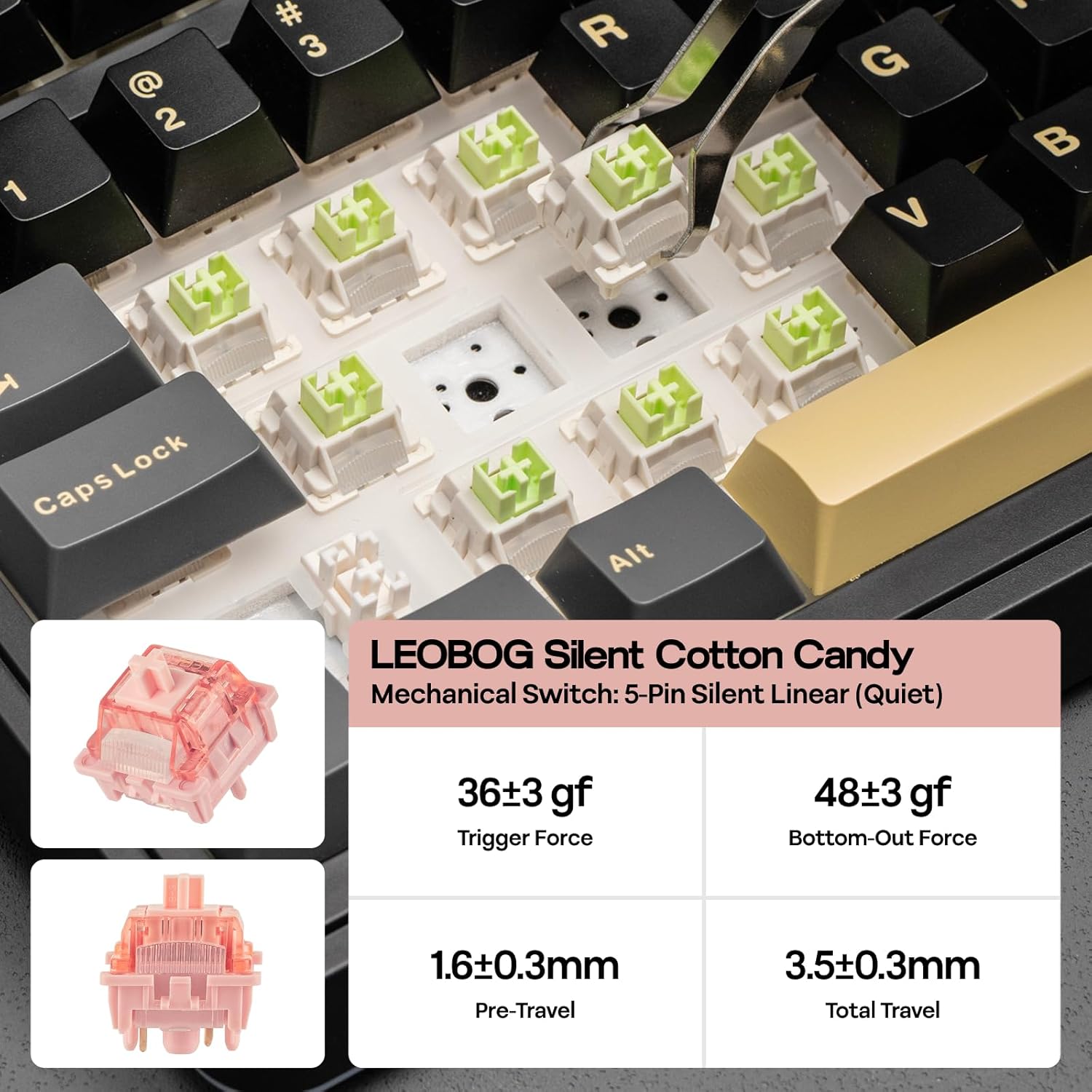
Durability is aided by hot‑swap MX‑style, 5‑pin switches and 2‑in‑1 tools included for swapping switches and keycaps. The ability to modify the feel and sound—coupled with a creamy, damped keystroke thanks to a layered gasket and padding approach—may appeal to players who tweak their setup for a preferred typing tone and actuation feel. If you enjoy experimenting with sound and latency, this keyboard offers a path to personalisation.
The case for everyday use
If your desk space is at a premium but you still want a full feature set, the 75% layout preserves essential keys while leaving room for a larger mouse area. The front‑facing typing angle, plus a two‑stage kickstand, supports customisation for comfort across longer sessions. The combination of PBT durables and fixed backlit RGB with multiple effects means it’s not just a utilitarian gaming tool but also a way to create ambience during late‑night sessions.
The caveats and who should think twice
This model relies on a blend of wireless versatility and a niche feature set (screen and knob). If you don’t value on‑screen readouts or prefer a simpler, plain‑vanilla keyboard, the EA75 MAX could feel over‑engineered for casual use. Also, while hot‑swap capability is marketed, the practical longevity of the supplied lubed switches and stabilisers will depend on your typing style and maintenance. In short, it may not be the best fit if you prioritise absolute silence, ultra‑compact travel, or a straightforward plug‑and‑play experience without any tweaking.
What to check before buying
- Confirm your primary use: gaming with a need for compact real estate or mixed productivity with frequent multi‑device switching.
- Consider whether a screen and knob would be regularly used, or if they’re nice extras rather than must‑haves.
- Think about your preferred switch type, silent variants are noted, but try to ensure hardware compatibility with your preferred replacements if you plan to swap.
- Assess desk setup: 75% layout helps space, but you’ll still need adequate room for mouse movement and reach to the arrow cluster.
How it compares to the options this size category offers
In the mid‑range of compact wireless mechanical keyboards, this model stands out due to the screen and knob—features typically found on higher‑priced kits or more niche builds. If you value tactile customisation and a distinct control surface alongside solid wireless performance, it can be a compelling choice. If you’d rather prioritise pure typing acoustics, or you want a more minimalist aesthetic, a different layout or a simpler approach may suit you better.
Final decision
Final verdict: Worth considering if you want a compact, feature‑rich keyboard that offers on‑board adjustability and a personalised feel, provided the screen and knob align with your workflow and you’re comfortable with a few caveats around maintenance and long‑term reliability.
Quick usage examples
- In a fast FPS session, the knob can adjust volume or RGB to match in‑game mood without breaking focus.
- While coding, the compact layout frees desk space for a more expansive cursor movement, with the screen keeping time or status at a glance.
FAQ
- Do I need Bluetooth to use it on multiple devices? The keyboard supports wireless connections, including Bluetooth, check if your devices support the profiles you rely on.
- Can I swap switches easily? Yes, it’s hot‑swap with 5‑pin MX‑style switches and comes with tools for swapping.
- Will the screen drain battery quickly? The presence of a screen adds a power draw, practical usage will depend on how often you display information and the power management in firmware.
Is it worth it?
Final verdict