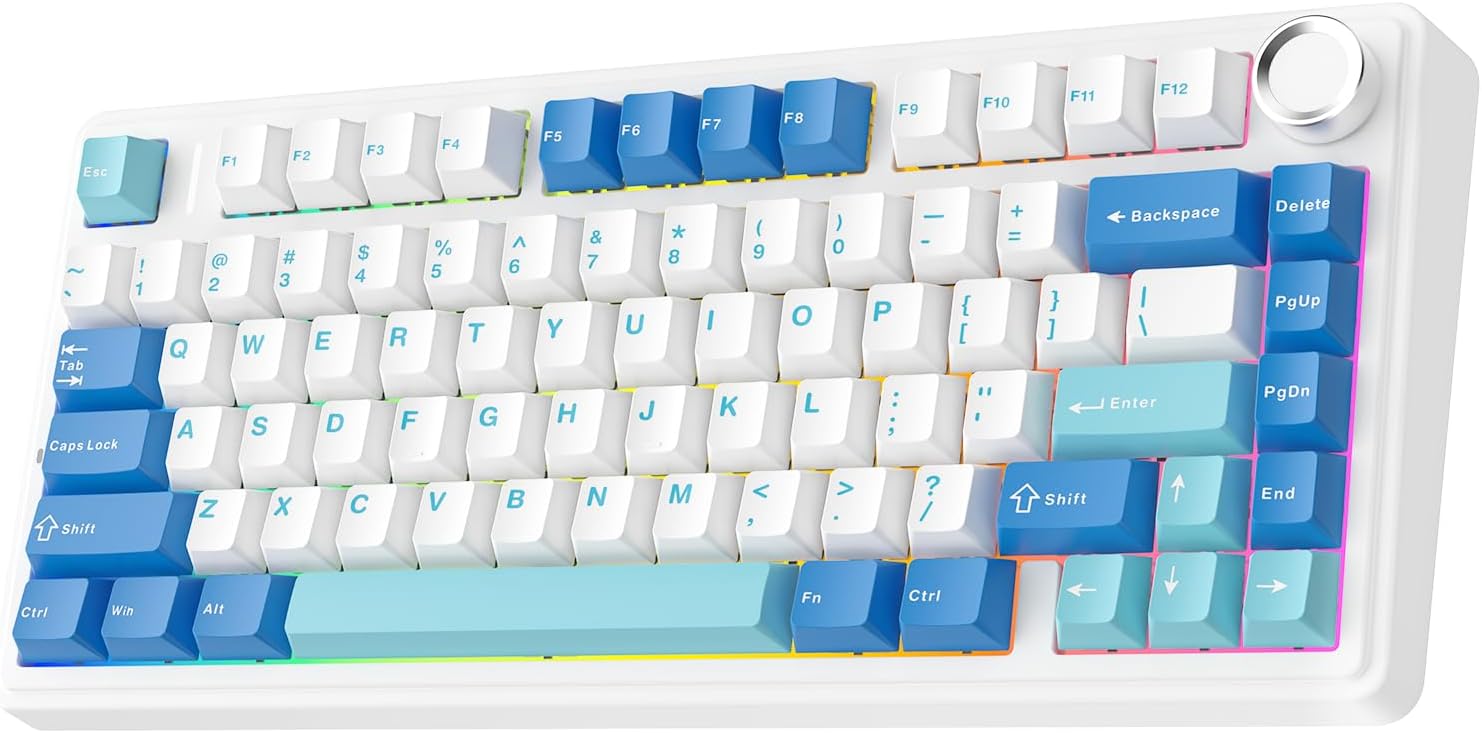
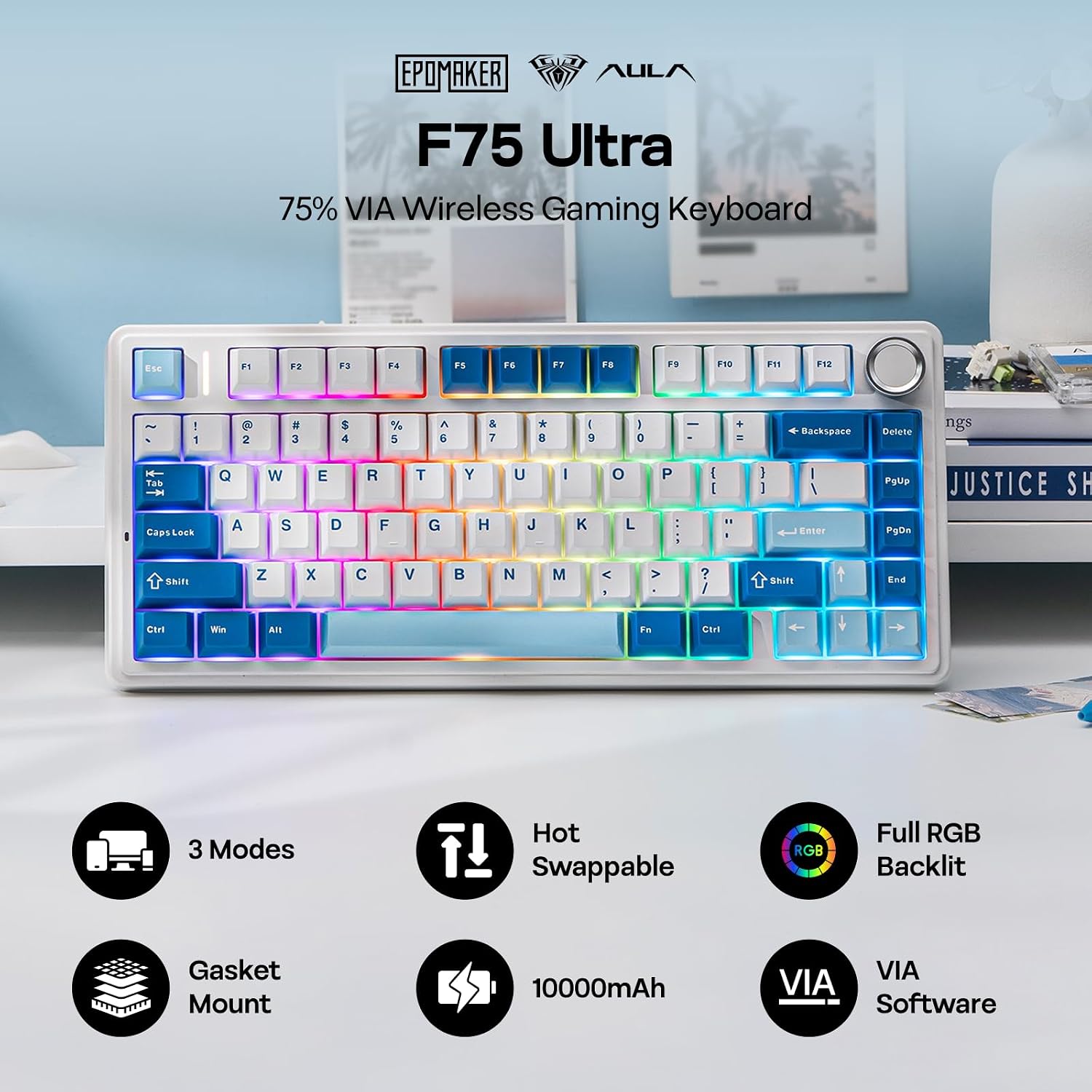
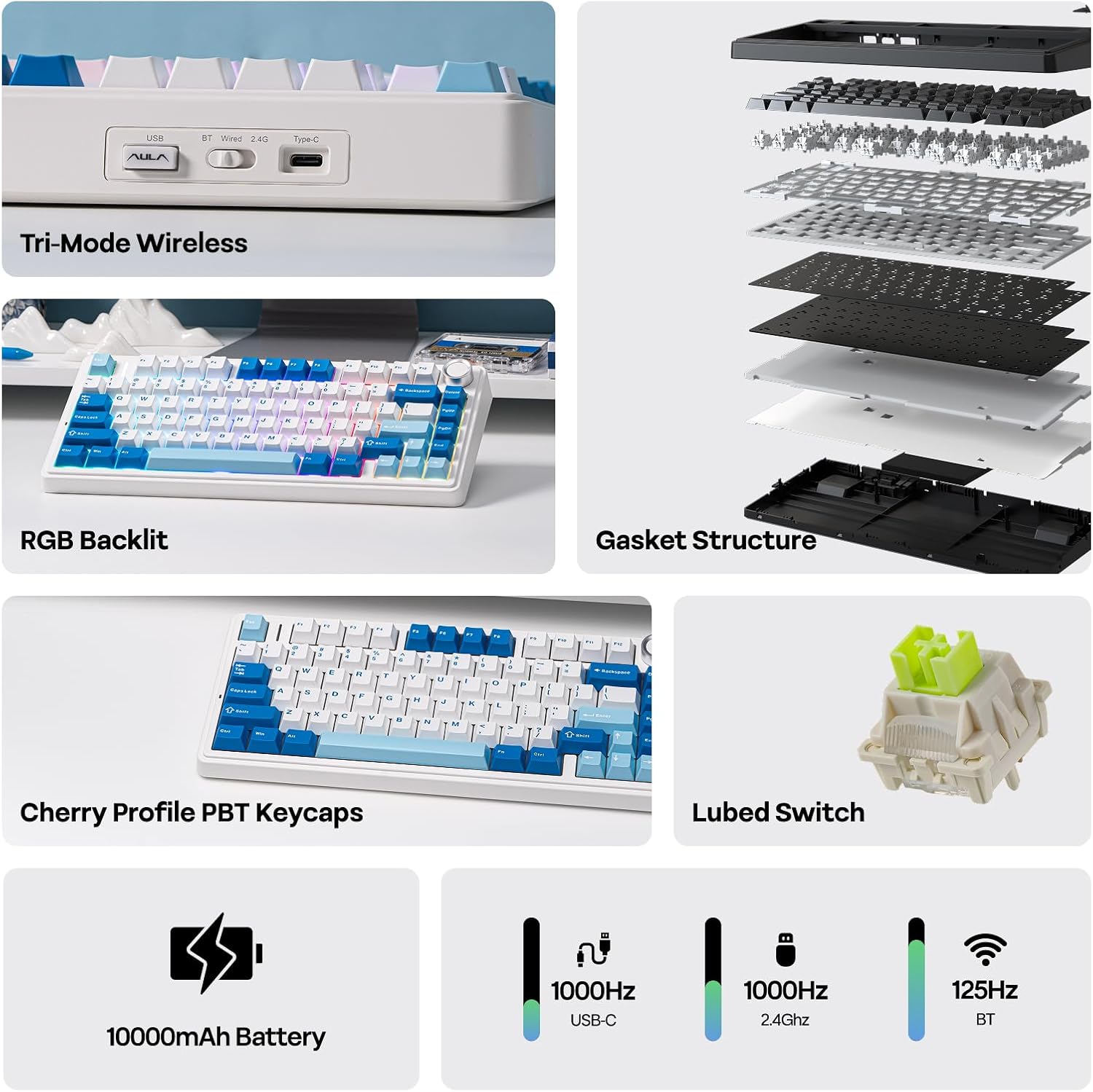
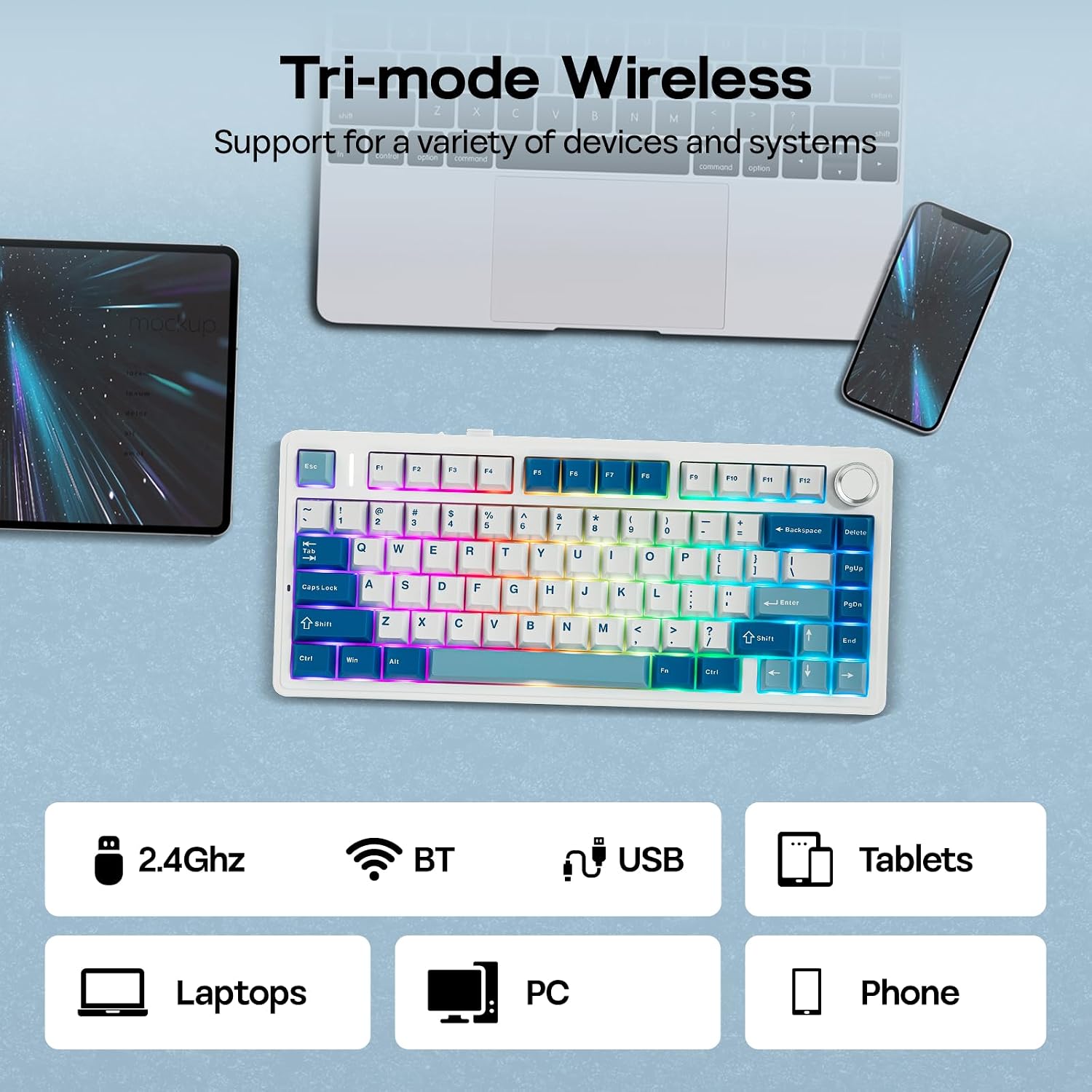
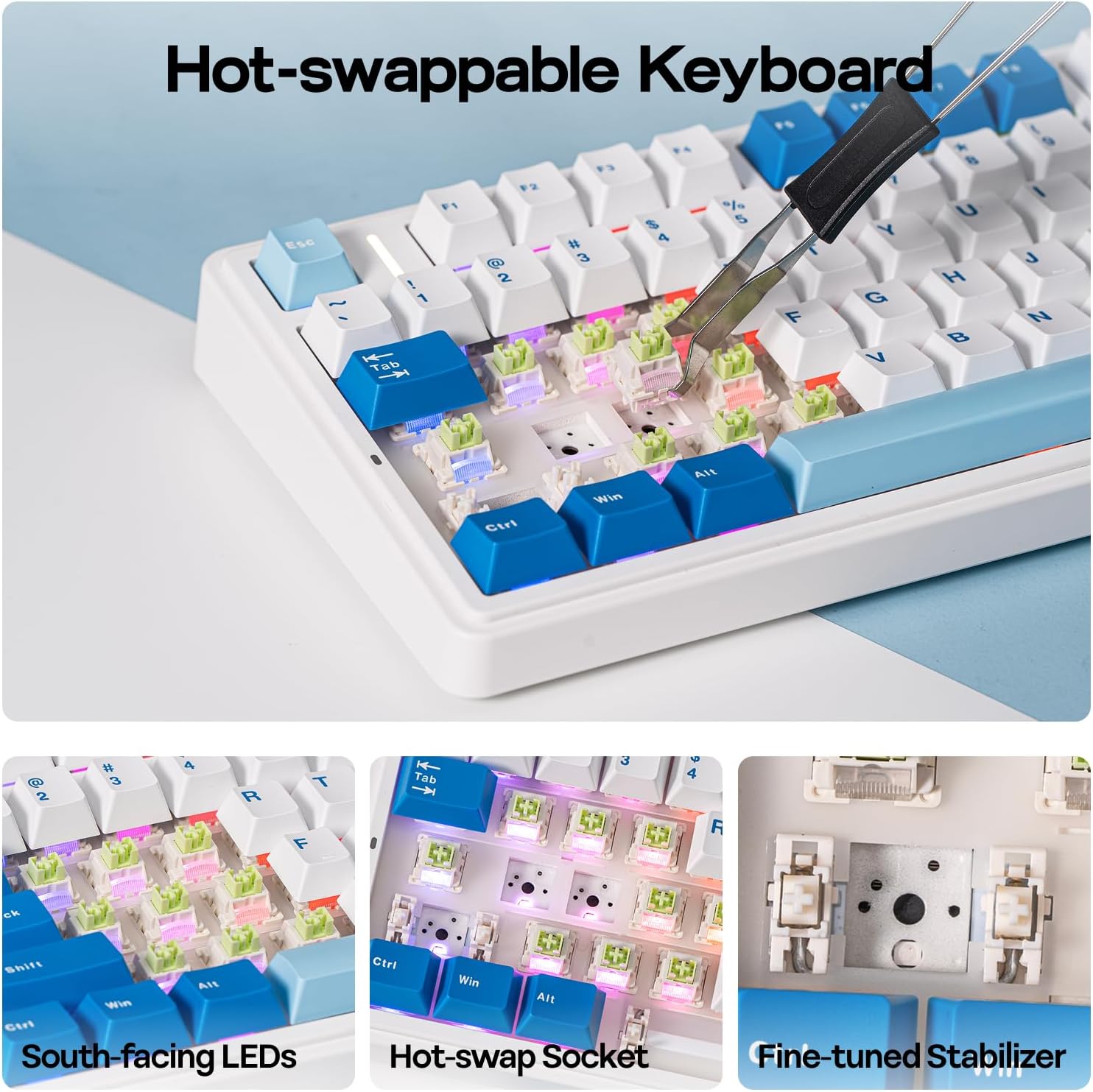
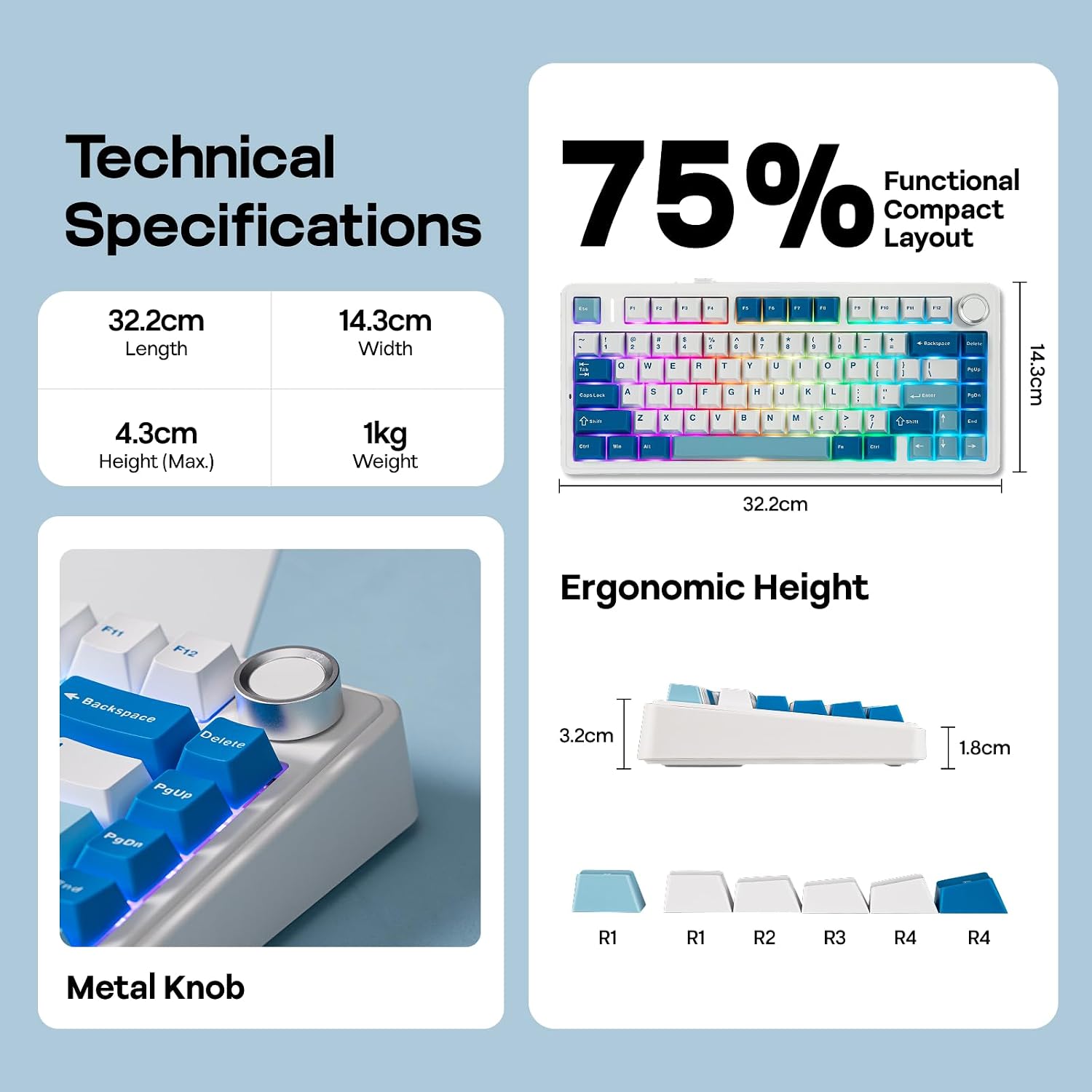
What it is and what it’s for\nThe EPOMAKER AULA F75 Ultra is a 75% wireless mechanical keyboard designed to balance desk space with full function. It supports VIA programming, hot-swappable switches, a built-in 10000mAh battery, and multiple connection modes (BT, 2.4GHz, and Type-C wired). If you want a compact board that still handles complex macros and layered key functions, this model aims to deliver.\n\n## Design, build and typing feel\nThis version continues the “creamy” sound profile, with factory pre-lubed switches and a gasket-style, multi-layer dampening approach to reduce bottom-out noise. The result is a thocky yet controllable keystroke that many typists describe as smooth and predictable. The Cherry-profile layout, low front height and adjustable typing angles (5°, 7.3°, 9.7°) are aimed at prolonged comfort, while a soft gasket structure absorbs keystroke shock to minimise fatigue. Practically, you’ll notice the difference more during long sessions than in short bursts.\n\n## Connectivity and software freedom\nA significant draw is the VIA compatibility, allowing custom JSON-based programming for complex macros and multiple layer switches. The hot-swap capability means you can try different switches without soldering, which is useful if you’re experimenting with feel and noise. The keyboard supports NKRO for simultaneous key presses, which matters in fast-paced games or workflow tasks that demand multiple inputs at once. In use, that translates to smoother transitions between actions, provided your host supports the connected modes.\n\n## Typing and gaming performance\nIn wired mode, 2.4GHz wireless, or Bluetooth, the F75 Ultra aims to provide stable performance with a 1k polling rate over 2.4GHz and NKRO. The anti-ghosting design helps prevent double chattering and mistypes during rapid keypress sequences. For gaming or heavy typing, that means a more predictable response, though results can depend on your system’s USB and Bluetooth stack.\n\n## Who it’s for\nIf you’re after a compact, feature-rich keyboard that can double as a productive tool and a gaming peripheral, this model fits a broad audience: programmers who value macros and layers, streamers or editors who want a clean desk, and gamers who prefer a responsive wireless option. It’s also attractive for Mac users due to broader OS compatibility, though you’ll want to verify any specific software integration on macOS.\n\n## What to watch out for\nThe premium feel comes with complexity: the VIA-driven configuration and hot-swap hardware require a bit of setup and familiarity with mechanical keyboards. If you prioritise plug-and-play simplicity over customisation, this might feel like more work than you need. Also, while the 10000mAh battery is substantial, real-world life will depend on RGB use and wireless mode.\n\n## How it compares to alternatives\nCompared with more basic wired boards, the F75 Ultra offers flexibility and bespoke lighting, plus wireless options. When you weigh it against larger keyboards, it trades extra keys for portability without sacrificing programmable controls. If you’re after minimal maintenance and straightforward use, a non-VIA board with fixed keys could be simpler, if you want deep customisation and wireless versatility, this model brings those capabilities together in a compact footprint.\n\n## What to look for before buying\n- Compatibility with your OS and whether VIA configuration works smoothly on your setup.\n- Preference for a creamy, dampened keystroke versus a stiffer feel.\n- How often you’ll use wireless modes and whether you need USB-C wired reliability.\n- Battery expectations in relation to RGB usage and polling rate.\n\n## Practical use case\nImagine stepping away from a desk for a moment and returning to a comfortable, well-lit board where you can quickly rebind keys for a macro that launches your next project. In a dorm or shared office, the soft sound profile and gasket padding can help keep typing quiet enough for late-night work without disturbing others.\n\n## Final decision — Is it worth it?\nIt’s worth considering if you value a compact, well-pquipped wireless keyboard that can be tailored via VIA, and you’re willing to invest time in configuration to unlock its full potential. If you prioritise purely plug-and-play simplicity or a traditional 100% layout, you may prefer a different option.\n\n## FAQ (what you might want to know)\n- Does VIA support custom macro and layer switching on this model? Yes, VIA support is a core feature.\n- Can I swap switches without soldering? Yes, it offers hot-swappable switches.\n- Will it work seamlessly with Mac and Windows? It’s designed for cross-compatibility, but some OS-specific software features may vary.\n