

Redragon K585 PRO Wireless One-Handed Mechanical Keyboard (42 keys, Red switch)
Product description
If you like the idea of a gaming keypad without the desk clutter, the Redragon K585 PRO is built around one clear premise: a compact, one-handed mechanical keyboard that you can place where it suits you. It’s designed to be cable-free via Bluetooth and 2.4Ghz wireless, with a detachable wrist support and 7 onboard macro keys for quick command setups.
That said, it’s not trying to replace a full-size keyboard. On paper, it’s more of a specialist control deck for games (and workflow shortcuts), and it may feel limited if you’re expecting a complete typing replacement.
At a glance
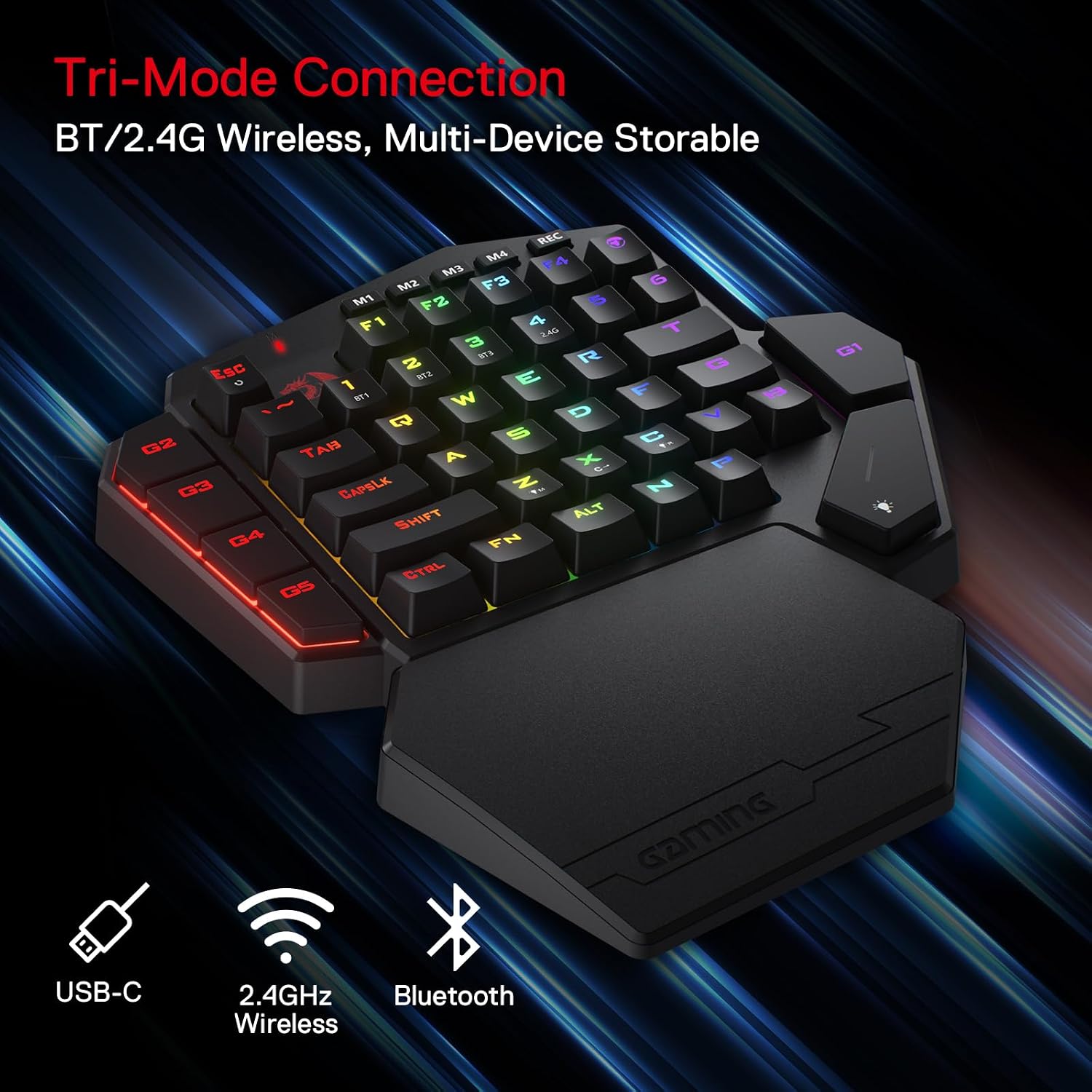
This is a 42-key one-handed mechanical keyboard aimed at PC gaming use, using a Red switch setup with a linear, smooth feel. Connectivity is handled through BT or 2.4Ghz wireless, so you’re not locked into sitting the keypad only on a specific side of your main keyboard.
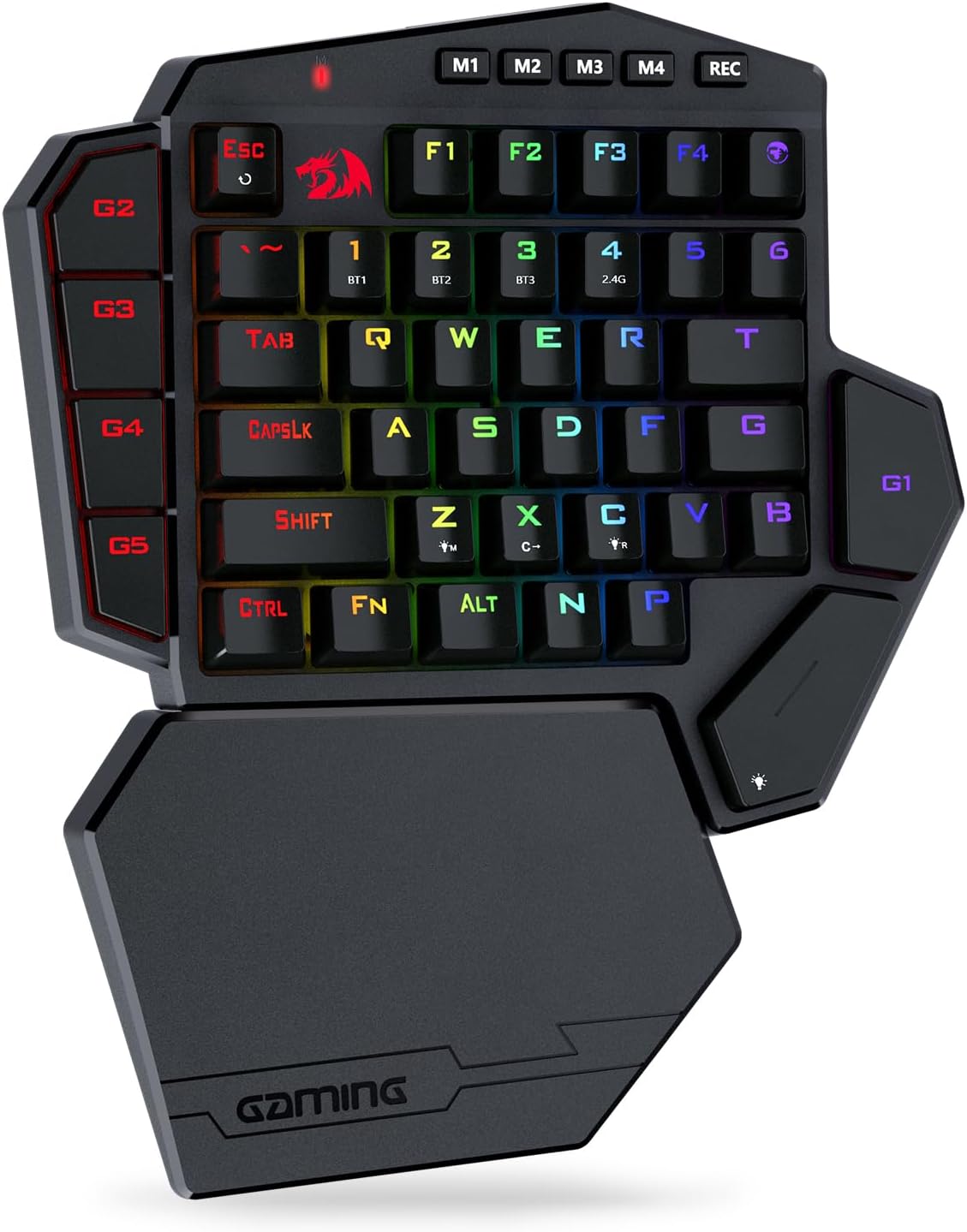
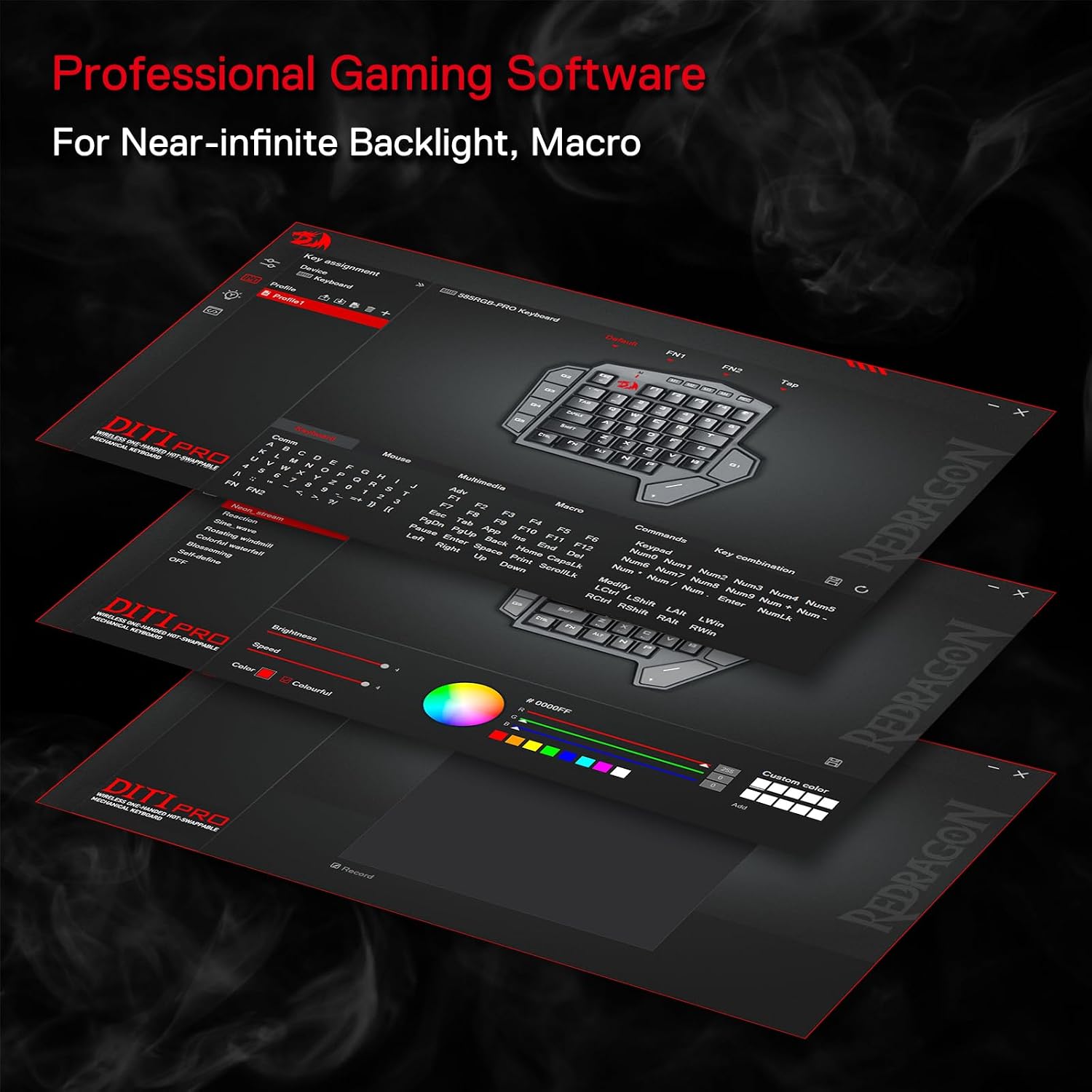
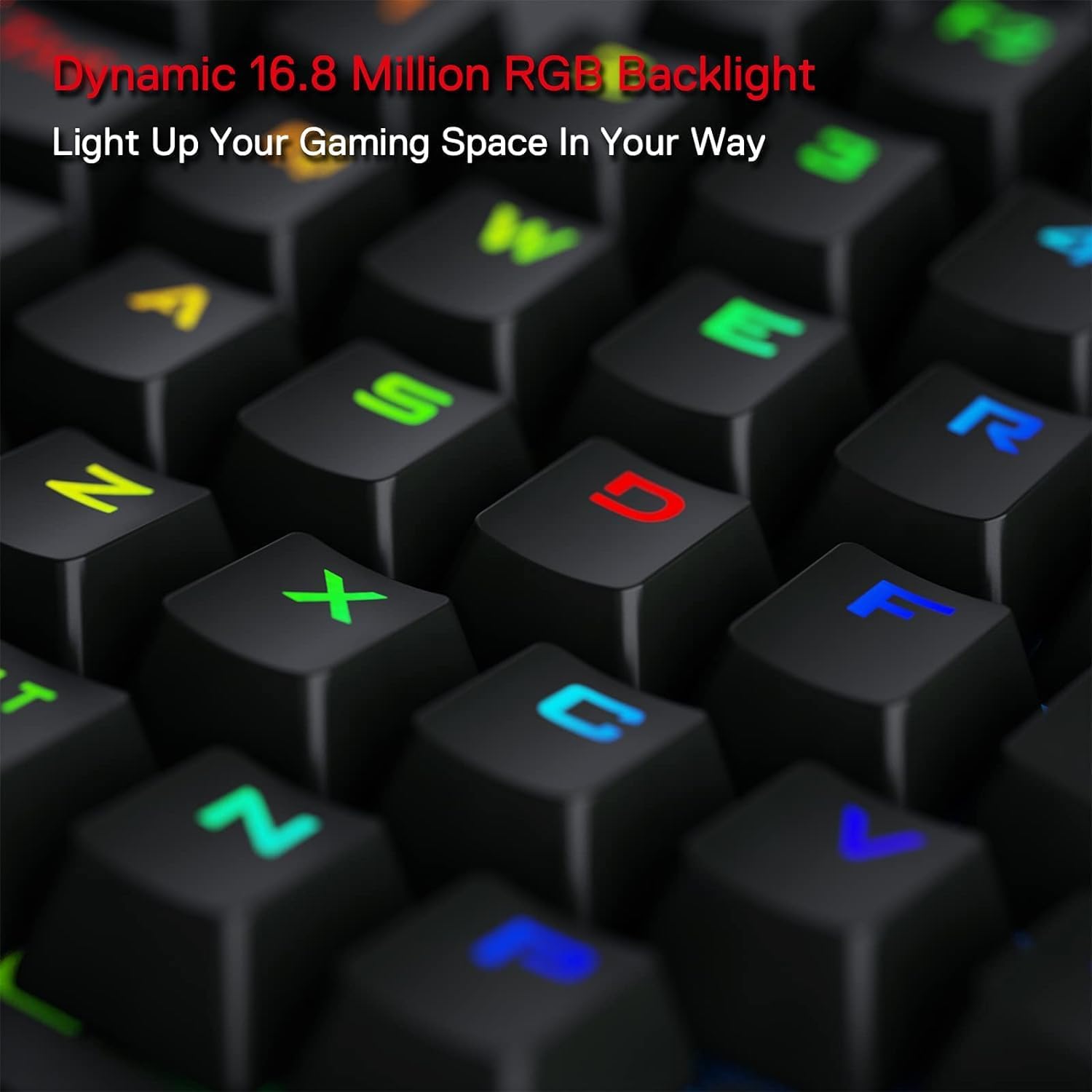
The layout is small and focused, which can be a real advantage in fast sessions where you want key access close to hand. There’s also an onboard macro approach with 7 programmable keys, plus RGB backlighting controlled directly through the keyboard.
What really stands out in use
The “no-distractions” wireless angle is the biggest day-to-day difference here. If you’ve ever had a keypad tethered to one spot on your desk, being able to place it more freely can matter more than you’d expect—especially in games where your hand position shifts between actions.
On top of that, the wrist support is detachable and magnet-connected. In practice, that’s helpful if you sometimes prefer a cleaner desk setup, or if you want the support only during longer sessions.
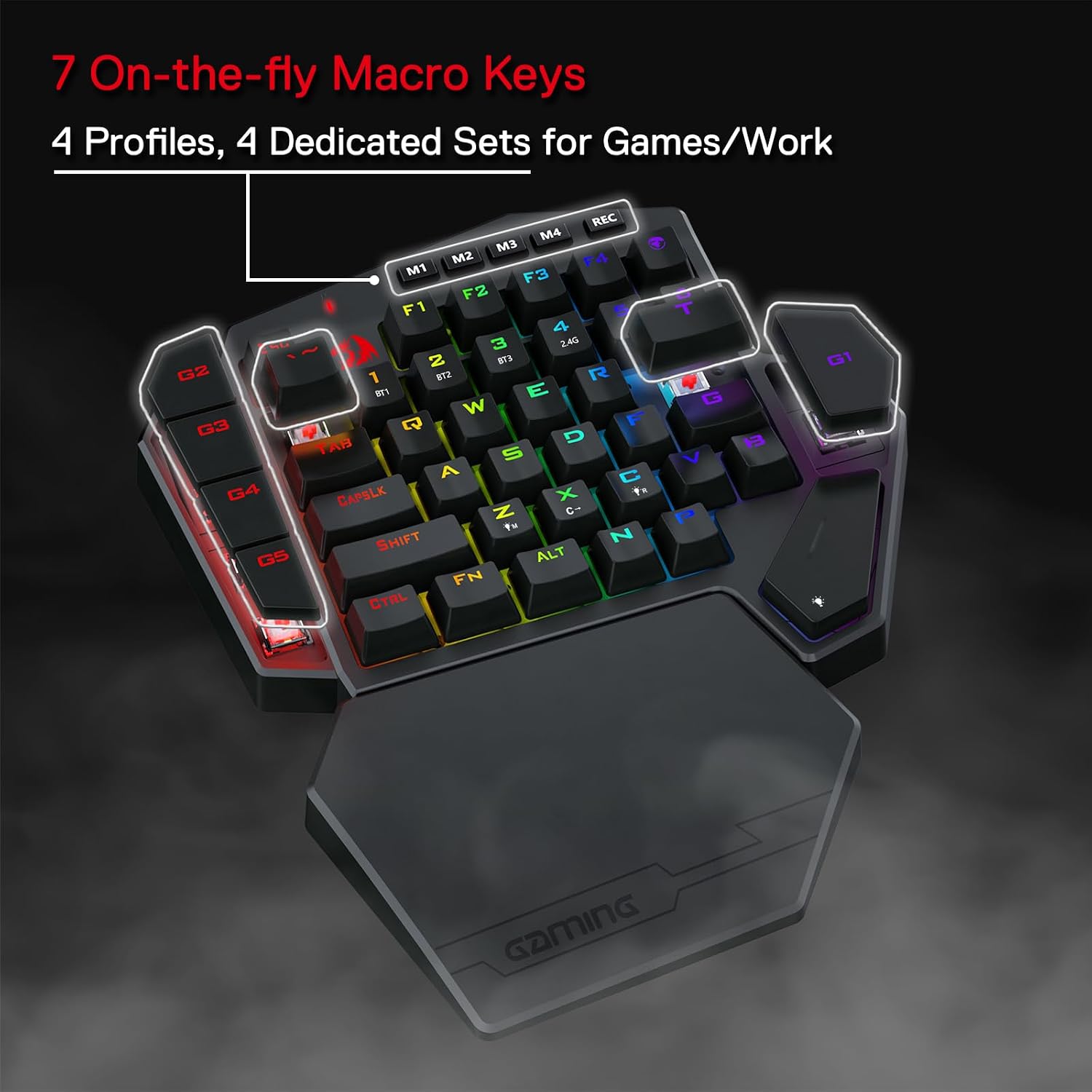
For a quick example: if you play a title where you regularly use a small set of abilities, you could assign key sequences to the 7 macro keys so you trigger combinations in one press, instead of bouncing between several keys. It’s a straightforward workflow win, even if you don’t go super deep into complex scripting.
Tech specs
- Type: One-handed mechanical keyboard / gaming keypad
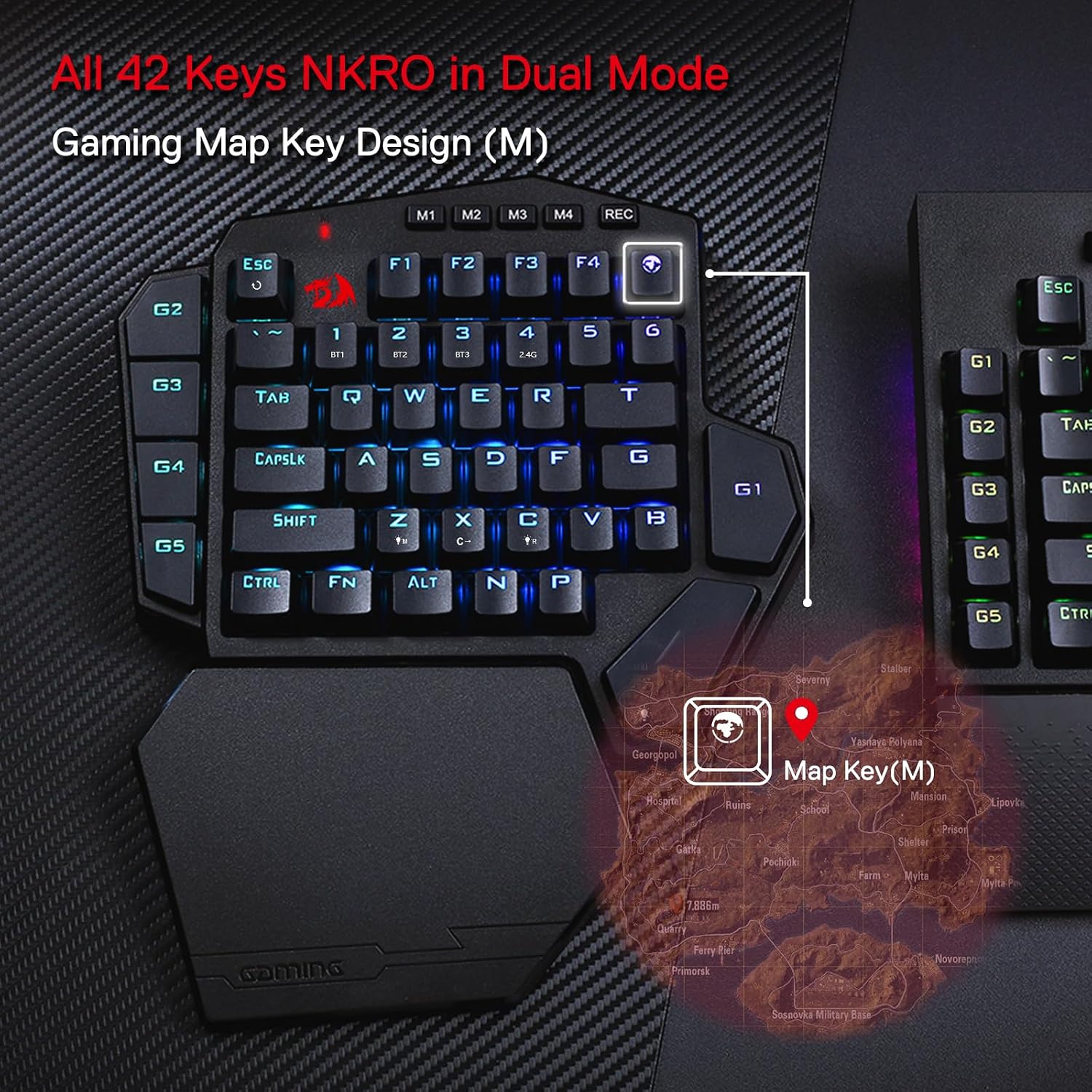
- Keys: 42 keys
- Wireless: Bluetooth and 2.4Ghz wireless data transmission
- Modes: 3-mode wireless
- Switch: Red switch (linear, smooth registration)
- RGB backlight: Included
- Macro keys: 7 onboard programmable macro keys
- Charging: Detachable USB-C cable (fast charging stated)
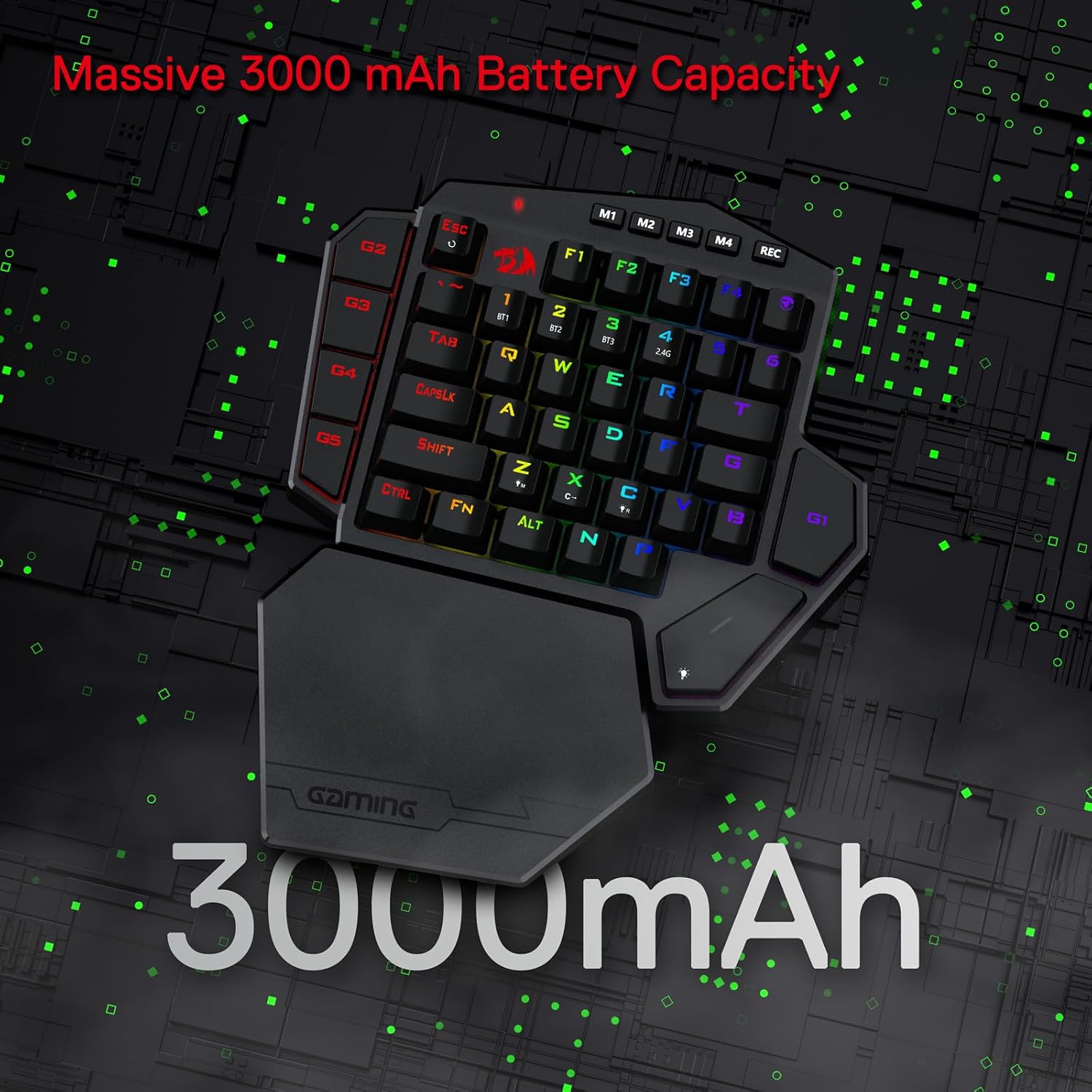
- Battery life: up to 15-20 hours continuous play time with RGB backlight on (as stated)
- Fast charging time: up to 10 hours fast charging (as stated)
- Wrist support: Detachable wrist support connected by magnets
Battery life and charging: the practical bits
On paper, the battery is one of the more reassuring parts of the package. The stated continuous play time of up to 15-20 hours with RGB on gives you enough headroom for regular evenings without planning your life around charging. And the mention of fast charging via a detachable USB-C cable (with 10 hours fast charging stated) suggests you won’t be stuck waiting around if you forget.
Still, it’s worth bearing in mind that battery expectations can vary depending on how bright or active your RGB settings are and how often you’re using wireless—so consider the headline figure as a ceiling rather than a promise.
Key takeaways: who it suits (and who should pause)
This is a good fit if you want a compact, one-handed control device for gaming, you value wireless freedom, and you’re likely to benefit from 7 macro keys for quick in-game actions. It also makes sense if you prefer a mechanical feel with quieter, linear Red switches.
It’s not the best choice if you need a full keyboard for everyday typing, or if you want a broader, traditional keyset. A 42-key keypad will always be a compromise in terms of direct key coverage, even if the macros help reduce what you have to press.
You may want to skip it if your main priority is a complete productivity keyboard. Likewise, if you’re very sensitive to layout quirks, a one-handed format can take a bit of adjustment.
When it makes sense?
Buy the Redragon K585 PRO if you’re after a wireless one-handed mechanical keypad for gaming or shortcut-heavy use, and you’ll realistically map your habits onto the 7 onboard macro keys. The detachable magnetic wrist support and the BT/2.4Ghz flexibility make it easier to set up your desk the way you actually play.
Don’t buy it if you’re expecting it to function like a full-size keyboard, or if you only want basic, single key presses with no interest in macros. And if you’re strict about how long a device should run in your exact setup, it’s sensible to treat the battery figures as estimates and think about your own RGB usage.
Mini FAQ
Does it work without a cable?
Yes. It uses BT and 2.4Ghz wireless transmission, and it’s described as cable-free.
How many keys and macro keys does it have?
It has 42 keys overall, including 7 programmable onboard macro keys.
What switch type is used?
It uses Red switches, described as linear and smooth with quiet registration.
Will the wrist support detach?
Yes. The wrist-rest is detachable and connected via magnets.
Is RGB included?
Yes, RGB backlight is included, and battery life is stated with RGB on.