

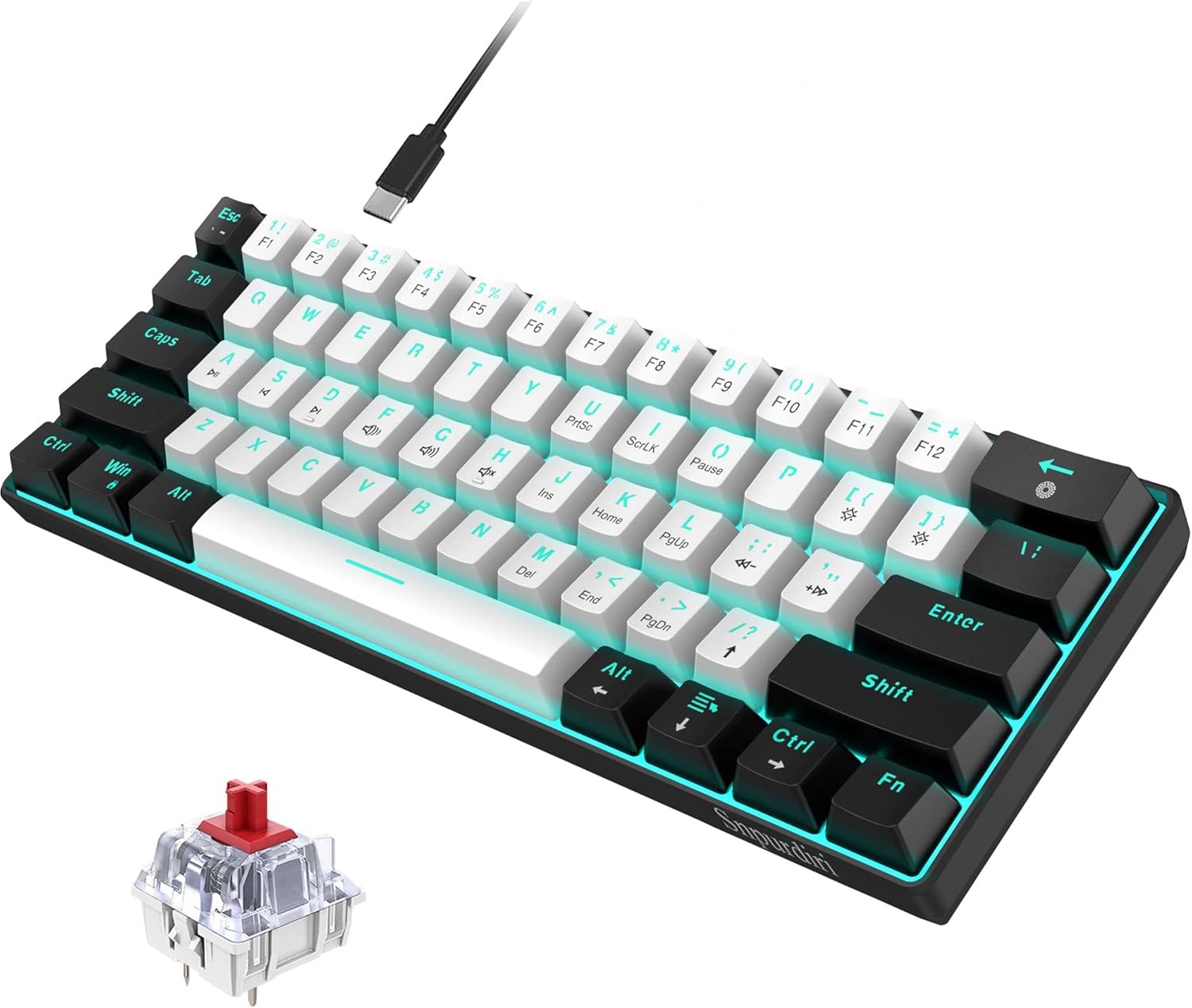
Snpurdiri 60% wired mechanical gaming keyboard with red switches and ice blue LED backlight (61 keys, detachable USB-C)
Product description
If you’re after a compact mechanical keyboard that you can use for gaming and everyday typing, the Snpurdiri 60% wired model is designed for exactly that trade-off. It’s small enough to save desk space, yet keeps 61 standard keys and aims to feel straightforward to live with thanks to plug-and-play.
That said, it’s not trying to be a full-size premium board. Over the page, you’ll want to check whether a 60%/mini layout and a wired connection suit your setup before you commit.
The essentials
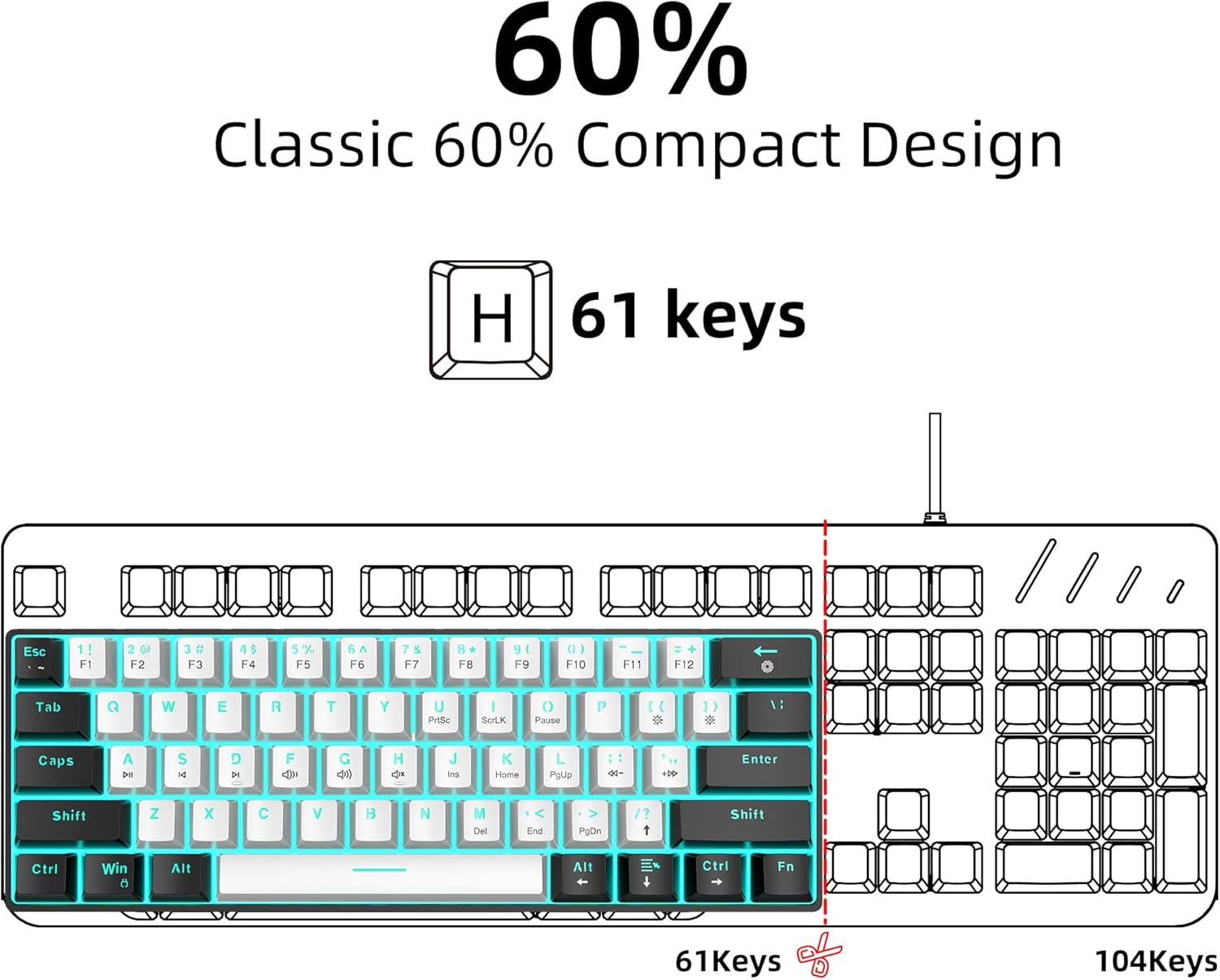
This is a 60% wired mechanical keyboard with 61 keys. The layout is ultra-compact, which helps if you’re gaming at a crowded desk or want less clutter while working. It also comes with a detachable USB-C cable, so moving it between a desktop and a laptop/workspace is less of a hassle.
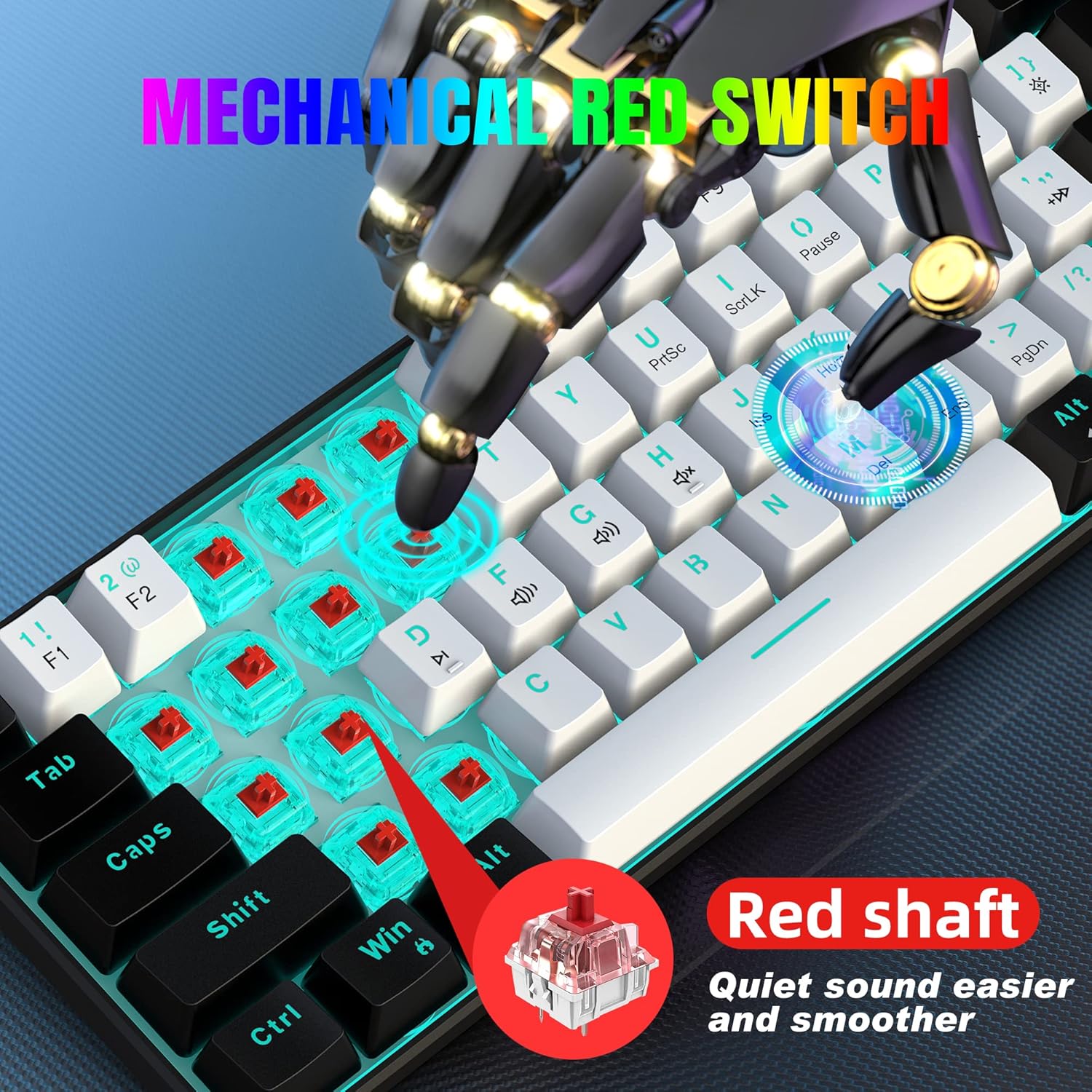
On the feel side, it uses mechanical red switches. On paper, red switches are the type many people associate with faster, lighter key presses, which is why they’re often picked by gamers and frequent typists. If you like a lighter action and don’t need a heavy key feel, this general direction makes sense.
What matters in day-to-day use
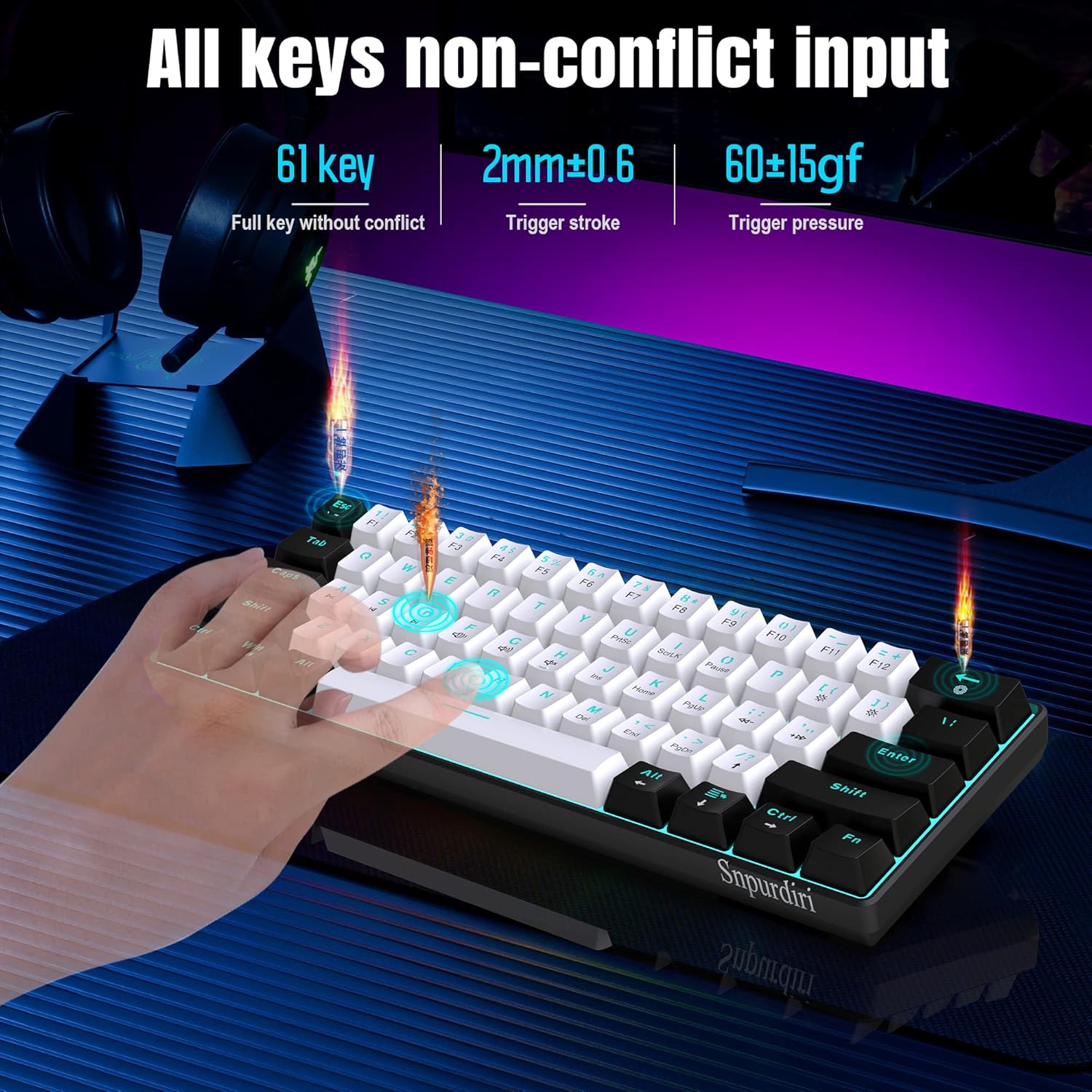
A big part of buying a 60% keyboard is how quickly you adapt to the layout. This one keeps 61 standard keys and is described as “conflict-free”, which is useful for reducing weird key overlaps when you’re typing quickly or pressing combinations.
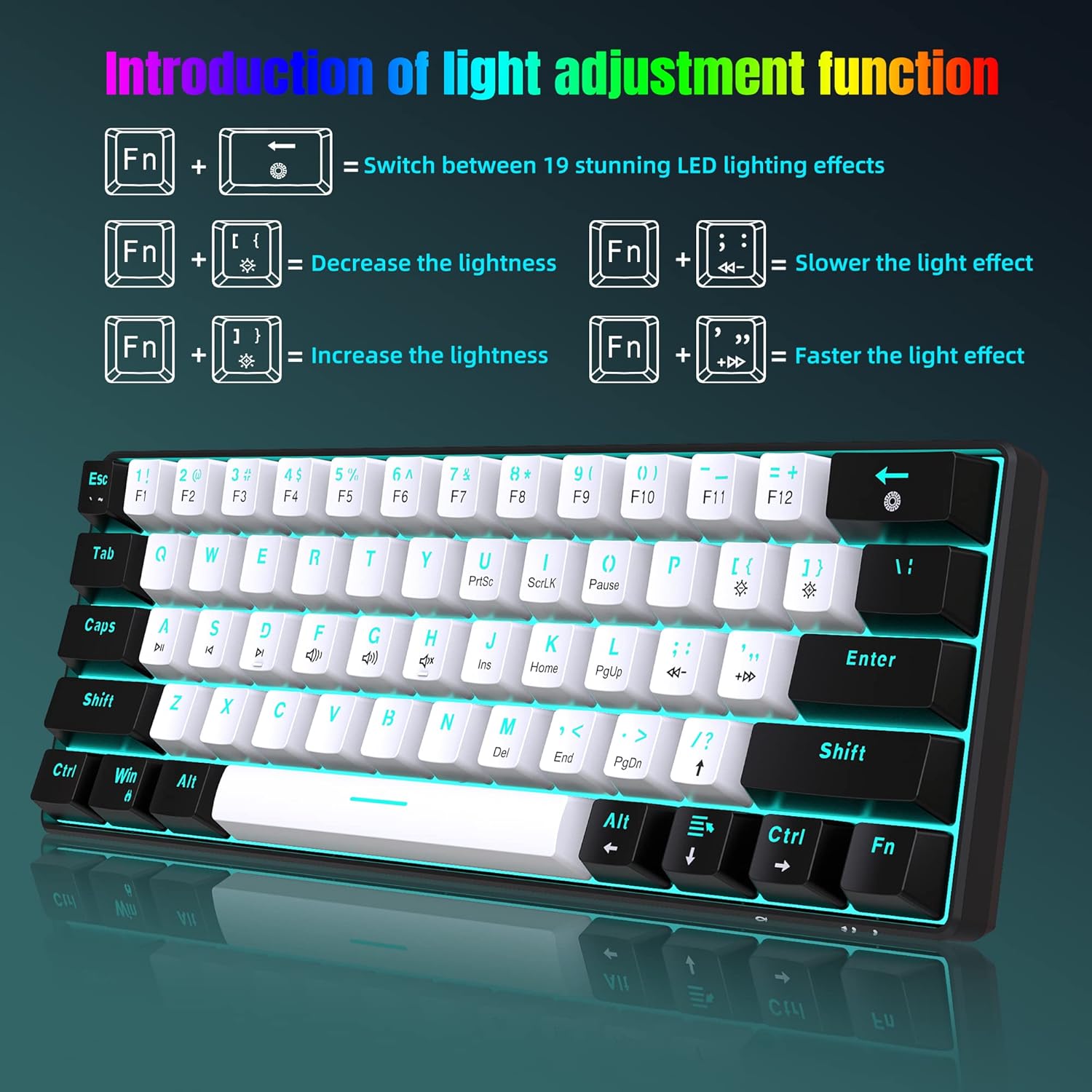
The ice blue LED backlight is there for visibility and ambience. It’s a simple colour choice (no “mess”, as the description puts it), and the design is clear rather than overcomplicated, with a black-and-white mixed look. If you’re someone who cares about how readable the keys are in lower light, the “generous clear character” angle is worth noting.
Practical example: if you’re working late, you could keep the ice blue lighting on while using the compact layout at your laptop desk—then unplug the detachable cable and take the keyboard to a different station without fiddling with a permanently attached lead.
Key features worth noticing
Where this model leans in is in the combination of compact sizing, wired convenience, and a “just works” approach.
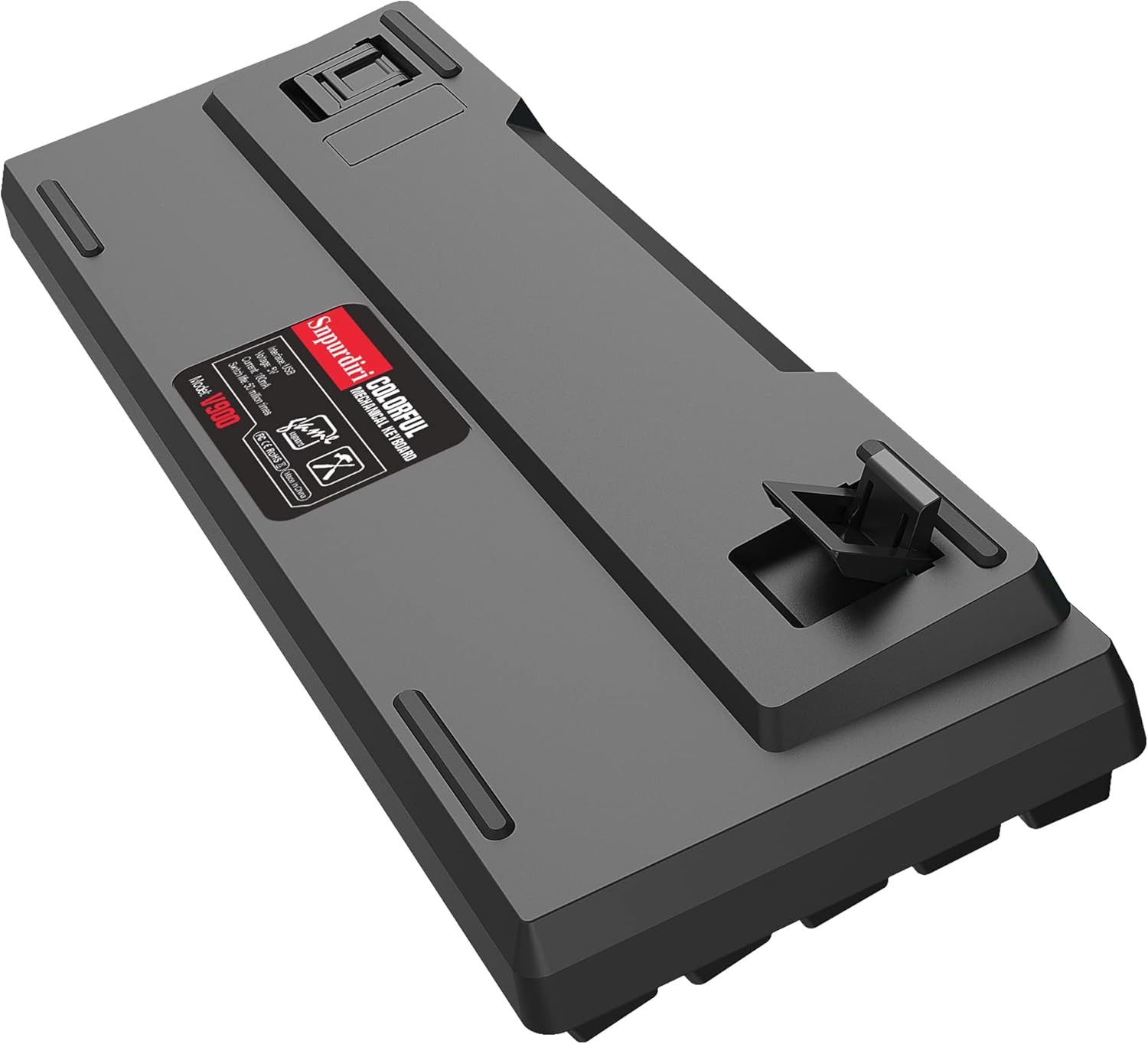
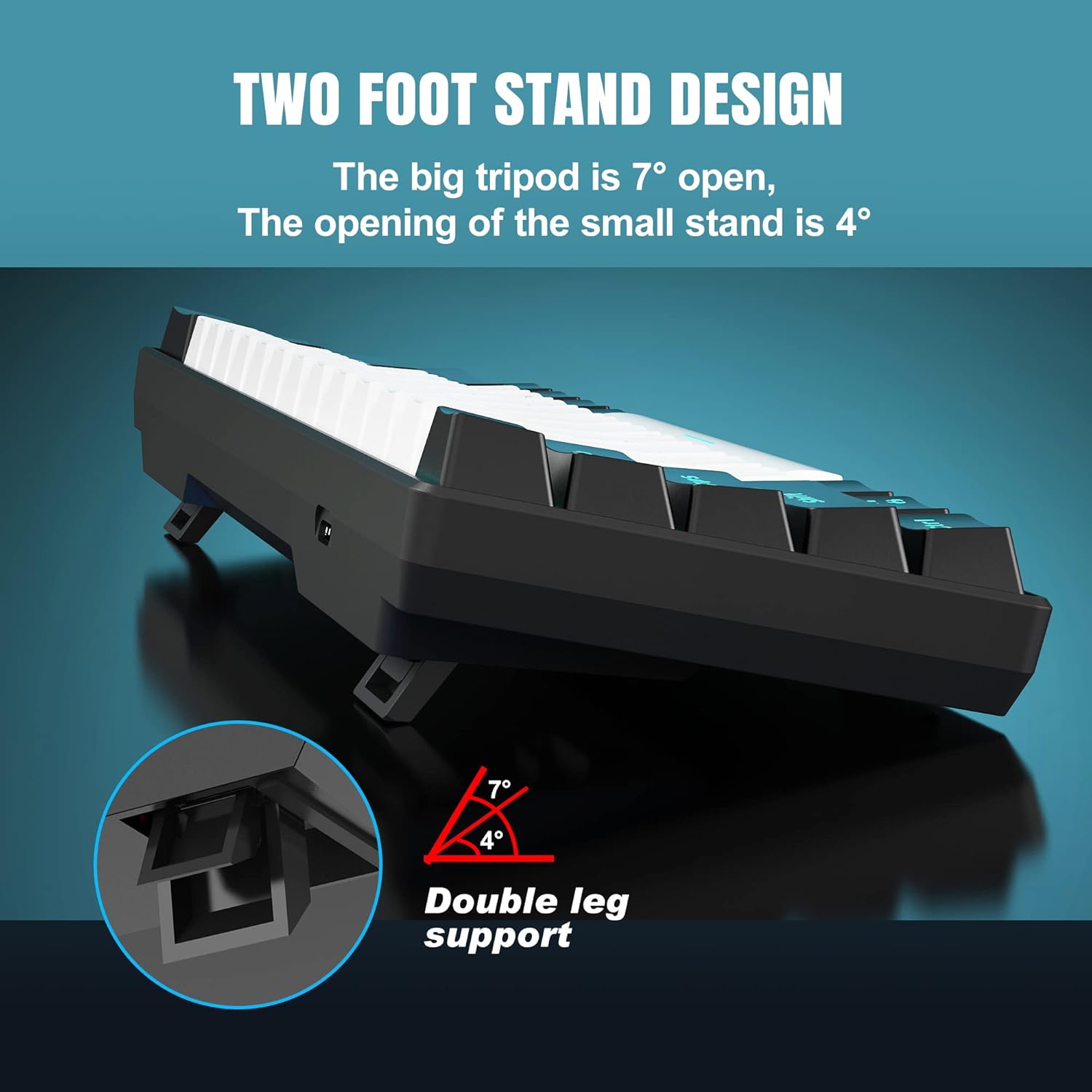
It includes two adjustable feet, so you can change the typing angle. That’s a small but real comfort factor if you plan to use it for longer sessions and don’t want to be stuck with one fixed posture.
It’s also positioned as plug and play: no drivers or software are required according to the description. For many buyers, that’s the difference between a keyboard that’s easy to set up and one that eats time on configuration.
Tech specs (as stated)
- Type: Wired mechanical gaming keyboard
- Size: 60% (61 keys mini layout)
- Switch type: Mechanical red switches
- Backlight: Ice blue LED backlighting
- Connection: Detachable USB-C cable
- Keys: 61 standard keys, conflict-free
- Compatibility (stated): Windows XP, Windows 7, Windows 10, etc.
Who it suits, and who should be cautious
It’s a good fit if you want a space-saving 60% board, you like the idea of red switches, and you’re happy working with a wired connection. It also suits anyone who prefers a plug-and-play setup over installing software, and those who may switch between a laptop and a desktop thanks to the detachable USB-C cable.
It might not be a great match if you rely on a full-size layout with a numpad every day, or if you’re very sensitive to switch feel and rely on detailed, third-party switch comparisons. Also, if you expected a more premium feature set beyond lighting, cable convenience, and basic adjustability (angle via feet), it can feel a bit more entry-level.
Buying verdict
Worth considering if you want a compact 60% mechanical keyboard with red switches, ice blue LED backlighting, and a detachable USB-C lead for easier transport. The adjustable feet and stated plug-and-play approach are the practical bits that help it feel manageable day to day.
It’s not for you if you need a full keyboard layout, or if you dislike wired boards. Also keep in mind that “compatibility with Windows XP/7/10 etc.” is broad—if you’re using a specific modern setup, it’s sensible to double-check compatibility expectations before buying.
Mini FAQ
Will I need drivers or software?
No drivers or software are required according to the description, as it’s described as plug and play.
Does it have a numpad?
No—this is a 60% / 61-key mini layout, so you should expect a compact footprint rather than a full-size layout.
What are the red switches like?
The description suggests they react more quickly and require less force to press, which is why they’re popular with gamers and frequent typists. Individual feel still varies, so it’s worth considering your preference.
Is the cable removable?
Yes, the USB-C cable is detachable, which should make moving it between devices easier.
How adjustable is the typing angle?
It includes two feet to adjust the positioning angle, helping reduce fatigue if you use it for longer periods.