

5-Port USB Hub for PS5 Console Expansion – Compact, High-Speed USB Hub
Reviews
Price
Product description
What it is and what it solves
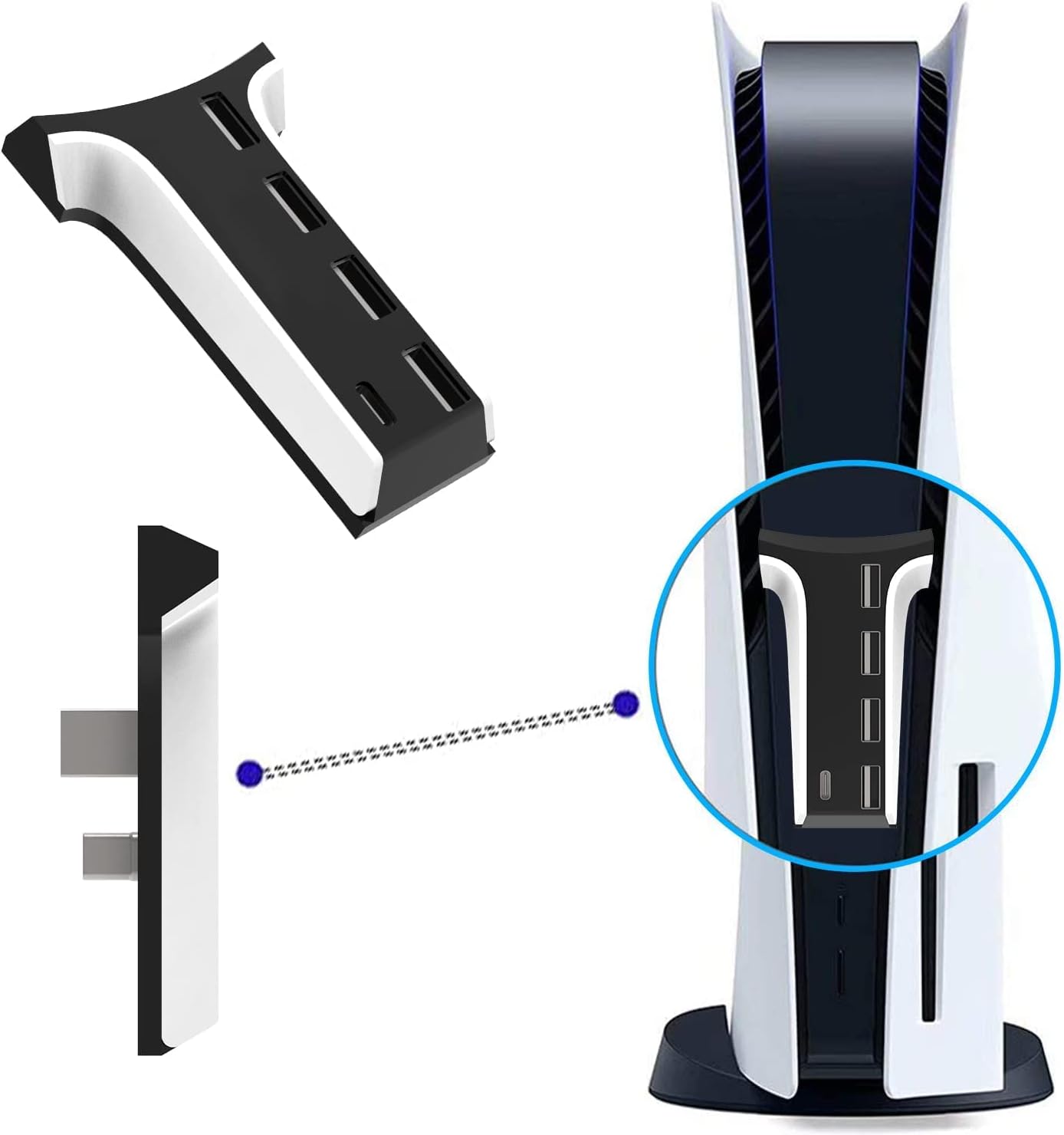
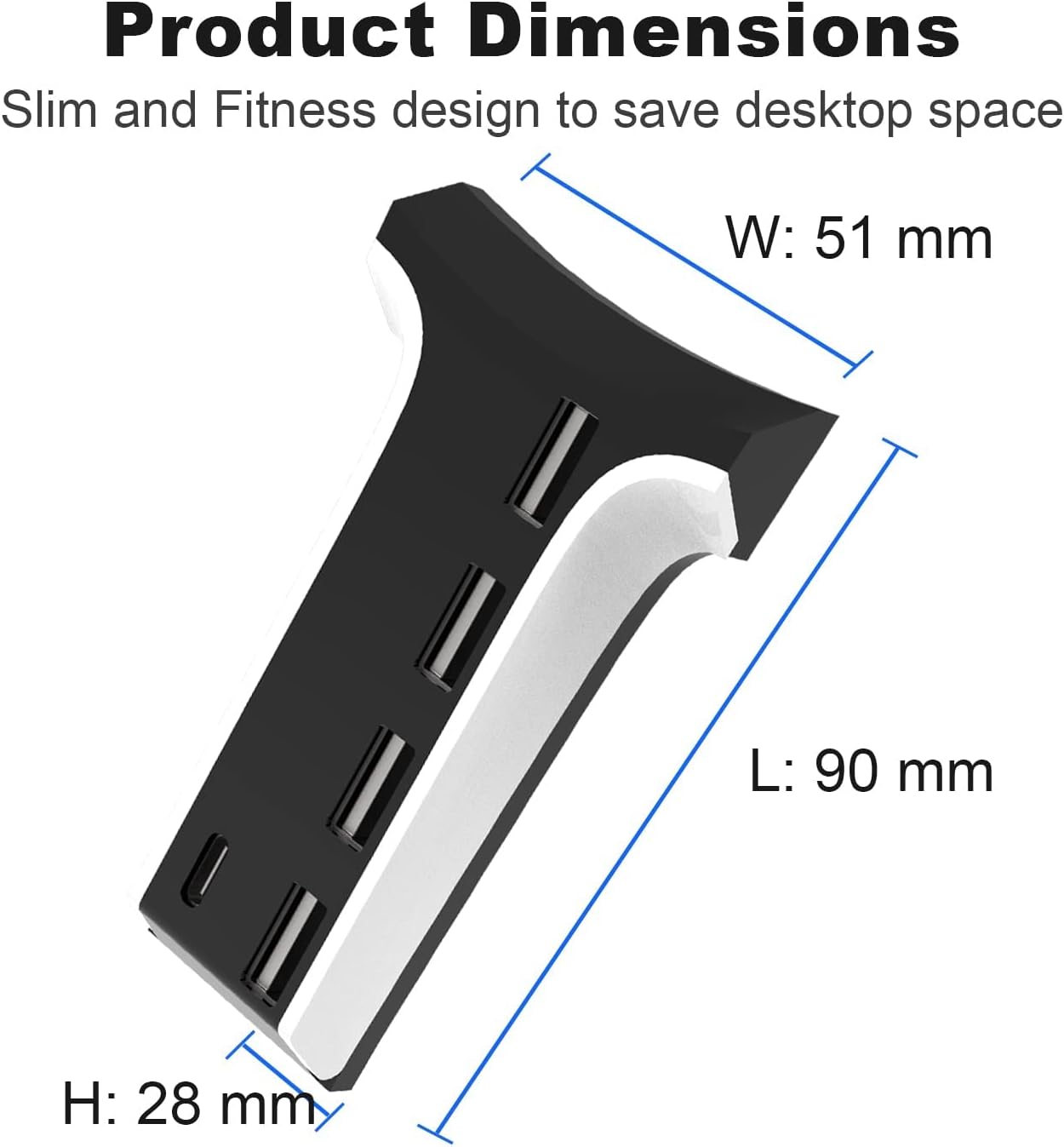
This is a small and compact USB hub designed to expand the PS5’s connectivity, adding five ports in total. Sized at 103mm by 38.2mm by 9.7mm, it aims to sit neatly without blocking the host’s heat dissipation hole and to free up desk space with a vertical design.
How it’s configured
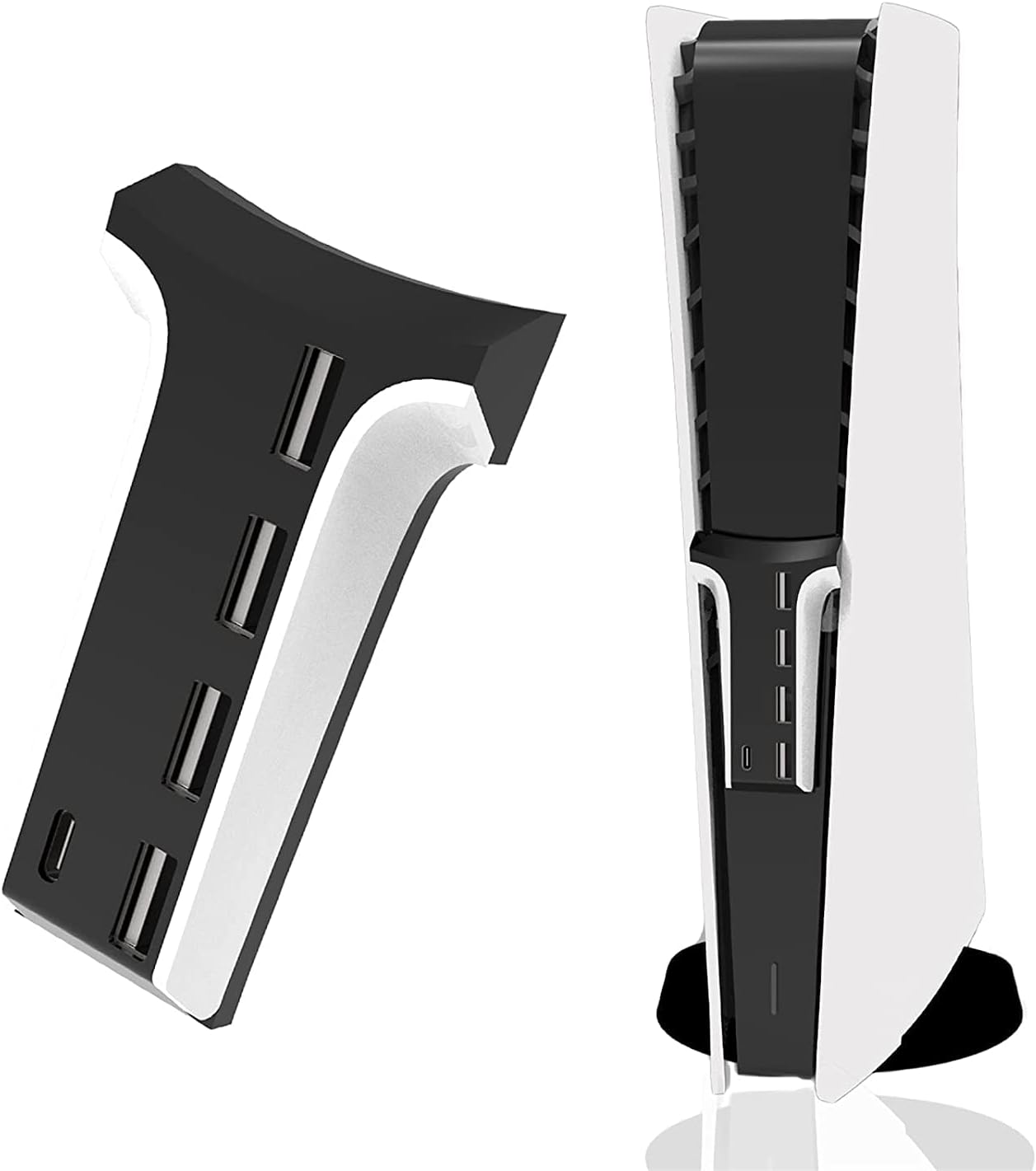
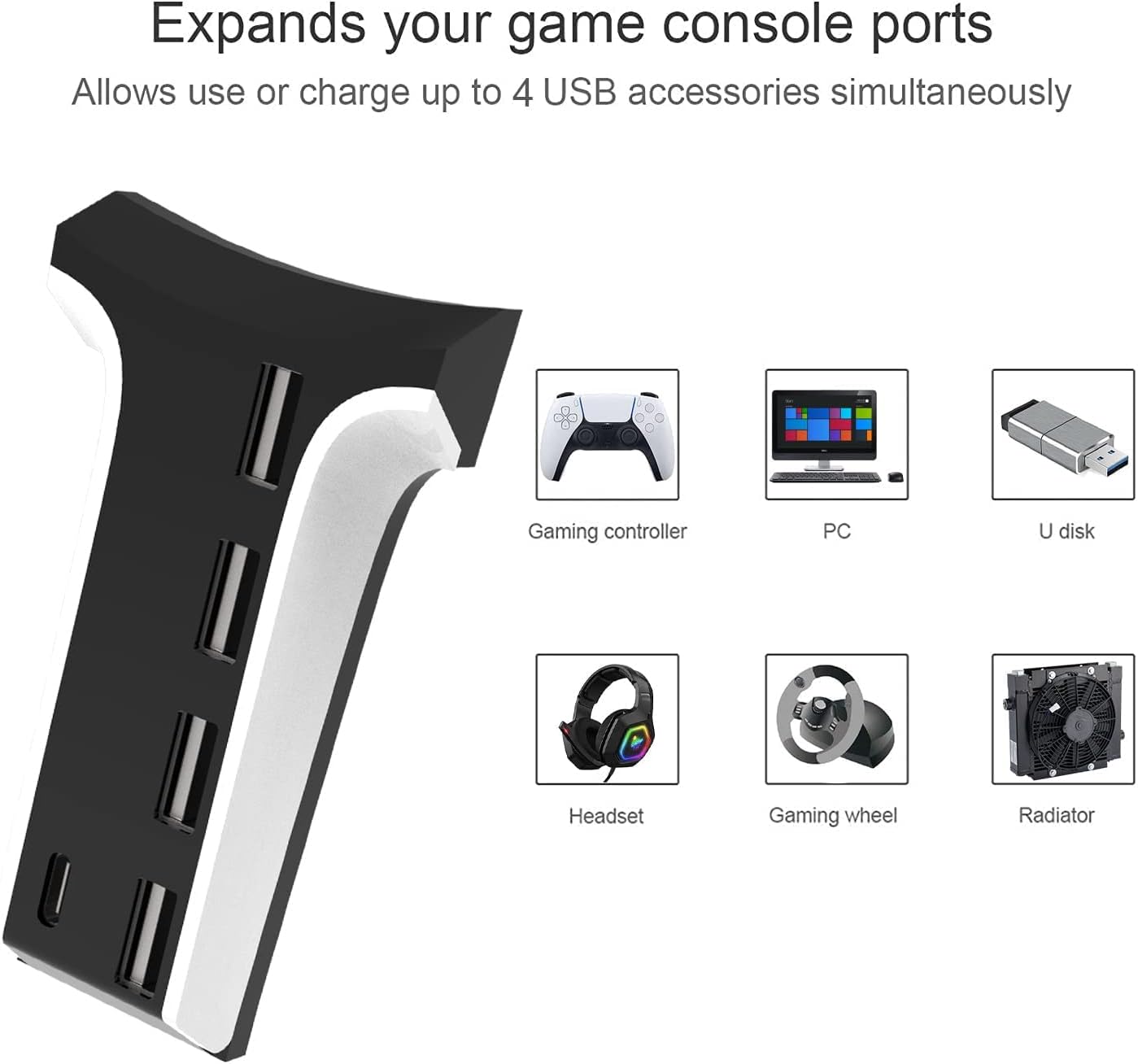
The hub provides 3 USB 2.0 ports, 1 USB 3.0 port and 1 Type-C port. That combination covers common peripherals like steering wheels, controllers, Bluetooth adapters and charging stands. A notable detail for PS5 users is that the console can connect a mouse and keyboard directly via the hub, while PS4 peripherals typically require a keyboard/mouse converter.
Performance and compatibility
The hub supports high-speed data transfer and remains compatible with USB 2.0 devices, aiming to deliver reliable performance across peripherals you might plug in. It’s positioned as a straightforward expansion option rather than a high-end interface card.
What stands out
Its slim, vertical design is deliberate: it saves desktop space and keeps the PS5’s silhouette intact. If you prioritise keeping the console looking uncluttered while gaining extra ports, this design choice helps.
Limitations and caveats
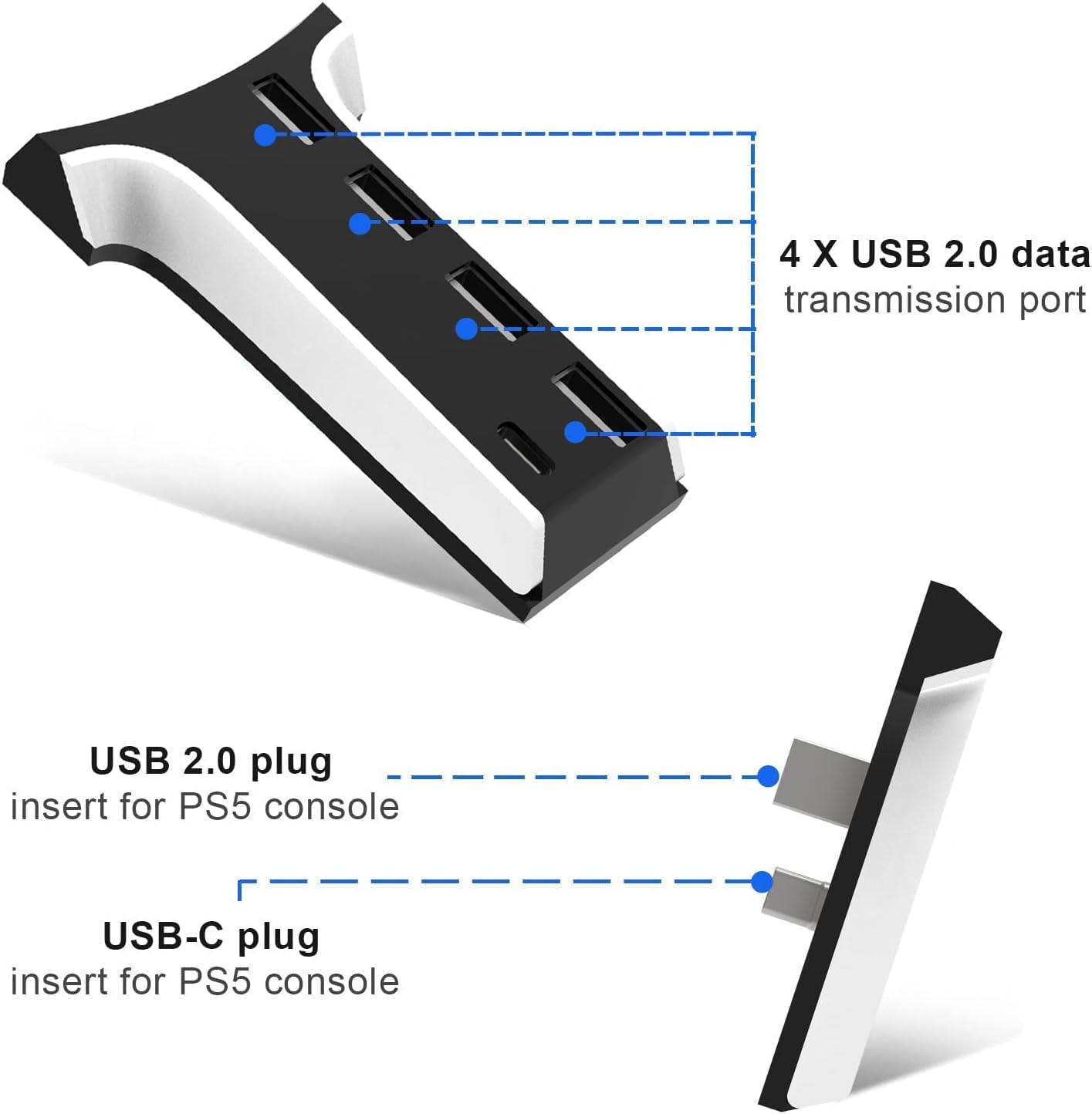
On the technical front, the mix of USB 2.0 and USB 3.0 is common for a five-port hub of this form factor. If you need very high data throughput for large file transfers or certain demanding peripherals, you may notice the USB 2.0 ports limiting performance compared with a full USB 3.0 arrangement.
Who it’s for
This hub is well-suited for PS5 owners who want a compact, plug-and-play expansion to connect a few common peripherals or a charging dock without adding bulk to their setup. It can be a practical option for those who want to keep the PS5’s footprint small while maintaining easy access to extra ports.
Who it isn’t for
If your priority is maximum throughput across all ports or you require direct support for a wide range of USB-C devices with newer high-speed standards, this hub may not meet those needs. It’s also not a replacement for a dedicated high-performance USB hub when working with very data-intensive peripherals.
When it makes sense to buy
Consider this hub if you want extra USB ports for everyday gaming peripherals and accessories while keeping the PS5 compact and visually unobtrusive. It’s a sensible upgrade for casual or mixed-use setups where space matters and you don’t need the fastest possible USB transfers everywhere.
What to check before you buy
- Confirm that your required peripherals align with the 3x USB 2.0, 1x USB 3.0 and 1x Type-C configuration.
- If you rely heavily on USB 3.0 for high-speed devices, understand that only one port is USB 3.0.
- Ensure there is sufficient clearance for the hub’s vertical orientation and any cable routing you plan.
Practical use case
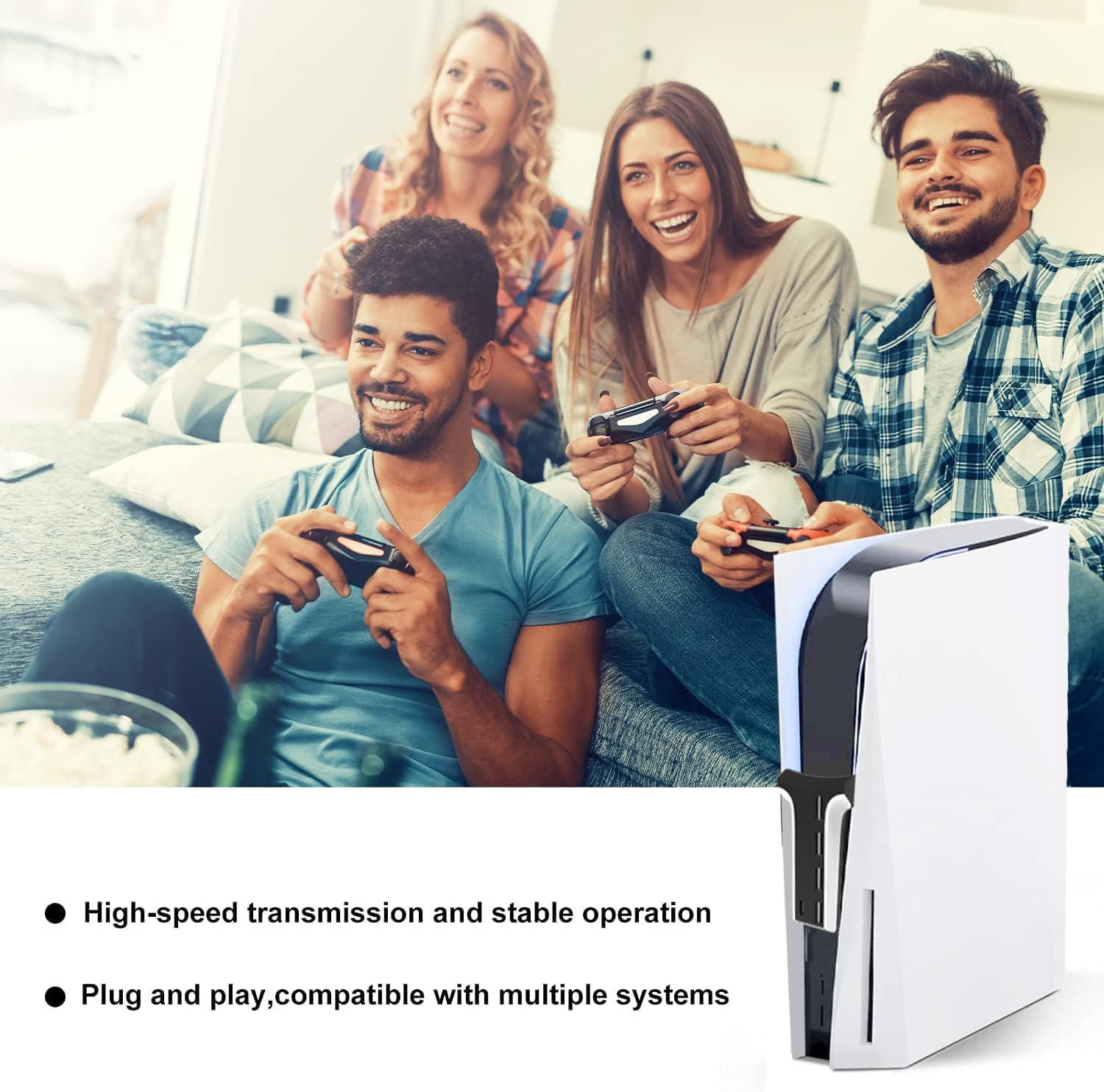
Imagine a PS5 setup where you want quick access to a wireless controller, a USB keyboard for quick input, and a charging dock for peripherals. The five-port hub allows you to plug in these essentials without crowding the main console area, and the USB-C port can serve charging or another peripheral depending on your needs.
FAQ
- Does it block the PS5’s heat dissipation hole? No, its compact vertical design is intended to avoid blocking the hole.
- Can PS4 peripherals work directly? PS4 keyboard and mouse typically can’t connect directly, you’d need a converter.
- Is it hot to touch during use? The base design is compact, actual heat dissipation will depend on the PS5 and connected devices.
Final decision
Should you buy it? It makes sense if you value extra USB connectivity in a compact footprint and you’re okay with a mix of USB 2.0 and USB 3.0 performance. If your setup relies on maximum USB 3.0 throughput across multiple ports, you might prefer a hub with more USB 3.0 ports or higher-end specs. Overall, it’s a practical, space-saving accessory for PS5 owners seeking straightforward expansion.