

SwitchBot Hub 3: All-in-One Home Automation & Matter Bridge
Product description
What it is
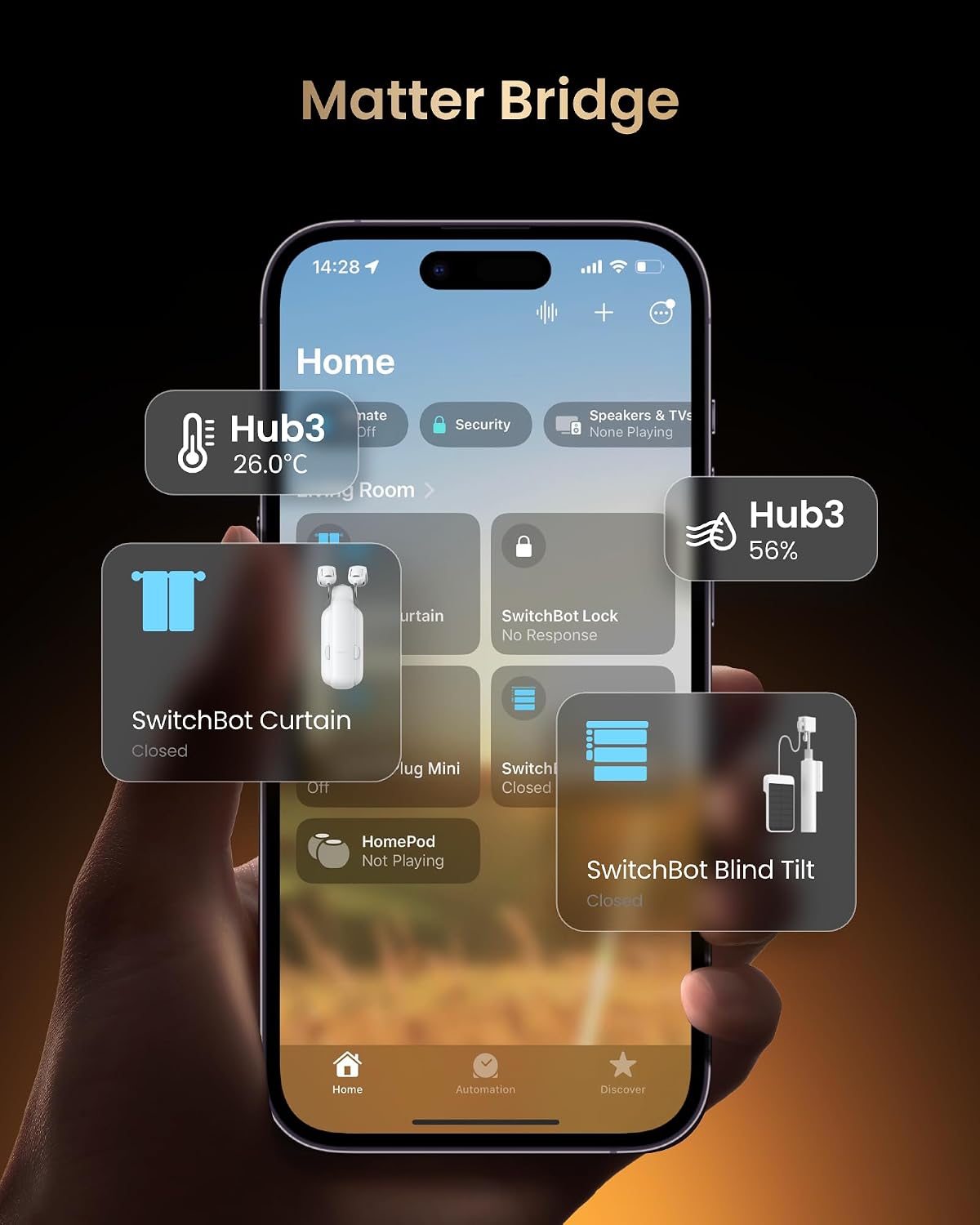
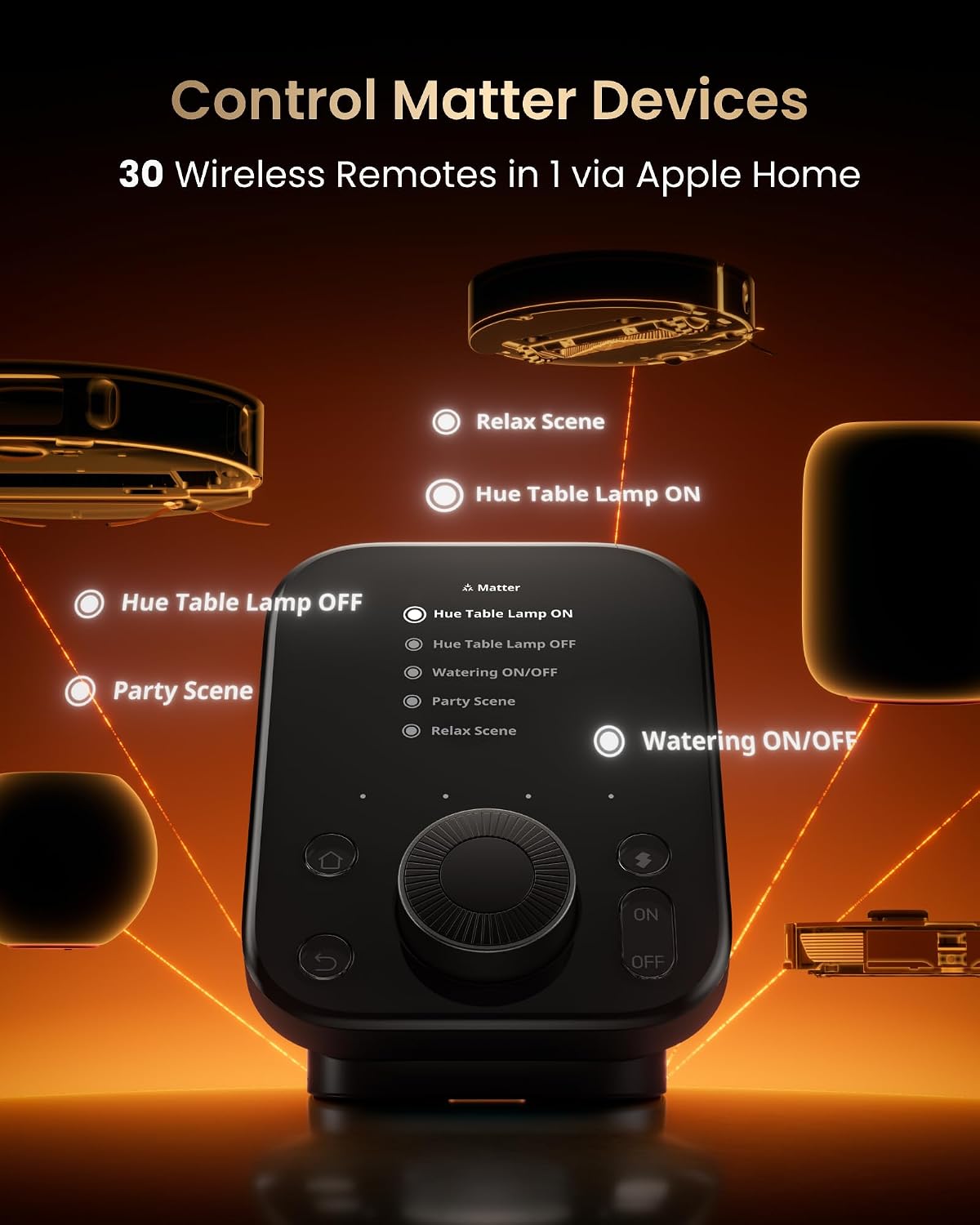
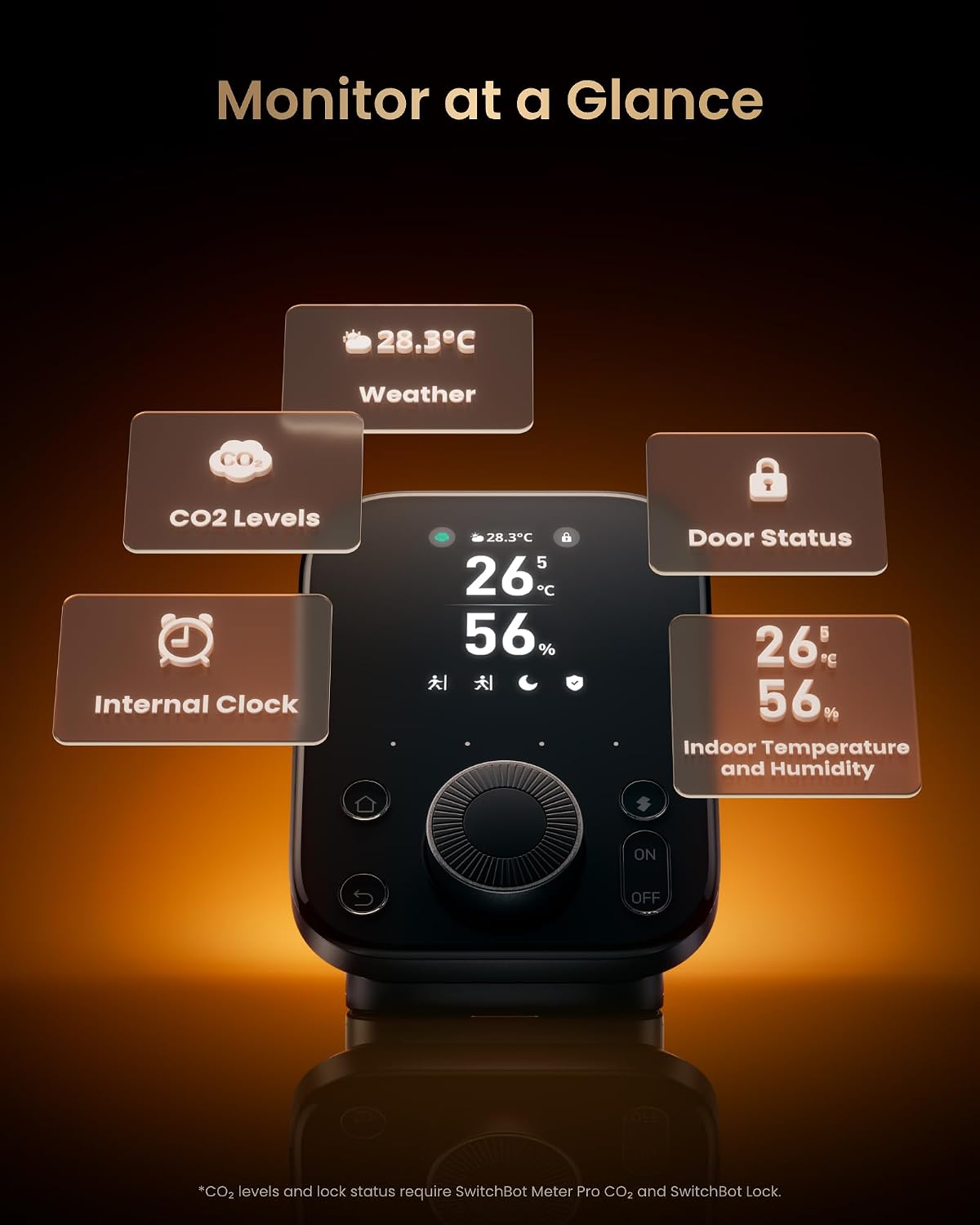
The SwitchBot Hub 3 is a central smart home controller designed to unify infrared devices, SwitchBot products and Matter-enabled devices under one roof. It acts as a Matter bridge, enabling control of compatible devices via Apple HomeKit, Google Home and amazon Alexa, while also supporting third-party assistants. On its surface it doubles as a practical information hub with a vivid IPS display showing real-time weather, indoor climate, door status and more.
What it solves
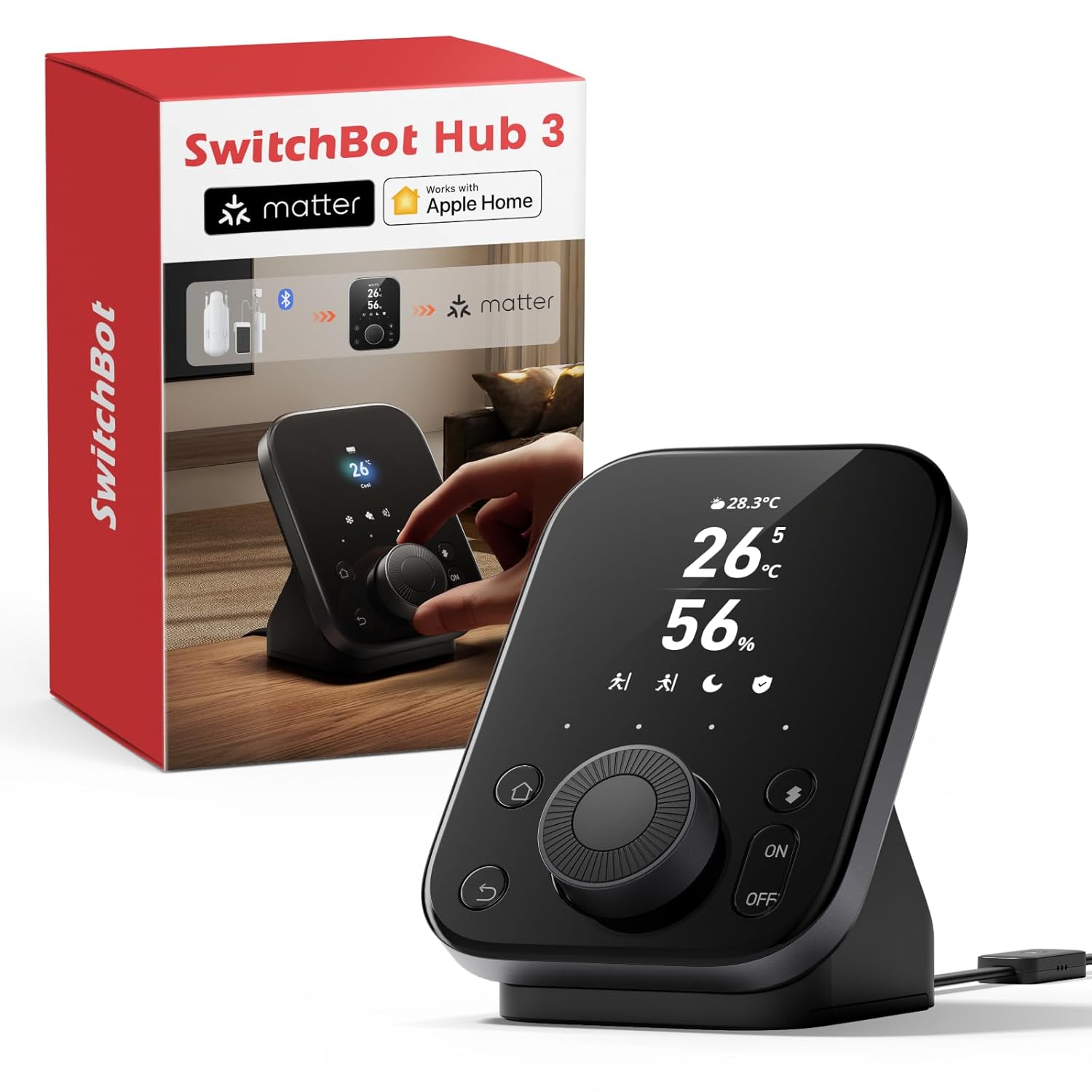
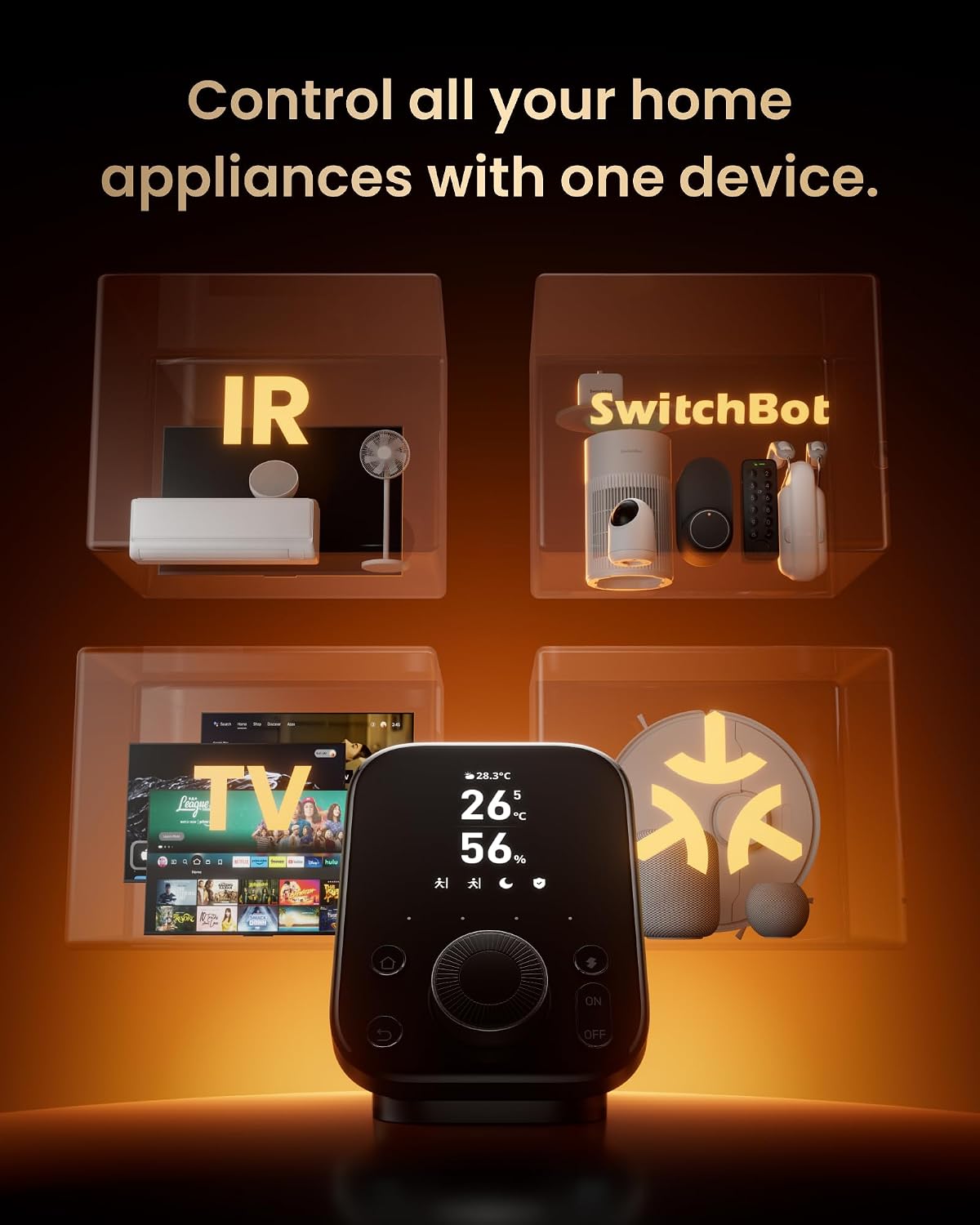
If you have a mix of legacy infrared appliances (air conditioners, TVs, lights) and newer Matter devices, the Hub 3 promises a single point of control. It also integrates environmental sensing—temperature and humidity—so you can trigger automations or scenes based on live conditions. For households using multiple ecosystems or looking to reduce gadget sprawl, it offers a pragmatic route to centralised automation without switching hubs again.
How it feels in use
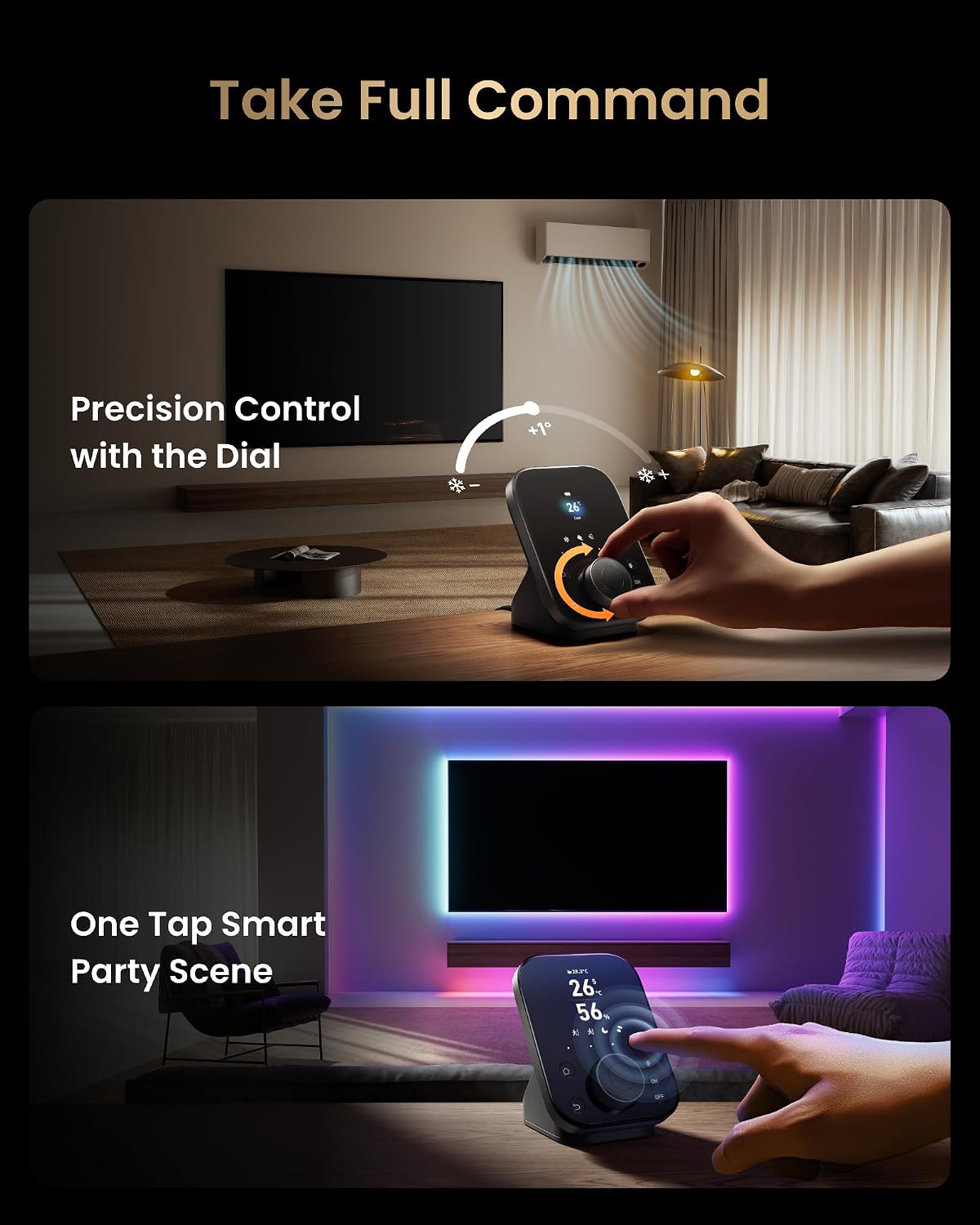
On the hardware side, the distinctive dial and physical buttons provide tactile control, making day-to-day tweaks intuitive even for non-tech users. You can adjust an air conditioner or lighting with a gentle turn, or switch between scenes with dedicated push buttons. It’s not a gadget merely for tech enthusiasts, the interface is designed to be approachable for families and mixed-age households.
The best and the not-so-great bits
What stands out is the breadth of compatibility: infrared devices plus Matter devices, plus voice control via popular assistants. Real-time data on the screen is handy for quick checks without pulling out your phone. However, the experience hinges on how well your ecosystem aligns with Matter and how reliable your Wi‑Fi is for responsive automation. If you prioritise a simple setup with robust routines, the Hub 3 could feel like a smart-home upgrade, if you rely on non-Matter devices or expect flawless local processing with zero cloud dependence, you might temper expectations.
Who it’s for
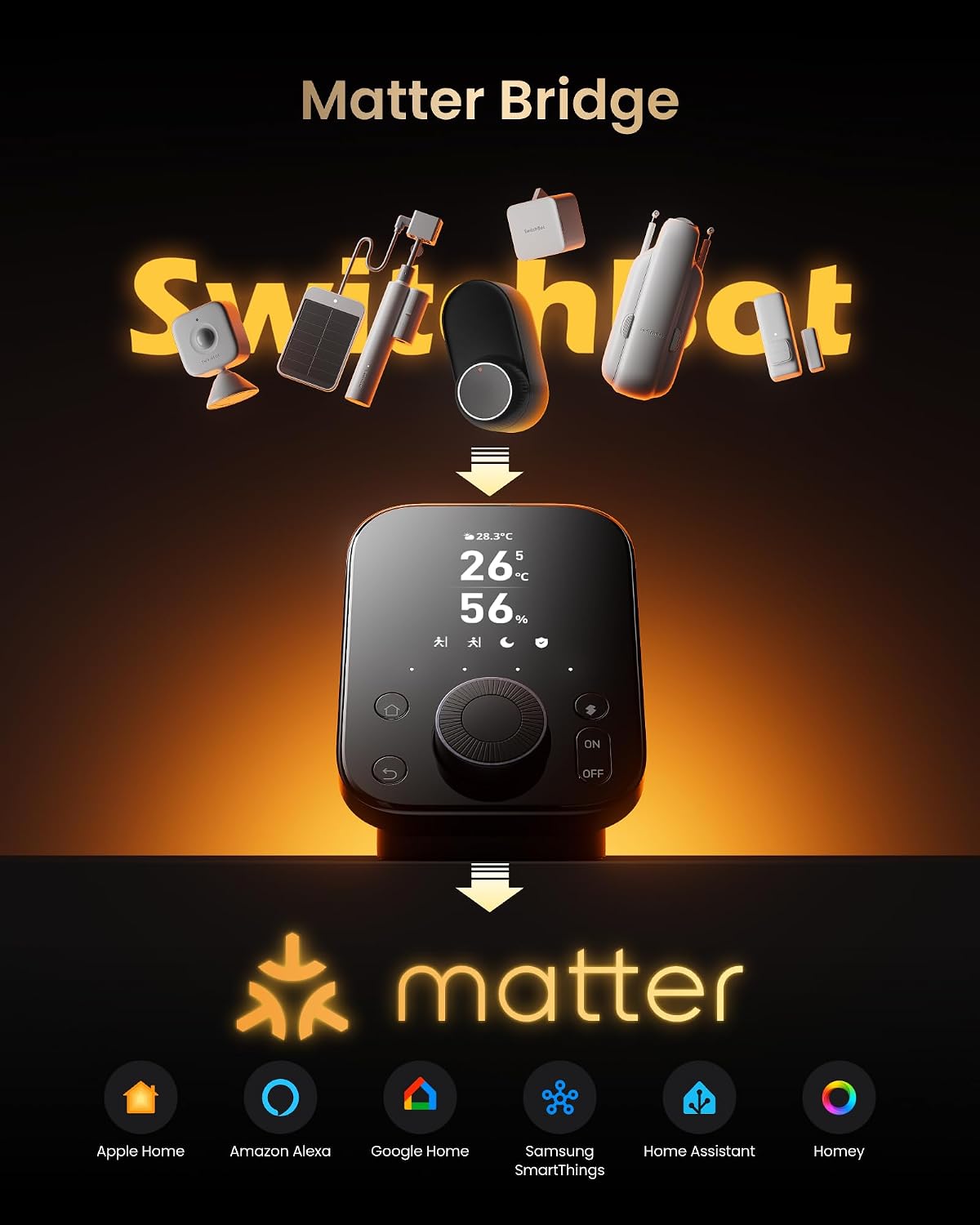
This hub suits households with a mix of older infrared gear and newer Matter-ready devices, and who value a unified control point accessible via voice, app or the dial. It’s also practical for families who want quick scene switches (Away, Home, Movie) using the physical buttons, and for anyone who enjoys a visible overview of home status at a glance.
Who it isn’t ideal for
If your home relies heavily on Zigbee or Z-Wave devices without Matter, or you’re looking for a pure local-control hub with no cloud influence, you may find alternatives more to the point. It may not replace a dedicated high-end hub if your priority is extreme automation complexity or ultra-tight latency for critical routines.
When it makes sense to buy
Consider it when you need to consolidate infrared control with Matter compatibility, value the convenience of the built-in climate sensors, and want a device that doubles as a practical home-automation command centre. If you already use SwitchBot devices or plan to expand with Matter accessories, this hub offers a coherent growth path.
What to check before buying
Ensure your Wi‑Fi setup is stable, as automation responsiveness can hinge on network quality. Confirm which Matter devices you intend to pair are supported and note that some functionalities (like CO₂ sensing or certain integrations) may involve additional modules sold separately. If you plan to rely heavily on voice control, verify compatibility with your preferred assistant and any regional availability of features.
How it compares in practice
In practice, this hub sits between a traditional infrared blaster approach and a broader, ecosystem-heavy Matter setup. It’s a sensible middle ground when you want broad compatibility without multiple separate hubs, and when you value a tactile control method alongside digital automation. If you prioritise a minimal device count and straightforward routines, it’s a sensible option, if you demand niche sensors or ultra-rapid local execution, you might weigh alternatives more carefully.
Practical use example
Imagine arriving home, the Hub 3 reads your door status and outdoor light levels. It triggers lights to warm up the living area and tunes the air conditioner to a comfortable starting point. If you walk into a room and say “Hey Siri, relax time,” a couple of scenes dim the lights and switch to a softer temperature profile. The dial lets you nudge the temperature precisely by 1°C without pulling out a phone, which is handy when a family member is adjusting on the fly.
FAQ
- Do I need Matter devices to use the hub? Not exclusively, but Matter compatibility broadens control across ecosystems.
- Can I control infrared appliances without the app? Yes, through the dial and physical buttons, and via voice assistants.
- Is CO₂ data available out of the box? The hub provides indoor climate data, CO₂ details are noted as part of the broader ecosystem features (some items may be sold separately).
- Will it run without an internet connection? Automation relies on the network and cloud services for some features, local control depends on device setup and compatibility.
Final decision
Is it worth it? Worth considering if you want a central, user-friendly hub that bridges infrared devices with Matter and supports multiple voice assistants. It’s a practical choice for mixed ecosystems and for households that value visible status information and tactile control. If your setup is fully Matter-positive from the start and you don’t need infrared support, you may opt to assess whether a lighter hub would cover your basics or if you’d benefit more from deeper automation options elsewhere.