

PeriPage Mini Printer (P21) – small thermal sticker & photo printer for study notes, Bluetooth compatible, white
Product description
A compact thermal printer for phone-led notes and small prints
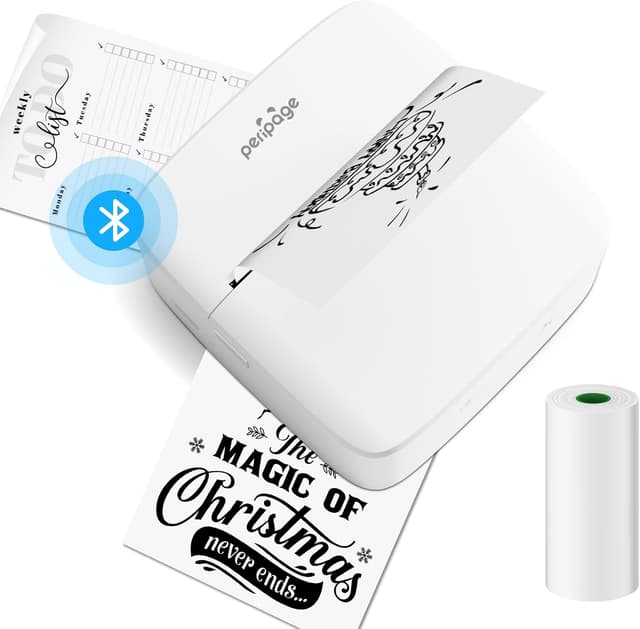
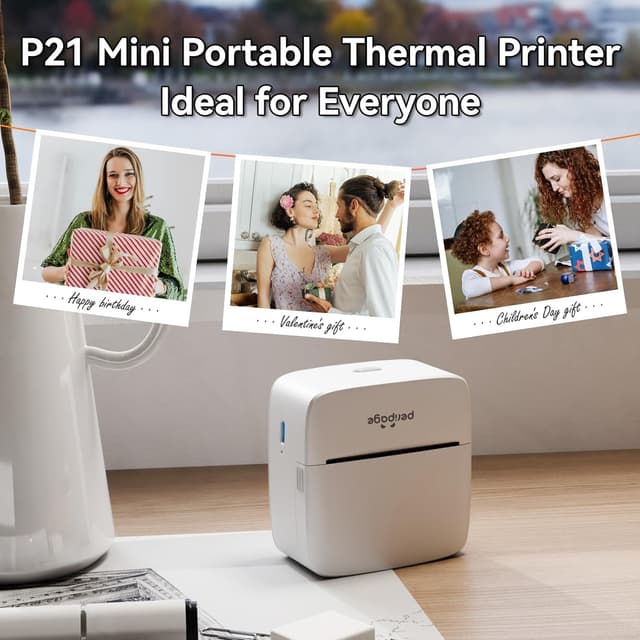
If you want something more playful than a normal document printer, the PeriPage Mini Printer is aimed at quick, on-the-go prints: study photos, lists, reminders, simple memo-style notes and DIY-style labels. It’s a pocket-friendly thermal sticker printer approach, designed to be driven from a mobile app rather than fussing with ink cartridges.
On paper, this is the kind of device that suits everyday organisation and memory-keeping. Think: printing a couple of sticker labels for your folders, or turning a saved study photo into something you can stick into a diary or revision notebook. It’s not built to replace a full-size printer—more like a handy companion when you want “something physical” from your phone.
Key takeaways
The big selling point here is inkless printing via thermal technology, plus Bluetooth setup through the PeriPage app. The product description also leans heavily into creative use: scrapbook, diary, tags, bookmarks, and photo-style prints for study notes. If you like that sort of light DIY, this can feel genuinely useful rather than gimmicky.
That said, it may not be the right purchase if you’re expecting high-volume printing or professional document output. With mini thermal sticker printers, you tend to print small, and the value comes from convenience and repetition—rather than printing everything you own.
Where it shines for study, home and office
This mini printer is described as being suitable for school, home and office use, which tells you the intended role: quick personal prints, not heavy production. In practice, you’re likely to use it for:
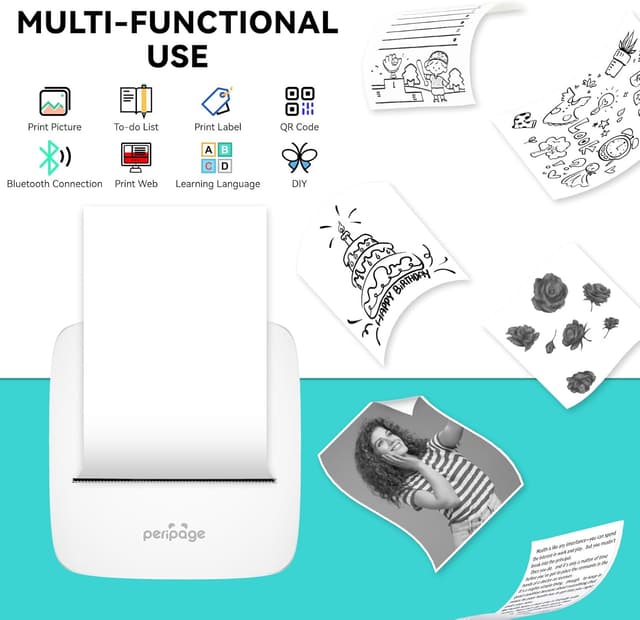
- study notes and small memos you can stick into books or folders
- lists and reminders that you can place where you’ll actually see them
- DIY labels for boxes, drawers or stationery (useful when you don’t want to write the same thing out again)
- printing small photo-style stickers from your phone, especially for diaries or scrapbooks
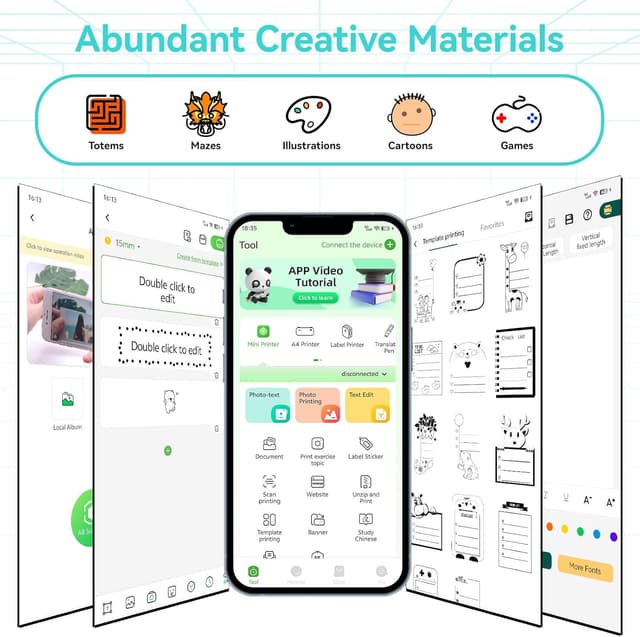
A nice detail is that the PeriPage app includes materials for scrapbook/diary/memo content, and mentions multiple languages and grade level curriculums. That can matter if you’re buying for a learner who benefits from structured content, not just blank printing.
App-first printing and how the setup works
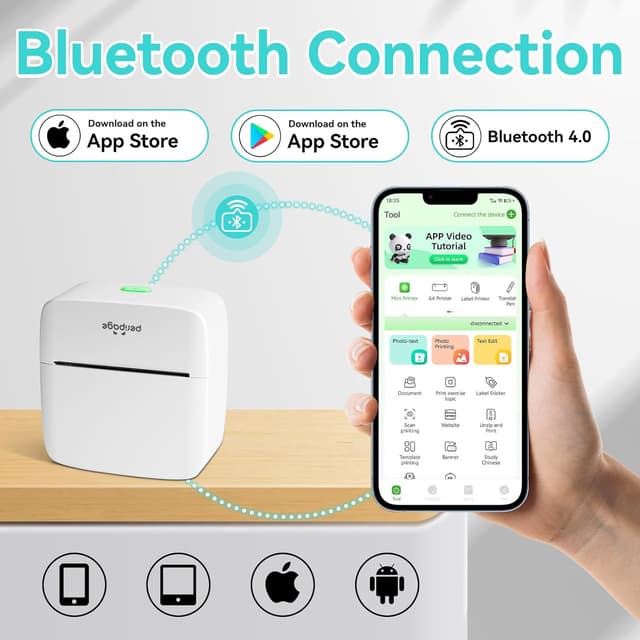
This model connects quickly via Bluetooth to the PeriPage app, and the interface is described as user-friendly. In other words, you’re not starting from a complex printer menu—you’re starting from the phone app and sending print jobs over.
That makes it easy to get moving, especially if you’re the sort of person who just wants to press print and be done. Still, it’s worth bearing in mind that your workflow will depend on having the app available and being comfortable generating content in it.
Technical details that affect day-to-day use
The PeriPage Mini Printer uses thermal printing, removing the need for ink. That’s a practical advantage for low-maintenance ownership and predictable prints—though thermal printing is also typically more about small-format outputs than long, page-filling documents.
The description also notes the printer is compact, weighing about 190 grams, which helps explain why it’s positioned as a pocket/portable option for notes and small sticker printing.
What to consider before you buy
Before committing, it’s worth thinking about your expected output. This is a small photo and sticker-style thermal printer. It’s likely to feel “just right” if:
It’s a good fit if you want quick, phone-to-print study notes, lists and DIY labels, and you enjoy using a dedicated app for layouts.
You may want to skip it if you’re trying to print lots of large pages, or you need a traditional printer for full documents and heavy workloads. The mini form factor usually comes with limited print scope, and it can feel like a step down if you expected all-purpose printing.
Also, consider whether you’ll actually use the app features (templates/materials, DIY elements). If you only need occasional labels, another approach might be simpler—but if you’re building habits around study or organisation, the app-driven workflow can be the difference.
Mini FAQ
Is this printer inkless?
Yes. The description states it uses thermal technology, which eliminates the need for ink.

How does it connect to your phone?
It connects via Bluetooth to the PeriPage app.
What can you print with it?
The base description mentions study photos, notes, lists, DIY labels, memos, scrapbook-style items and tags.
Is it suitable for both study and creative use?
The product positioning clearly covers both: study notes on one side, and scrapbook/diary/DIY creations on the other.
Final verdict
When it makes sense
It’s a solid pick if you want a portable, inkless thermal sticker/mini photo printer for phone-led prints—especially for study notes, reminders, and diary/scrapbook-style projects using the PeriPage app.
When to look elsewhere
It might not be a great match if you need a full-size printer for large documents or you’re not keen on working through a dedicated app workflow. In that case, a more general-purpose printing setup could be less hassle.