

Rongta F81 thermal portable printer
Reviews
Price
Product description
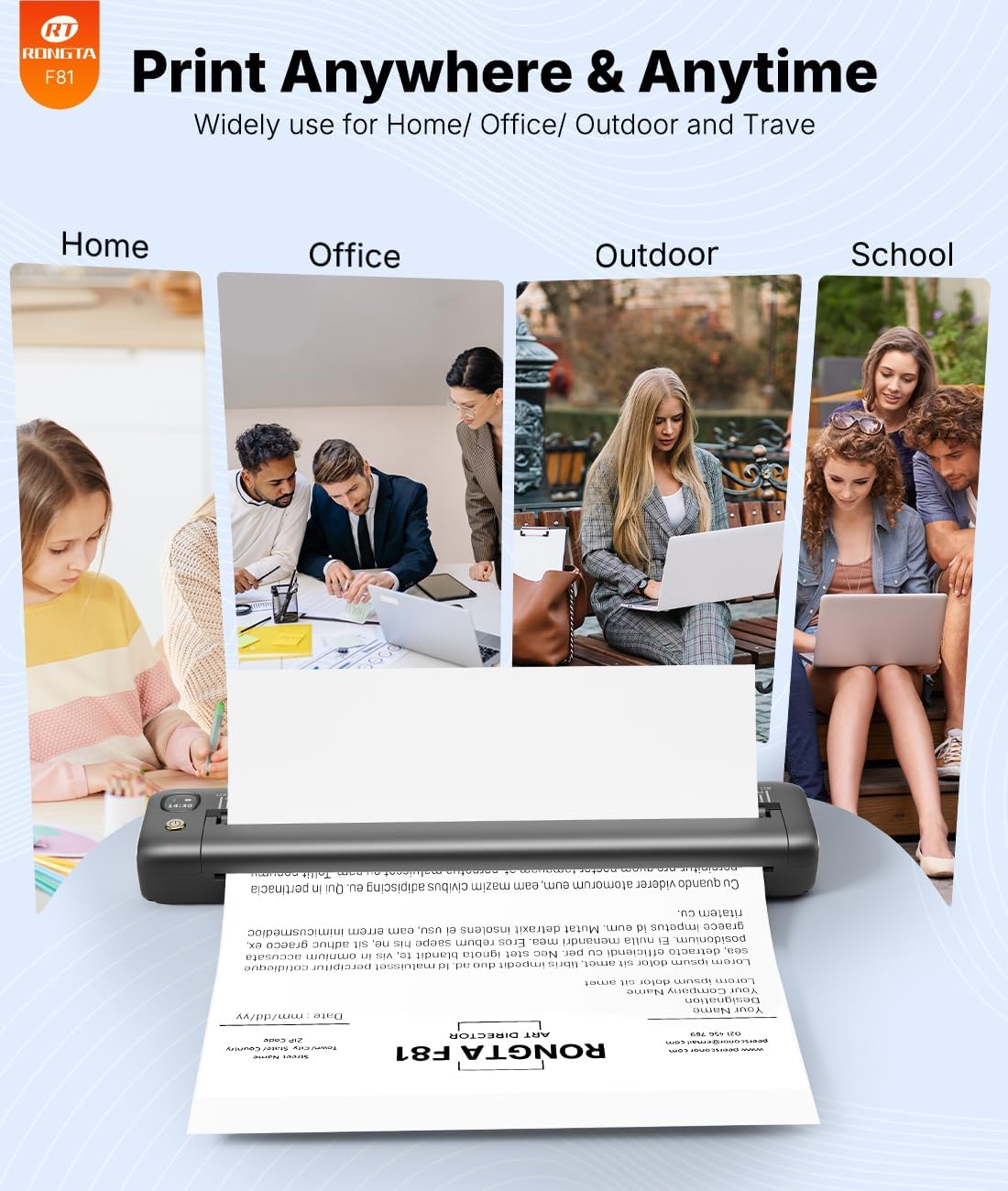
A compact thermal portable printer is a practical way to turn digital documents into printed copies without carrying ink cartridges. The Rongta F81 is built for fast, clear thermal printing, and its wireless Bluetooth approach makes it convenient for home, office, and travel. If you need dependable small-format output for everyday paperwork, it is designed to handle common paper sizes such as A4 and US Letter, using thermal paper rather than regular paper. 🧳
The essentials
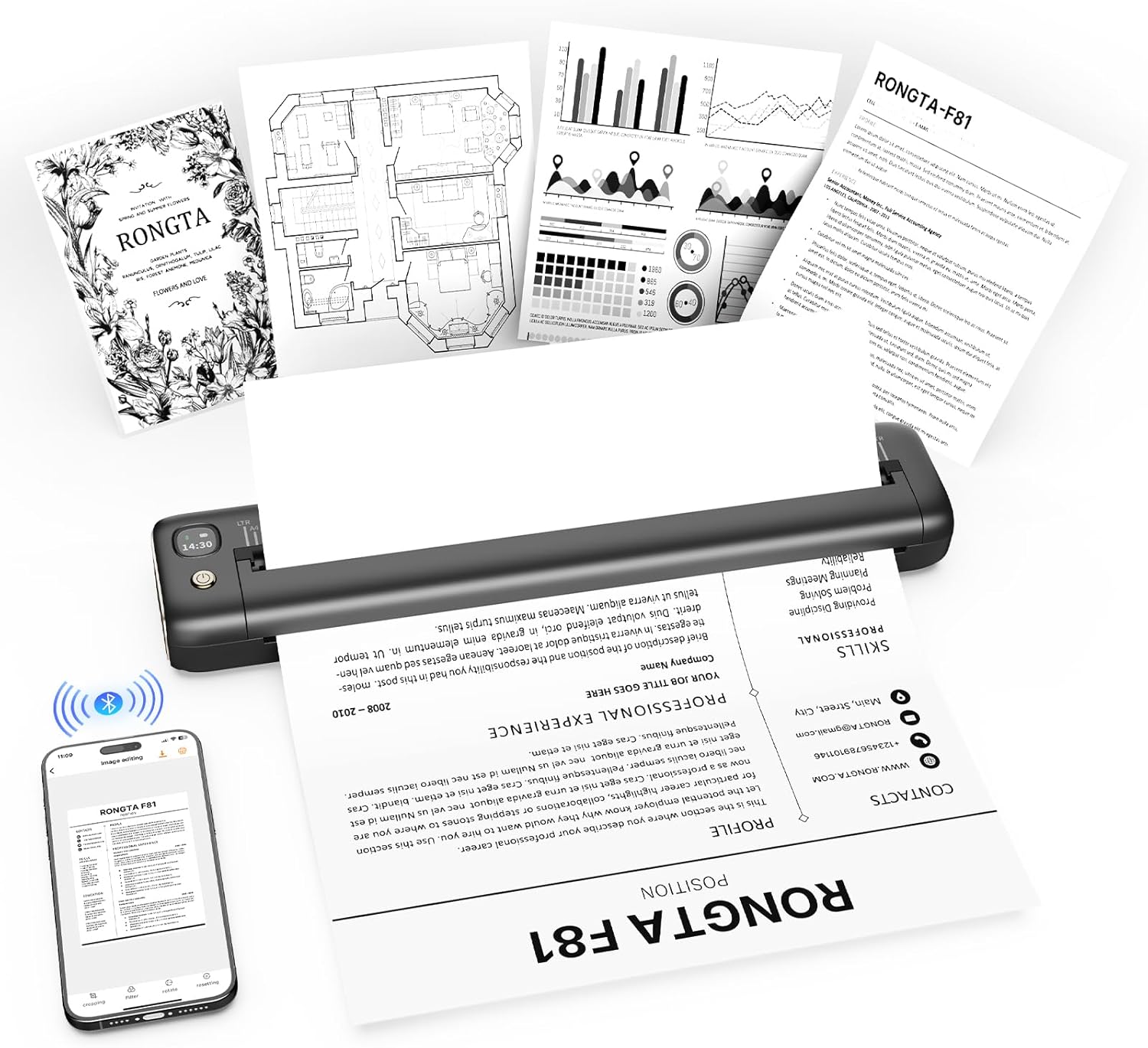
The Rongta F81 is a thermal portable printer that uses inkless thermal printing technology, so there are no ink cartridges to buy or replace. According to the manufacturer, it delivers high-speed, crisp prints in seconds, which helps when you are working on the move or printing between meetings. The device includes 203 DPI for clearer output, supporting common document needs for home and office. 🖨️
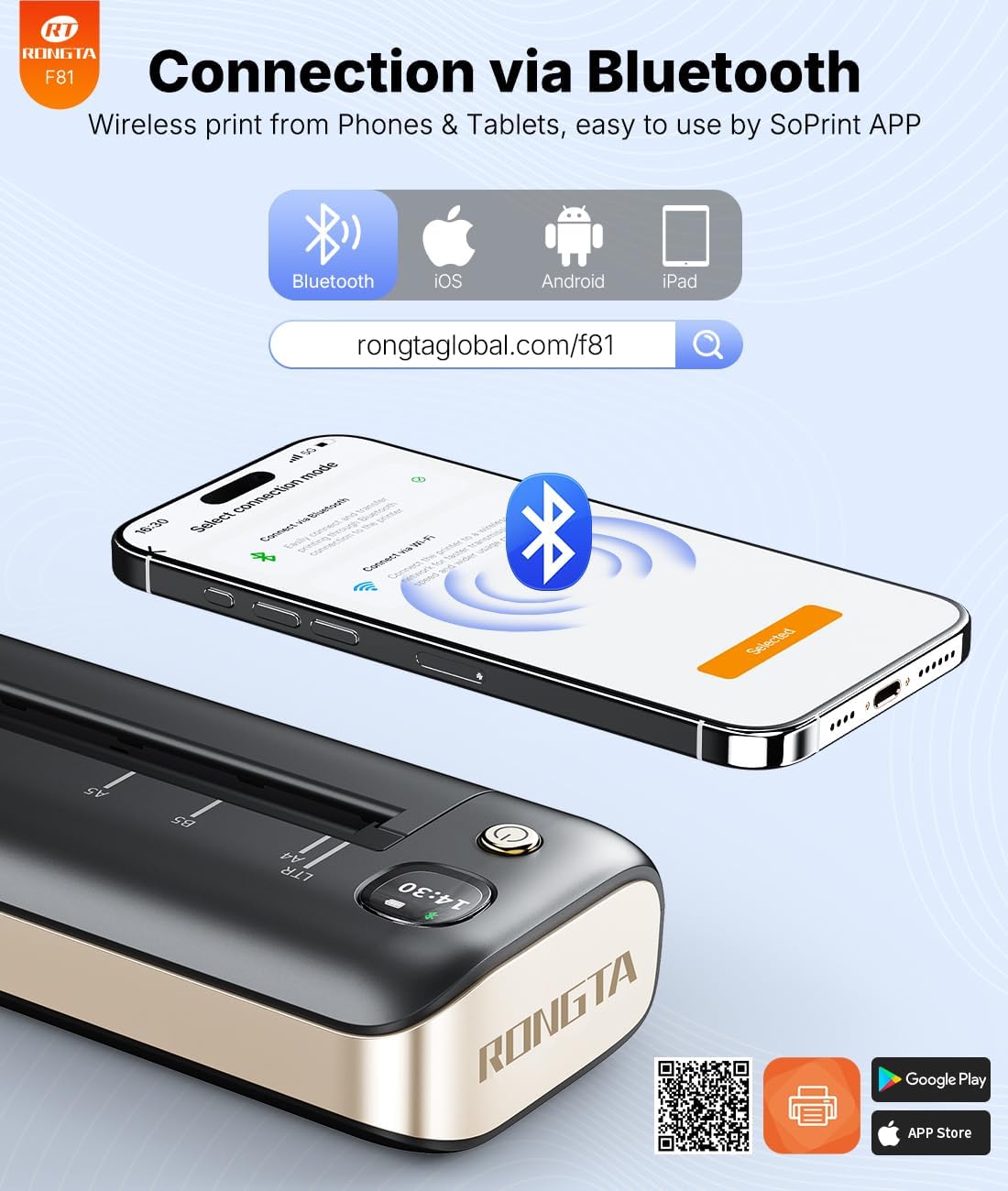
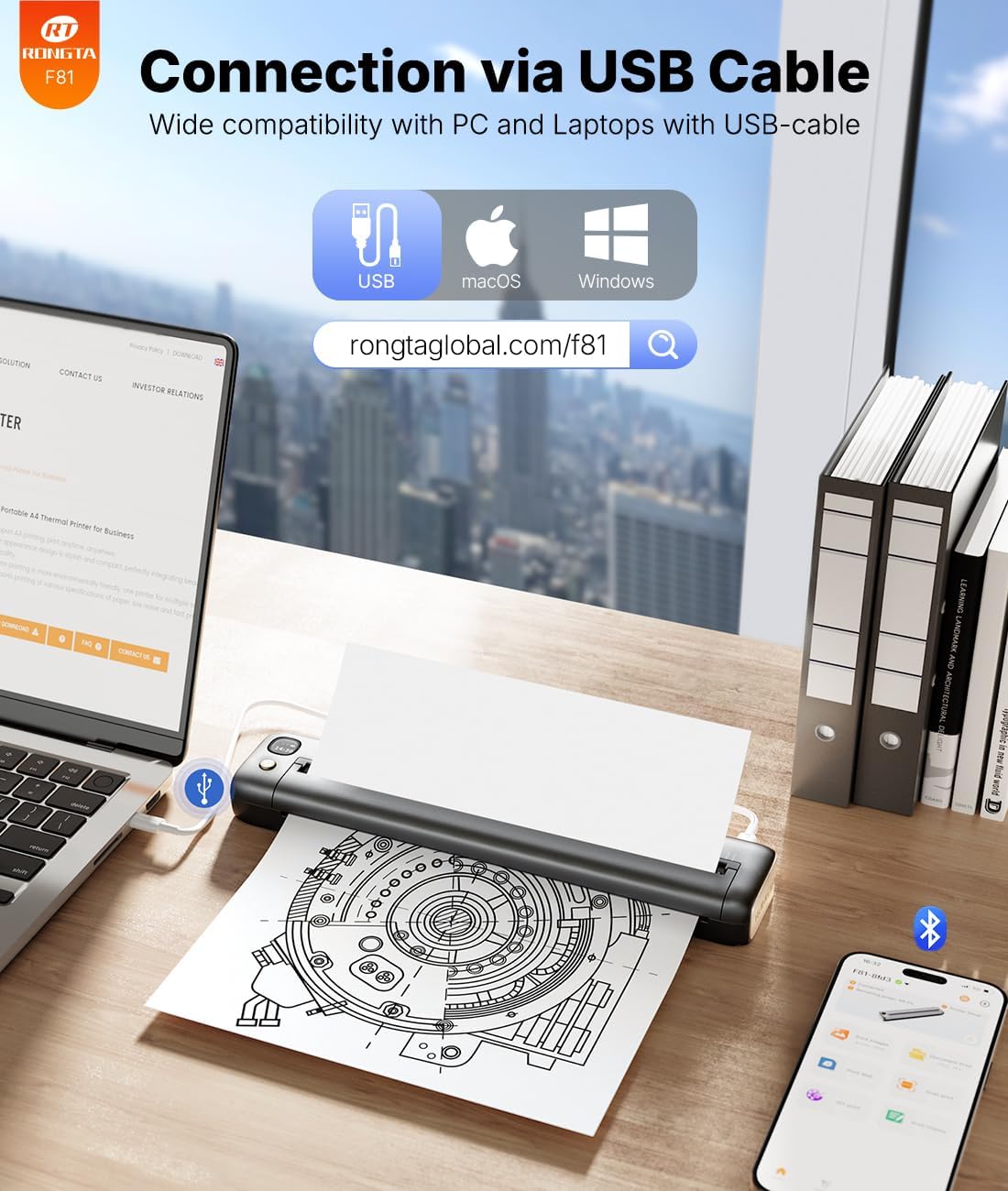
For wireless printing, it uses Bluetooth to connect to compatible phones and tablets, plus it can also connect via USB for broader laptop and desktop compatibility. That means you can keep your workflow flexible, switching between a handset when you are out and a laptop when you are back at your desk. It is also designed to stay quiet in use, with noise levels under 60 dB, which matters in libraries, meeting rooms, and at home. 🔕
Key features
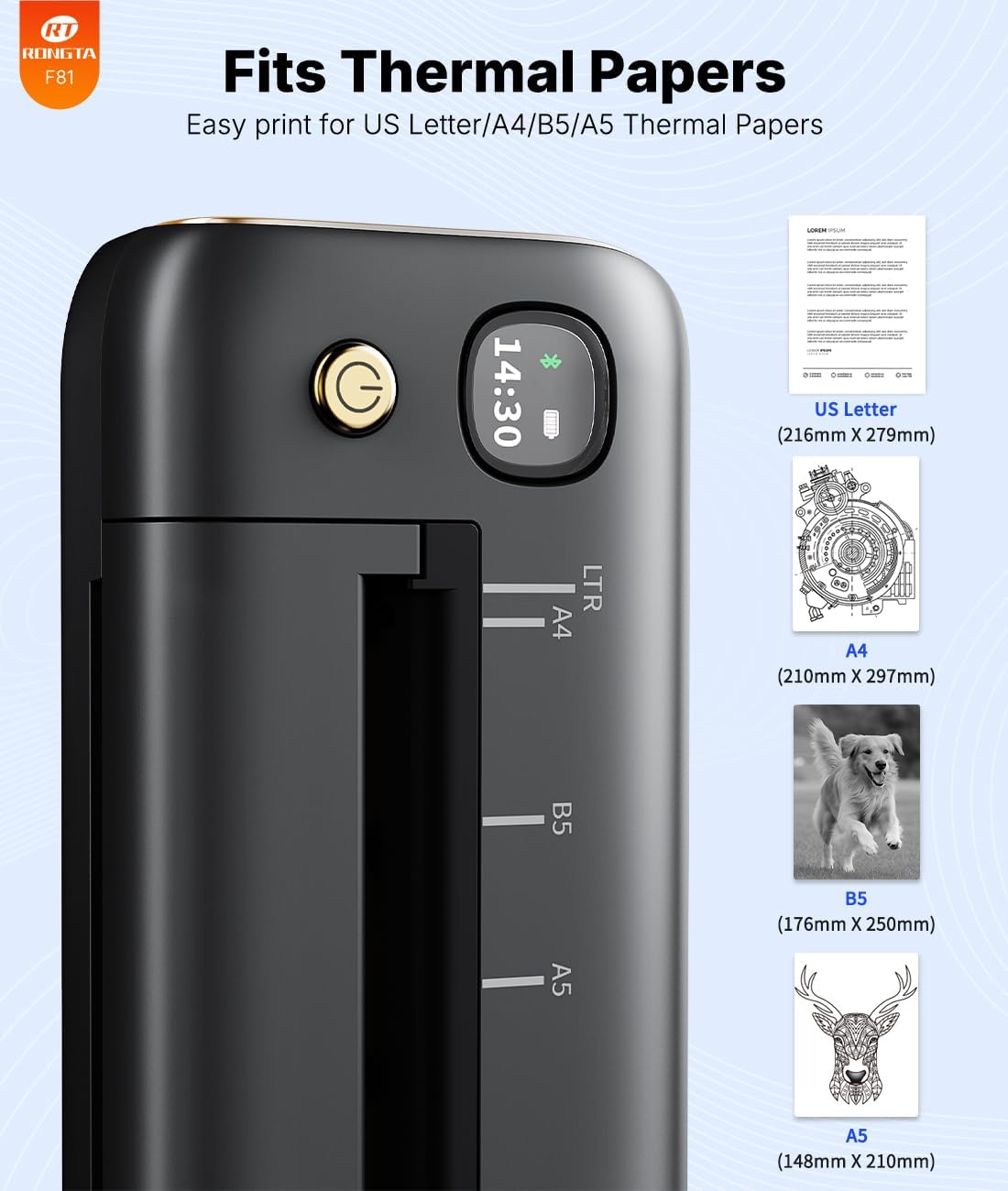
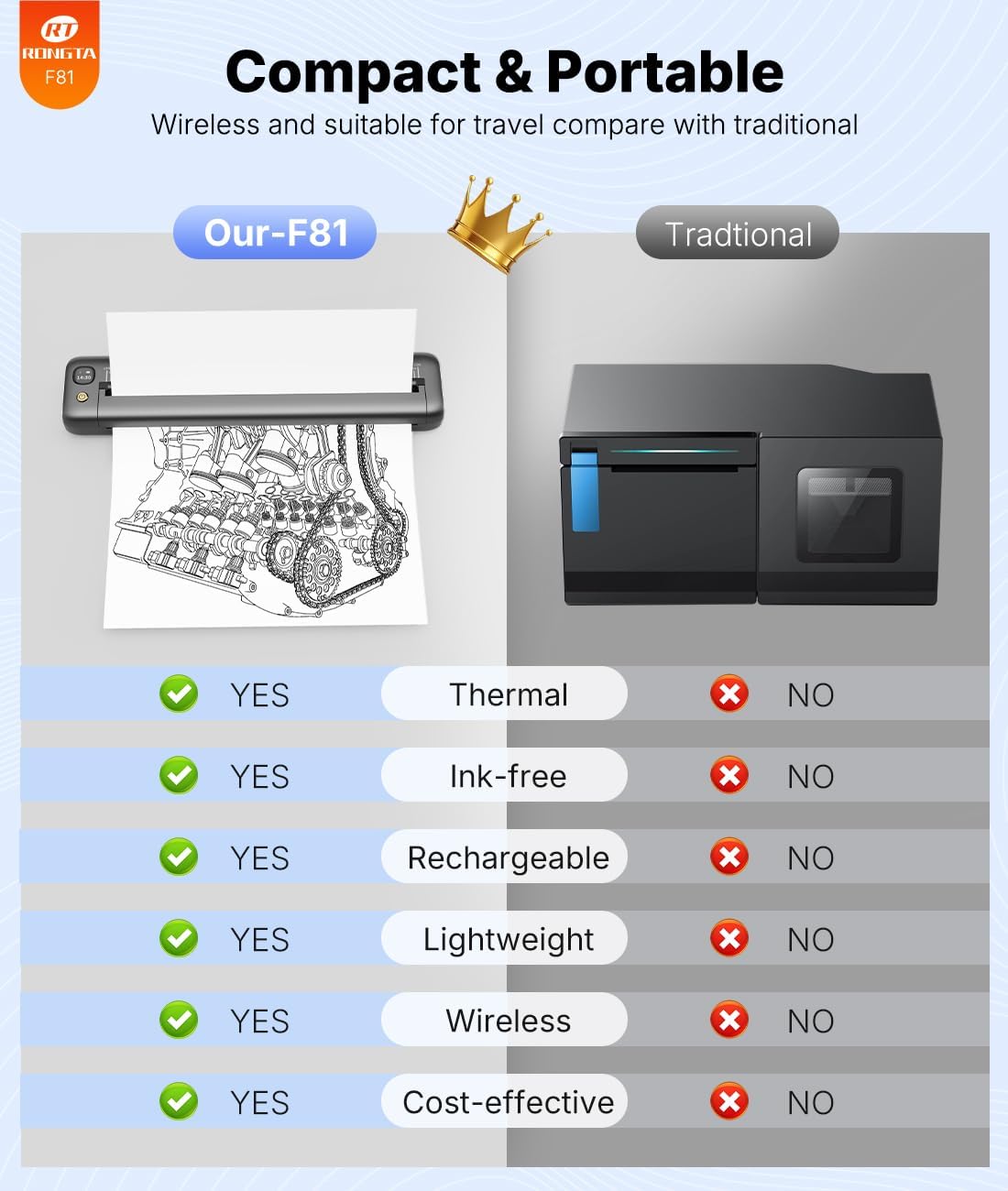
One standout advantage is portability. The printer is described as weighing only 450 g and measuring 268 x 58 x 30 mm, so it is easy to pack into a bag or backpack. It is also intended to be ultra-compact, which suits business travel, on-site admin, and quick personal printing tasks. If you prefer lightweight equipment that does not feel like a burden, the form factor is a key part of the appeal.
Another important feature is the battery. The manufacturer states a 2400 mAh battery, with up to 210 sheets printed on a single charge, which helps reduce how often you need to recharge. A standby protection mode is included to help keep the printer ready when you need it most, which is useful for longer travel days. 🔋
For printing, it uses thermal paper, and the product notes that it is not compatible with normal paper. There is also guidance on loading thermal paper, including that the side of the paper is smooth on the printing side and should be positioned accordingly. This is worth bearing in mind because correct paper loading directly affects print results.
Wireless printing is supported through the SoPrint app. The app helps you connect by Bluetooth, choose your document, and print quickly, and it supports multiple file types, including PDF, Word documents, and images. For laptop or PC use, the instructions mention using a USB controller, including guidance to use a USB connection or download a controller from the manufacturer site for the F81.
It makes sense if you want a portable inkless printer for A4 and US Letter style paper needs, and you are comfortable using thermal paper rather than normal paper. It may not suit you if you specifically need normal paper compatibility or you do not want to install or use the provided app for mobile printing.
Tech specs
- Type: Thermal portable printer
- Name: Rongta F81
- Colour: Grey
- Weight: 450 g
- Dimensions: 268 x 58 x 30 mm
- Print resolution: 203 DPI
- Noise level: below 60 dB
What it works with
The Rongta F81 supports wireless printing via Bluetooth for phones and tablets, and it can also be used through USB for laptop and desktop setups. The manufacturer states compatibility with Android and iOS devices for mobile printing, and it also mentions compatibility with Windows and Mac when using USB connections. This gives you options depending on what hardware you are carrying that day.
For mobile printing, you download the SoPrint app, turn on the F81, and then connect from your phone through Bluetooth. After pairing, you can select your document and start printing. The product notes that the app supports multiple formats such as PDF, Word documents, and images.
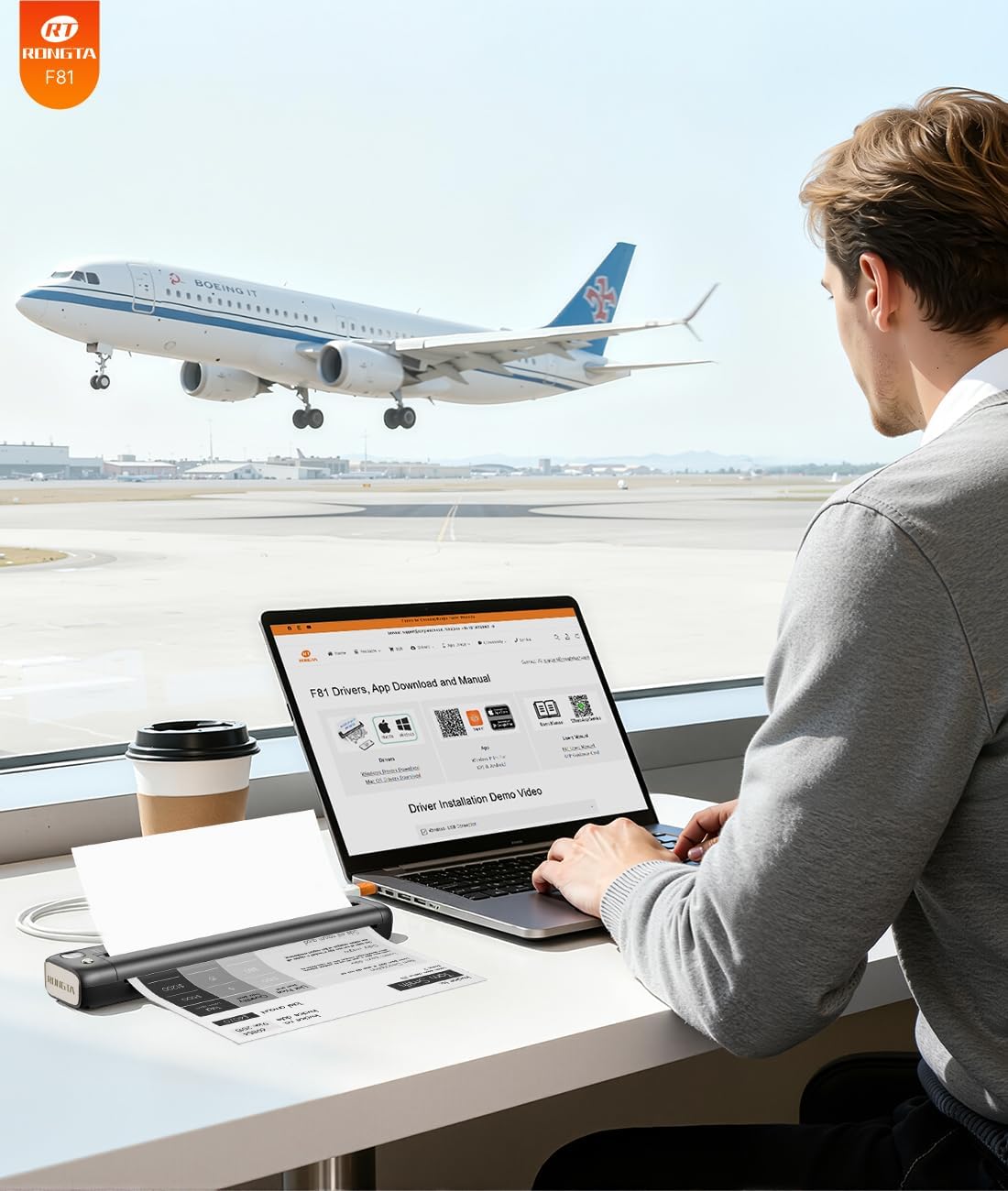
For laptop and PC printing, the instructions focus on using a USB controller and a USB cable to connect the printer, then opening your document to print. The documentation also includes a practical note about downloading a controller for the F81, which can matter if you want the printer to work smoothly with your computer setup.
What stands out day to day
If you need a compact printer you can take to work or travel with, the small size and light weight are a major convenience. It is also designed to be quiet, with noise reported below 60 dB, which can help when printing in shared or silent spaces. ⏳
Worth noting: because it is an inkless thermal printer, you must use thermal paper, not normal paper. That is the main limitation to factor in, since it affects what you can stock and what you can print on. If you are happy to use thermal paper and want an easy way to produce quick hard copies from a phone, the F81 fits that workflow neatly.
For everyday use, the Bluetooth printing method can reduce friction when you need to print away from your desk. The ability to also use USB for laptops and computers helps if you prefer a more traditional connection at home or in the office. For many buyers, that mix of mobile convenience and desktop compatibility is what makes the portable printer feel practical rather than occasional.