

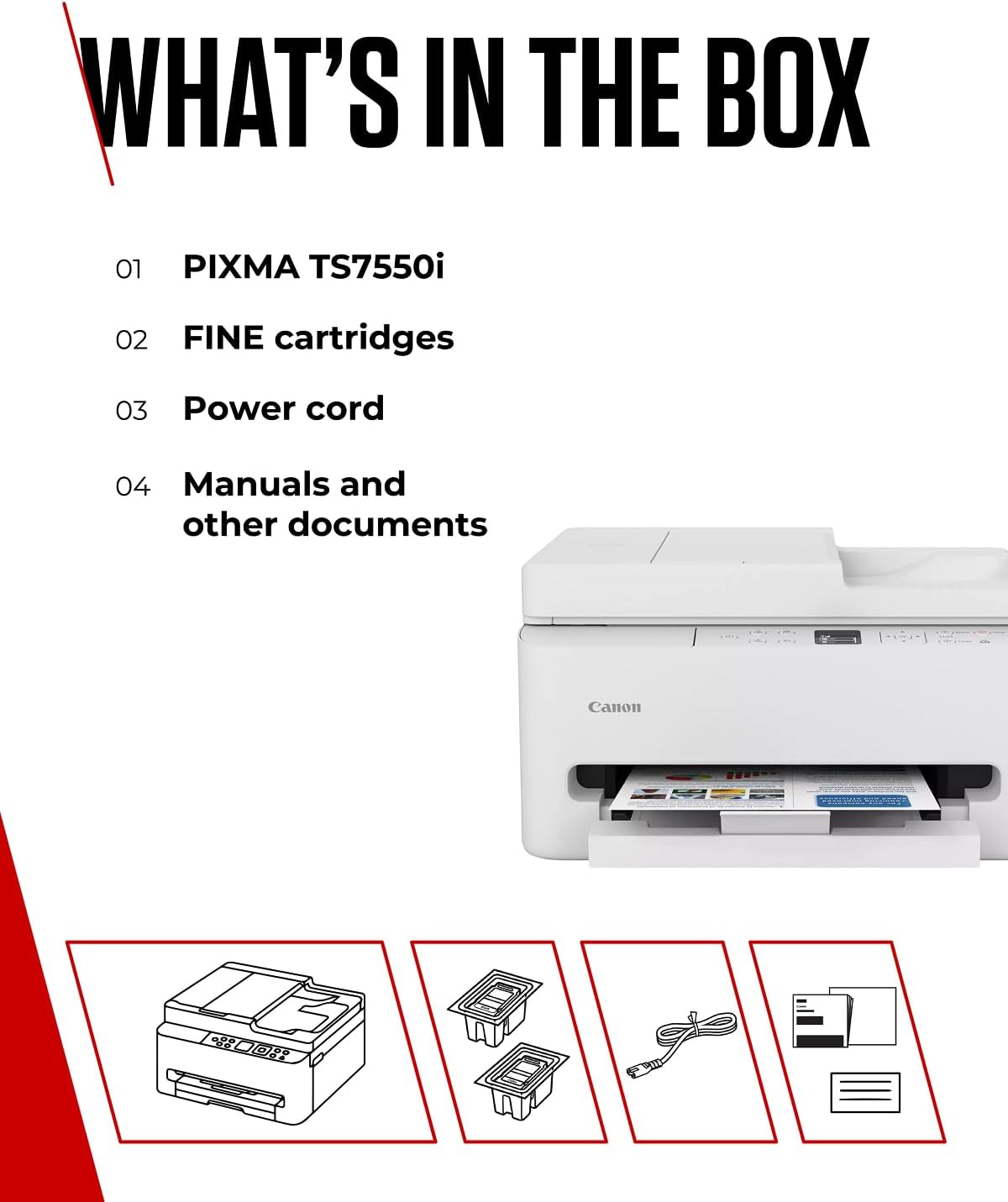
Canon PIXMA TS7550I: A compact, wireless all‑in‑one for home offices
Product description
What this is and who it’s for
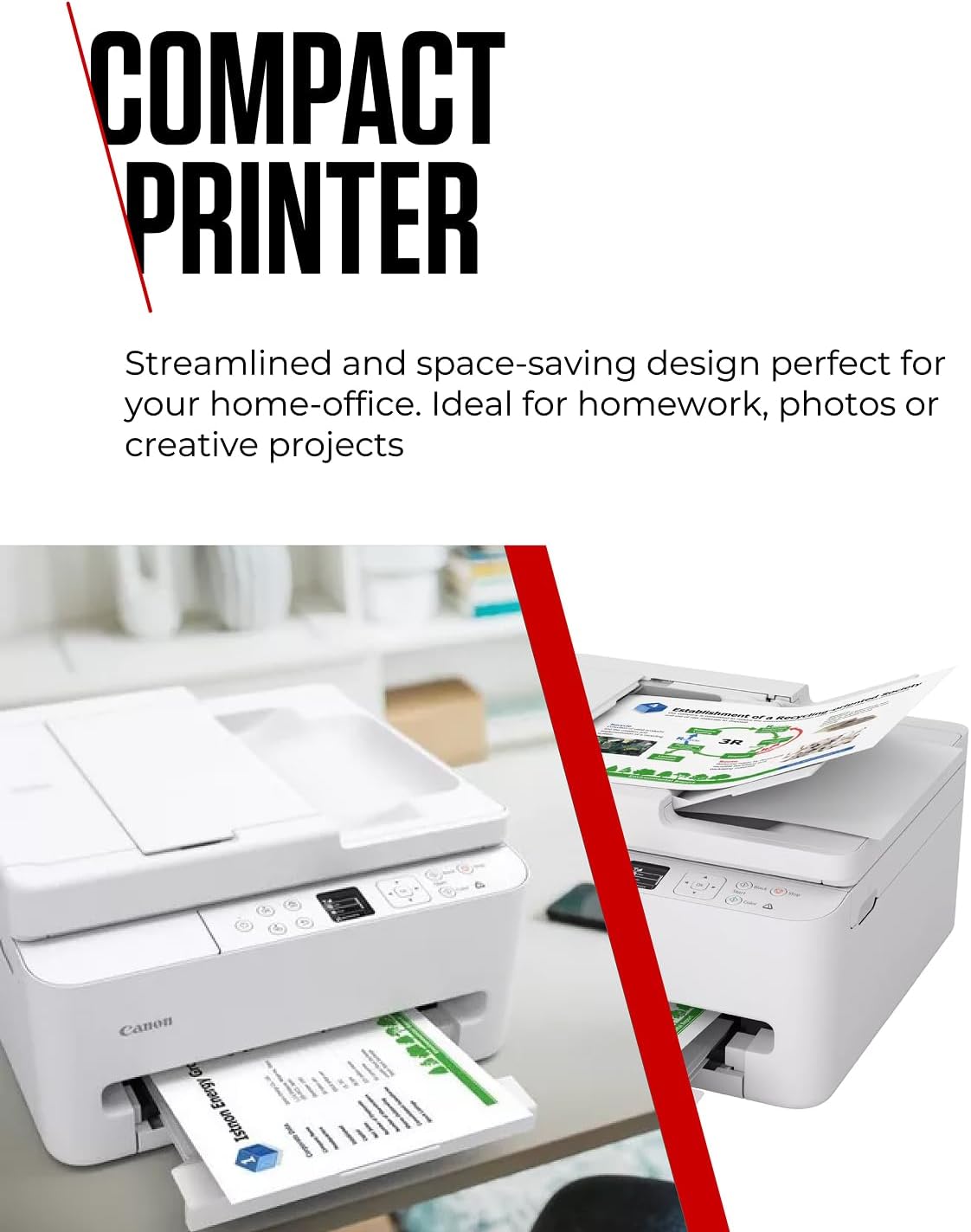
The Canon PIXMA TS7550I is a compact all‑in‑one printer designed for small home offices or busy households. It emphasises wireless connectivity, a user‑friendly display, and a practical 35‑sheet Automatic Document Feeder (ADF). If you want a printer that can handle documents and photos from a smartphone without fuss, this model aims to deliver that balance.
How it connects and why that matters
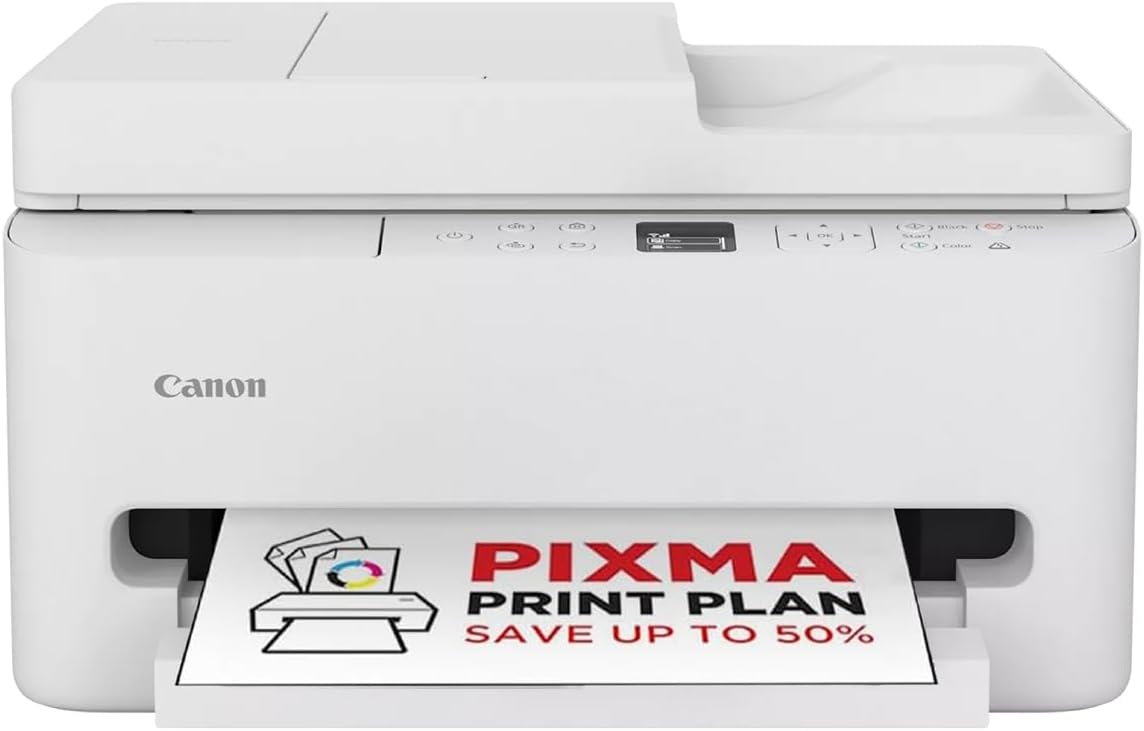
Connectivity is a core focus here. You can print, scan and copy from smartphones or tablets by following a simple on‑screen QR code workflow. That makes quick printing from a phone straightforward, even if you’re not deep into tech. The printer is designed to sit on a desk or shelf and integrate into a typical domestic setup without needing complex network tweaks.
Design and day‑to‑day practicality
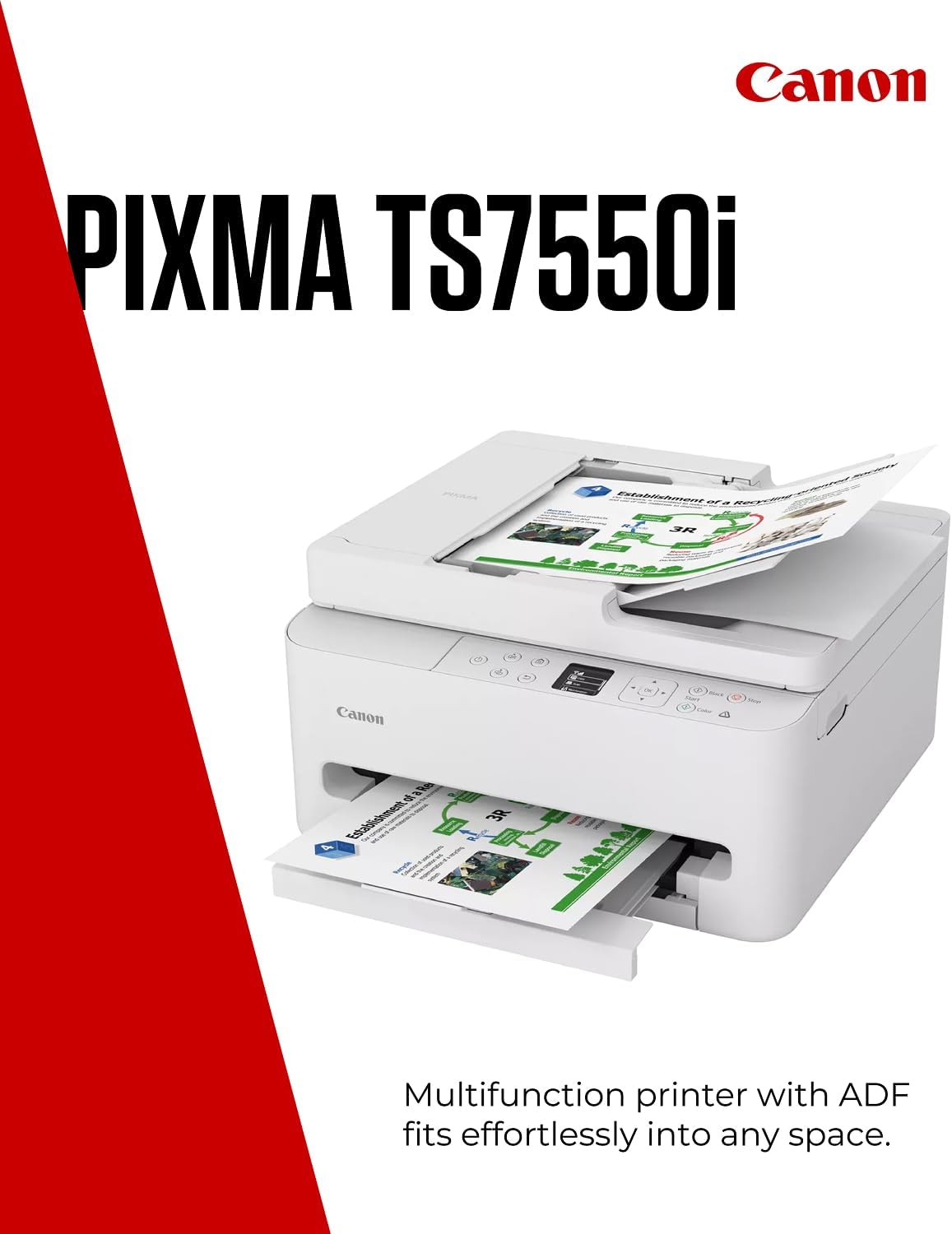
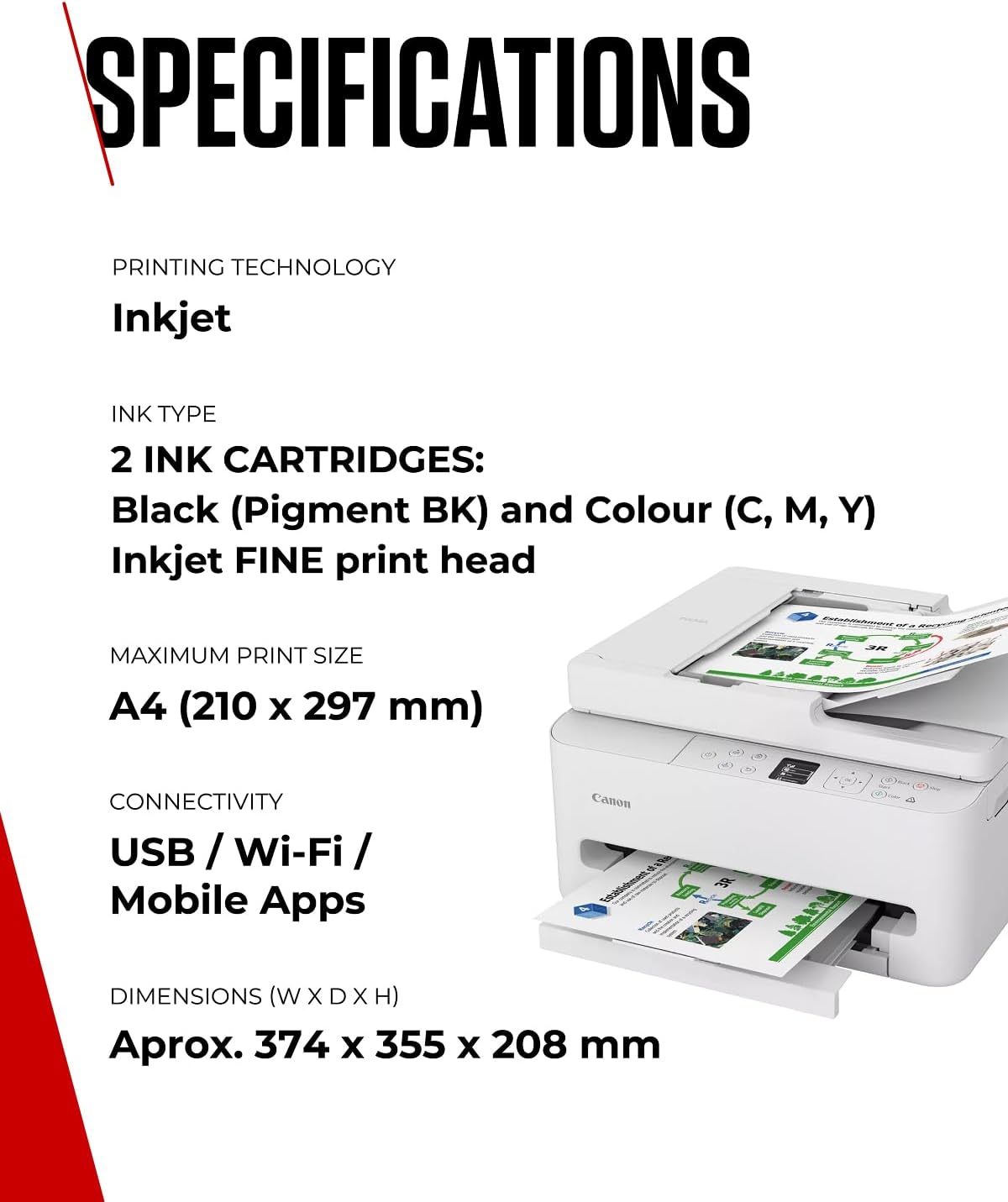
On the outside, the TS7550I is marketed as a compact solution, which can be a meaningful advantage if desk space is at a premium. The 1.42” OLED display offers at‑a‑glance status information, which helps minimise the guesswork when you’re managing print jobs or checking ink levels. The 35‑sheet ADF supports multi‑page tasks, which can save time when you’re scanning or copying several documents in one go.
What makes it stand out on paper
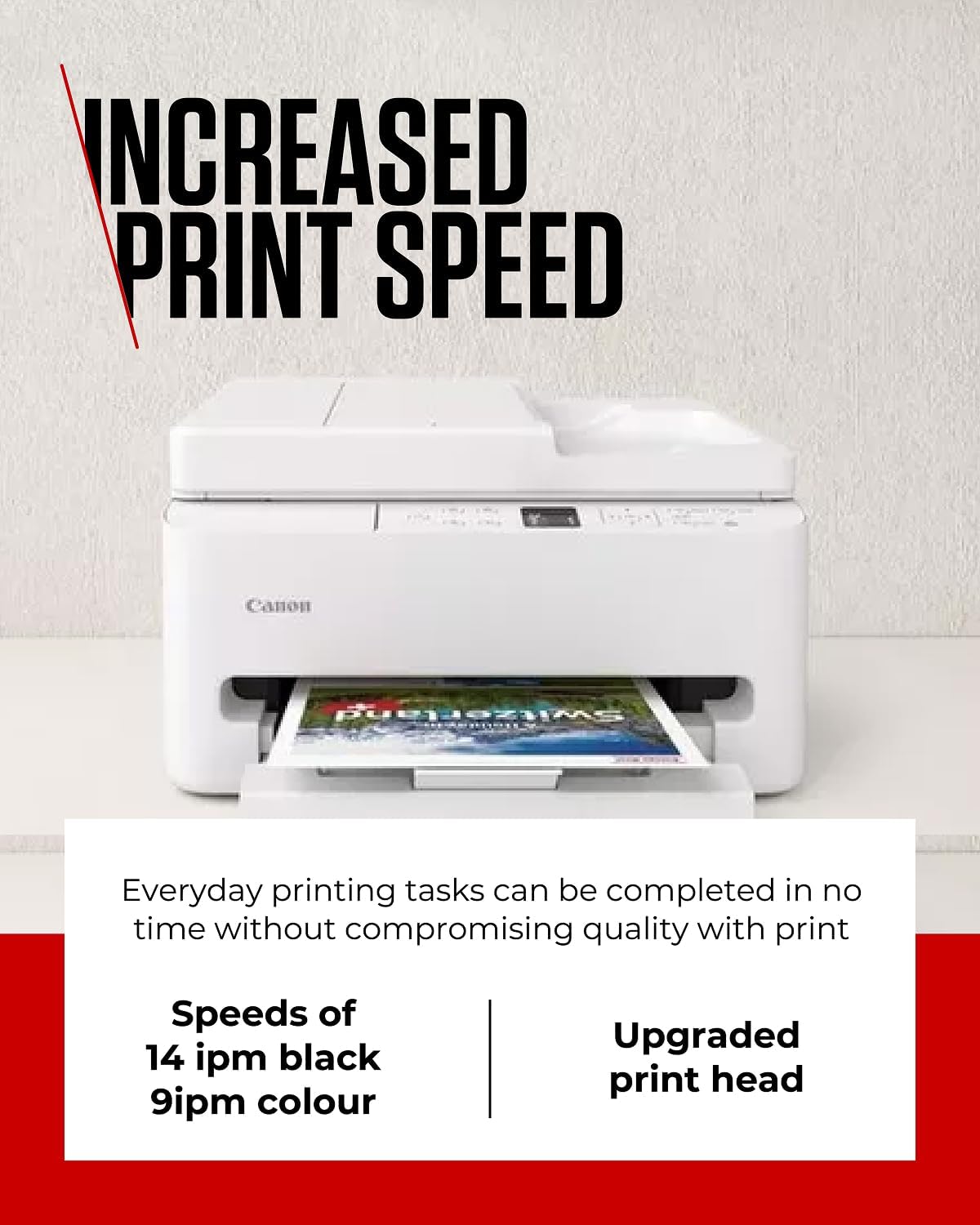
Canon’s FINE ink optimisation technology features prominently in the description, pointing to a focus on sharper detail and faster results for everyday tasks—think QR codes, maps, graphs, and colourful diagrams. For casual photo printing or mixed documents, this could be a practical plus if you’re aiming for clear text and punchy colour without reaching for a larger office setup.
What to watch out for
It isn’t a powerhouse of features or a flagship machine. The emphasis is on compactness and ease of use, not sustained high‑volume print speeds or industrial durability. If you prioritise ultra‑fast bulk printing, or need a flagship model with extensive paper handling, this model may feel limited. There’s also no mention of additional scanning features such as specialised OCR or advanced duplex options beyond the built‑in 35‑sheet ADF in the available data.
Who it’s best suited for
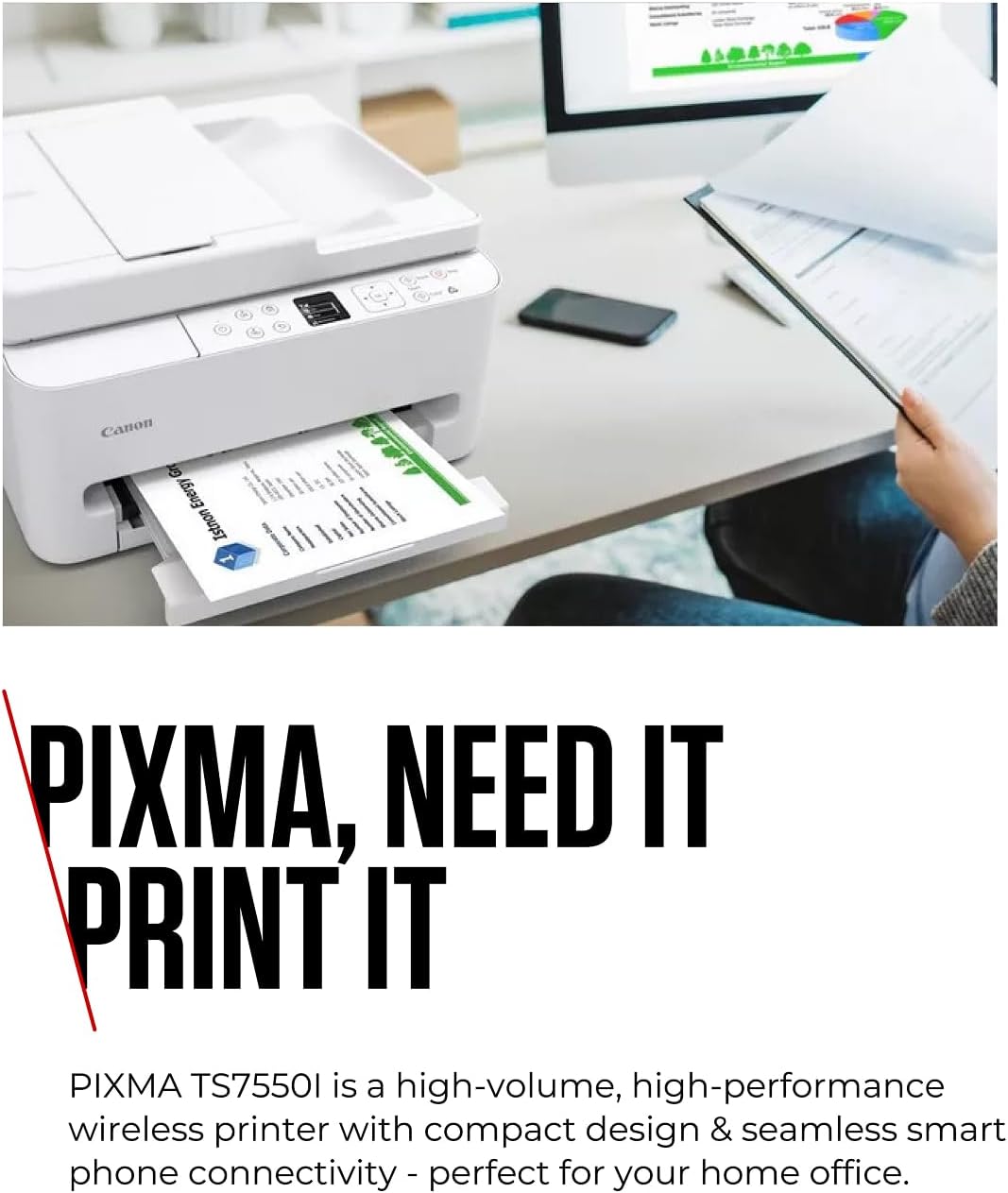
If your priorities are: printing from a mobile device, occasional scanning and copying in a compact footprint, and a clean, simple control experience, the TS7550I fits the bill. It is particularly suitable for home offices or study spaces where space is at a premium and you want a straightforward workflow from phone to print.
Who might want to look elsewhere
If you print in high volumes, require robust automatic duplexing, or rely on an enterprise‑grade document workflow, you may prefer a larger, more configurable model. Likewise, if you value a display larger than 1.42 inches or need advanced photo lab features, you might find the entry points here are modest by comparison.
When it makes sense to buy
Consider this model if you value a tidy, smartphone‑friendly printing experience, a compact footprint, and the convenience of a small ADF for multi‑page documents. The inclusion of PIXMA Print Plan suggests a hassle‑free refilling option, which can be appealing if you want to simplify ink management and avoid manual orders.
What to review before purchasing
- Confirm the size and weight fit your workspace, given the compact design.
- Check that the QR‑code printing workflow aligns with your preferred devices and apps.
- Consider whether 35 sheets in the ADF meets your typical multi‑page task load and whether you need more extensive paper handling.
- If photo quality is critical, reflect on how the FINE ink performance translates to your usual photo sizes and media.
Practical usage example
Imagine you’re preparing a colour diagram for a home study project. You snap photos on your phone, send them to the printer via the QR workflow, and print a neat, well‑defined diagram to pin next to your desk. When a handful of pages need scanning for a class hand‑in, the 35‑page ADF handles the job without stopping for refills, letting you move on to the next task quickly.
FAQ snapshot
- Does it support wireless printing from mobile apps directly? Yes, through on‑screen QR code printing workflow.
- Is the display large enough to navigate menus easily? It has a 1.42” OLED display, which is compact but should be straightforward for basic tasks.
- Is the ADF enough for daily multi‑page scans? It offers 35 sheets, which is useful for light to moderate multi‑page work but not a high‑volume feeder.
Final verdict
Is it worth it? If you value a compact, smartphone‑first printer with reasonable everyday versatility and you don’t need heavy‑duty paper handling, the TS7550I is a sensible, supportive setup for a home office. It won’t replace a dedicated workhorse in a busy print shop, but for home use, its balance of features, ease of use and space efficiency makes a practical case. Better avoided if you require high‑volume workflows or advanced photo lab features.