

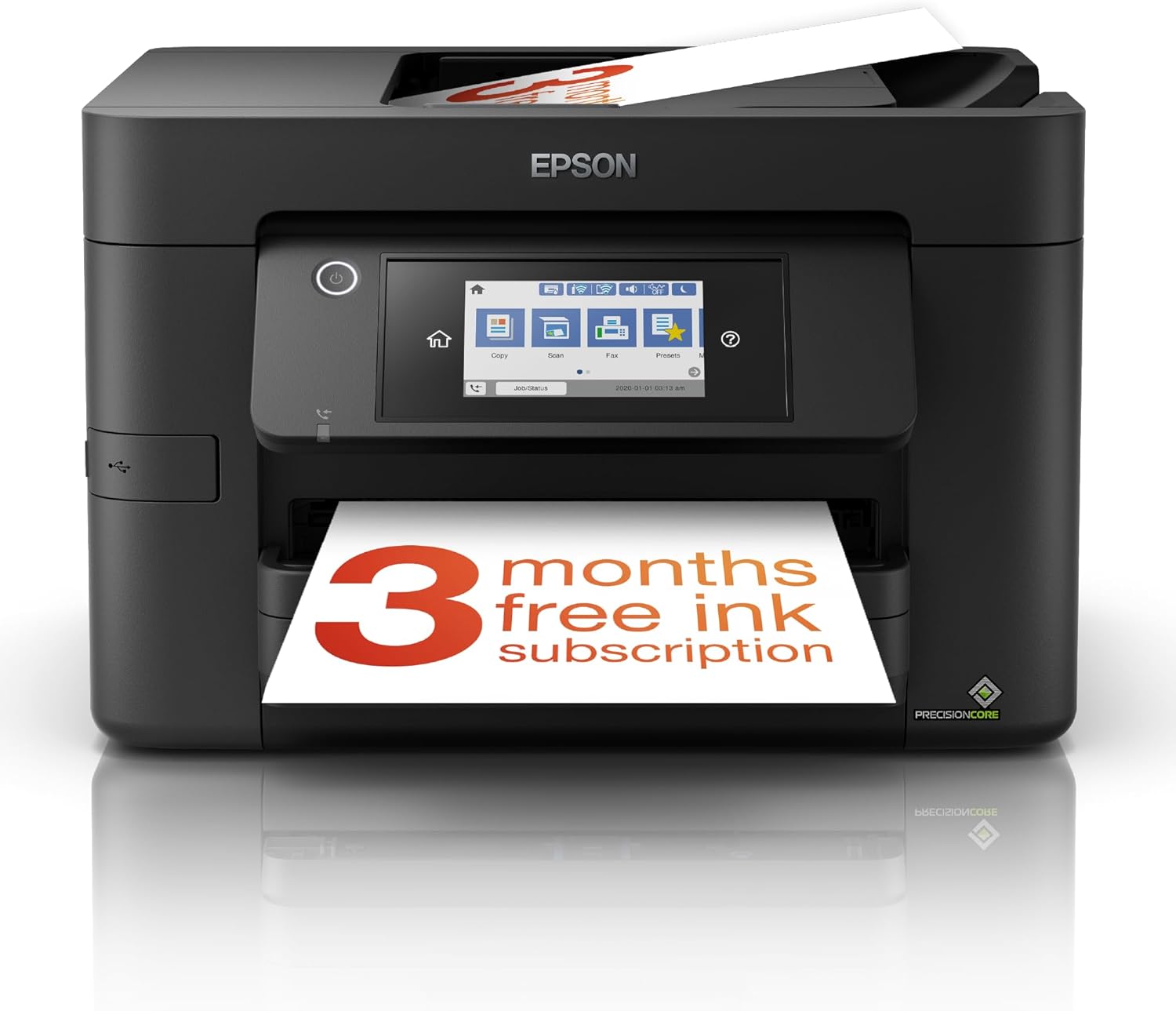
Epson WorkForce Pro WF-4820DWF A4 wireless multifunction inkjet printer
Reviews
Price
Product description
Key points
If you need an A4 multifunction printer for a home office or small office, the Epson WorkForce Pro WF-4820DWF is built around practical everyday throughput: double-sided printing, plus scanning and faxing in a single unit. On paper, it’s aimed at people who print regularly and want something that’s easy to live with—wireless included—rather than a “rarely used” office gadget.
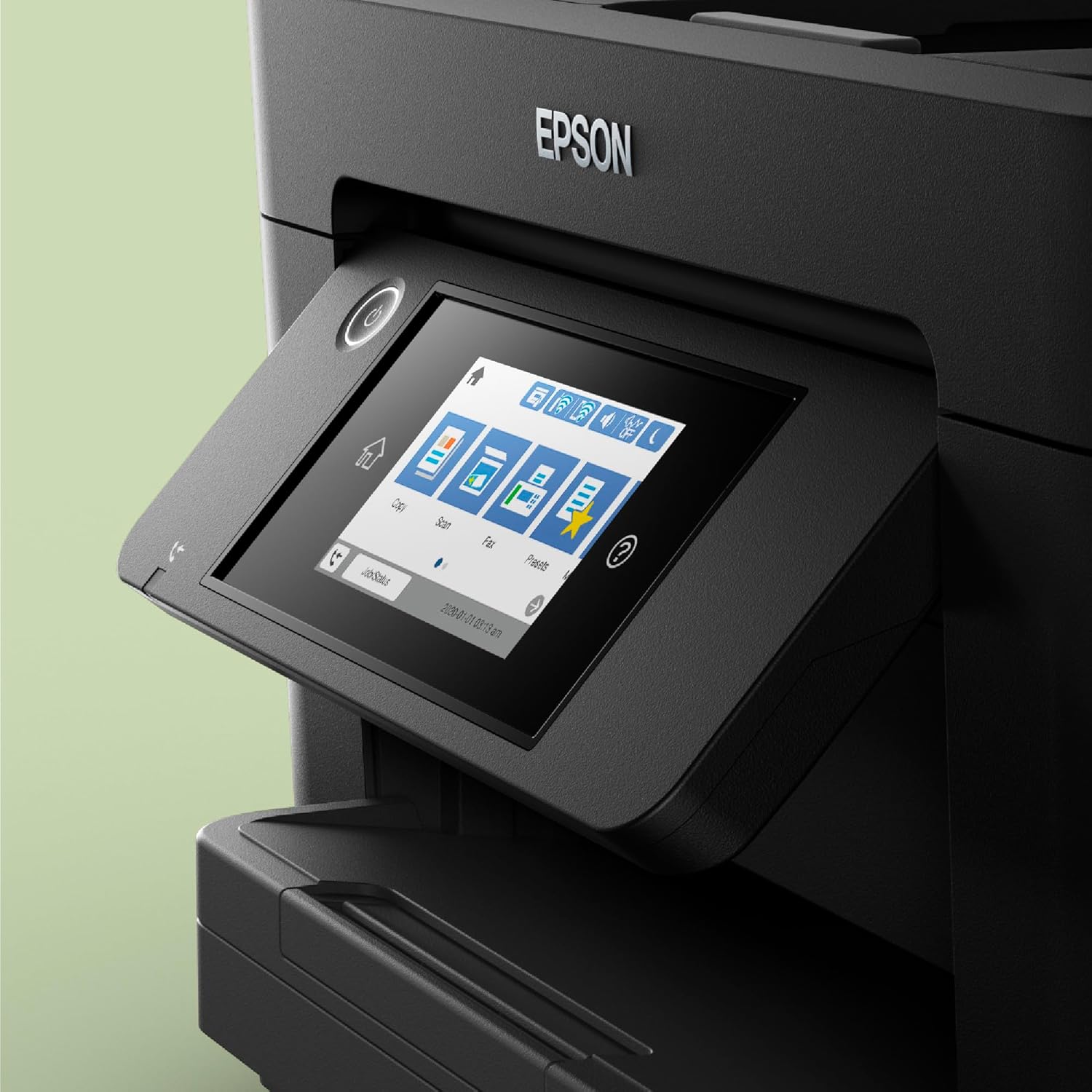
The headline details are fairly clear: it supports automatic duplex printing, it includes an automatic document feeder for up to 35 A4 pages, and it uses Epson’s PrecisionCore printhead for prints described as laser-like. There’s also a 10.9 cm touchscreen for control without having to wrestle with buttons, and the print speeds given are 25ppm black and 12ppm colour.
That combination is exactly where this model tends to make sense: if you’re often printing and scanning documents (forms, letters, invoices) and you want to keep turnaround times reasonable, this is the sort of device that can reduce friction. Still, it’s an inkjet, so the “most cost-effective” angle will depend on your ink usage and how consistently you print.
What to know before you buy
This isn’t just a printer, it’s an A4 multifunction with printing, single scanning and faxing. The automatic document feeder is a key part of the daily workflow because it can process multiple pages (up to 35 A4 pages) instead of you feeding sheets manually one by one. If you regularly scan or copy multi-page documents, that matters more than many people expect.
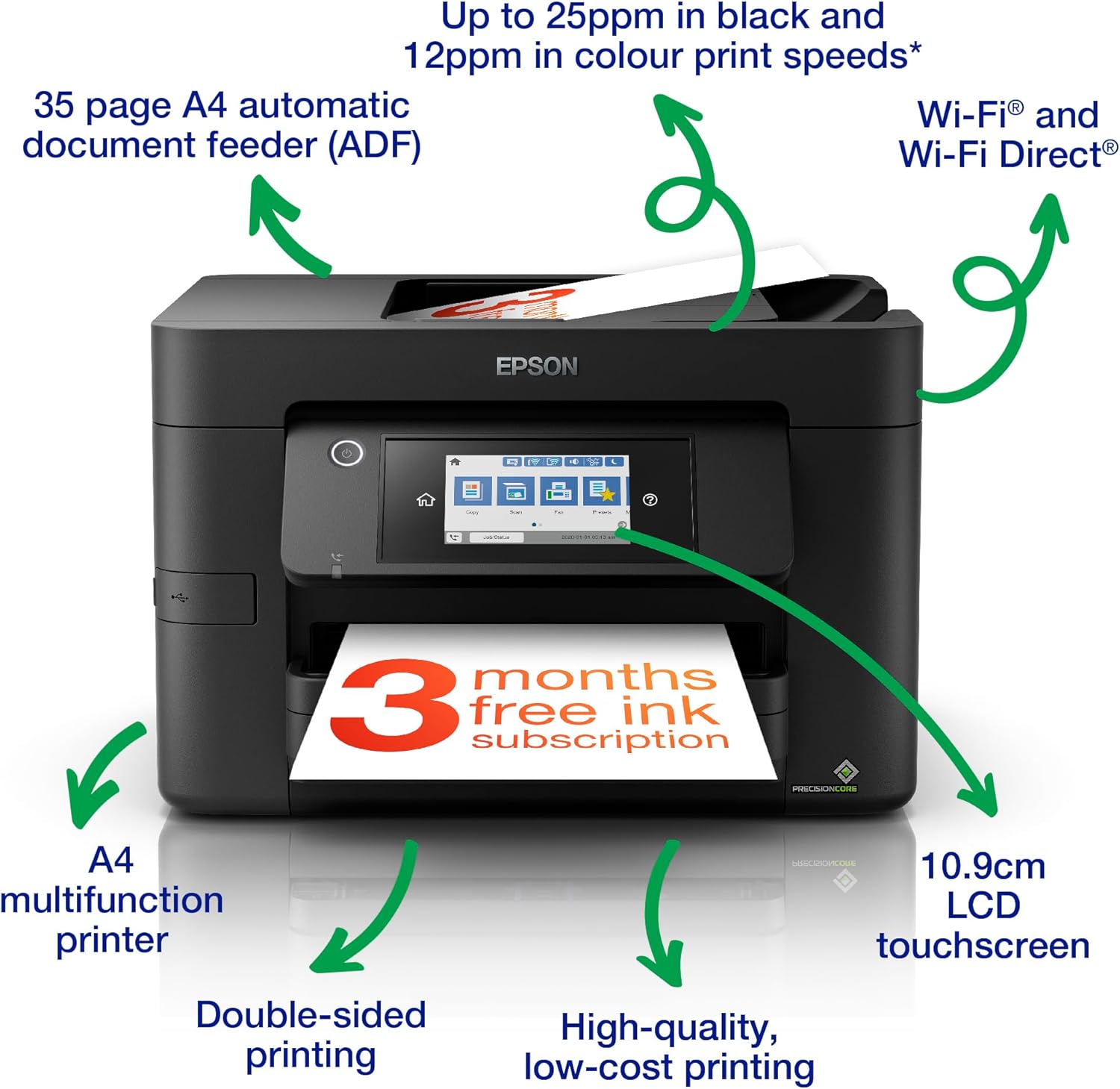
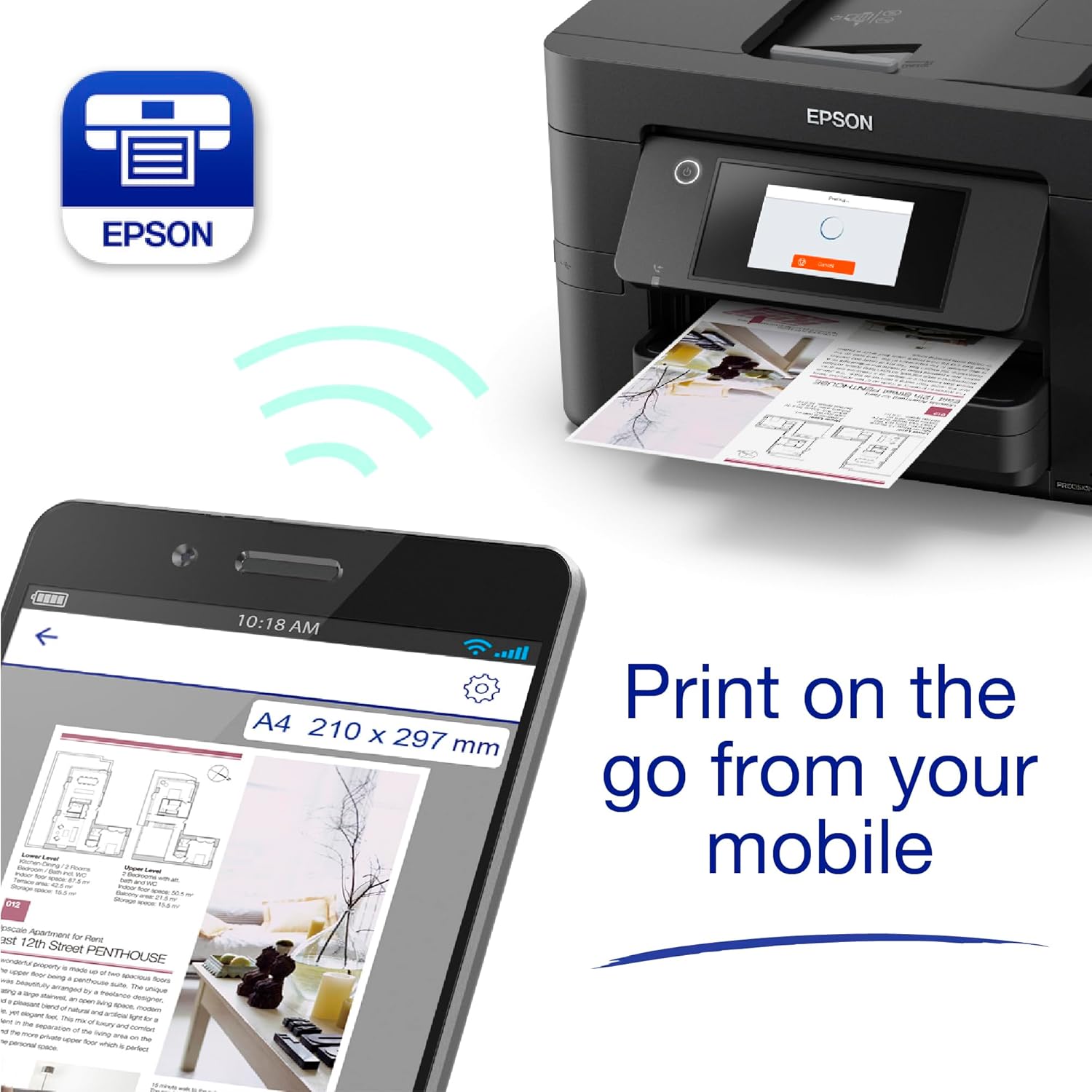
On the wireless side, it offers Wi-Fi connectivity and also Wi-Fi Direct if you want to print from compatible wireless devices without relying on your main network. Epson also mentions mobile printing features such as Email Print (sending items to print from almost anywhere in the world) and Scan-to-Cloud for collaborative working. That’s useful if the office environment is split across laptops and phones, or if you’re handling documents remotely.
One thing to keep in mind: the base description focuses on speed and efficiency, but it doesn’t spell out network setup requirements, scan destinations, or how “fast” scanning feels in real-world use. So if you’re the sort of buyer who cares about workflow smoothness as much as output, it’s worth double-checking what matters for you (for example, how you plan to scan to devices or cloud services).
Key specifications
- Type: A4 multifunction wireless inkjet printer (printing, single scanning and faxing)
- Double-sided printing (duplex): Yes
- Automatic document feeder: Yes (processes up to 35 A4 pages)
- Print speeds: 25ppm black, 12ppm colour
- Display: 10.9 cm touchscreen
- Printhead: PrecisionCore
- Wireless options: Wi-Fi, Wi-Fi Direct
- Mobile printing/features mentioned: Email Print, Scan-to-Cloud
What stands out day to day
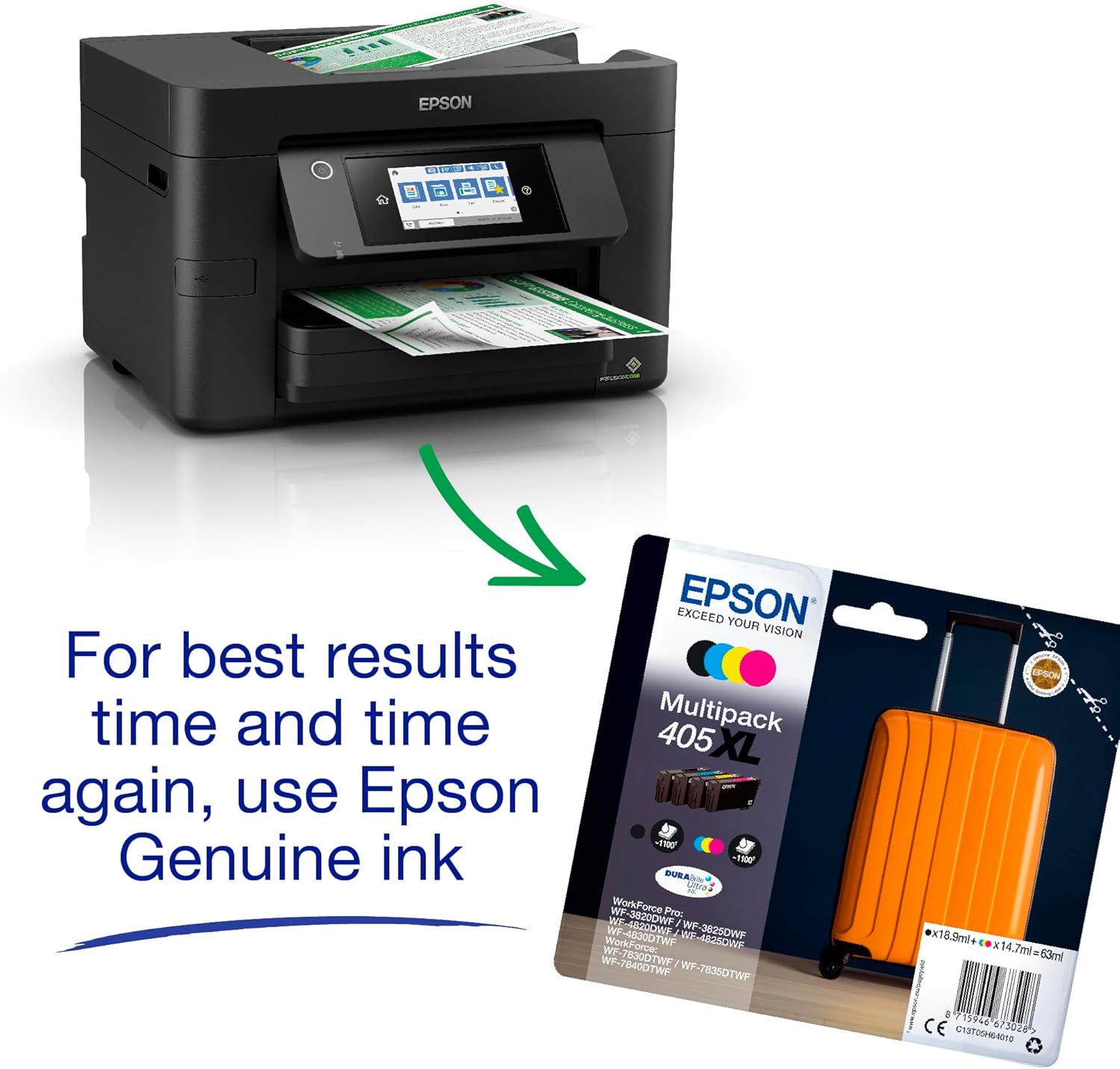
The most compelling part of this model is the intent behind it: reducing running costs while keeping office-style output. The description states it uses individual inks and that they’re described as 50 percent more efficient compared to tri-colour cartridges. It also says cartridges are available in standard and XL, with the highest yield delivering up to 1,100 pages.
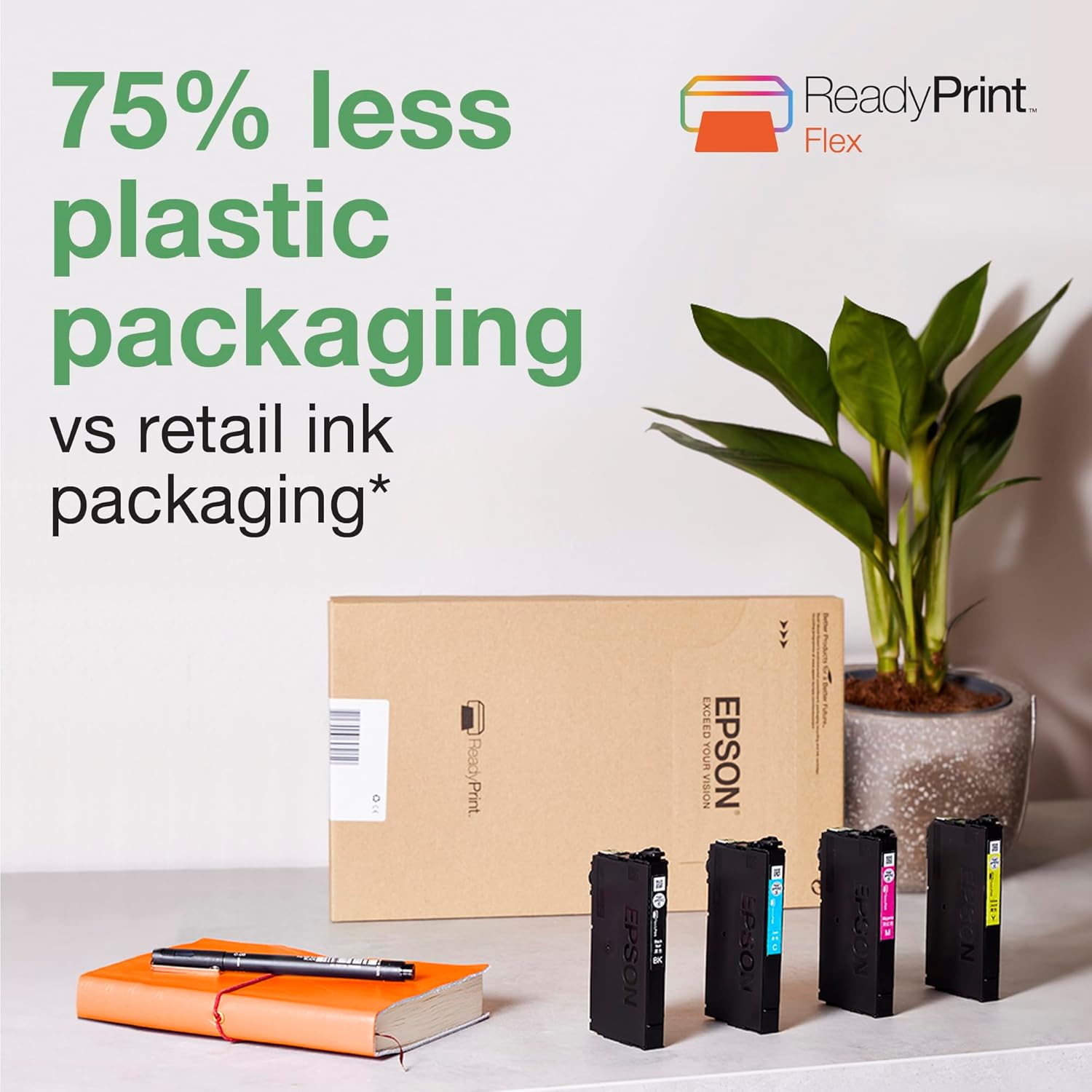
If you print a mix of black text documents and occasional colour, individual inks can work out better than tri-colour systems where you may feel like you’re paying for colour you don’t use much. But it’s not perfect for everyone—if your printing is sporadic or mostly one-off colour pages, the “value” story can be harder to quantify.
There’s also a sensible usability angle: an intuitive user interface and a touchscreen typically make it quicker to start scans, copy or manage settings than basic printer menus. It’s a small detail, but in daily office life those seconds add up.
Where it may fall short (and who should skip it)
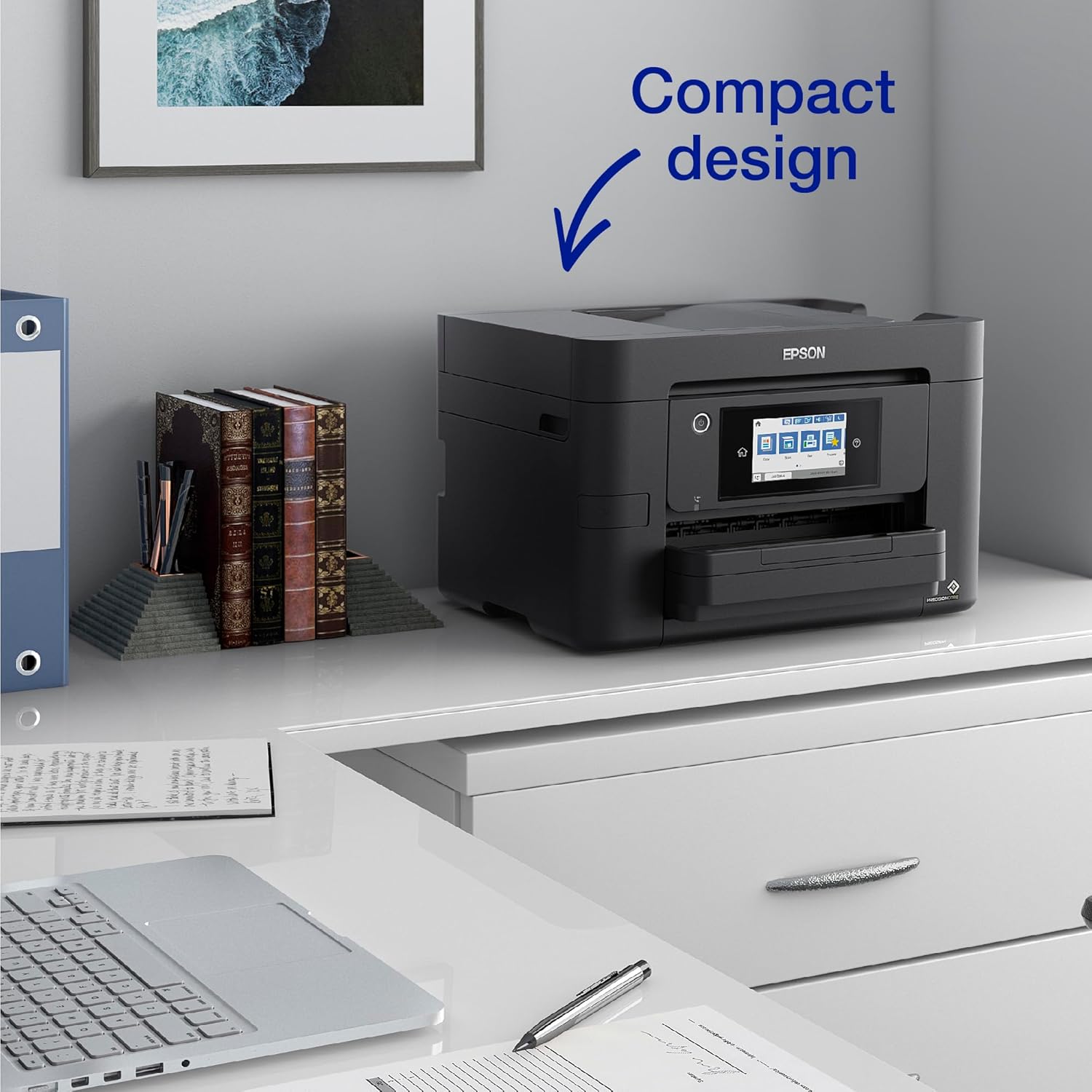
This model is positioned for more active home office and small office use, based on duplex printing, document feeder capacity, and the stated output speeds. If you only need occasional printing, you may not benefit from the features that are designed for throughput.
Also, while the printhead is described as producing “laser-like” results, inkjet print appearance depends on the media you choose and how you use the printer (for example, whether you print frequently, the paper type, and how long documents sit before use). If your priority is very specific, repeatable professional output (like pre-press work) you might want to check how this kind of inkjet setup fits your expectations.
It might not be the best match if: - you print very rarely and you want minimal hassle over time - you need fully specified scan-to-cloud workflows but can’t confirm what destinations you’ll use - you’re buying purely for the cheapest possible prints without considering the ink approach
Everyday use tips
For a practical example, imagine you receive a multi-page invoice pack: instead of feeding each sheet into the scanner manually, you can use the automatic document feeder (up to 35 A4 pages) to scan them in one go. Then, with Scan-to-Cloud mentioned as part of the experience, you can route the documents for shared access.
For day-to-day printing, double-sided (duplex) printing helps keep paper usage down if you routinely print reports, forms or school/work documents. And if you’re in a mixed setup—say your laptop is on Wi-Fi while your phone is on the go—Wi-Fi Direct can remove the need to connect through the usual network.
When it comes to mobile access, Email Print is the kind of feature you’d actually use when you’re away from the desk and need a document to come out at short notice.
Is it worth it?
You should consider buying the Epson WorkForce Pro WF-4820DWF if you want an A4 wireless multifunction that leans into office-style handling: duplex printing, an automatic document feeder for up to 35 A4 pages, and reasonably stated print speeds. It also fits if running costs matter and you’re willing to think about ink usage, given the individual ink efficiency claim and availability of standard and XL cartridges (including a high-yield option noted as up to 1,100 pages).
You may want to skip it if your printing is occasional, your workflows rely on specific scan destination behaviour that isn’t confirmed in the available details, or you’re buying only for the lowest upfront complexity rather than everyday office throughput.
For most buyers with a genuine home office or small office document routine, it’s one of those printers that feels designed for “use it often” rather than “keep it for emergencies”.