

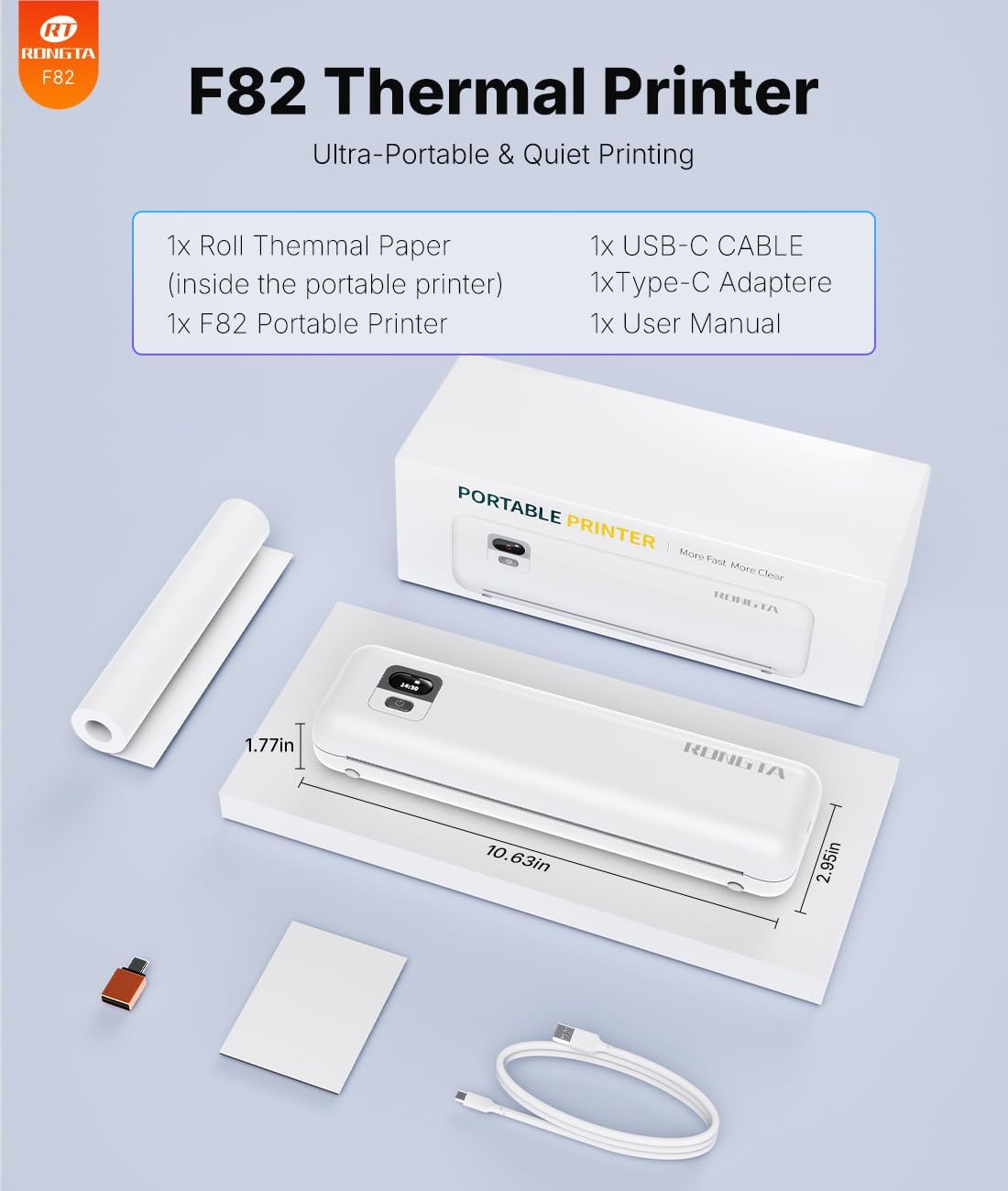
Rongta F82 Portable Wireless Thermal Printer (Inkless) for Travel, A4, Bluetooth & USB — White
Product description
The essentials
If you need occasional, on-the-go printing for work or home admin, the Rongta F82 is built around a pretty specific idea: thermal printing without ink cartridges. On paper, that can be a big convenience win because you’re not managing ink, and it’s designed to be light enough to travel with. The trade-off is that you’ll still need the right kind of thermal paper, and with portable printers you often give up a bit of “set-and-forget” convenience you’d expect from larger office models.
Where this model leans hardest is mobile workflows—phone/tablet printing over Bluetooth, plus USB options for laptops and desktops. It’s not the sort of printer you’d choose for high-volume everyday office use, but it can make sense if you print documents intermittently and value portability and quick results.
Key points
The Rongta F82 focuses on inkless thermal printing, wireless printing via Bluetooth (and mention of Wi‑Fi through its app), and a compact design with a battery for travel. It’s positioned as a practical companion printer rather than a desk replacement.
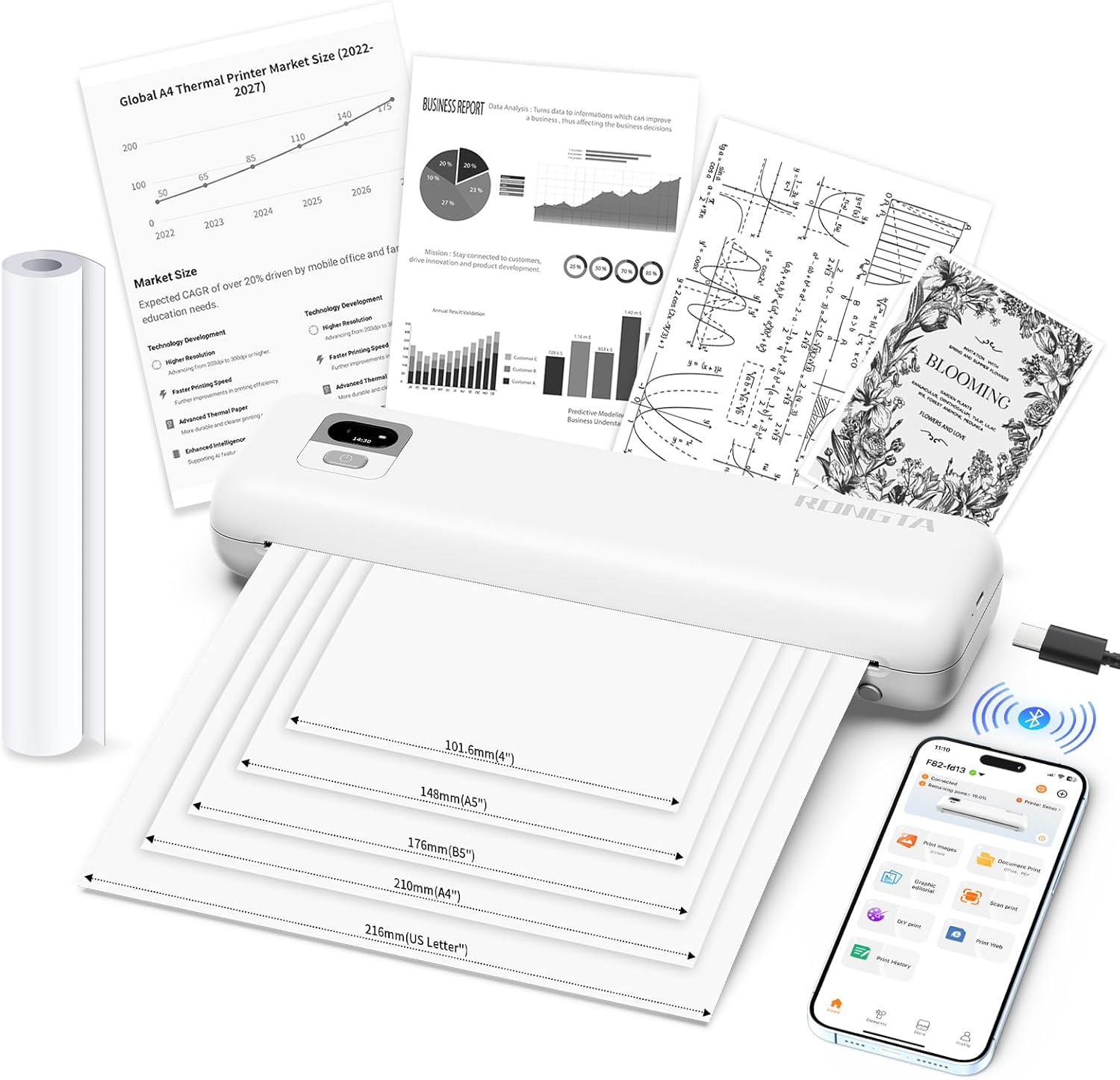
There’s also a clear “supporting cast” here: the SoPrint app is mentioned as the route for phone/tablet printing, and there’s guidance for USB driver use when you connect to a computer. If you’re the sort of person who’s happy to follow installation instructions once, then print regularly, it should feel straightforward.
What it’s for (and where it fits best)
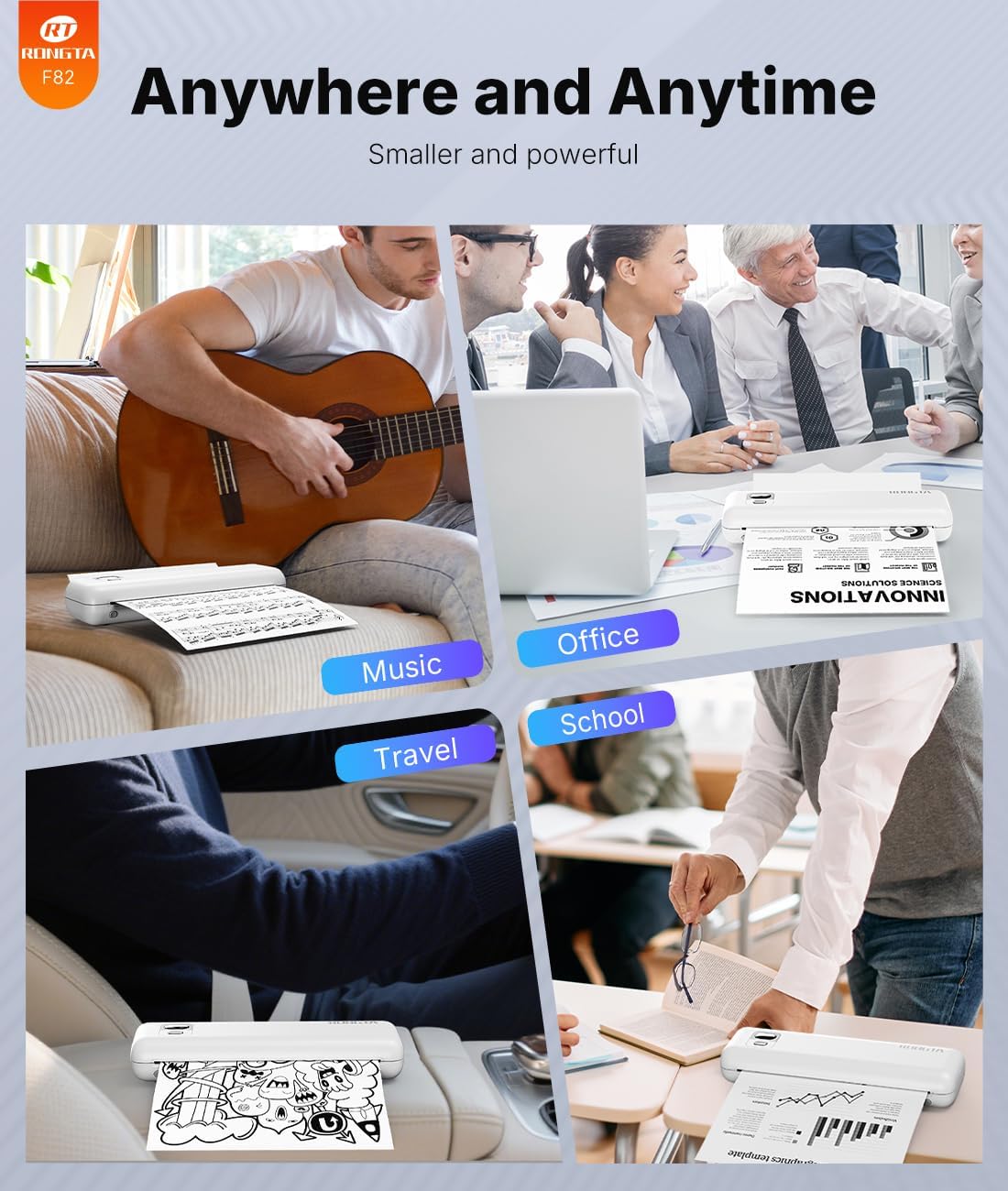
This printer is most convincing for people who print specific document types outside a fixed office setup. A realistic micro-scenario: you’re at a meeting or customer site, need to print a short PDF form, then send it from your phone through Bluetooth using the SoPrint app. The printer is also described as operating quietly (under 60dB), which is a small but meaningful detail if you’ll print in shared spaces like offices, libraries or home rooms.
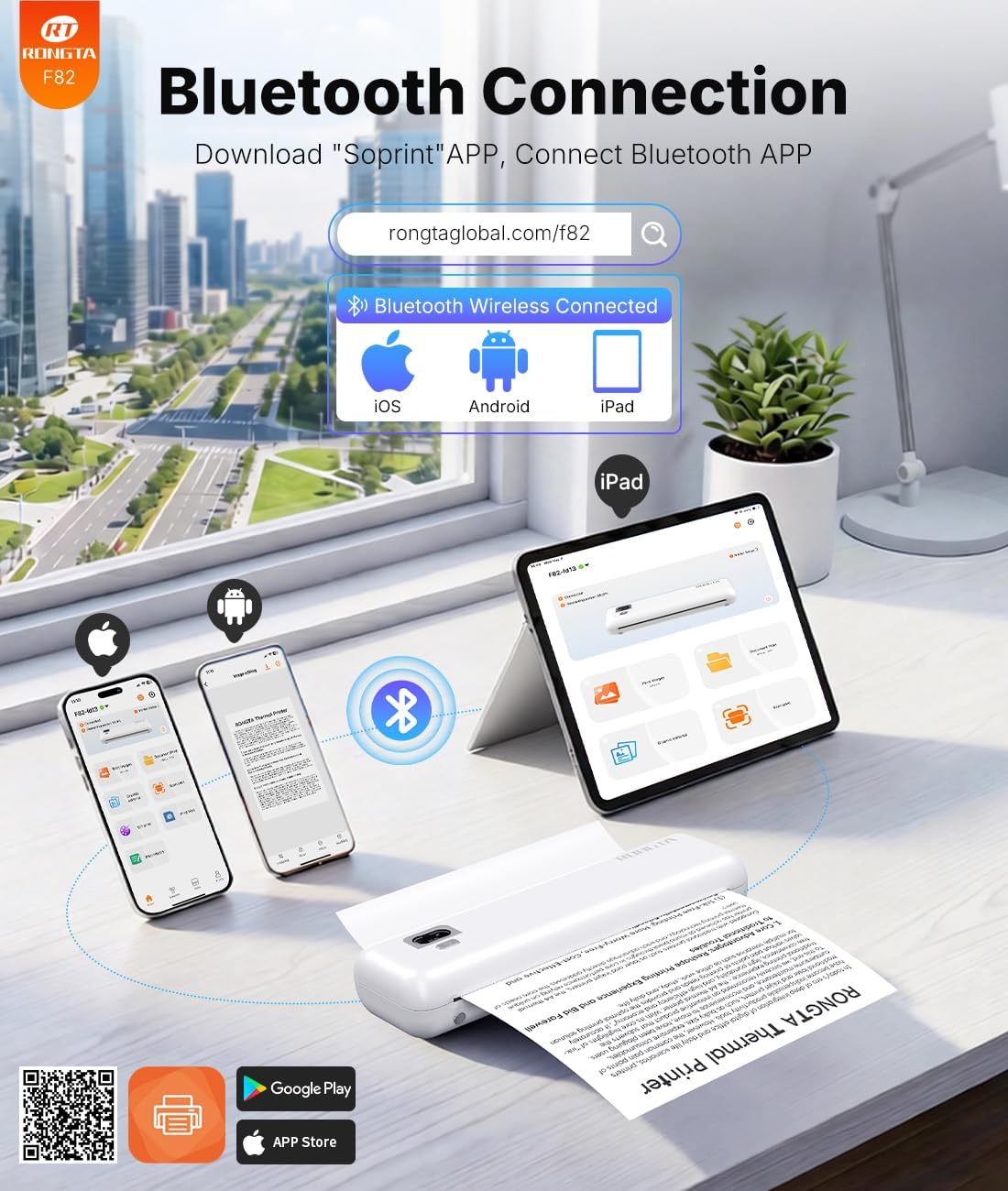
It’s also aimed at mixed device households or small offices—supporting Android, iOS, and laptops/desktops. On the A4 paper size front, it’s not limited to tiny receipts, which helps if your “portable printing” needs are actually documents.
The good, the not-so-good
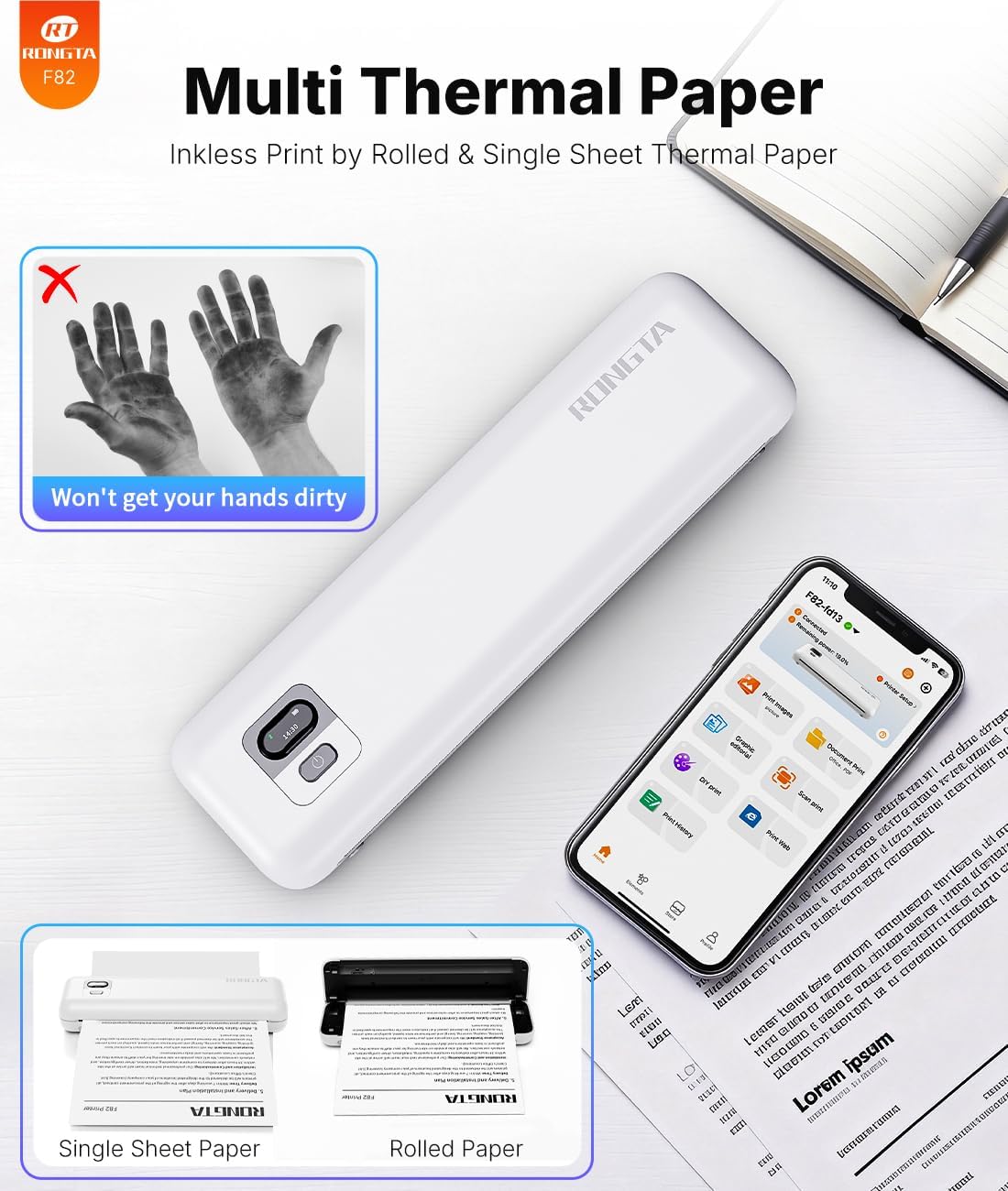
Where it stands out - Inkless thermal printing approach means no ink cartridges to buy or replace. - Portable footprint: it’s described as lightweight and compact, designed to fit in a bag. - Wireless printing via Bluetooth from phones/tablets, with USB support for computers. - Quiet operation is specifically called out, which is less common in basic travel printers. - Battery capability is stated, with up to 210 pages on a single charge (on the manufacturer’s figures).
Things to be careful about - It will only work with thermal paper, it does not support normal paper. If you already have standard paper stocked, that’s an immediate compatibility limitation. - Connection and setup can depend on the right guide/driver being used (“see the installtion guide… for right set” is mentioned). If you expect plug-and-play with every device, you may find it takes a bit of initial setup. - Portable thermal printers are usually more “good for occasional printing” than “best for heavy daily workloads”. If you print large volumes all day, you may want a more traditional office setup.
Key specifications (quick overview)
- Type: Portable inkless thermal printer
- Paper sizes mentioned: US Letter, A4, A5, B5
- Connectivity mentioned: Bluetooth, Wi‑Fi (via app), USB (for computers)
- Battery capacity and use claim: 2400mAh, up to 210 pages per charge (stated)
- Weight and size (stated): 0.992 lbs / 450g, 268 x 58 x 30mm
- Noise level (stated): under 60dB
- App mentioned: SoPrint
Getting the best from it
This is one of those gadgets where the “how you use it” matters as much as the hardware.
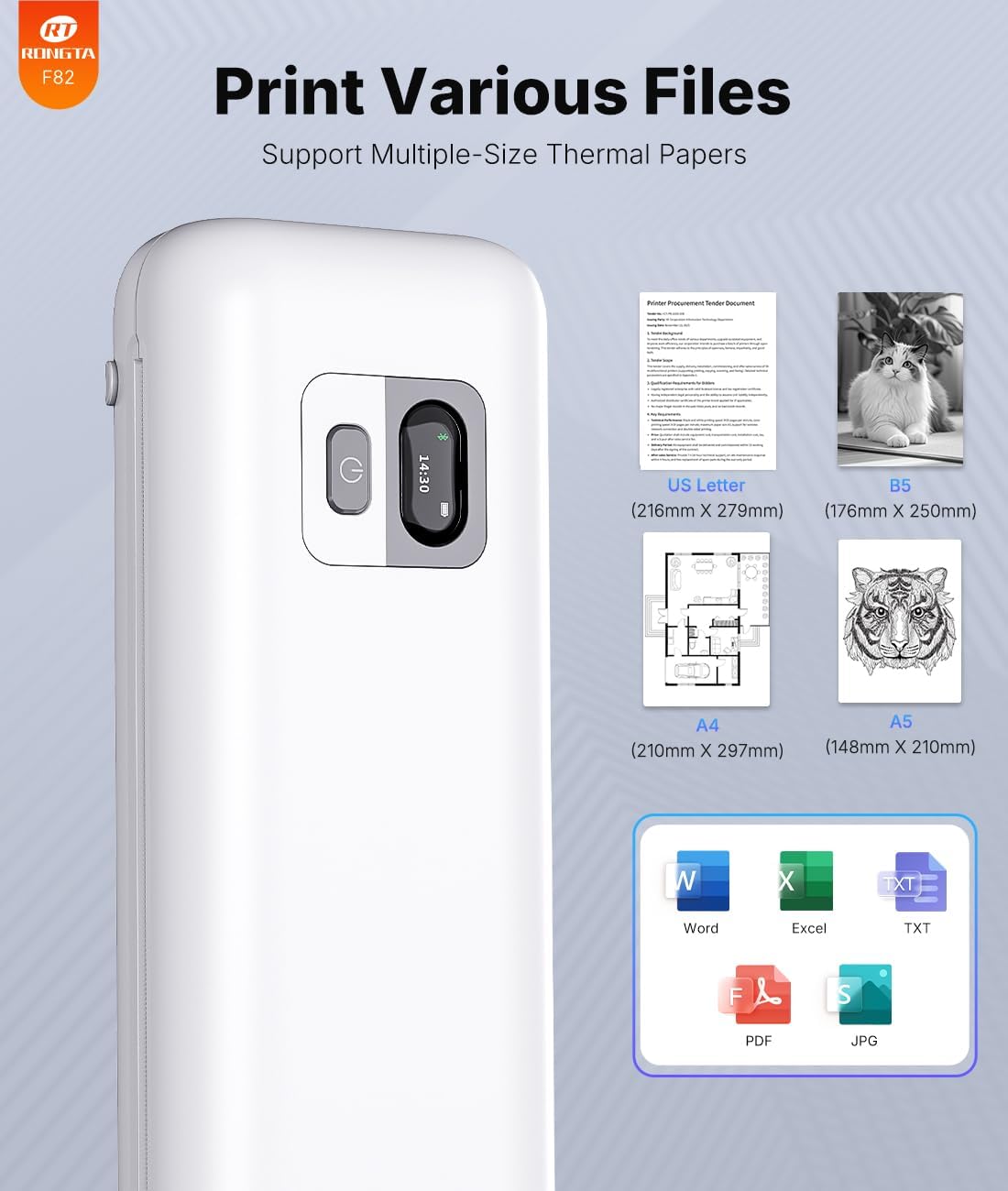
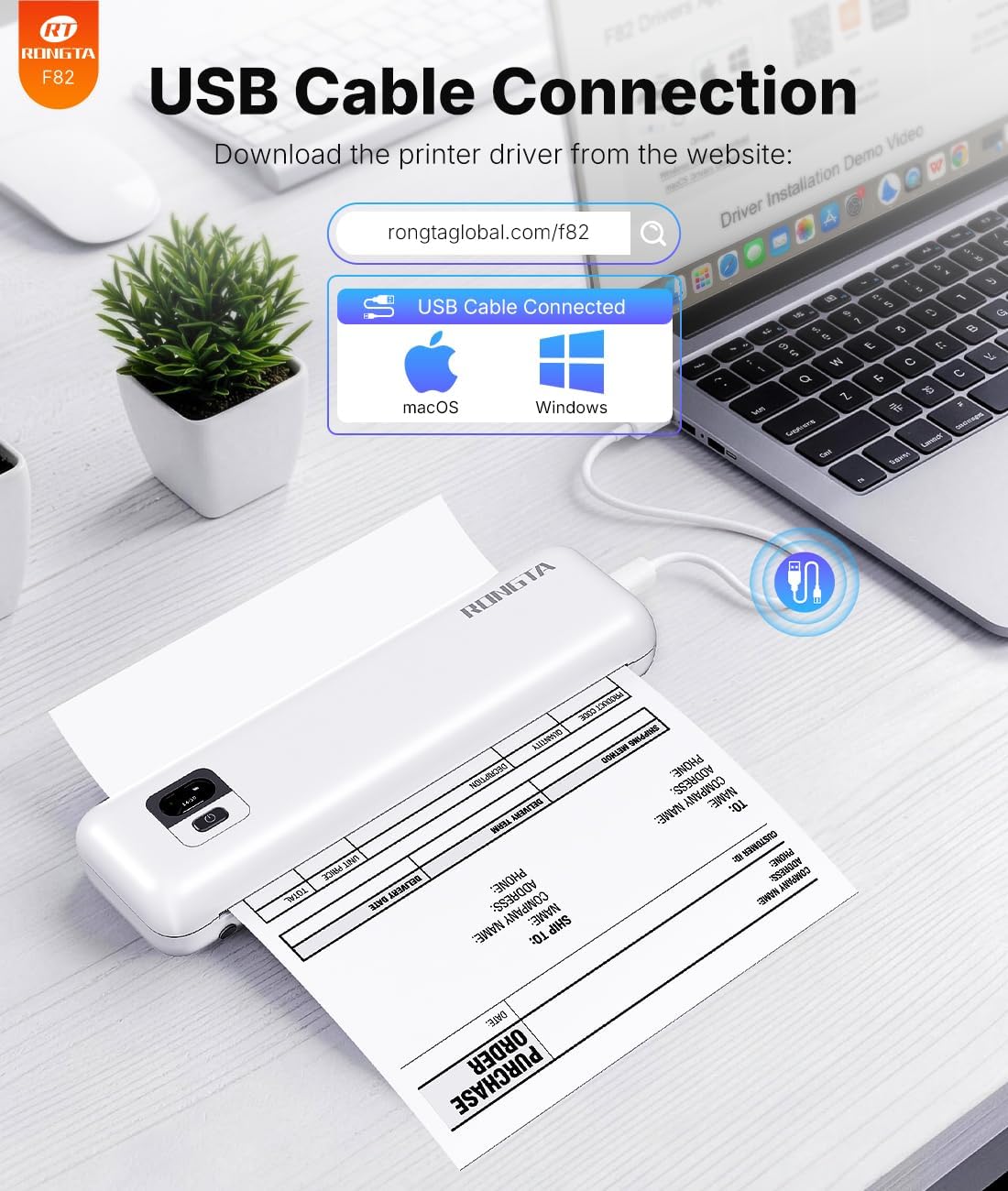
For phone and tablet printing, the instructions describe a Bluetooth workflow in the SoPrint app: enable Bluetooth on your phone, open the app, and connect to the printer, then choose the document format. For laptop/PC printing, it points to either a USB driver supplied in the box or a driver download from the manufacturer’s website.
It’s also worth treating paper choice as part of your purchase decision. If you don’t already plan to use thermal paper, the printer won’t suit you in practice—no matter how good it looks on paper.
Who should consider it (and who should skip it)
It makes sense if you want an inkless thermal printer for travel, home, or occasional office printing, especially where you’ll send files from a phone or need quiet printing in shared spaces. It suits buyers who don’t mind doing a little setup once (app connection and USB driver) and who will actually stock thermal paper.
It may not suit you if you primarily print on normal paper, need consistent large-volume output, or you want something that behaves like a big office printer without any driver/app involvement.
FAQs
Is it really inkless?
The description specifically frames this as an inkless thermal printer using inkless thermal technology, so you shouldn’t expect to buy ink cartridges for it.
What paper does it take?
It’s clearly stated that you should use thermal paper and that it does not support normal paper.
Can I print from my phone or tablet?
Yes—Bluetooth printing is described for Android and iOS using the SoPrint app.
Can it print from a computer?
It mentions USB connections for Windows and Mac computers, with guidance about using a USB driver.
How portable is it?
It’s described as ultra-compact and lightweight (450g stated) and designed to fit easily into a bag or backpack.
Is it worth it?
The Rongta F82 looks worth considering if your goal is portable, inkless thermal printing with wireless access for phones and support for laptops via USB—particularly if you print documents occasionally and value quiet operation. It’s more of a “travel and on-demand” printer than a full office replacement.
Just don’t ignore the thermal paper requirement and the likelihood of initial app/driver setup. If you’re not willing to switch to thermal paper or you’re expecting a no-fuss plug-in experience for every device, it could end up feeling like effort rather than convenience.