

Epson XP-3205 3-in-1 Printer 🖨
Product description
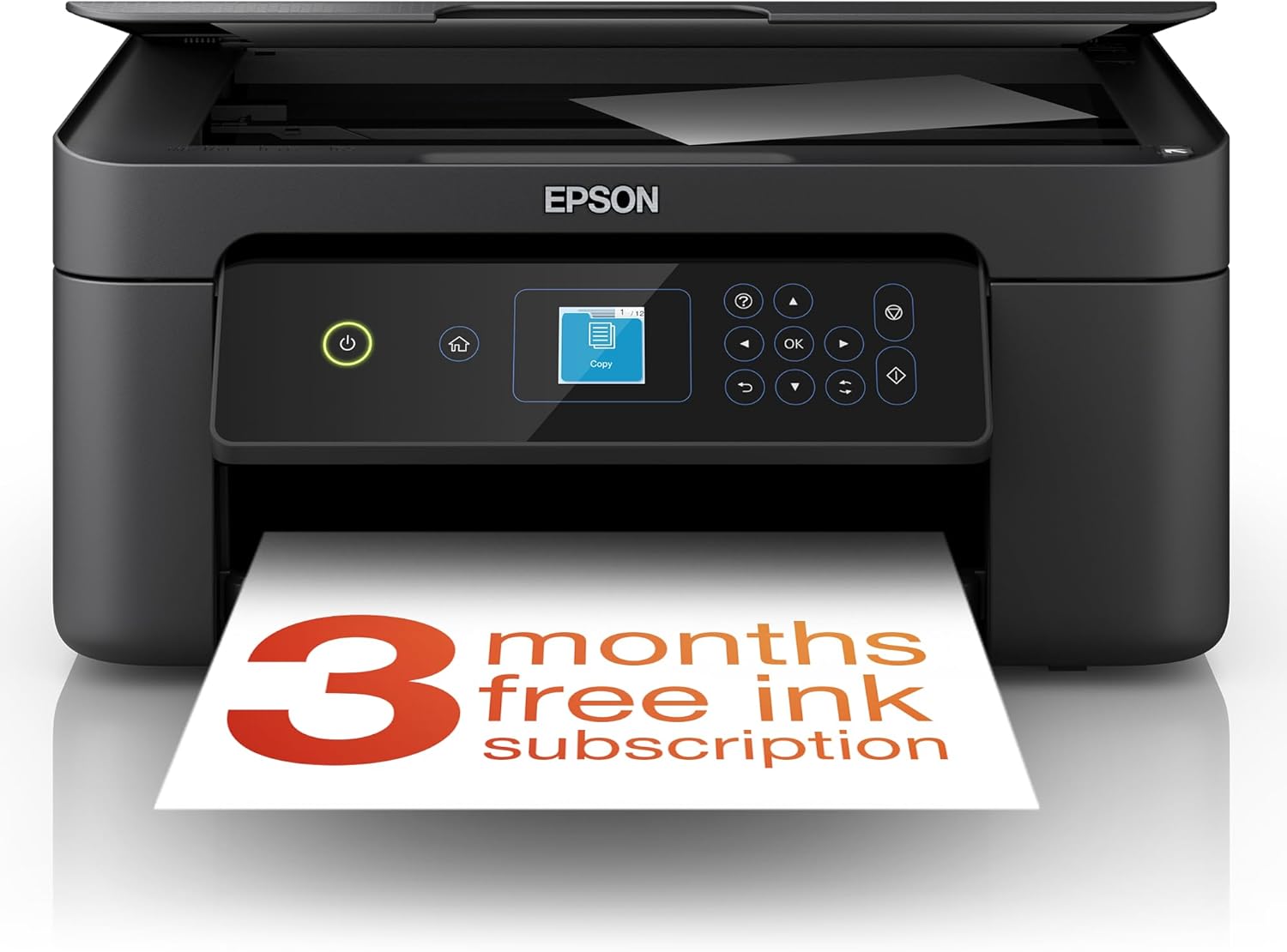
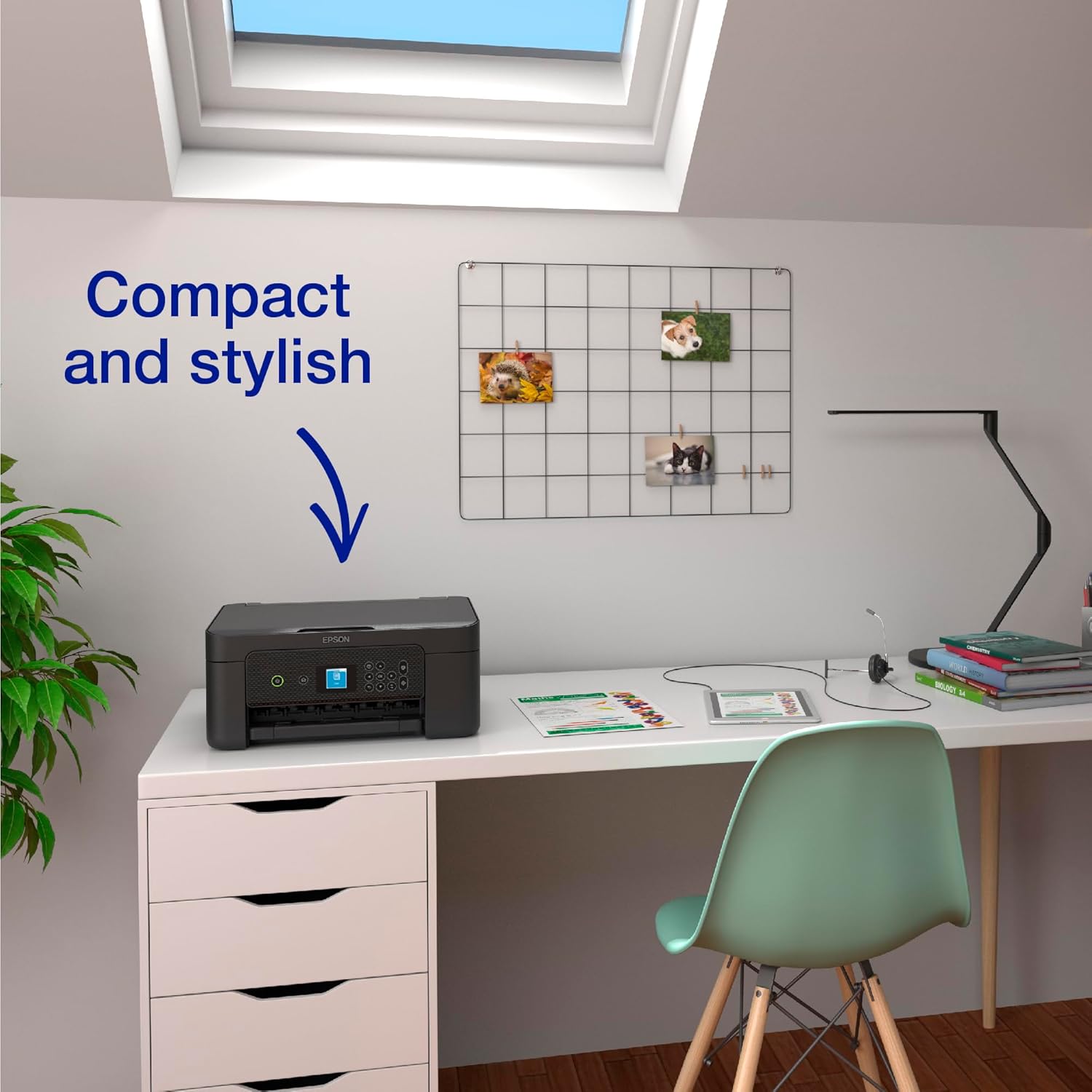
This compact 3-in-1 ink printer blends printing, scanning and copying in one slim unit for small offices and home use. It acts as a practical wireless printer that frees you from cables, offering double-sided printing to cut paper use and a small colour display for simple on-device control. 📱
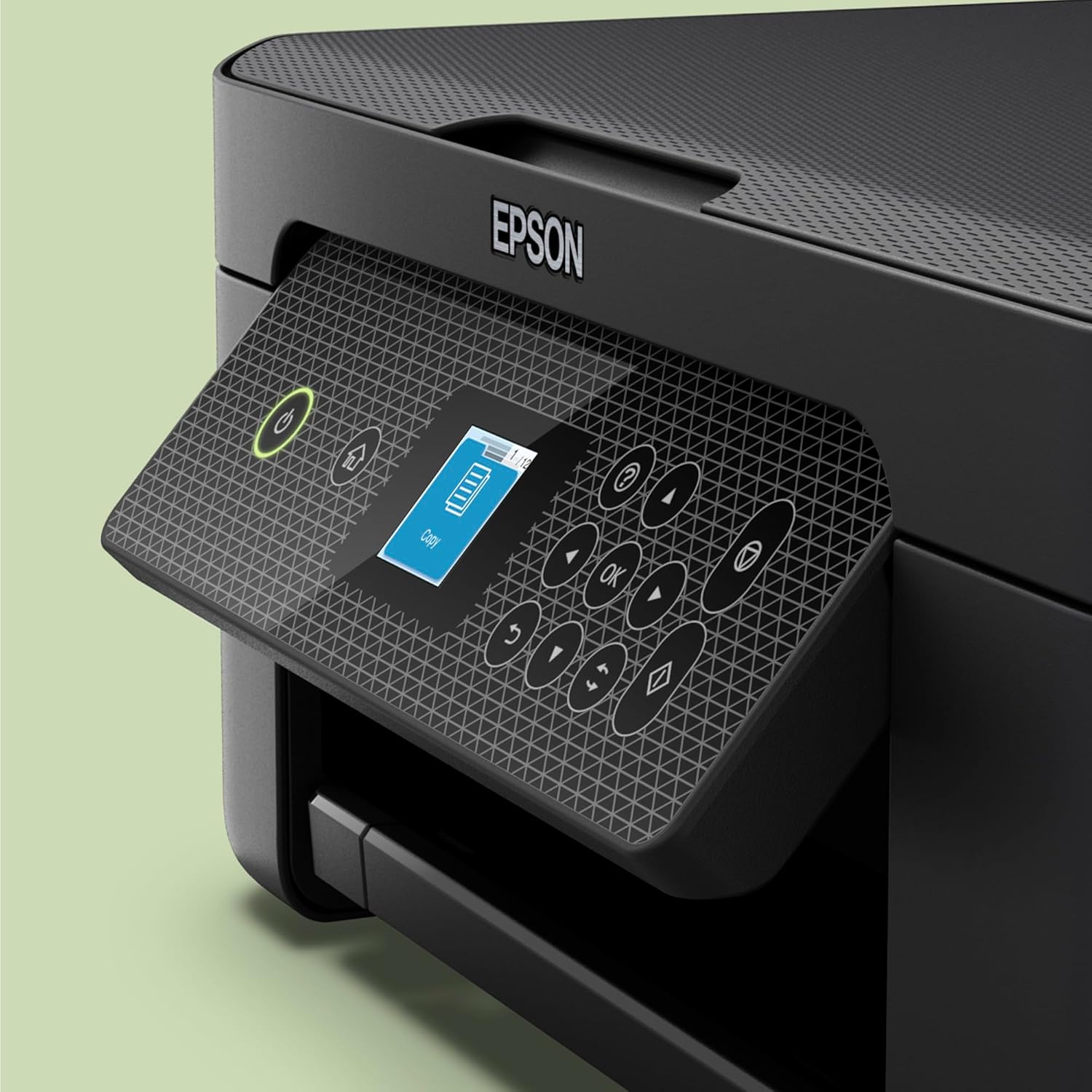
The first paragraph contrasts space needs and connectivity, so if you prioritise a neat desktop with wireless convenience you get that, and if you prefer direct control from the device the 1.45 inch display helps keep tasks quick and straightforward.
Key features
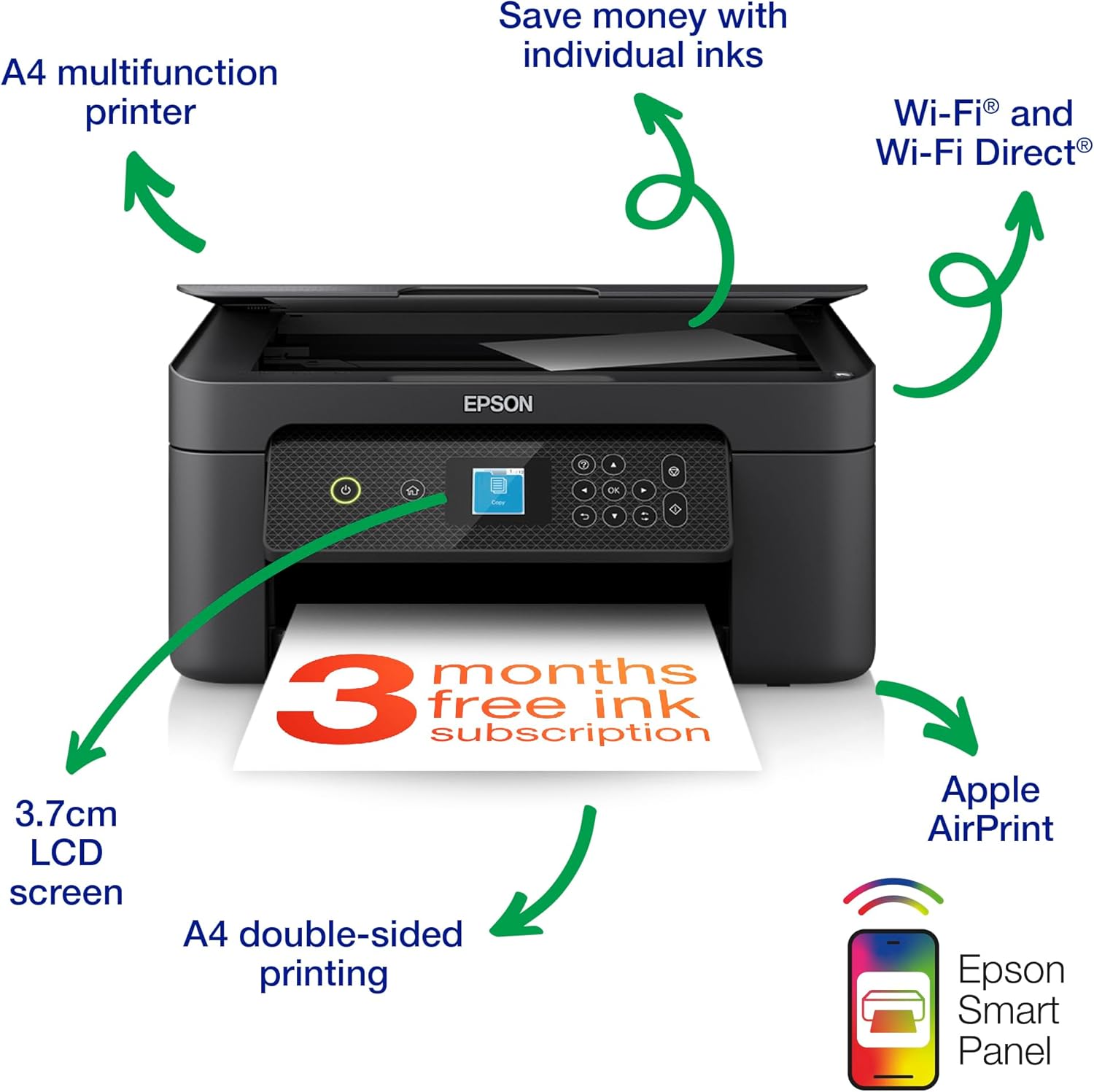
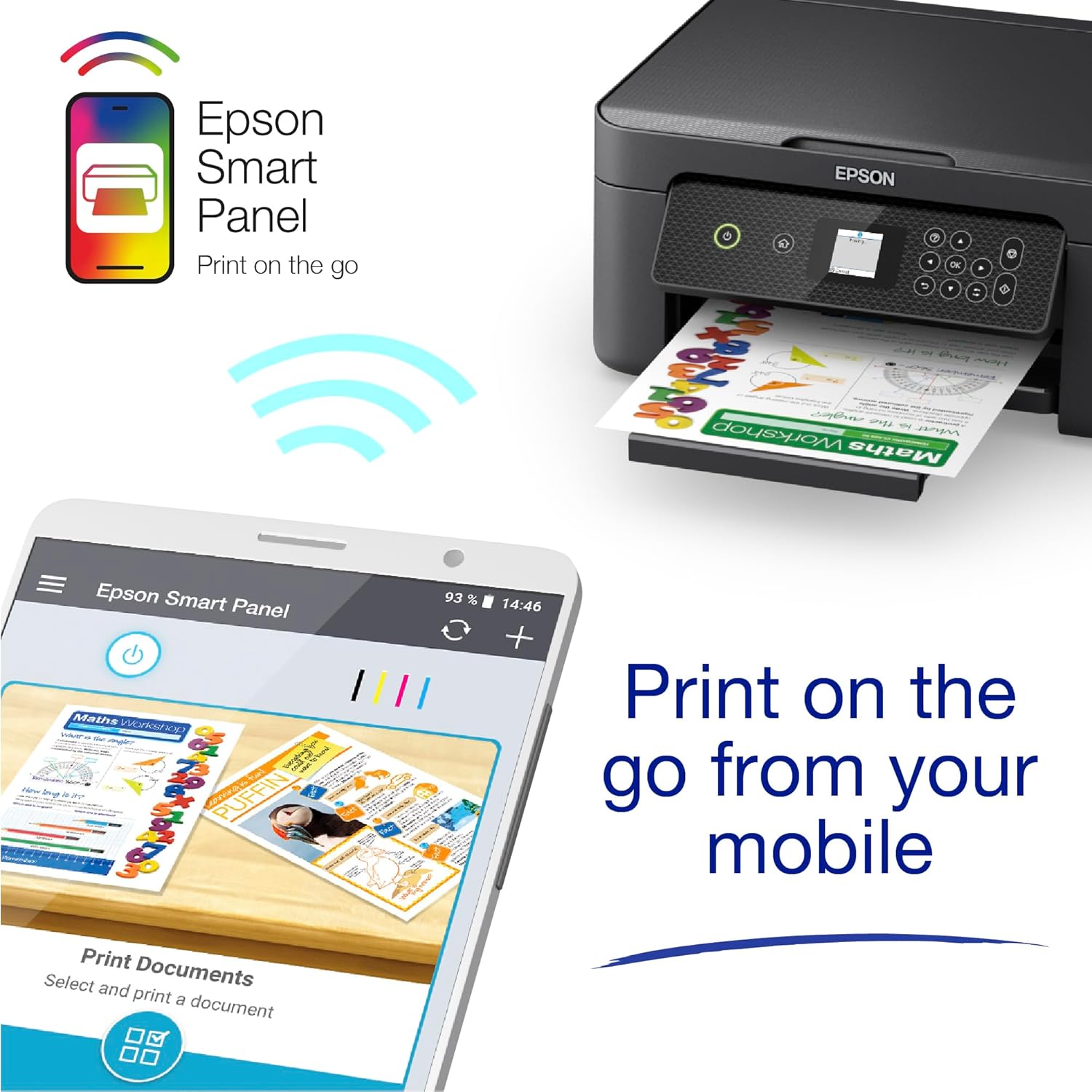
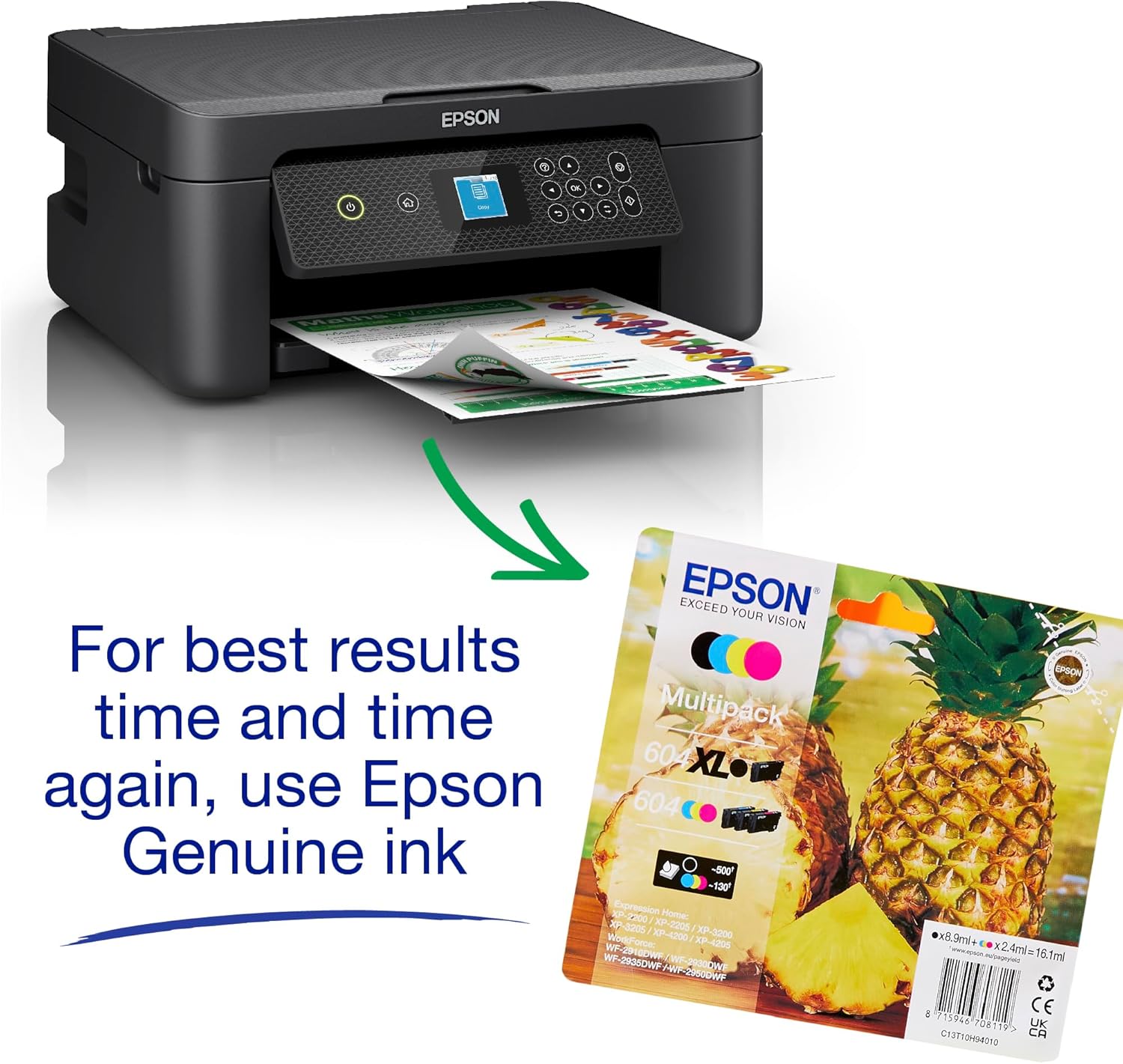
The Epson XP-3205 balances everyday flexibility with an affordable running cost. It supports Wi‑Fi and Wi‑Fi Direct for printing from phones and tablets, and works with the Epson Smart Panel and Creative Print apps for photos and basic creative layouts. The printer uses a four-colour ink set and offers individual cartridges in standard and XL sizes which can reduce expense over time. If you favour lower paper use, the automatic duplex option helps achieve that without extra effort. 📷
Tech summary
- Display: 1.45 inch
- Resolution: 1440dpi
- Connectivity: WiFi, WiFi Direct
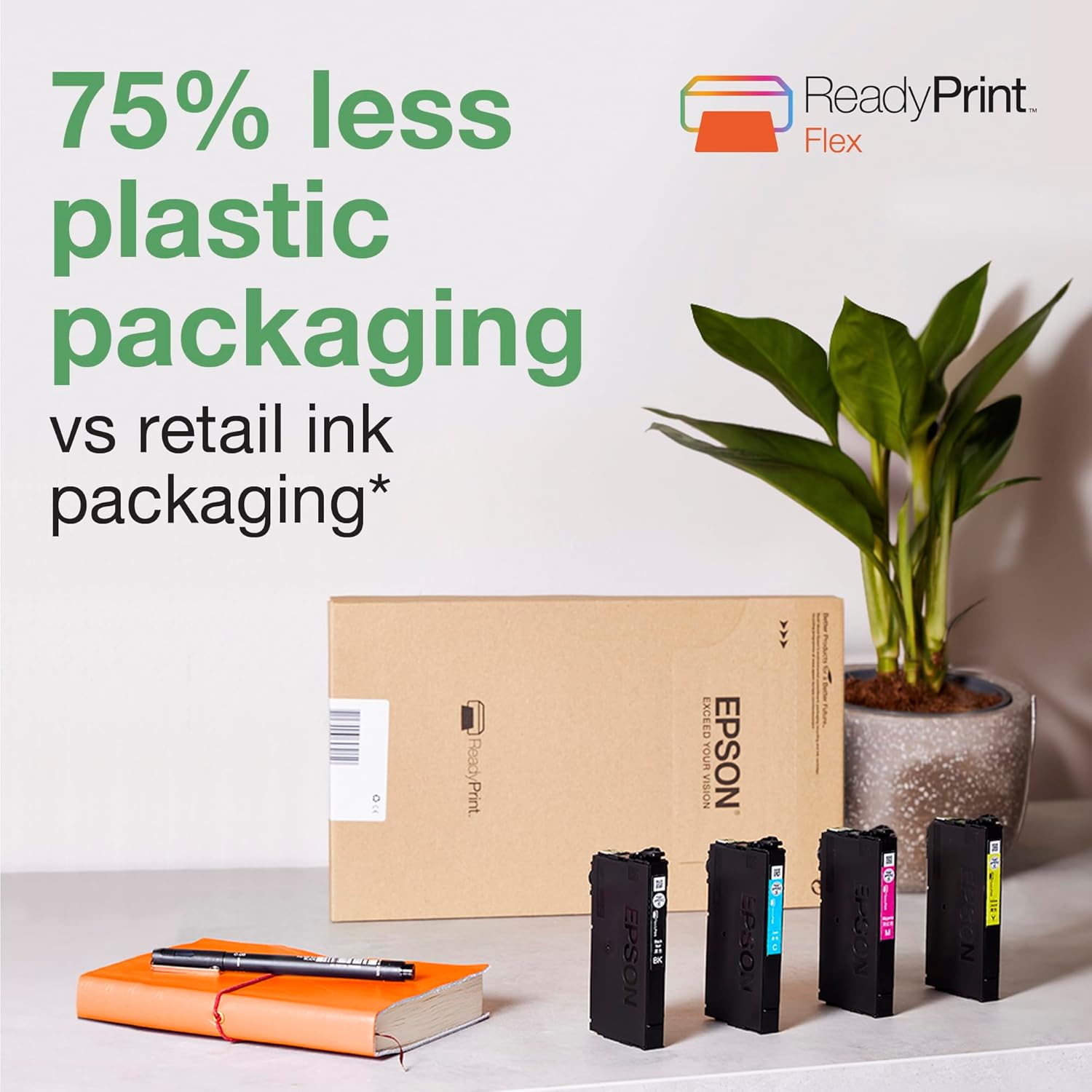
- What’s included: 3 Months Readyprint Flex Trial
- Compatibility: DIN A4
Usage tips
Epson XP-3205 performs well as a daily companion for homework, occasional photo prints and general document handling. Keep the ink cartridges for the correct colour set to maintain print clarity, and use the Epson apps when you want to print from a mobile without a computer. If you often print many pages, consider XL cartridges to stretch intervals between replacements. 🧾
Who it’s for
It’s a good fit if you need compact multifunction capability with wireless options, for example students, families or remote workers who value space and simplicity. It might not be a great match if you require heavy duty throughput or professional photo colour management, since this model focuses on convenience and value rather than high volume production.