

Epson EcoTank ET-4955 Ink Tank Printer for Home Office
Product description
What it is
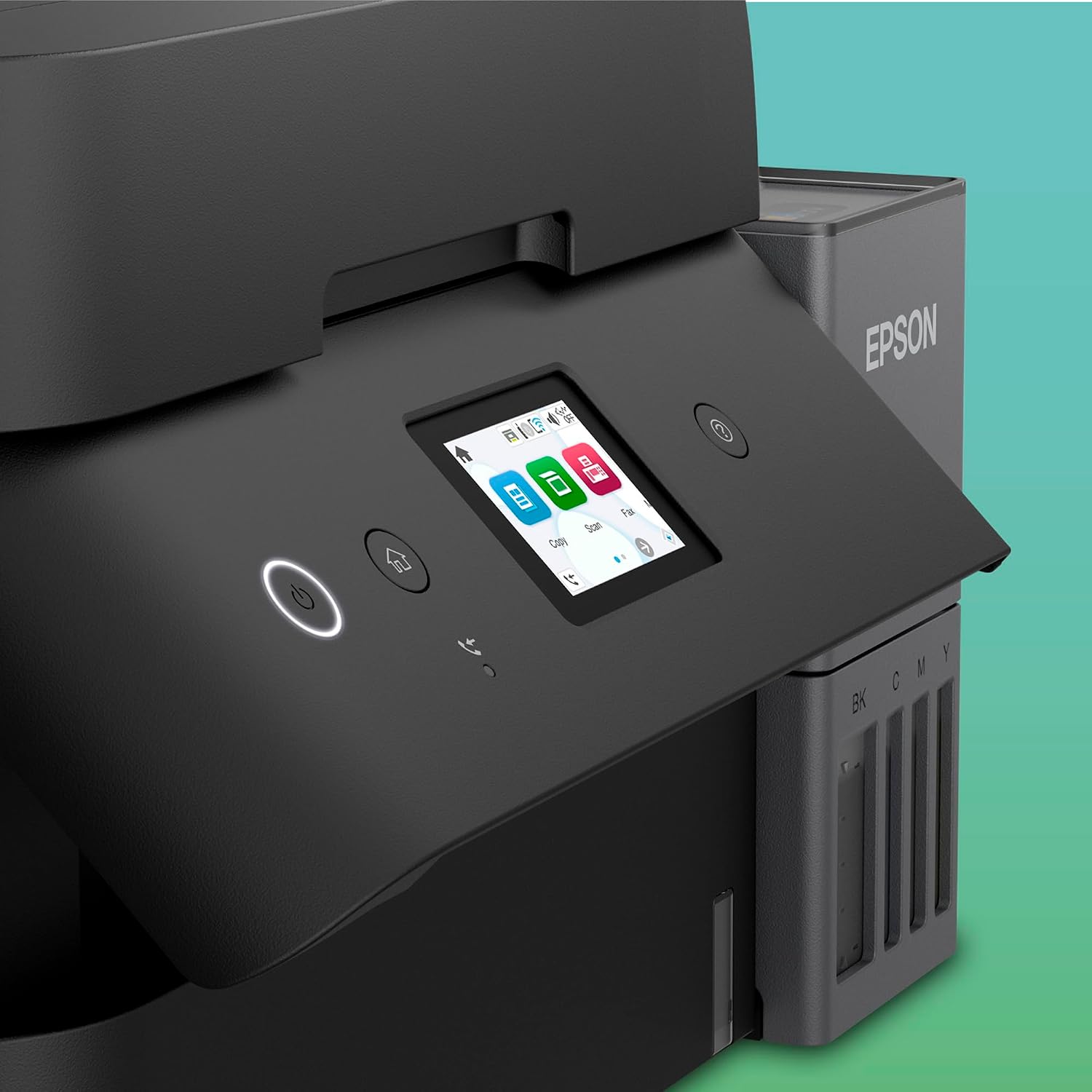
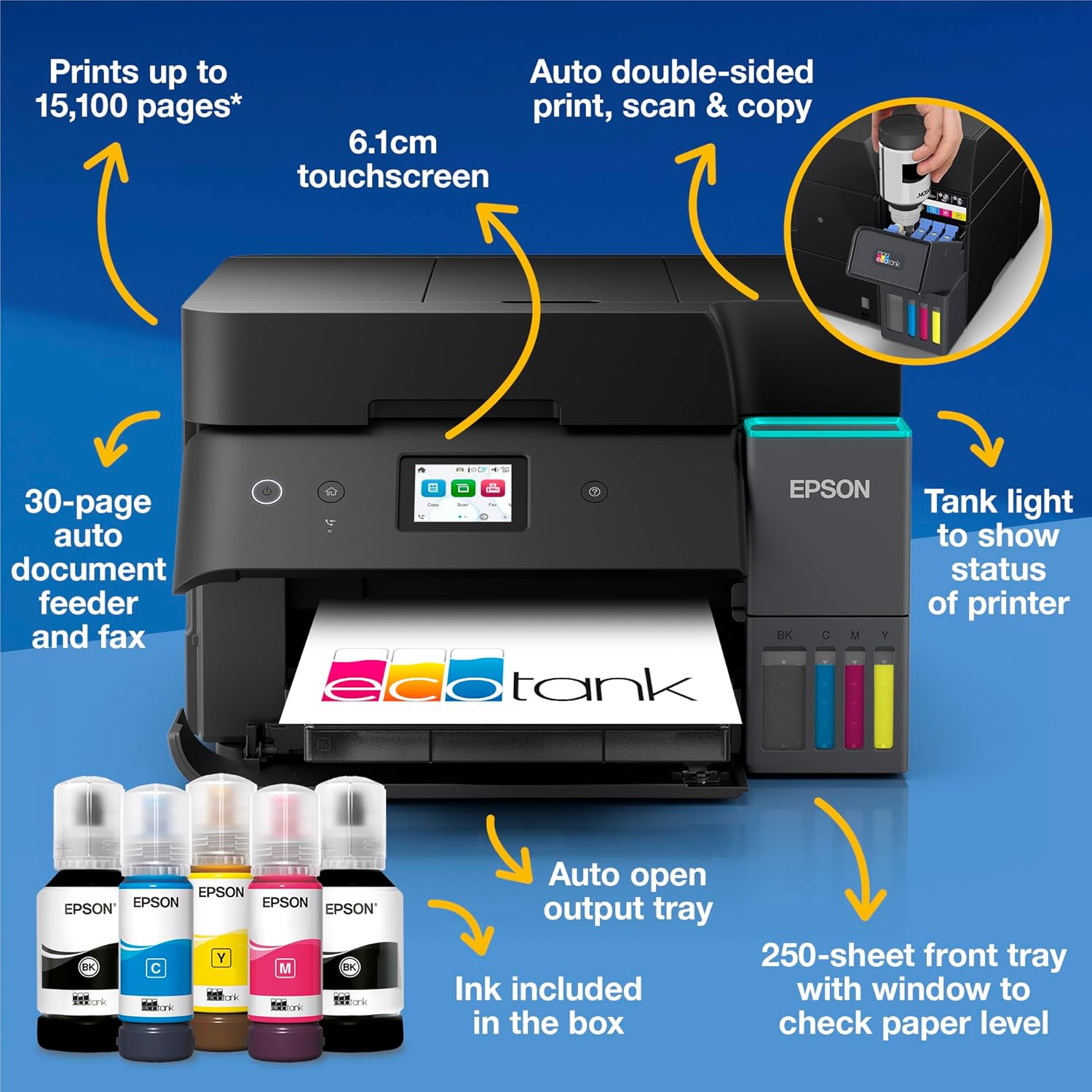
The Epson EcoTank ET-4955 is an A4 multifunction ink-tank printer designed for small home offices. It combines print, copy, scan and fax in a single device with a built-in ADF and a 6.1cm touchscreen. With wireless and Ethernet connectivity, it aims to simplify daily printing tasks from both desktop and mobile devices. The core appeal sits in the EcoTank ink system, which ships with a substantial quantity of ink intended to cut ongoing running costs.
What matters most
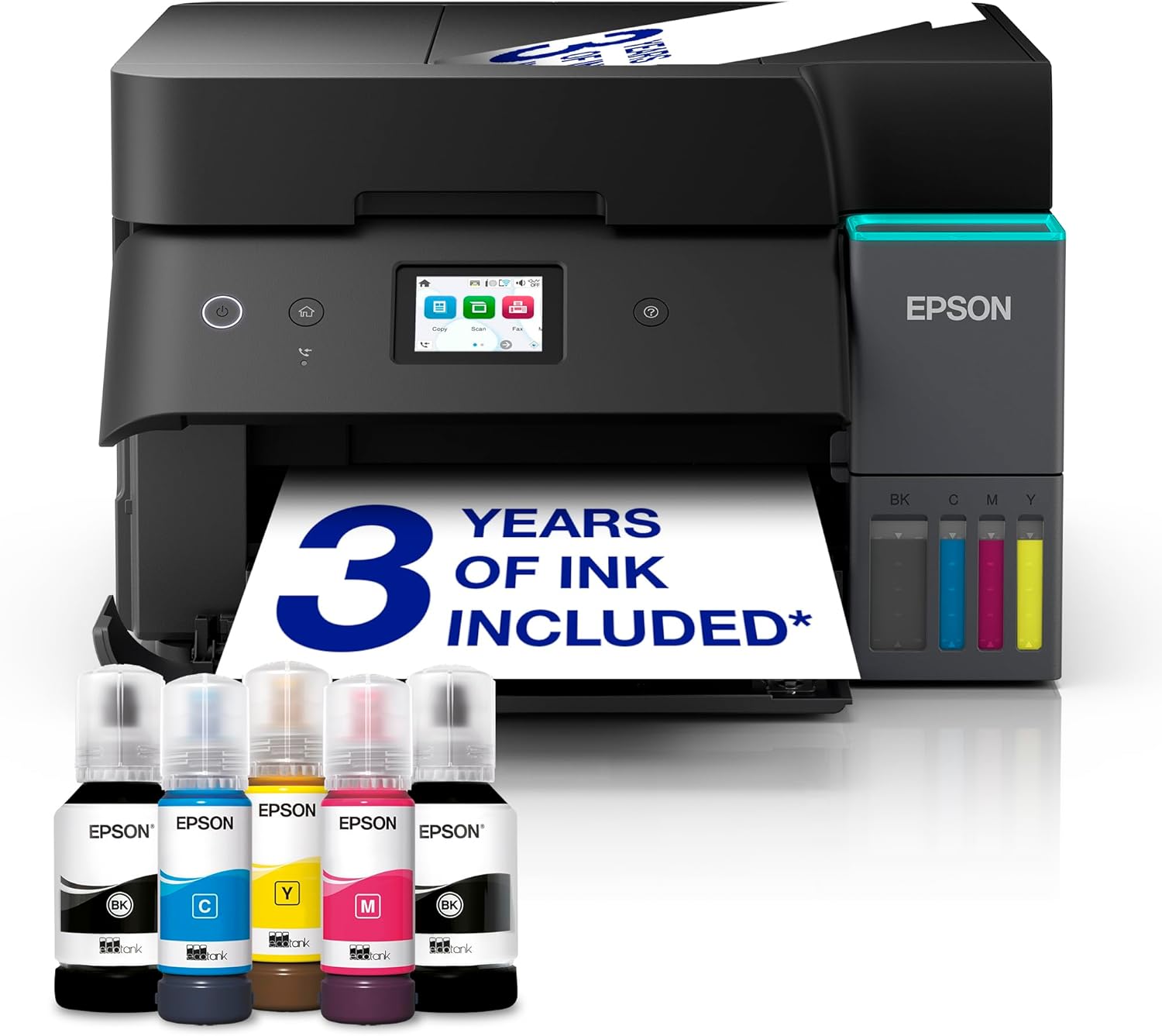
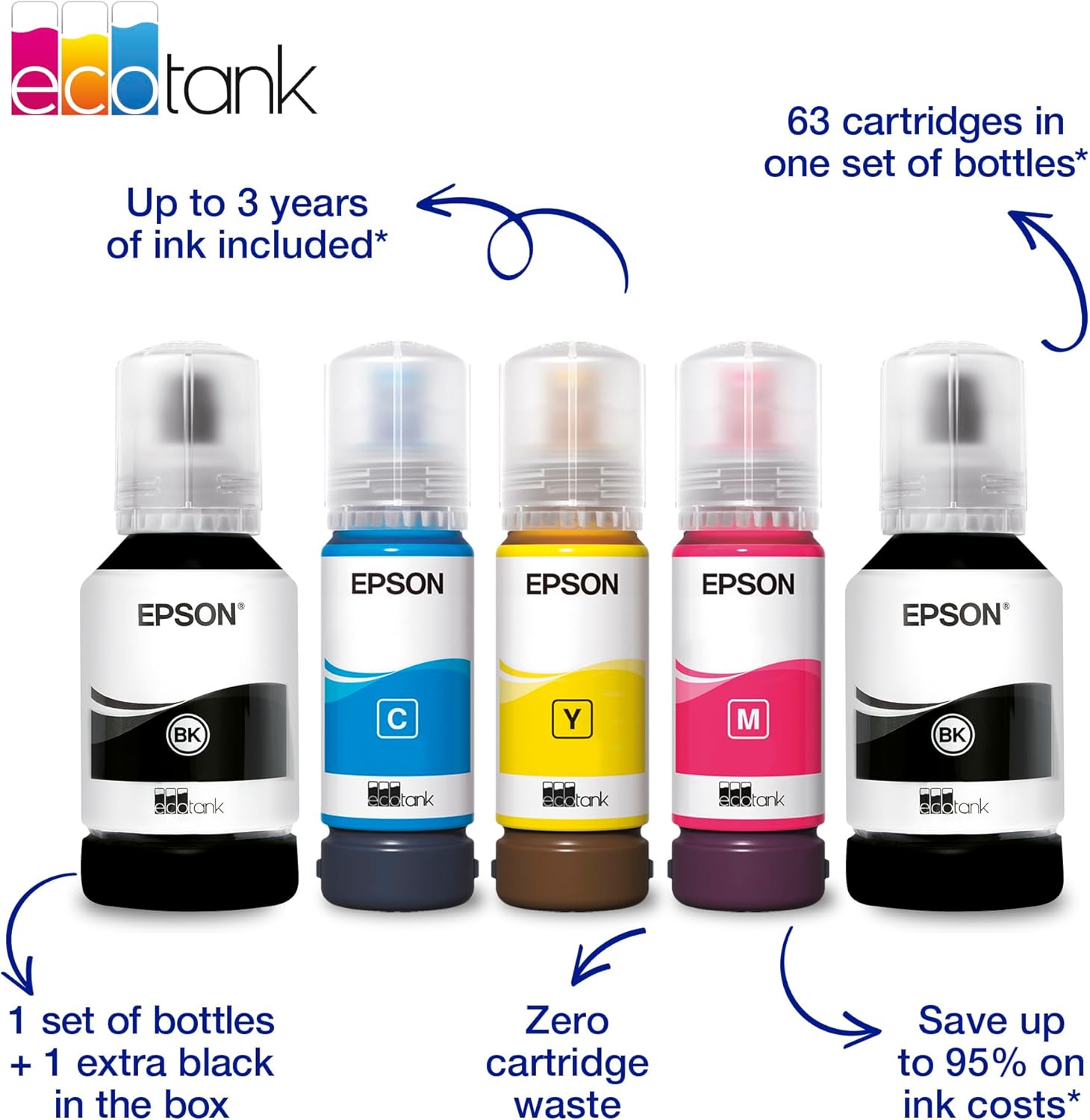
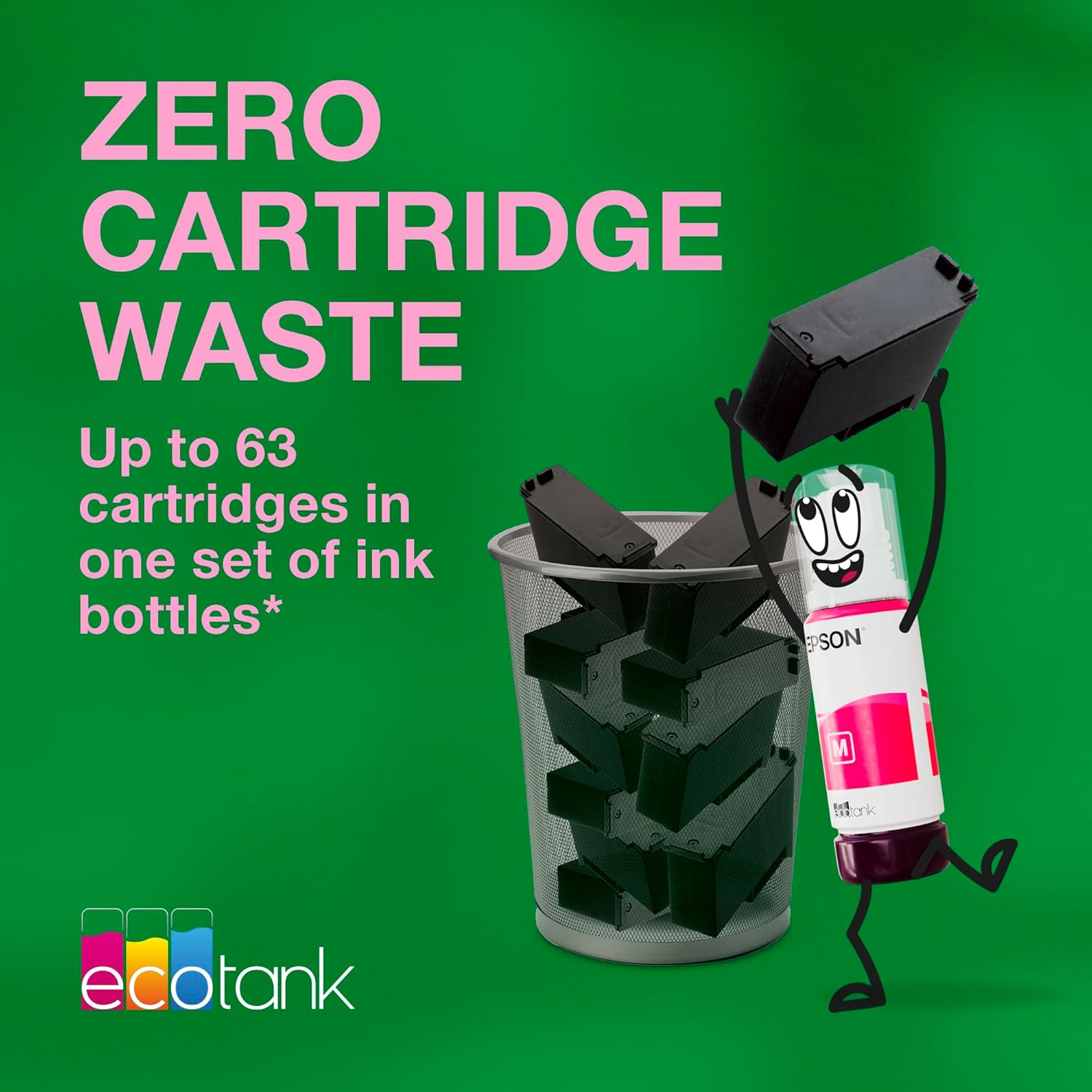
On paper, the standout feature is the EcoTank ink system: a key-lock bottle design that promises mess-free refilling and the potential to print thousands of pages before needing a new ink purchase. Epson claims up to 3 years of ink included, which translates to large page yields (up to 15,100 black pages and 5,500 colour pages) before you’d need to buy more ink. This matters if your typical printing load includes a lot of black text or occasional colour documents. The printer also supports duplex printing for two-sided pages, which helps with paper savings and document efficiency in a home office.
How it’s put together for daily use
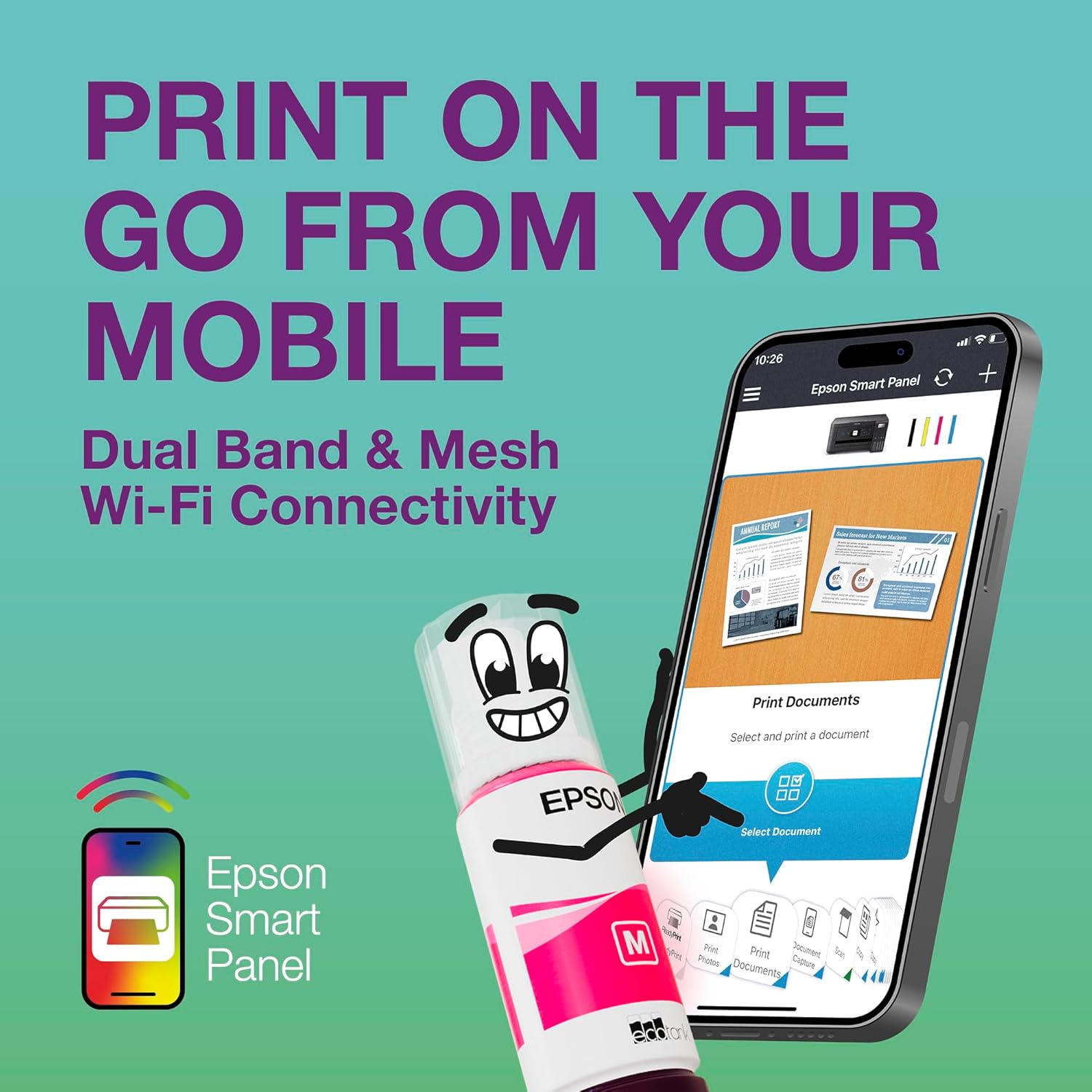
The ET-4955 relies on a straightforward workflow: install via the Epson Smart Panel app, monitor ink levels and print from a tablet or phone as needed. The built-in ADF enables quicker multi-page scans or copies, which is a practical time-saver for document-heavy tasks. The inclusion of USB and network (Wireless & Ethernet) connectivity gives you flexibility to place the printer in a convenient spot without worrying about cables.
Who it’s for
This model suits households with modest to moderate printing demands who want to reduce ink costs over time without maintaining frequent cartridge changes. If you print a fair amount in black text or simple colour graphs and forms, the large claimed page yields may reduce running costs. It also works well for users who value a larger ink supply and want the convenience of mobile printing via the Epson Smart Panel.
What you’ll notice in use
In practice, you’ll see fewer interruptions for ink replacements, especially if your print volume leans toward long document runs. The touchscreen is helpful for navigation and quick adjustments on the machine itself. Duplex printing is convenient for reports and home-office documents, while the ADF streamlines multi-page copying or scanning tasks. That said, if you frequently need high-end photo print quality or extremely fast output, this model sits more in the practical, cost-conscious tier than the top of the line for speed or finesse.
Pros and cons
Pros: large ink reserves reducing refill frequency, mess-free EcoTank refills, built-in ADF for multipage tasks, duplex printing to save paper, flexible connectivity including mobile printing. Cons: ink-margin savings depend on your actual page mix, the printer’s performance is more about cost-per-page stability than outright speed or premium photo output, initial setup can be a touch fiddly for first-time users who haven’t done ink-tank systems before.
What to check before buying
- Your typical page mix: if you print mostly text-heavy documents, the black-page yields become more attractive.
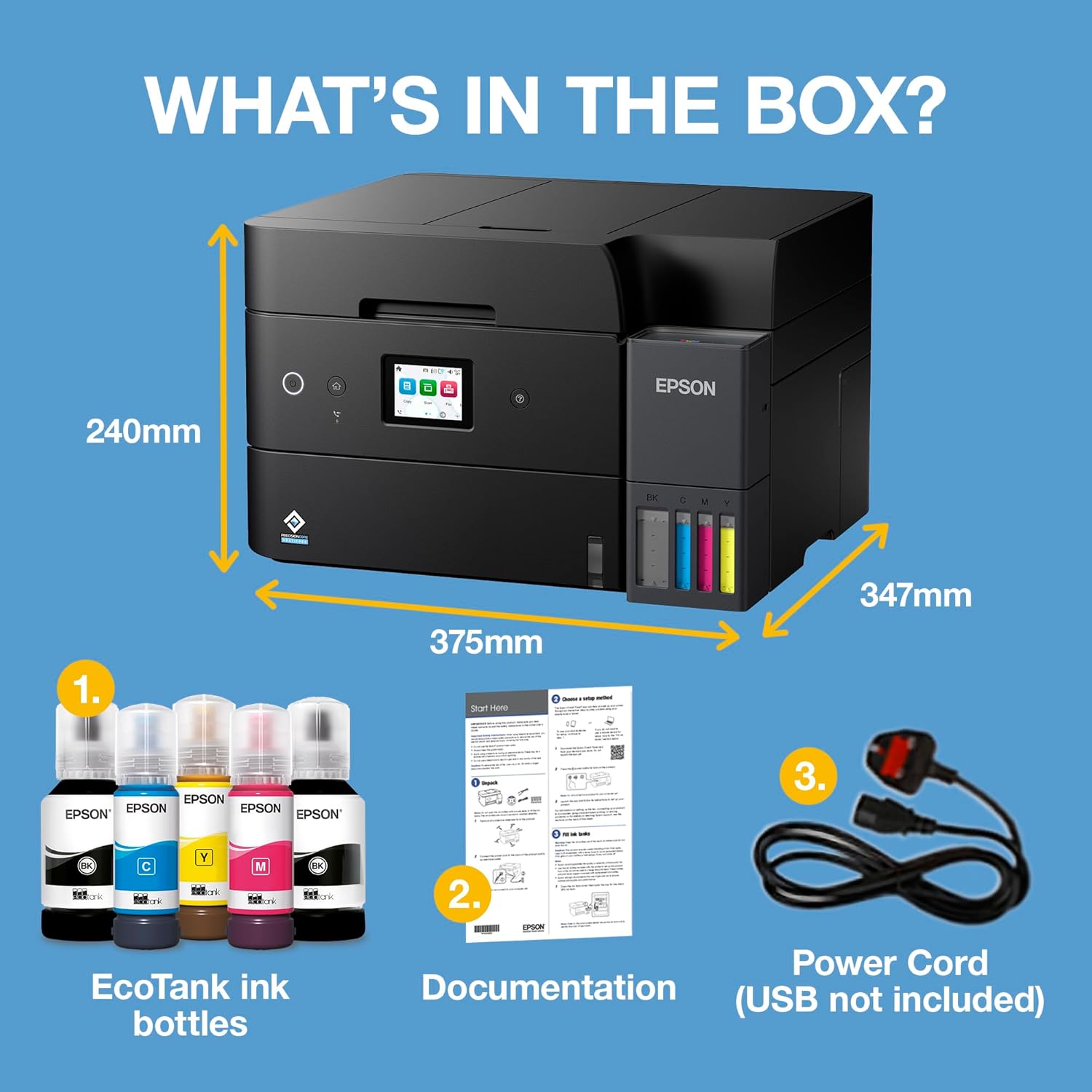
- Your space: an A4 multifaceted unit with a touchscreen, Scanner/ADF and network options requires a reasonable footprint and a stable power point.
- Your preferred workflow: ensure you’re comfortable with the Epson Smart Panel app for mobile printing and setup.
How it compares to common alternatives
If you’re choosing between an ink-t tank system and traditional cartridge models, the ET-4955 offers potentially lower running costs due to large ink capacity, but the upfront cost is higher and the break-even point depends on your actual print volume. For lighter use or where speed and colour accuracy at a high level are paramount, a cartridge-based home printer might feel more responsive. If your priority is value-for-money over long-term ink costs and you’re happy to refuel with the EcoTank bottles, this model can be a sensible fit.
Decision: Is it worth it?
Is it worth it? Worth considering if your home office benefits from lower running costs and you can use duplex printing and mobile printing regularly. It may not be ideal if you prioritise peak-speed or premium photo output, or you rarely print far more than occasional invoices or forms.
Practical FAQ
- How long does the included ink last? Epson states up to 3 years of ink are included, with page yields listed for black and colour. Real-world results depend on your print mix.
- Can I print from my phone? Yes, via the Epson Smart Panel app, which supports setup, monitoring and printing from mobile devices.
- Is duplex printing automatic? Yes, the printer supports high-quality double-sided printing as part of its feature set.
- What about scanning and fax? The ET-4955 includes scan and fax alongside printing and copying, all accessible via the device and connected apps.
- Does it handle heavy workloads? It is designed for home office use, if your workload is consistently heavy, you’d want to assess ongoing ink consumption and speed against your needs.