

Nelko PP01 portable photo printer 4x6 stickers
Product description
This compact colour photo printer fits in a pocket and makes quick sticky-back prints from a smartphone, useful for parties, travel scrapbooks and craft projects. It pairs with iOS and Android via Bluetooth and uses inkjet imaging to produce vivid, water-resistant stickers in under a minute, according to the manufacturer.
Key Points
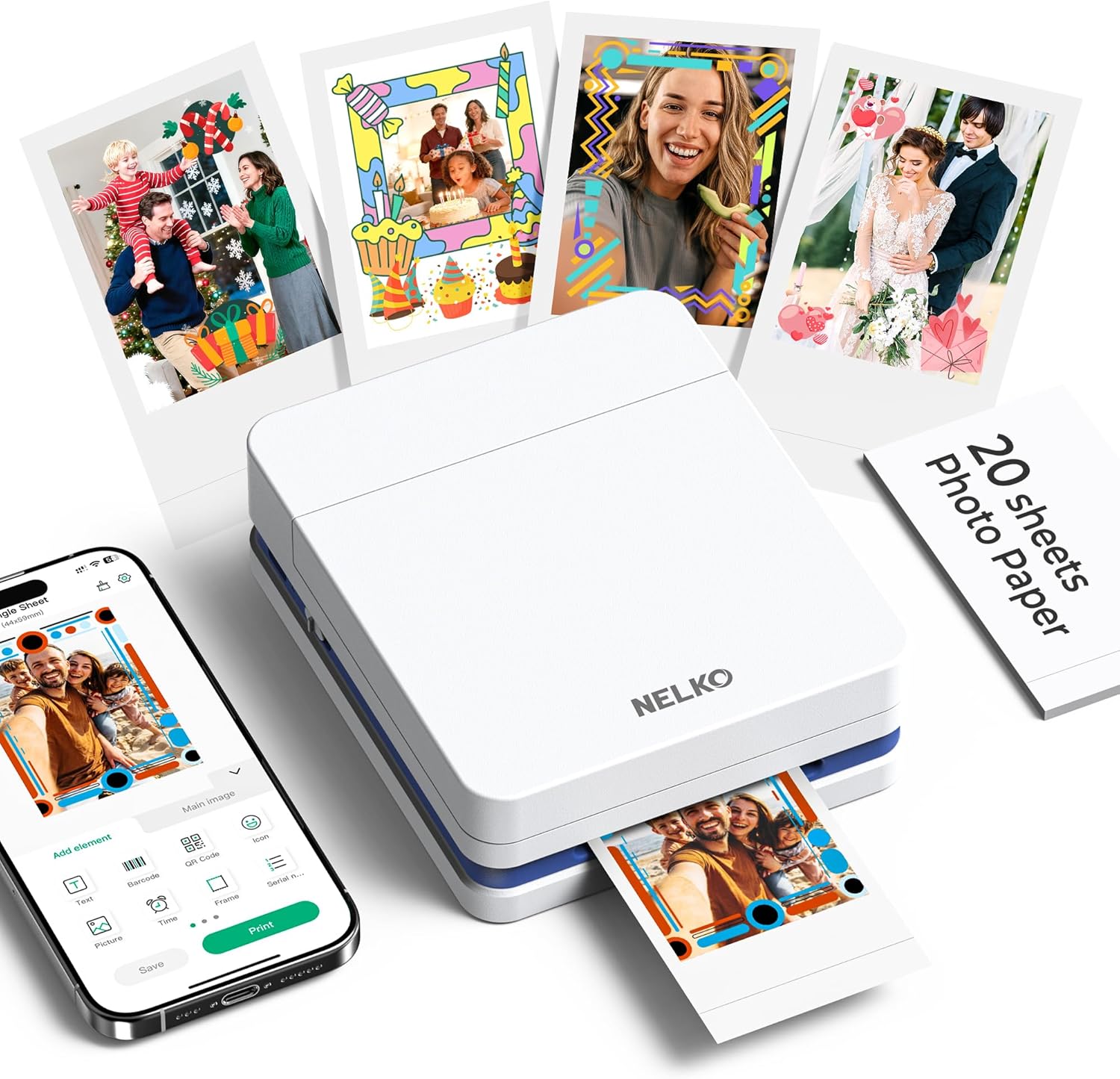
The Nelko PP01 is a portable inkjet sticker printer that weighs around 0.6 pounds, making it easy to carry in a bag for events or holidays. Connection is wireless through Bluetooth and printing is controlled from the dedicated app, which includes editing tools for filters, frames, stickers and text for personalised results. Each print has an adhesive rear suitable for albums and labels, and the paper is described as resistant to stains, water and tearing.
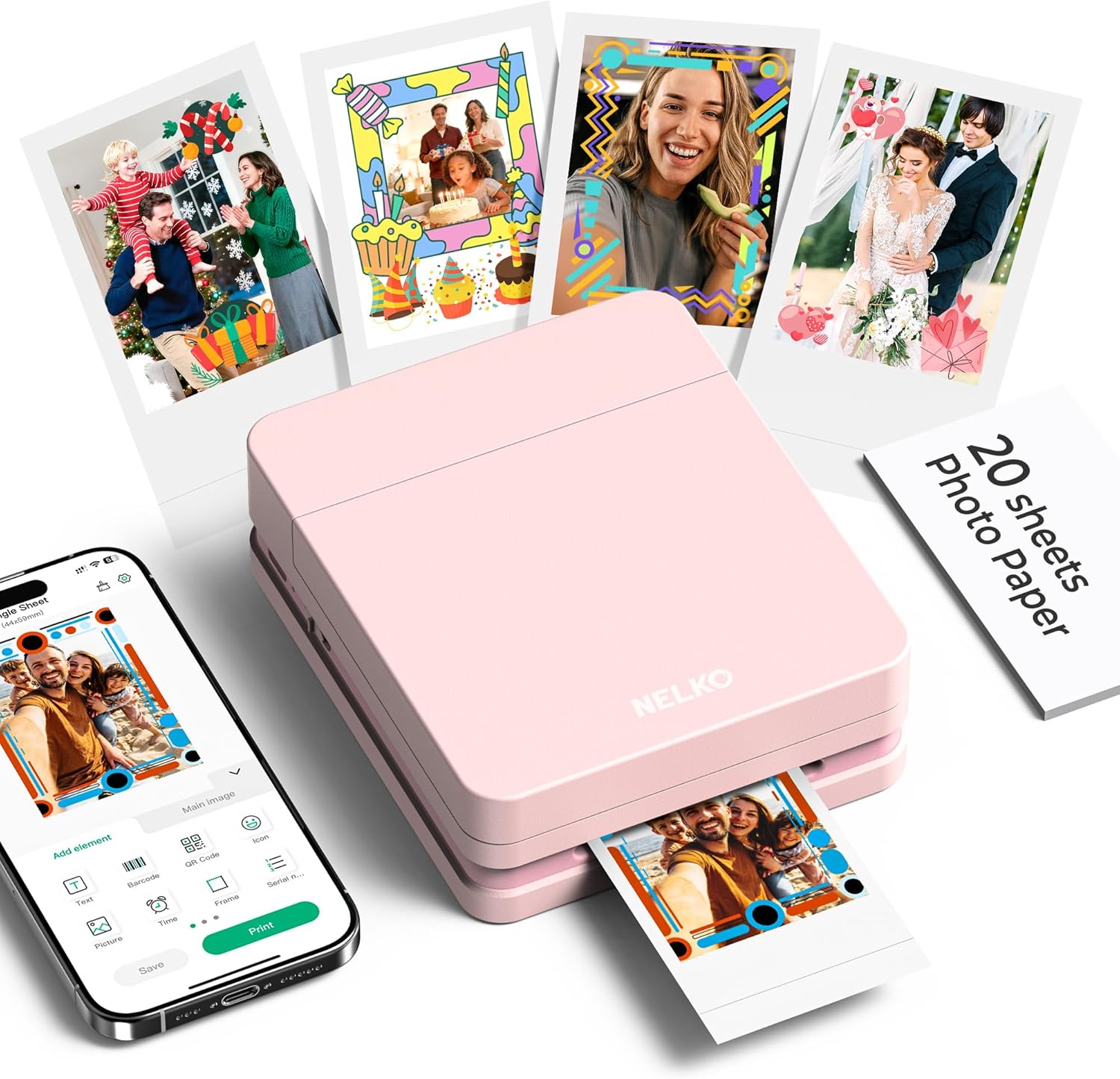
Technical Specifications
- Name: Nelko PP01 Photo Printer
- Weight: 0.6 lb (approximate)
- Connectivity: Bluetooth for iOS and Android
- Print medium: Adhesive photo paper, stain and water resistant
- Technology: Colour inkjet imaging
- Typical print time: Under 60 seconds, according to the manufacturer
Usage Recommendations
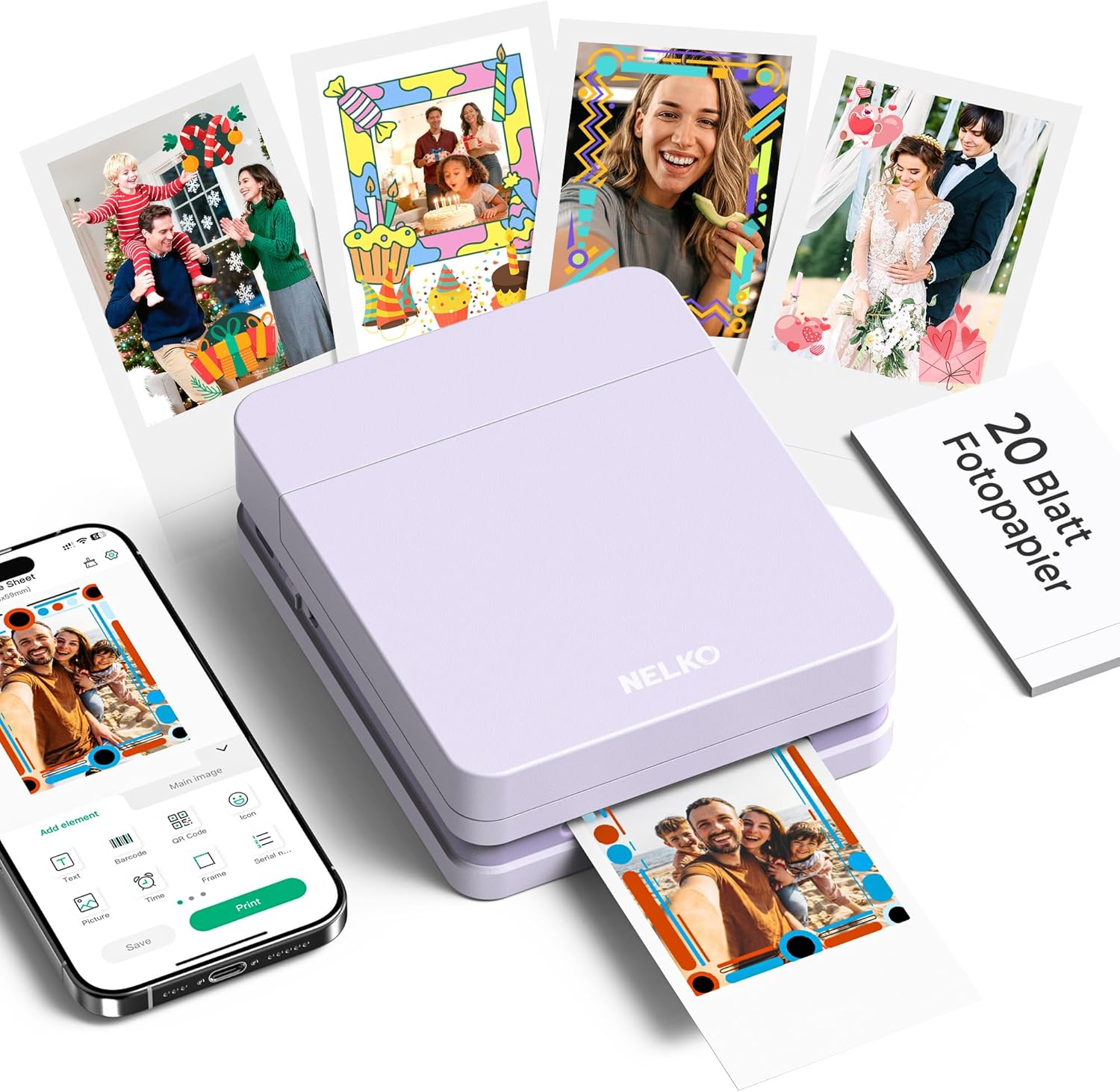
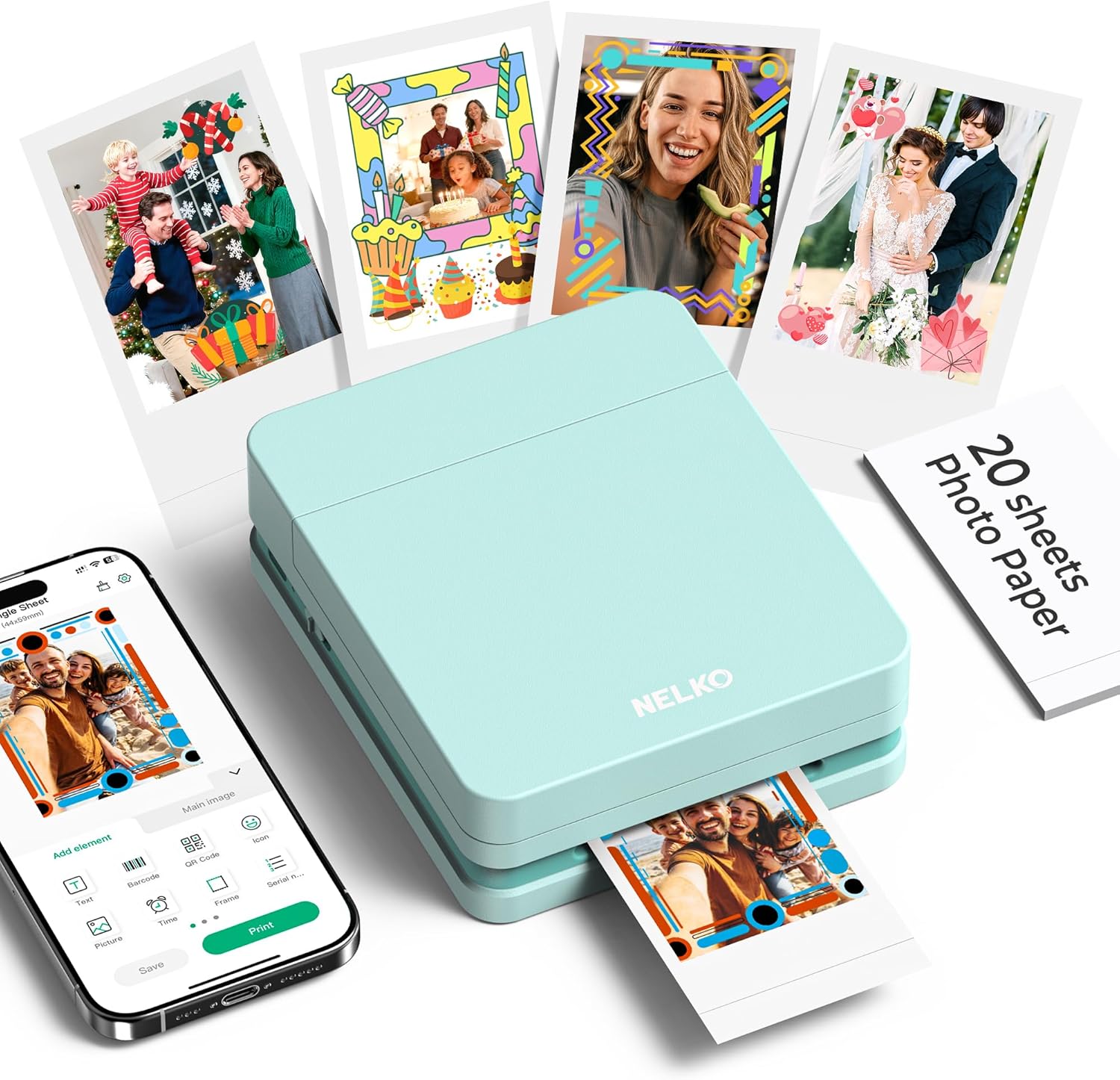
Install the ink cartridge and load the photo paper with the smooth side down before printing. Open the Nelko app on your phone, edit the image using the app’s filters and stickers, connect by Bluetooth and send the job to the printer. For consistent colour and clarity, print from photos with higher resolution and avoid overly compressed images.
The Best of This Model
This model stands out for combining a full-colour inkjet mechanism with sticker-backed paper, which allows immediate use of prints in planners and crafts. The app-led workflow makes it simple to add captions or decorative elements without additional editing software. Consider that inkjet prints may be sensitive to prolonged direct sunlight over time, and colour accuracy may vary depending on the original file and app settings.