

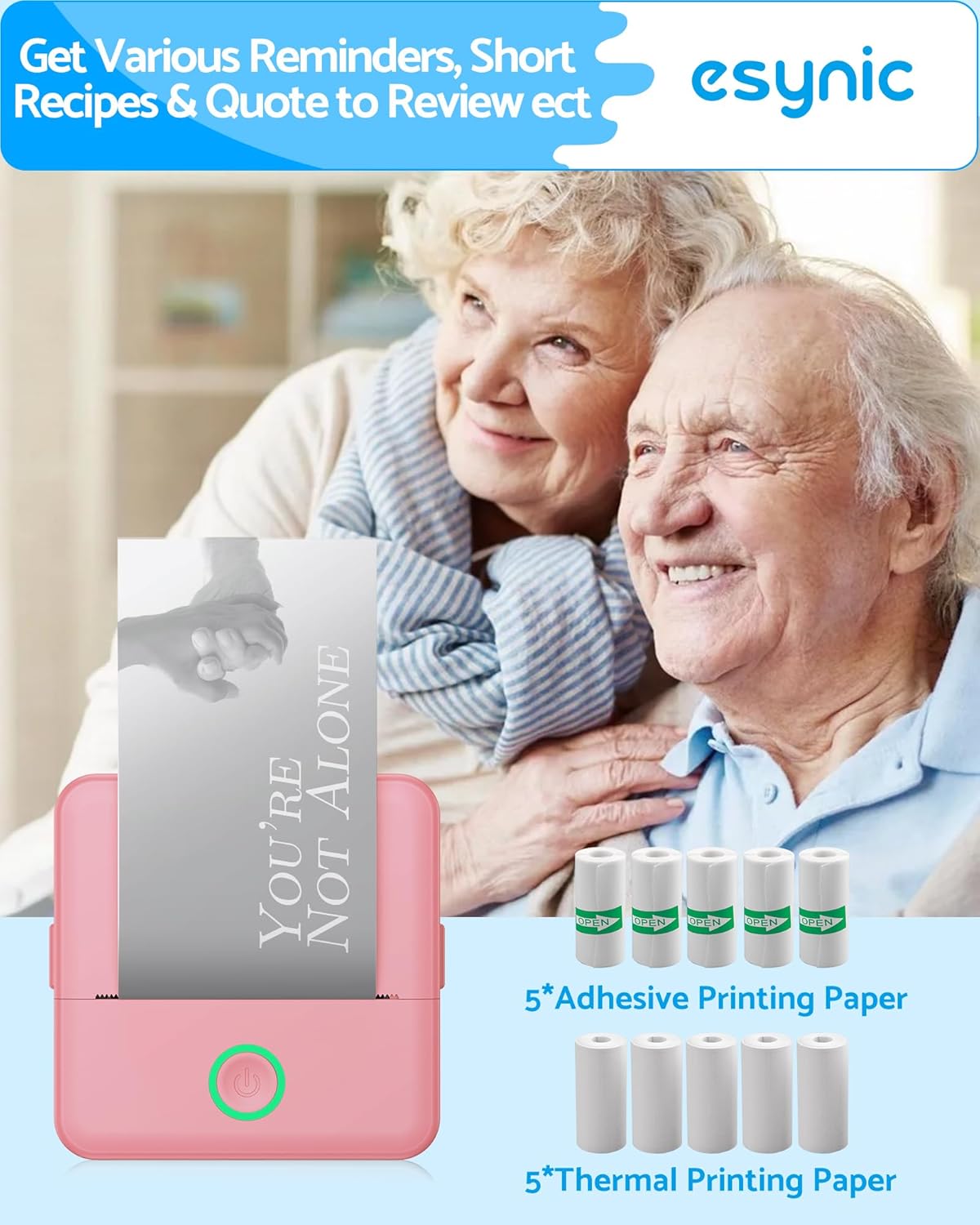
eSynic Pink Mini Portable Thermal Printer: Pocket-Sized, Inkless Photo & Sticker Printer
Product description
What it is and who it’s for
If you’re after a compact, inkless way to print quick notes, photos, labels or stickers from your phone, the eSynic Pink Mini Portable Thermal Printer is designed to fit in a pocket or bag. It’s pitched as a handy companion for students, families and crafters who want tactile outputs on the go without the fuss of ink cartridges. On paper, it can produce black-and-white prints using sticker or standard thermal paper. If your aim is simple, portable printing for everyday tasks or creative projects, this device offers a straightforward route to turn digital thoughts into tangible outputs.
How it works
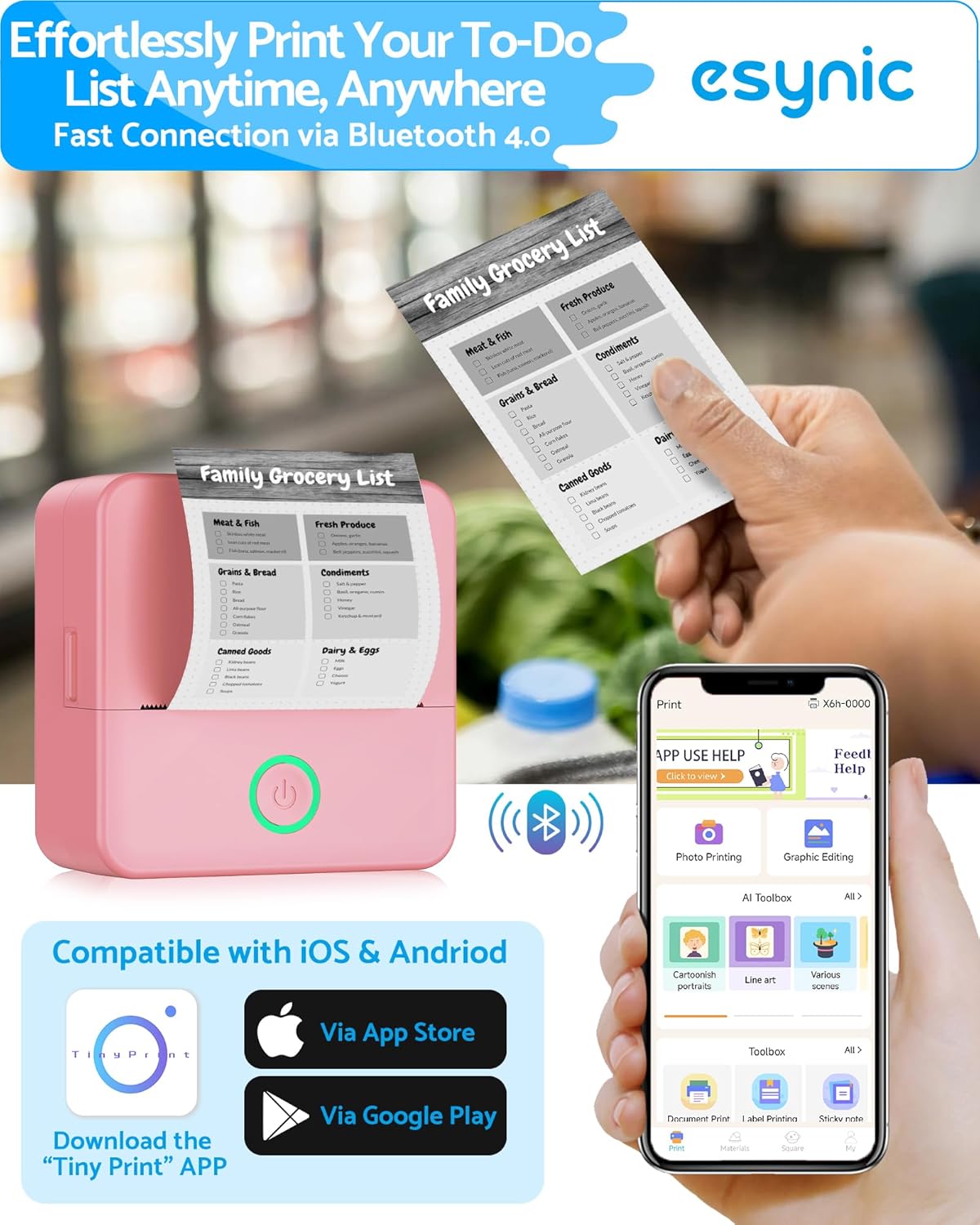
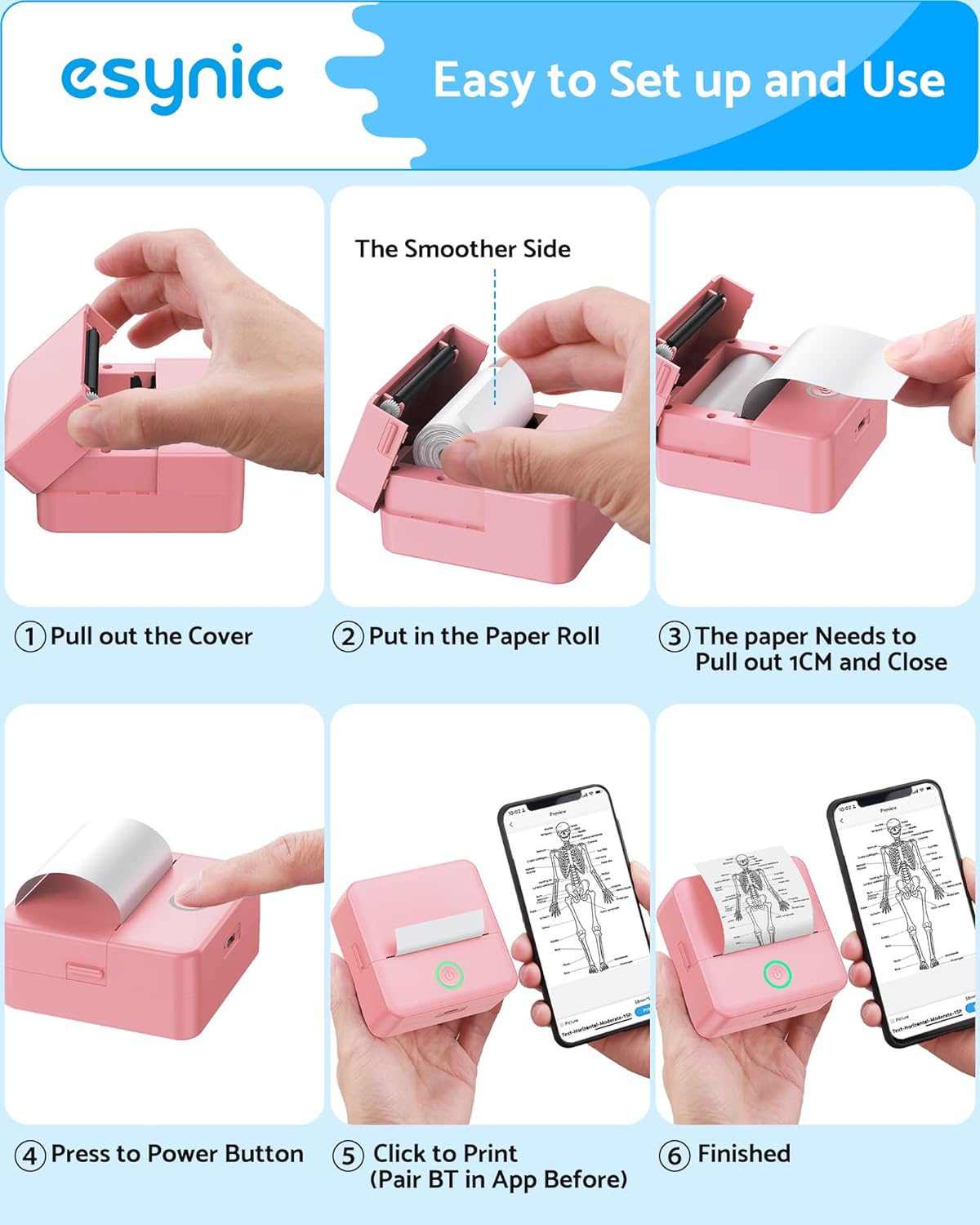
The printer connects wirelessly to your phone via Bluetooth and is compatible with both iOS and Android devices. Setup is described as quick, with the claim of a 2-second connection in the accompanying app. The small footprint means you can print on demand without being tethered to a desk. It uses thermal chemistry—no ink or toner required—so the outputs rely on the special paper included with the product.
What stands out about the design
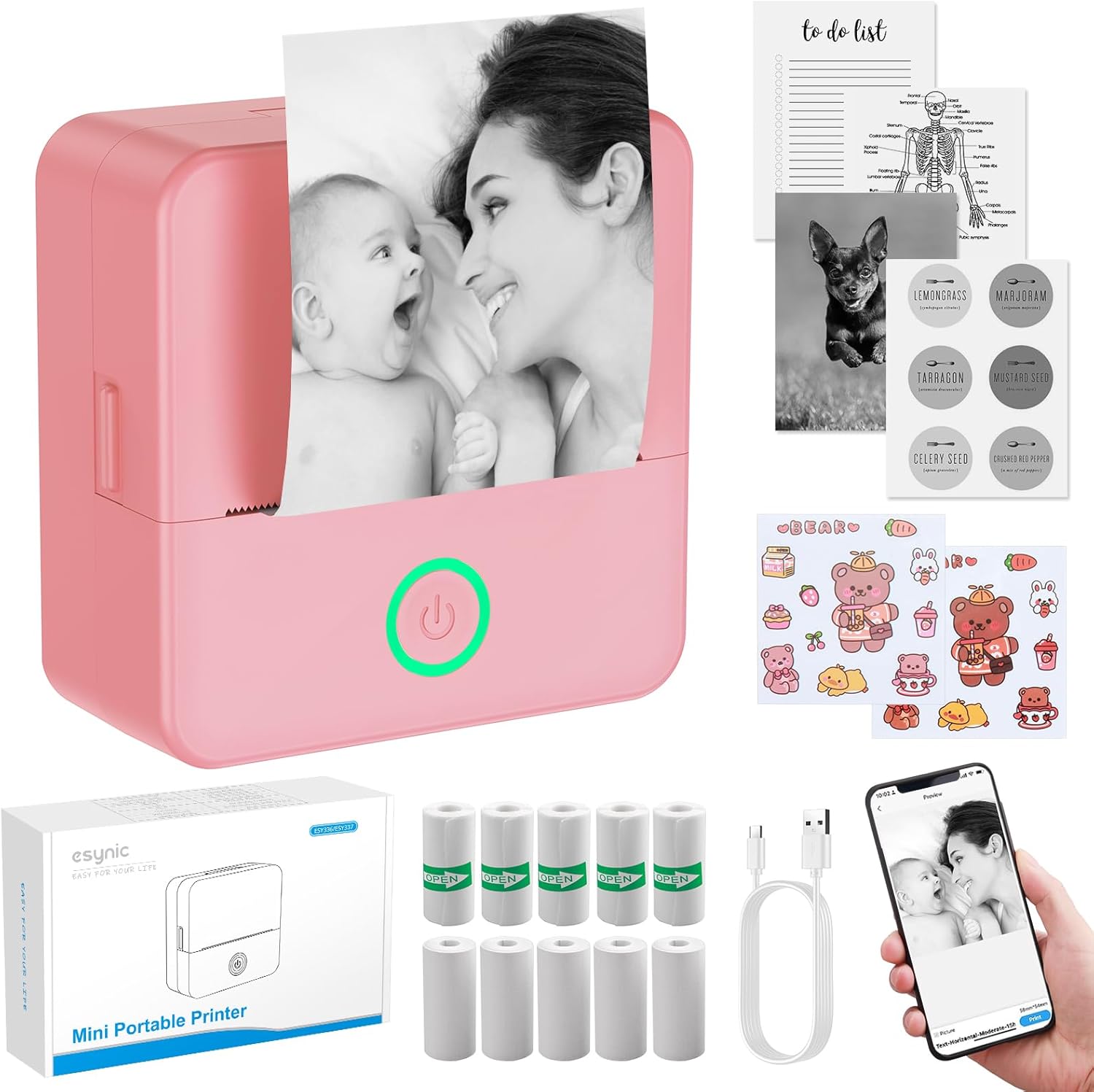
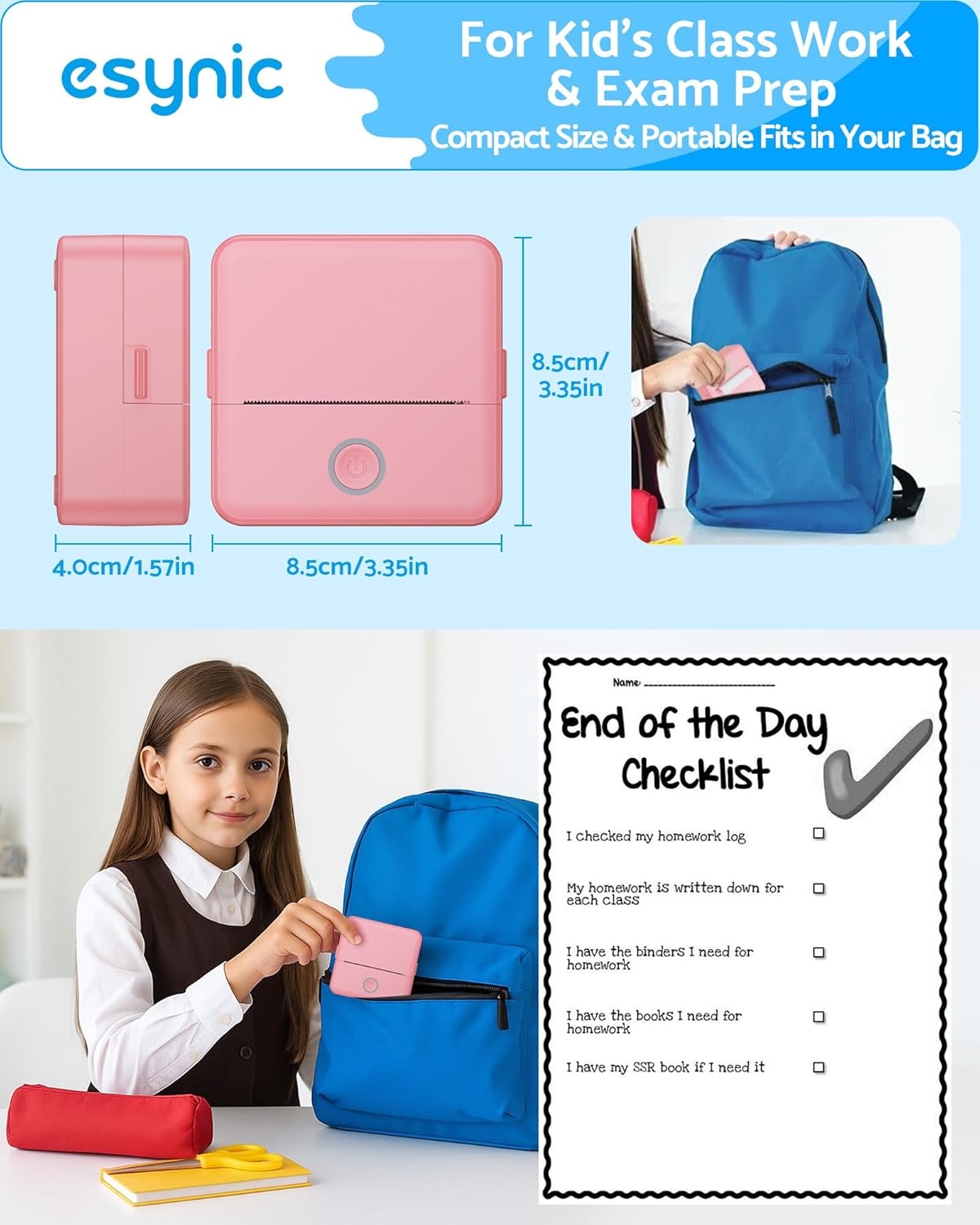
Its defining feature is portability: 85×85×45mm, designed to slip into pockets or small bags. The pink finish adds a fun, personalised touch that might appeal to kids or anyone who enjoys a playful aesthetic. The packaging mentions 10 rolls of paper: 5 rolls are thermal printer paper for standard outputs and 5 are adhesive sticker rolls, broadening how you might use it—from quick notes in a journal to personalised stickers for organisers, scrapbooks, or study materials.
Tech specs in brief
- Connectivity: Bluetooth to iOS and Android devices
- App: “Tiny” app for quick setup and operation
- Paper options: 5 rolls of thermal paper + 5 rolls of sticker paper
- Dimensions: 85×85×45mm (compact, pocket-friendly)
- Ink: Inkless thermal printing
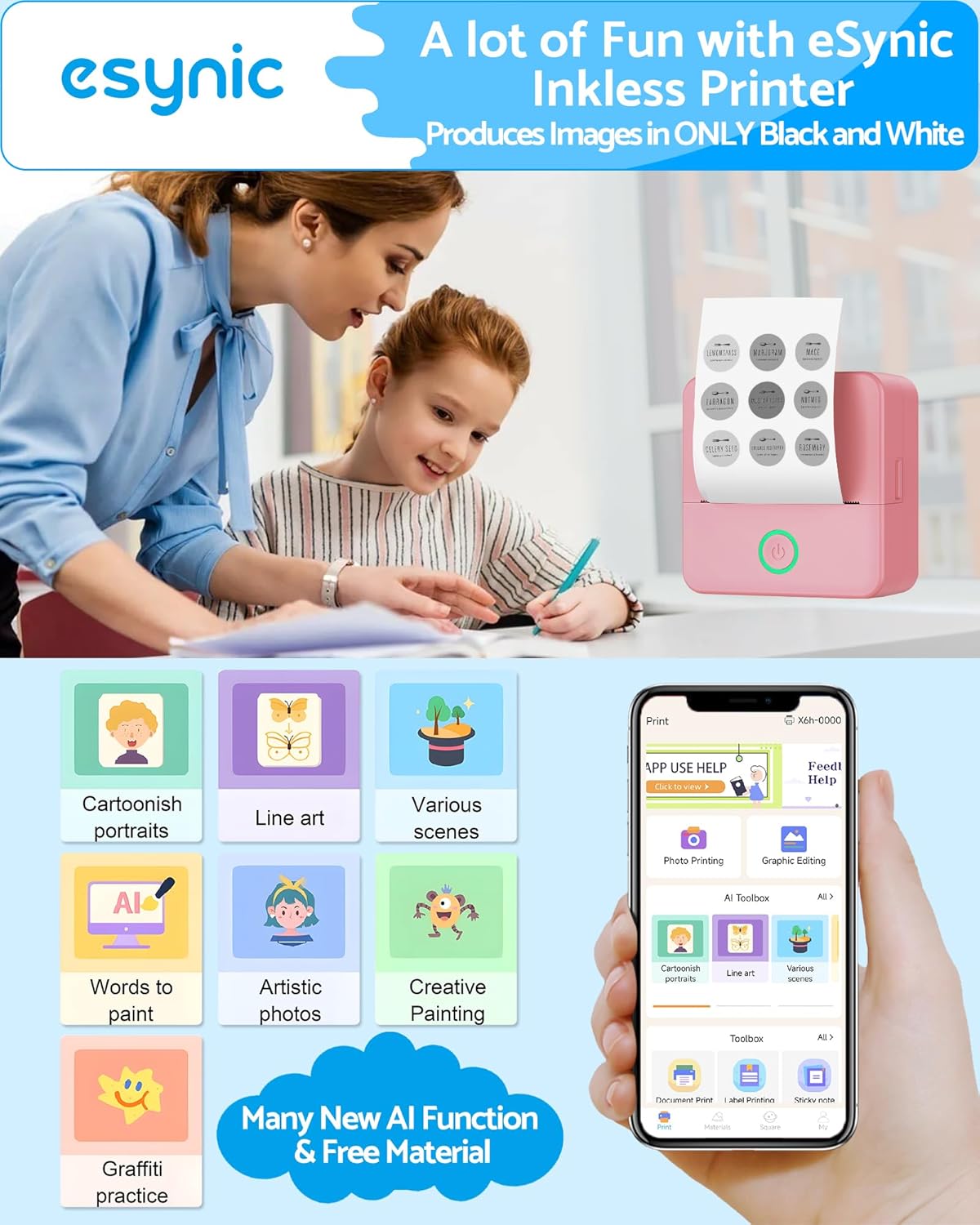
- Colour output: Images described as black and white in the provided notes
Practical pros and limitations
Pros: - Inkless printing reduces ongoing running costs and maintenance. - Fully portable, enabling printing anywhere when you have your phone. - Includes both plain thermal paper and sticker paper, which can be handy for notes, labels and decorative uses. - Simple Bluetooth pairing and a dedicated app aim to keep the process straightforward for all ages.
Limitations: - The output appears to be black-and-white only, which may limit use cases for colour photos or high-detail graphics. - The paper types are specific to this unit, if you need other media or sizes, compatibility could be restrictive. - The claim of a 2-second connection is app-dependent and may vary with device performance and interference. - The form factor prioritises portability over high-volume printing or professional-grade results.
Who it’s best for and who to manage expectations with

This is likely a good fit for students, diary-keepers, parents organising family notes, or hobbyists who want a tiny, instant-printing gadget without fuss. If your priority is lengthy photo prints, colour accuracy, or rugged commercial use, this device may fall short. It may also not be ideal if you require a wide range of media types or larger print formats.
When it makes sense to buy
- You want a portable, beginner-friendly way to capture ideas, quick labels, or tiny moments on the go.
- You value the simplicity of inkless printing and the novelty of sticker-ready outputs.
- You appreciate a compact device that won’t clutter a desk but can slip into a bag for travel, school or craft sessions.
When you might want to pass
- If you need colour prints or high-resolution photography, this model isn’t the right tool.
- If you require heavy-duty or continuous printing, the small form factor and paper approach may limit performance.
- If you’re not keen on relying on a phone app for operation, there could be a learning curve.
What to check before you buy
- Confirm the compatibility with your phone’s OS version and the app’s current status in the app store.
- Consider how you plan to use sticker vs thermal paper and whether the included rolls meet your typical project sizes.
- Think about storage and protection for the printer since it’s pocket-sized, a lightweight case might help keep it safe.
- Look for any limits on print length per session and charging options if provided (not included in the details).
Practical use: a day-in-the-life example
Imagine you’re organising a study session. You print a tiny QR code for a reference page, stick it into a notebook for quick access, then jot down a to-do list on a small label to attach to a planner. The sticker rolls make this feel immediate and personal, without worrying about ink refills. It might feel a bit fiddly at first to align content on the tiny print area, but once you get the hang of the app and the paper types, it becomes a handy, low-effort habit.
FAQ (typical questions you might have)
- Is it truly inkless? Yes, it uses thermal printing with the supplied paper.
- Can I print photos or is it only text? The base notes suggest black-and-white images and notes, colour printing isn’t indicated.
- How quick is the print? The app claims quick connectivity and on-device printing, though real-world speed can depend on device and content complexity.
Final decision: Is it worth it?
Should you buy it? It may be worth it if you prioritise portability, inkless operation, and the ability to create small notes or stickers on the go. It’s a practical choice for light, everyday use and creative journaling, especially where space and budget are considerations. Not the best option if you need colour prints, high-resolution photos, or heavy-duty printing. If you prioritise convenience and simplicity for quick, tactile outputs, this is worth considering.