

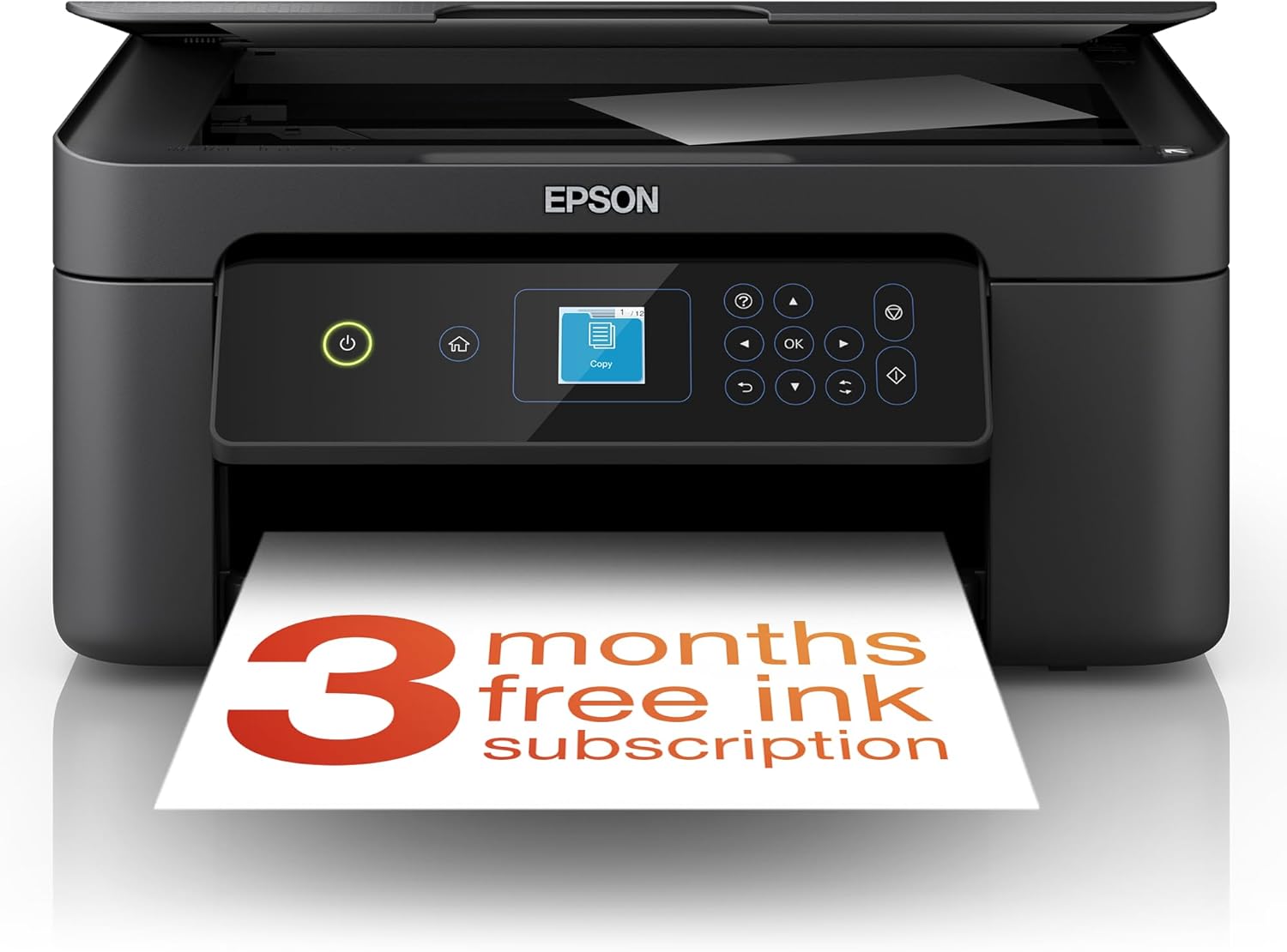
Epson Expression Home XP-4205 3-in-1 printer
Reviews
Price
Product description
The essentials
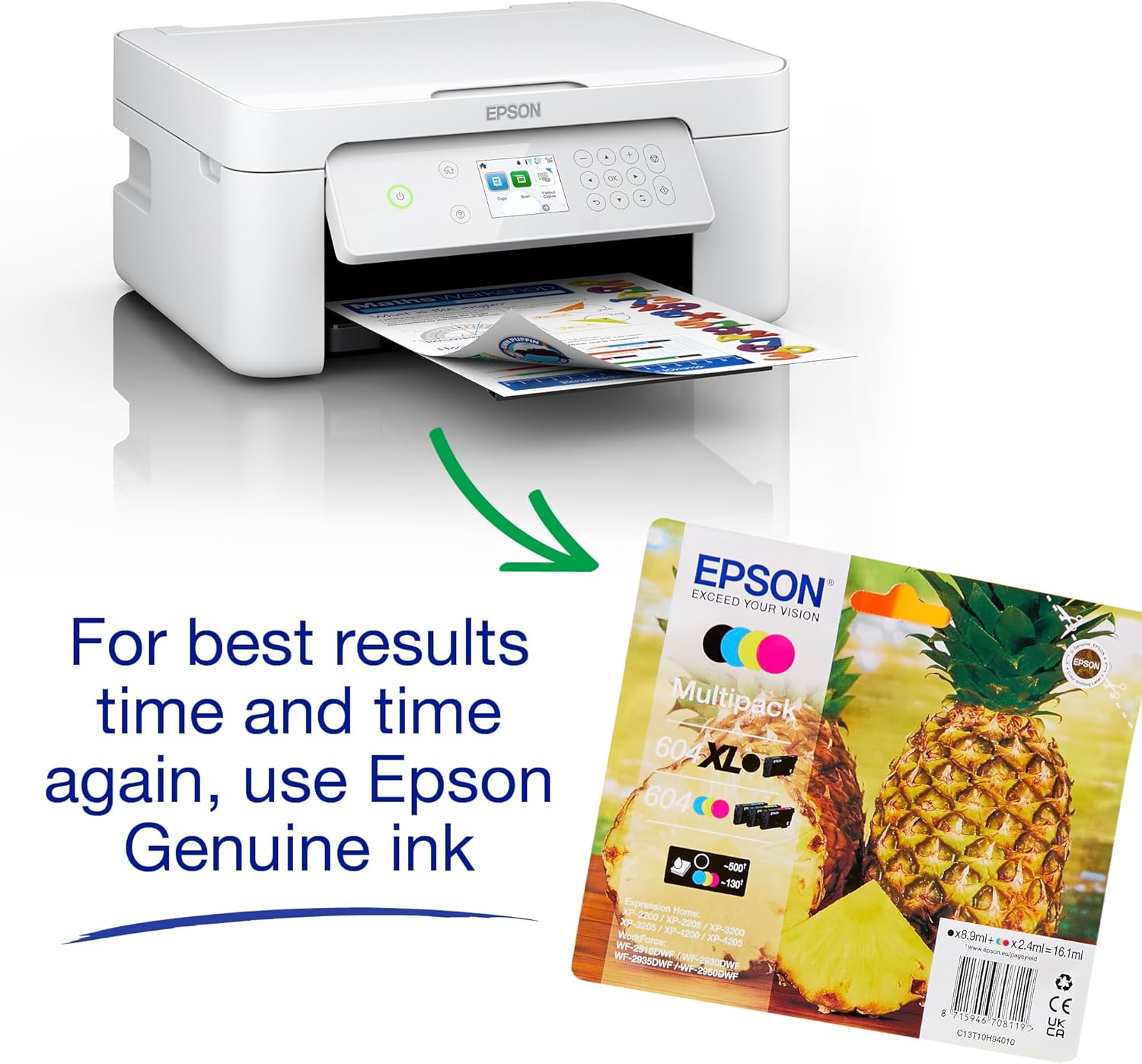
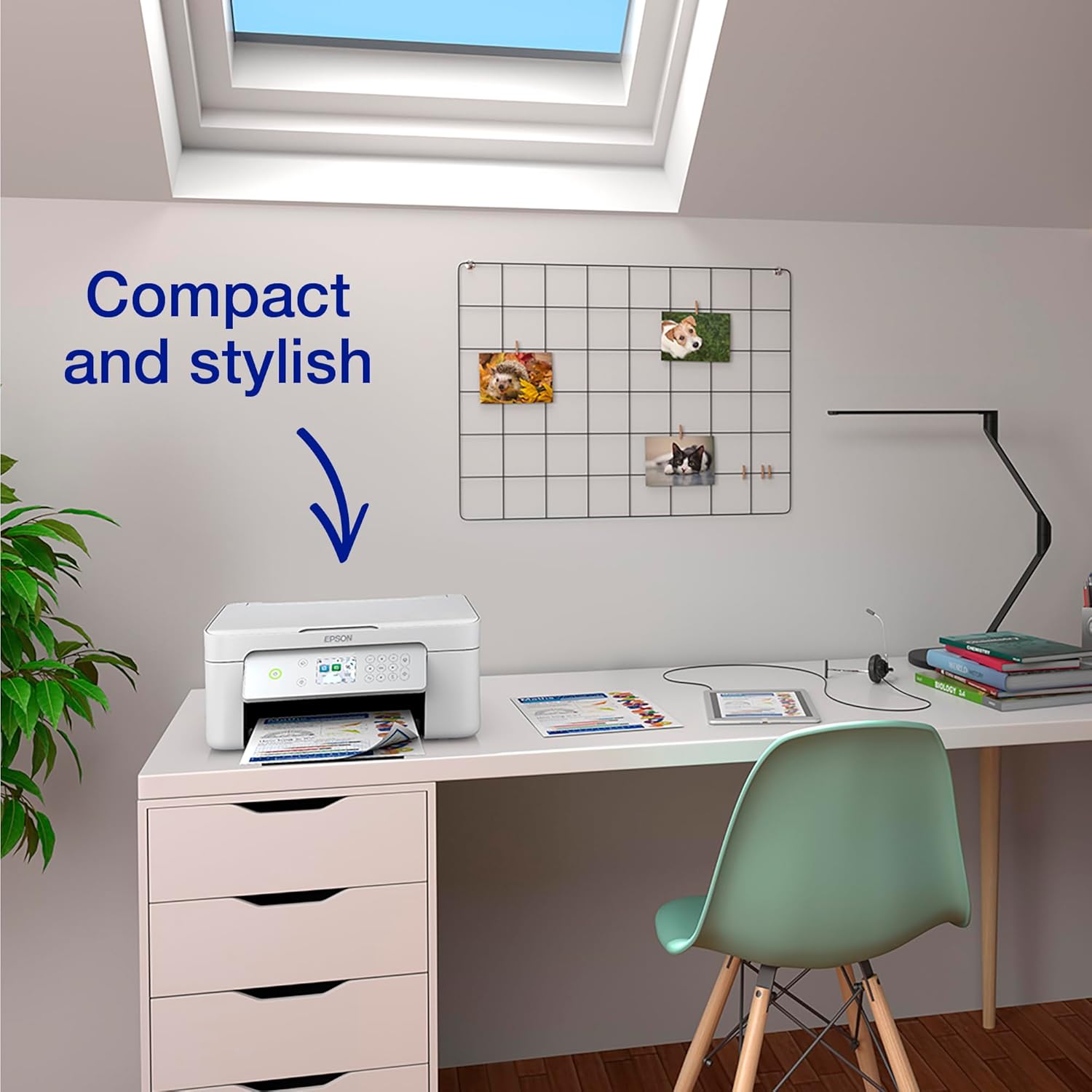
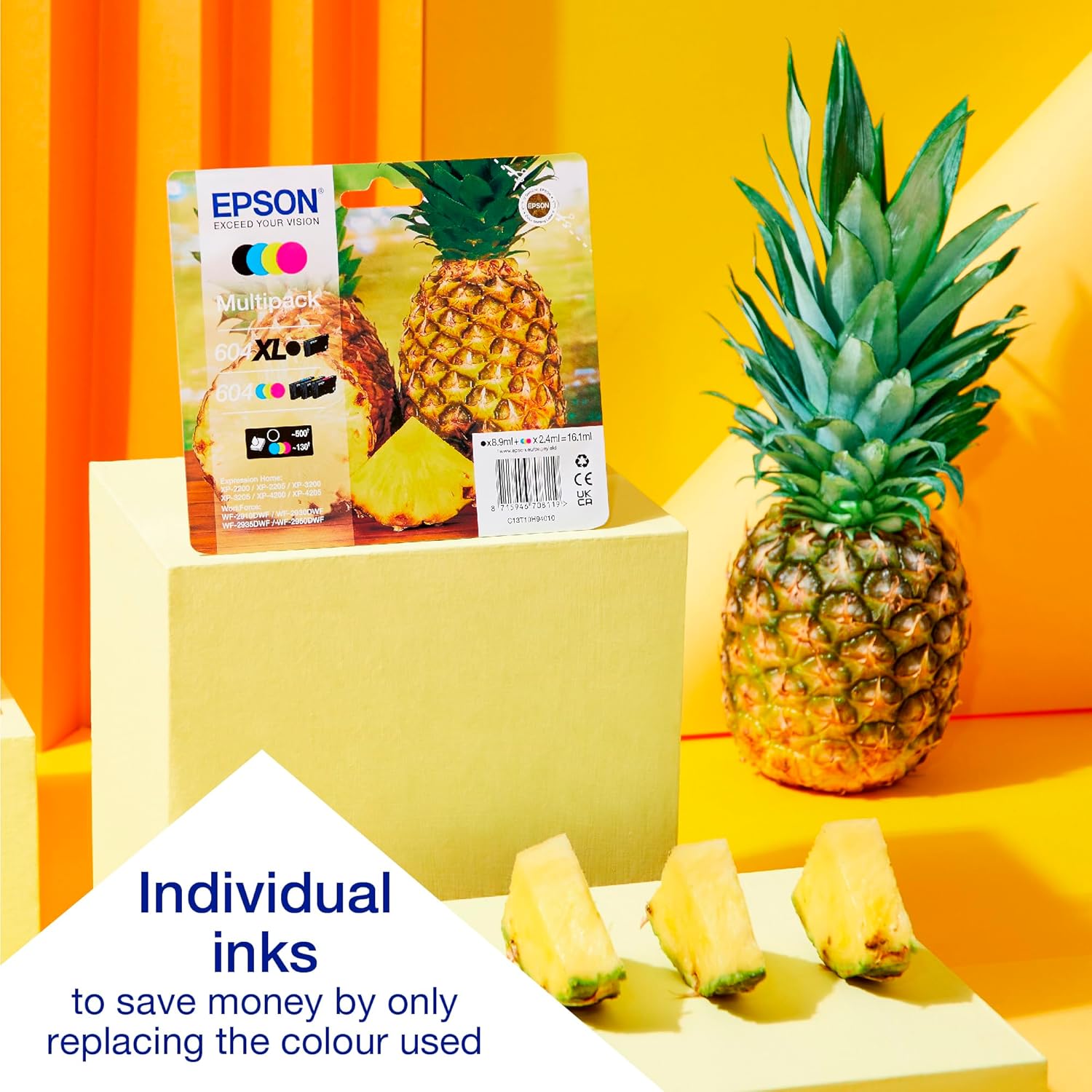
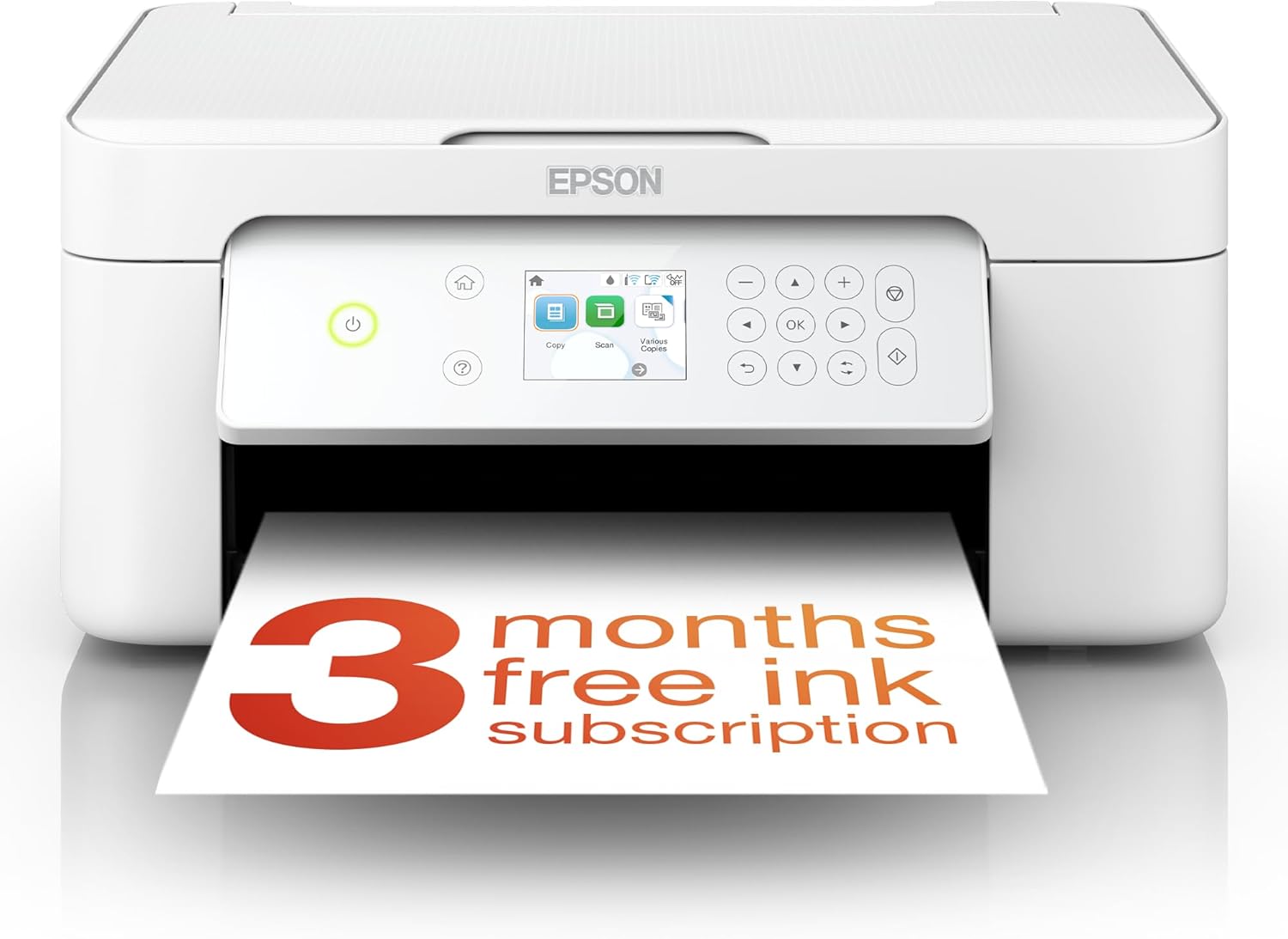
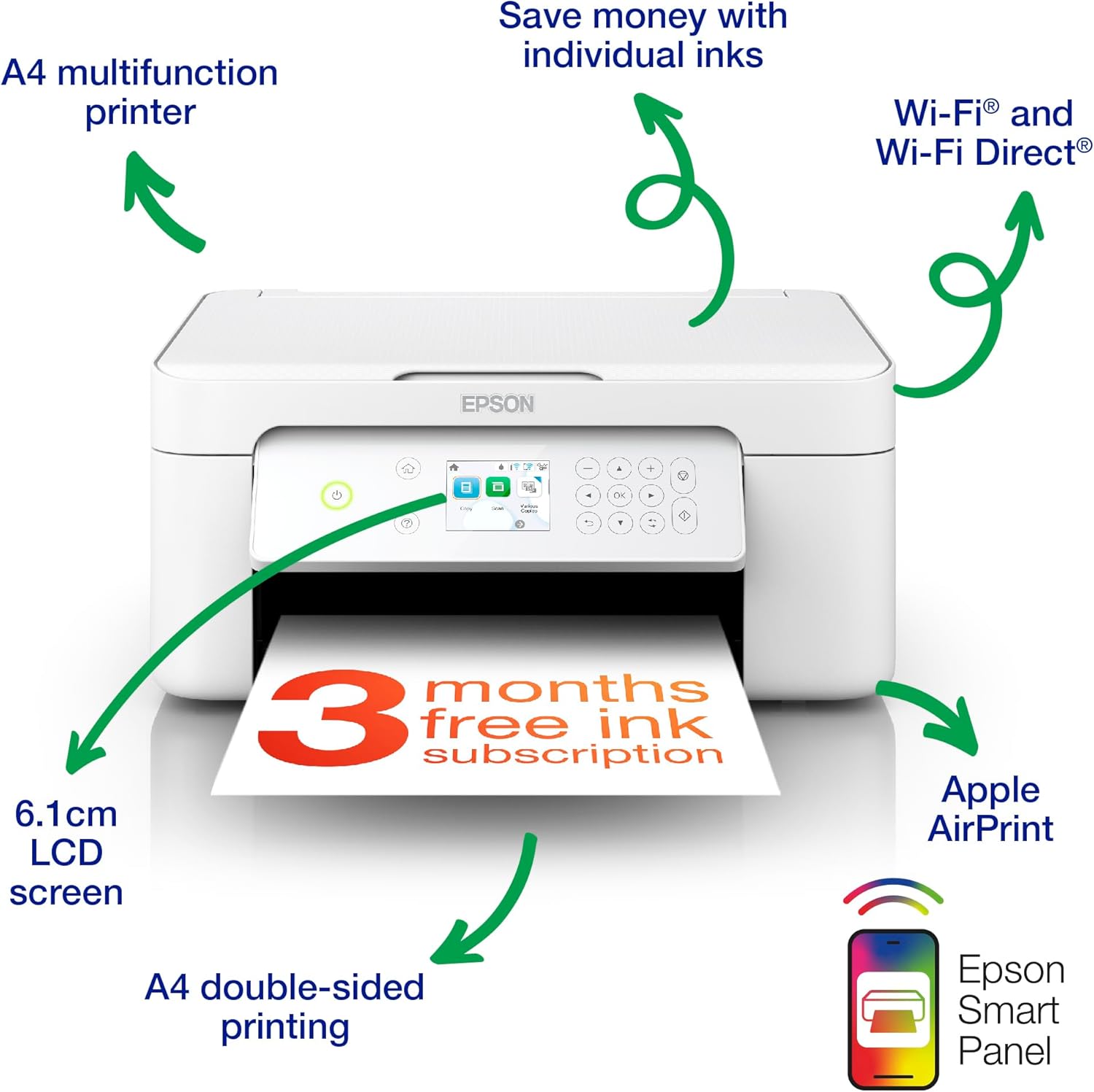
This compact all‑in‑one from Epson combines print, scan and copy functions in a single sleek unit that fits comfortably in smaller spaces. It offers reliable everyday printing for home use with wireless printing and colour scanning, making it easy to handle documents, photos and school projects. The XP‑4205 supports wireless connectivity and Wi Fi Direct, so you can print from a smartphone or tablet even without a network. The 6.1 cm display keeps essential tasks simple, while double‑sided printing helps reduce paper use, a practical feature for busy households. You’ll notice the clean lines and thoughtful design that keeps your desk neat while delivering dependable performance for day‑to‑day tasks 🖨️. A practical choice for families, students and home offices looking for value for money, with straightforward operation and minimal running costs thanks to the four‑colour Pineapple 604 ink set ✨.
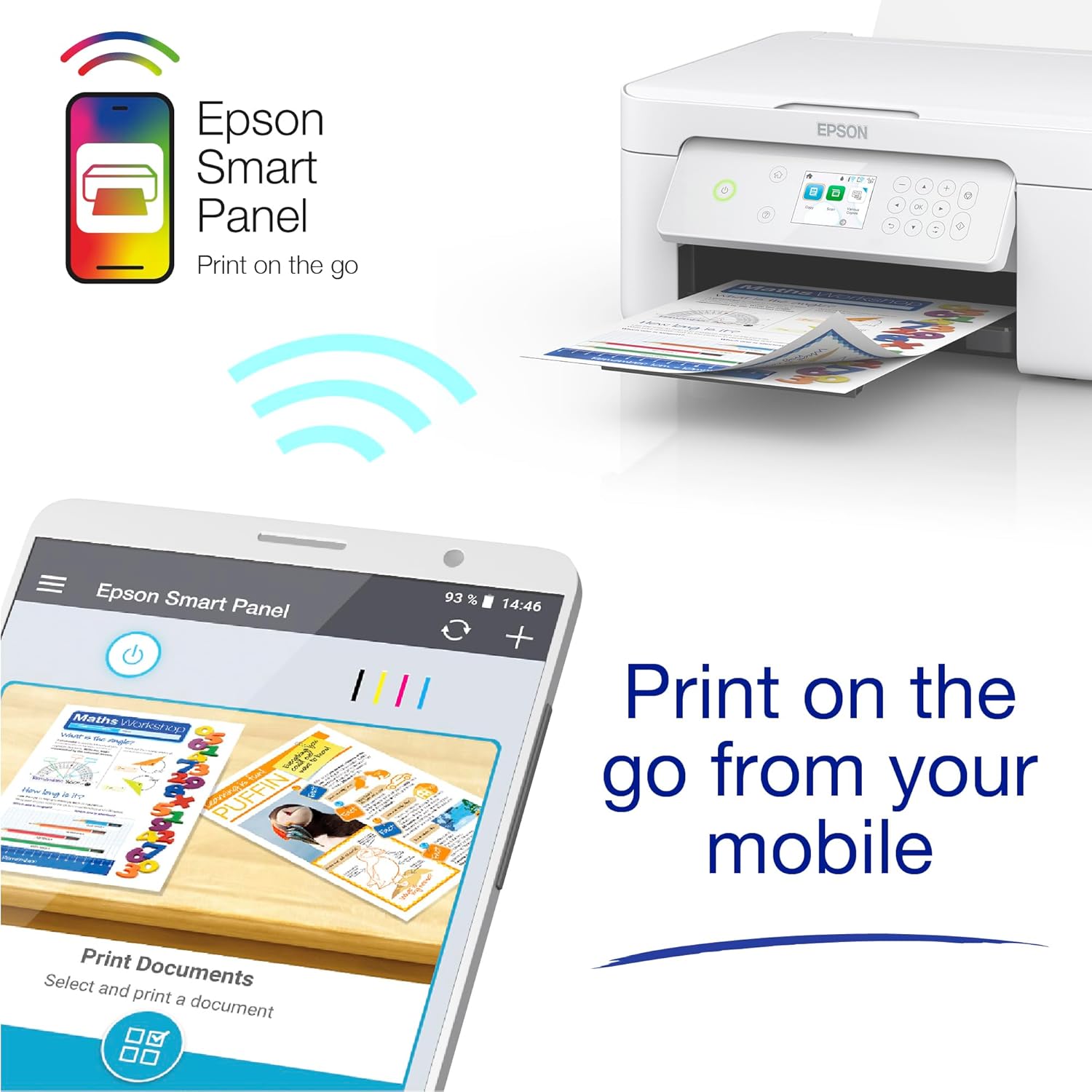
Printing at home becomes more convenient when you can use Epson Smart Panel to print and scan directly from mobile devices. The Creative Print app expands opportunities to print photos from social networks and craft personalised cards, adding a touch of creativity without complexity 📱. The XP‑4205 is built to be economical, with inexpensive, replaceable ink cartridges that help keep running costs predictable for regular use. This is a sensible option for those who want dependable colour and clear text without paying premium prices, while enjoying basic automation features that enhance everyday tasks 🗂️.
Technical details
- Name: Epson Expression Home XP-4205
- Type: Printer
- Format: A4
- Size: compact 3‑in‑1 unit
- Capacity: compatible with individual ink cartridges
- Dimensions: compact footprint suitable for home offices
- Weight: lightweight for easy relocation
- Material: standard plastics design
- Colour: white with clean finish
- Display: 2.4 inch LCD
- Resolution: 1440 dpi for crisp text and photos
- Refresh rate: not specified
- Processor: not specified
- Memory: not specified
Usage tips
For everyday tasks, place the printer within reach of your network and use the Epson Smart Panel app to initiate prints from your phone or tablet. If you frequently print photos, explore the Creative Print app to create greetings or albums directly from social media content. Remember to select duplex printing when appropriate to save paper and reduce waste, a small habit that adds up over time. If you need occasional scanning, leverage the built‑in scanner with the 2.4 inch display to preview and save scans to a connected device, keeping your workflows smooth and simple. This model represents a balanced choice for value‑conscious users who want reliable functionality without a premium price tag 🧩.