

Epson WorkForce WF-2950DWF: A4 Wireless All-in-One Inkjet Printer
Product description
What it is
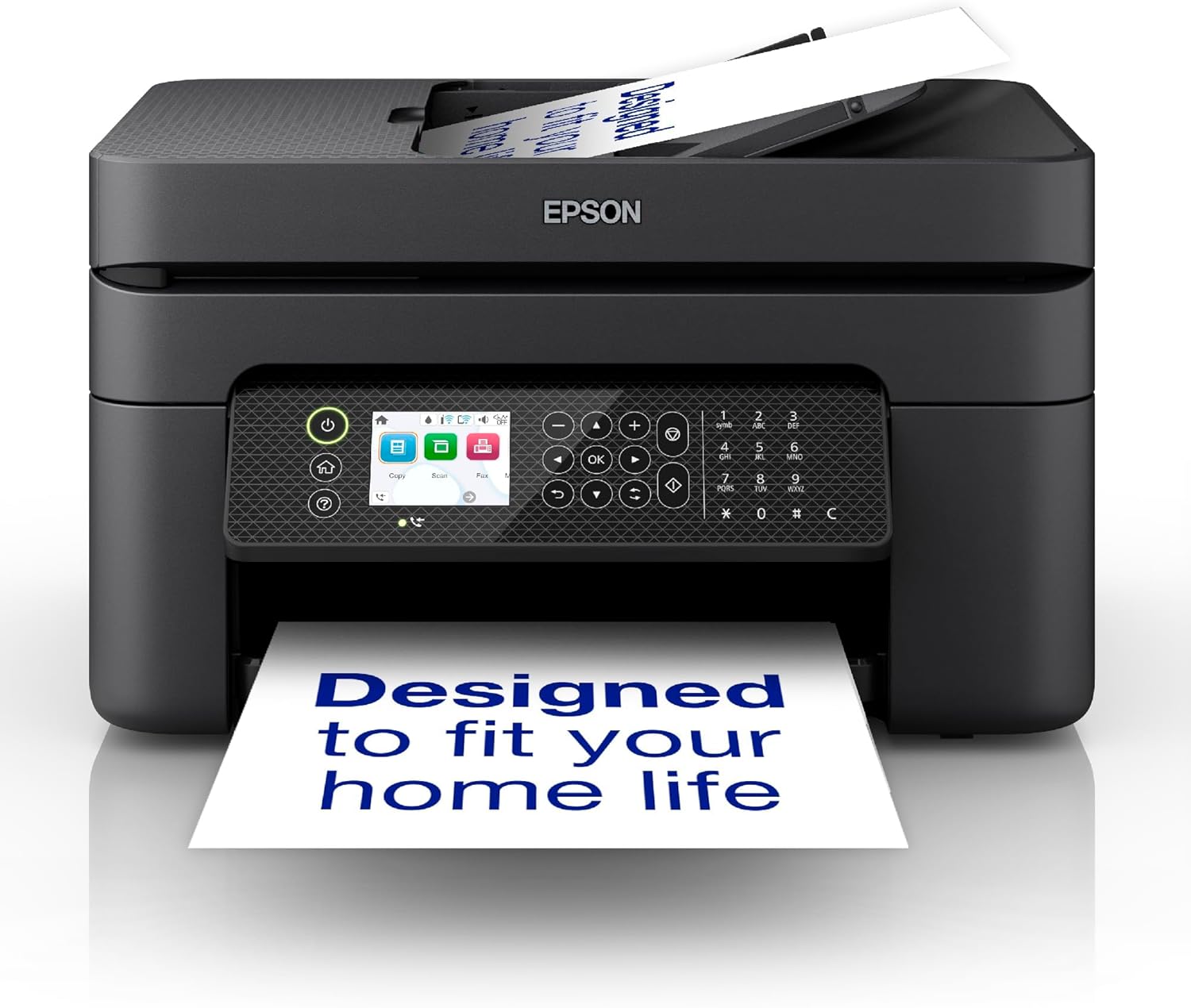
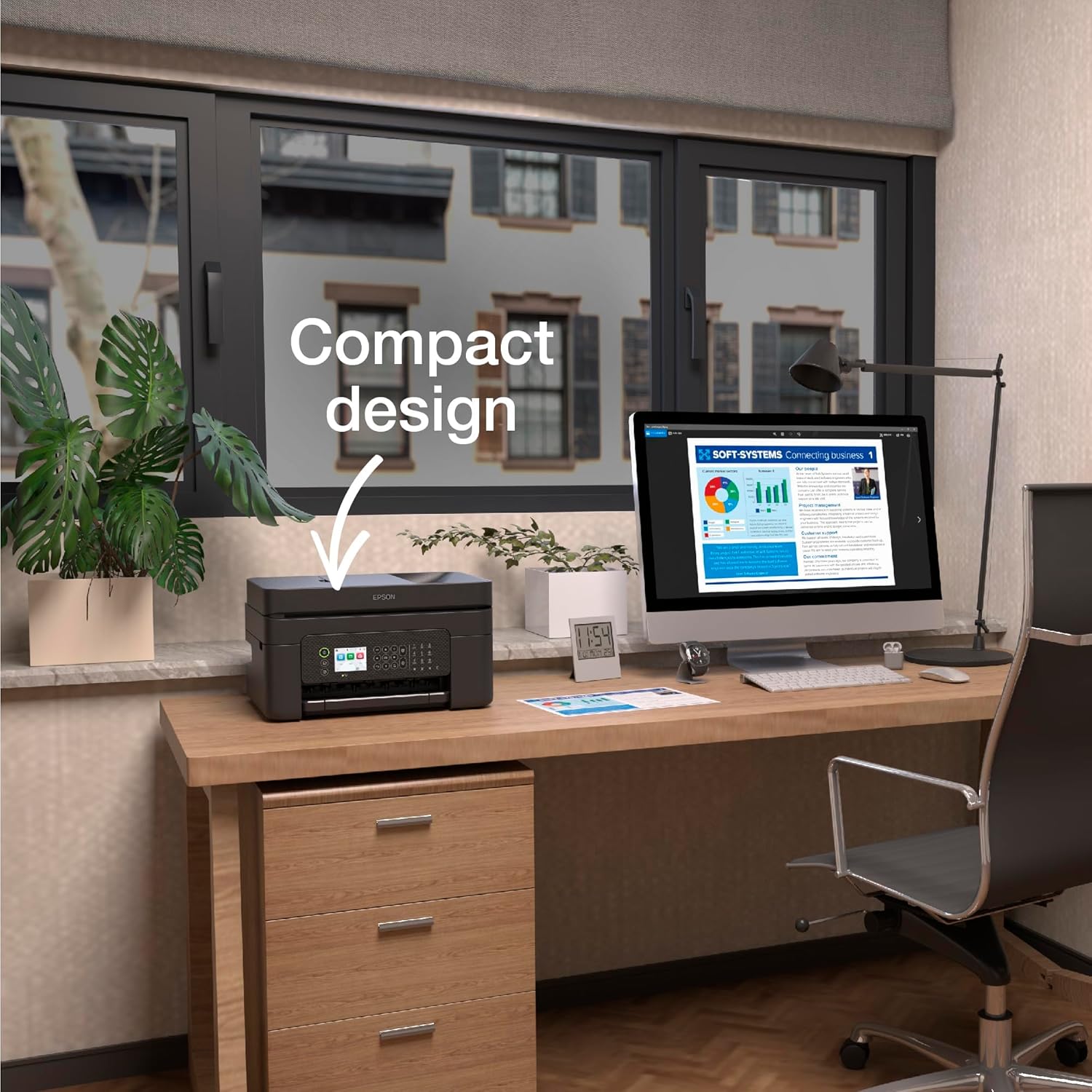
The Epson WorkForce WF-2950DWF is an A4 multifunction inkjet printer designed for compact home offices. It combines printing, scanning, copying and faxing into one space-saving device, with a focus on ease of use and flexible wireless connectivity.
Who it’s for
If you’re after a budget-conscious, all-in-one printer for light to moderate everyday tasks—home office documents, schoolwork, occasional photos—the WF-2950DWF offers practical value. Its sleek profile helps it fit on a small desk or shelved setup without dominating the space.
How it performs
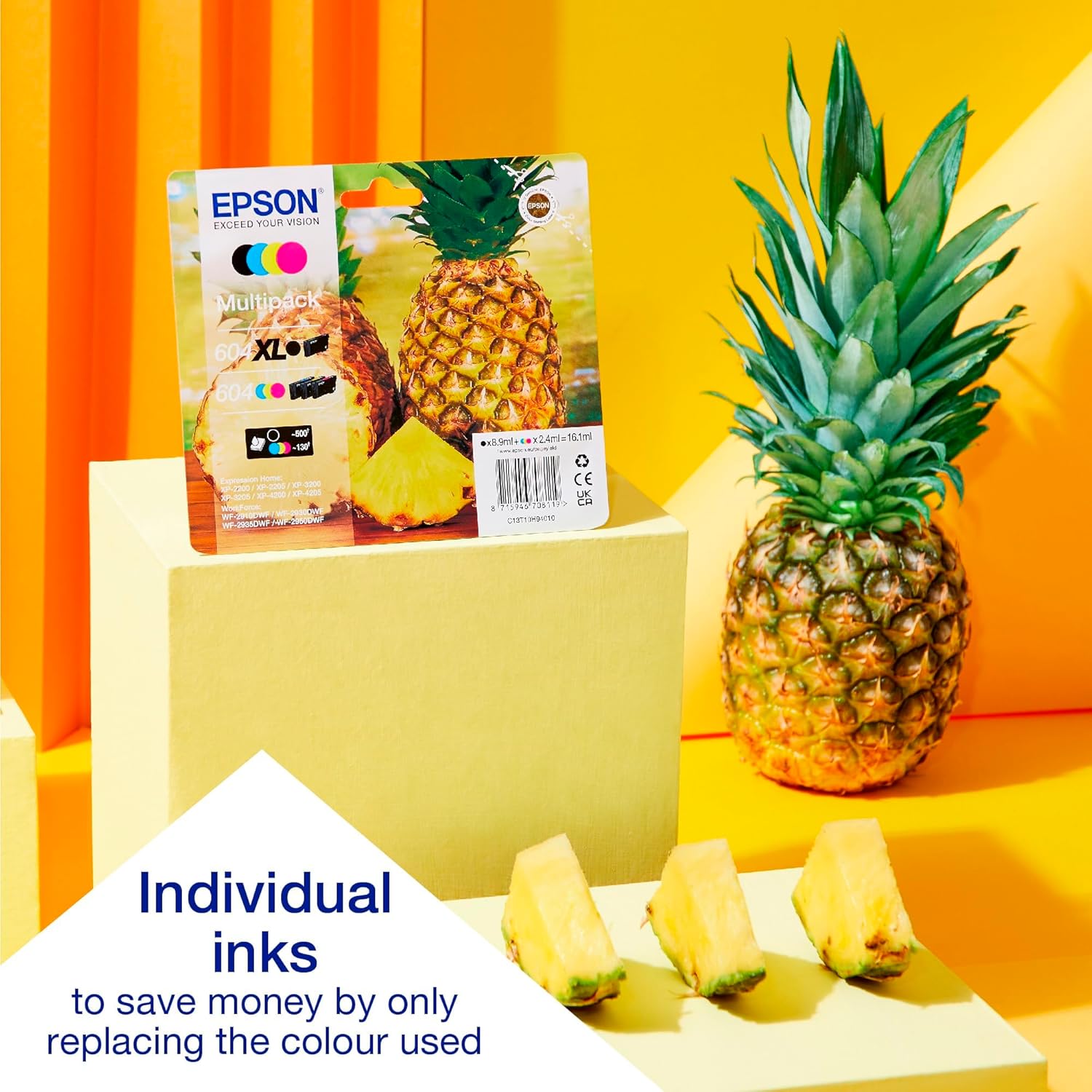
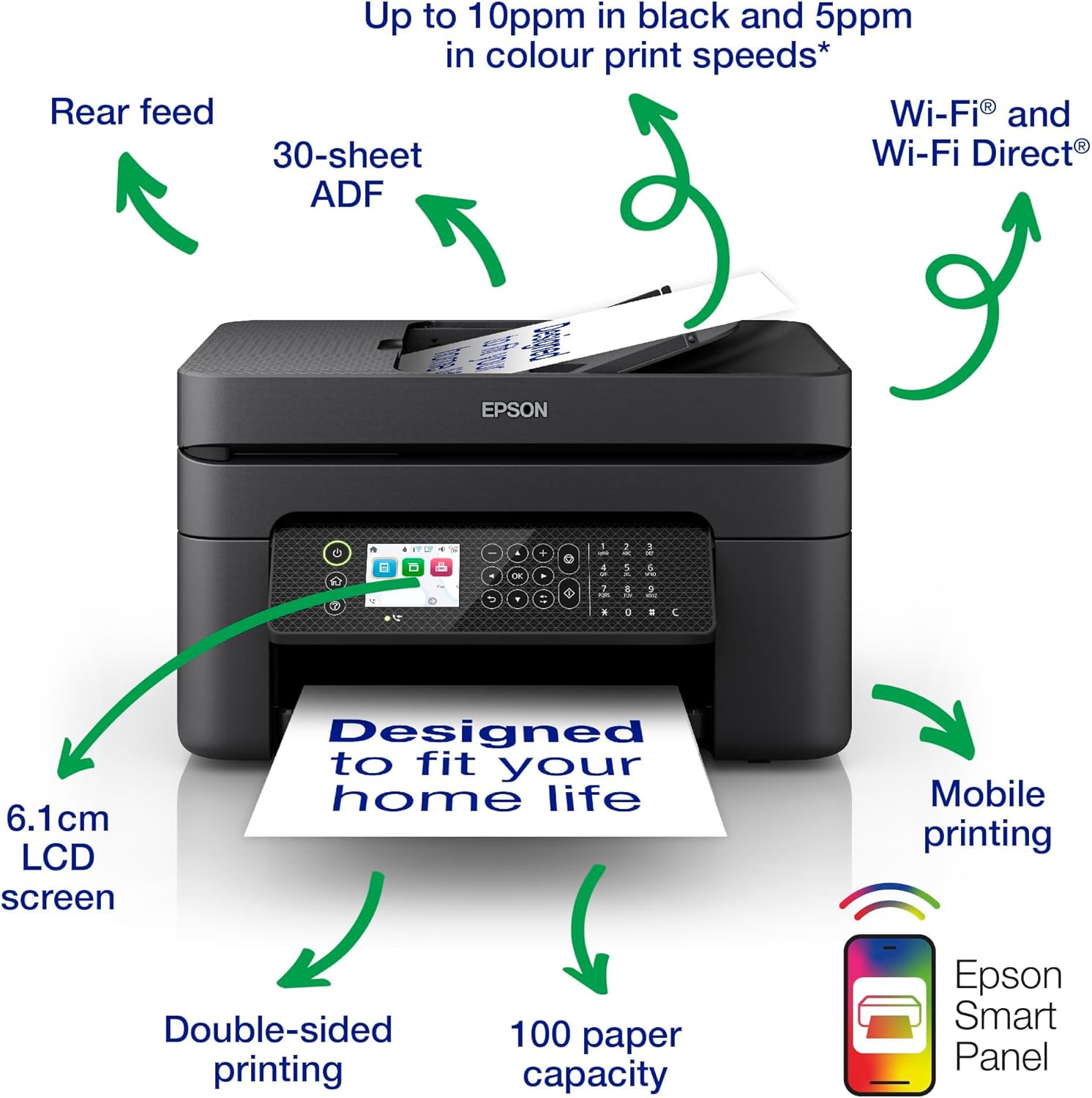
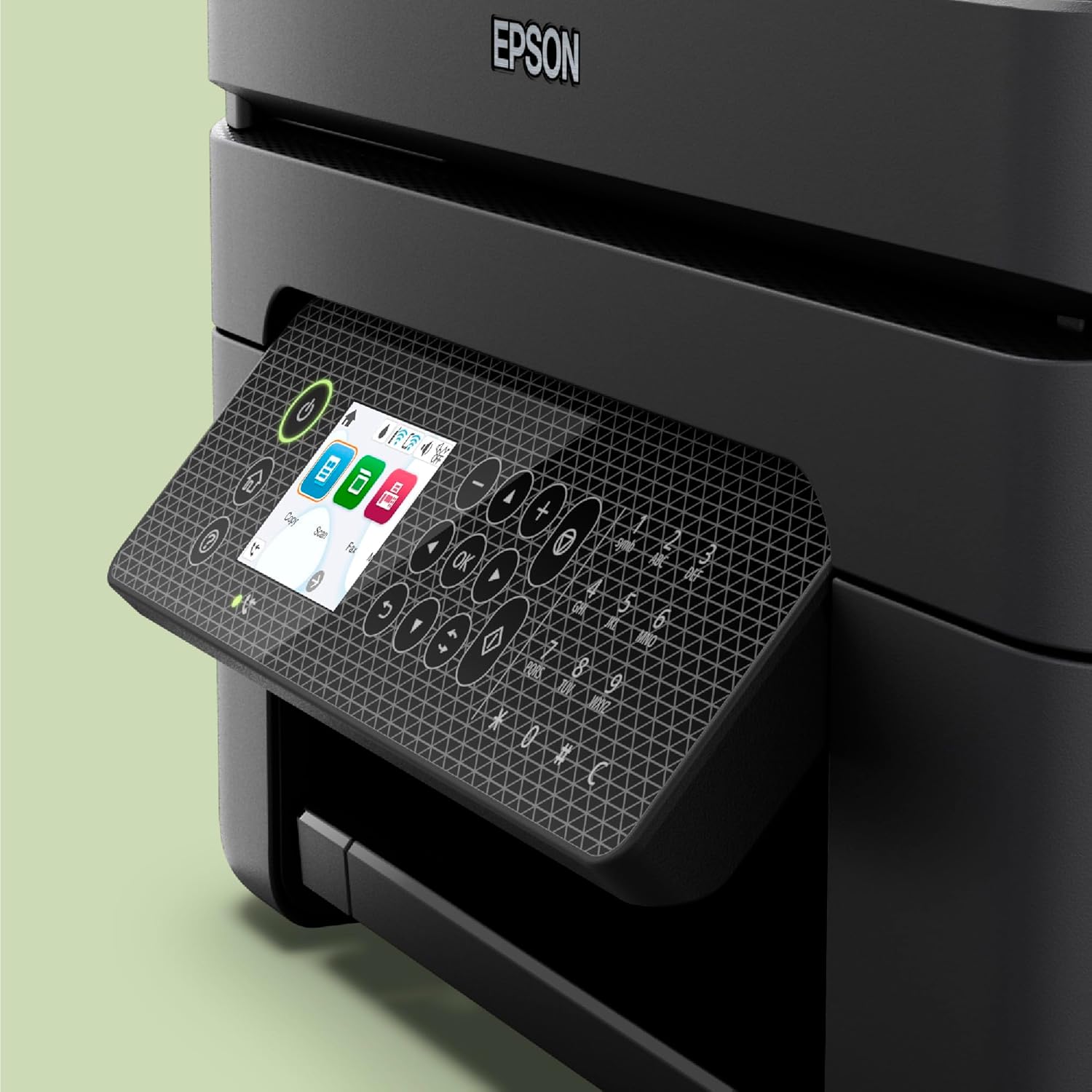
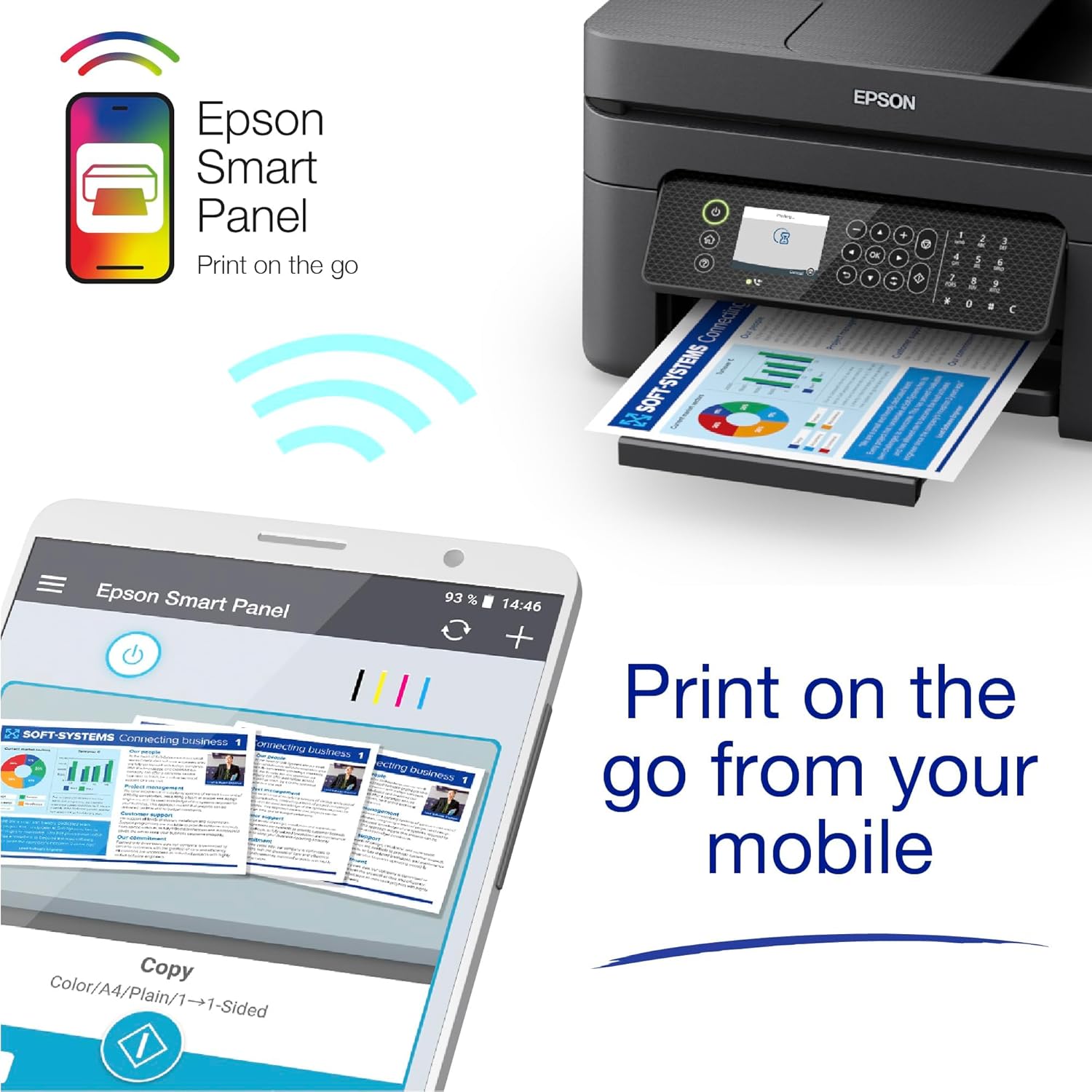
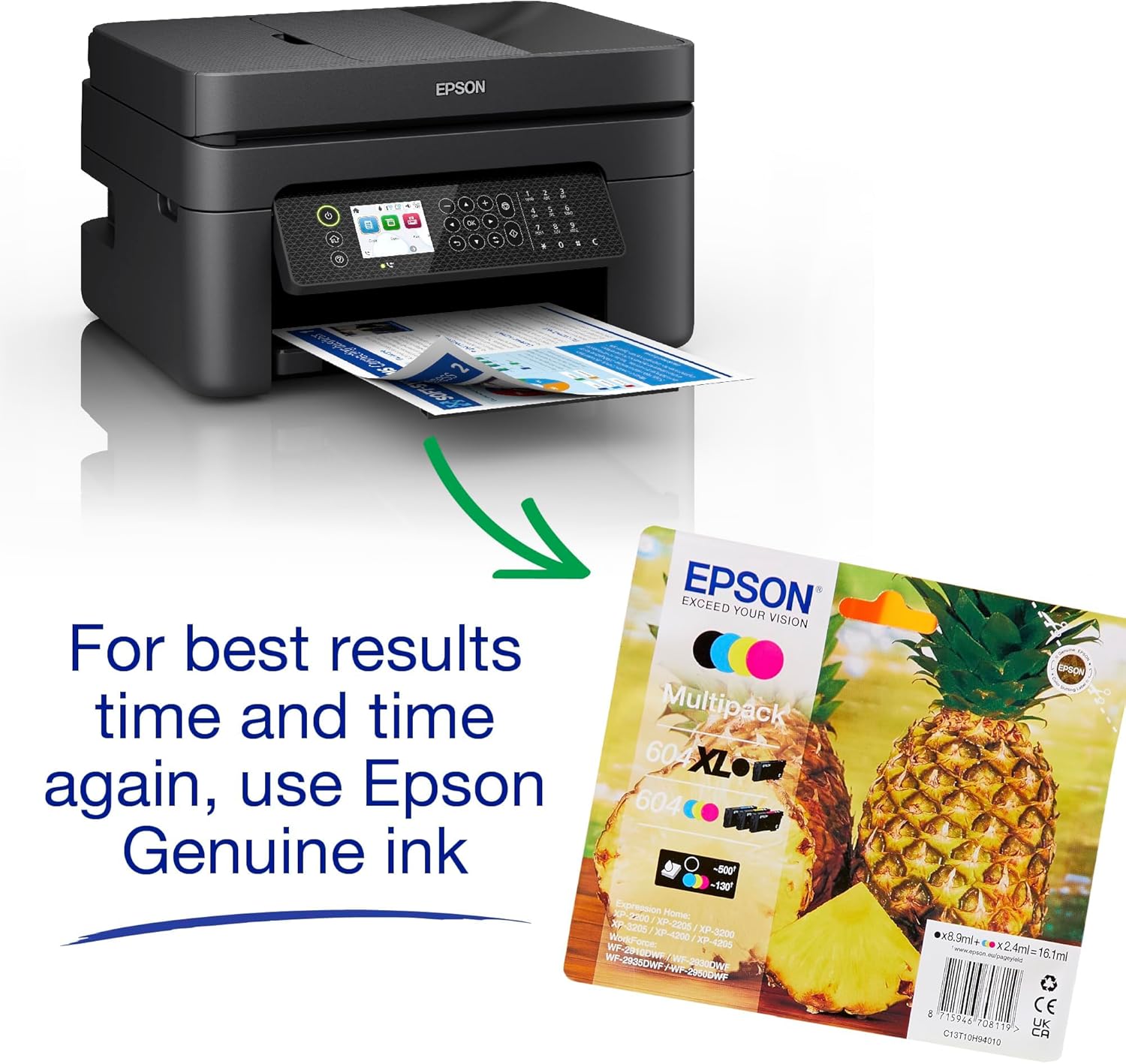
The setup centres on convenience: a large LCD screen and intuitive navigation, plus a 30-page ADF for quicker multi-page scanning, copying or faxing. Print costs are kept predictable with Epson’s four-colour Pineapple 604 inks and the option to use affordable individual inks in standard and XL cartridges. Wireless options extend usability beyond a single desk, and Epson’s Smart Panel app enables control from a mobile device.
Pros
- Compact, stylish design for small spaces.
- Clear, reliable prints aided by four-colour pigment/splash inks.
- Large LCD and a 30-page ADF to speed up multi-page tasks.
- Flexible wireless setup: Wi‑Fi, Wi‑Fi Direct and convenient app control.
Cons
- As a budget-friendly model, it may not excel in high-volume, photo‑quality tasks or heavy printing environments.
- Ink costs can add up if you print frequently in high volumes, even with XL options.
- The emphasis on practicality may mean slower speeds on graphics-heavy documents compared with dedicated photo printers.
What to consider before buying
- Space and layout: If your desk is tight, the WF-2950DWF’s footprint and useful touch screen can be appealing, but measure to ensure it fits with room to spare.
- Printing needs: For predominantly text documents with occasional colour or simple graphics, this model offers a sensible balance of cost and capability. If you frequently print high-resolution photos or large graphic files, you might want to assess whether a dedicated photo printer would suit you better.
- Ink strategy: The four-colour ink system is reliable for everyday tasks, however, plan for refill costs and consider XL cartridges if you anticipate heavier usage.
How it compares, in context
Compared with compact monochrome options or single-function devices, the WF-2950DWF trades peak photo quality and ultra-fast speeds for versatility and cost-efficiency in a home office setting. If your priority is to consolidate printing, scanning and copying in a single unit without breaking the bank, it can be a sensible middle ground.
Everyday use examples
Imagine preparing a stack of school assignments: you can scan multi-page sheets in one go using the ADF, then print the compiled document with clear, legible text. A quick print from your laptop via Wi‑Fi Direct means you don’t need a wired connection for a casual print job from a tablet during a study session.
Final decision: when it makes sense
Is it worth it? It is worth considering if you value a compact, affordable all‑in‑one with straightforward wireless control and reasonably low running costs for standard office tasks. It may not be the best option if your work hinges on high-speed, high-volume printing or premium photo output. If you prioritise ease of use and space efficiency, this model aligns with everyday home office needs.
FAQ
- Can I use this printer without a Wi‑Fi network? Yes, via Wi‑Fi Direct, you can print from compatible devices without a network.
- Are individual ink cartridges available for this model? The base mentions affordable, individual inks in standard and XL cartridges, which can help reduce running costs—great if you print in moderate volumes.
- How easy is it to set up and manage from a mobile device? Epson’s Smart Panel app enables printing, monitoring and troubleshooting from a smartphone or tablet, enhancing day-to-day convenience.