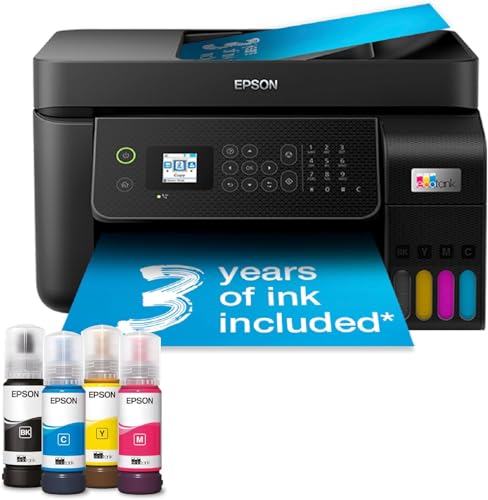
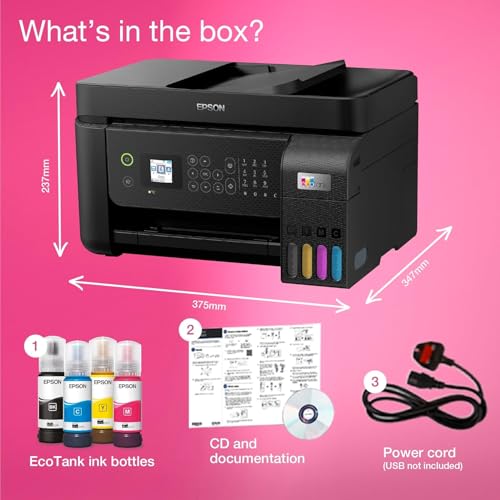
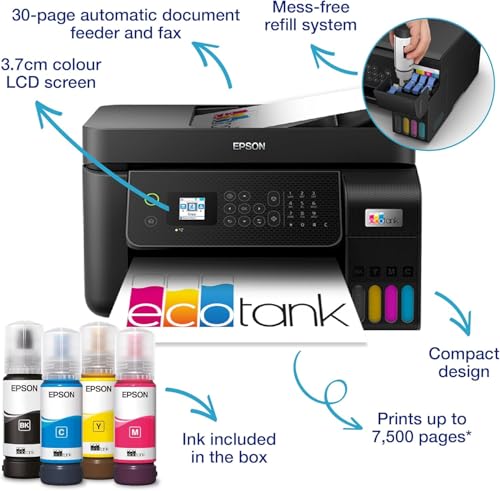
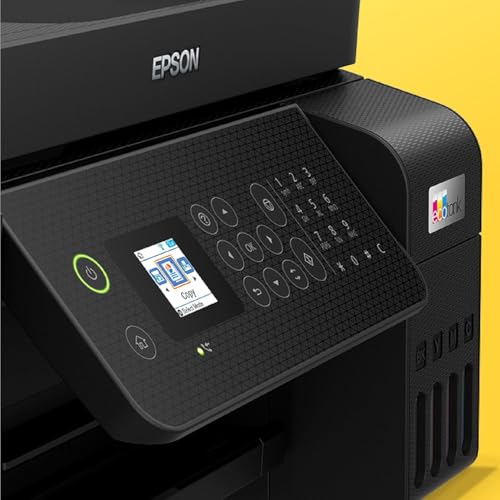
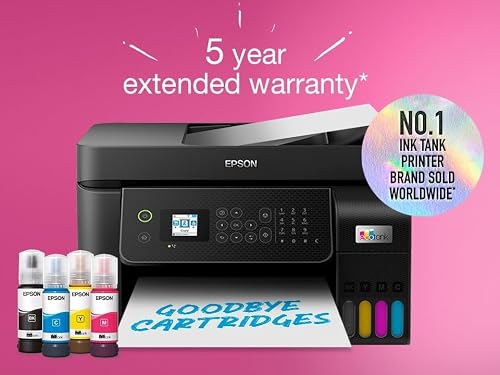
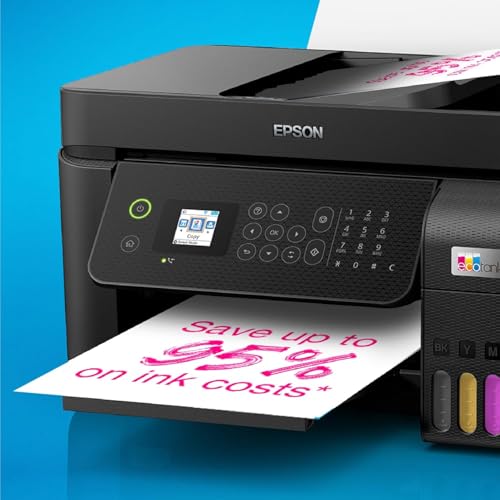
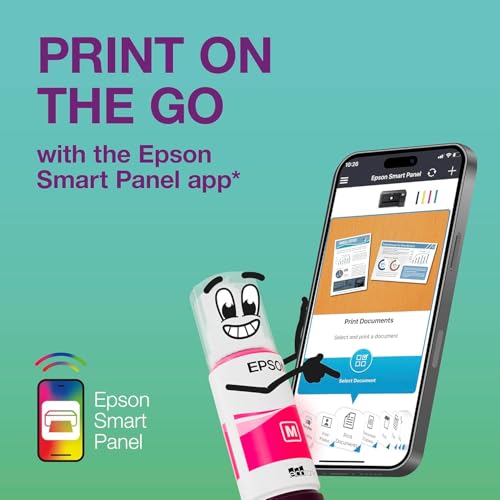
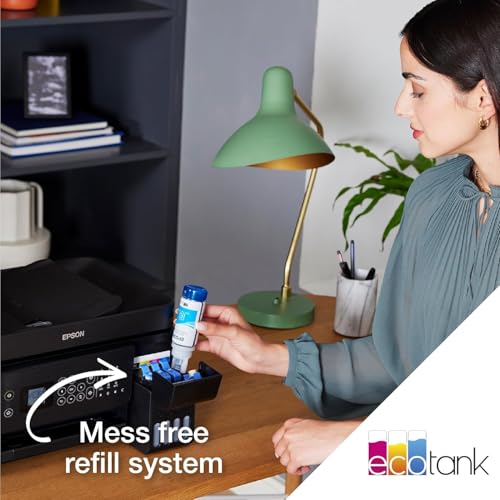
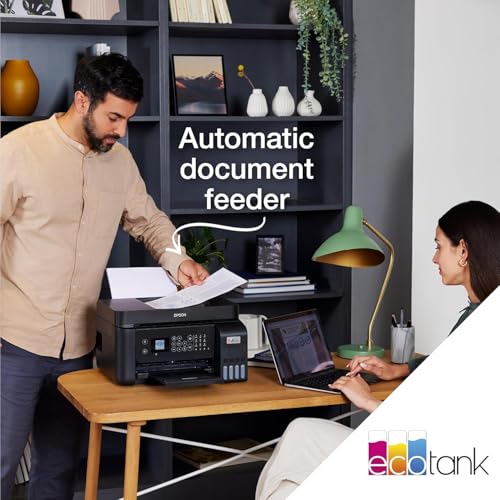
What it is and what it solves\nThe Epson EcoTank ET-4800 is a wireless and ethernet-enabled ink tank printer designed for homes and small offices. It offers print, copy, scan, and fax functions with a compact footprint, a 3.7 cm colour LCD screen and a 30-page automatic document feeder. The key selling point is its ultra-high capacity ink tanks and inclusive ink bottles, which aim to reduce refills and cartridge waste compared with traditional cartridge-based systems. If you prioritise lower running costs and fewer cartridge changes, this model is positioned as a practical solution for busy households or small workspaces.\n\n## Why consider EcoTank over cartridge printers\nThe main advantage highlighted is the potential to save on printing costs, with up to 95 percent savings claimed on printing costs and ink included for up to 3 years in the box. The initial setup is aided by pre-installed printhead technology and the EPSON SMART PANEL app, which allows you to print, copy and scan from a mobile device, plus monitor and troubleshoot from your phone or tablet. This emphasis on long-lasting ink and easy control can be appealing if you print frequently and want to minimise ongoing consumable interruptions.\n\n## What stands out in everyday use\nThe ET-4800 supports wireless, Wi‑Fi Direct and Ethernet connections, making it straightforward to integrate into a home network or small office. A modest rear paper tray (100 sheets) and a 30-page ADF support a mix of daily tasks, from documents to photos, while the built-in fax adds a traditional communications option some households still rely on. The design is described as compact, which helps when desk space is at a premium.\n\n## The best fit: who should consider this\nIt suits busy home users or small teams who want reduced running costs and can benefit from a straightforward refill experience. If you print mostly in black and colour in moderate volumes and value the ability to print from mobile devices, this EcoTank model can provide a balanced everyday workflow.\n\n## Limitations and what to check before buying\nBear in mind that the claims around savings depend on your printing patterns, and real-world results may vary. Ink longevity and colour usage are tied to page coverage, so if you print large graphics or photos frequently, you may reach the included ink sooner than expected. Also, the time to complete longer tasks like multi‑page scans or larger print jobs is not detailed here, so if speed is a priority for busy offices, you might want to test throughput in practice.\n\n## How it compares to other approaches\nIf you favour a cartridge-based printer for occasional use, you might not benefit as much from EcoTank’s refill model. For users who print very high volumes or require specialist media handling, alternatives with higher duty cycles or different paper paths could be more suitable. For those valuing convenience, the EcoTank approach aims to reduce downtime spent on cartridge changes and refills, which can be compelling in a home or small-office setup.\n\n## What to review before purchase\n- Confirm your connectivity needs: wireless and Ethernet are supported, so ensure your network setup aligns with the printer.\n- Consider your typical page mix: black versus colour usage and whether you print many graphics or photos.\n- Check if you need fax functionality for your workflow.\n- Think about space: the ET-4800 is described as compact, but verify it fits your desk and access to a power outlet.\n\n## Practical usage example\nA typical week might include printing household documents, school worksheets and occasional colour flyers. The built-in 30-page ADF makes quick multi-page jobs smoother, and you can send print jobs from a phone or tablet via the Epson Smart Panel app without needing a computer nearby.\n\n## FAQ (practical answers)\n- Does it print photos well? It handles standard document printing well and supports colour prints, but photo quality is not detailed in the data provided.\n- How long does the ink last in practice? The box promises up to 3 years of ink but depends on usage, heavy colour printing will consume more ink sooner.\n- Is setup straightforward? The pre-installed printhead and mobile app support are designed to simplify setup and daily use.\n\n## Is it worth it?\nGiven the emphasis on low running costs with substantial included ink and the flexibility of wireless and Ethernet connectivity, it can be a sensible choice for users who value cost-per-page efficiency and a compact, feature-rich home/small-office printer. If your printing needs are light to moderate and you value simplicity and networked access, this model deserves consideration. If you routinely print large, image-heavy materials or require very rapid print speeds, you may want to compare with higher-duty options.