


D-Link DGS-108GL 8-Port Gigabit Unmanaged Desktop Switch (fanless, low profile, metal)
Product description
The essentials
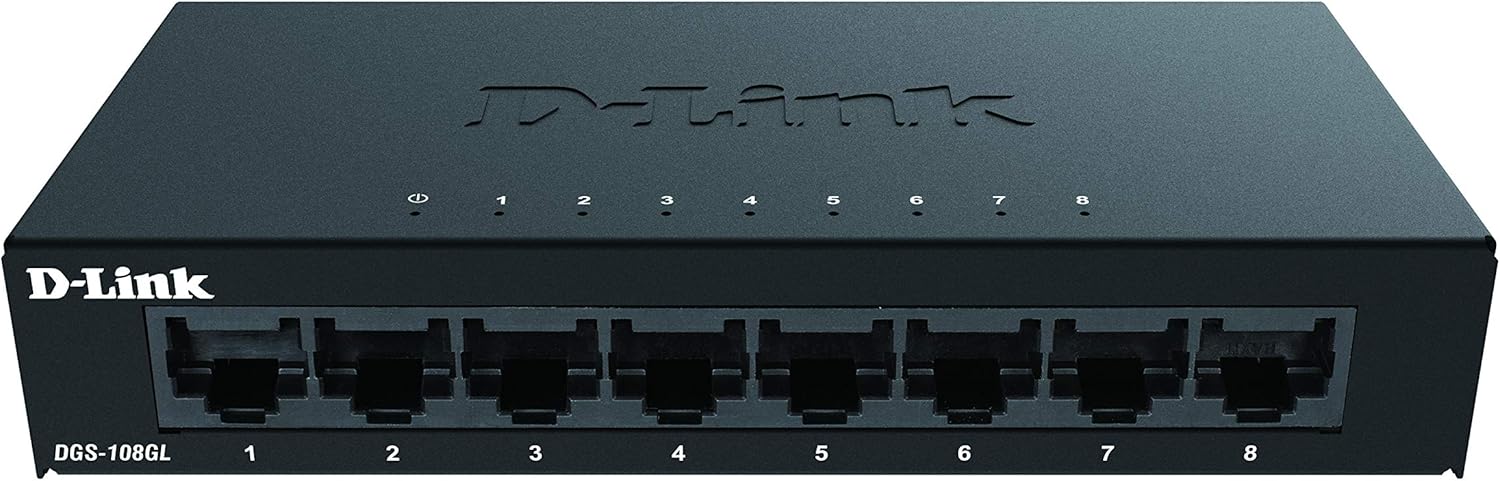
If you’re trying to tidy up a home or small-office network, an unmanaged switch like the D-Link DGS-108GL is often the simplest route. It’s a desktop, fanless 8-port Gigabit model designed to connect up to eight devices for fast day-to-day traffic—think smooth streaming, quicker file transfers on your local network, and fewer cables fighting for one router port.
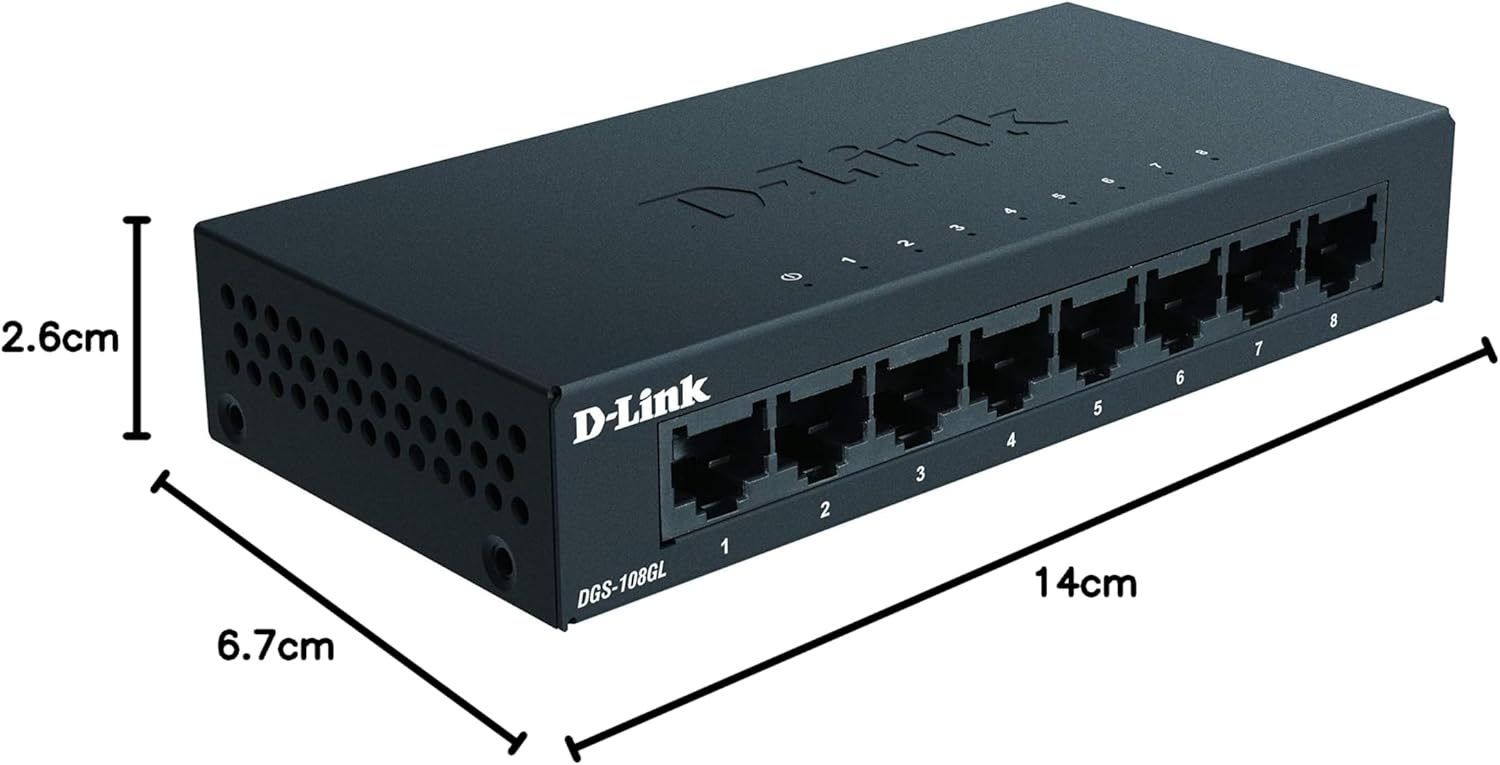
This unit is also low profile and built with a metal housing, which matters more than people expect when the switch ends up on a desk, shelf, or in a slightly cramped corner. Add silent, fanless operation and energy-saving features, and you get a setup that should run quietly without much fuss.
The big trade-off is that it’s unmanaged. That’s great for simplicity, but it also means you don’t get the control and configurability you might expect from more advanced network gear.
Key features that actually affect your setup
On paper, the DGS-108GL is all about practical basics done neatly: eight Gigabit Ethernet ports, plug-and-play installation, and a compact design meant for easy desktop placement.
The eco-leaning angle is handled via 802.3az Energy-Efficient Ethernet (EEE). In real terms, that’s aimed at reducing power use automatically while still keeping performance where you’d want it for media streaming and regular internet browsing across multiple wired devices.
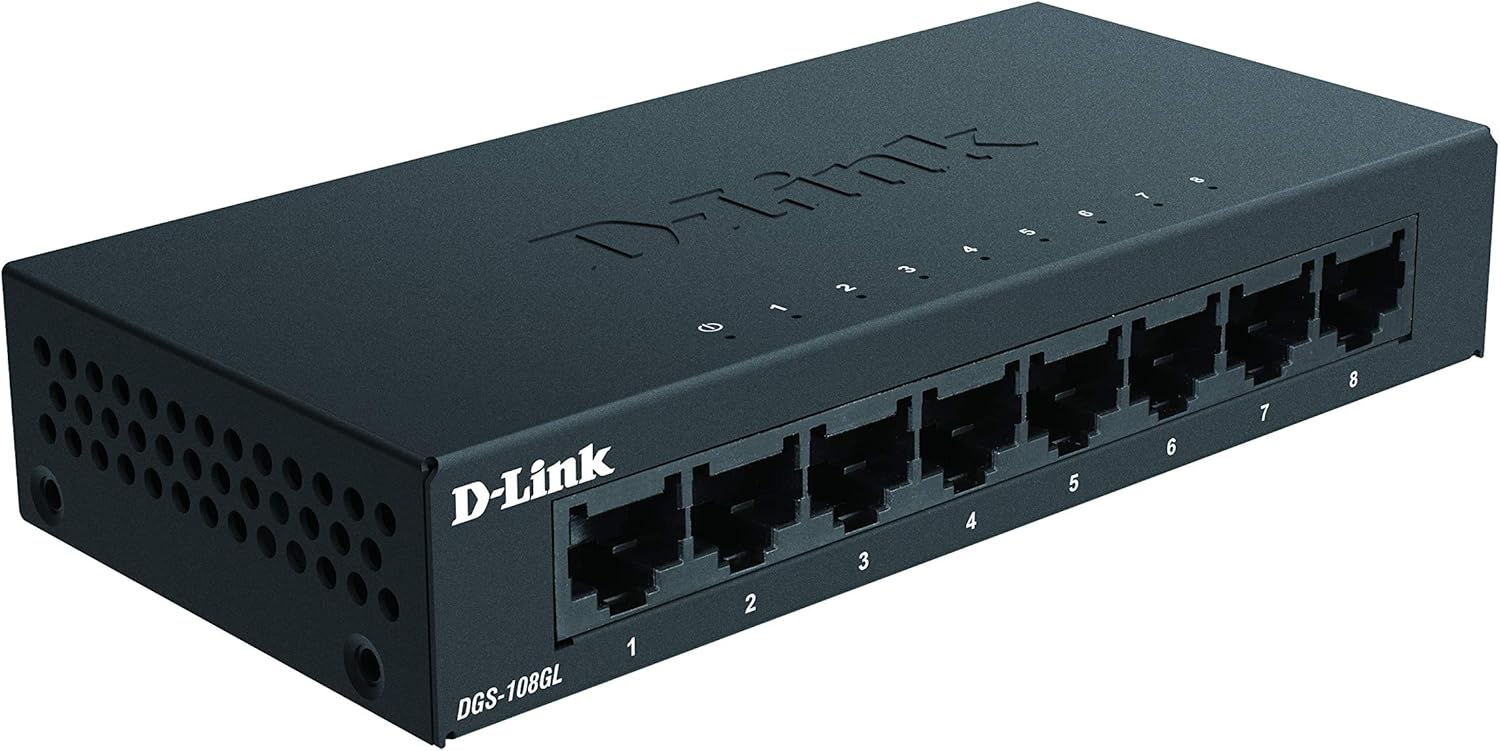
It’s also fanless, so you’re not listening for airflow noise as the switch quietly sits in your home office. Fanless designs don’t suit every environment, but in typical indoor office or home setups they’re a reassuring choice—especially if the switch is going to live in the same place for years.
And because it’s low profile, it tends to look less bulky than taller desktop switches, which is handy if cable management and shelf space are already tight.
What you’ll notice day to day
There’s a straightforward micro-experience to expect: once you plug it in and connect devices, it should just work without configuration screens or setup headaches. It’s the kind of switch you can add when you realise you’ve got a growing list of wired devices—media box, games console, smart TV, PC, NAS or printer—yet the router only gives you a couple of LAN ports.
In everyday use, the benefit of Gigabit ports is mainly about not feeling bottlenecked when local traffic ramps up. For example, if you’re watching streaming content while someone else in the house transfers files between devices on the local network, Gigabit links give you more headroom than slower Ethernet.

That said, it’s not perfect for every scenario. If you’re the type of buyer who wants VLANs, advanced traffic management, or deeper control over how devices behave, unmanaged switches like this one may feel limiting. You may also find that it’s better suited to adding capacity rather than replacing more feature-rich network equipment.
Who it suits (and who should be cautious)
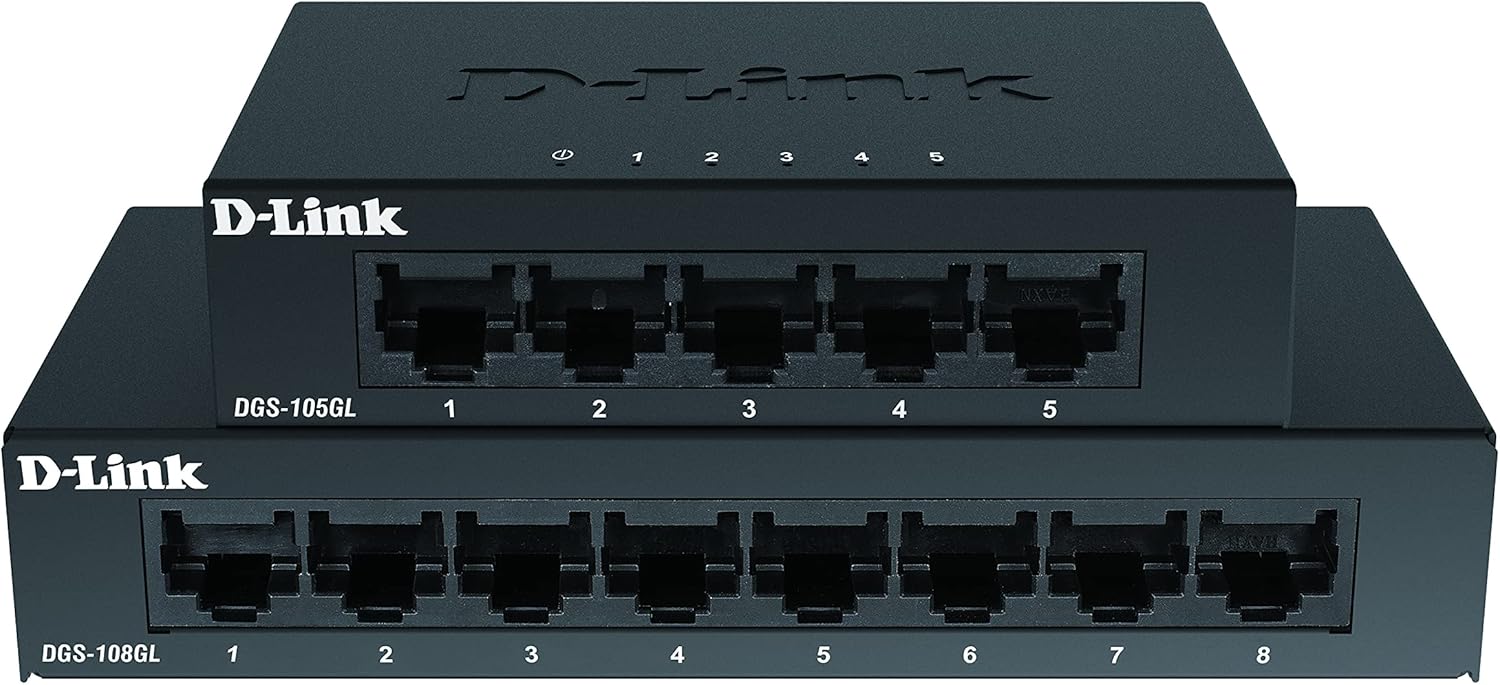
It makes sense if you want a simple desktop switch that you can plug in and use immediately. This is the sort of product that fits well when your priority is reliability, quiet operation, and tidy placement with a metal housing.
You’ll probably like it if: - you want to expand your router’s LAN ports without getting into network configuration - you prefer silent operation in a home office - you care about power-saving features via 802.3az EEE - your setup is mostly home or small office rather than a heavily managed enterprise network
It might not be a great match if you: - need network features that typically come with managed switches - are working in a more demanding environment where you’d expect more monitoring or custom settings - want the kind of “future-proof” control that comes from advanced configuration rather than plug-and-play simplicity
Worth noting: while it’s designed for fast Gigabit links, your real-world performance will still depend on your devices and cabling. A switch can’t magically upgrade slower end hardware.
Tech summary (quick overview)
Tech specs
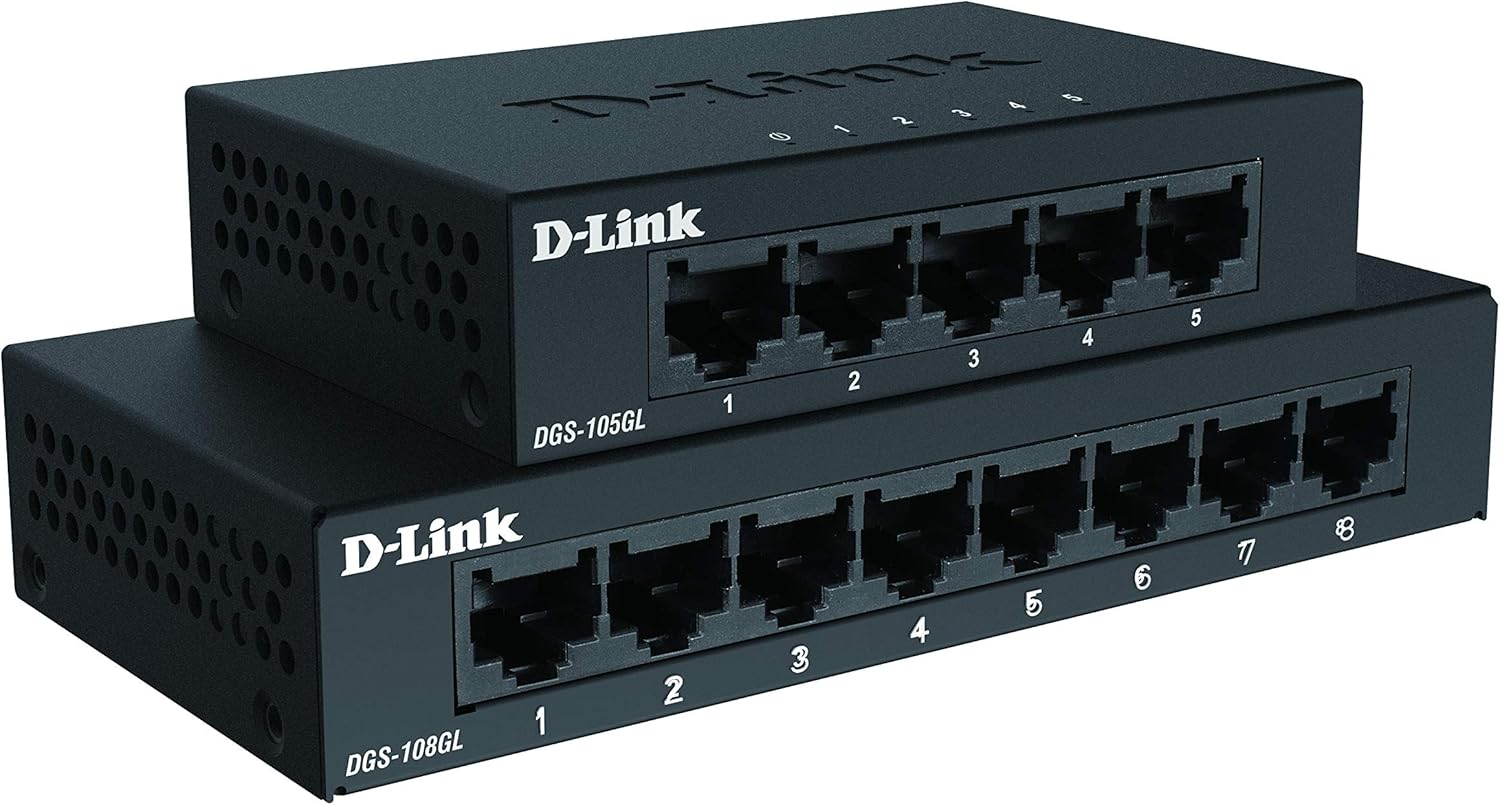
- Type: Unmanaged desktop switch
- Ports: 8 x Gigabit Ethernet
- Fanless: Yes (silent operation)
- Design: Low profile, compact
- Housing: Metal
- Installation: Plug-and-play
- Power saving: 802.3az Energy-Efficient Ethernet (EEE)
- Colour: Black
What to check before you buy
Before committing, it’s worth double-checking a few practical points. First, make sure you actually need an additional eight Gigabit Ethernet ports rather than needing managed functionality. Second, consider physical placement—this is low profile, which is convenient, but it still needs a sensible spot for cables and airflow around the unit.
Also, confirm your devices are set up for Ethernet connections (as opposed to relying purely on Wi‑Fi). If your goal is to reduce buffering or improve stability for a streaming setup, wired connections are usually where you’ll feel the difference.
Finally, if you’re buying because you’ve outgrown your router ports, think about how many devices you’ll connect now and how many you might add later. With eight ports, it’s a good mid-step, but if your network is set to expand fast, you might outgrow it sooner than you expect.
Is it worth it?
The D-Link DGS-108GL is worth considering if you want a straightforward 8-port Gigabit desktop switch that’s silent, compact, and designed to run with minimal effort. Its fanless, low-profile metal housing and plug-and-play approach make it a sensible choice for home offices and small setups where convenience matters.
It’s not the best fit if you need managed-network features or deeper control. In that case, you may want to look at alternatives that offer more configuration and monitoring.
If you prioritise easy expansion of wired connections with energy-saving support (802.3az EEE), this one lands in the practical “get on with it” category rather than the tinkerer’s lane.