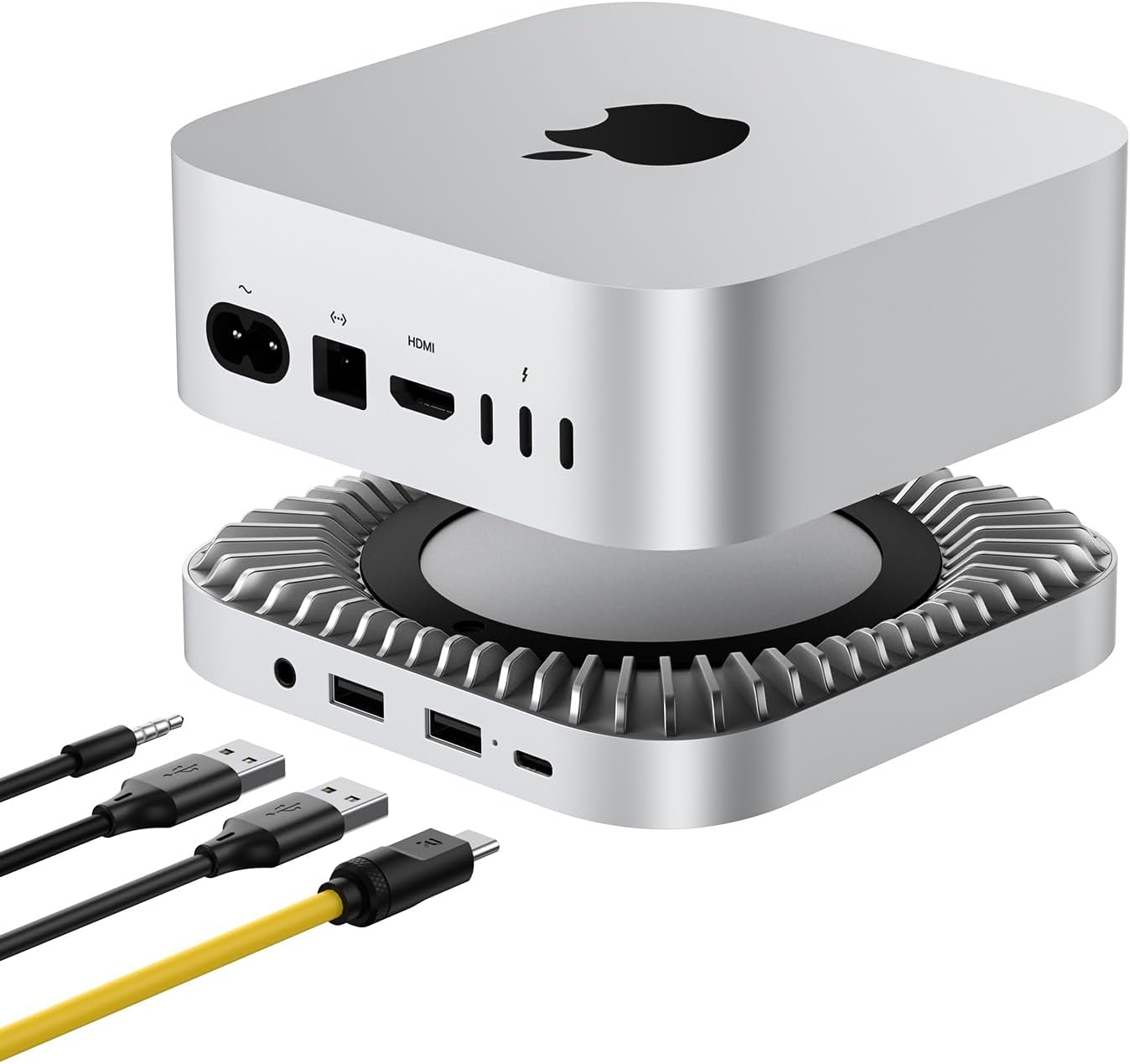
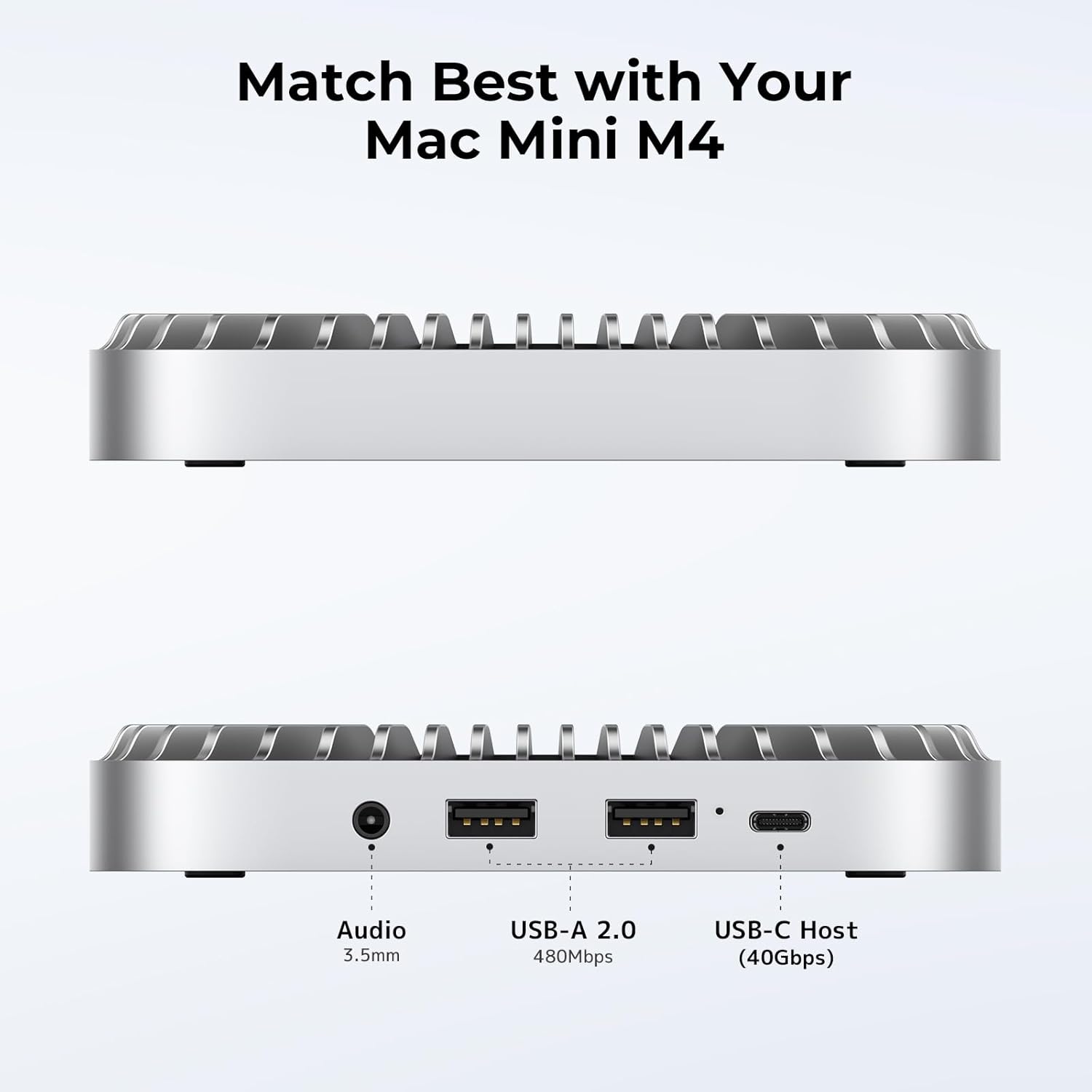
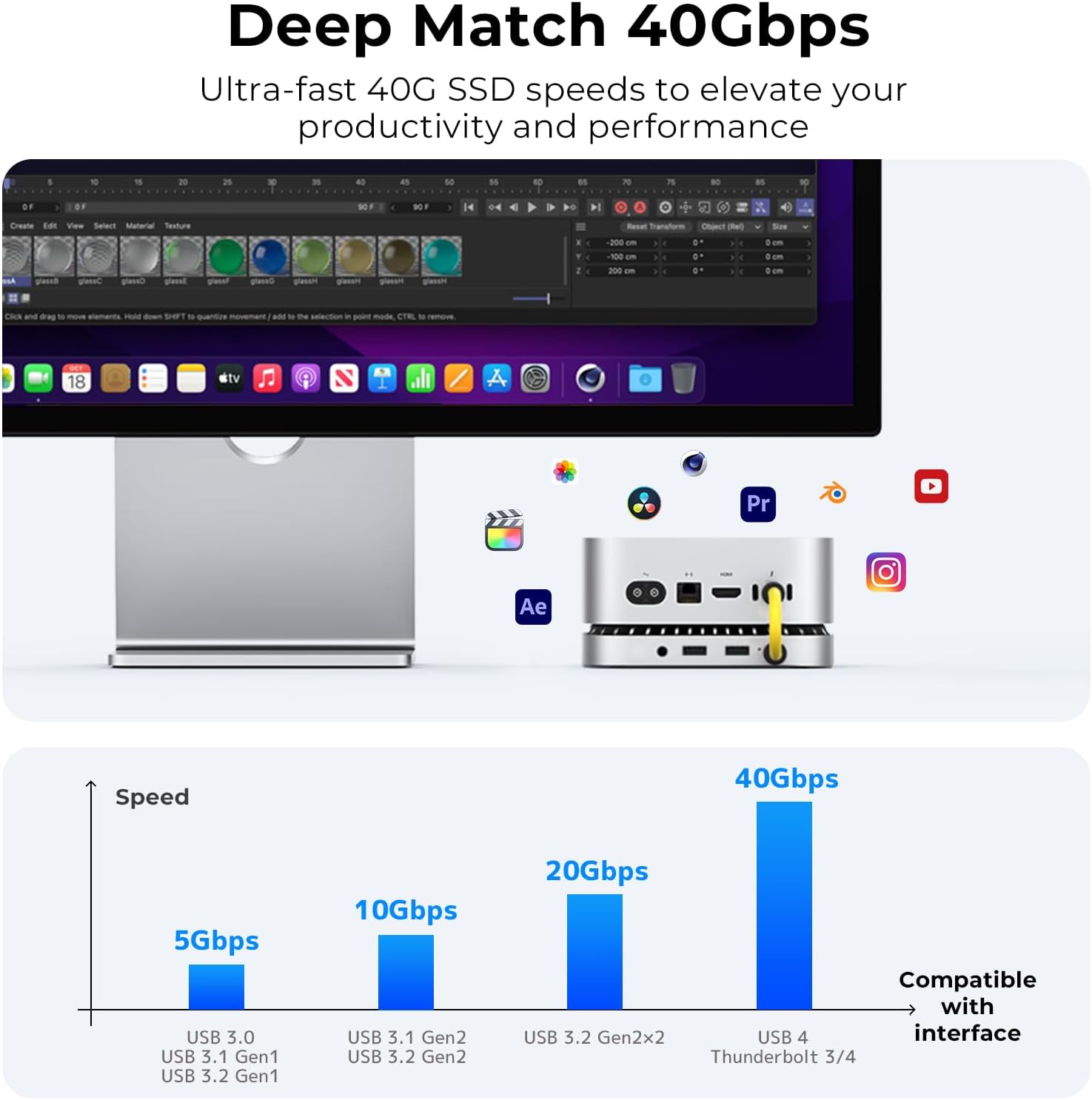
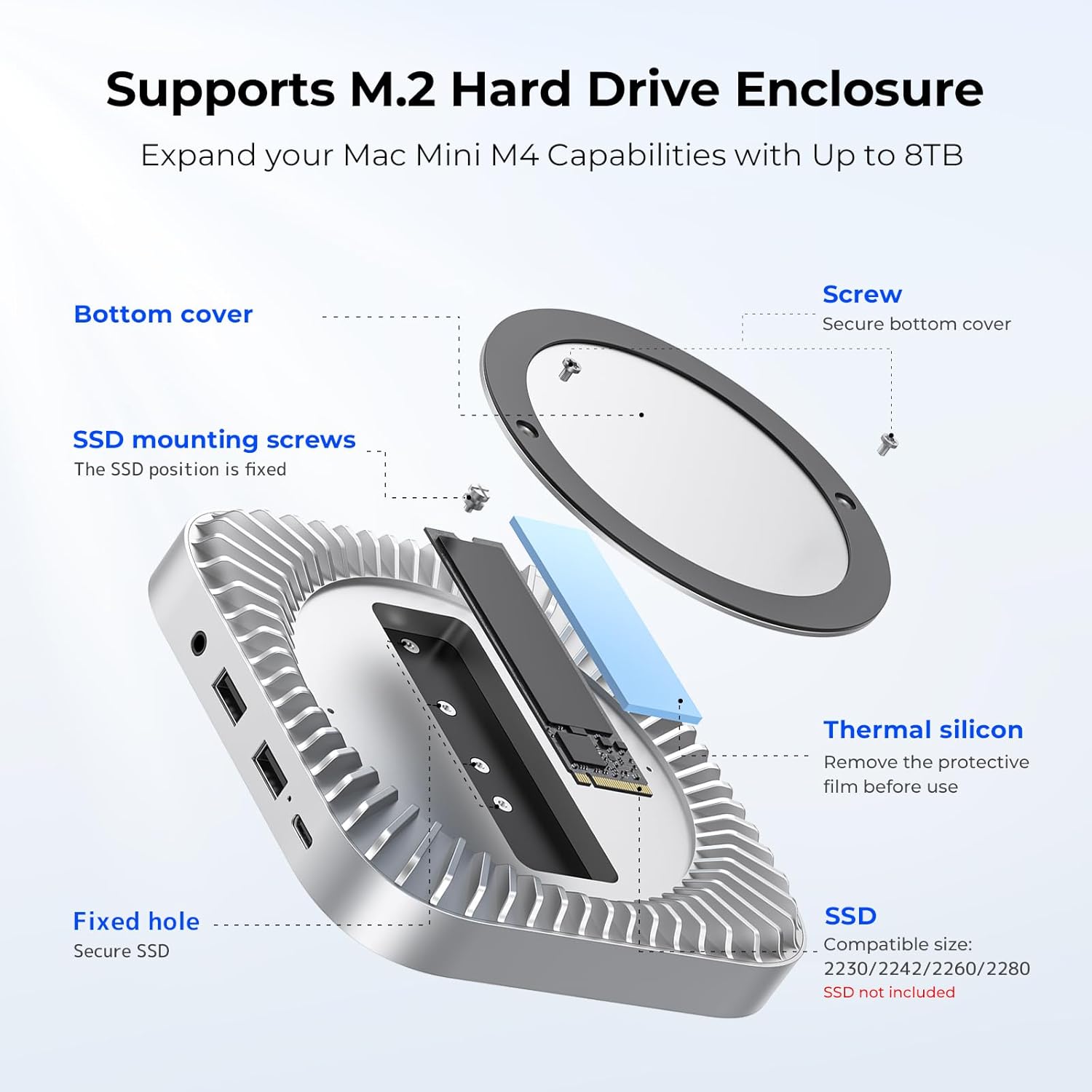
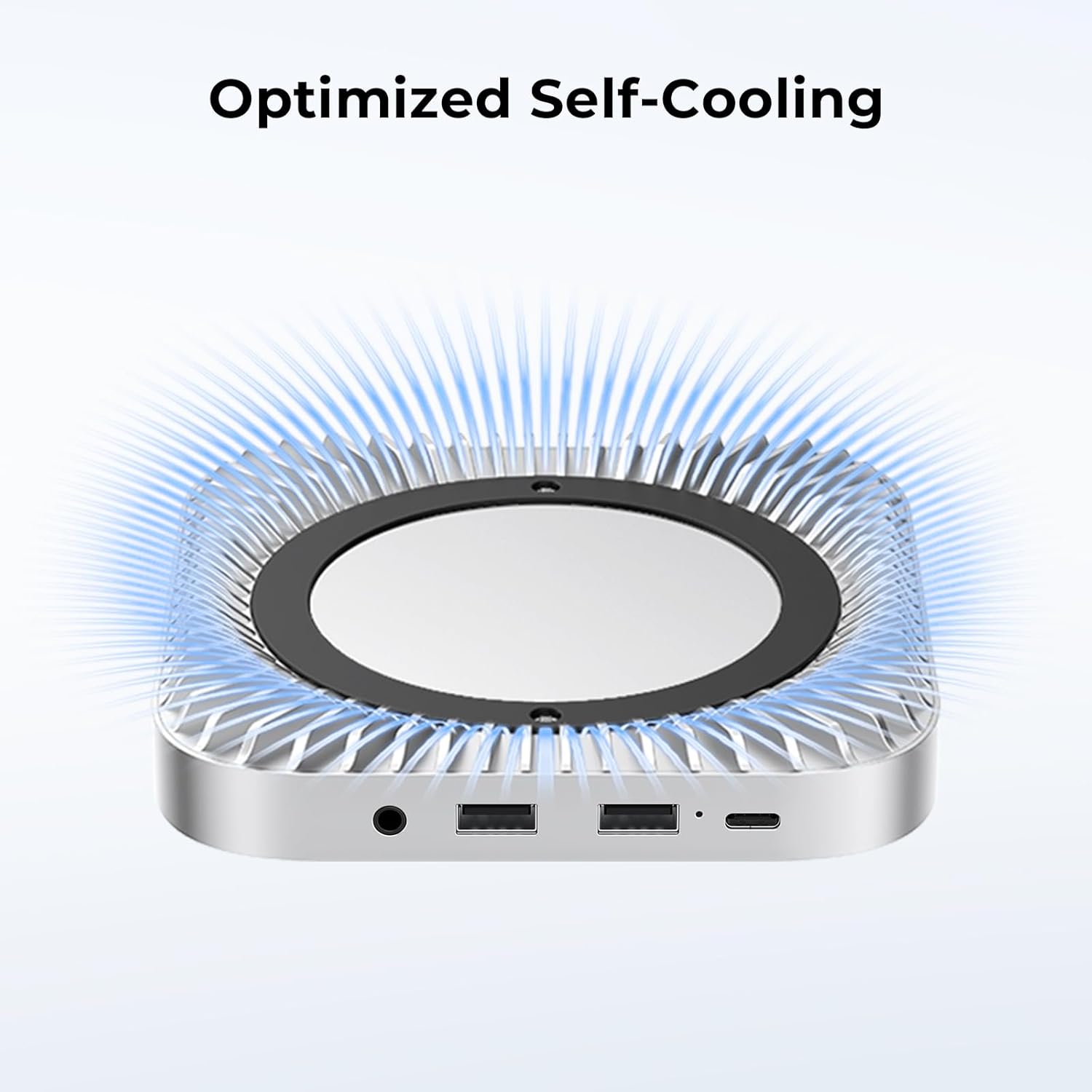
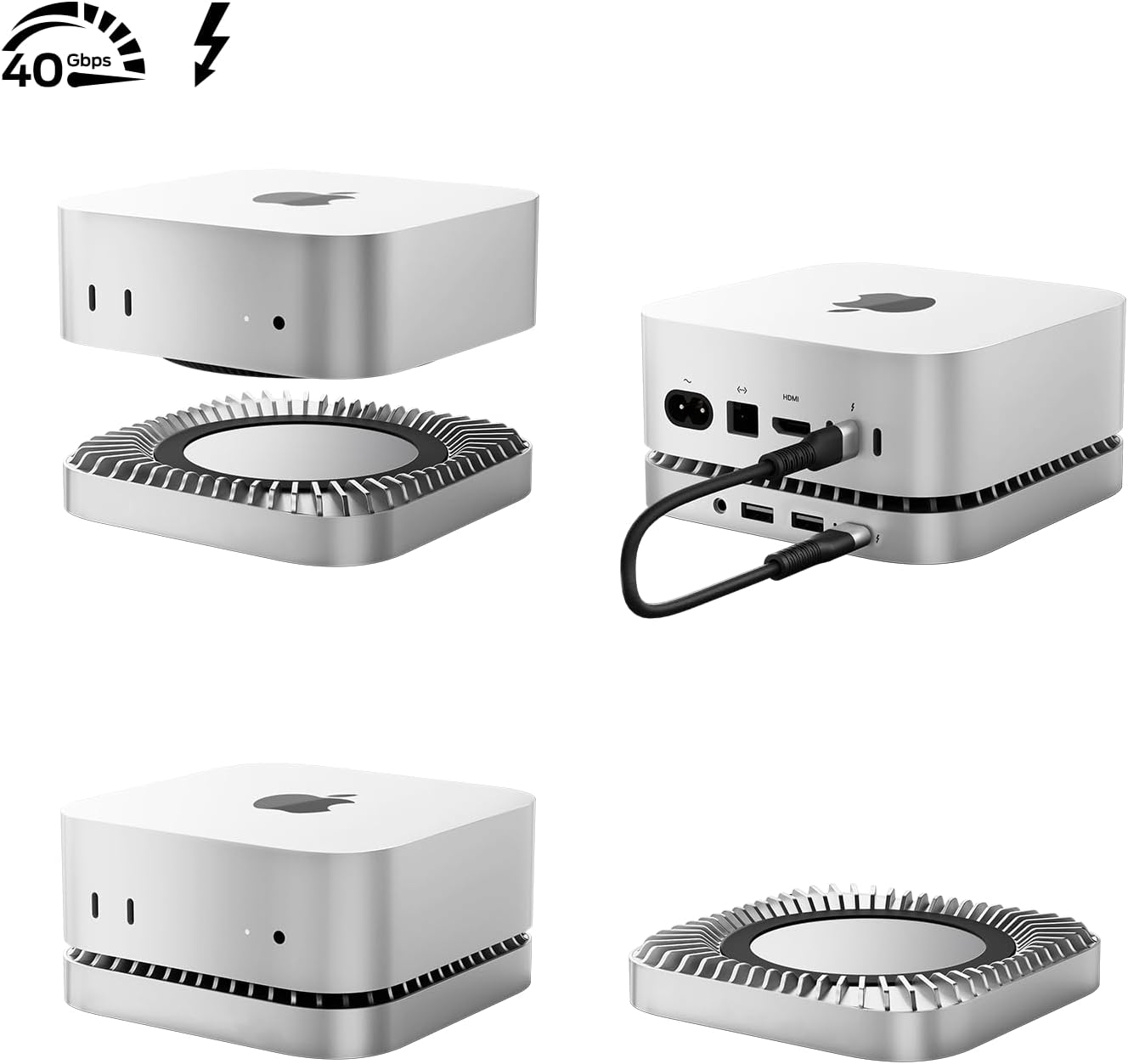
What it is and what it solves\nThis 40Gbps Mac Mini M4 Dock combines a sturdy aluminium hub with an NVMe/M.2 SSD enclosure designed for the 2024 Mac Mini M4 and M4 Pro. It aims to expand both storage and connectivity in a single, compact form factor, helping to keep your workspace tidy while adding practical capabilities.\n\n## How it works and what you get\nThe dock includes an integrated NVMe enclosure that supports M.2 NVMe drives up to 8TB and accommodates common sizes (2230/2242/2260/2280). It also features USB-A ports (2.0) and a USB-C host connection, plus a 3.5mm audio jack. An important note: to avoid disconnects when using an external drive, you should connect the back-of-dock USB-C charging port to provide sufficient power. The whole unit is designed to complement the Mac Mini M4 and M4 Pro with a brushed aluminium finish that aids heat dissipation through a raised middle design.\n\n## Why it matters in daily use\nIf you prioritise a clean desk and extra storage, this solution ticks a lot of boxes. The M4 Dock enables you to read and transfer data with familiar USB-connected peripherals—think flash drives, keyboards, mice, cameras or external drives—without swapping cables constantly. The aluminium construction helps keep temperatures in check during heavier workloads, which can matter for sustained data transfers.\n\n## The best and the limits\nOn the plus side, you get a compact all-in-one hub that integrates storage and ports, which reduces desk clutter and offers a straightforward upgrade path for your Mac Mini. On the downside, the NVMe enclosure ships empty, so you’ll need to supply your own M.2 SSD and manage the installation. Also, power delivery relies on using the back USB-C charging port, if you’re planning high-demand storage setups, ensure power is supplied adequately.\n\n## Who it’s for and who should think twice\nIt suits users who want more storage and extra ports without buying multiple dongles. It’s particularly sensible for a compact workstation, media server setup, or retrofitting a Mac Mini into a cleaner desk cluster. If you rarely need more than the built-in storage, or you don’t want to handle installing an SSD yourself, this may feel like more complexity than necessary.\n\n## What to check before buying\n- Confirm you’re comfortable installing an NVMe SSD in the enclosure (no SSD included).\n- Plan for sufficient power by using the back USB-C charging port when the drive is active.\n- Consider the physical footprint on your desk and ensure your Mac Mini sits securely on or near the stand.\n\n## Practical use case\nImagine copying large media projects from a laptop to the Mac Mini, via the USB-C host port, while an NVMe drive in the enclosure handles project storage and fast access. The raised middle design assists air flow, which helps during prolonged transfers.\n\n## FAQ\n- Does it come with an SSD installed? No, the enclosure is included and SSDs are user-supplied.\n- Can I use the USB-A ports for high-speed devices? They are USB 2.0, so read/write speeds will be lower than USB 3.x devices.\n- Is the enclosure compatible with all M4/M4 Pro configurations? It’s designed for 2024 Mac Mini M4 and M4 Pro models.\n\n## Final decision: Is it worth it?\nWorth considering if you need a neat expansion for storage and peripherals on a 2024 Mac Mini and you’re comfortable adding your own SSD. It isn’t perfect for everyone—particularly if you prefer plug‑and‑play without SSD installation or if you require faster USB-A throughput. If these caveats align with your needs, the dock can offer meaningful workspace simplification and practical data handling.\n