

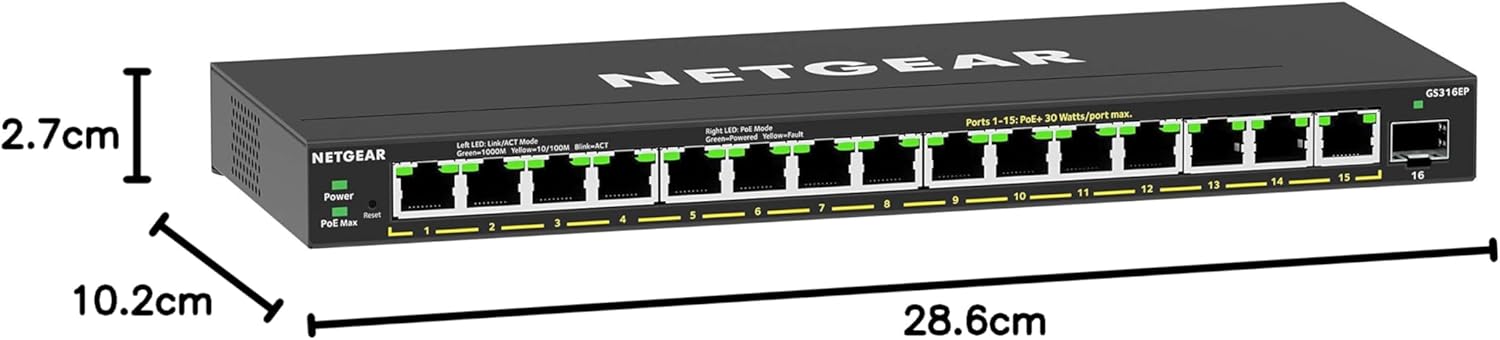
NETGEAR 16 Port PoE Switch GS316P — 16-port desktop or wall-mount PoE Ethernet switch (plug-and-play)
Product description
What it is and why people buy it
The NETGEAR GS316P is a 16-port Power over Ethernet (PoE) switch designed to make it easier to power and connect PoE devices over standard Ethernet cables. If you’re setting up a home office, a small workshop, or a small business network where you want tidy cable runs and fewer power bricks, a PoE switch is often the simplest step up from a basic Ethernet hub.
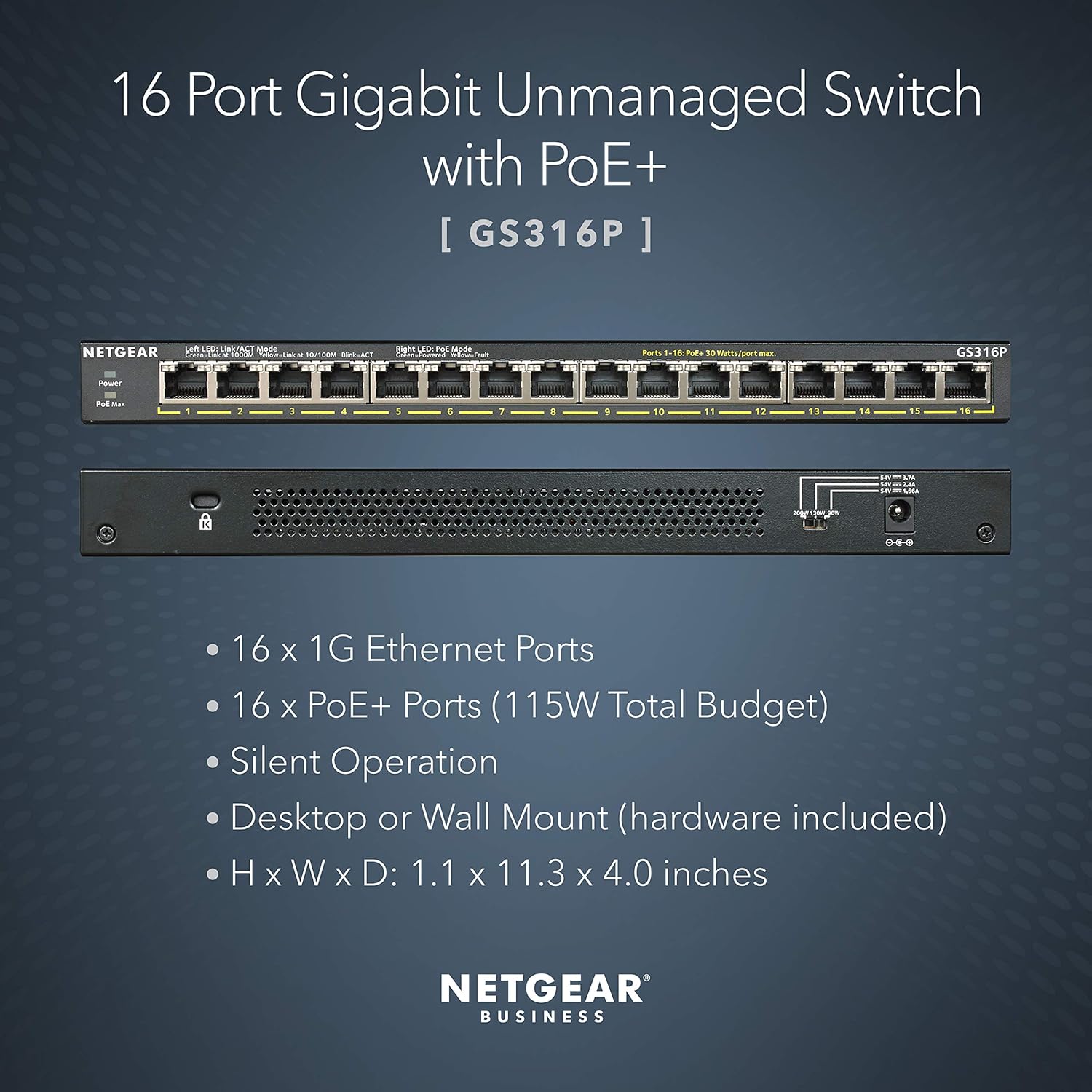
This one also leans into convenience: it’s described as plug-and-play, so you’re not expected to spend your evening wrestling with complex configuration just to get links working. And because it supports silent operation and can be used on a desktop or mounted on a wall, it’s aimed at places where noise and space actually matter.
One more thing worth noting on the GS316P: it includes a NETGEAR 3-year warranty and 24/7 chat support, which is the kind of “boring but comforting” reassurance you’ll appreciate later if anything goes wrong.
Key points (the practical side)
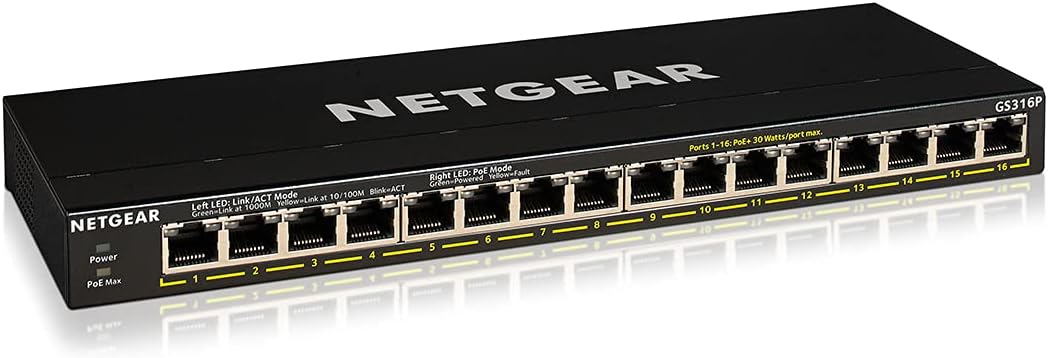
On paper, the GS316P looks like a practical PoE building block rather than a “giant enterprise” switch. You’re getting 16 Ethernet ports with PoE capability, and NETGEAR highlights a power-balancing approach that automatically adjusts PoE power based on what the connected devices need.
That’s the kind of feature that can save you from the awkward guessing game when you’re mixing devices with different power requirements. It’s also positioned as independent of PoE Class detected, and it uses NETGEAR flex PoE integrated technology. In plain terms: the switch tries to deliver the right PoE power behaviour for the devices you plug in, without you having to manually fine-tune.
It’s the sort of setup that tends to appeal to people who want fewer cables, easier installation, and a setup that “just works” for everyday use.
What to know about PoE power balancing
PoE switches fall into two broad mindsets: those that assume you’ll manage power carefully, and those that try to handle it automatically. The GS316P clearly sits in the second camp. NETGEAR specifically mentions that the PoE technology automatically balances the PoE power based on device needs, and that this works independently of PoE Class detected.
That matters because real-world installs aren’t always neat. You might plug in a mix of network devices over time—some that draw more power and some that draw less—depending on what you add later. In those situations, an automated approach is often less stressful than a manual one.
That said, do keep expectations grounded: the description doesn’t provide detailed power budgets, per-port power limits, or compatibility notes for specific device types. So while the “balances power based on device needs” line is reassuring, you’ll still want to double-check your intended devices’ PoE requirements before buying, especially if you’re planning a denser installation.
Where it shines day to day
Silent operation and flexible placement are genuinely useful if you’re installing a network switch where you’ll notice it.
- If it’s going in a home office or another quiet space, silent operation reduces the odds it becomes background noise.
- If you’re short on desk space, the fact it’s suitable for desktop or wall mount helps keep the install tidy.
- For quick deployments, plug-and-play positioning usually means less time configuring and more time getting devices online.
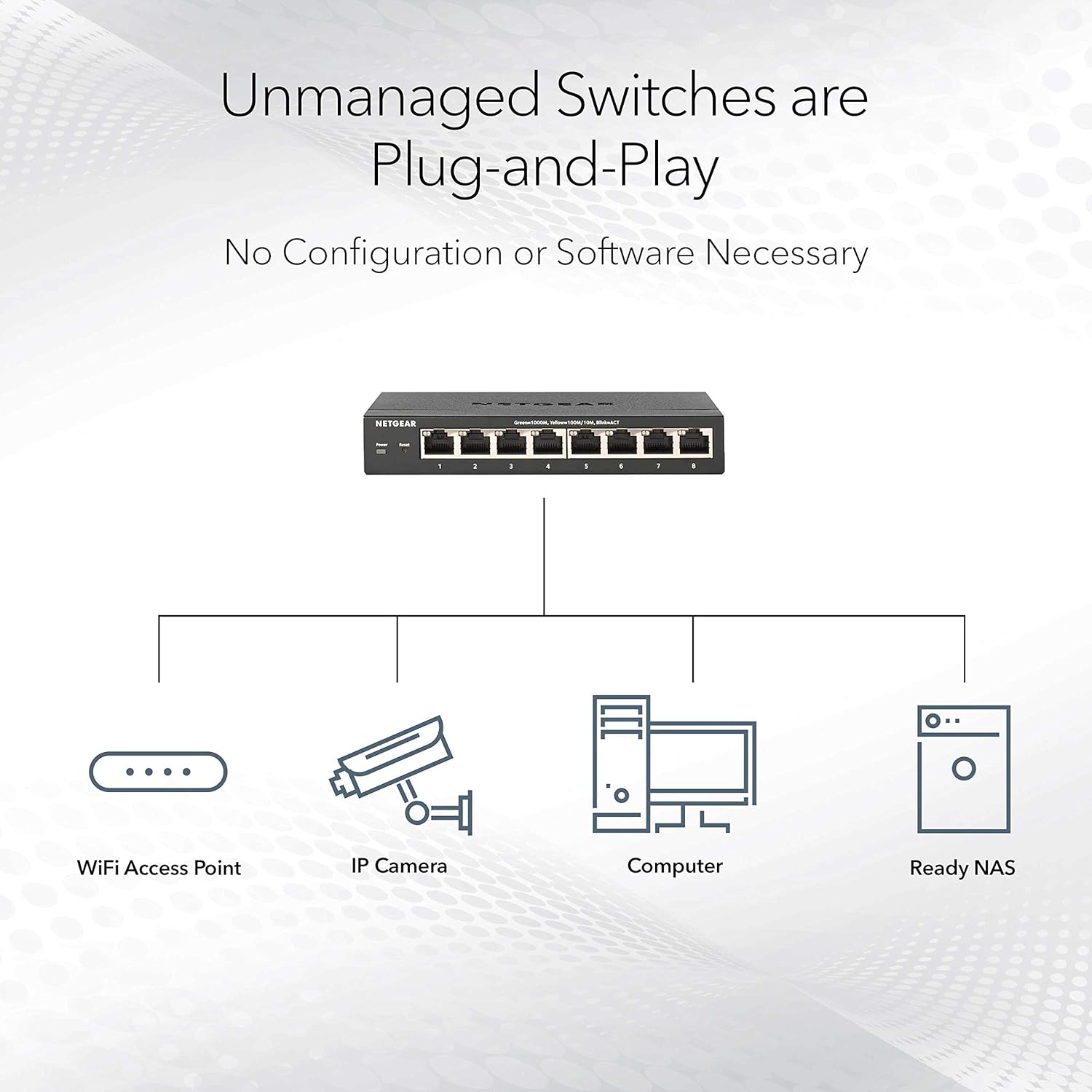
A micro example: imagine you’re setting up a small network with several PoE devices and you don’t want to run separate power leads to each unit. You place the switch where cables converge, plug your Ethernet from the router or upstream network into the switch, then connect your PoE devices one by one. With plug-and-play behaviour, you’re typically looking for simple link-up rather than hours of configuration.
Potential limitations to consider
It’s not perfect for every scenario. The listing text strongly focuses on PoE behaviour, installation convenience, and physical placement—but it doesn’t share details that some buyers care about when they’re going beyond basic setups.
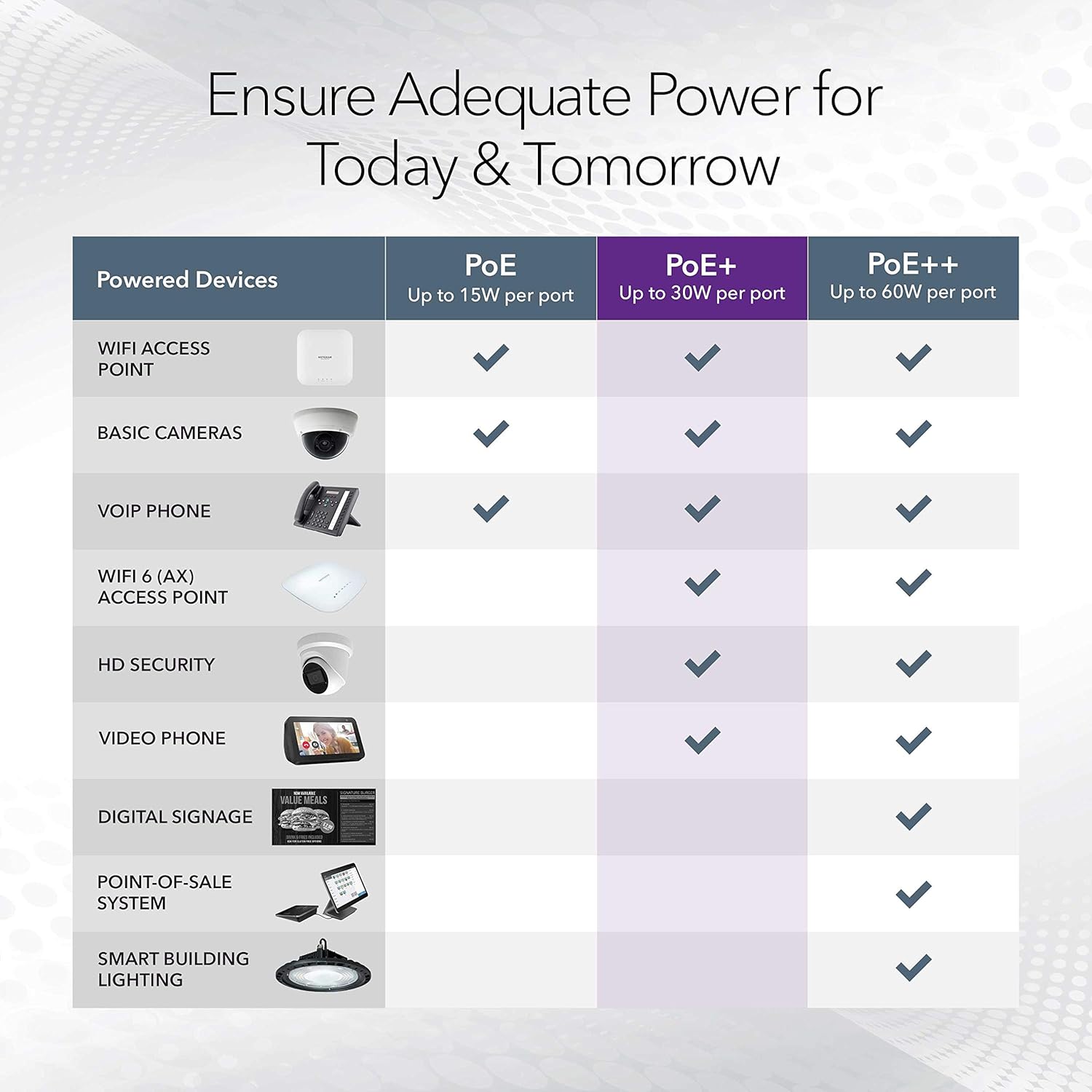
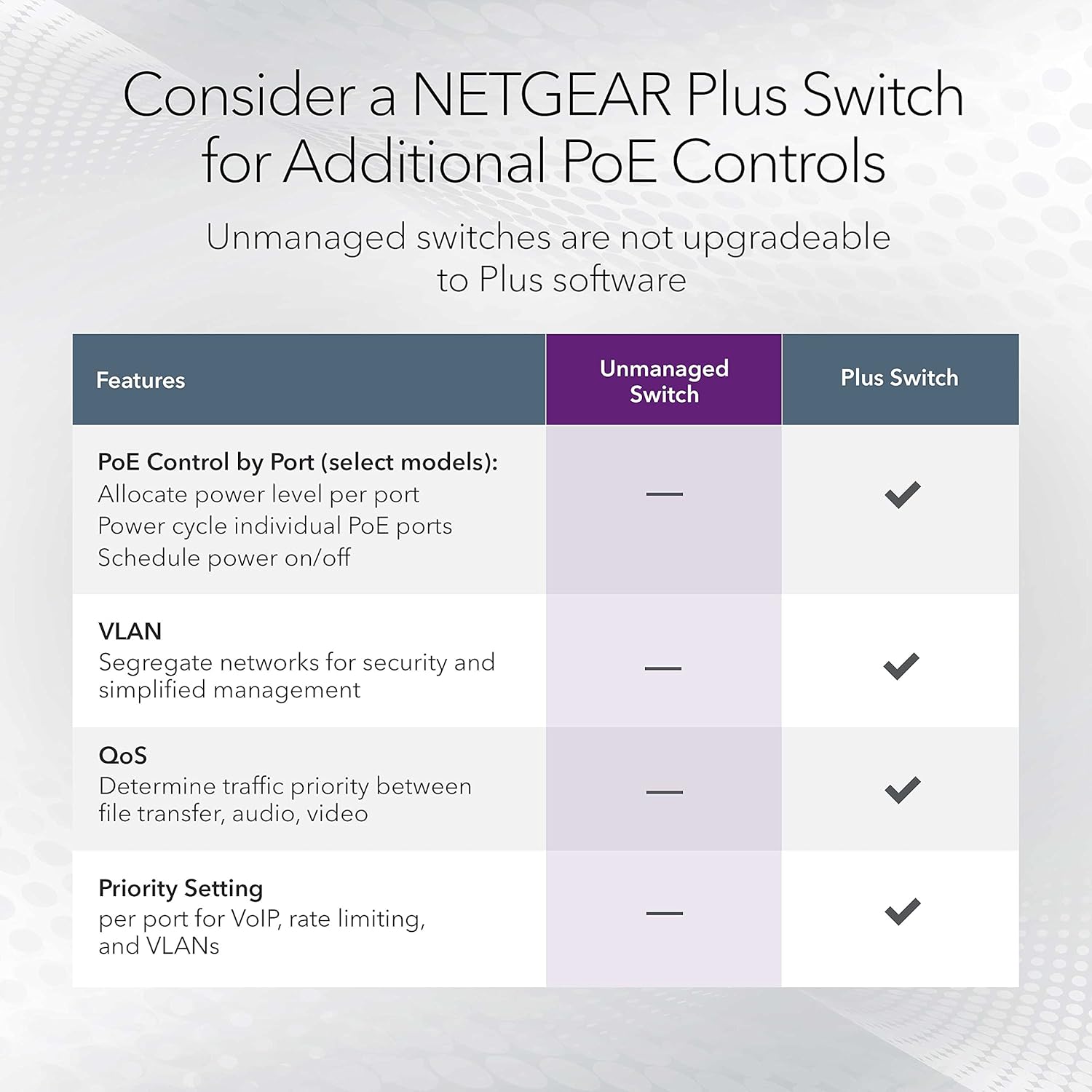
For instance, there are no specifics here about throughput performance, advanced management features, or how the switch behaves under heavier network loads. If your plan is a more demanding network (lots of high-bandwidth traffic or a complex management setup), you may want to look for additional technical details elsewhere before committing.
Also, because the product description doesn’t mention what exact PoE standards it supports (or the maximum total PoE power), it’s worth being careful if you’re planning to power multiple power-hungry devices at once. If you prioritise “certainty” over “assumed compatibility”, verifying your devices’ PoE needs against the switch’s supported power capabilities is the safe move.
Tech specs (what we can confirm from the info)
- Name: NETGEAR 16 Port PoE Switch GS316P
- Type: Ethernet switch / Ethernet hub (PoE)
- Ports: 16
- Operation: Plug-and-Play
- Placement: Desktop or wall mount
- Noise level: Silent operation
Final verdict
It makes sense to buy the NETGEAR GS316P if you want a 16-port PoE switch that’s straightforward to install, can be positioned neatly on a desk or mounted on a wall, and is designed around automatic PoE power balancing for connected devices.
You may want to skip it if you need detailed performance/management capabilities or if your setup depends on specific PoE standards and exact power budgeting that isn’t covered in the information provided. Better avoided if you’re planning a high-power, high-density PoE install and you can’t verify the power limits from the product details you have to hand.
If you’re looking for an everyday PoE switch with a “plug in and get on with it” feel—and you like the idea of NETGEAR backing it with a 3-year warranty—this one is the type of purchase that can pay off quickly.
Mini FAQ

Is this switch plug-and-play?
It’s described as plug-and-play, so the intent is simple setup rather than complex configuration.
Can it be used on a desk or mounted on a wall?
Yes, it’s stated as suitable for desktop or wall mount.
Does it balance PoE power automatically?
NETGEAR says the PoE technology automatically balances PoE power based on device needs, and it’s described as independent of PoE Class detected.
Is it loud?
The listing mentions silent operation.
Does it come with warranty support?
The product information mentions a NETGEAR 3-year warranty and 24/7 chat support.