

Acer USB-C Hub 6-In-1: 1Gb Ethernet, 4K@60 HDMI, 2x USB-A, USB-C 5Gbps, 100W PD
Product description
What it is
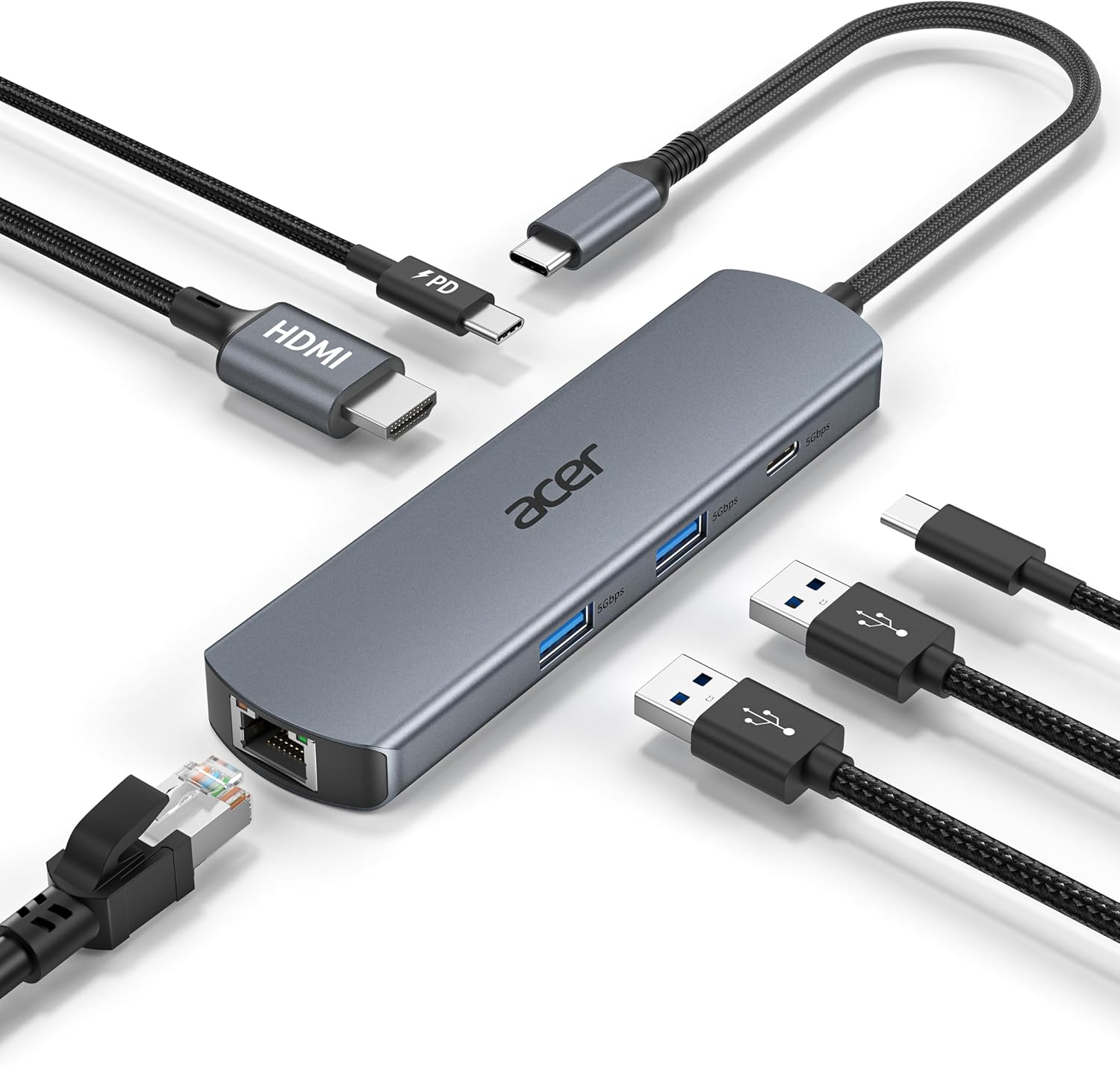
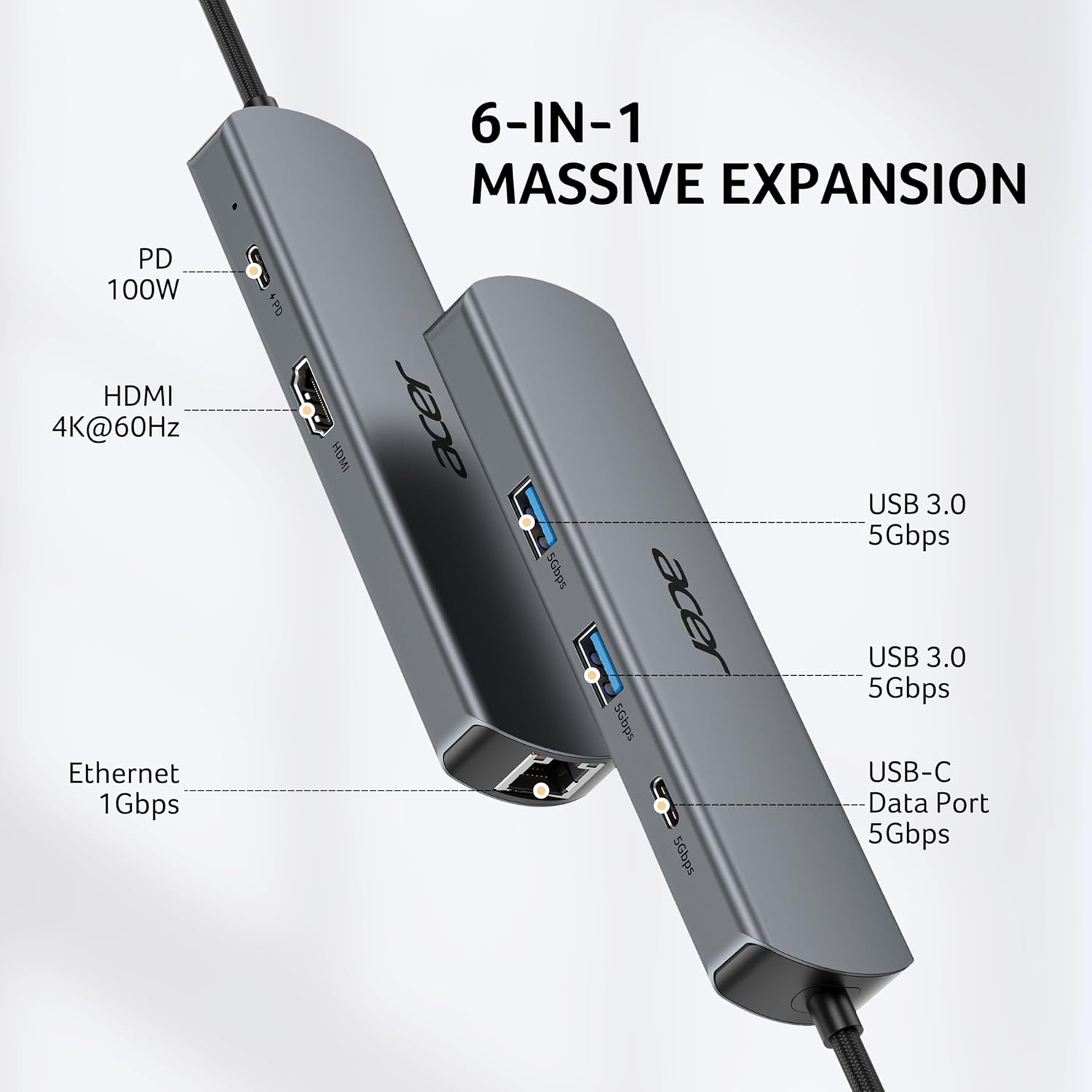
The Acer USB-C Hub is a compact, plug‑and‑play multiport dock designed to expand a single USB-C port into a six‑port setup. It combines a 1 Gigabit Ethernet port, 4K@60Hz HDMI output, two USB‑A 3.0 ports, one USB‑C 5Gbps data port and a USB‑C Power Delivery (PD) port up to 100W. The goal is to give you a practical, wired extension for laptops, tablets and certain phones, helping you keep a tidy workspace without juggling multiple adapters.
How it fits into everyday use
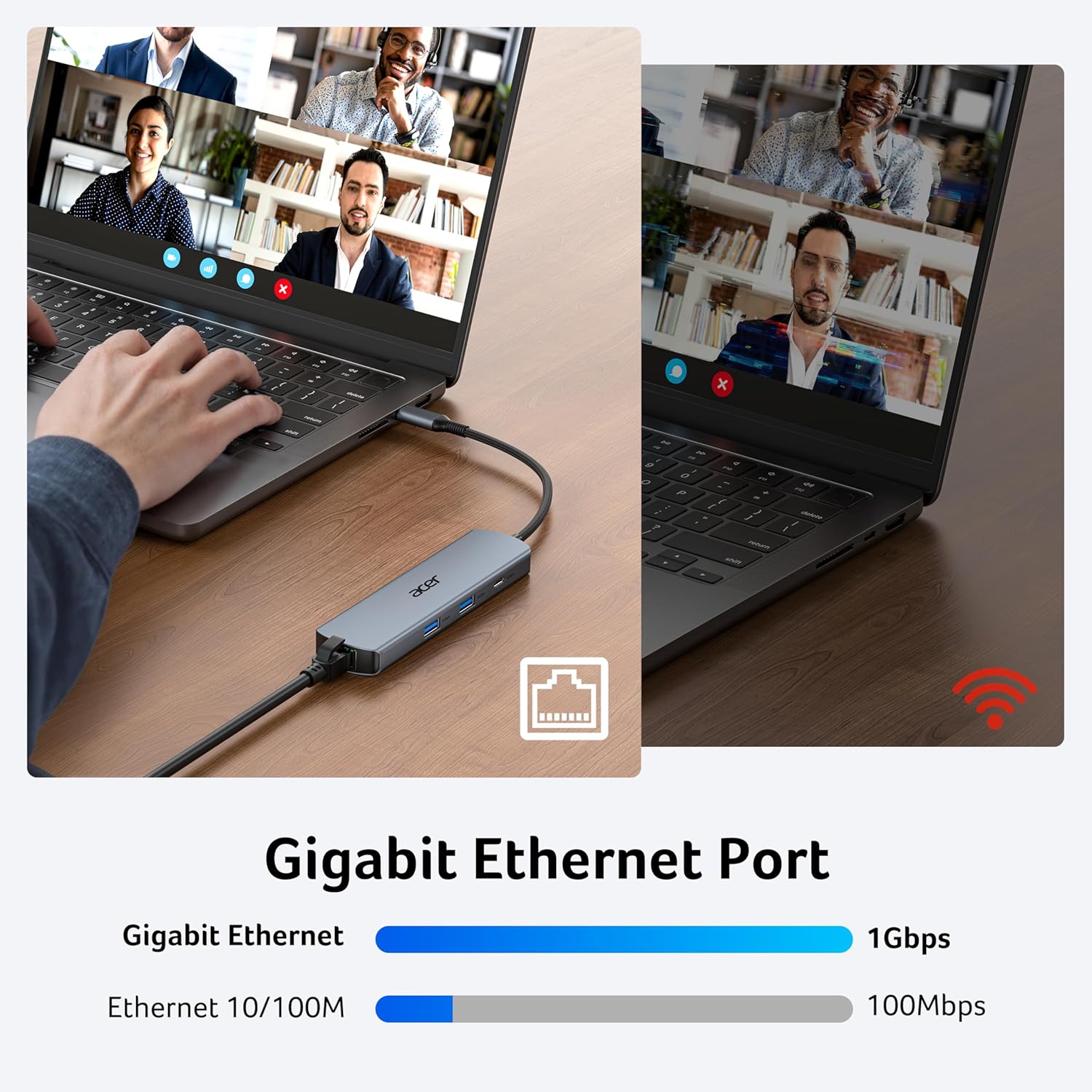
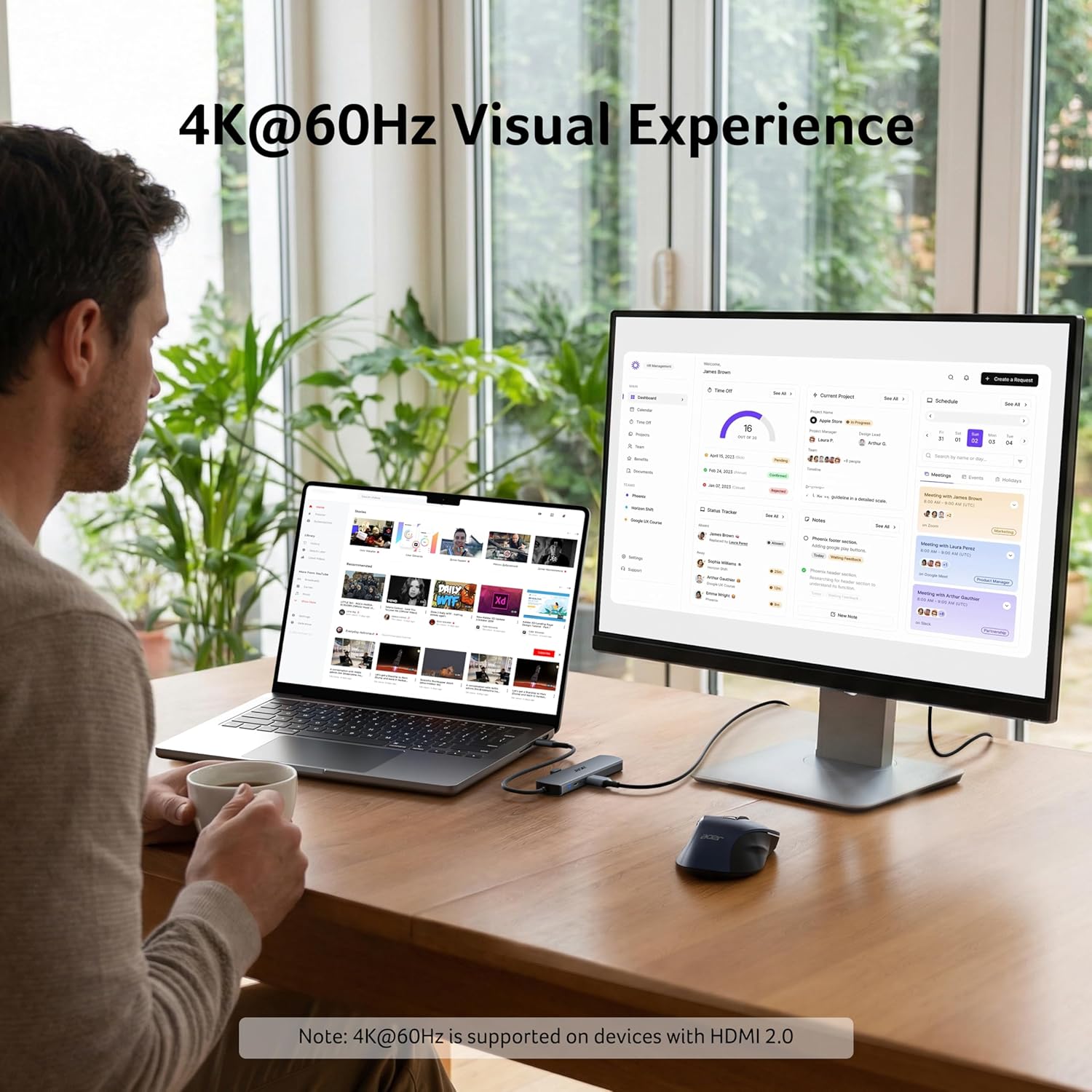
If you’re working from home, in the office, or on the move, this hub can simplify your connectivity. The Ethernet port aims to provide a stable network connection for video calls, large file transfers or online coursework. The HDMI option targets those who want a decent 4K display from a single device—great for meetings, media, or dual‑screen setups where available. The two USB‑A ports and the USB‑C data port cover common peripherals like keyboards, mice, USB drives and some accessories.
The best and the rest
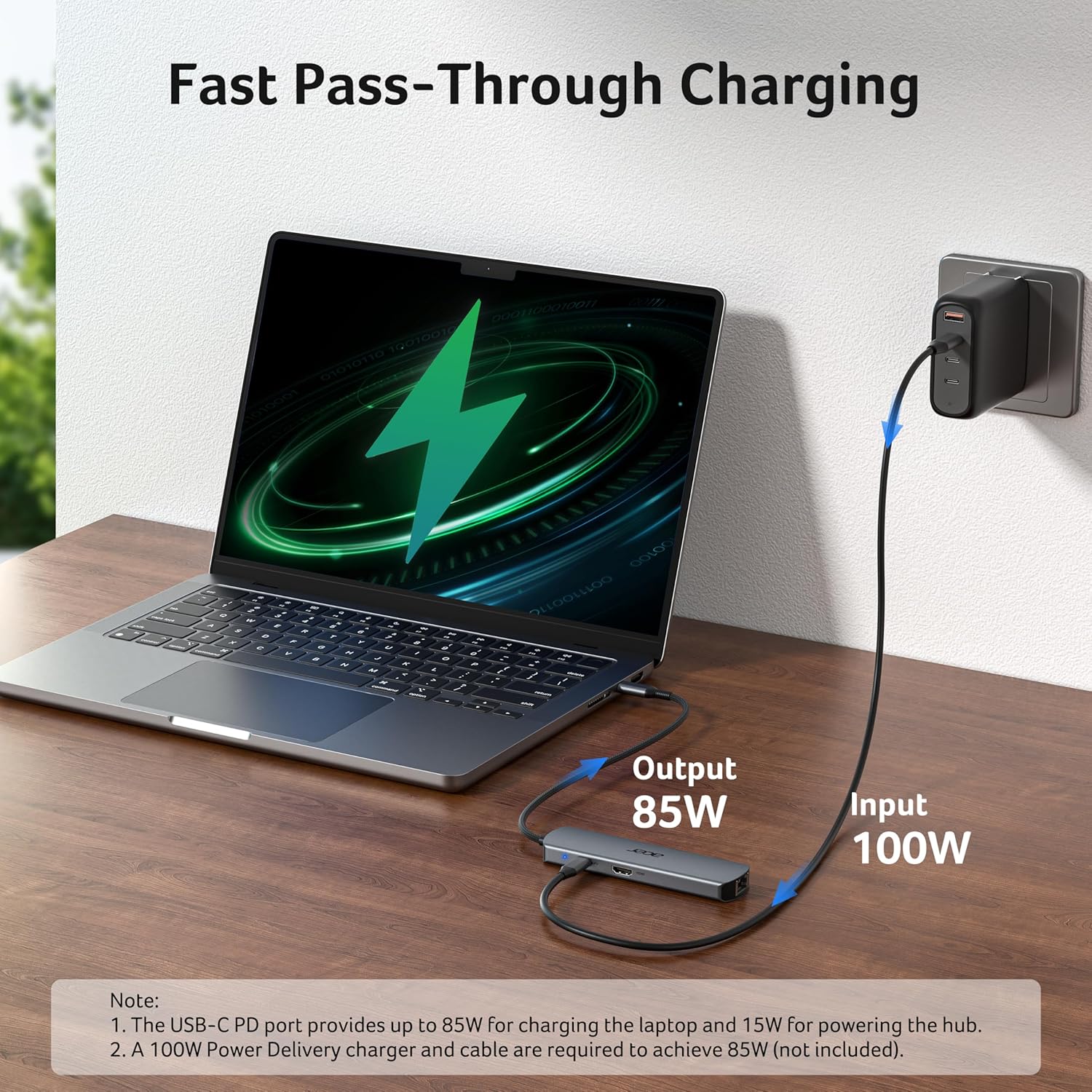
What stands out on paper is the combination of 4K at 60Hz output and a solid 100W PD charging path. In practice, charging speed depends on the host device and the charger you use, so it’s wise to use a charger rated at 45W or higher and a USB‑C port that supports Power Delivery. The build uses an aluminium shell and braided nylon, which helps with durability and reduces wear from daily plugging and unplugging. That said, it’s still a compact hub, so there’s a balance between size and port placement.
Practical considerations and limitations
- The Ethernet speeds assume you’re using a CAT6 or higher cable to reach 1 Gbps. If your cable is older, you may see reduced performance.
- The HDMI port supports 4K at 60Hz, but video output depends on your device’s capabilities and the HDMI cable you choose.
- The USB‑C PD port provides up to 100W, but charging speeds vary by device and cable. If you rely on fast charging, confirm your device’s PD compatibility and appropriate charger.
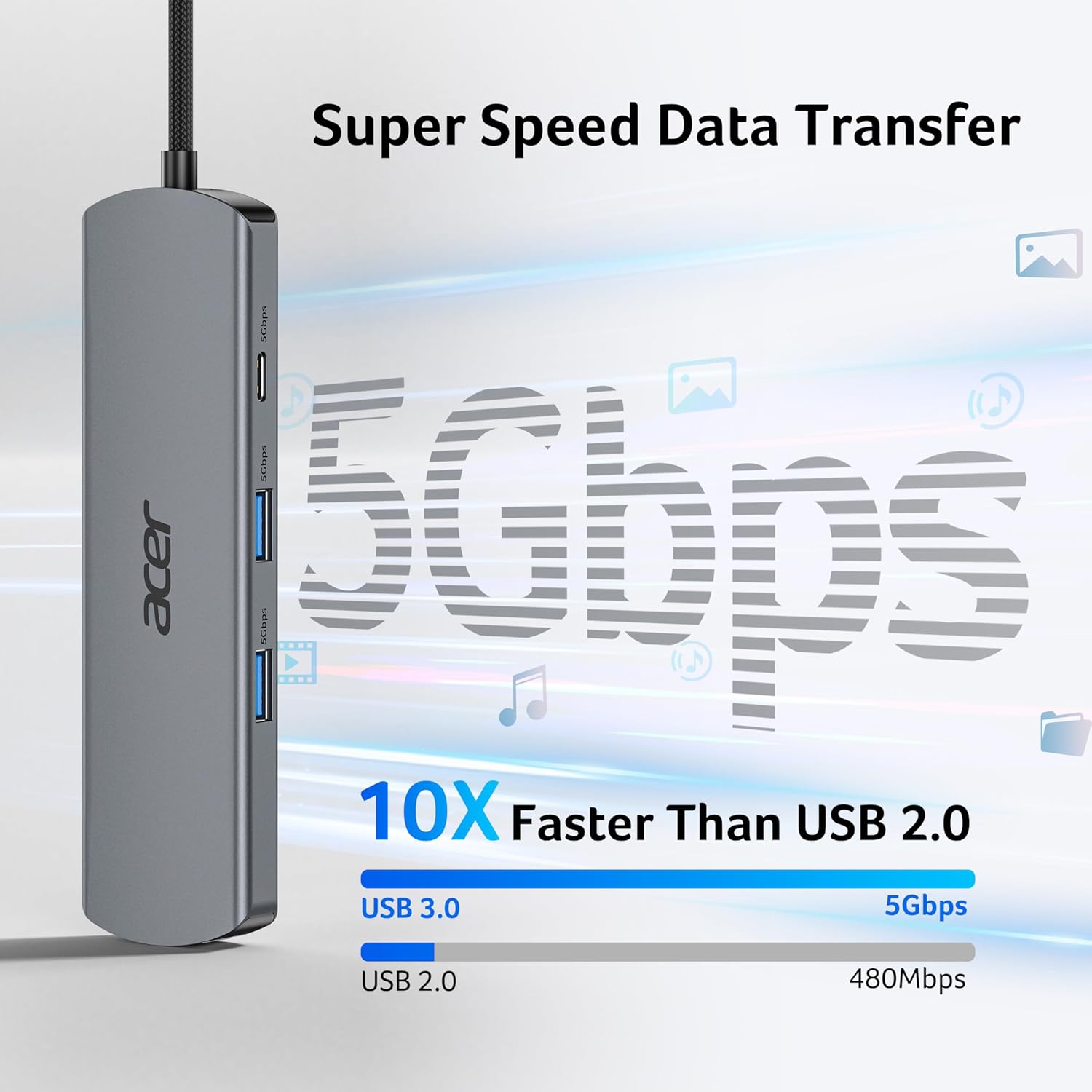
- The two USB‑A ports are USB 3.0, which is fine for most peripherals, but they do not support charging.
- This hub is designed as a workstation extender, if you need more than one display or higher‑end docking capabilities, you may outgrow it.
Who it’s for
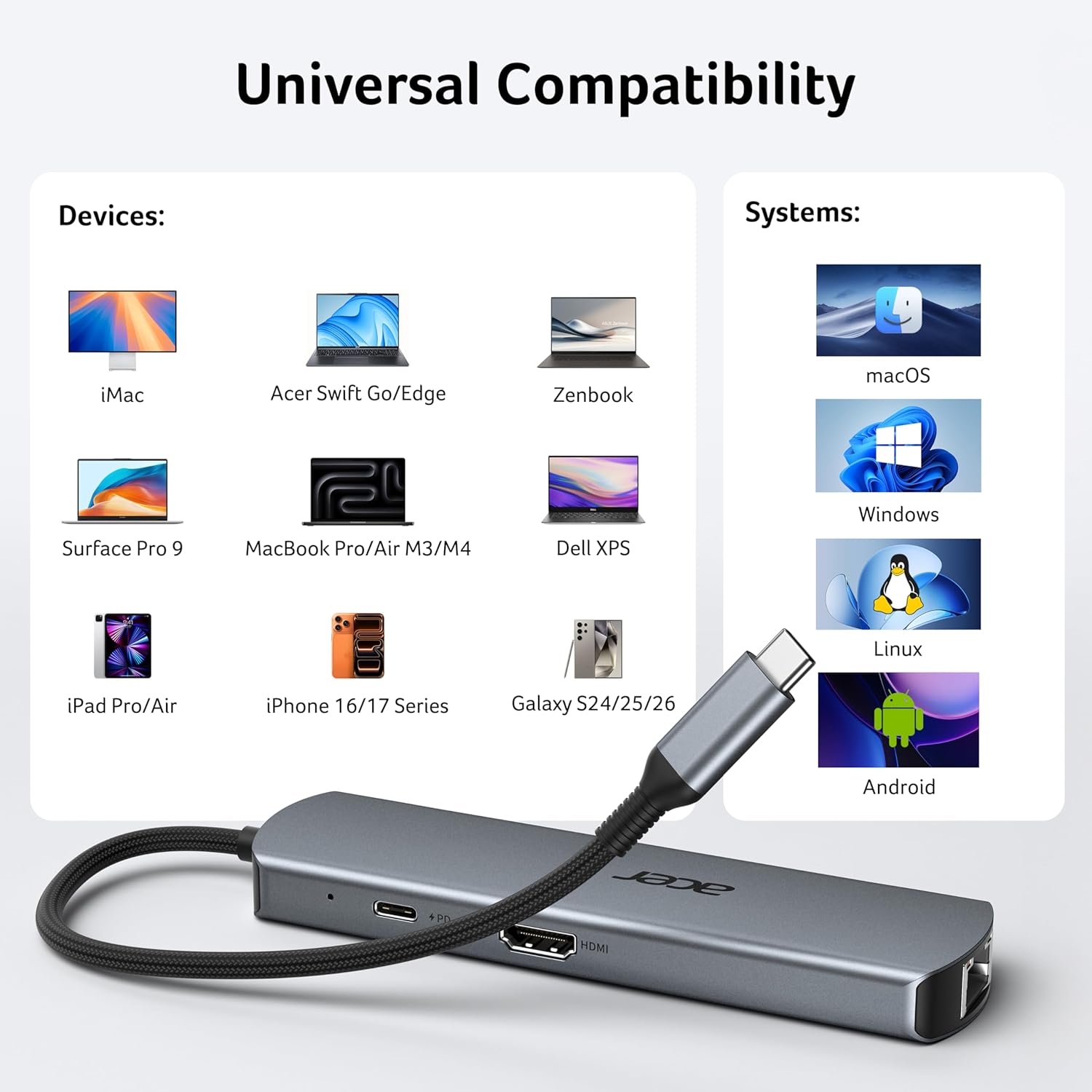
It suits users who want a simple, reliable hub to connect a monitor, a wired network and a couple of peripherals to a USB‑C‑equipped laptop or tablet. It’s a pragmatic option for MacBook Air/Pro, iPad Pro, Surface devices and other USB‑C laptops requiring a convenient port expansion without a heavy docking station.
Who it isn’t for
If you need multiple high‑speed video outputs, heavy USB power delivery for demanding peripherals, or an all‑in‑one charging/port solution for frequent heavy data transfers, this 6‑in‑1 hub may feel limited. It’s more of a compact, value‑oriented option than a full‑fledged creator or gamer dock.
Before you buy: quick checks
- Ensure your host device supports video output over USB‑C and that you’re using compatible cables for 4K@60Hz.
- Have a suitable charger for the PD port if you intend to run charging and peripherals simultaneously.
- If you rely on wired networking, verify your router and CAT cable are capable of 1 Gbps to avoid bottlenecks.
In use: a concrete scenario
Imagine you’re preparing for a video call with a remote client on a MacBook Pro. You connect the hub: HDMI to the monitor for a sharp display, Ethernet wired for stable bandwidth, a keyboard and mouse via USB‑A, and your charger through PD to keep the laptop topped up. The result is a neat, clutter‑free desk with reliable peripherals in action—no last‑minute cable juggling.
FAQ (based on available details)
- Q: Can I use the USB‑C PD port while also using the HDMI and Ethernet features? A: Yes, the hub is designed to support PD charging while the other ports remain active.
- Q: Do the USB ports support charging devices? A: The two USB‑A ports are USB 3.0 data ports and do not support charging.
- Q: Is 1 Gbps Ethernet guaranteed? A: 1 Gbps is supported with a CAT6 or higher cable, performance depends on cable quality and network conditions.
- Q: Will it work with all USB‑C devices? A: It’s intended for devices that support USB‑C data, video output, and PD charging, compatibility may vary by device.
Is it worth it?
Worth considering if you prioritise a compact, practical hub that covers essential connections without extra bulk. It’s a sensible choice when you want reliable wired networking, 4K video output, and decent data speeds for everyday tasks. If your setup demands more than one high‑end display or heavier charging capabilities, you might look for a larger dock. Overall, it’s a reasonable balance of features for a wide range of users.