

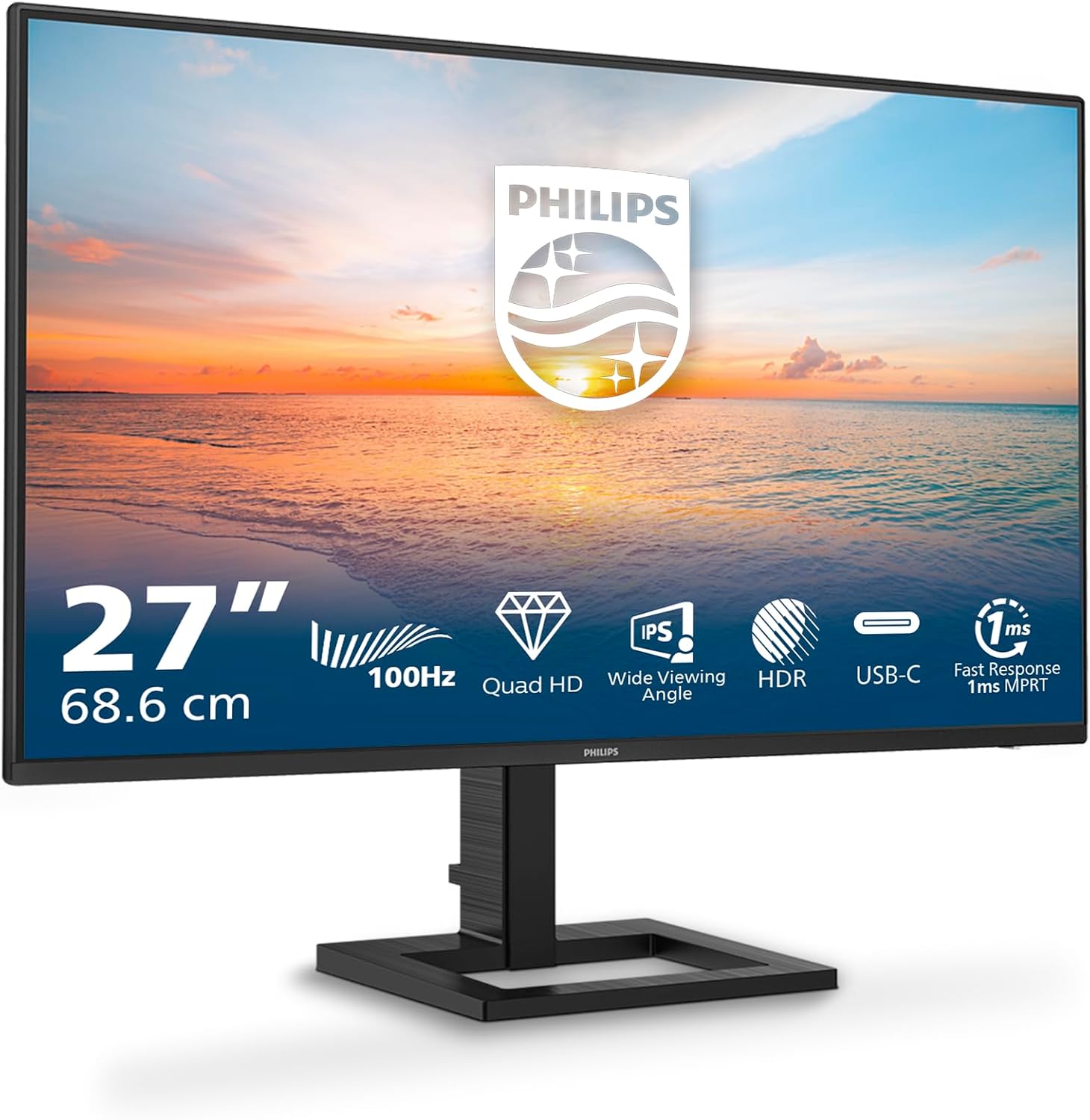
Philips 27E1N1600AE: 27-inch QHD monitor with built-in speakers, HDR, and USB‑C Power Delivery
Product description
What it is and what it solves
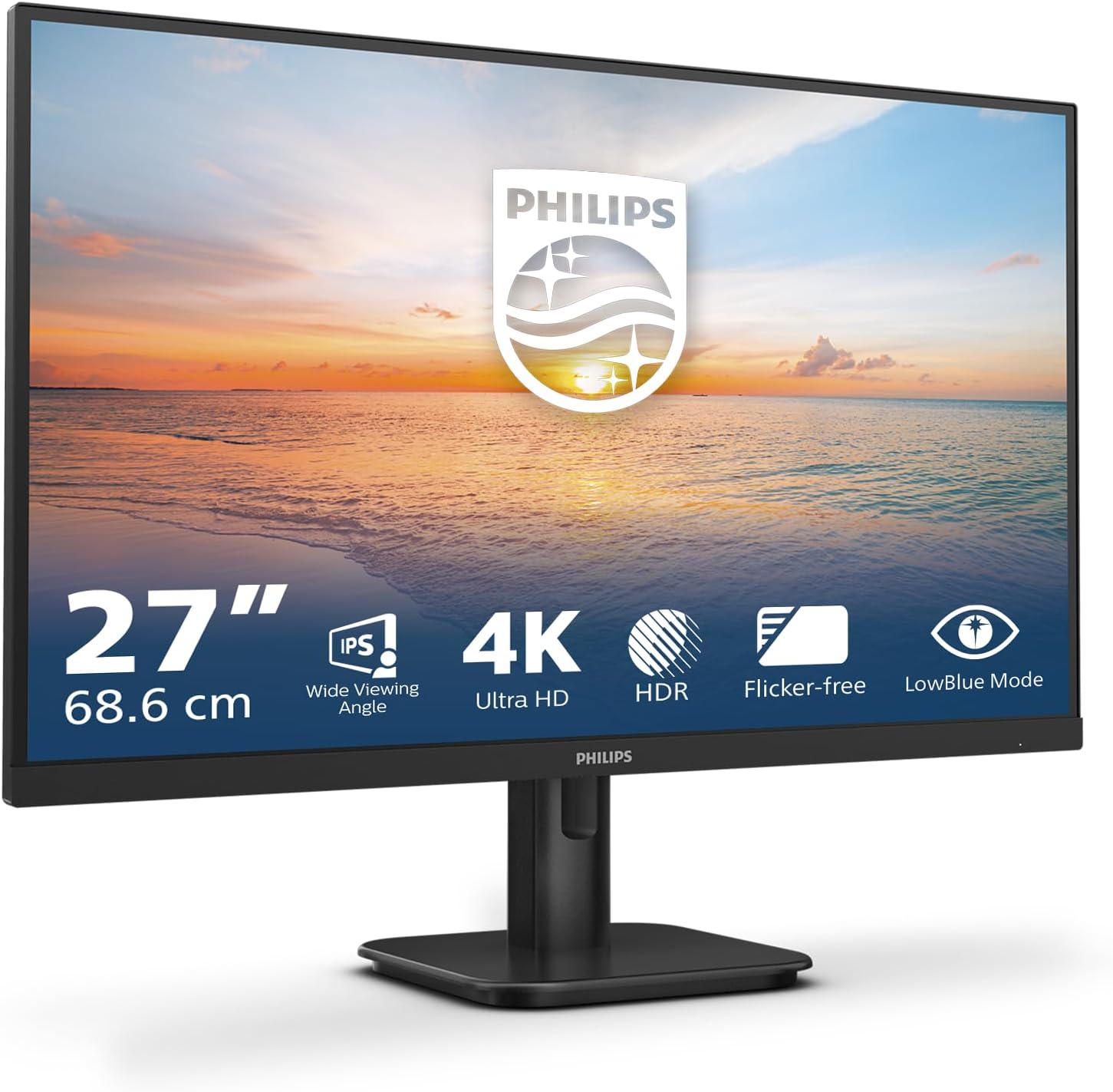
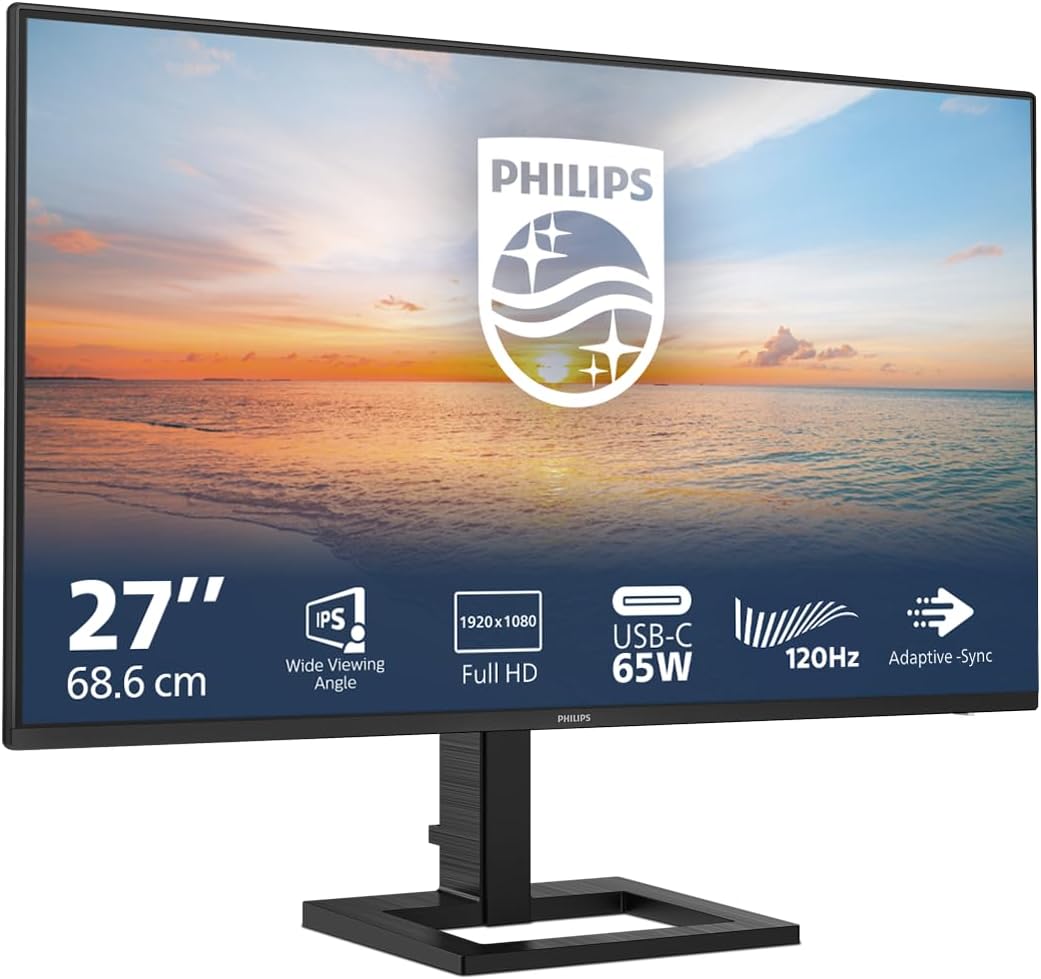
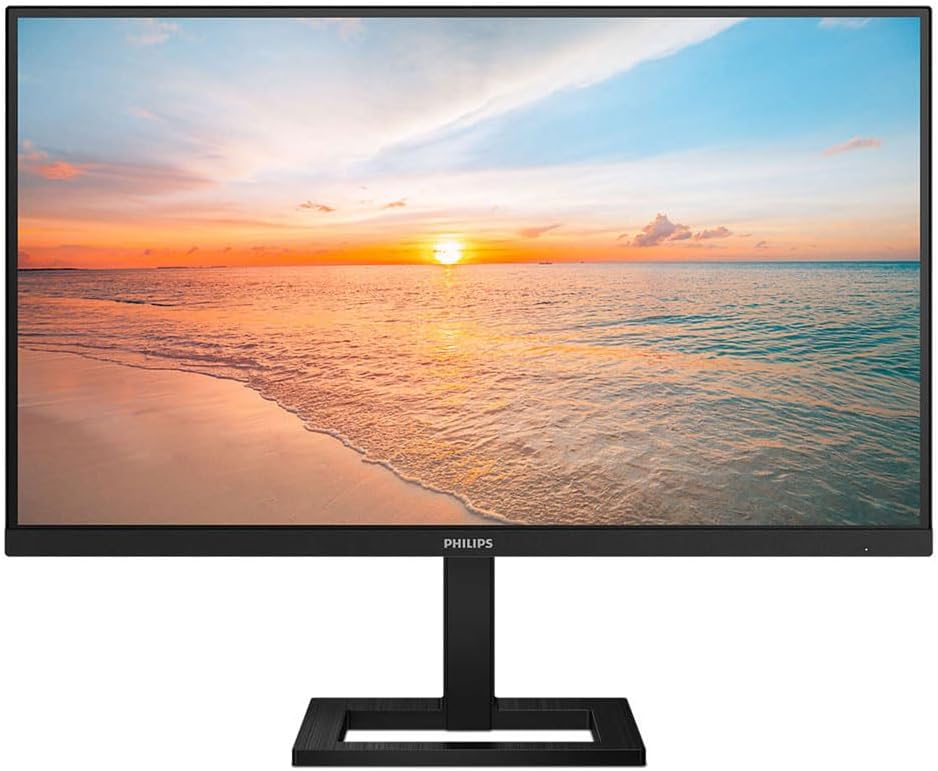
The Philips 27E1N1600AE is a 27-inch monitor that combines Quad HD resolution with IPS technology, aiming to deliver sharper text, better colours, and wider viewing angles for everyday work and casual gaming. It includes a built‑in speaker setup and a height‑adjustable stand, which can help you find a more comfortable layout for long days at the desk. If you’re after a compact 27-inch screen that can double as a productivity display and a light gaming option, this model offers a sensible balance without stepping into premium pricing.
Who it’s for
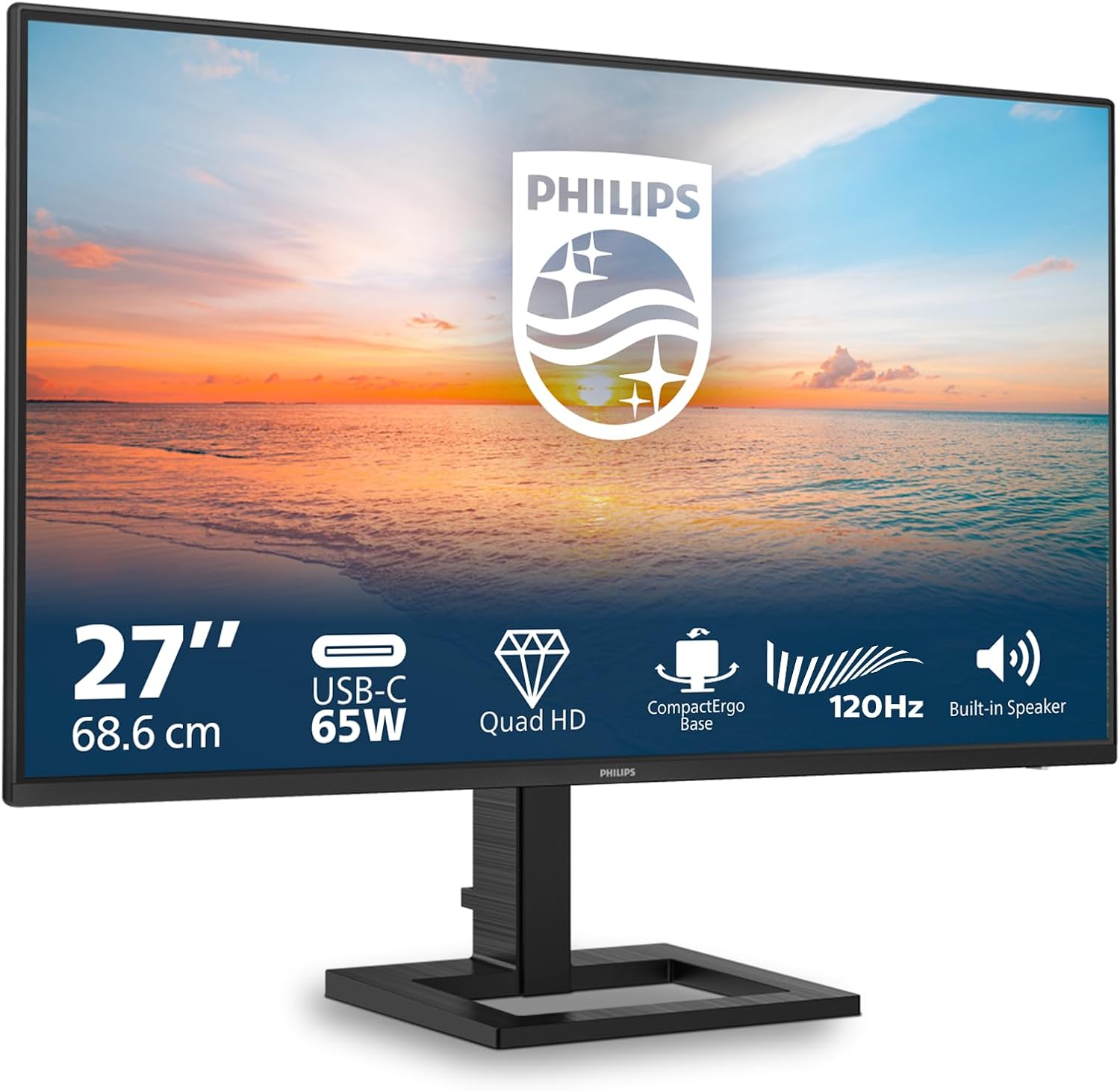
This monitor suits you if you want a larger display for multitasking, content creation, or multimedia playback without buying a dedicated gaming monitor. The built‑in speakers remove the need for a separate audio setup in smaller workspaces, and the height adjustment helps align the screen to eye level. It’s also convenient for laptop users thanks to USB‑C providing up to 65W power delivery, which can simplify desk connections and reduce cable clutter.
What stands out (the positives)
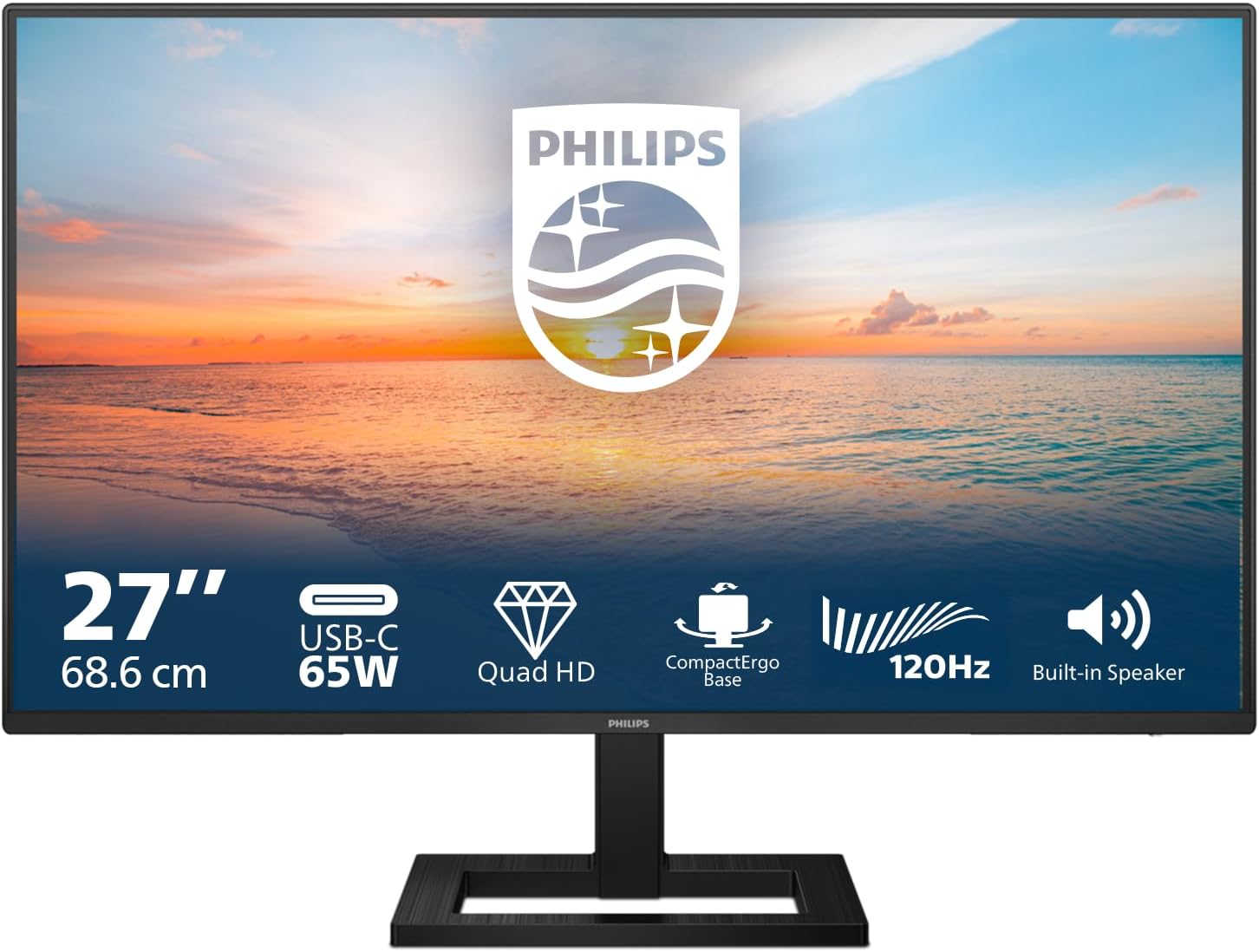
On paper, the headline features are solid: 2560 x 1440 resolution for crisp details, IPS panel for accurate colours and wide viewing angles, and a 100 Hz refresh rate that makes motion look smoother than standard 60 Hz displays. HDR support adds more dynamic range to visuals, which can improve colour depth in compatible content.
What might hold it back
Be aware that HDR performance varies by content and panel engineering—HDR in monitor levels is often perceptible but not headline‑shattering. The 100 Hz spec is welcome for smoother scrolling and light gaming, but it won’t compete with high‑end gaming monitors in terms of peak brightness or response time under fast action. The choice of HDMI 1.4 means some gaming or high‑refresh scenarios could be limited if you pair with newer consoles or GPUs demanding HDMI 2.0+ features.
How it fits into your setup
If you prioritise a clean, compact desk with straightforward connectivity, this Philips model can be a good fit. The USB‑C (65W PD) port supports charging and data, which is handy for laptops and some ultrabooks, though you’ll want to verify your device’s compatibility with USB‑C power delivery for your specific use case. The built‑in speakers are convenient for quick video calls or casual media, but for critical audio or gaming audio, you may still prefer dedicated speakers or headphones.
Practical use case and a real‑world note
Imagine you’re editing a document while keeping an email thread and a reference browser open side by side. The 27‑inch real estate helps with density without overwhelming the desk. If you later hook up a laptop via USB‑C, you can charge the laptop and transmit display data in one cable—reducing cables on the desk. On more demanding fast‑paced games, you’ll notice the smoother frame cadence, but the overall image brightness and HDR punch may not rival dedicated gaming panels at the same price point.
What to check before buying
- Confirm your device supports USB‑C PD and can deliver up to 65W through the port, otherwise, you may rely on separate power adapters.
- Consider whether 100 Hz is sufficient for your gaming needs, if you’re chasing high‑end esports performance, you might prioritise higher refresh rates.
- If HDR is a deciding factor, test how the monitor renders bright scenes in your typical content, as real‑world HDR performance varies by panel tuning.
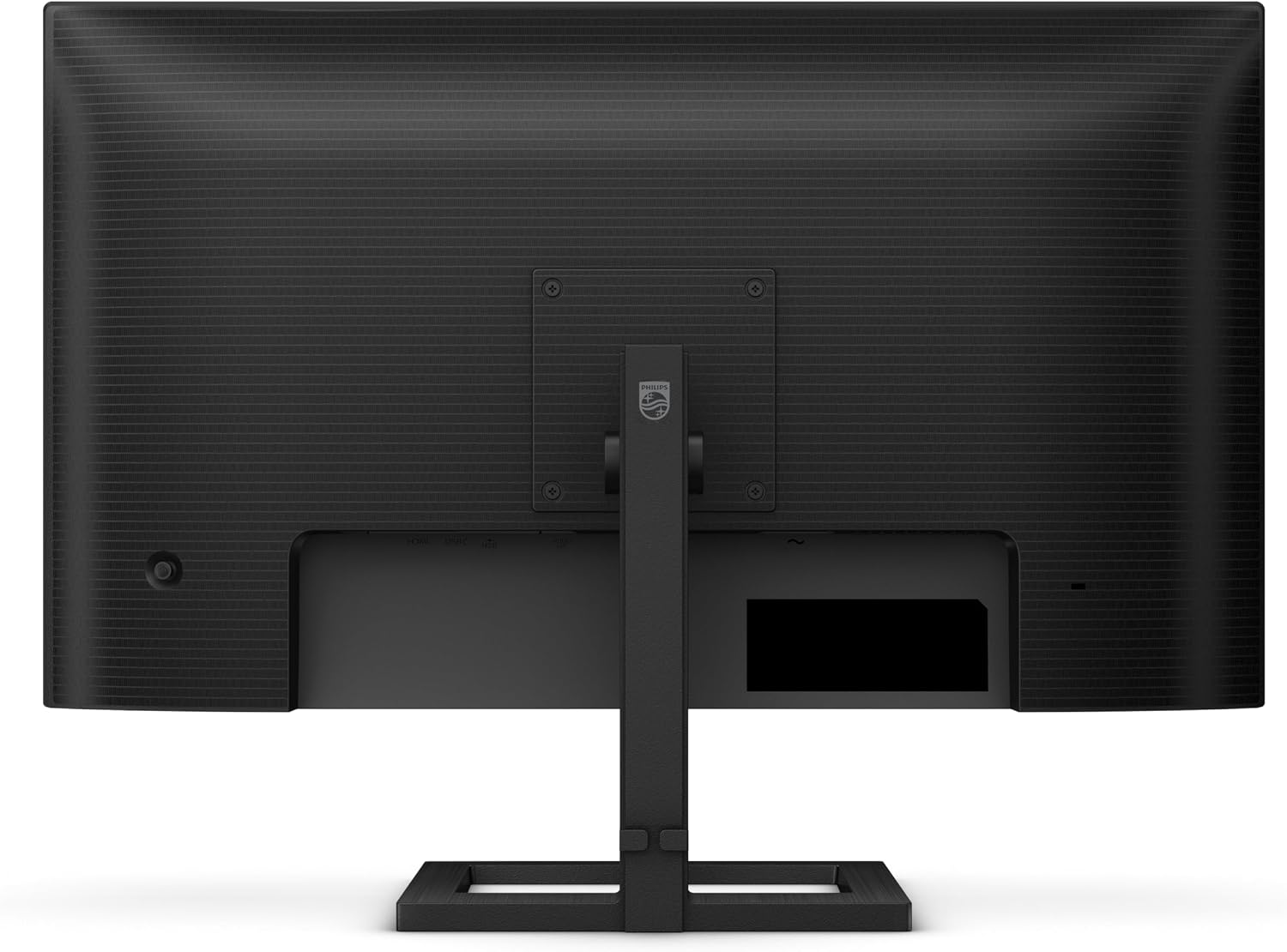
- Assess desk height and VESA compatibility if you plan to use an alternative stand or monitor arm.
Alternatives and how this sits in the broader market
For those who want a step up from full HD without entering the premium price tier, a 27‑inch QHD IPS panel with reasonable colour accuracy and a flexible stand is a common middle ground. When you compare to higher‑spec gaming or professional displays, this Philips model trades a bit of peak brightness and extreme performance for better value and a simpler feature set that covers everyday productivity and light gaming well.
FAQ (quick answers)
- Do the speakers replace external audio? They work for basic audio but aren’t a replacement for dedicated speakers in quality or directionality.
- Can I game at 100 Hz? Yes, the monitor supports 100 Hz, which smooths motion compared with standard 60 Hz. For competitive gaming, you may want higher refresh rates.
- Is the USB‑C port only for charging? It supports both power delivery and data, but verify your device’s USB‑C capabilities to ensure full functionality.
- Is HDR worth it on this panel? HDR can improve contrast in supported content, but its impact varies, it won’t rival higher‑end HDR panels at the same price.
- What about connectivity limits? HDMI 1.4 is suitable for most setups, but if you’re pairing with newer devices or multi‑stream scenarios, check compatibility.
Buying verdict
Is it worth it?
Worth considering if you want a balance of productivity features, decent image quality, and convenient USB‑C charging in a 27‑inch package, without stepping into premium pricing. Not the best choice if your priority is top‑tier gaming performance or class‑leading HDR brightness, in that case, you might look for higher refresh rates and stronger HDR support. If you prioritise a compact, all‑in‑one desk solution with simple connectivity and built‑in speakers, this Philips model offers sensible value for everyday use.