

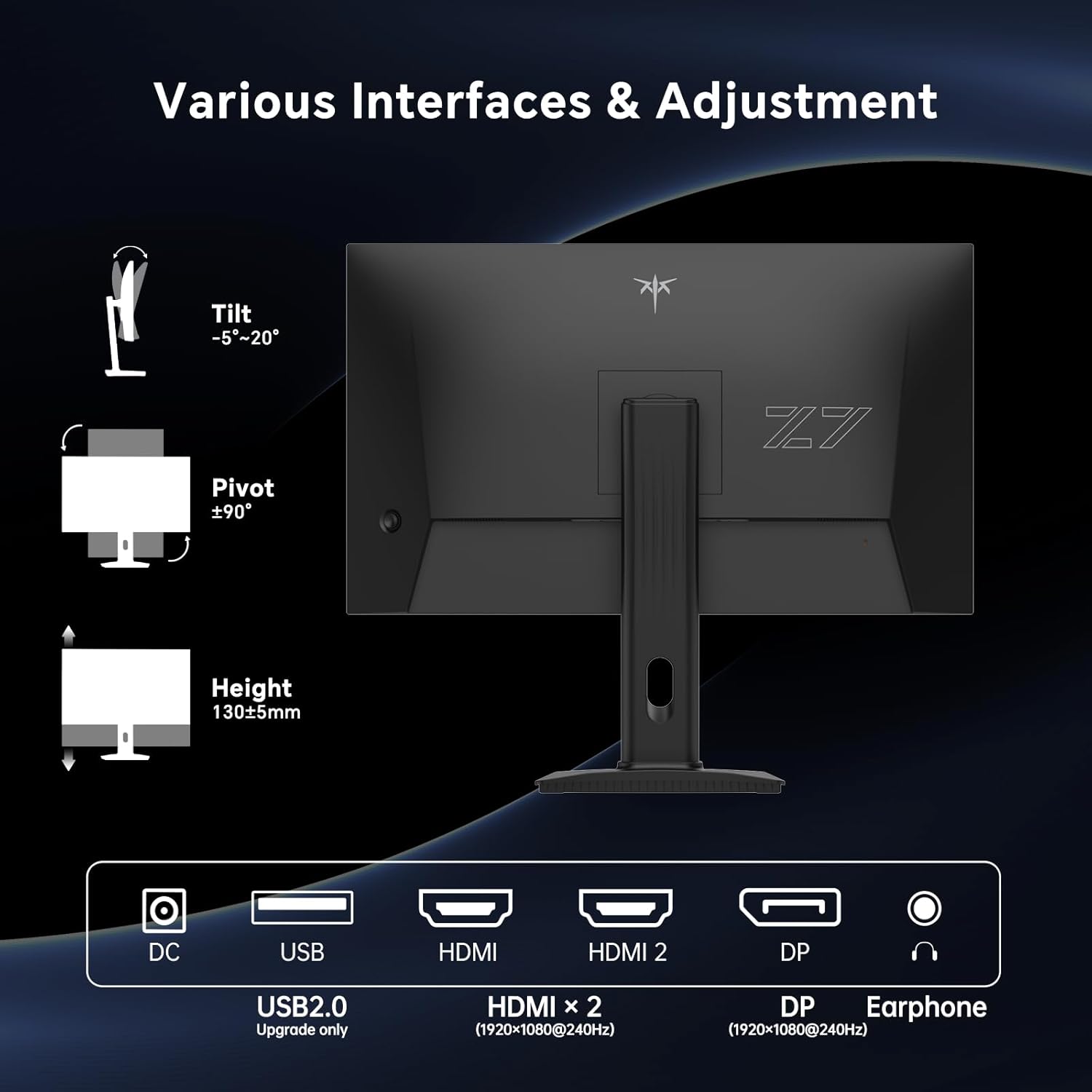
KTC Gaming Monitor 240Hz 27-Inch – Fast IPS, 1ms, HDR10, 240Hz FHD 1080p
Product description
What this is and who it’s for
The KTC 27‑inch gaming monitor is designed for fast-paced games where motion clarity matters. With a 240Hz refresh rate and a 1ms MPRT response time, it aims to reduce motion blur and lag, giving a more responsive feel in competitive titles. If you value high frame rates and smooth transitions, this display targets that idea of “gaming as it should feel”.
How it performs in practice
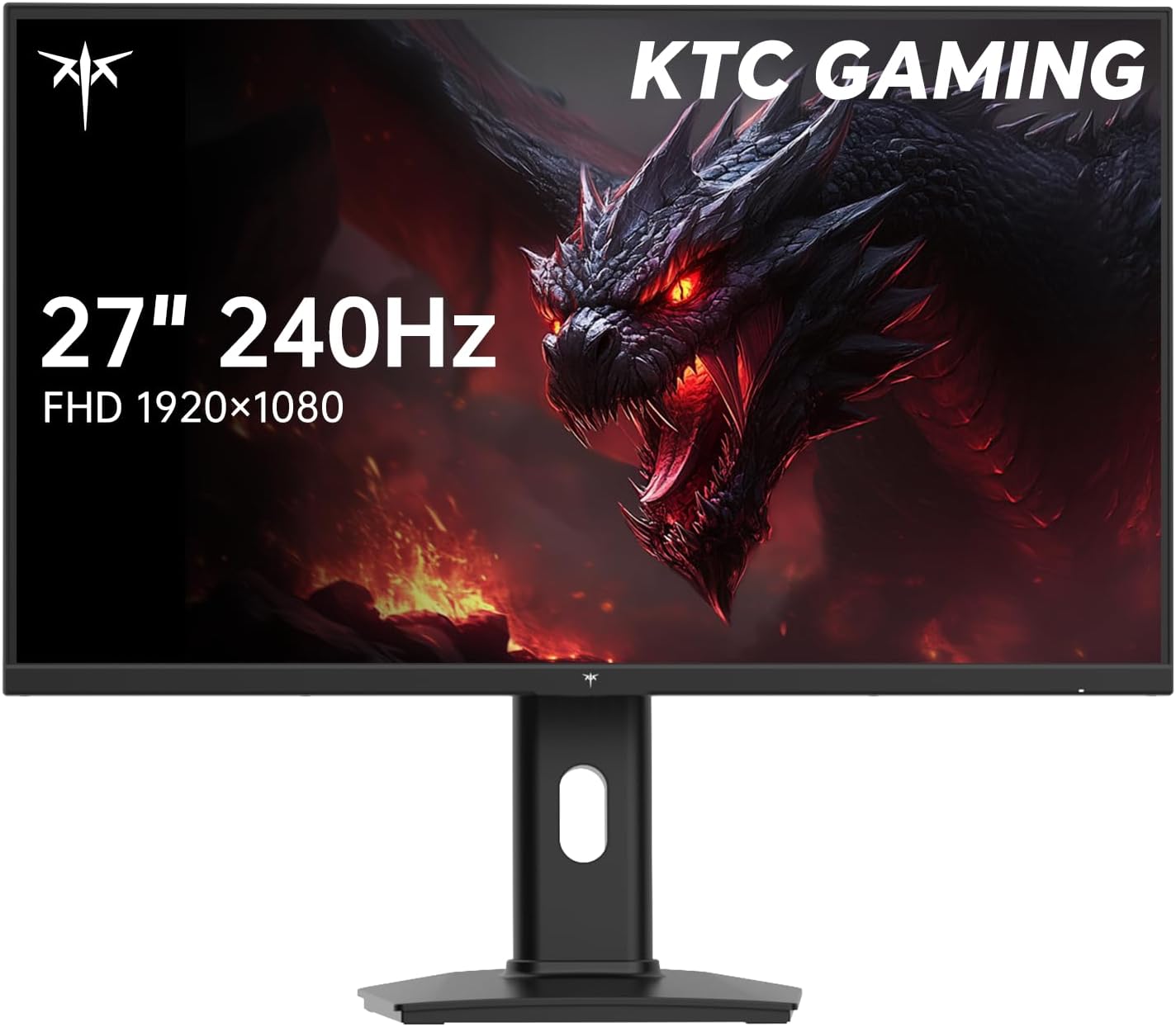
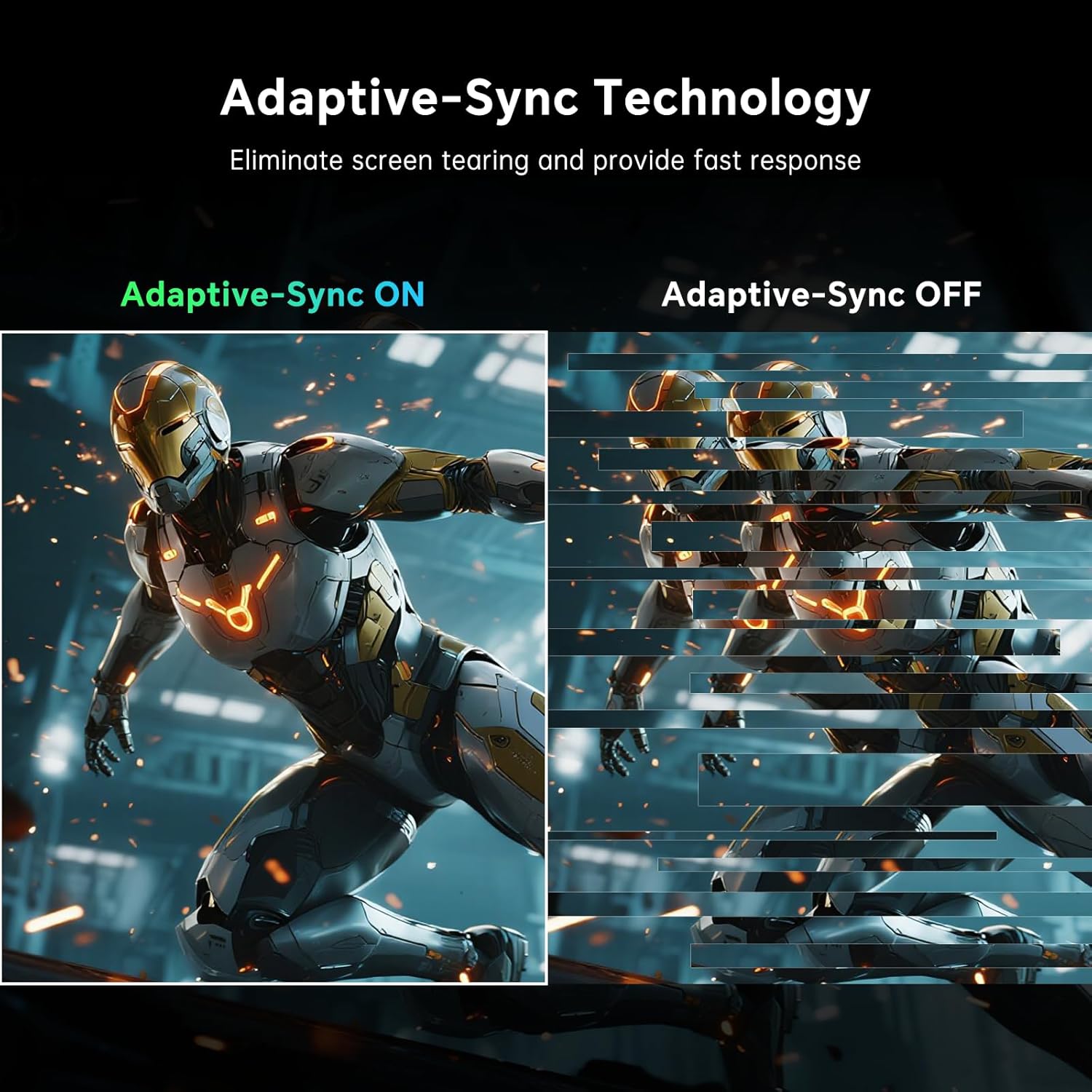
On the tech side, the monitor uses a Fast IPS panel to sustain colour stability at high refresh rates. It supports Adaptive Sync for both G‑Sync and FreeSync ecosystems, which helps to minimise tearing when you push frame rates toward the top end. In motion, you’ll notice the smoother transitions during fast scenes, with fewer ghosting artefacts than older, lower‑refresh displays.
Colour and image quality
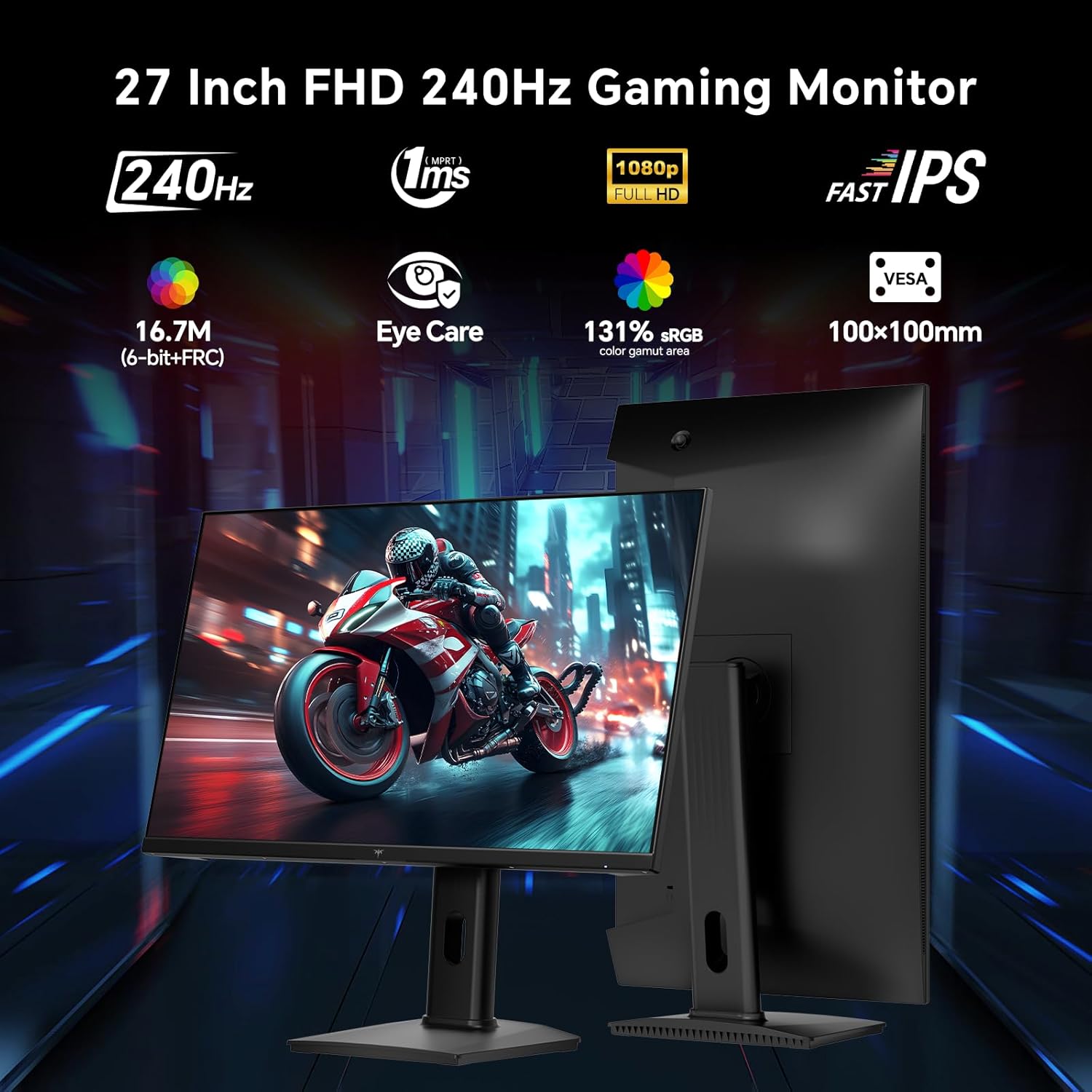
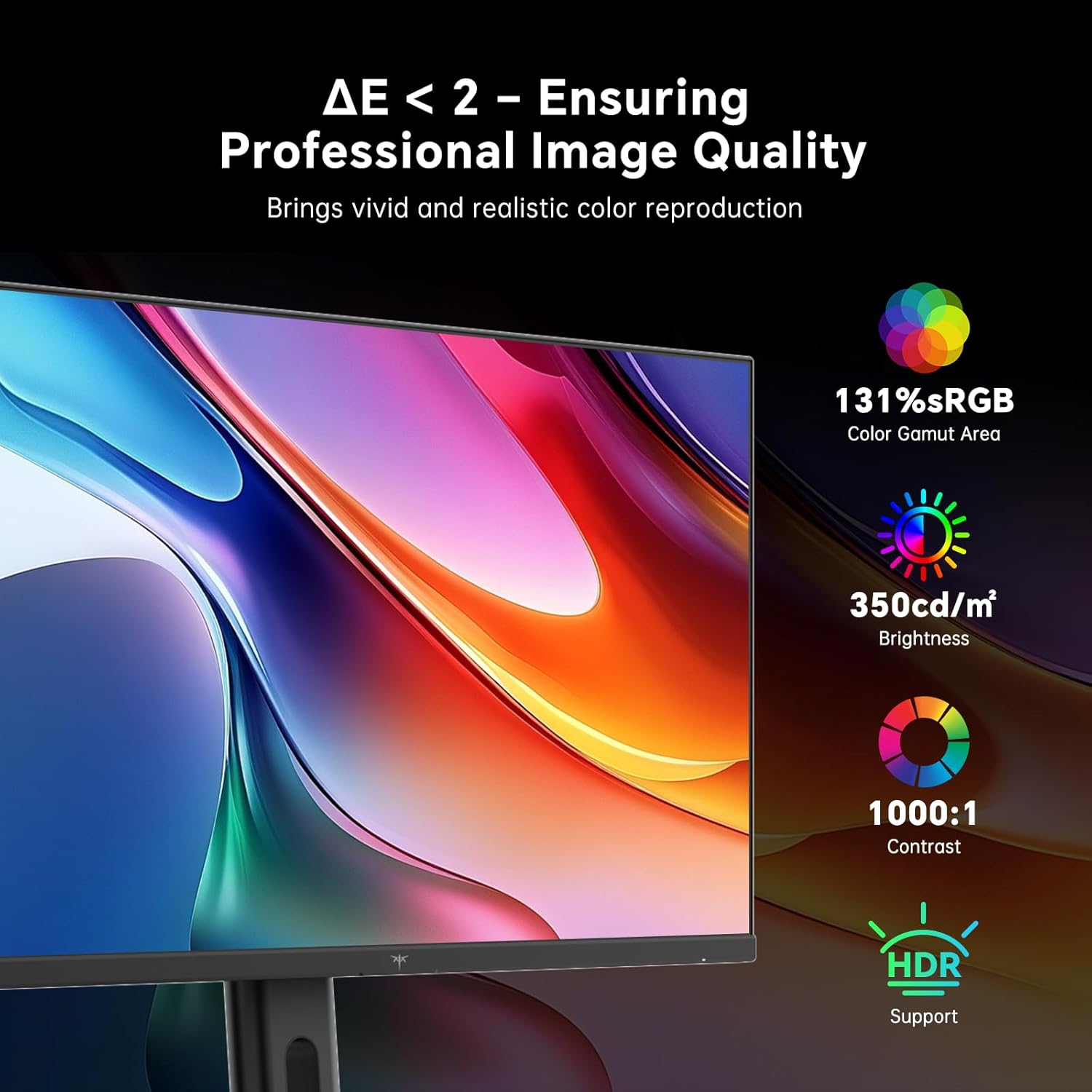
The panel is quoted to cover a wide colour gamut (up to 131% sRGB and 102% DCI‑P3) with Delta E<2, which suggests faithful colour reproduction by design. This isn’t a professional grading monitor, but it’s positioned to deliver vibrant, cinema‑like tones for games and movies alike. HDR10 support enhances contrast in bright and dark scenes, although peak brightness is a practical 350 cd/m², so it’s not a highlight‑room monster. If you prioritise punchy visuals without a dedicated colour suite, this setup should feel convincing for general gaming and multimedia.
Brightness, HDR and eye comfort
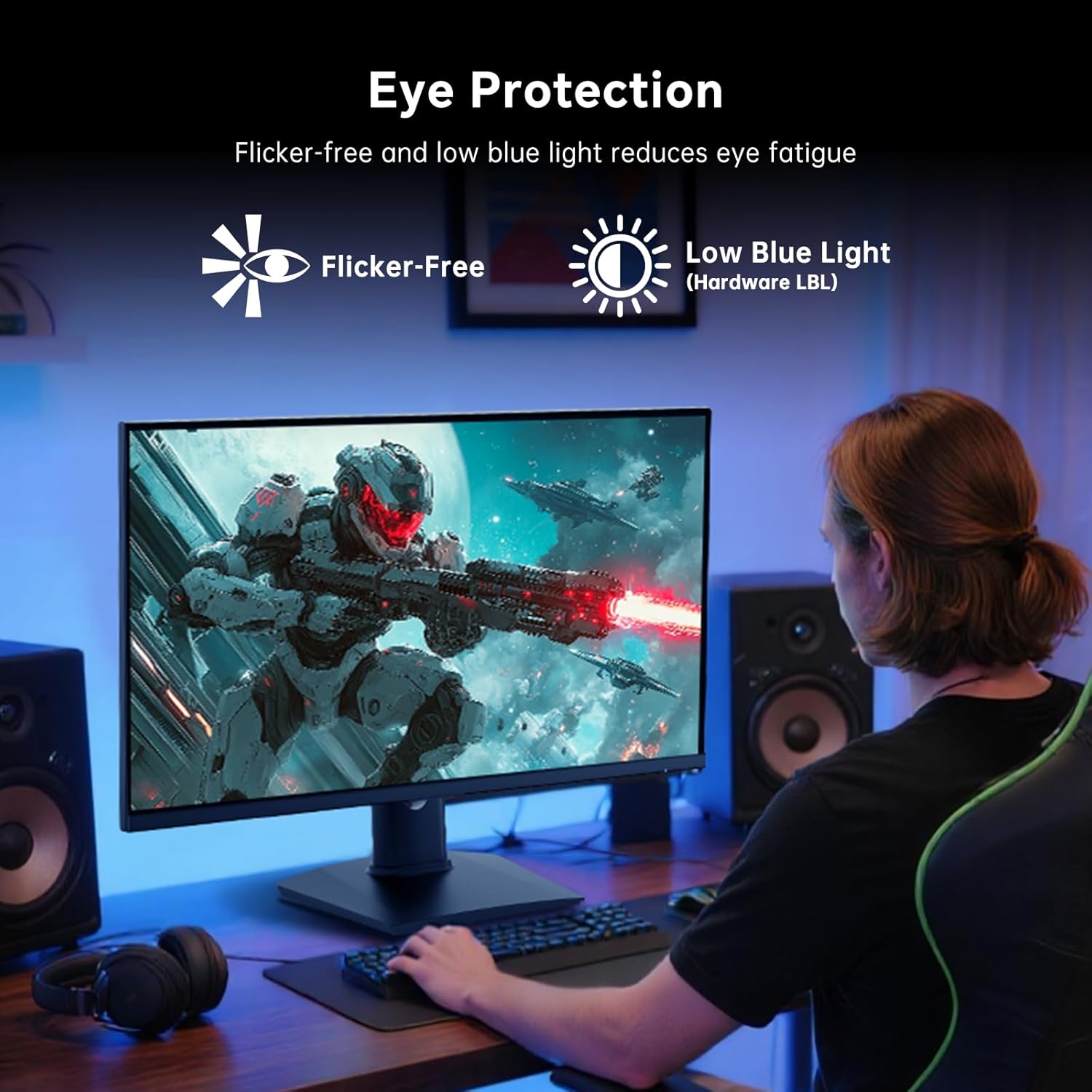
With 350 cd/m² brightness and hardware blue light protection, the screen is more legible in varied lighting and aims to reduce fatigue during longer sessions. It’s worth noting that HDR performance depends on scene dynamic range and brightness—HDR10 helps, but you shouldn’t expect cinema‑grade highlights on a 27‑inch FHD panel.
Connectivity and adjustability
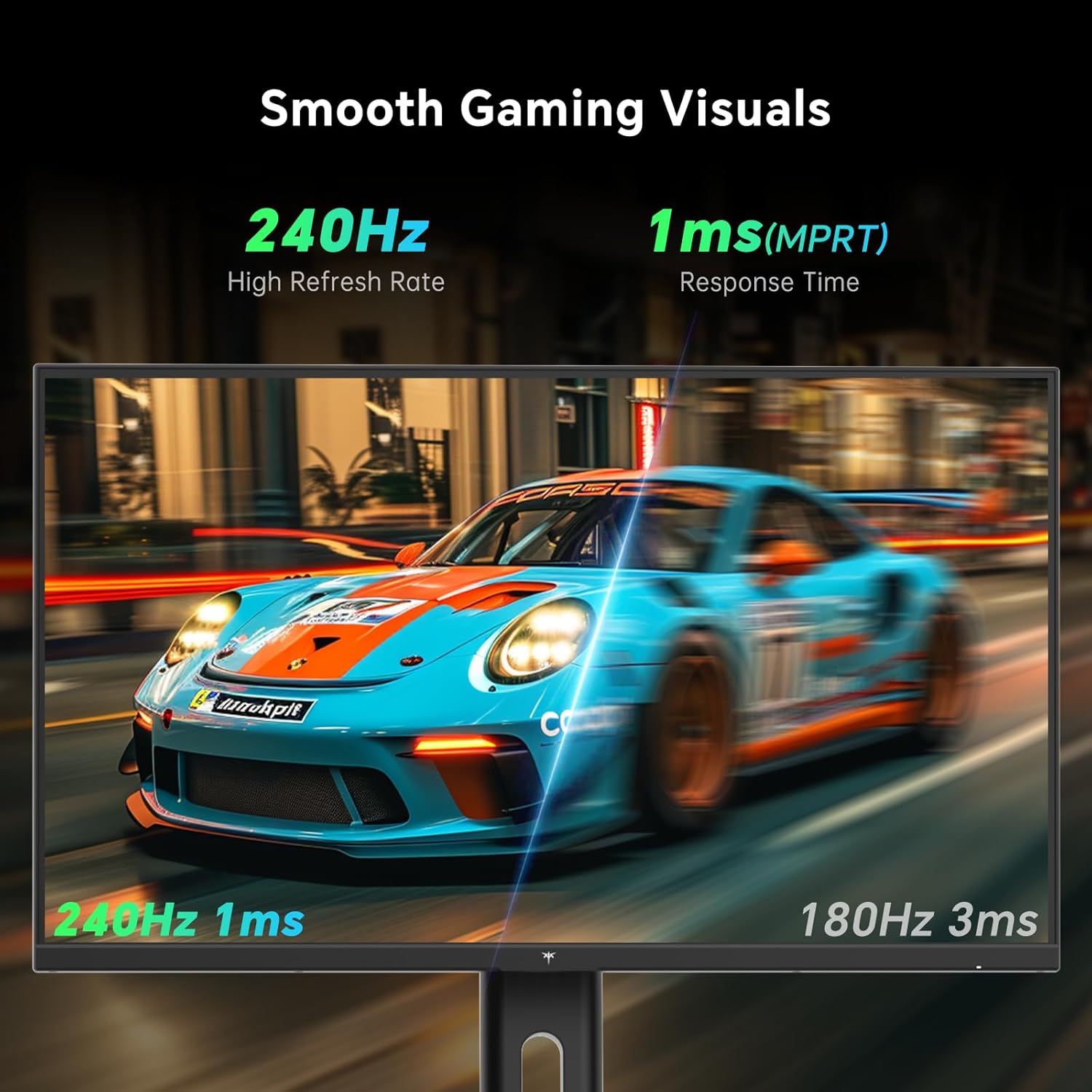
Connectivity includes dual HDMI 2.0 and a DP1.4 input, plus USB 2.0 for updates and an earphone jack. The stand is adjustable for height, tilt and orientation and is compatible with 100x100mm VESA mounting, which is handy if you prefer a different stand or a wall mount. In short, it covers the basics you’d expect for a contemporary gaming monitor with some flexibility for desk setups.
Build, reliability and what might not be perfect
The design focuses on function: a fast screen for players who care about response and motion. What isn’t disclosed are long‑term reliability metrics or detailed colour calibration tools out of the box. The 27‑inch size and 16:9 1080p panel place it in a specific budget‑to‑mid range tier, if you’re chasing higher resolution or super‑tight factory colour accuracy, you may want to consider alternatives. Also, while 240Hz is excellent for certain titles, you’ll need a capable GPU to maintain high frame rates consistently at 1080p. If you prioritise ultra‑high detail or vector sharpness, this may feel limited.
Practical use cases and who it suits
This monitor is well suited to competitive shooters and fast‑paced games where high refresh rates can offer a perceptible edge. It also works for streaming or casual cinema use, thanks to the wide colour gamut and HDR10 support. It would suit a gamer who wants a large, responsive screen without stepping up to higher cost panels or higher resolutions.
What to check before you buy
- Ensure your PC or console can drive near‑240fps in your favourite titles to justify the 240Hz target.
- Consider desk space and mounting options given the 27‑inch size and stand adjustability.
- If you require precise colour for content creation, factor in potential calibration needs beyond what’s described.
- Reflect on whether 1080p resolution aligns with your long‑term goals or if you’d prefer higher resolution models for future‑proofing.
Pros and cons at a glance
- Pros: very high refresh rate for smoother gameplay, adaptive sync compatibility, wide colour coverage, HDR10 support, adjustable stand and VESA mounting.
- Cons: 1080p resolution might feel lacking for users who compare to higher‑resolution panels, true HDR impact is capped by brightness, long‑term calibration data isn’t provided.
Final decision: Should you buy it?
Is it worth it? It makes sense if you’re chasing the smoothest possible motion and you already prioritise fast response over ultra‑high detail. If your gameplay leans toward competitive titles and you want a roomy 27‑inch screen with flexible mounting, this model could fit well. You may want to skip it if you require a higher resolution, more advanced HDR performance, or dedicated factory colour profiling for professional work.
FAQ
- How does 240Hz feel in practice? You’ll notice smoother panning and quicker frame response in fast titles when frame rates can meet the refresh rate.
- Is it good for movie watching? Yes, thanks to HDR10 and broad colour coverage, though you’ll get the best experience with well‑graded content and appropriate brightness settings.
- Does it support G‑Sync and FreeSync? Yes, it includes Adaptive Sync for tear‑free gaming across compatible systems.