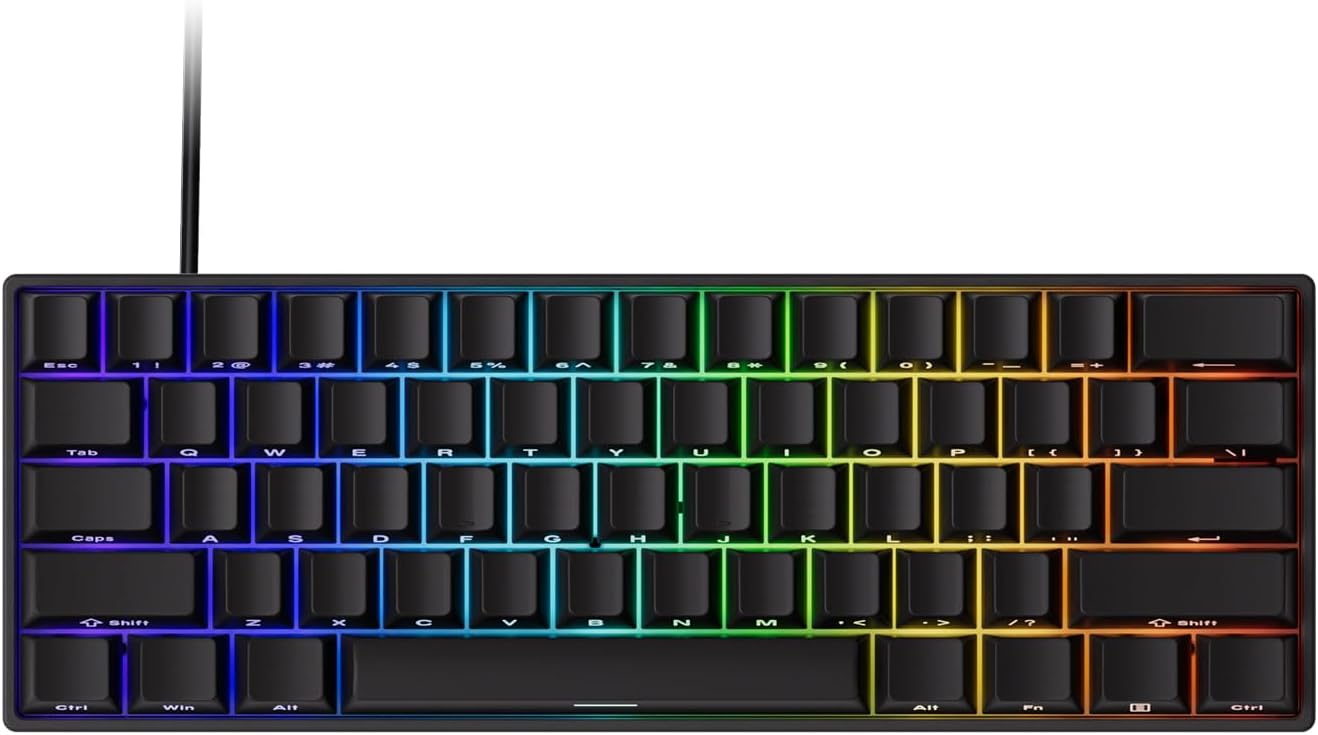
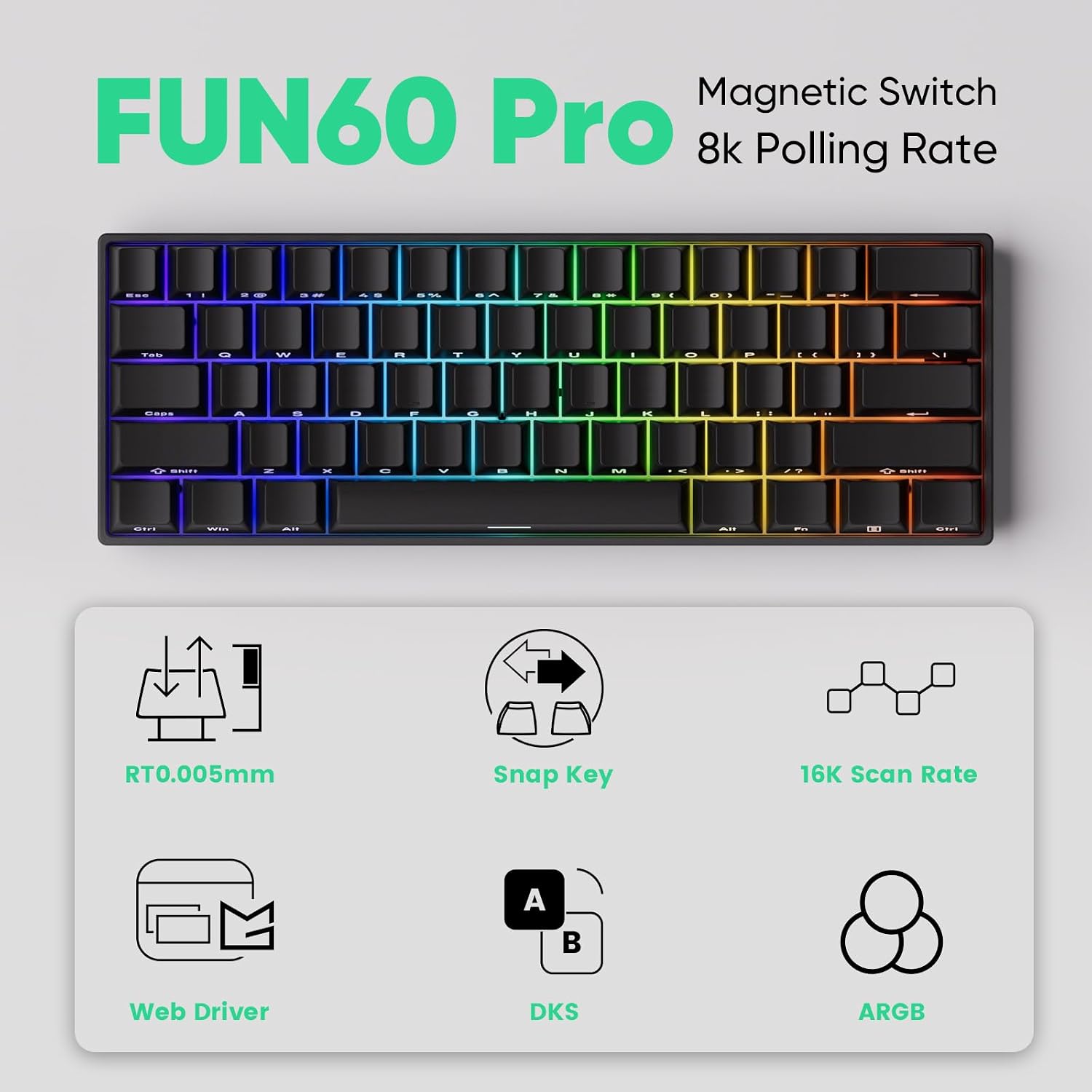
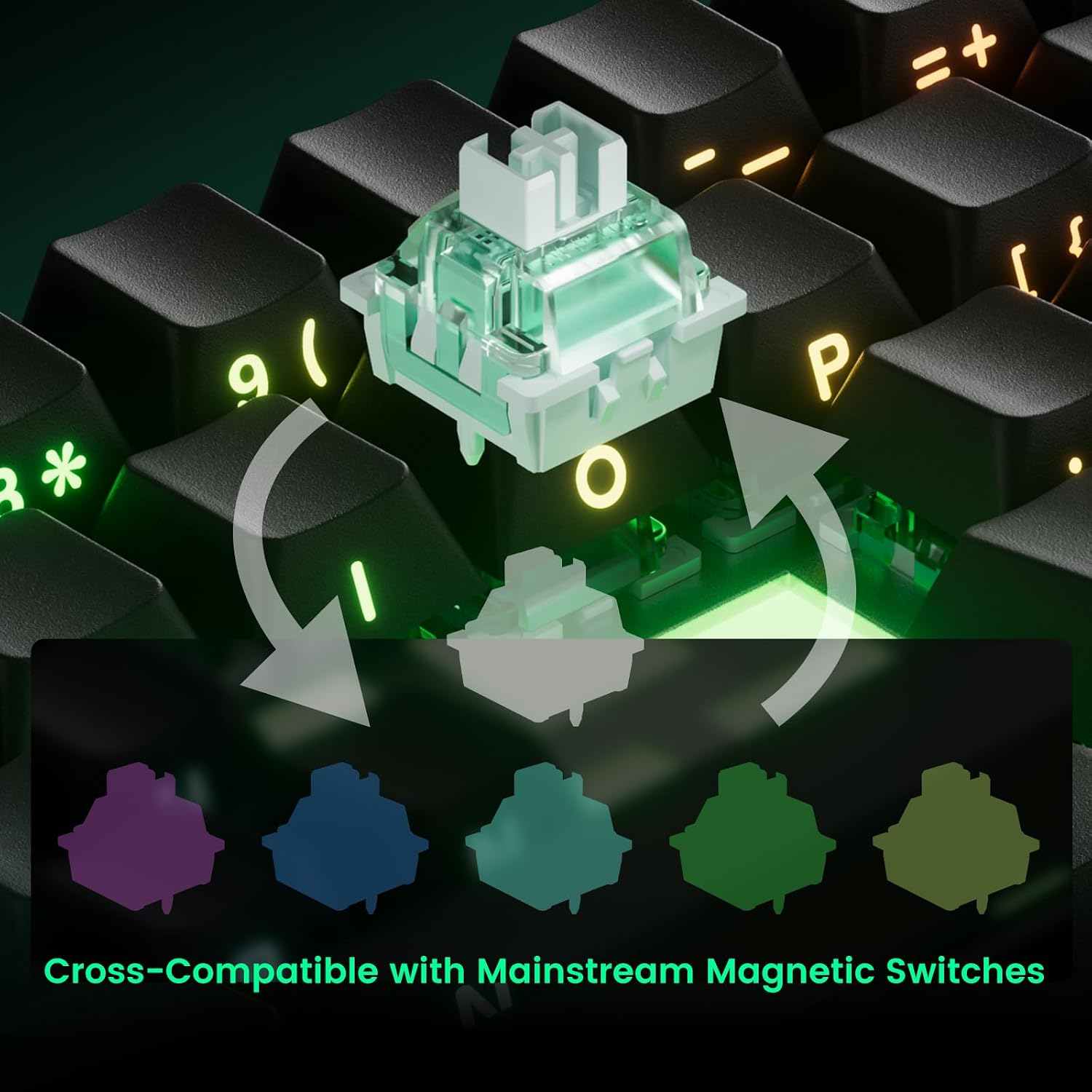
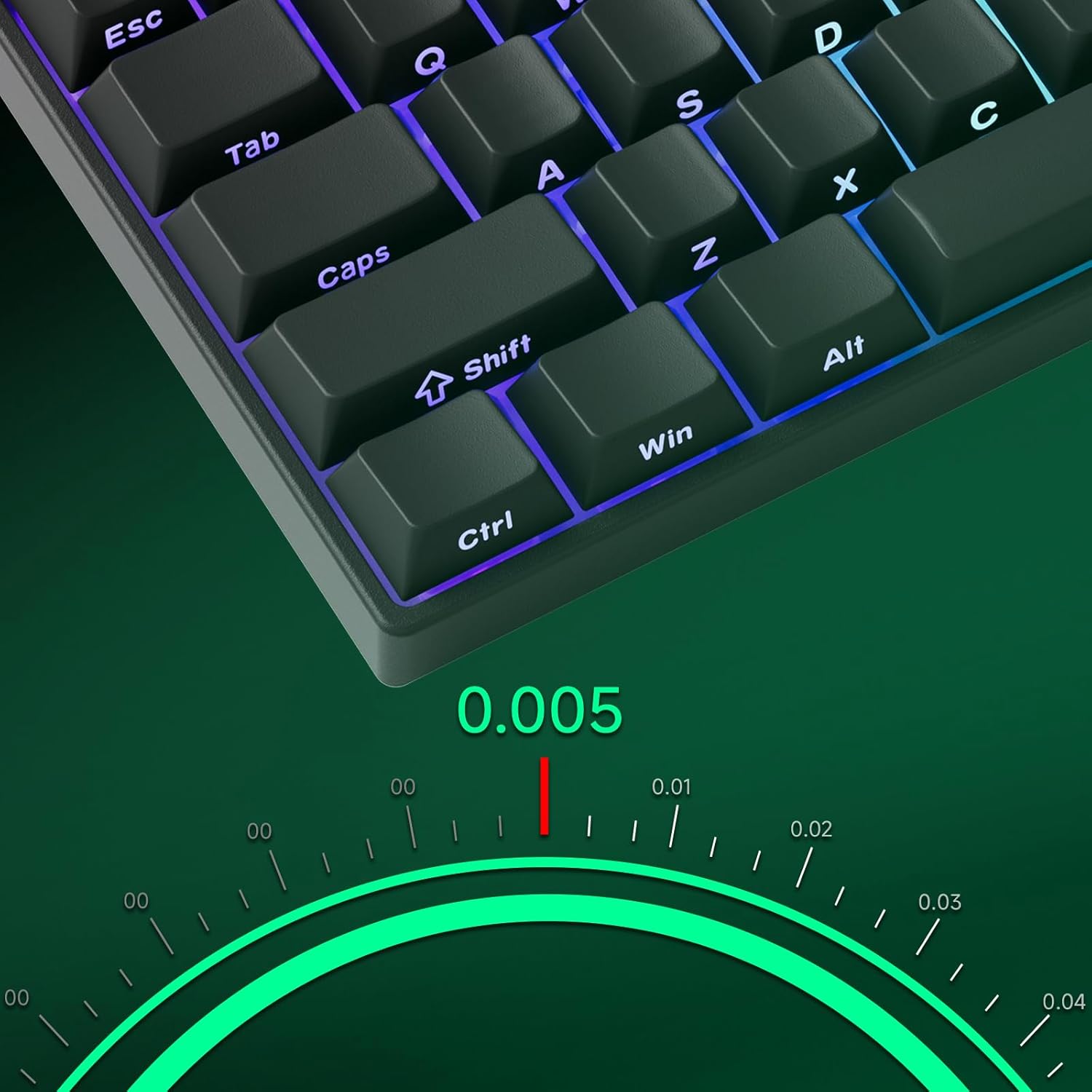
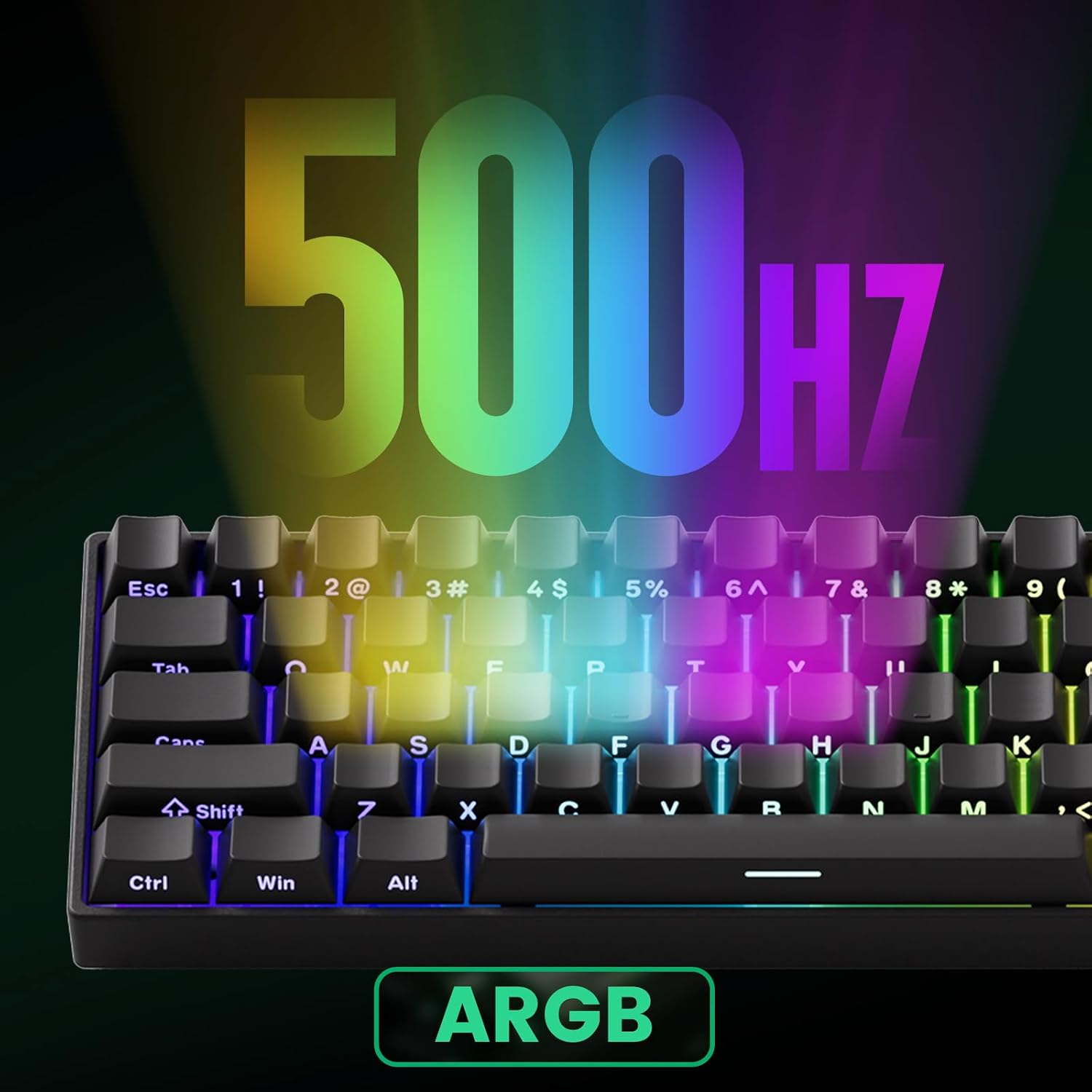
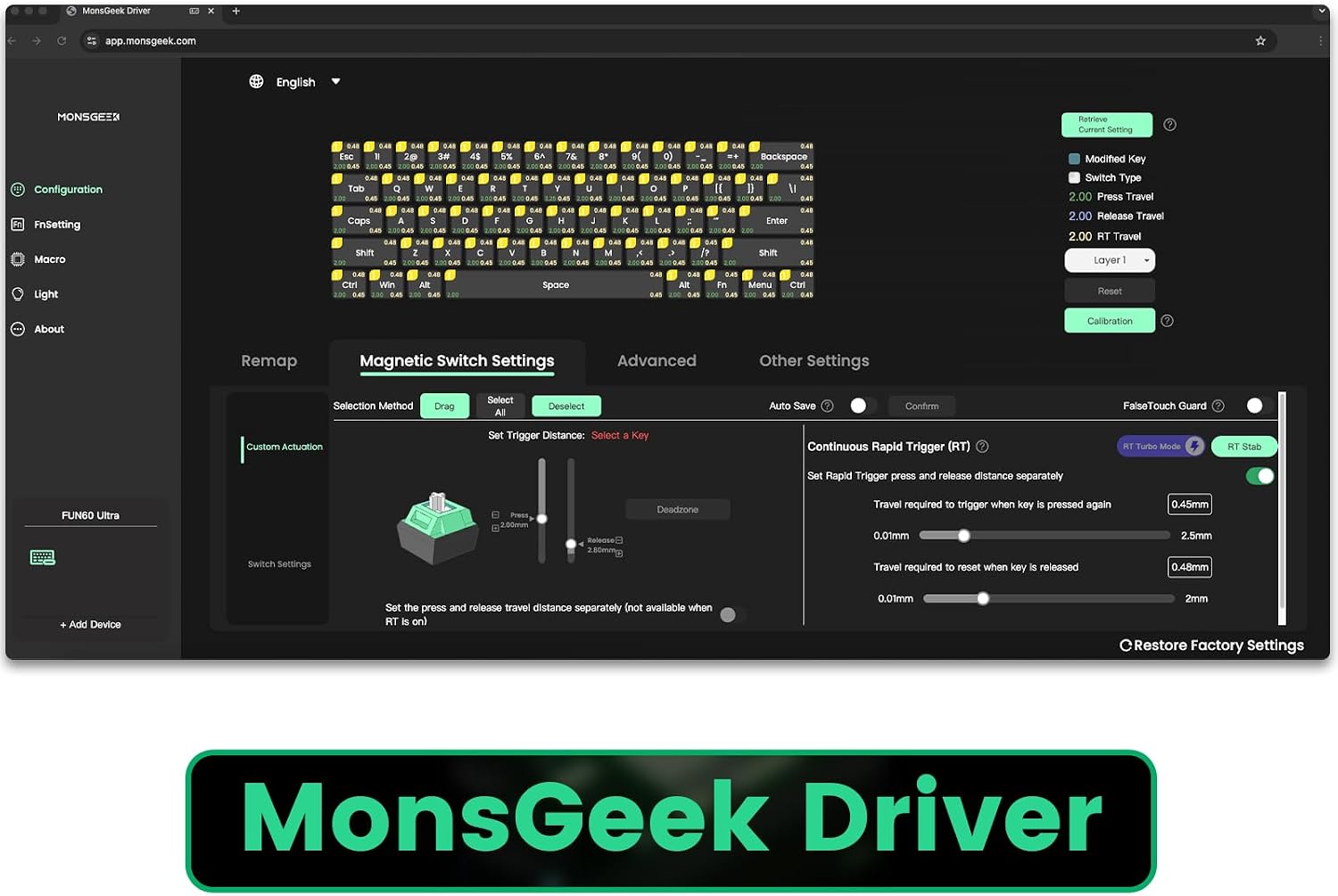
What this is and what it aims to solve\nThe MONSGEEK FUN60 Pro is a 60% wired gaming keyboard built around ultra-precise rapid triggering. It’s designed for gamers who prioritise speed and accuracy in both competitive play and day-to-day typing. With adjustable actuation in small 0.01mm steps and a claimed ultra-precise 0.01mm trigger, it positions itself as a device that lets you fine-tune response to suit your style. The 60% form factor keeps the footprint compact while still offering serious customisation potential through magnetic switch compatibility and driver-based tweaks. If your setup benefits from a small desk footprint and responsive input, this keyboard has the core ideas you’d expect from a performance-focused board.\n\n## How it works in practice\nThe FUN60 Pro uses Hall Effect sensors to achieve high-precision actuation and a configurable actuation range from 0.1mm to 3.3mm. This means you can tailor when a key registers so that you get immediate feedback when pressing for fast games or a more deliberate response for typing. It also supports up to 8K Hz polling, which reduces input latency and helps keep your actions in sync with the game or application you’re using. In addition, the keyboard is described as compatible with mainstream magnetic switches from third parties, giving you the option to swap switches and calibrate via the MonsGeek Driver. This flexibility can be appealing if you enjoy experimenting with feel and travel across different tasks.\n\n## Highlights: what stands out on paper\n- Ultra-precise 0.01mm actuation with stepwise 0.01mm adjustment for exact feel.\n- Hall Effect sensors offer a broad adjustment range (0.1mm to 3.3mm), which is relatively wide for a 60% board.\n- 8K Hz polling delivers low latency, complementing the rapid trigger concept.\n- ARGB with individually addressable LEDs and a 500Hz refresh rate for smooth lighting effects without noticeable flicker.\n- Compatibility with up to five third-party magnetic switches, plus the ability to mix and match across keys via the MonsGeek Driver.\n\n## Potential limitations and things to consider\n- The 60% layout is a trade-off: you’ll lose function keys and dedicated arrow keys, which may impact workflows that rely on those keys. If you use complex macros or rely on a wide keyset, you’ll need to adapt your setup accordingly.\n- Switch compatibility is described as “compatible with 5 third-party magnetic switches,” but the exact models supported are not listed here. If you already own a preferred switch, you’ll want to confirm compatibility and calibration steps before purchasing.\n- The long-term reliability of rapid trigger tuning depends on how often you adjust actuation and whether you’ll actually utilise the broad travel options. If you prioritise a simple plug-and-play experience, this level of configurability could feel overwhelming.\n\n## Who it’s for\n- Competitive gamers who value highly tunable actuation and low latency.\n- Users who enjoy customising input feel and lighting for immersive builds.\n- Enthusiasts who already own or want to experiment with magnetic switches on a compact keyboard.\n- Typists who want the option to adjust feel for speed but aren’t reliant on a full-size board.\n\n## Who it isn’t the best fit for\n- If you rely heavily on a full set of function keys or a larger keyboard layout, a 60% board may feel restrictive.\n- If you favour a completely plug-and-play experience with fixed actuation, the tuning features could appear unnecessary.\n- If you’re not interested in modifying or calibrating switches, the value proposition drops somewhat.\n\n## When it makes sense to buy\n- You want the ability to fine-tune trigger distance for faster in-game responses.\n- You appreciate a compact desk footprint without sacrificing performance features like high polling rate and ARGB lighting.\n- You’re curious about magnetic switch ecosystems and want compatibility with multiple third-party options.\n\n## When to hold off\n- If your setup benefits from a traditional full-size layout or if you prioritise absolute simplicity over customisation.\n- If price sensitivity is high and there isn’t a clear plan to use the tuning features, given the extra complexity.\n\n## What to check before buying\n- Confirm which magnetic switch models are officially supported and how calibration is performed in the MonsGeek Driver.\n- Consider whether the 60% layout aligns with your workflow, especially regarding navigation and macro usage.\n- Check for driver availability and any firmware updates that might affect actuation precision or polling stability.\n\n## How it compares to other approaches\nIf you’re weighing between a highly tunable magnetic-switch keyboard and a straightforward mechanical board, the FUN60 Pro leans toward the former. It offers a blend of custom actuation, high polling, and aesthetic lighting, which is ideal if you’re building a precise, responsive rig but not if you want a “set-and-forget” device. For someone who prioritises ultra-simple setup, a standard mechanical keyboard with fixed actuation and no driver dependencies could be a more straightforward choice.\n\n## Practical use example\nImagine you’re mid-game and a decisive fast‑paced move requires a quick, subtle press. With actuation that you can dial to feel almost instant, you might notice fewer mis-clicks and more consistent inputs. In typing tasks, the ability to adjust travel could help you strike a balance between speed and accuracy if you’re comfortable tweaking settings.\n\n## Decision: Is it worth it?\nIt makes sense if you prioritise tunable actuation, low latency, and a compact form factor, especially if you’re curious about magnetic switches and ARGB aesthetics. Not the best pick if you want a simple, fixed-feel keyboard or you need a full-size layout.\n\n## Quick FAQ\n- Can I mix switch types on the FUN60 Pro? Yes, the keyboard supports mixing magnetic switches across keys via the MonsGeek Driver.\n- What is the actuation adjustment range? The system supports adjustments from 0.1mm to 3.3mm with 0.01mm step increments.\n- Does it support fabrications beyond ARGB lighting? The ARGB lighting is individually addressable with a 500Hz refresh rate for smooth visuals.\n- Is the 8K Hz polling common? It’s a feature touted as part of its low-latency design, though real-world results depend on system performance and software compatibility.