

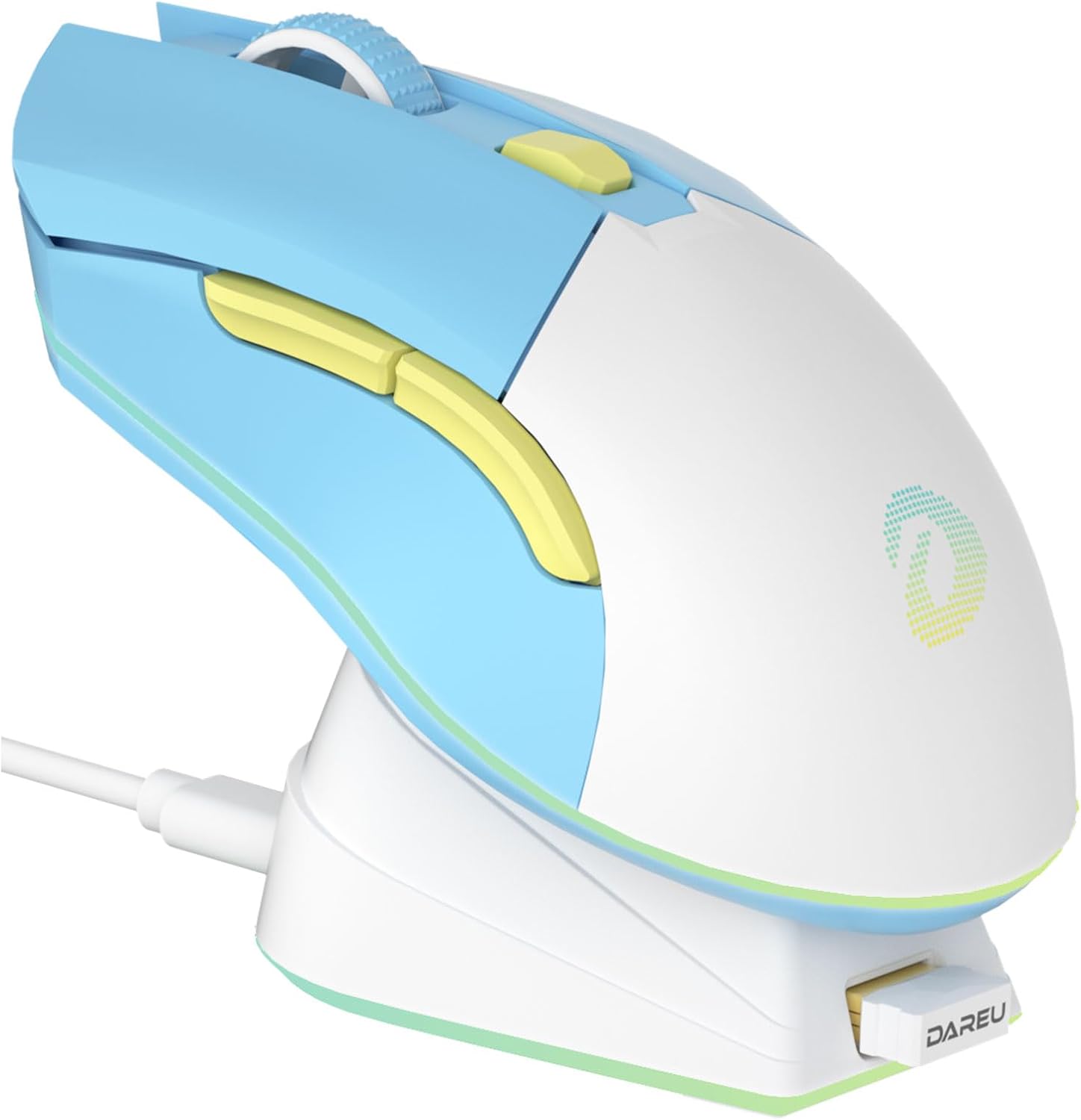
DAREU EM901X wireless gaming mouse with charging dock, rechargeable RGB (12K DPI, 7 programmable buttons)
Product description
What it is and why the dock matters
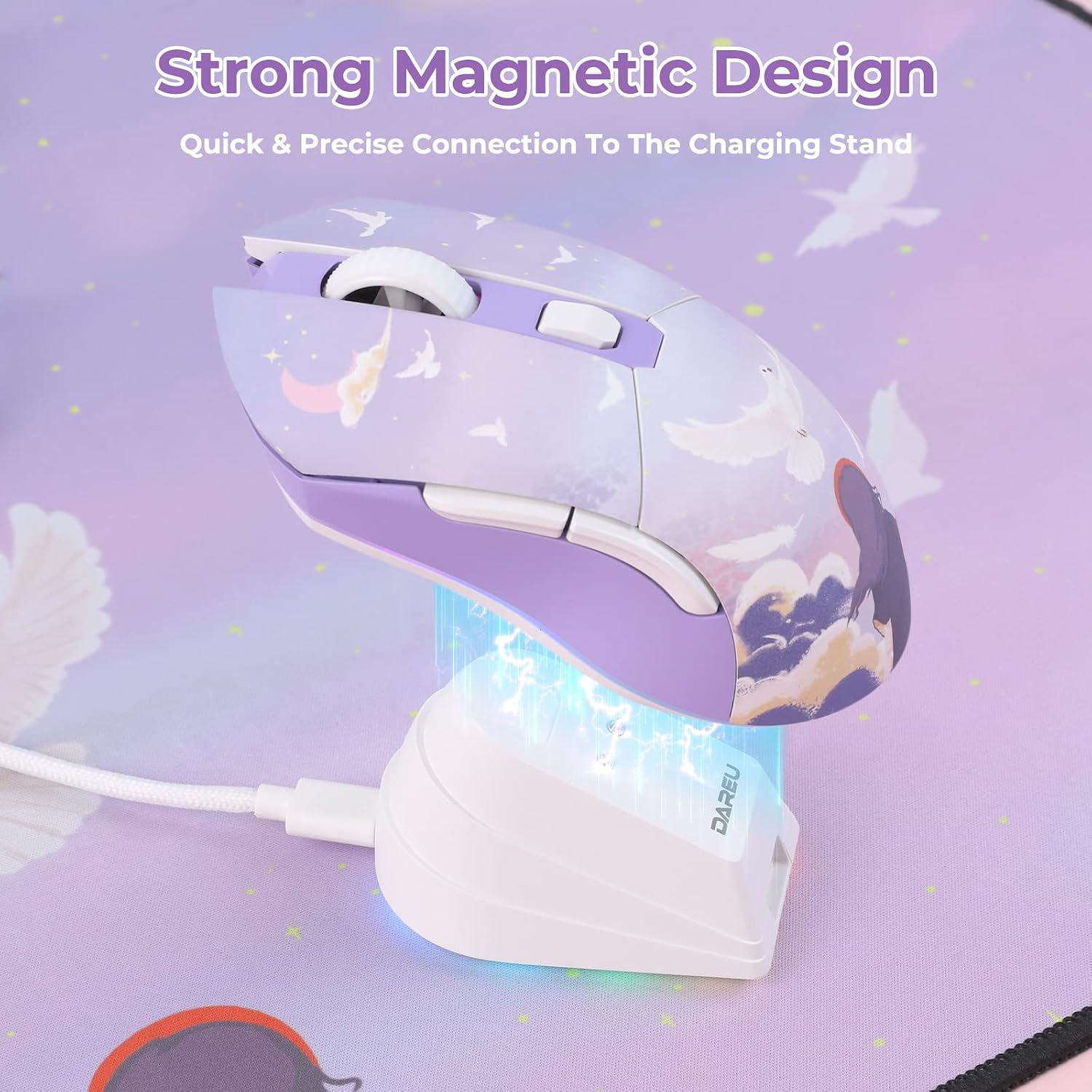
If you want a wireless gaming mouse but still like the convenience of “always ready”, the DAREU EM901X is built around a charging dock rather than disposable batteries. The big headline here is the strong magnetic connection: on paper, the dock is meant to snap into place quickly and stay put even if you lift the mouse while the dock is still attached.
That single design choice changes the everyday experience. Instead of remembering to plug something in, you drop the mouse onto the dock and it should align automatically. It’s the kind of setup that suits desks where you’re in and out during the day—work first, games later, then back to work—without thinking too much about battery management.
Key takeaways on performance and controls
DAREU positions this as a high-precision wireless gaming option, and the spec story supports that angle. It includes a 12K DPI sensor and claims a high-performance wireless transmission with 1 millisecond latency, aiming to feel close to wired in terms of signal stability.
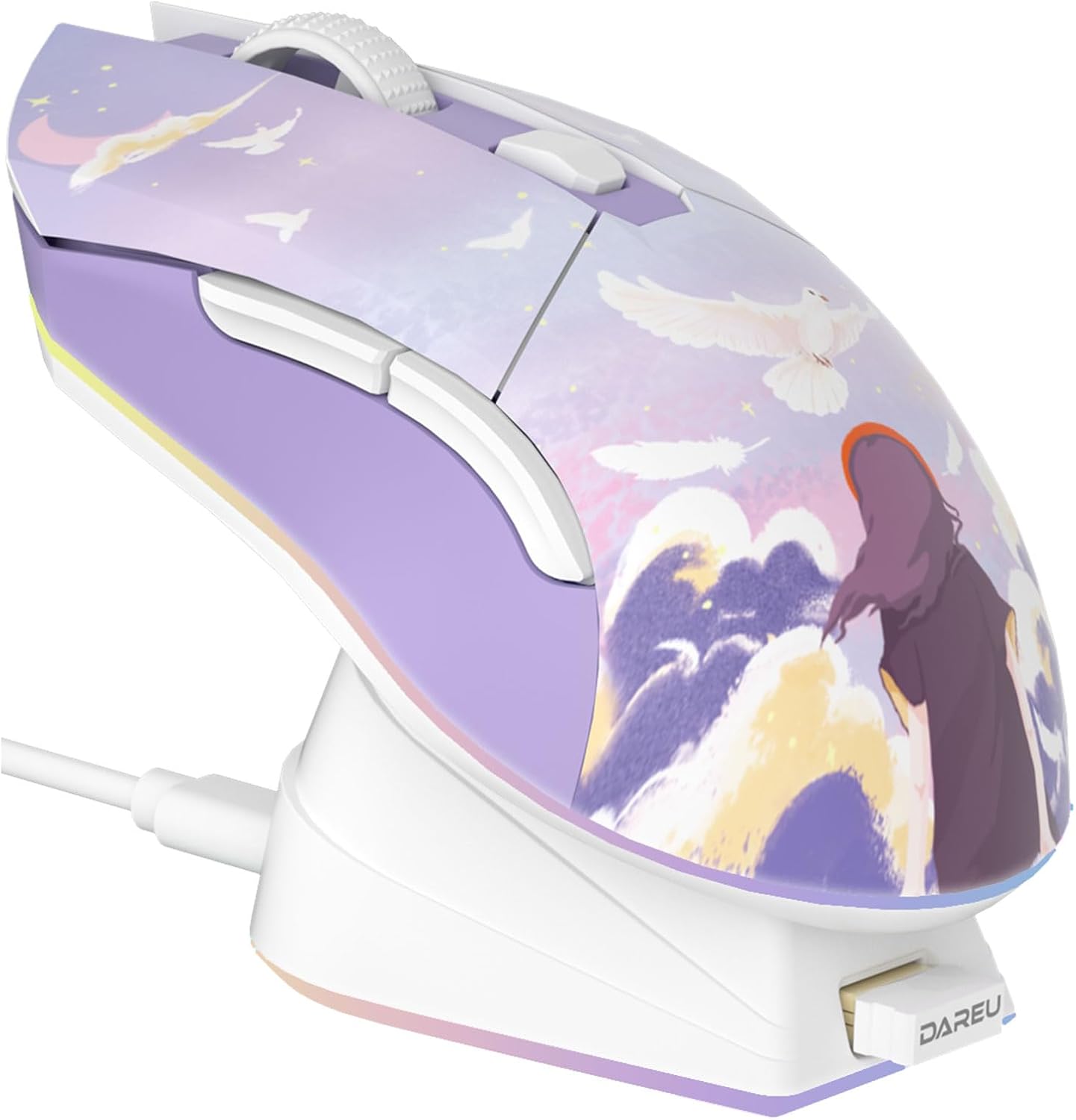
You also get 7 programmable buttons, which is enough for most people’s typical gaming setups—think your usual movement tweaks, keybinds, and a couple of utilities—without it turning into an overcomplicated MMO-style control panel.
Worth noting: “gaming” is a broad word, and this mouse looks more like a solid mid-range aiming for responsive feel rather than something that’s guaranteed to satisfy everyone chasing the very top tier of competitive performance.
What you’ll notice day to day
The wireless side is where this mouse earns its keep, but the charging dock design is what keeps the routine smooth. The magnetic holding mechanism is described as strong enough to prevent the dock from falling off if you lift the mouse and dock together. That’s a small detail, yet it’s exactly the sort of annoyance that can happen with less thought-out charging stands.
It’s also very lightweight for a wireless gaming mouse at 85g, and the description emphasises no drilled holes (so it avoids that hollowed-out look). In use, that usually translates to less fatigue during longer sessions, especially for people who dislike heavier “brick-like” mice.
On the visual side, there’s rechargeable RGB. Depending on how much you care about lighting, this can be either a fun desk accent or something you’ll want to keep toned down.
Durability: the micro switch claim
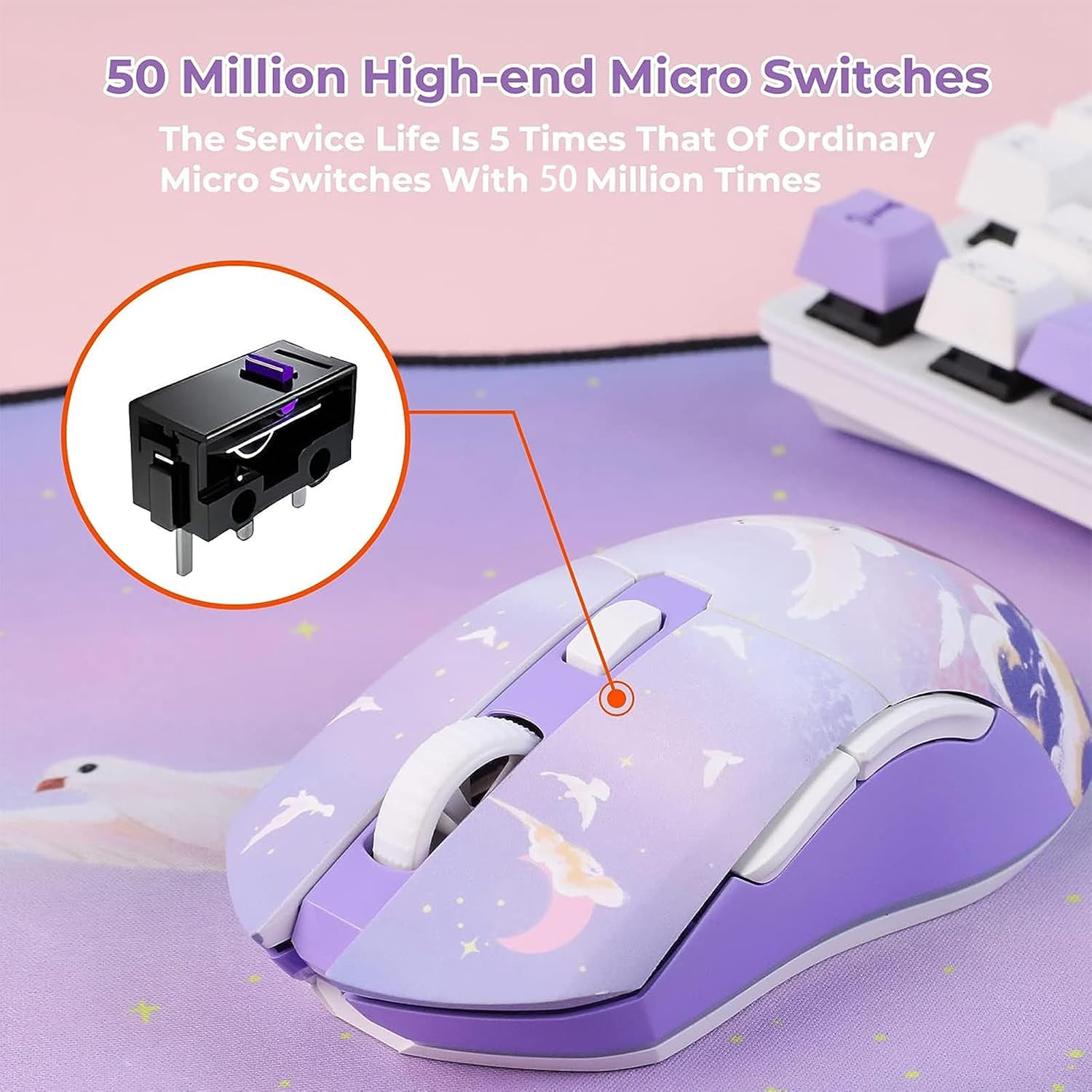
The EM901X uses “high-end micro switches” rated for 50 million clicks, with the seller claiming a longer service life than more basic 10 million click switches. That’s a credible durability message for anyone who click a lot—whether it’s gaming, browsing, or repetitive office work.
However, a rating on paper doesn’t eliminate the reality that switch feel can vary by person. If you’re sensitive to click character, it’s worth checking user opinions or return terms before you commit.
Tech specs at a glance
- DPI: 12K
- Buttons: 7 programmable buttons
- Wireless transmission: 1 millisecond (as described)
- Maximum wired-like claim: aimed to be close to wired mouse transmission performance
- Polling rate: 1000Hz
- Sensor performance claim: 300IPS
- Weight: 85g
Where it shines, and where it might not
It makes sense if you want a wireless gaming mouse that stays practical: a rechargeable battery, less messing around with replacements, and a dock designed to connect quickly and hold securely.

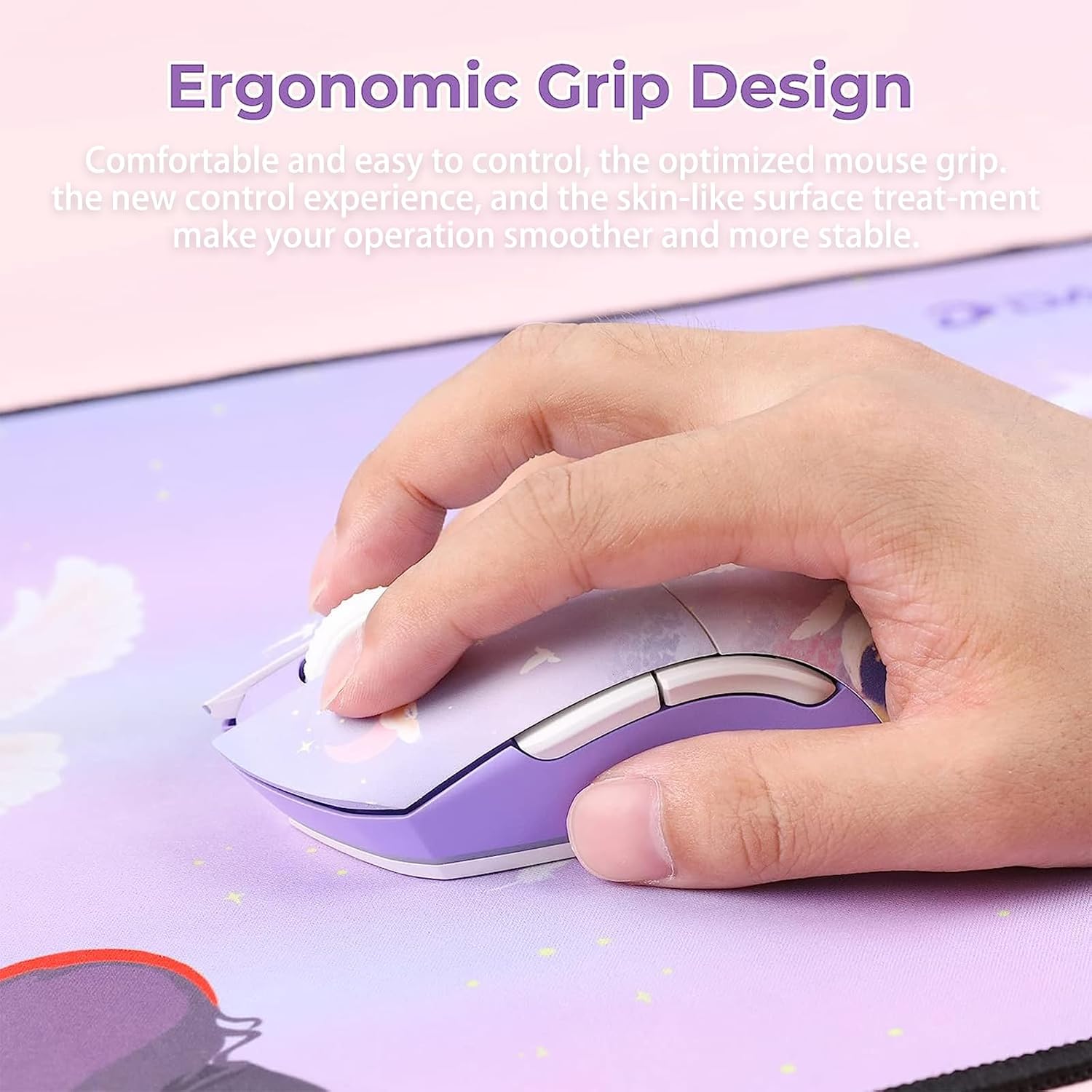
It might not be the best match if: - You absolutely need a specific shape or grip style for competitive FPS, because the information here doesn’t cover ergonomics or sensor tracking behaviour in detail. - You prefer a simple cable-and-forget workflow, since the wireless feel depends on consistent wireless performance and your setup. - You’re not interested in charging docks or RGB, because that’s part of the product’s whole concept.
A good micro-scenario: you put the mouse on the dock overnight, then in the morning it’s ready without swapping batteries, after work you jump into a match and rely on the 1000Hz polling and high DPI for responsiveness.
Compatibility and requirements (what to double-check)
The listing mentions use with PC, Notebook, and Mac. Still, before you buy, it’s worth checking that your device setup supports the wireless connection method you plan to use, and that any software features for programmable buttons and lighting are available on your operating system.
Is it worth it?
Buy the DAREU EM901X if you’re after a rechargeable wireless gaming mouse with a charging dock that’s designed to magnetically connect quickly and stay secure—especially if you like the idea of being able to lift the mouse and dock together without the stand dropping off.
Skip it if you’re chasing an ultra-specific competitive setup and you can’t confirm the click feel, ergonomics, and wireless behaviour for your own grip and games. As a concept, it leans value-for-money: good headline specs (12K DPI, 1000Hz, 300IPS) plus durability (50 million click switch claim) and convenient recharging.

Mini FAQ
Does the charging dock use magnets?
Yes—the strong magnetic design is described as automatically and quickly connecting to the charging dock.
Is it rechargeable or battery-based?
It’s rechargeable, with an in-built battery described as usable repeatedly.
How many programmable buttons are there?
There are 7 programmable buttons.
What DPI and polling rate are claimed?
The sensor is described as 12K DPI, with 1000Hz polling rate.
Is it suitable for Mac?
The listing states it can be used with PC, Notebook and Mac, but it’s wise to double-check your connection and any software needs for programmable features and RGB.