

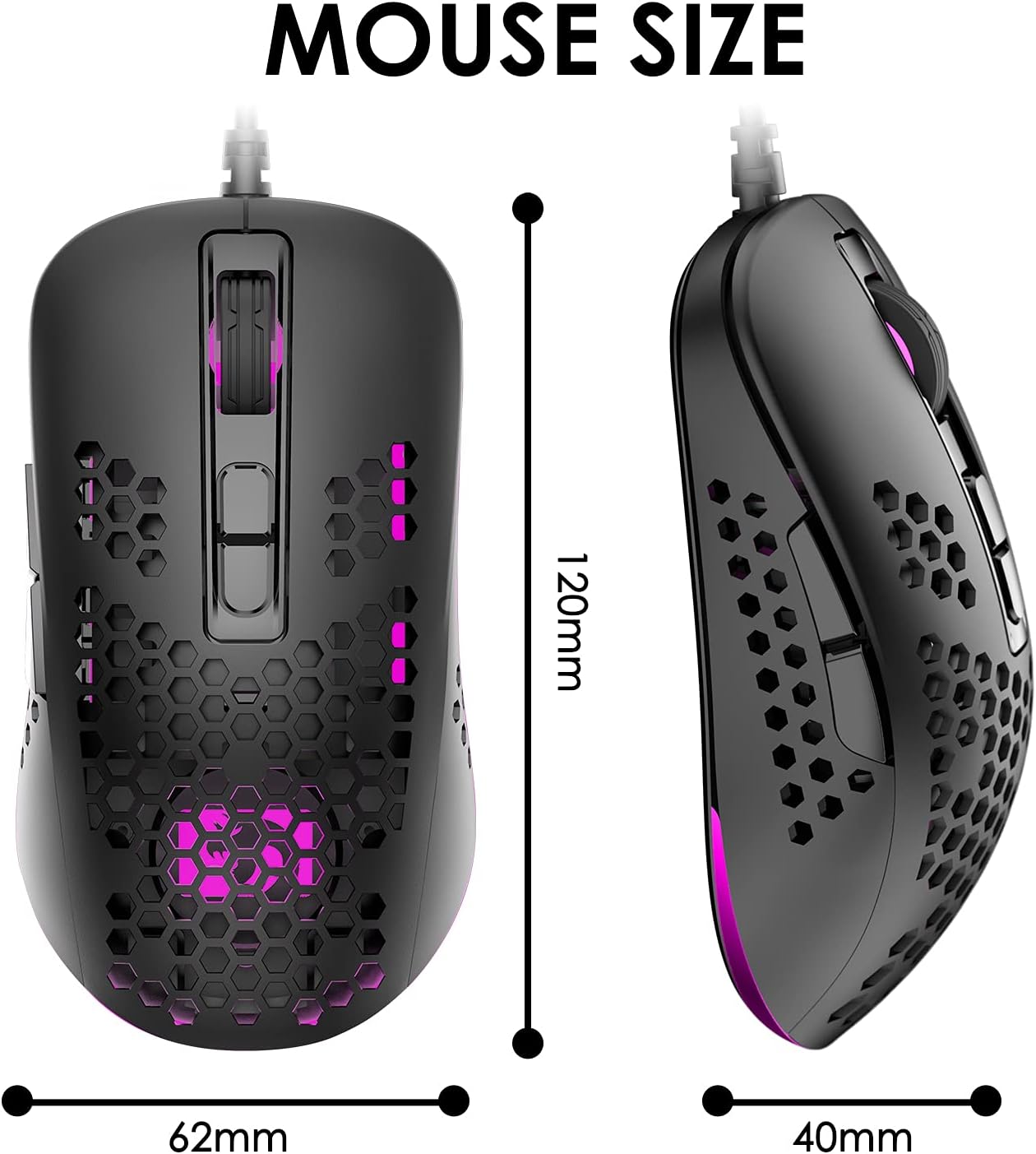
KUIYN 383 Ultralight Wired Gaming Mouse – Lightweight Honeycomb Shell, 4 DPI Levels, 7 Buttons
Product description
What it is
The KUIYN 383 is a wired gaming mouse designed with an ultralight honeycomb shell. It emphasises reduced weight for quicker movements and improved heat dissipation, which can help keep your palm cooler during longer sessions. The device is plug‑and‑play, with no drivers required for Windows and broad compatibility across Windows, Mac and major consoles.
How it feels in use
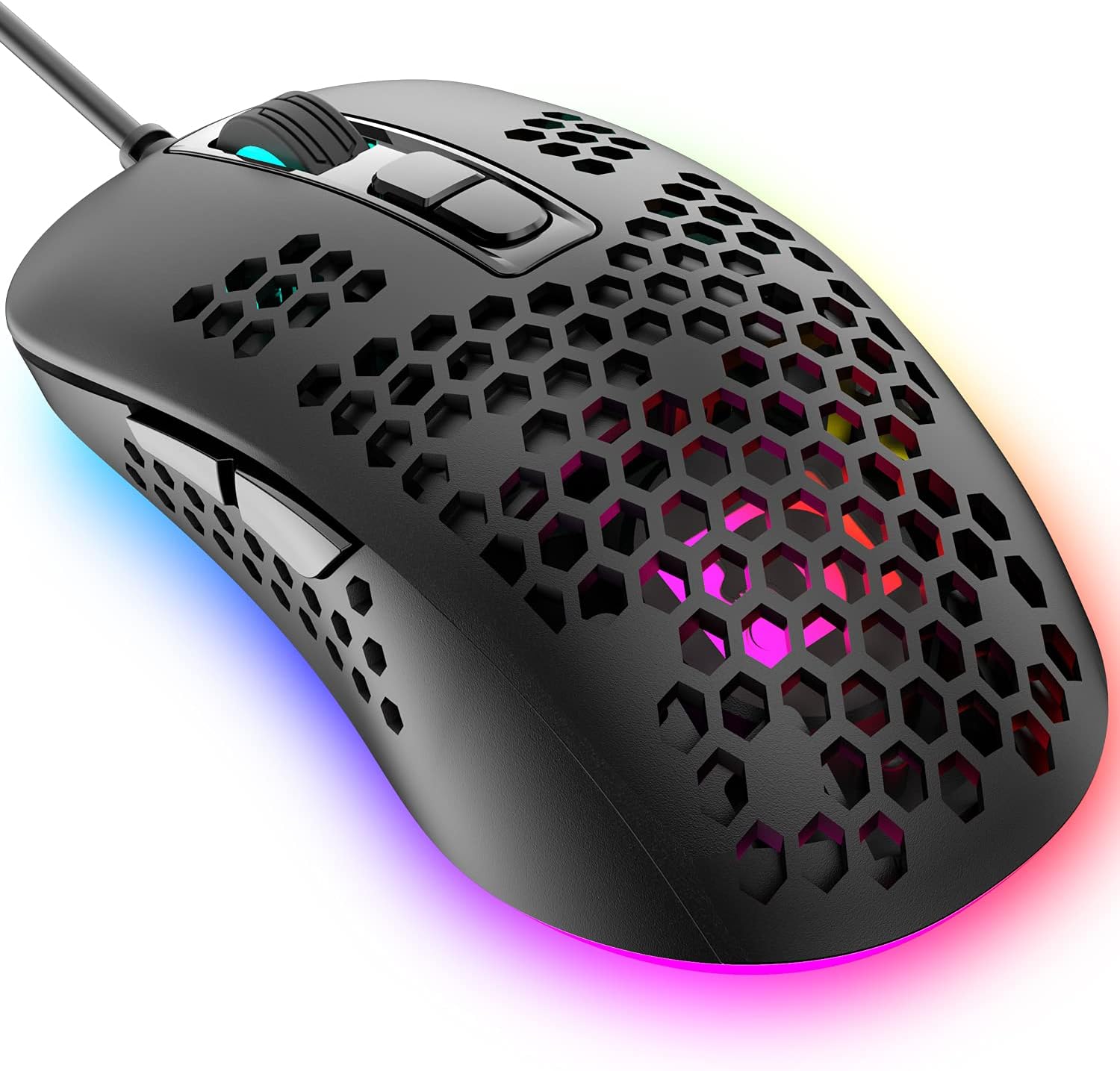
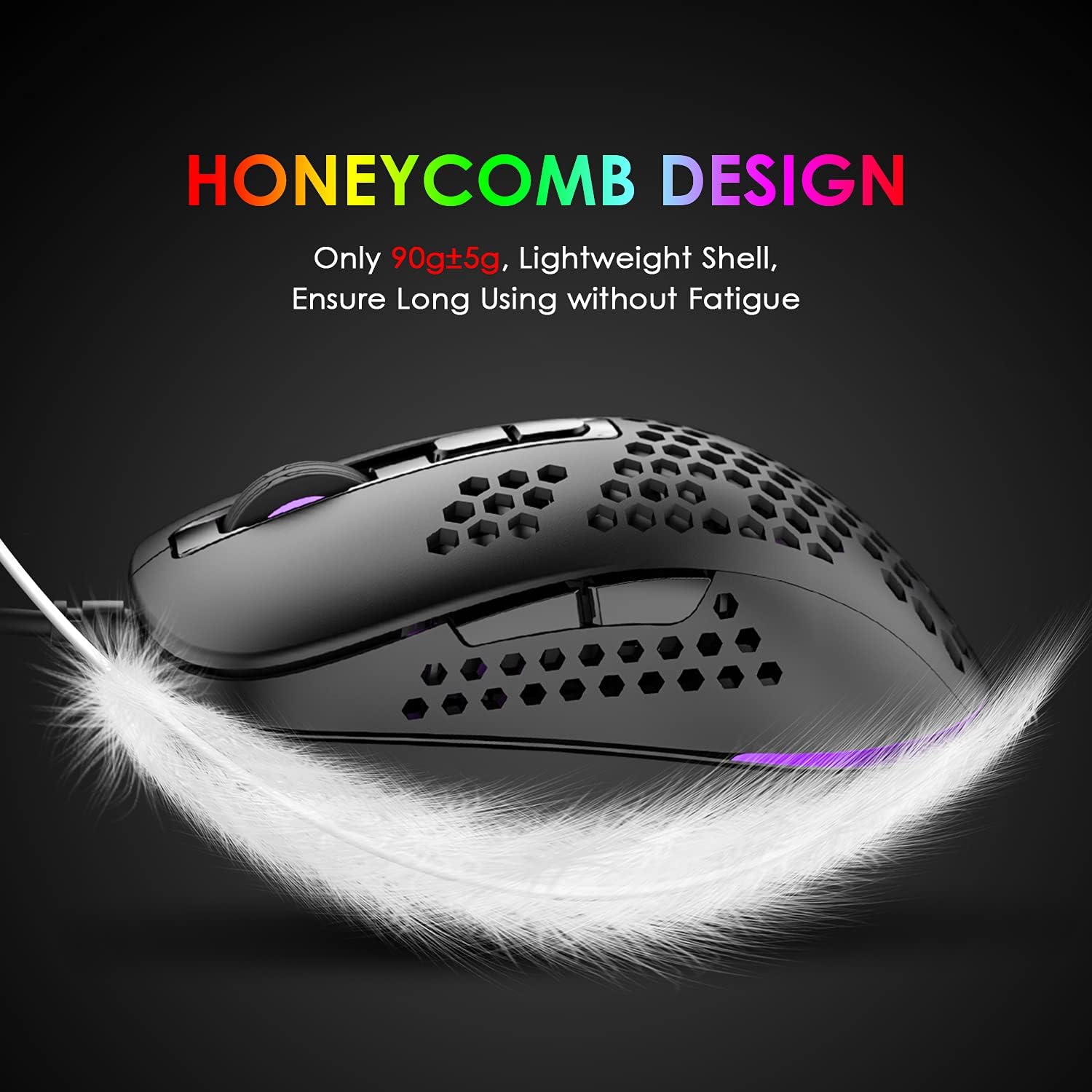
The shell uses an O‑shaped honeycomb perforation style that keeps weight down without making the mouse feel fragile. In practice, you’ll notice the lighter feel during fast flicks and ms‑level adjustments, though the holes are small enough not to be a distraction in the heat of a game. The shape is described as ergonomic to fit typical palms and fingers, aiming to reduce fatigue over extended play. The build relies on a PAW704 gaming chip for precise positioning and a claimed 10 million button life on the seven buttons.
DPI and responsiveness
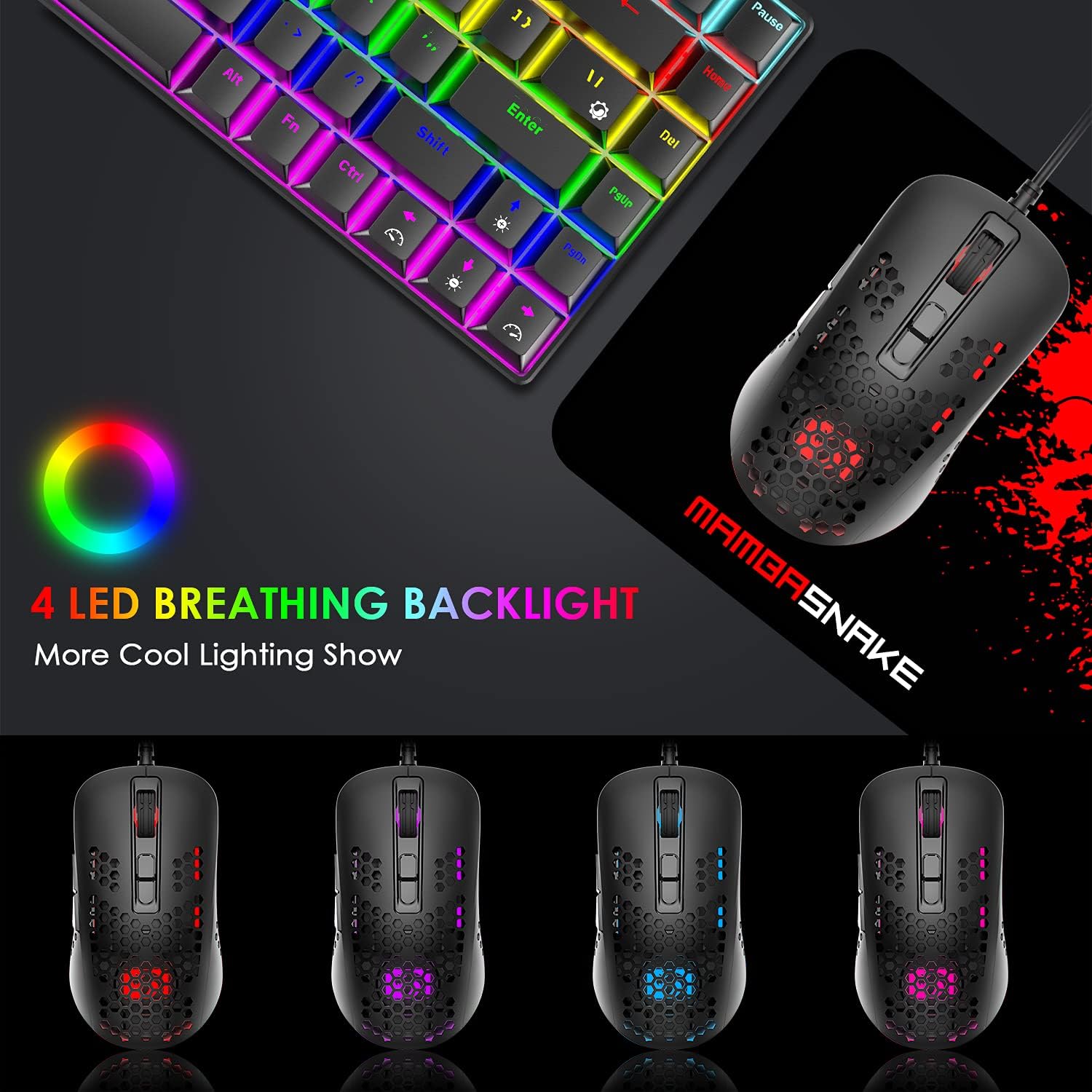
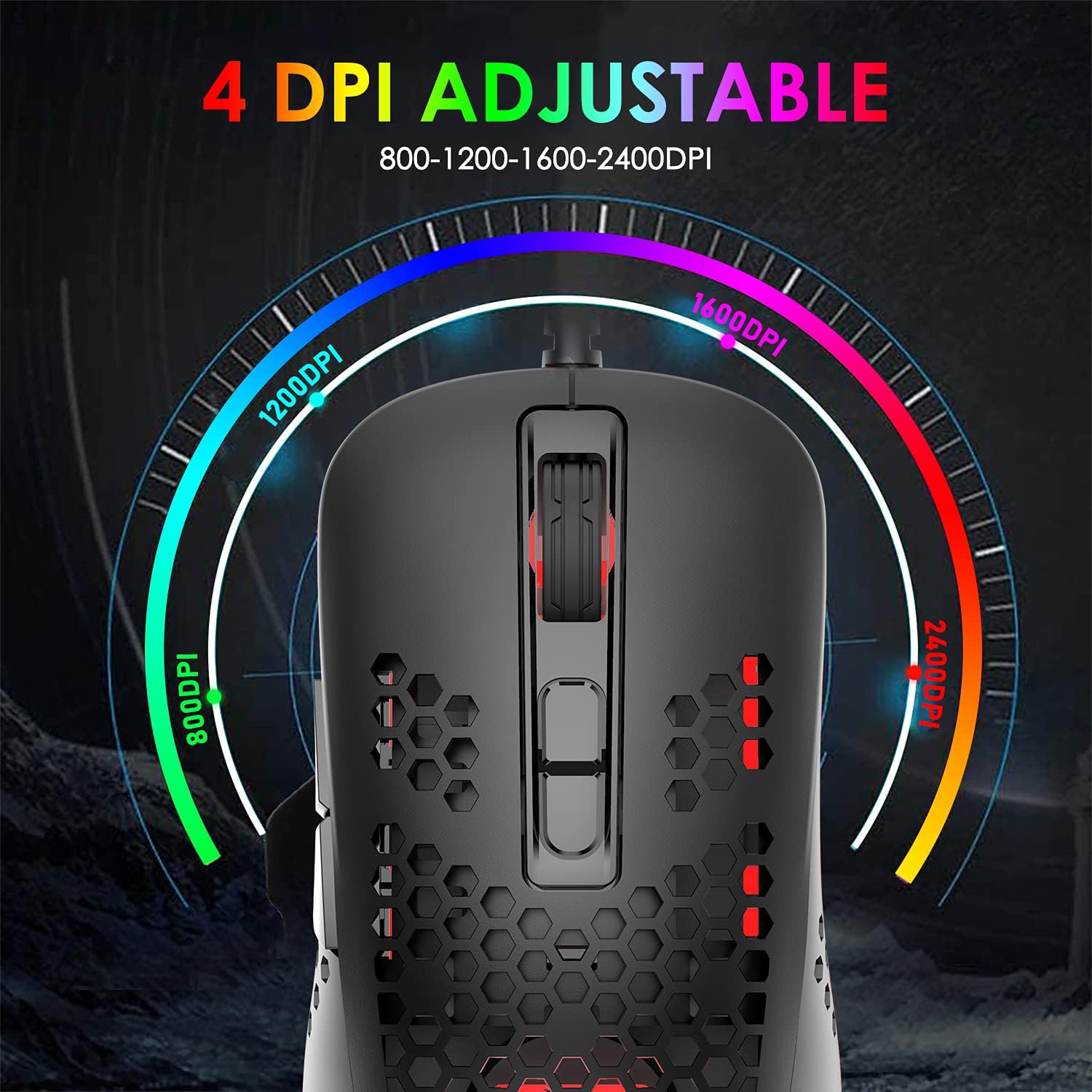
There are four adjustable DPI settings—800, 1200, 1600 and 2400—allowing you to tune sensitivity on the fly. This can be useful across genres, from precise aim in shooters to smooth cursor movement in strategy titles. The DPI changes are typically indicated by RGB backlighting, with each colour representing a different DPI level.
Lighting and aesthetics
The mouse features RGB breathing backlight with four monochrome modes. The lighting is designed to enhance night‑time use and provide a visual cue about the current DPI setting. If you prioritise a subdued, understated look, you might prefer the more conservative backlight options, since lighting can be a personal preference in a dark room.
Compatibility and setup
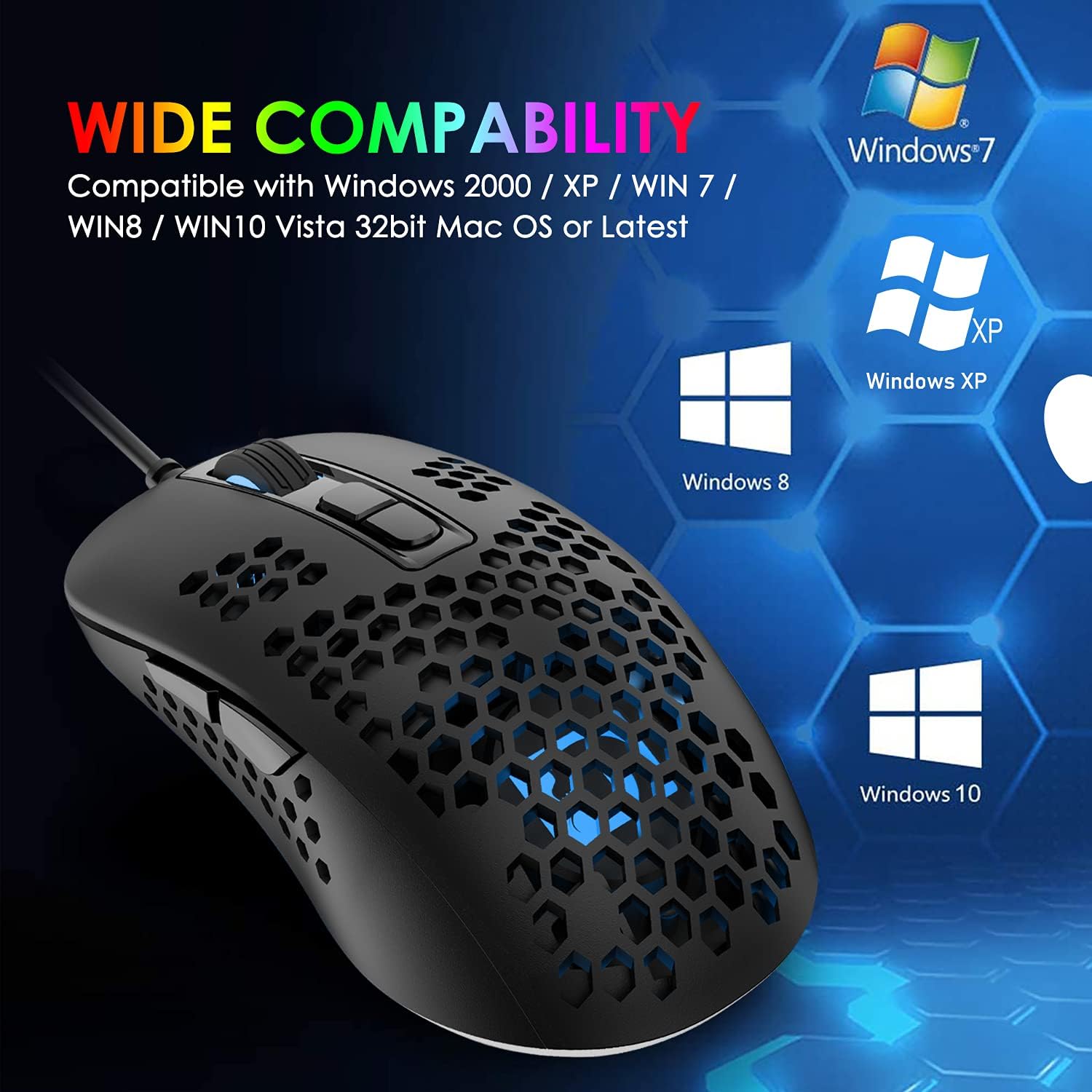
The device is marketed as broadly compatible: Windows XP through to Windows 8, plus Mac systems and consoles including Xbox and PlayStation platforms. The key point here is that no additional software or drivers are required—plug it in and you’re ready to go. This makes it a convenient choice for mixed setups or casual gamers who don’t want driver clutter. Do bear in mind that some users may expect finer tuning or macros that would require software on certain systems, those expectations aren’t addressed by this model.
What you gain and what you may miss
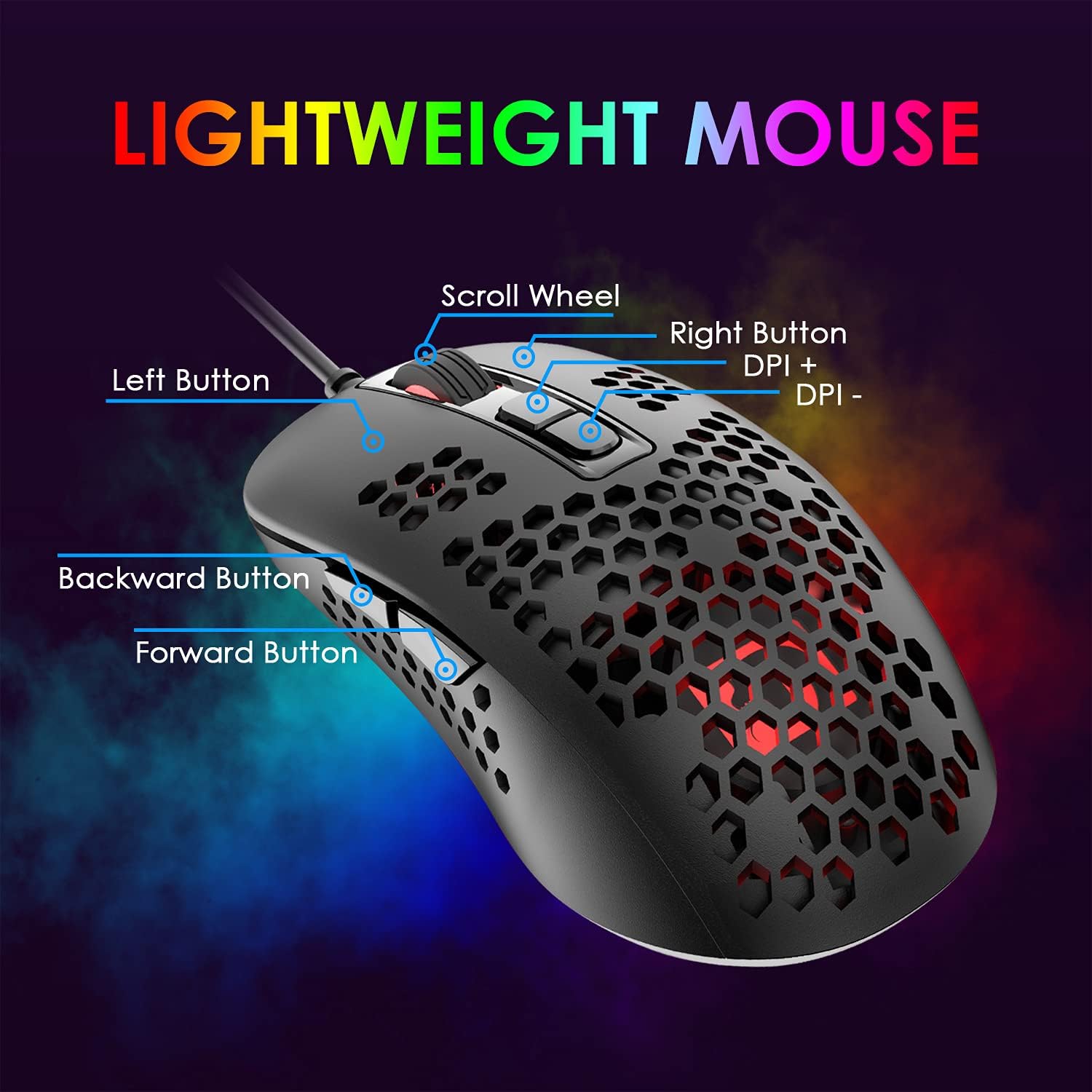
On the plus side, the ultralight design can help with speed and comfort, especially for players who value agility in mouse handling. The 7‑button layout offers versatility for different game genres without being overly complex. The 10 million click life claim is a standard benchmark and can be reassuring for regular use. On the downside, the DPI range tops out at 2400, which is perfectly adequate for many players but may be a limitation for those who crave higher sensitivity or bespoke macro control. The generic shell and plug‑in setup mean it won’t tailor to any niche grip style as aggressively as some premium models.
Who it’s for
This mouse is well suited to entry to mid‑level gamers who want a lightweight, affordable option with straightforward plug‑and‑play usability and a few lighting options. If you value a breathable feel under the palm and a simple DPI switch on the fly, you’ll likely appreciate the on‑the‑fly DPI adjustments. It’s a practical choice for a shared family PC, a budget gaming build, or a laptop‑based setup where extra weight and software complexity would be a bother.
Who it isn’t for
If you’re after a high‑end sensor suite, programmable macros, or a weight that’s closer to air, this model may not satisfy those expectations. Similarly, if you rely on software to profile settings per game or per user, you might find the lack of driver support limiting. For serious competitive players chasing higher DPI or custom mechanical switches, there are alternative options that push those boundaries.
What to check before buying
Ensure your preferred platform supports a basic USB optical mouse without specific driver requirements. Consider whether a 2400 DPI ceiling meets your gameplay needs and whether you value the ventilation benefits of a honeycomb shell. If you intend to use it mainly on consoles, verify any platform‑specific compatibility notes. Finally, think about grip style and whether the ergonomic shape aligns with your hand size and finger length for comfortable prolonged use.
Practical use case
Imagine switching from a standard, heavier mouse to this ultralight model mid‑session, the difference in inertia and turn speed can feel noticeable, especially during rapid crosshair adjustments in a shooter or quick‑detection tasks in a MOBA. The visual DPI indicator helps you stay aware of sensitivity changes during a tense moment, which can be handy when you need to adapt on the fly without breaking focus.
Technical snapshot
– Lightweight O‑shaped honeycomb shell designed to reduce weight and aid cooling – 4 DPI settings: 800, 1200, 1600, 2400 – 7 buttons with up to 10 million click life – PAW704 gaming chip for positioning accuracy – RGB breathing backlight with mode switching – Wired USB connection, no software required for basic operation
Should you buy it?
Is it worth it? This model offers a straightforward, budget‑friendly way to gain lighter handling and a few visual perks without dealing with software or drivers. It makes sense if you want a simple plug‑and‑play option that is easy to move between different devices and that doesn’t demand additional investment in peripherals. It may not be the best choice if you prioritise ultra‑high DPI, heavy customisation, or meticulous grip‑style tailoring. In everyday terms, it’s a practical entry to mid‑range gaming mice that respects cost and simplicity while delivering a distinctive, breathable design.
FAQ
- Does it require software to operate? No, it works out of the box with plug‑and‑play simplicity.
- Can I use it on Mac or consoles? Yes, it’s described as compatible with Mac and major consoles.
- How important is the weight for gaming? Lighter mice can improve manoeuvrability for quick flicks, but the feel also depends on grip and surface.