

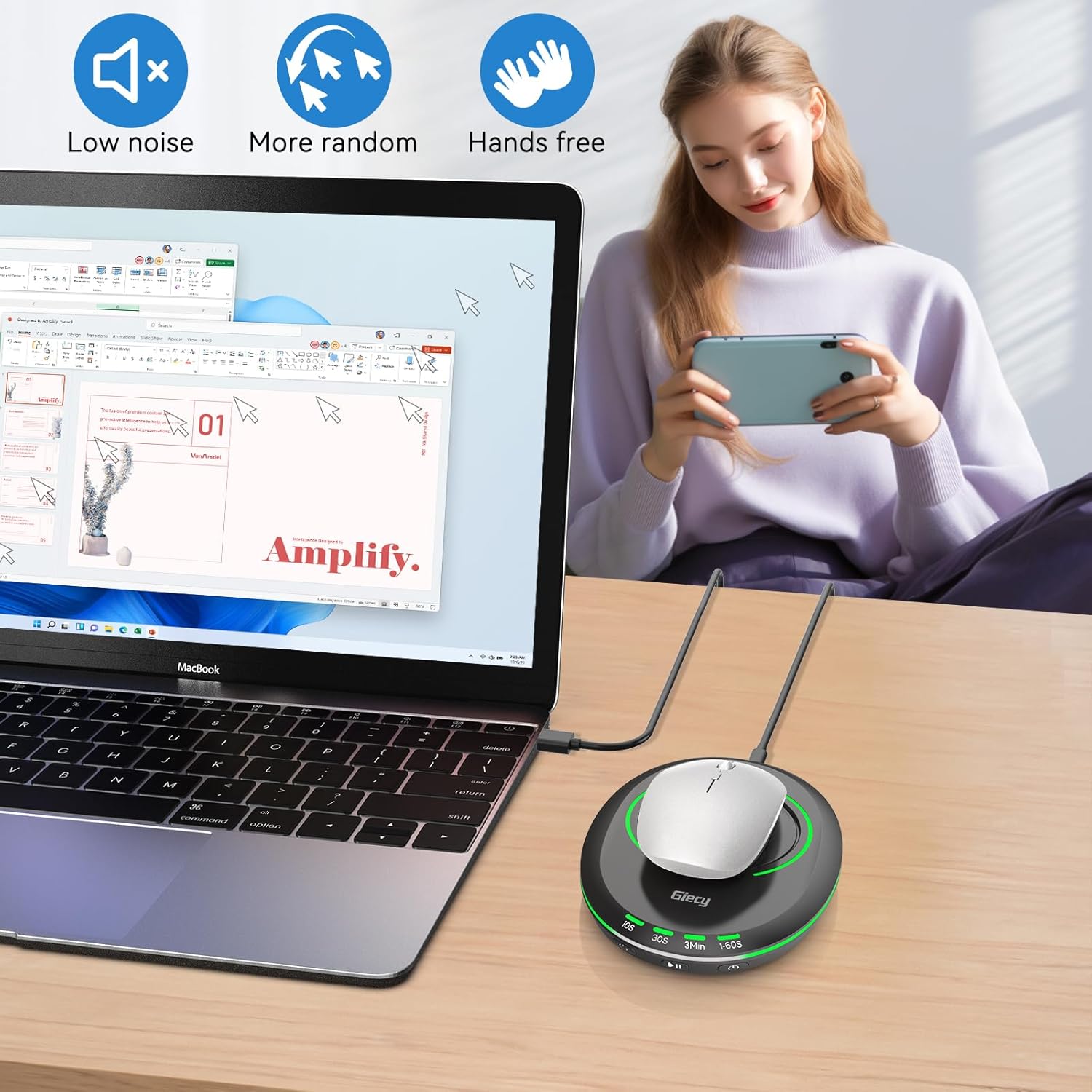
Giecy Ultra Slim Mouse Mover with Adjustable Interval Timer
Product description
What it is
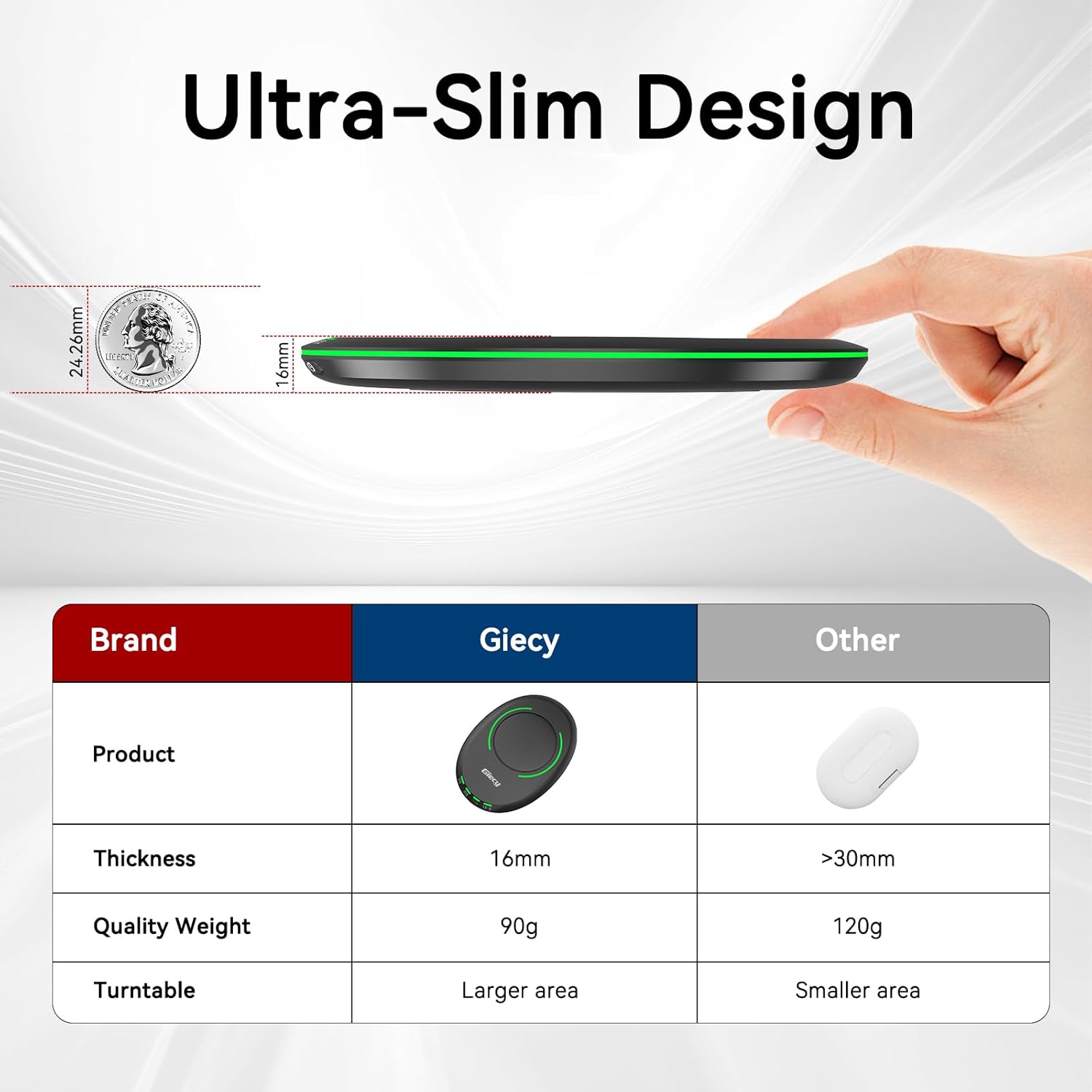
The Giecy Ultra Slim Mouse Mover is a compact device designed to keep a laptop or computer active by simulating natural mouse movements. With a thickness of just 16mm, it’s easy to carry between home, office, or on the move.
How it works
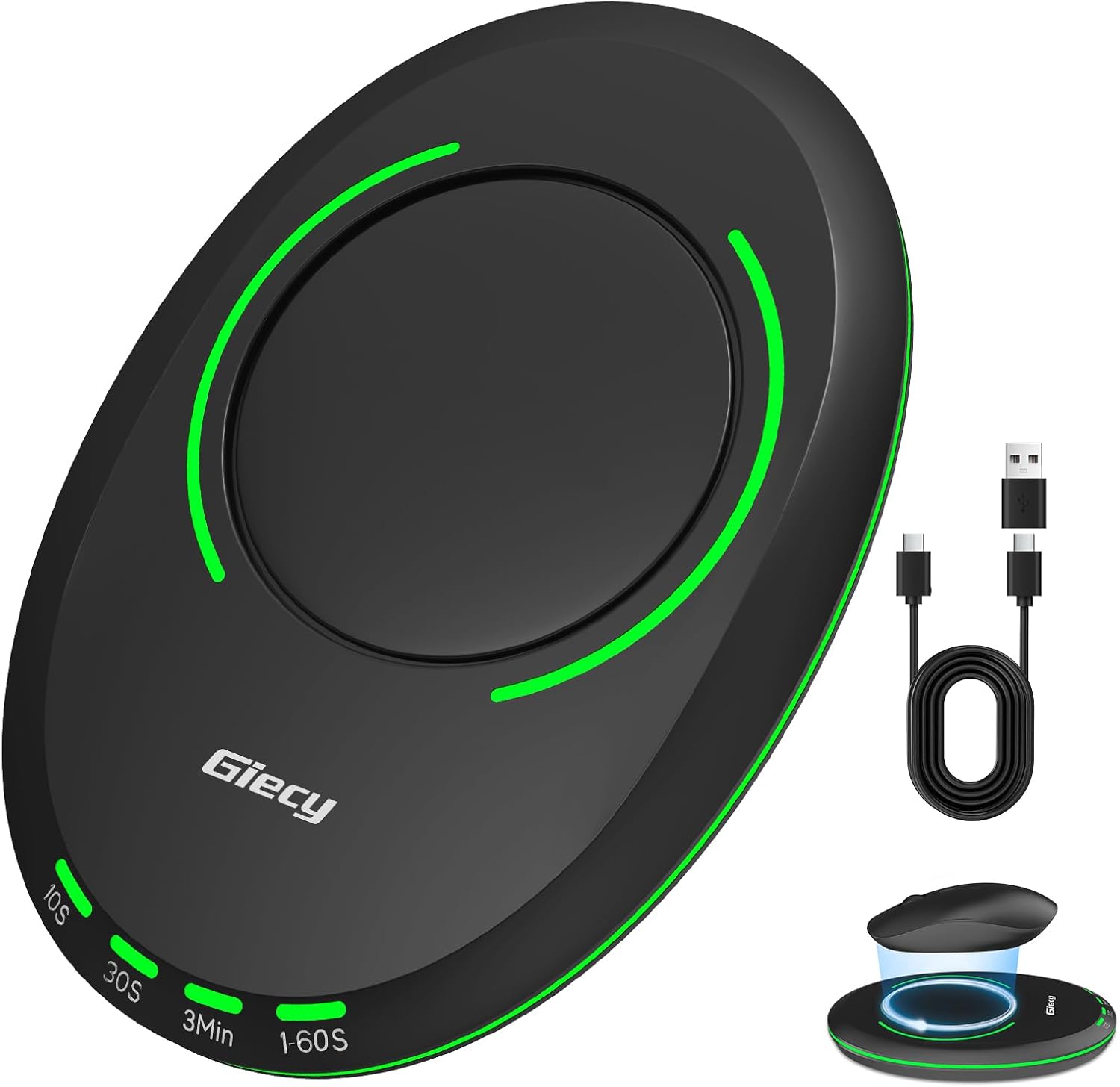
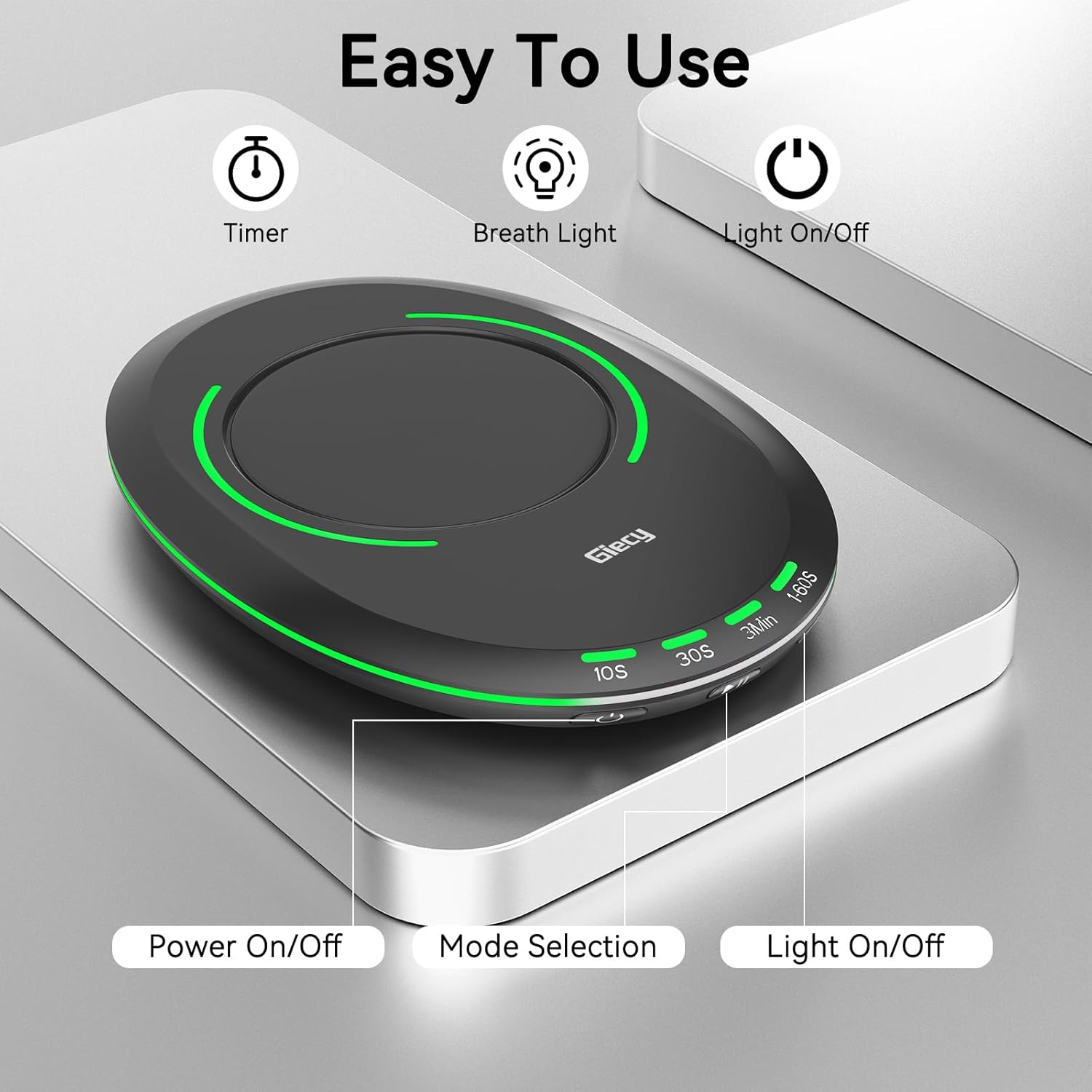
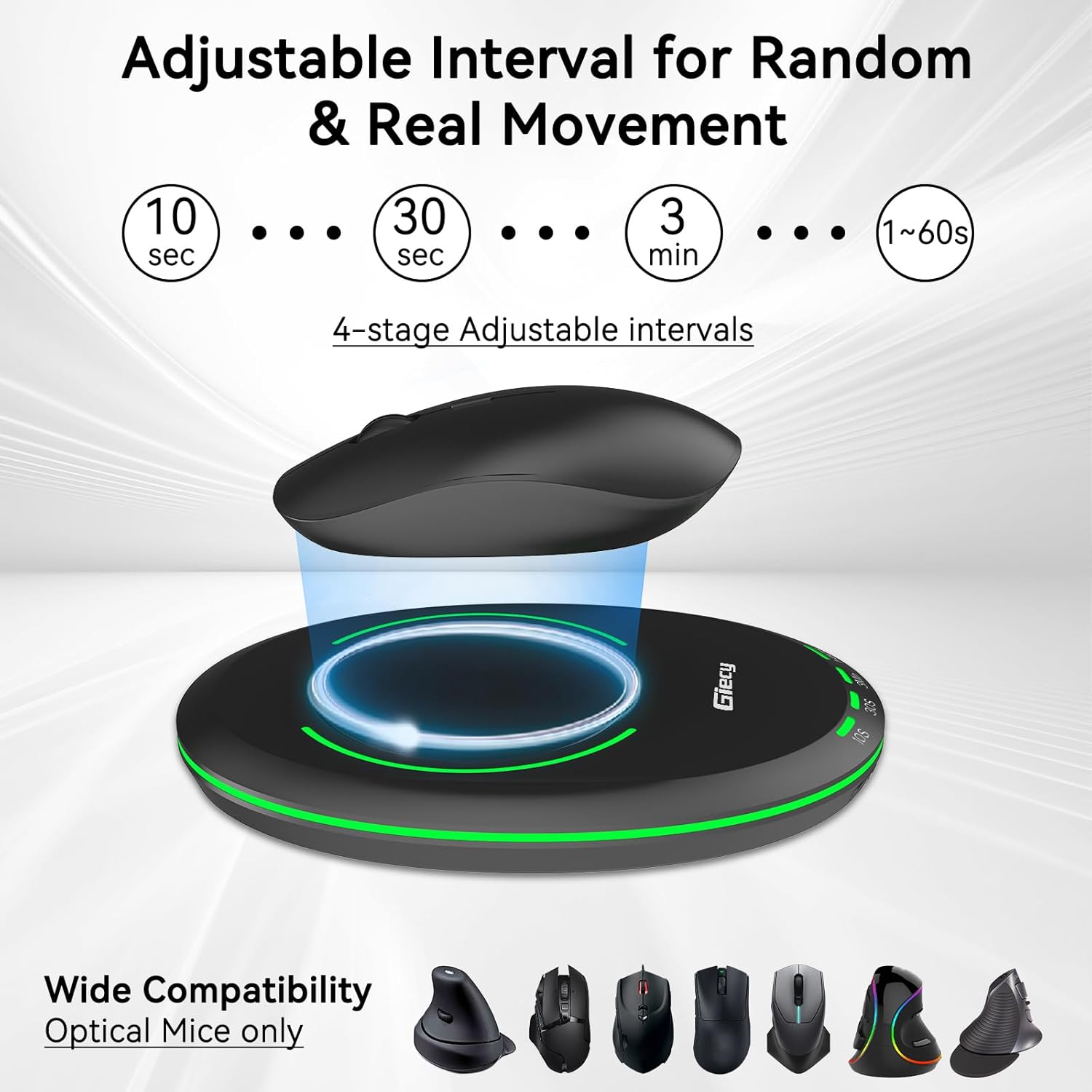
No software is required—just plug it in and it starts moving the cursor according to the settings. The interval timer is adjustable, so you can tailor the frequency and duration of movements to your workflow. This can help prevent sleep mode from kicking in and keep applications, downloads, or remote sessions alive as needed.
What stands out in everyday use
The movement is designed to feel realistic enough to avoid flags on common systems, and the operation is silent. A soft breathing light adds a subtle visual cue without being distracting, making it suitable for use alongside focused work or in shared spaces.
Pros and what to watch out for
Pros: compact, plug-and-play, adjustable intervals, quiet operation, unobtrusive breathing light, designed to resemble natural cursor movement. Limitations: since it relies on automated cursor movement, results depend on system policies and activity requirements, it may not be suitable for all software environments or security setups. Consider whether your workload truly benefits from simulated activity, rather than a prolonged idle state.
Who it’s for
If you need a simple, low-profile way to prevent sleep mode during long tasks, testing, or data transfers on a computer, this device can be convenient. It’s likely a better fit for those who prioritise practicality and portability over high-end, feature-rich options.
Who might want to skip it
If you require precise input control, detailed automation, or interaction with specific software that detects non-human movements, this gadget may not meet those needs. It also won’t replace a proper workflow refresh or breaks for productivity in all scenarios.
When it makes sense to buy
When you want a straightforward, portable solution to keep a computer active without installing software. Particularly useful for temporary demonstrations, long data transfers, or environments where software installation isn’t possible.
What to check before buying
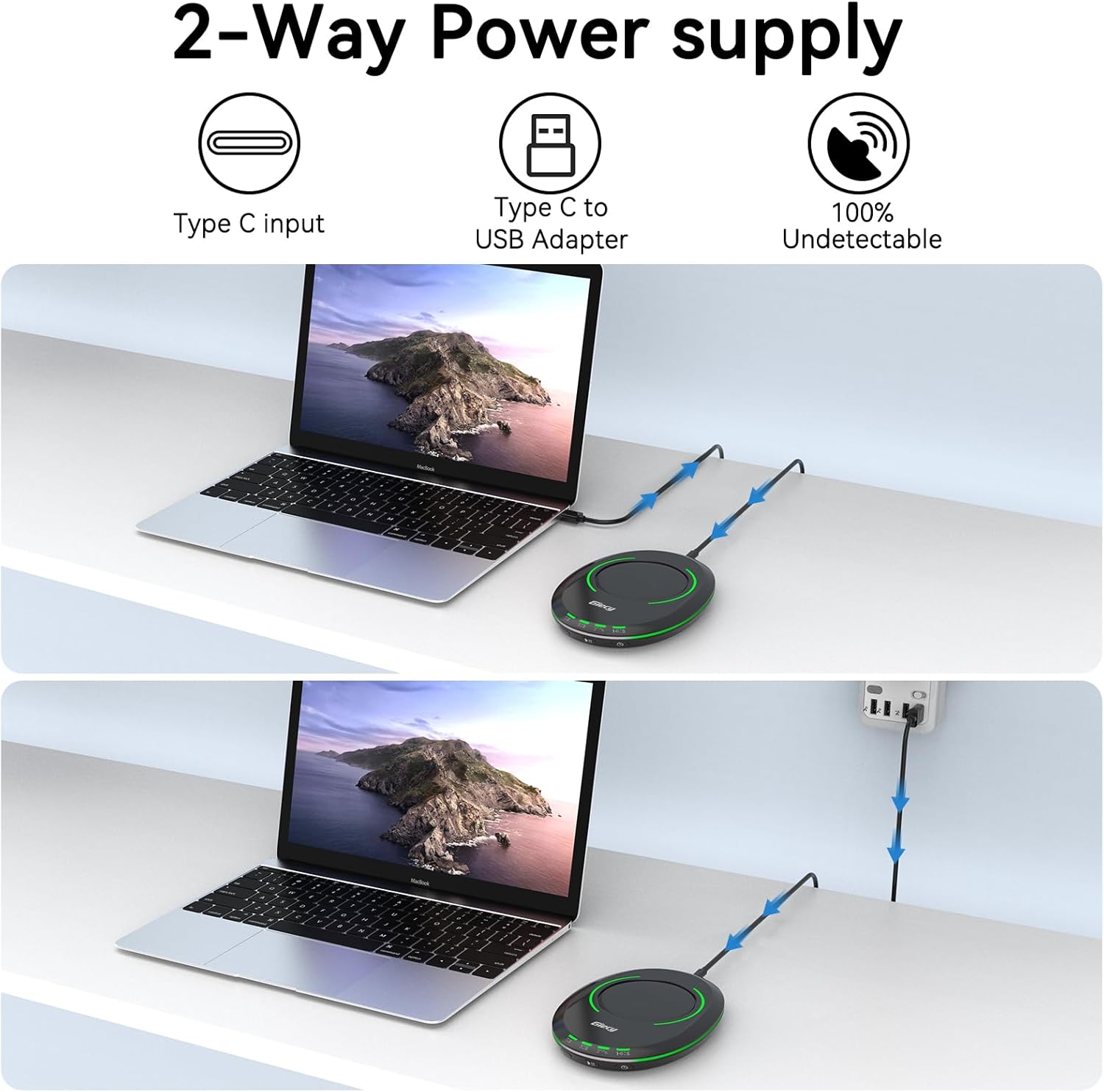
Confirm compatibility with your system’s sleep settings and any security policies that might restrict simulated input. Check the device’s height (16mm) to ensure it fits your workspace setup and that the breathing light meets your preference for visibility.
Practical example of use
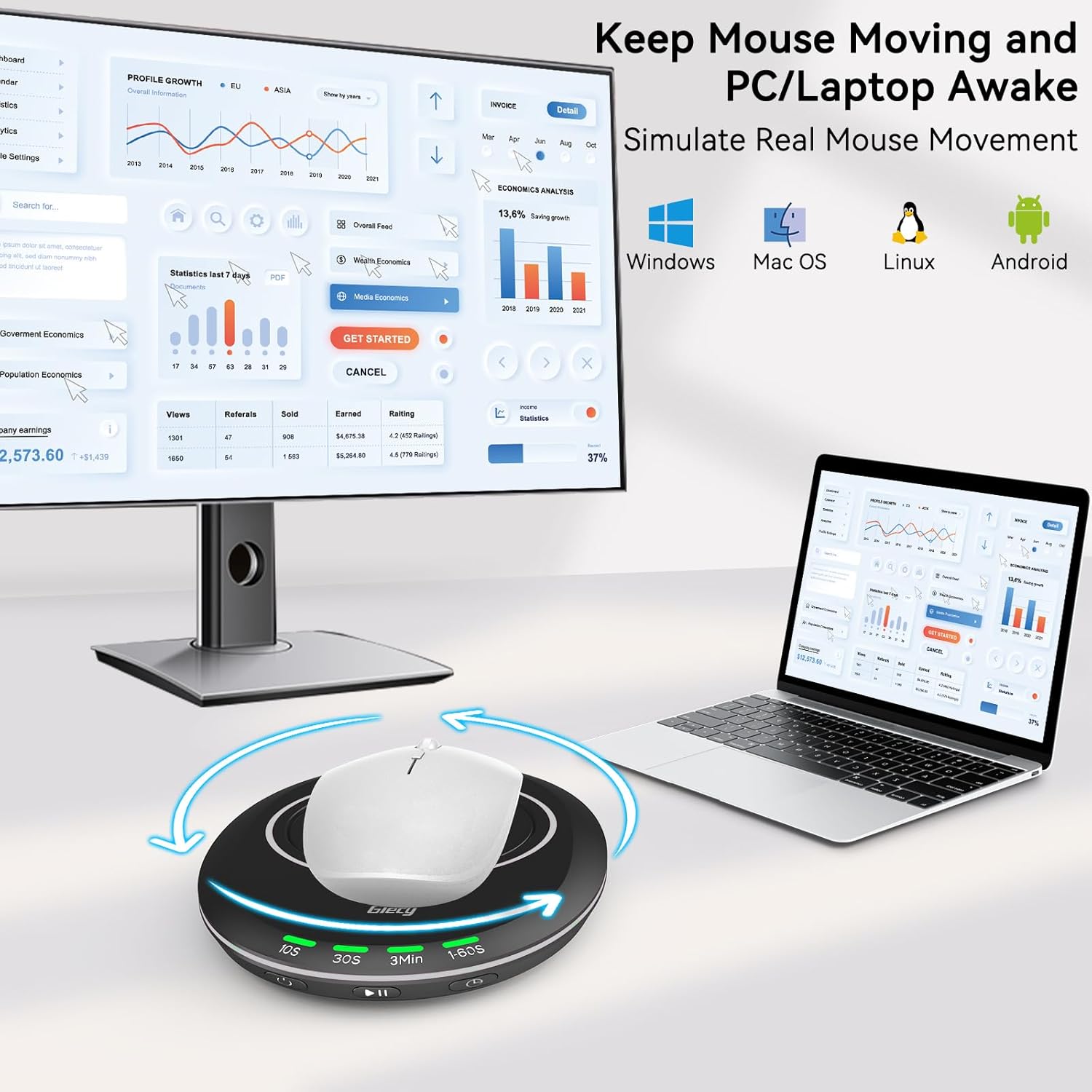
Imagine a long software build or download that would normally trigger sleep after a period of inactivity. With the Giecy mover, you set a gentle interval and let it run in the background. You notice continuity in activity like screens staying awake and progress indicators advancing, without manual intervention.
What alternatives or approaches to consider
If you want more advanced automation or precise control, a dedicated macro tool or software-based solution could be more appropriate—though that would require installation and may not suit plug-and-play needs. For many, a simple, passive option like this mouse mover provides a practical middle ground between convenience and discretion.
Final decision
Final verdict: It makes sense if you need a compact, low-hassle way to keep devices awake without software and with minimal setup. It isn’t a universal fix for all productivity scenarios, but for straightforward keep-active needs it offers a sensible balance of portability and usability.
FAQ
- How does it stay undetectable? It mimics natural cursor movement patterns and requires no software installation, reducing the likelihood of being flagged by simple activity checks.
- Will the breathing LED bother me? The light is described as gentle and unobtrusive, designed to be unobtrusive in most work environments.
- Can I adjust how often the cursor moves? Yes, the device includes an adjustable interval timer to tailor frequency and duration of movements.