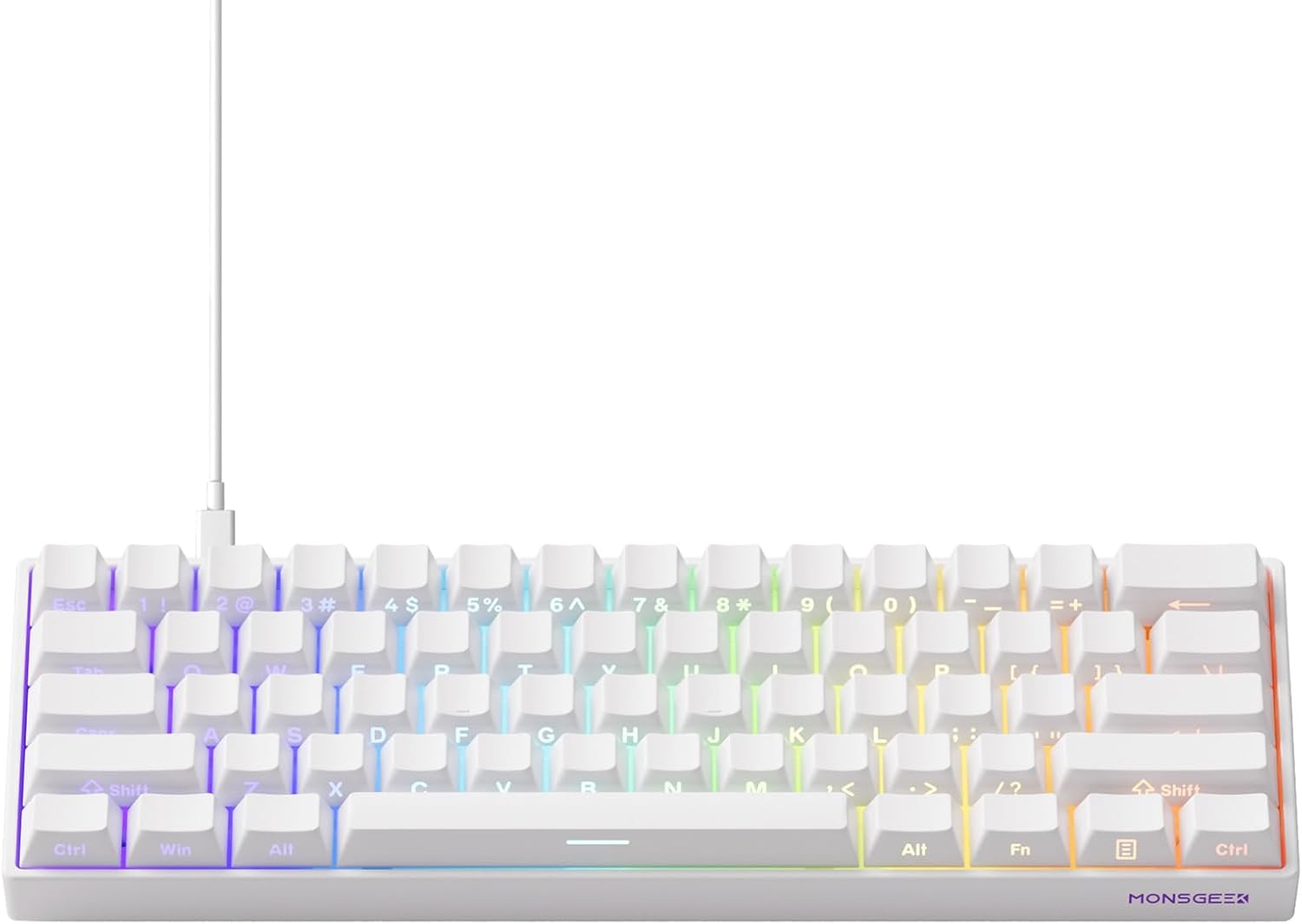
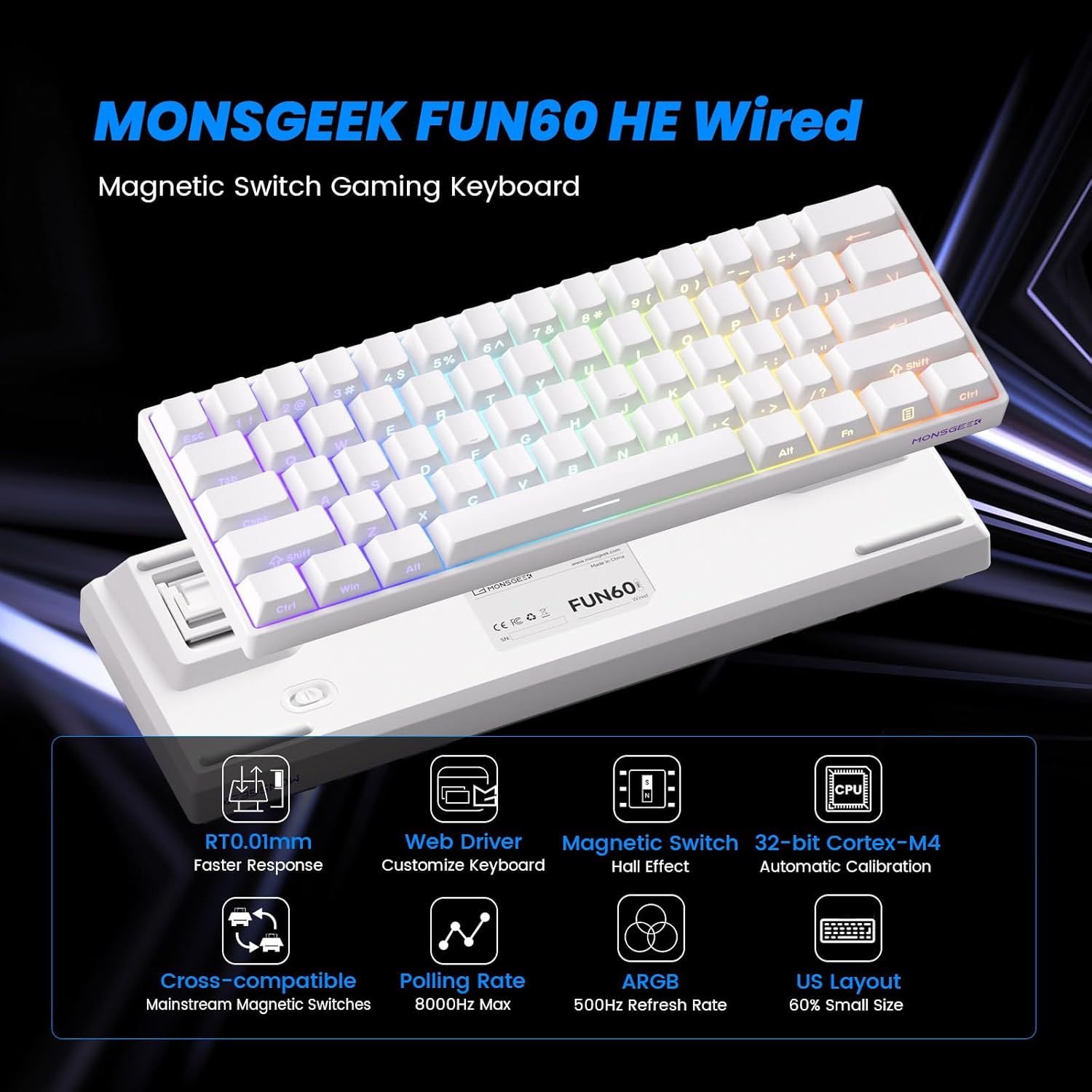
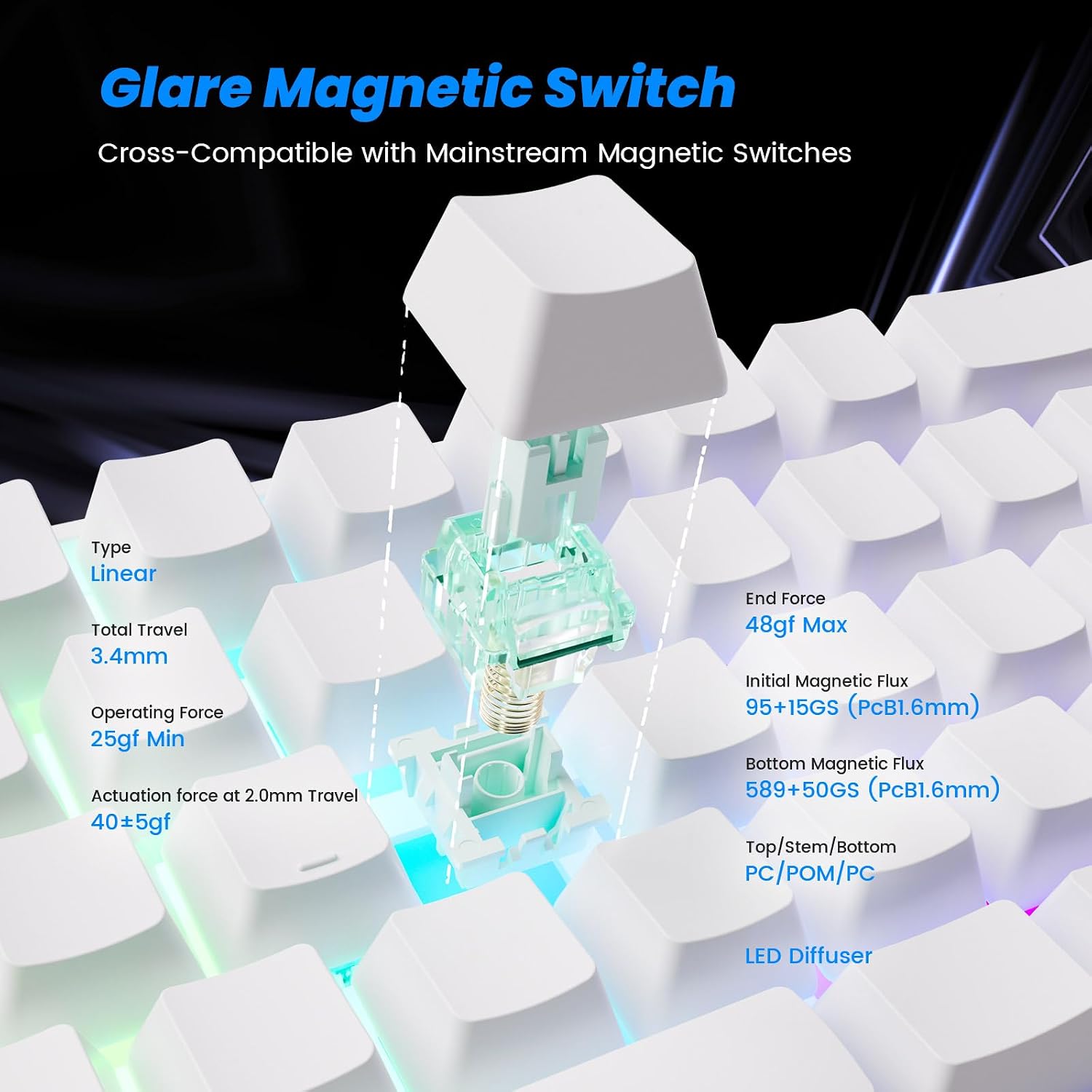
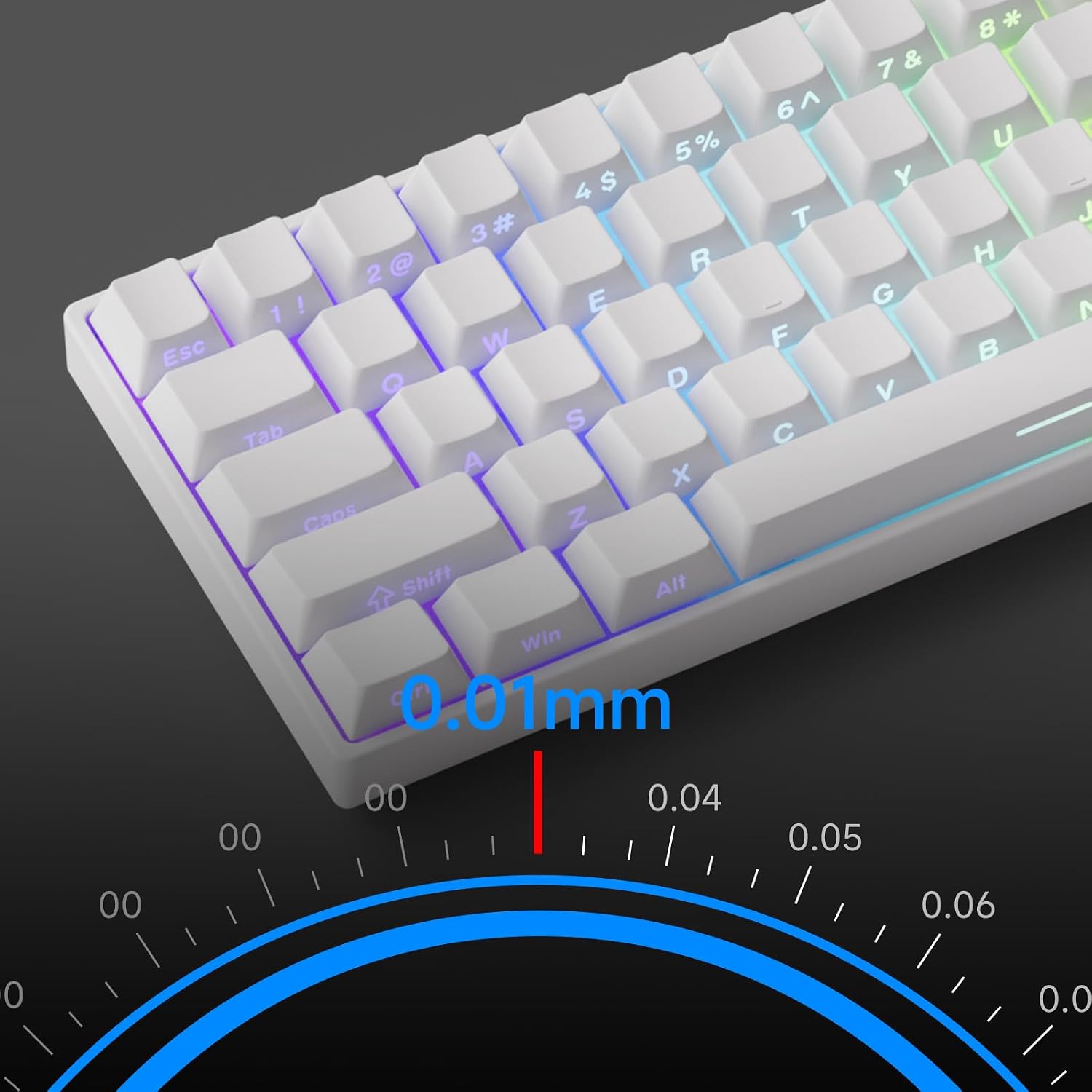
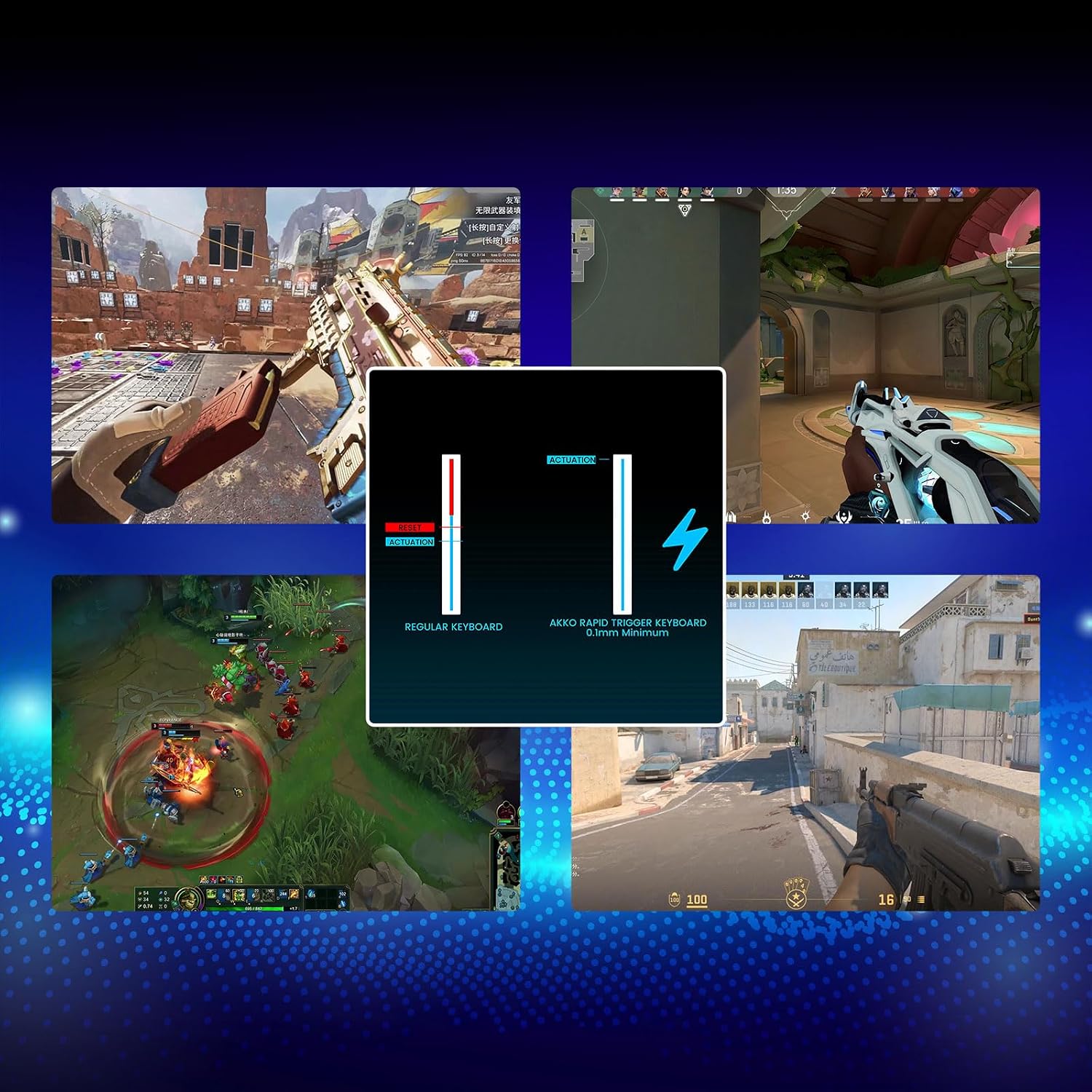
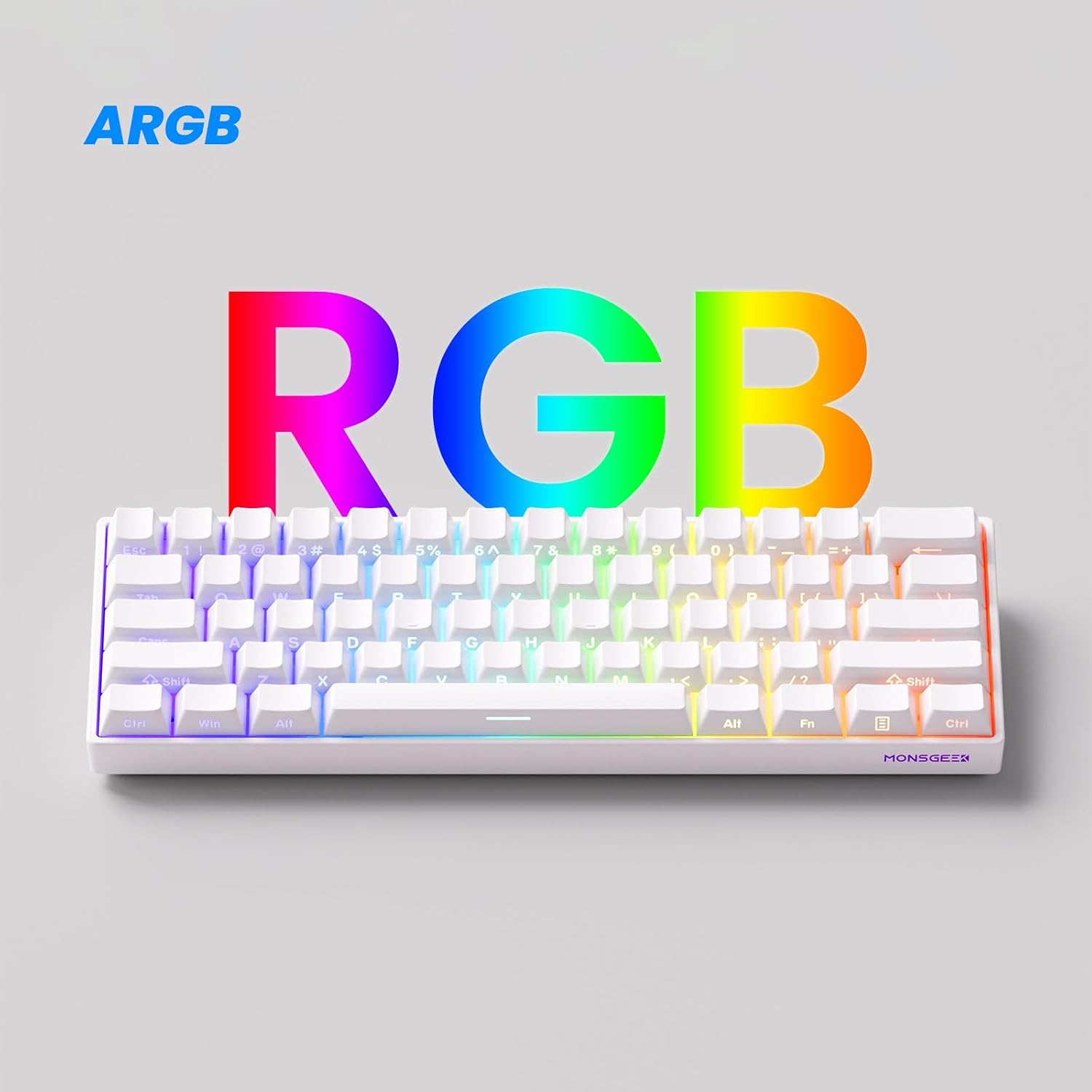
What it is and who it’s for\nThe MONSGEEK FUN60 Pro is a compact 60% wired gaming keyboard designed for speed and precision. If you favour a minimalist setup without sacrificing performance, or you’re chasing tighter actuation for competitive play, this keyboard aims to deliver. Its core promise is ultra-precise rapid triggering, with adjustable actuation in 0.01mm steps and a claimed accuracy down to 0.01mm. That level of tuning could matter if you value consistent keystroke response across games and types of input.\n\n## Core value proposition and how it translates in use\nOn paper, the ability to adjust actuation distance in tiny increments lets you fine‑tune for faster responses or longer keystrokes depending on the task. The FUN60 Pro also supports a suite of functional features—DKS, Toggle Key, Mod-Tap, among others—that are useful for specific gaming workflows or custom layouts. The inclusion of Hall effect sensors and compatibility with mainstream magnetic switches broadens potential tuning options beyond a single switch type. In practice, this means you could mix switches across keys and calibrate the board to suit different games or tasks.\n\n## What’s good and what might hold you back\nWhat stands out is the combination of precision actuation and high polling, quoted at 8K Hz. In theory, that should translate to lower latency and smoother input processing, which is attractive for fast shooters or rhythm-heavy titles. The ARGB lighting adds visual appeal with individually controllable LEDs, and a 500 Hz refresh rate helps keep the lighting transitions responsive. On the downside, a 60% layout means fewer convenient keys for non-game tasks, so it’s not ideal if you rely heavily on a dedicated number pad or media controls without remapping. Additionally, the experience of mixing and matching external magnetic switches depends on compatibility and calibration steps in MonsGeek Driver, which may be a learning curve for some users.\n\n## How it fits different users\nIt suits players who prioritise speed and customisation in a compact form factor. If you’re building a pared-back battlestation or prefer a keyboard you can tailor to individual games, FUN60 Pro could be a good match. It’s less ideal for anyone who needs extensive macro keys or a full‑size board for office workflows.\n\n## Before you buy: practical checks\n- Confirm you’re comfortable with the 60% layout and the potential need to remap keys for day-to-day tasks.\n- Consider whether you’ll benefit from magnetic switch compatibility and the calibration process in the driver software.\n- If you value more traditional lighting effects or higher in-game macro depth, compare how ARGB and the available features meet those needs.\n\n## How it compares to the broader approach\nIn the spectrum of gaming keyboards, this model leans towards a niche for speed‑focussed players who want tunable actuation. It’s a pragmatic option if you’re exploring mechanical options beyond fixed switch types, rather than a plug‑and‑play upgrade for general use.\n\n## Final verdict\nFinal verdict: Worth considering if you prioritise precise, tunable actuation in a compact design and you’re comfortable with a 60% form factor. If you place heavy emphasis on a full keyboard layout or plug‑and‑play simplicity, you might prefer a model with more traditional features or broader switch compatibility out of the box.\n\n## Practical FAQ\n- How adjustable is the actuation? Actuation distance can be adjusted in 0.01mm steps, offering fine control.\n- Can I mix different magnetic switches? Yes, the FUN60 Pro supports compatibility with multiple magnetic switches and calibration via the MonsGeek Driver.\n- Is the 60% layout enough for daily tasks? It’s great for compact setups and gaming, but you may miss dedicated arrow keys or a numpad for certain productivity tasks.\n- What about latency and polling? It advertises 8K Hz polling for low latency, real-world results depend on system factors and game optimisations.\n- How important is the ARGB feature? ARGB lighting is primarily aesthetic, though it can aid in quick visual cues during gaming sessions.