

Lenovo 100 Wireless Combo Keyboard and Mouse (nano USB receiver)
Product description
Overview
If you want a simple wireless setup without fiddling with multiple receivers, the Lenovo 100 Wireless Combo Keyboard and Mouse is built around that idea. On paper, it pairs an ultra-slim keyboard frame with a compact mouse, both controlled by a single nano USB receiver. That matters if you’re setting up a home office, a spare PC, or a basic workstation where desk space and hassle-free setup are the priority.
It’s also clearly aimed at everyday use rather than demanding “enthusiast” requirements. The mouse resolution is listed at 1600 DPI, which is perfectly workable for typical browsing, email, and documents, but it’s not the kind of spec that screams performance for fast-paced gaming.
What to know before you buy
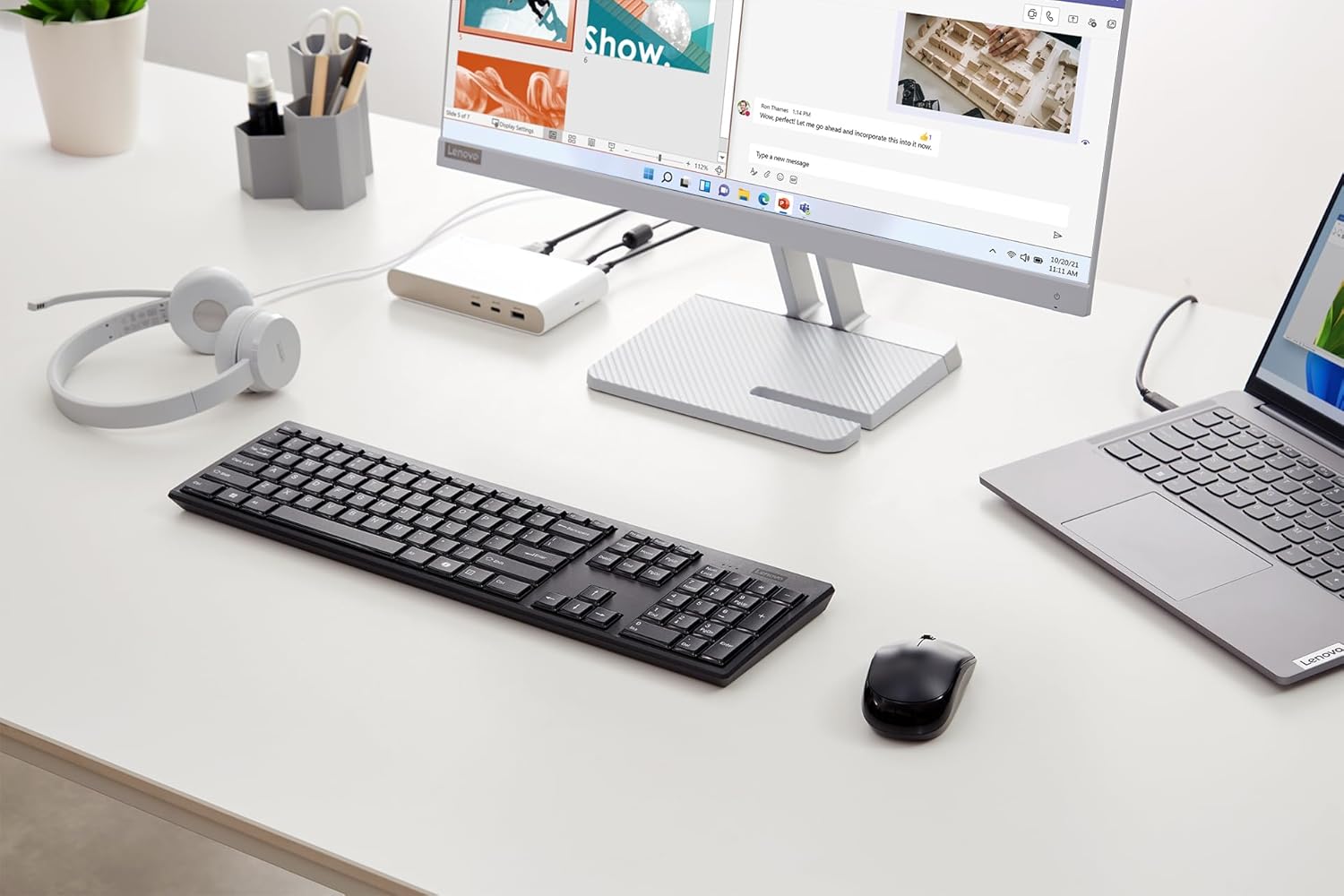
The biggest practical convenience here is the one nano receiver USB setup. With one small dongle, you can control both the keyboard and the mouse, which helps keep your laptop/PC ports tidier.
The other detail worth factoring in is the battery life claim. Lenovo states “up to 12 months” for the keyboard and “up to 6 months” for the mouse, and it explicitly notes this can vary depending on usage. That “up to” wording is normal for wireless accessories, but it means you should expect real-world performance to depend on how often you use it, whether you switch between tasks frequently, and whether you forget to turn things off.
Finally, the keyboard is described as having a splash-resistant design with a drainage hole. That’s not a licence to be careless with drinks, but it can be reassuring if you’ve ever worried about the occasional accidental spill at a desk.
Key features that show in day-to-day use
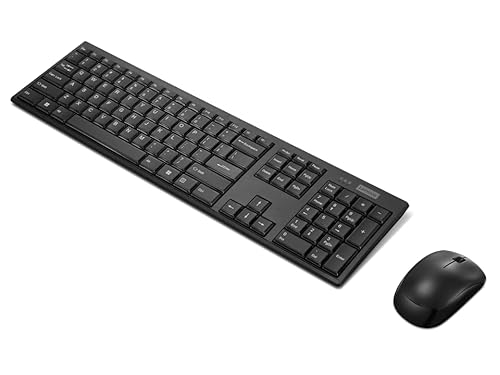
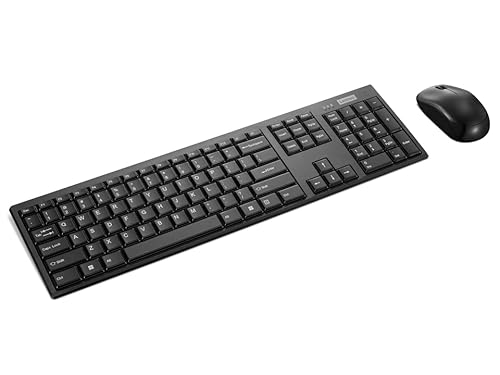
The combination of a slim keyboard frame and a compact mouse makes this kit feel designed for a less cluttered desk. It’s the sort of product you’d notice more because it’s neat and straightforward than because it offers some standout “wow” factor.
In everyday terms, you can expect: - A straightforward wireless experience through a single nano USB receiver - Mouse control at 1600 DPI, suited to general navigation and office-style tasks - A keyboard that’s positioned as more tolerant than standard designs if the worst happens (splash resistance plus a drainage hole)
There’s one limitation to keep in mind: the available information doesn’t suggest this is built for high-speed precision work or competitive gaming. If you’re buying for fast, twitch-heavy gameplay or you have very specific performance expectations, you may find yourself looking at more specialised input devices instead.
Tech specs
- Type: Wireless combo keyboard and mouse set
- Name: Lenovo 100 Wireless Combo Keyboard and Mouse
- Mouse resolution: 1600 DPI
- Receiver: 1 nano USB receiver to control both keyboard and mouse
- Keyboard battery life: up to 12 months (varies by usage)
- Mouse battery life: up to 6 months (varies by usage)
- Keyboard design: ultra-thin keyboard frame, splash-resistant design with drainage hole
Who it suits (and who should look elsewhere)
This is likely to suit you if you want a value-focused wireless bundle that keeps setup simple and your desk reasonably uncluttered. It makes sense for home working, studying, light admin, and general computer use where reliability and convenience matter more than chasing top-end mouse sensors.
It’s not the best match if you’re prioritising gaming-level responsiveness and precision. With only 1600 DPI mentioned, you’d be buying on office practicality rather than performance bragging rights. Also, because the battery life figures are “up to” and vary, anyone who uses their mouse constantly for long sessions should consider that real battery intervals may be shorter.
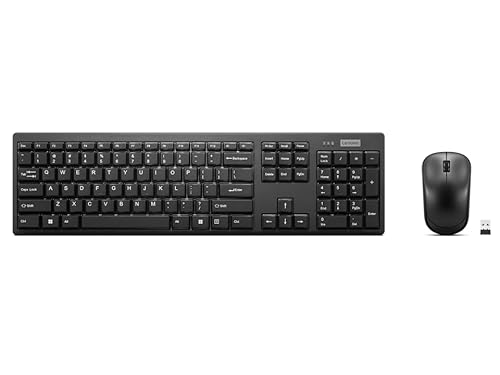
If you’re the type who likes to keep one tiny dongle plugged in and forget about it, this kind of combo is exactly the right direction.
Practical usage example
Imagine you’ve got a laptop on a desk at home. You plug in the nano USB receiver once, then you can switch between writing notes on the keyboard and moving around spreadsheets or documents with the mouse—without having to allocate two USB ports. If you’re the sort of person who keeps a drink nearby while working, the splash-resistant keyboard design with a drainage hole is also the kind of reassurance that can prevent a minor incident from becoming a full-on replacement job.
Is it worth it?
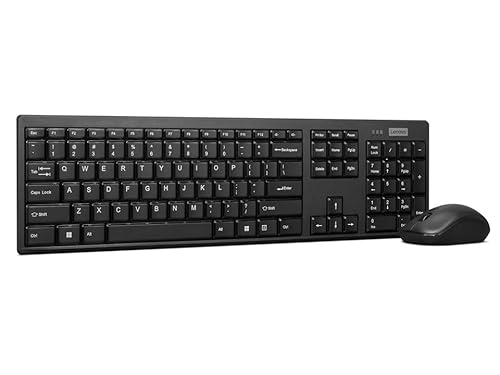
Worth considering if you want an easy wireless combo with one nano USB receiver, a slim keyboard frame, and a mouse suitable for everyday navigation, plus a keyboard designed to better handle accidental splashes. The stated battery life (up to 12 months keyboard, up to 6 months mouse) also fits well with people who prefer to swap batteries rarely.
You may want to skip it if you’re buying primarily for competitive gaming or you need specialised sensor/performance features beyond what’s mentioned here. It’s more “get work done reliably” than “push performance to the limit”.
Quick FAQ
Does it use one USB receiver for both devices?
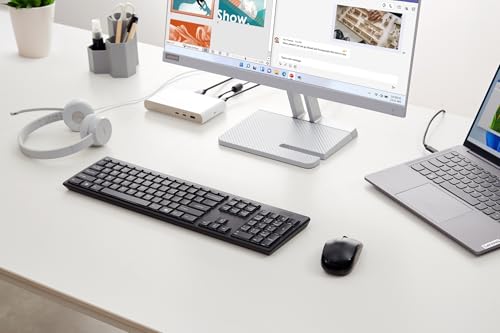
Yes. The set uses 1 nano USB receiver to control both the keyboard and the mouse.
What mouse resolution does it have?
The mouse is listed with a resolution of 1600 DPI.
How long do the batteries last?
Lenovo lists up to 12 months for the keyboard and up to 6 months for the mouse, but it can vary depending on usage.
Is the keyboard splash-resistant?
The keyboard is described as resistant to splashes and includes a drainage hole, which is helpful for accidental spills.
Is it suitable for gaming?
It’s best viewed as an everyday office-style kit based on the information provided, especially the 1600 DPI figure. If gaming performance is your main goal, you may want to compare against more gaming-focused input options.