

Razer BlackWidow V3 Mini HyperSpeed (Yellow Switch) – 65% Wireless Mechanical Keyboard
Product description
What it is and who it’s for
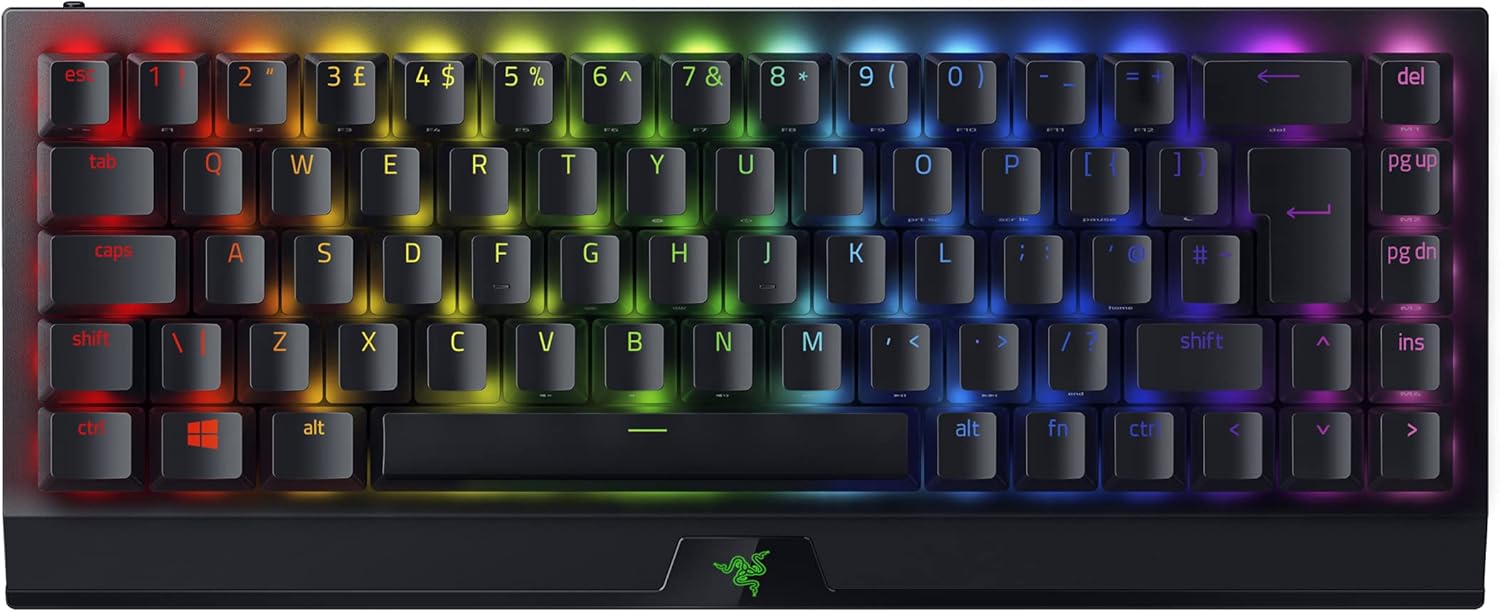
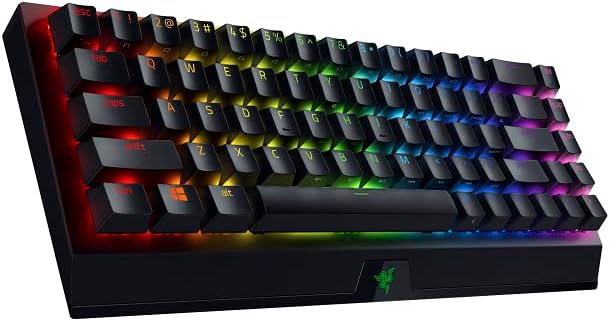
If you’re after a compact, space-saving keyboard that doesn’t compromise on functionality, the Razer BlackWidow V3 Mini HyperSpeed offers a 65% layout with arrow keys. It’s designed for smaller desks or minimalist setups where every millimetre matters, yet you still get full gaming capability and quick access to essentials.
How it connects and stays powered
The keyboard supports three connection modes via Razer HyperSpeed: wireless 2.4 GHz for low latency gaming, Bluetooth for multi-device pairing (up to three devices), and USB-C for wired use or charging while playing. This flexibility makes it practical if you switch between a PC, laptop, and a tablet, or if you want to reserve battery life for gaming sessions.
The typing feel and noise profile
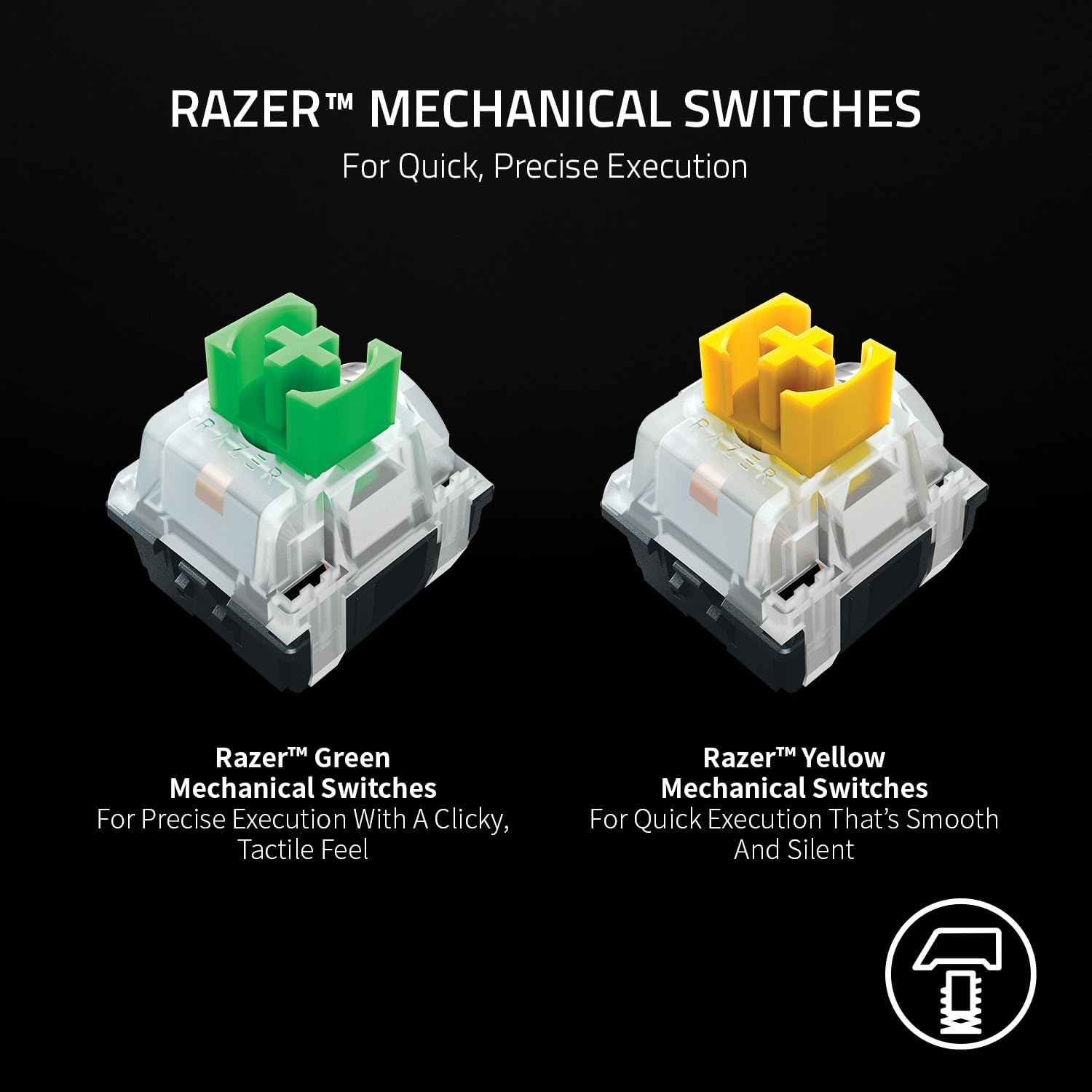
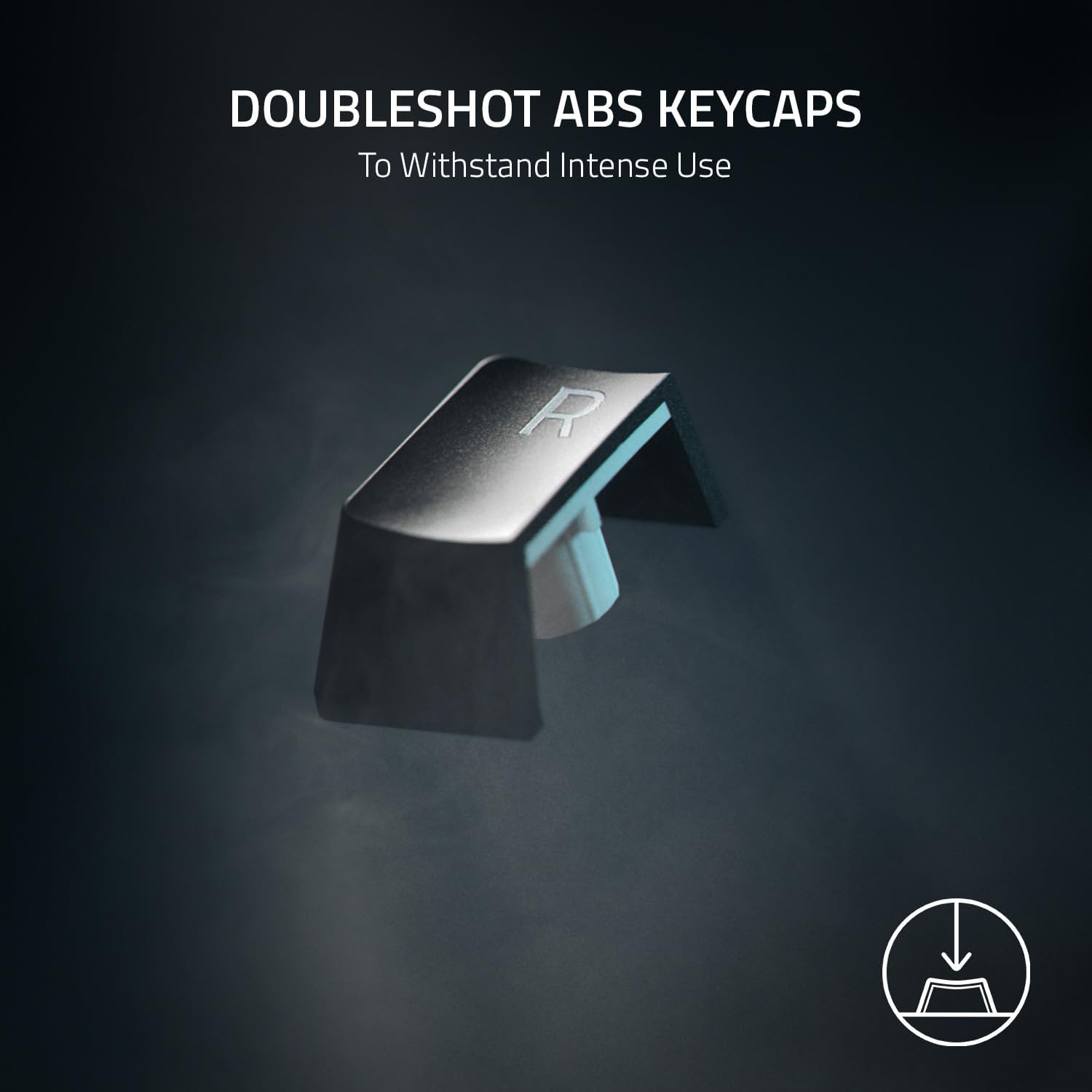
Razer Yellow mechanical switches aim for quick, smooth keystrokes with a minimal sound footprint thanks to dampeners. The result is a relatively quiet but precise feel that suits competitive gaming and late-night play without rattling neighbours or colleagues. The full-height keycaps align with a typical gaming keyboard experience, so you’re not sacrificing familiarity for compactness.
Lighting and ambience
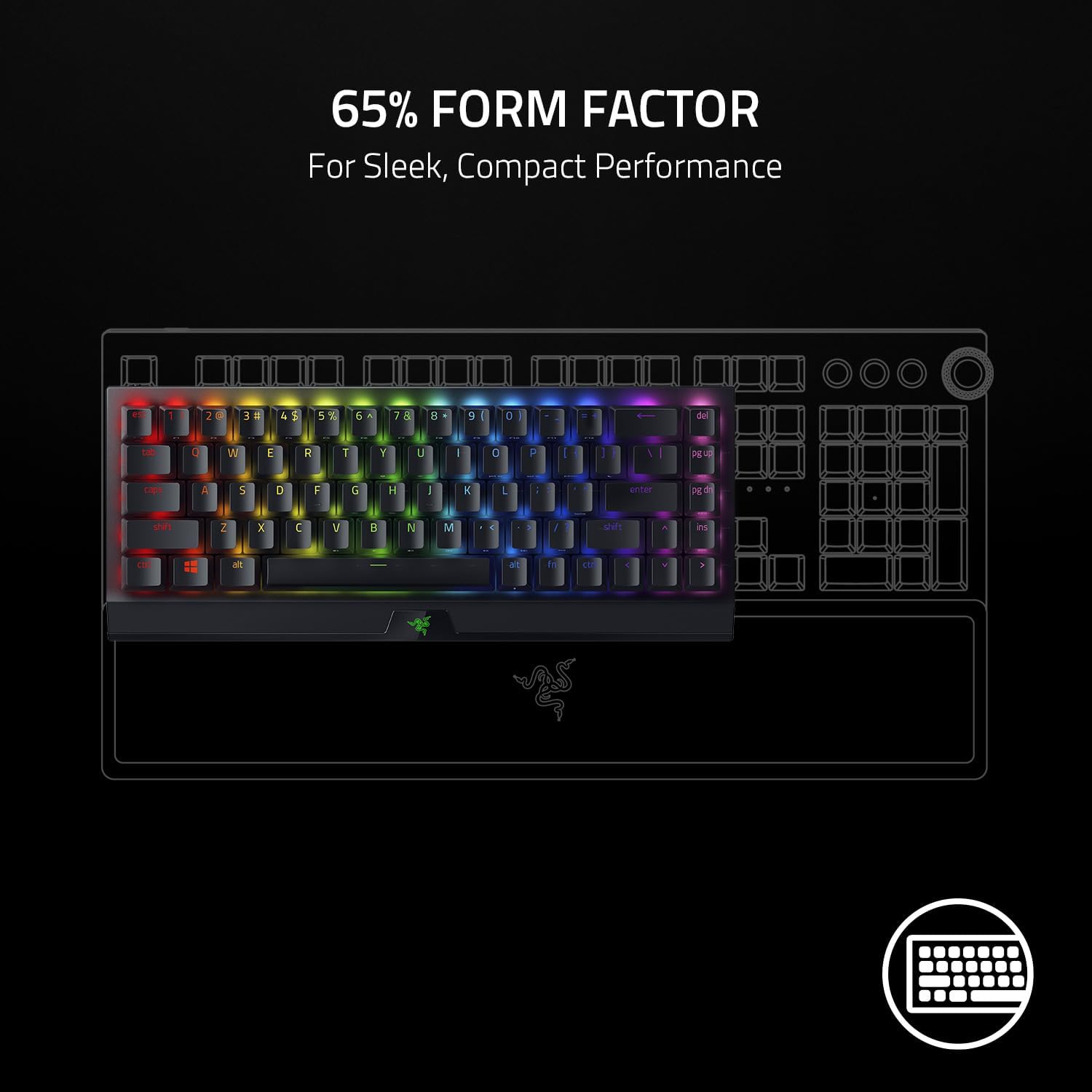
With Razer Chroma RGB, you get a broad palette of colours (16.8 million) and a suite of effects that can sync with other devices and games. If you enjoy personalised lighting that reacts to your game or tasks, this setup offers room for visual immersion without needing extra peripherals.
Battery life and charging
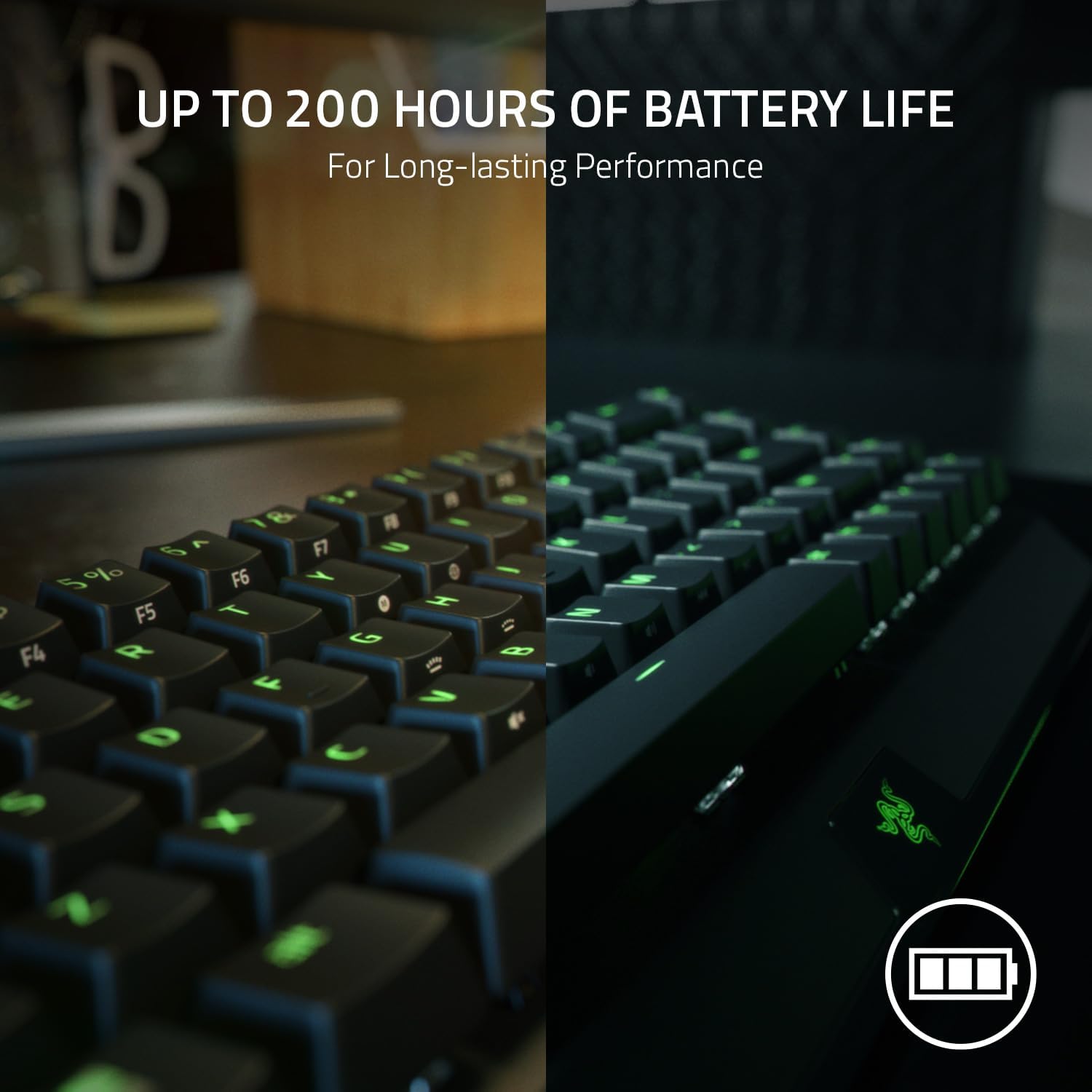
The battery is stated to last up to 200 hours, depending on usage and lighting. When you do need to recharge, a full charge takes under 5 hours. This is useful if you work in both wireless and Bluetooth modes, reducing downtime during long sessions.
What stands out
- Compact 65% form factor preserves desk space while keeping essential keys including arrows.
- Three connection options, including wireless gaming and multi-device Bluetooth pairing.
- Silent-ish mechanical switches with dampening for calmer keystrokes.
- Strong RGB ecosystem with potential for deep cross-device lighting integration.

What might not persuade everyone
- The 65% layout removes a number pad and macro row, which may complicate workflows that rely on those keys.
- As a wireless-first gaming keyboard, it may not be ideal if you prefer a purely wired setup with zero latency concerns and no battery management.
- Battery life is excellent in theory, but real-world longevity depends heavily on RGB usage and whether Bluetooth or wireless mode is active.
Who it’s for
This keyboard suits gamers in compact spaces, streamers with clean desks, or anyone who wants a portable, multi-device keyboard without sacrificing arrow keys. If you value a balance between quiet switches and a full-featured RGB lighting system, you’ll likely find it appealing.
Who it isn’t the best fit for
If you routinely rely on a number pad or require extremely minimal latency with a wired-only setup, or you prioritise ultra-long micro-optimisation in a full-size layout, you might prefer alternative configurations.
What to check before buying
- Confirm that the 65% layout aligns with your workflow and key needs (especially if you use dedicated macro keys or a numpad).
- Consider how often you’ll use Bluetooth to connect to multiple devices and whether you’ll primarily game in wireless 2.4 GHz mode or wired/USB-C.
- Factor in how bright you want your RGB and whether you want to conserve battery by limiting lighting.
Practical use case
Imagine you’re gaming on a cosy setup with a laptop perched beside a monitor. You enable Bluetooth for a quick switch to a tablet for media control, then snap back to the PC via the wireless dongle for a high-speed MMO. The compact form keeps the wrist rest area usable, while silent switches help keep noise down during late-night sessions.
Quick comparison note
If desk space isn’t an issue, you might prefer a larger layout with dedicated macro keys. If you prioritise pure wired performance, a fully wired option could be the simpler choice. This model strikes a middle ground: compact footprint with flexible connectivity and a reasonable click feel.
Is it worth it?
Should you buy it? It makes sense if you want a compact keyboard with multi-device versatility and a relatively quiet mechanical feel, without giving up arrow keys. It may not be ideal if you need a full-size layout, or if you rarely use Bluetooth and want a strictly wired setup. In practice, its value lies in usability for smaller desks and multi-device workflows rather than raw, single-device performance.
FAQ
- Does it work well with multiple devices at once? Yes, via Bluetooth with support for up to three devices.
- Are the switches truly quiet? The dampened design aims to reduce noise, but keystroke sound can still be perceptible in a quiet room.
- How long does the battery last with RGB on? Battery life is stated as up to 200 hours, but lighting and usage will affect actual duration.