

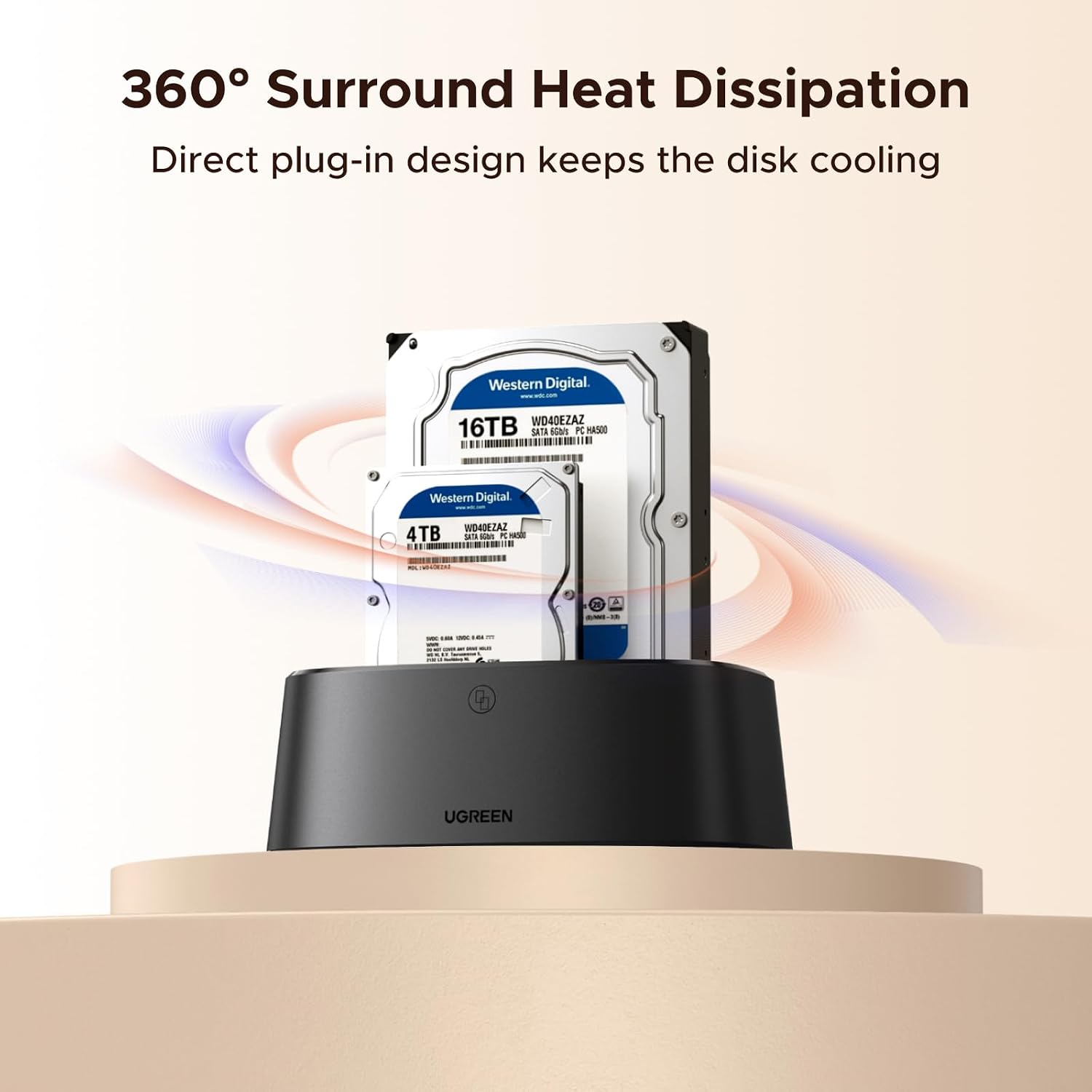
UGREEN Hard Drive Docking Station 2 Bay
Product description
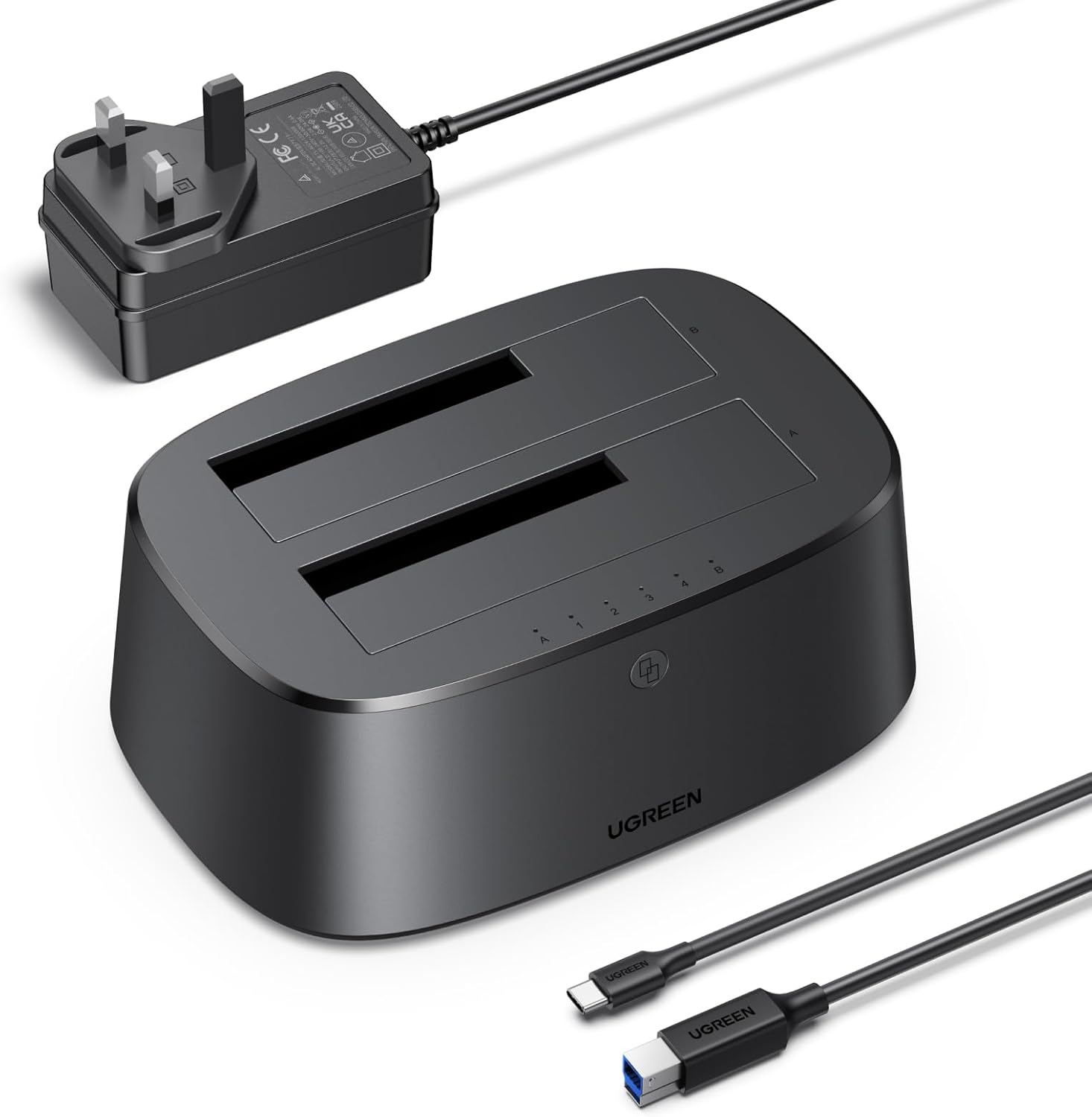
Keep your backup and cloning routine simple with a two bay SATA docking station from UGREEN. It’s designed for offline cloning and drive-to-drive transfers, so you can move files or create a copy with a single button press rather than waiting around for a computer. The UGREEN Hard Drive Docking Station is made to work with both 2.5 and 3.5 inch SATA drives, which makes it handy if you have mixed storage types at home or in the office.
If you need a practical way to back up, migrate storage, or duplicate data, this dual bay enclosure can help you streamline the workflow. It supports dual drive operation, so you can read and transfer between two SATA drives without switching hardware. The offline clone feature, paired with USB 3.0 connectivity and supported protocols, is a sensible fit for anyone who values speed, convenience, and straightforward setup 🗂️.
The essentials
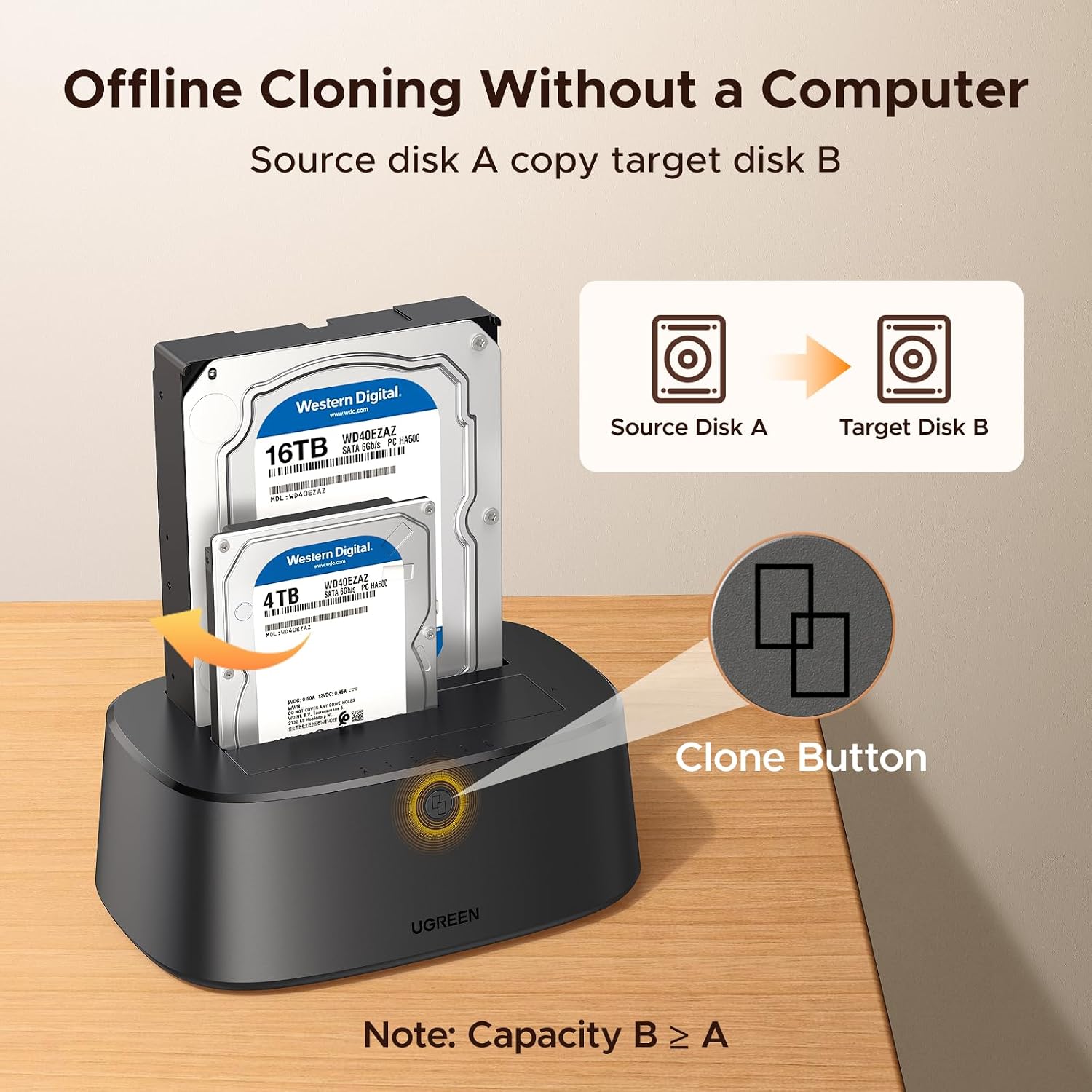
This UGREEN dual bay docking station supports offline cloning using one button. That means you can clone between two 2.5 or 3.5 inch SATA drives without needing a computer connected to the docking station. It’s a useful approach for routine backups, drive replacements, or moving data between HDDs and SATA SSDs.
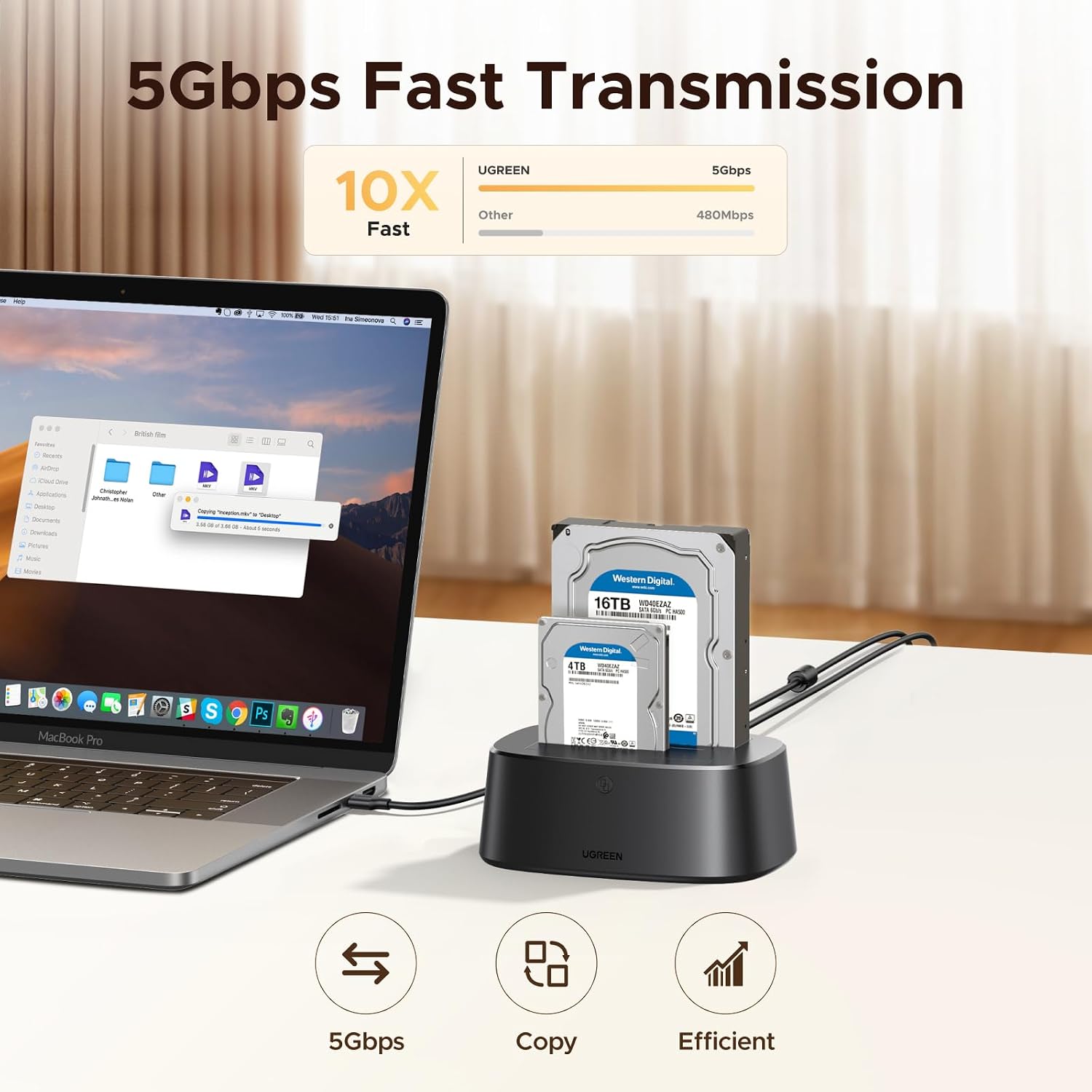
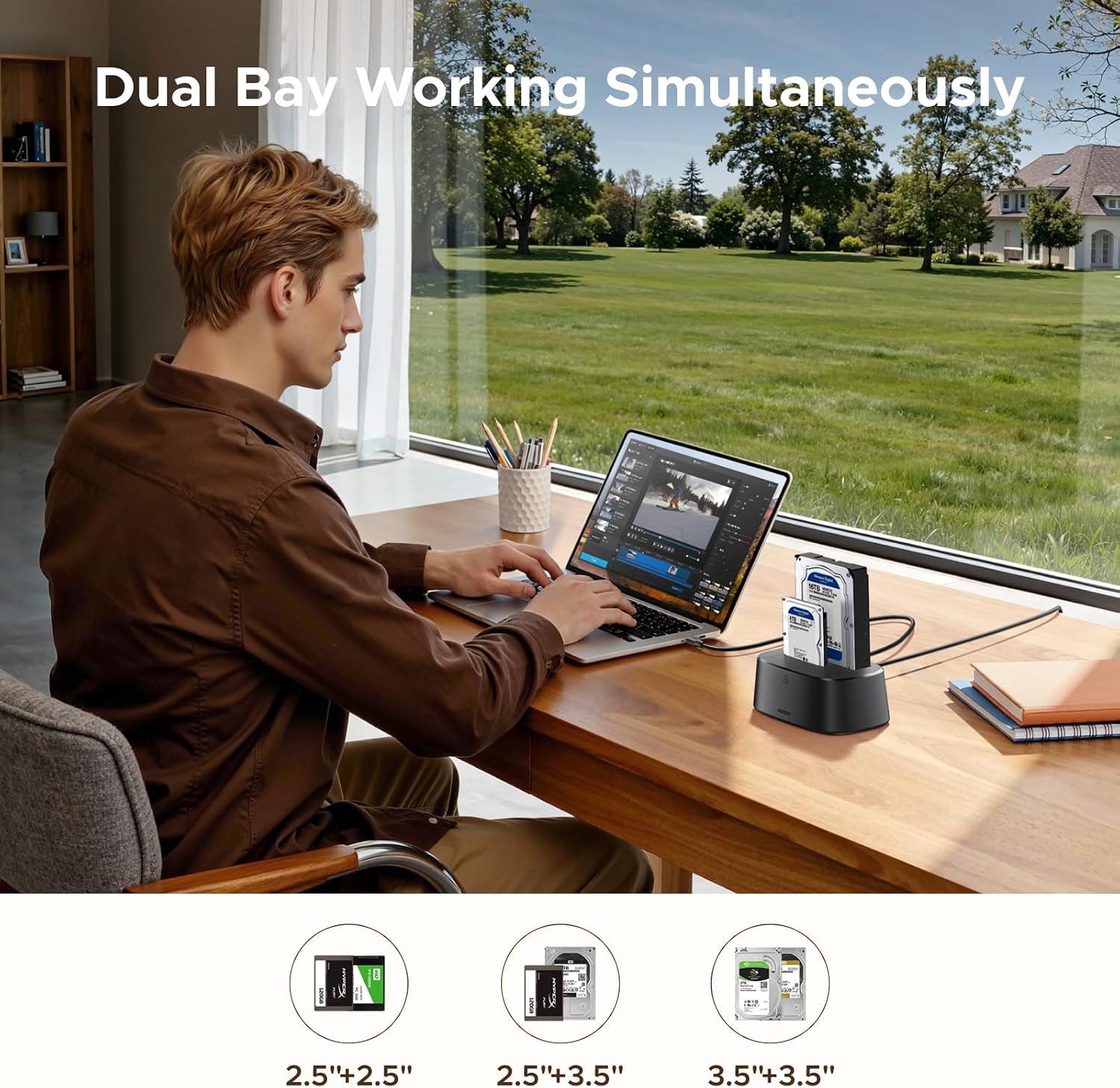
Dual bay operation is another key benefit. You can run two compatible SATA drives at the same time, so transferring and backing up files across drives can be more direct than swapping devices back and forth. It also uses a USB 3.0 interface for fast data movement when you are working in a normal connected setup.
A quick note on cloning: the capacity of the target drive B must exceed that of the source drive A, according to the product information. If you’re planning a clone, this is worth checking before you press the button, especially if you are moving from a smaller disk to a bigger one.
Tech specs
- Name: UGREEN Hard Drive Docking Station
- Type: 2 Bay hard drive enclosure for SATA HDD and SSD
- Format: USB 3.0 SATA HDD enclosure
- Size: Supports 2.5 inch and 3.5 inch SATA drives
- Capacity: Supports SATA HDD and SSD up to 32TB
- Dimensions: Dual bay docking design for two drives
- Transfer speed: Up to 5 Gbps (theoretical) with USB 3.0
Key features
One-button offline cloning helps you keep the process focused. You can complete the clone between two compatible SATA drives without a computer, which is especially handy when you want a calm, repeatable routine for copying data. 🧩 At the same time, you still get connected operation through USB 3.0 when you prefer to transfer via your computer.
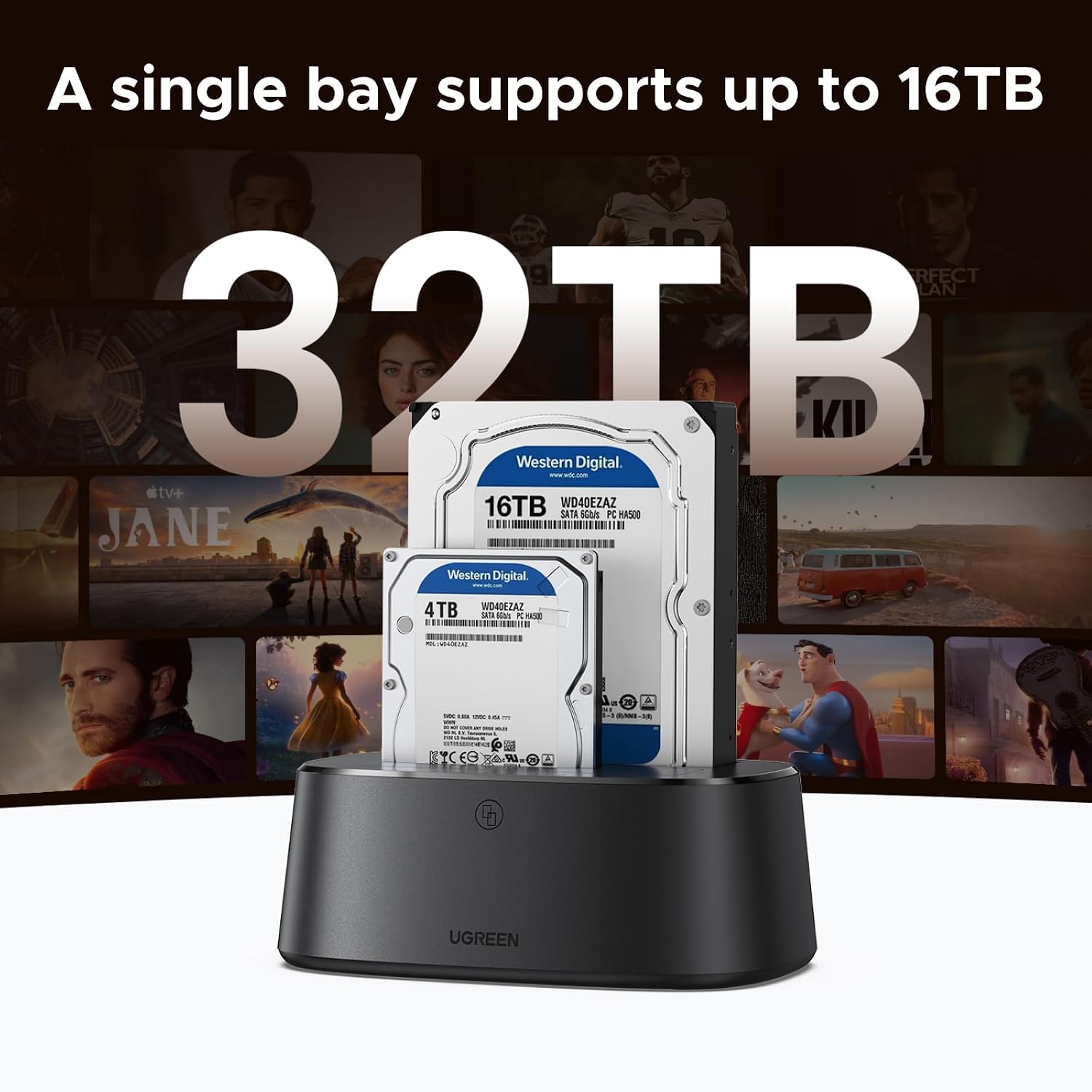
The enclosure supports dual drive operation, which can reduce interruptions during everyday copying tasks. Instead of constantly connecting and disconnecting, you can use both bays for read, transfer, and backup workflows. This design can suit users who manage multiple drives, such as PC owners, home media setups, or small studios handling storage upgrades.
For performance and drive health related features, the docking station supports UASP, S.M.A.R.T. and TRIM protocols, based on the provided product information. It’s also described as plug and play with no driver installation required on supported systems, which keeps setup time short. 🚀
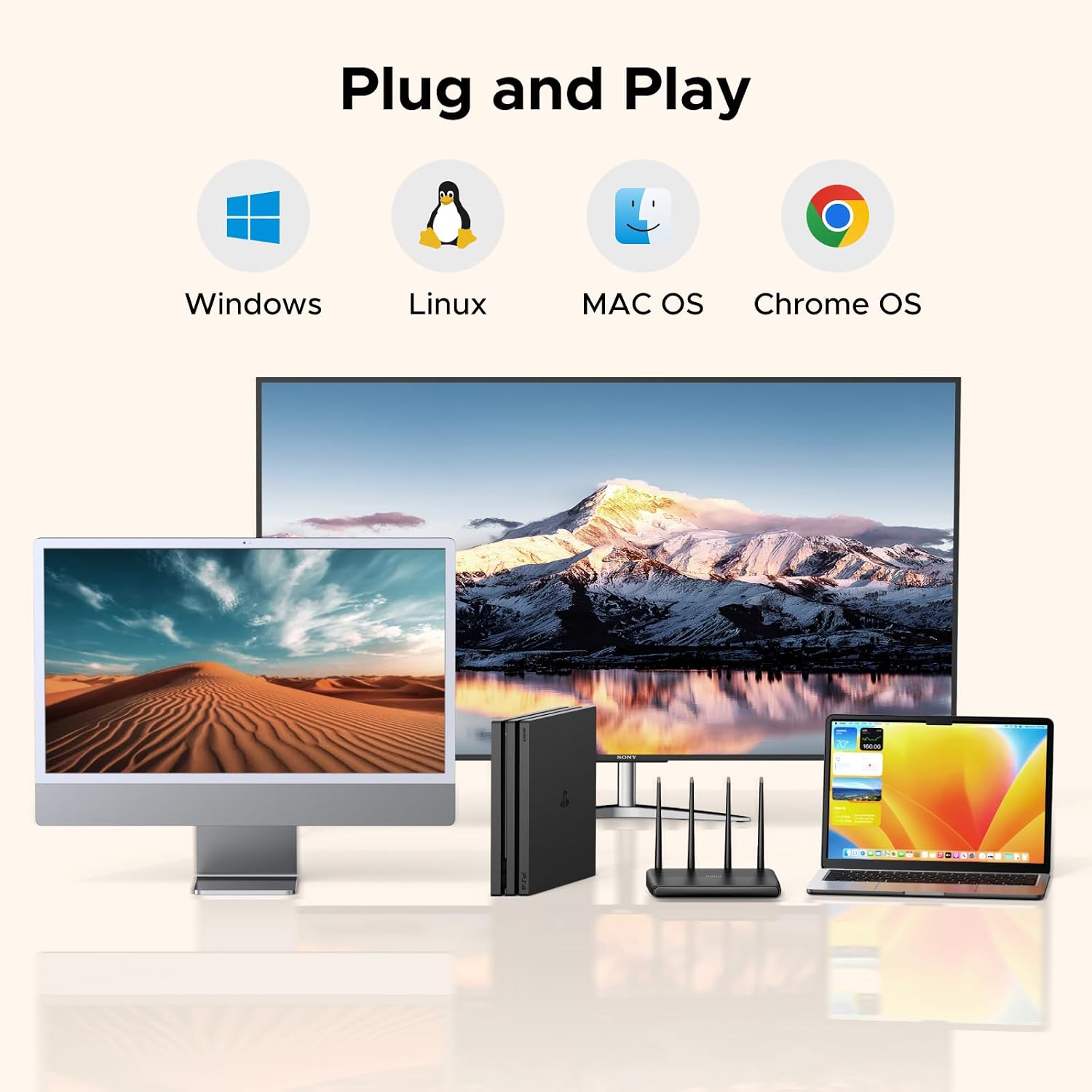
Compatibility is broad across operating systems. The docking station is listed as working with Windows, macOS, and Linux systems, making it easier to use in mixed environments. It is also stated to support PS5 and Xbox setups for compatible use cases, which can be valuable if you maintain console storage upgrades or backups.
What to know
It’s a solid match if you have a mix of 2.5 and 3.5 inch SATA drives and you want one enclosure that can handle both. Worth considering if your routine includes cloning drives, creating backups, or transferring file libraries between HDD and SATA SSD. You’ll also likely appreciate the dual bay approach when you want to keep the workflow simple and reduce switching.
It may not be a great match if your drives are not 2.5 or 3.5 inch SATA, or if you require cloning where the target drive capacity is smaller than the source. Also keep in mind the offline clone requirement that the target drive B capacity must exceed source drive A, as stated in the product note.
Overall, the UGREEN dual bay docking station is a practical storage accessory for straightforward cloning and file transfer tasks, with USB 3.0 speed and plug and play operation on major platforms.