

AULA S99 Gaming Keyboard: Wireless 96% Keyboard with Rotary Knob, Macro Keys and Numeric Pad (Black)
Product description
What it is and what it solves
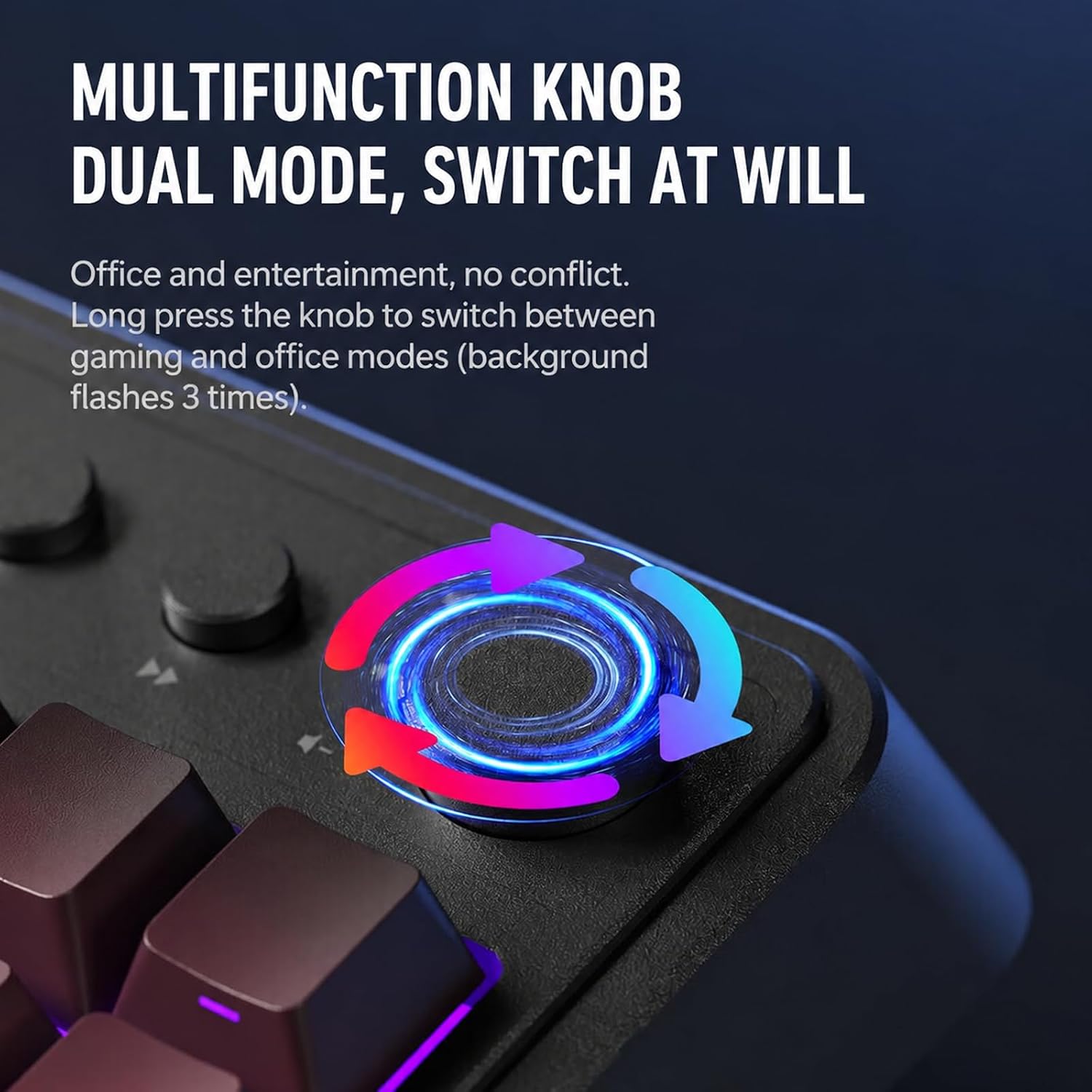
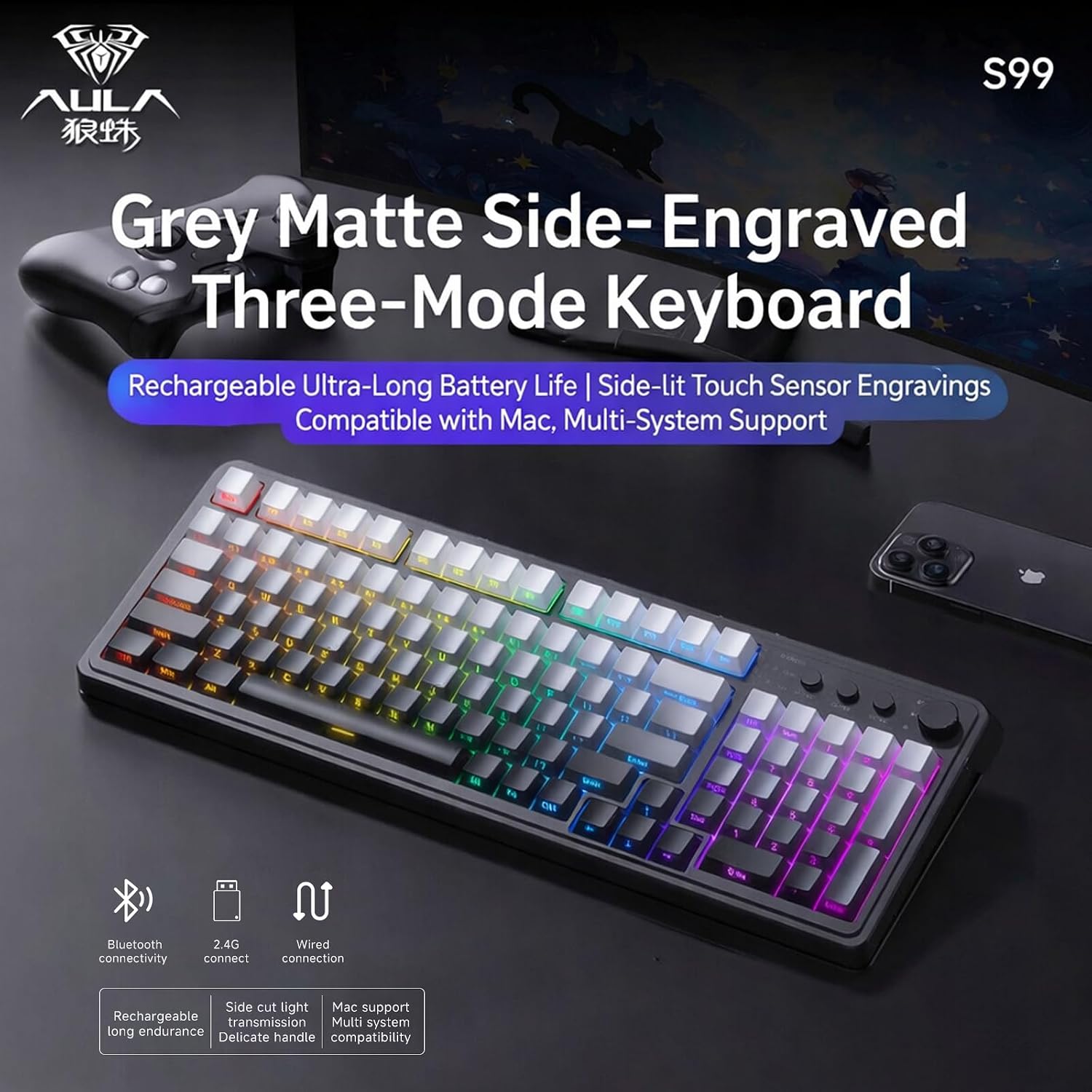
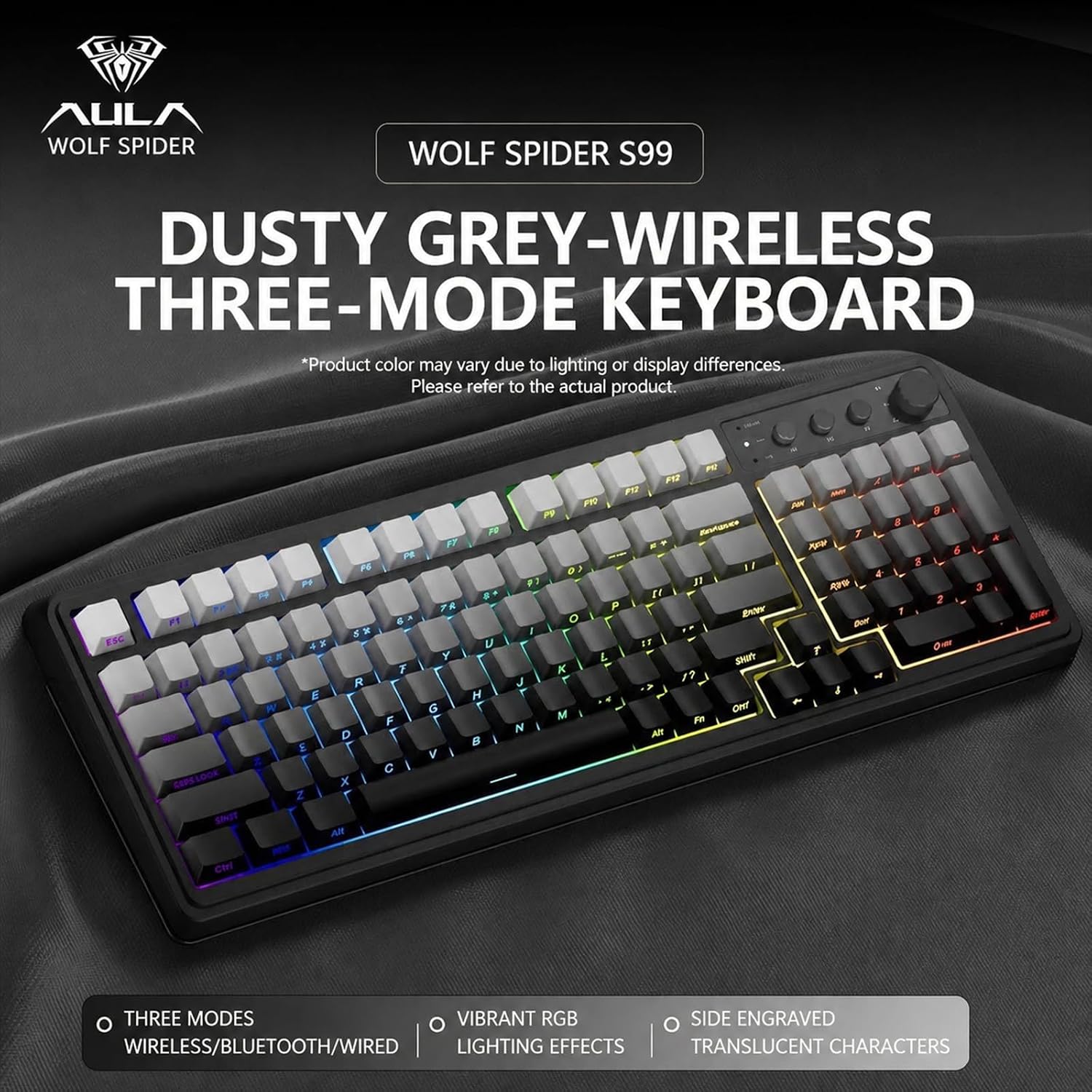
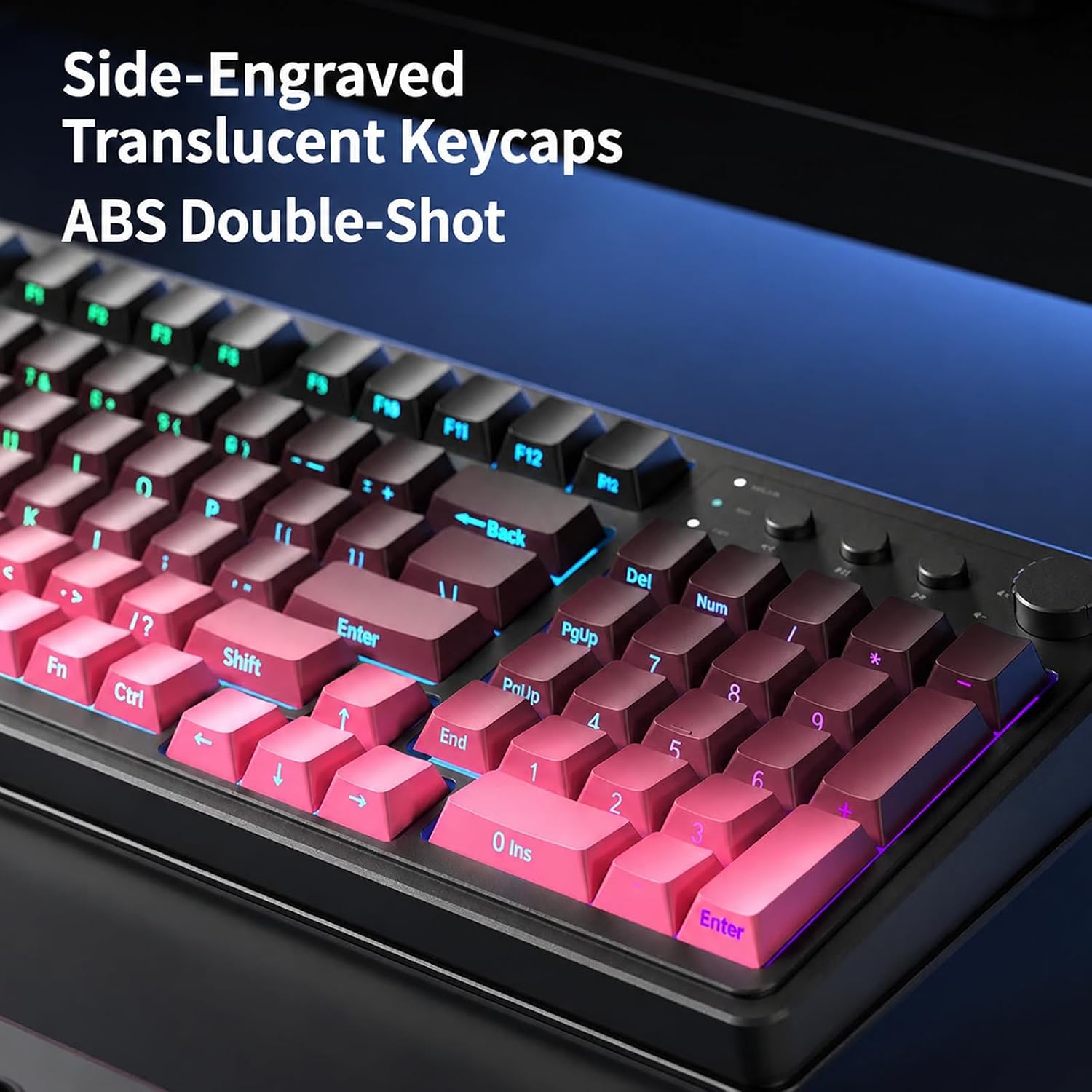
The AULA S99 is a 96% layout wireless keyboard designed to bridge gaming performance with practical daily typing. It supports multiple connectivity modes—Bluetooth 5.0, 2.4GHz wireless, and USB-C wired—so you can switch between devices and contexts without changing keyboards. A dual-mode rotary knob offers quick adjustments for volume, audio and lighting, which can reduce interruptions during gaming or work sessions.
What you get on paper
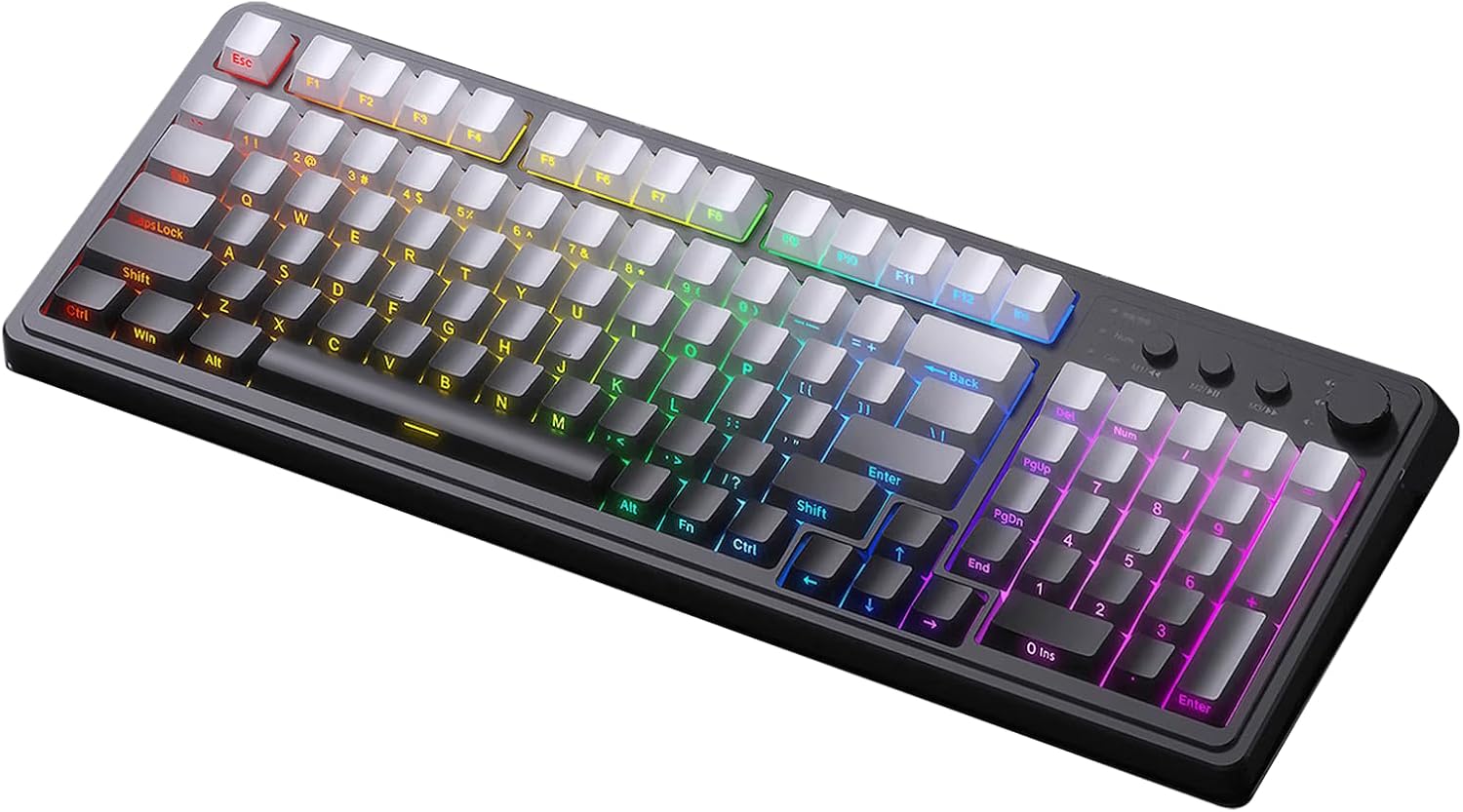
This is a membrane keyboard, not a hot-swappable model. It offers full-key macro programming across all keys, plus three programmable shortcuts (M1/M2/M3) to streamline complex commands. The keyboard retains a familiar number pad within a compact, 96% frame, and includes a foldable two-stage stand to tailor typing angle and wrist comfort.
Who it’s for
If you want a compact, visually distinctive keyboard that can adapt to a PC gaming rig or a home/office desk, the S99 aims to cover both worlds. It’s suitable for players who rely on macros to execute sequences quickly, and for users who prefer separate media controls without jumping into software menus.
What stands out
- Multi-device connectivity keeps your setups flexible across PC, laptop, or tablet environments.
- Full-key macro programming lets you assign complex actions to a single key, which can improve in-game responsiveness or workflow efficiency.
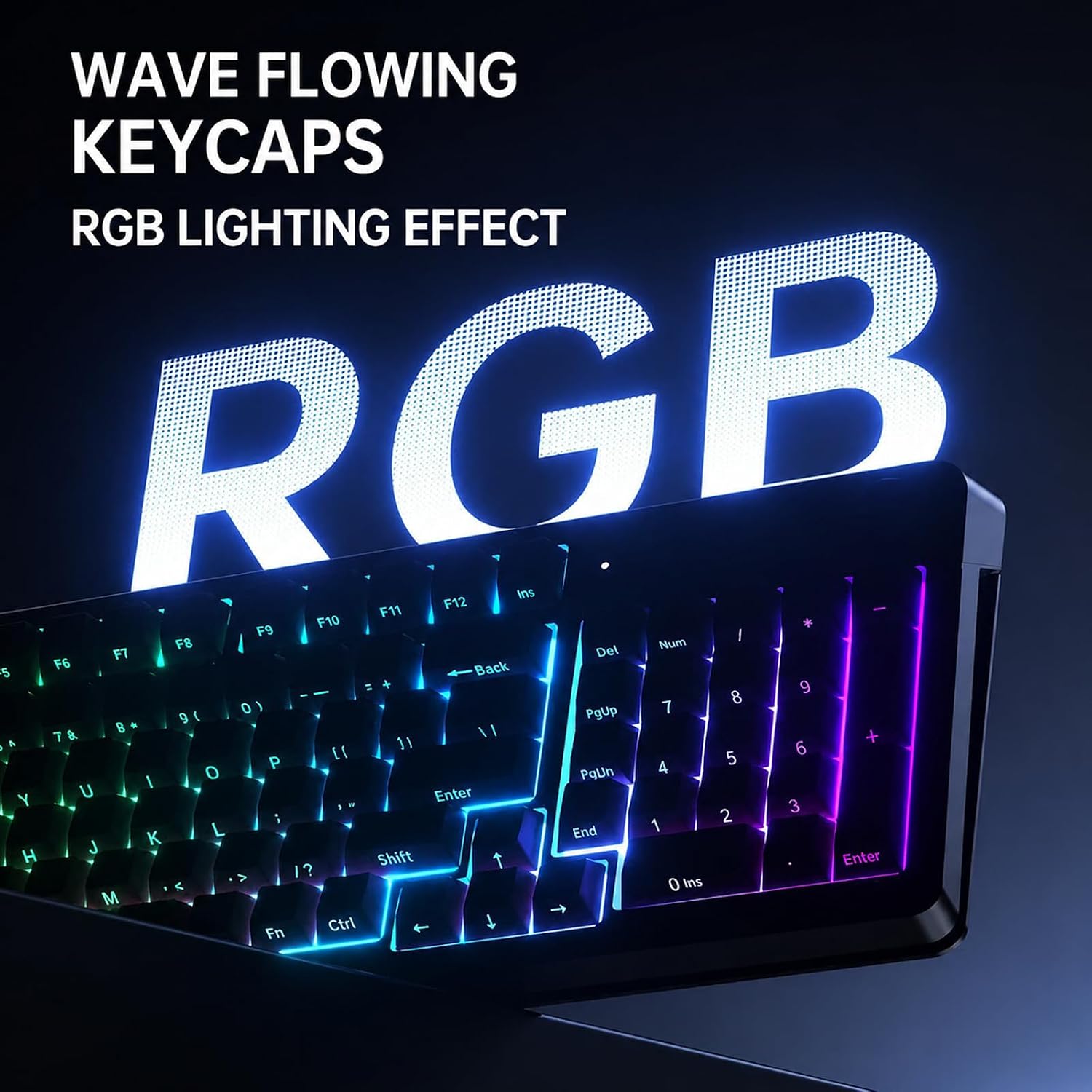
- A dedicated rotary knob in dual-mode supports on-the-fly volume and lighting tweaks without breaking your workflow.
- The integrated numeric keypad preserves a familiar typing experience while saving desk space thanks to the 96% design.
What may hold it back
- It’s a membrane keyboard, so it may not satisfy users seeking the tactile feedback of mechanical switches or the ability to hot-swap.
- The over-ambitious macro capability is attractive in theory, but it depends on software or firmware support and your comfort with customisation.
- The absence of explicit key-switch naming means you’re relying on general membrane typing feel rather than a premium keystroke experience.
When it makes sense to buy
- You need a versatile keyboard for gaming and everyday tasks across multiple devices.
- You value macro programming and quick-access media controls without cluttering your desk with extra peripherals.
- You want a compact footprint that keeps a numeric keypad without sacrificing too much desk real estate.
When you might skip it
- If you’re after a high-end mechanical typing experience or hot-swappable keys.
- If you require ultra-low latency or dedicated gaming features that go beyond macro support.
- If you mainly use one device and don’t need the flexibility of wireless + Bluetooth switching.
What to check before buying
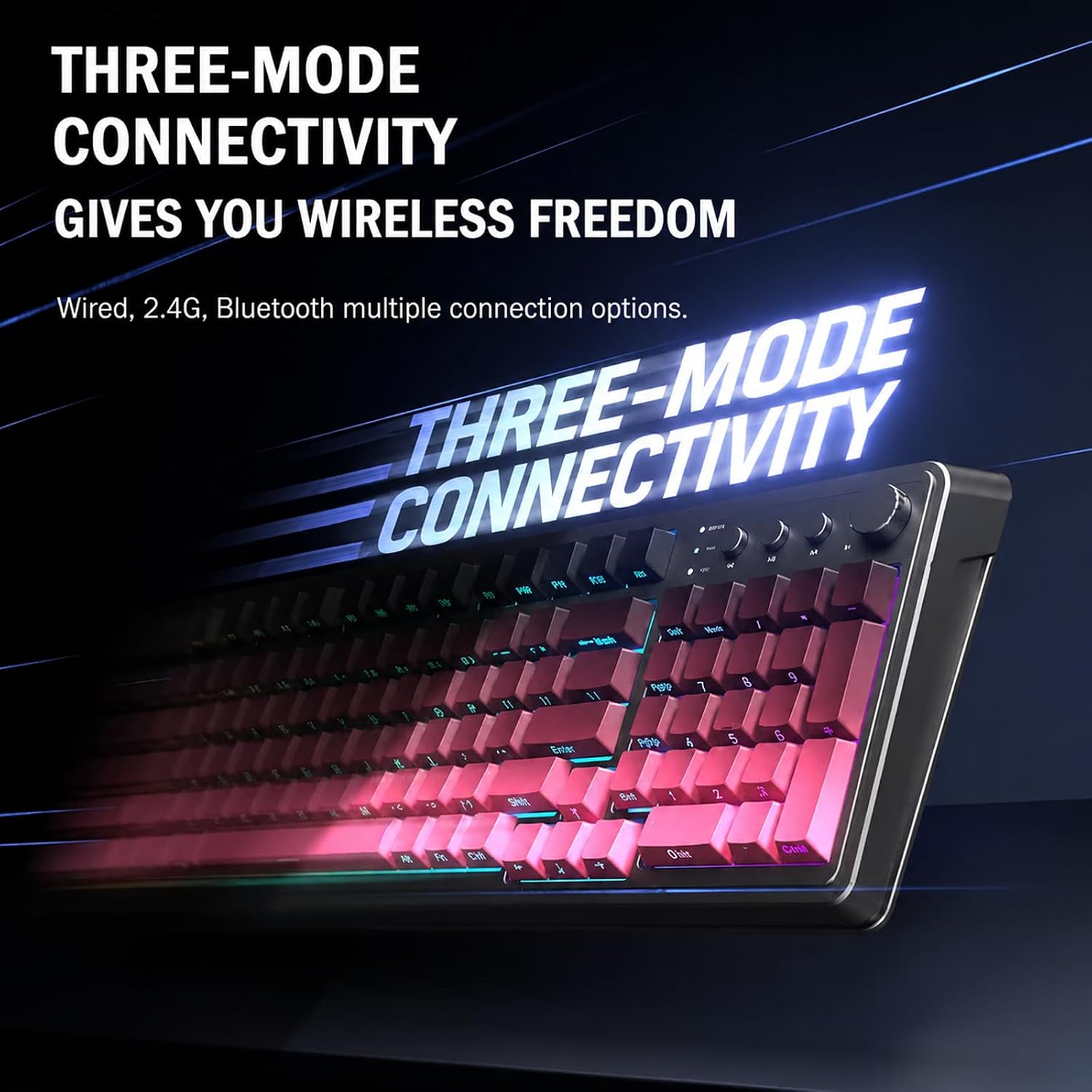
- Confirm your primary devices support Bluetooth 5.0, 2.4GHz, and USB-C connectivity as needed.
- Consider how comfortable you are with macro programming and whether the three M1/M2/M3 keys meet your workflow.
- Evaluate desk space and whether a 96% layout with a foldable stand aligns with your preferred typing angle.
- Ensure you’re prepared for a membrane chassis and the non-hot-swappable nature of the keys.
Practical use: a quick scenario
Imagine a gaming session where you switch from a firefight to a complex macro sequence. The S99 lets you continue on the same keyboard while casually rotating the volume or lighting with the built-in knob, and you can toggle between gaming and office modes without digging into settings.
Final verdict
Is it worth it?
If you prioritise flexibility and macro capabilities in a compact, multi-device keyboard, the AULA S99 offers a coherent package that’s pragmatic for both gaming and everyday work. It isn’t the ultimate choice for keyboard enthusiasts seeking a premium mechanical feel or desiring hot-swappable switches, but for those who want a feature-rich membrane option with reliable connectivity and a decent typing experience, it represents sensible value.
What you’ll notice in use
- The dual-mode rotary knob is a handy quick-access control for volume and lighting, which can streamline mid-session adjustments.
- The 96% layout keeps a numeric keypad but reduces footprint, which helps if you need more desk space.
- Macro programming across all keys can shave seconds off complex actions, especially in real-time scenarios.
FAQ
- Does it work with Windows and macOS? Yes, it’s described as compatible with Windows, Mac, Android and iOS.
- Is it truly wireless, and can I use it on Bluetooth only? It supports Bluetooth 5.0 as well as 2.4GHz wireless and USB-C wired, so you can pick the best mode for the moment.
- Can I remove or change the macros easily? The keyboard supports full-key macro programming to create exclusive shortcuts, however, it’s not described as hot-swappable since it’s a membrane keyboard.