

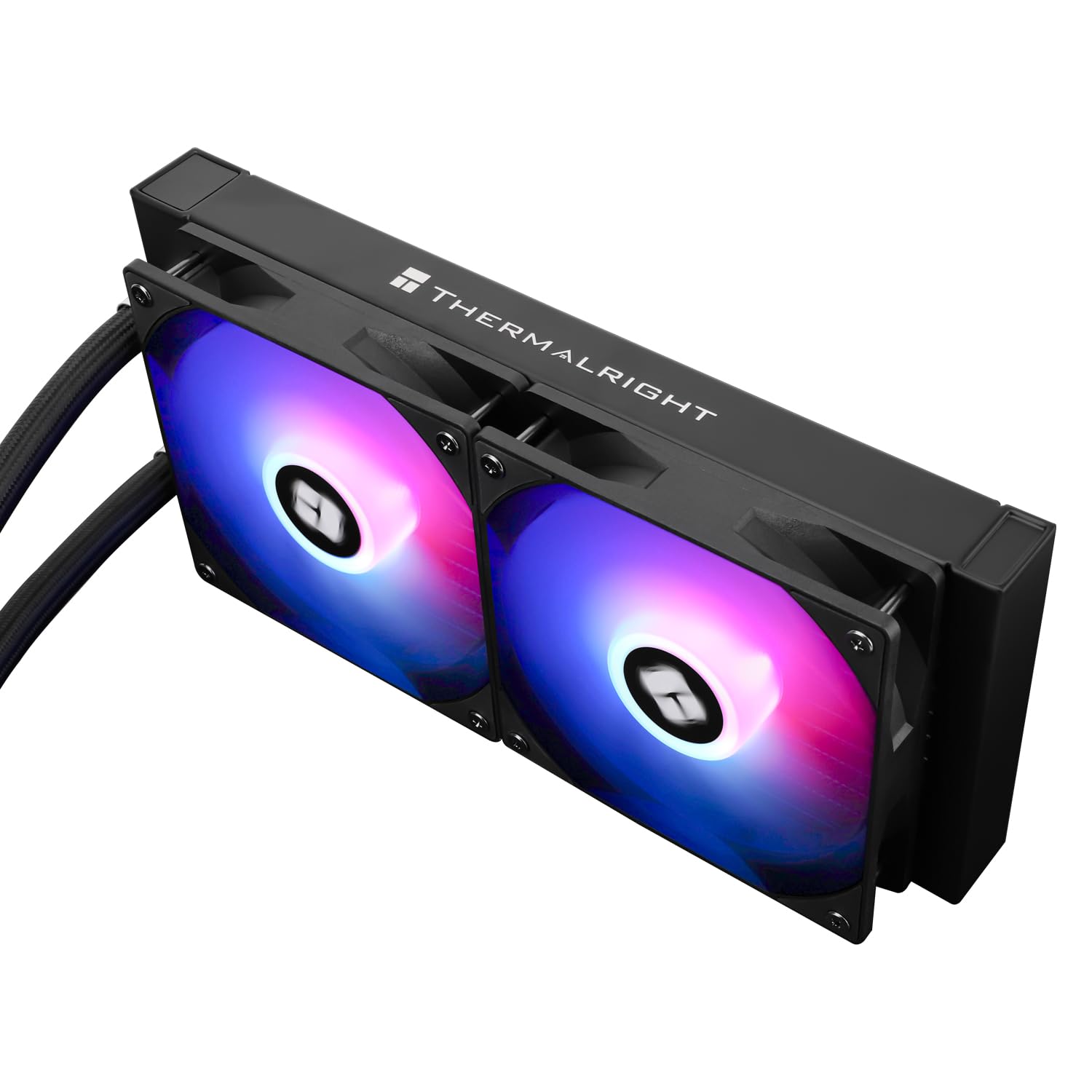
Thermalright AQUA ELITE 240 V3 240mm AIO Liquid CPU Cooler with ARGB (for AMD AM4/AM5 & Intel LGA)
Reviews
Price
Product description
What it is, and why you’d buy a 240mm AIO
The Thermalright AQUA ELITE 240 V3 is a desktop AIO liquid CPU cooler built around a 240mm radiator and two 120mm PWM fans. In plain terms, it’s designed for people who want better CPU cooling than a basic air cooler, without jumping straight into the kind of complexity (or cost) that some high-end custom loops bring.
On paper it leans heavily into longevity and smoother day-to-day operation: a fourth-generation pump head, an aluminium fin stack on a 240-row cold plate, and a sealed, ready-prep water tube system. There’s also ARGB lighting on both the pump/cold plate area and the included fans, which should appeal if you’re building a tidy-looking system and want the lighting to be part of the setup rather than an afterthought.
Key features that matter in everyday use
Where this cooler gets interesting is in the combination of cooling hardware and control options. You’re not just buying an AIO “with lights”, you’re getting PWM fan control and an ARGB interface intended to sync with the motherboard.
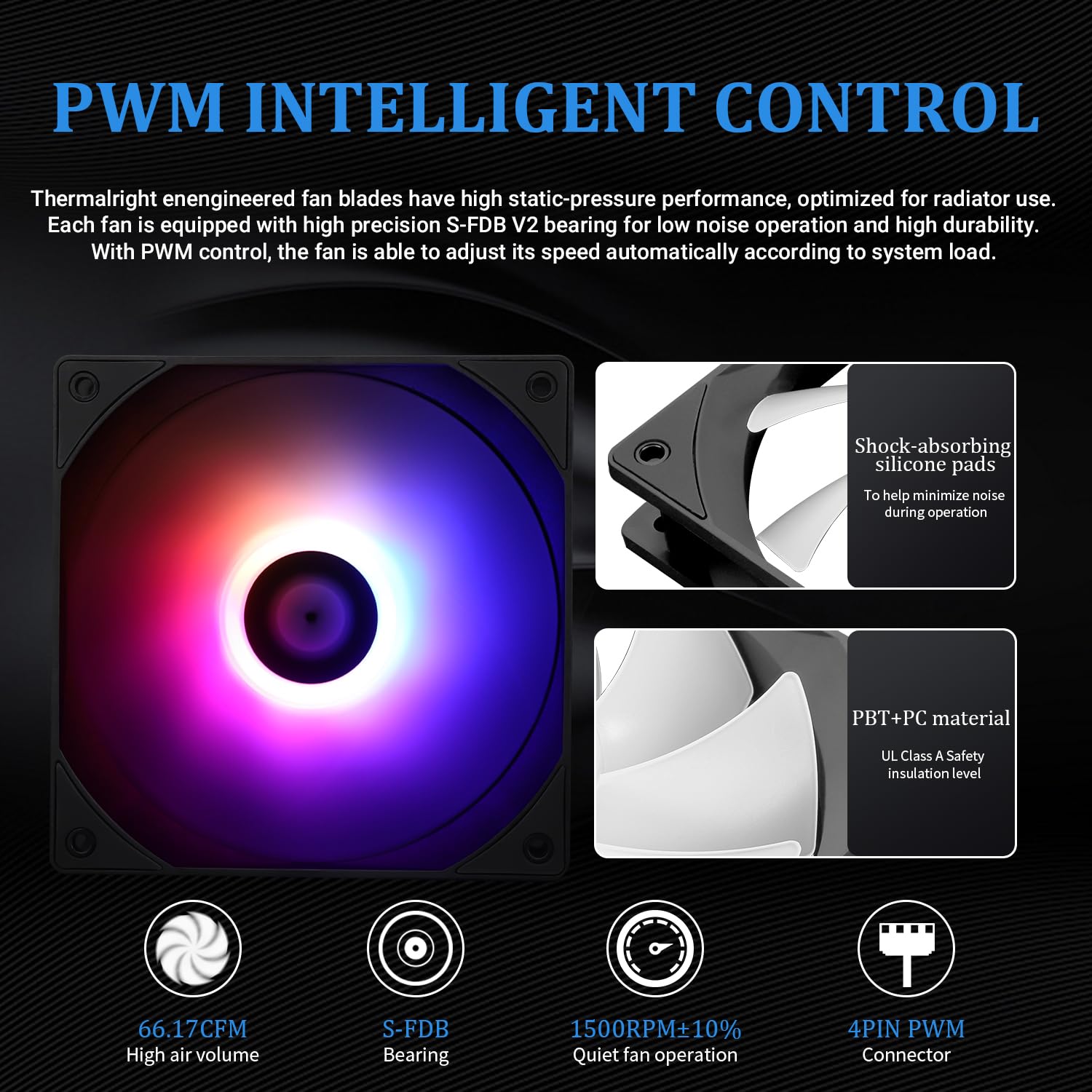
The fan model listed is TL-C12B-S V2 (two of them, 120 x 120 x 25 mm). It’s set up for automatic fan speed adjustment via PWM based on CPU temperature, while ARGB uses the standard 5 V / 3-pin approach. That matters because it lets the cooler ramp up when the CPU runs hot, rather than simply spinning at a fixed speed.
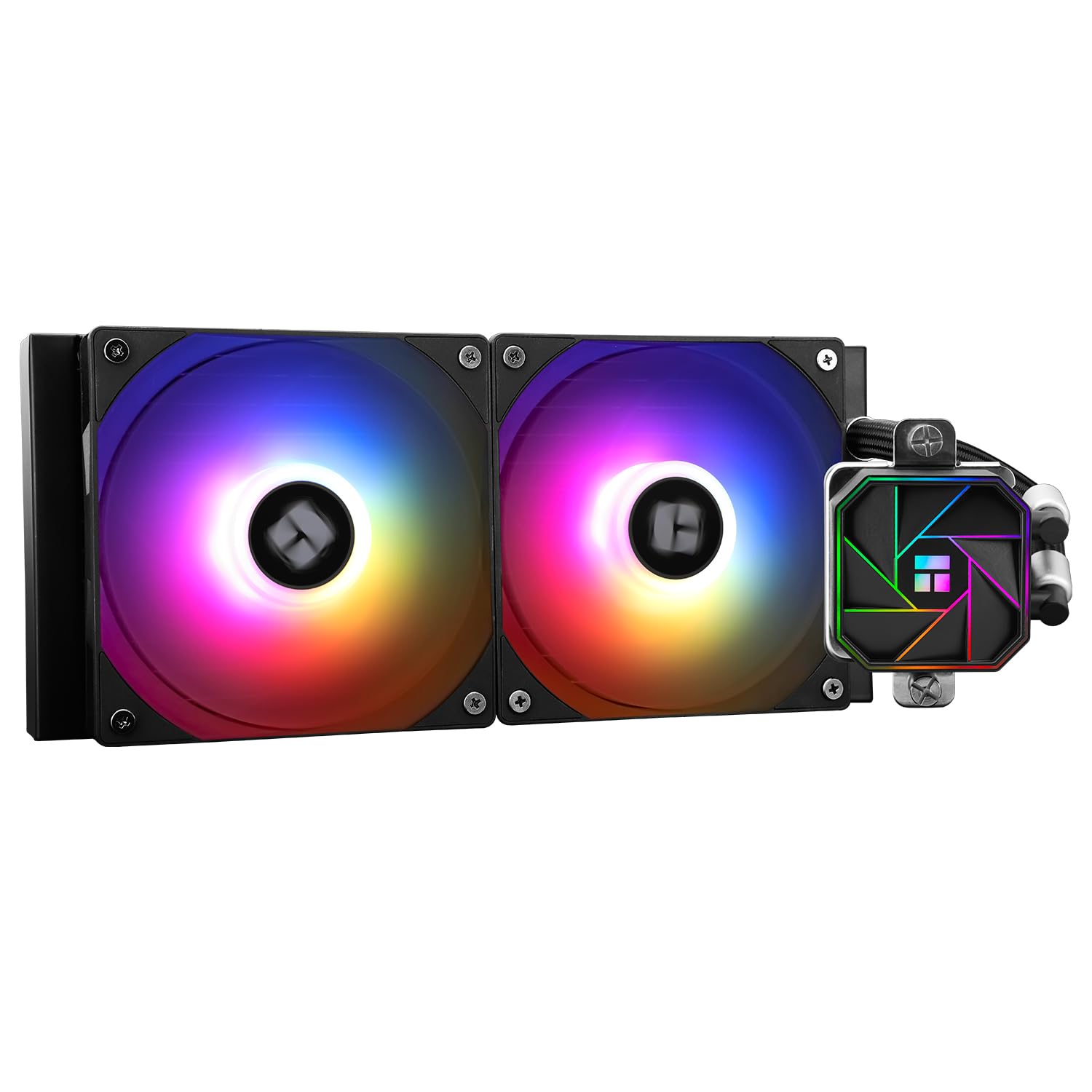
On the pump side, the octagonal, single pump head design is meant to be low vibration. The stated pump-head lifespan is up to 40,000 hours, with a rotation speed up to 3,300 RPM ± 10%. That won’t automatically make your CPU cooler by magic, but it does give a clearer idea of the design intent: reduce mechanical wear and keep performance consistent over time.
Cooling and noise: the realistic expectation
The included fans are rated up to 1500 RPM ± 10%, with a claimed noise level of ≤ 23 dBA. It’s a useful ceiling figure for comparisons, but remember that real-world noise still depends on your case airflow, fan curve, and how hard your CPU is running.
This is a 240mm AIO with a fairly “mainstream” spec sheet: it’s the kind of size people often choose when they want a noticeable step up from smaller AIOs and basic air cooling. It’s not described as a premium flagship either—so if you’re chasing the absolute maximum sustained performance under heavy loads, it could come across more as a sensible mid-range AIO than a top-tier enthusiast solution.
ARGB lighting: good for syncing, but check your headers
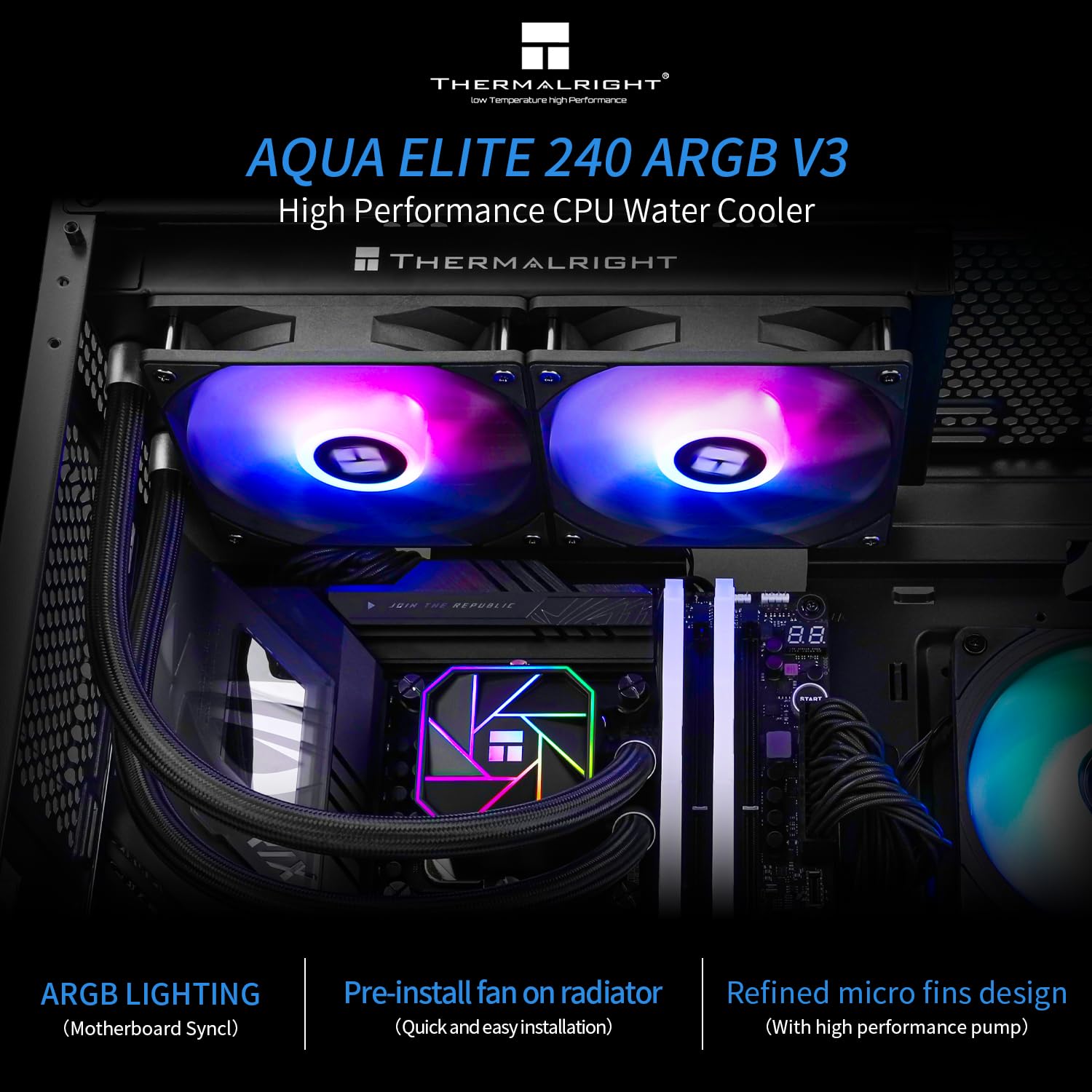
The Thermalright AQUA ELITE 240 V3 includes ARGB lighting intended to synchronise with your motherboard via 5 V 3-pin. The listing mentions synchronisation with motherboard lighting to avoid an “insufficient lighting interface” situation.
So if you already have spare 5 V/3-pin ARGB headers, you’ll likely get a smoother setup experience. If you don’t, you may have to think about your current motherboard header situation before you commit—because the lighting features are tied to those connections.
Compatibility overview (what it supports, and what to double-check)
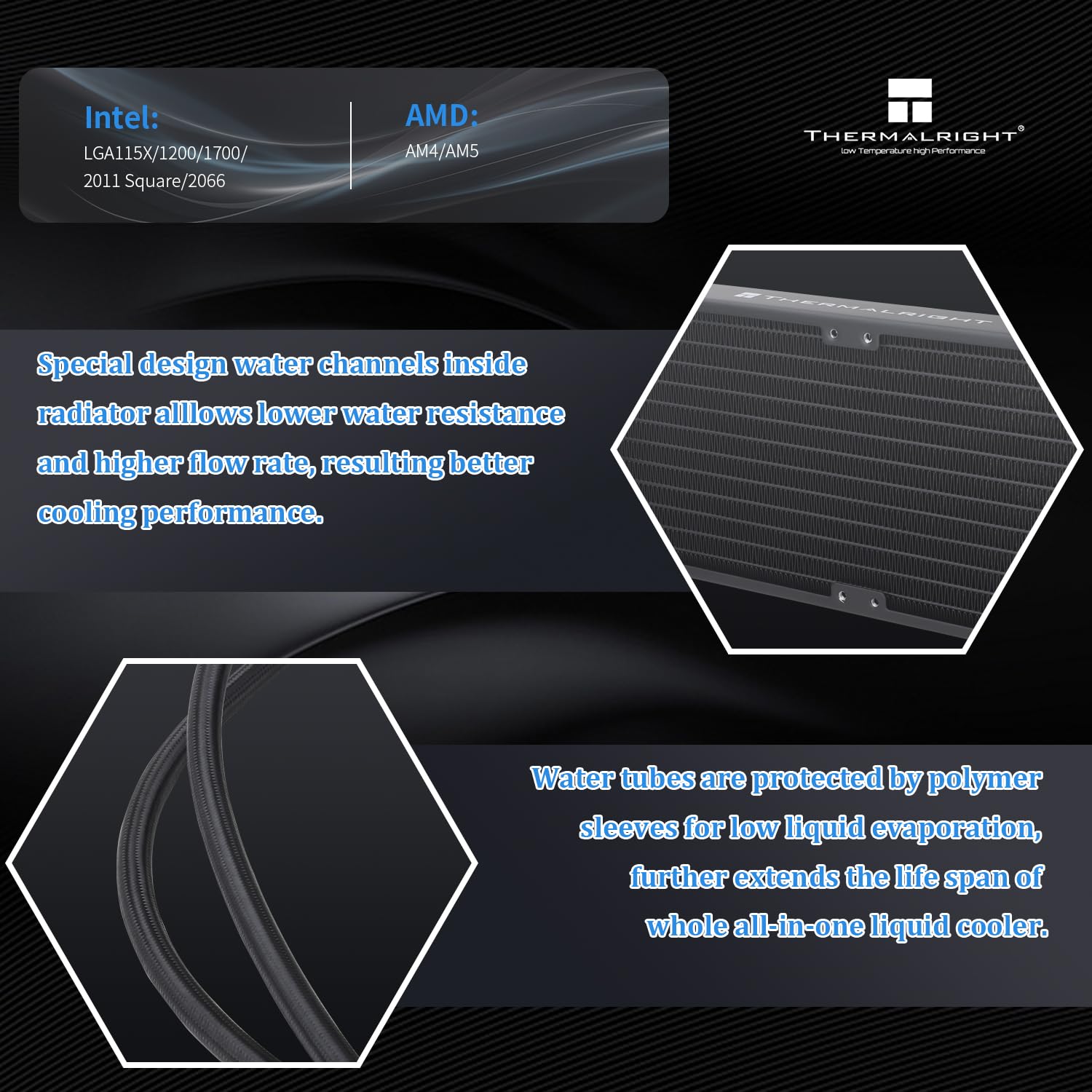
Compatibility is one of the cooler’s clear selling points in the listing. It’s stated to support AMD: AM4 and AM5, and Intel: LGA1150, 1151, 1155, 1156, 1200, 2011/2066, 1700, and also LGA1851.
It’s also described as a desktop CPU cooler AIO that comes with the required accessories for the corresponding platforms, with installation “simple” using instructions and tutorial guidance.
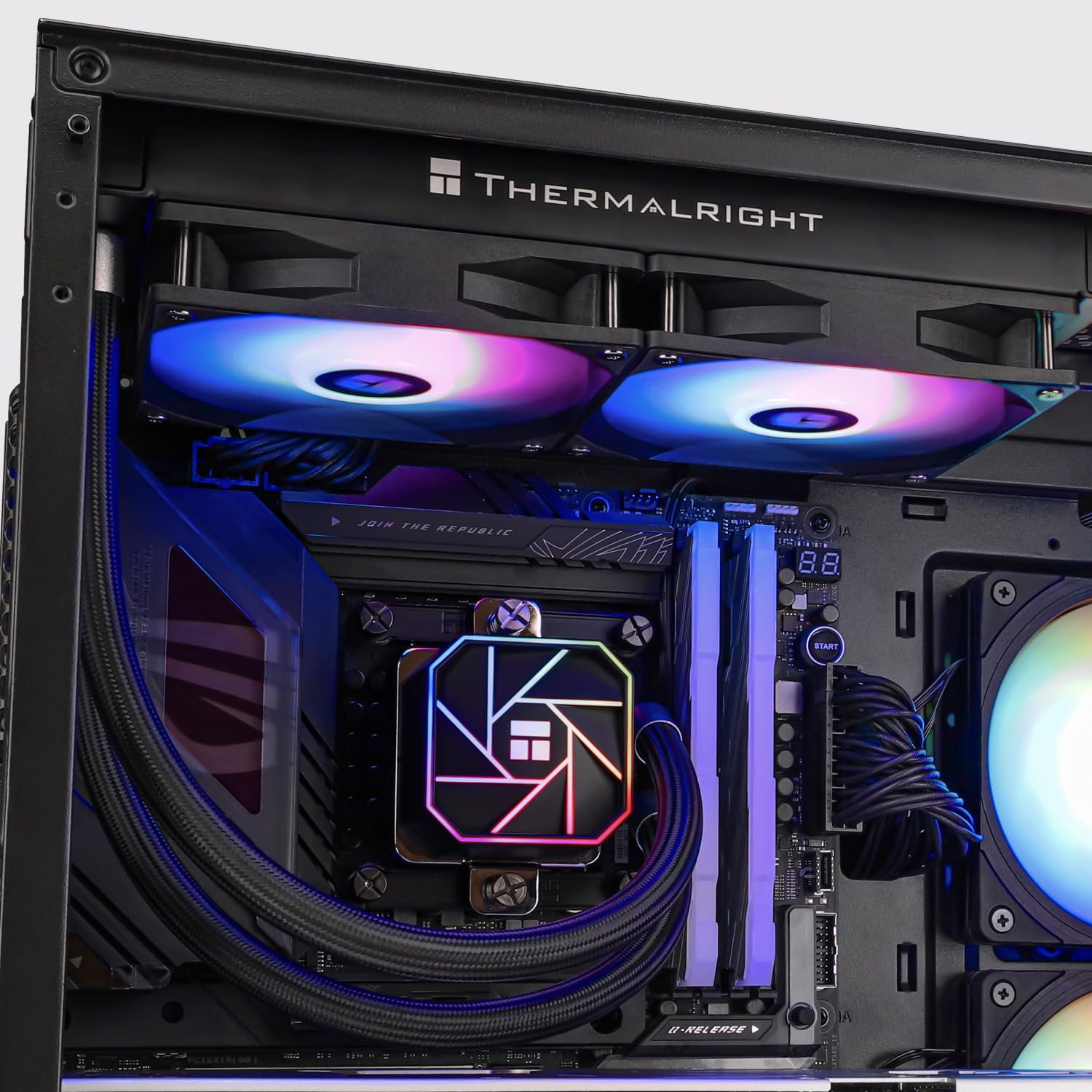
Before buying, it’s worth double-checking two things: your CPU socket (so you’re covered for your exact motherboard) and whether your case can fit a 240mm radiator with the fan layout you’re planning. The listing clearly positions it as a 240 cooling row size, so the case radiator space is one of the practical constraints.
Pros, benefits, and where it may fall short
Pros / what stands out
- PWM fan control for temperature-based speed adjustment
- ARGB lighting via 5 V/3-pin for motherboard syncing
- Pump head rated up to 40,000 hours (per the listing)
- 240mm AIO format with two 120mm PWM fans
- Broad AMD AM4/AM5 and Intel LGA socket coverage listed
Things to be cautious about
- The biggest unknown for real performance is your case airflow and fan curve, AIOs can sound/behave very differently depending on setup.
- If your motherboard doesn’t have the right ARGB header, the lighting side may be harder to use as intended.
- It’s designed as a practical 240mm AIO, if you’re expecting “best possible under sustained extreme load” results, you might want to look at higher-tier cooling approaches instead.
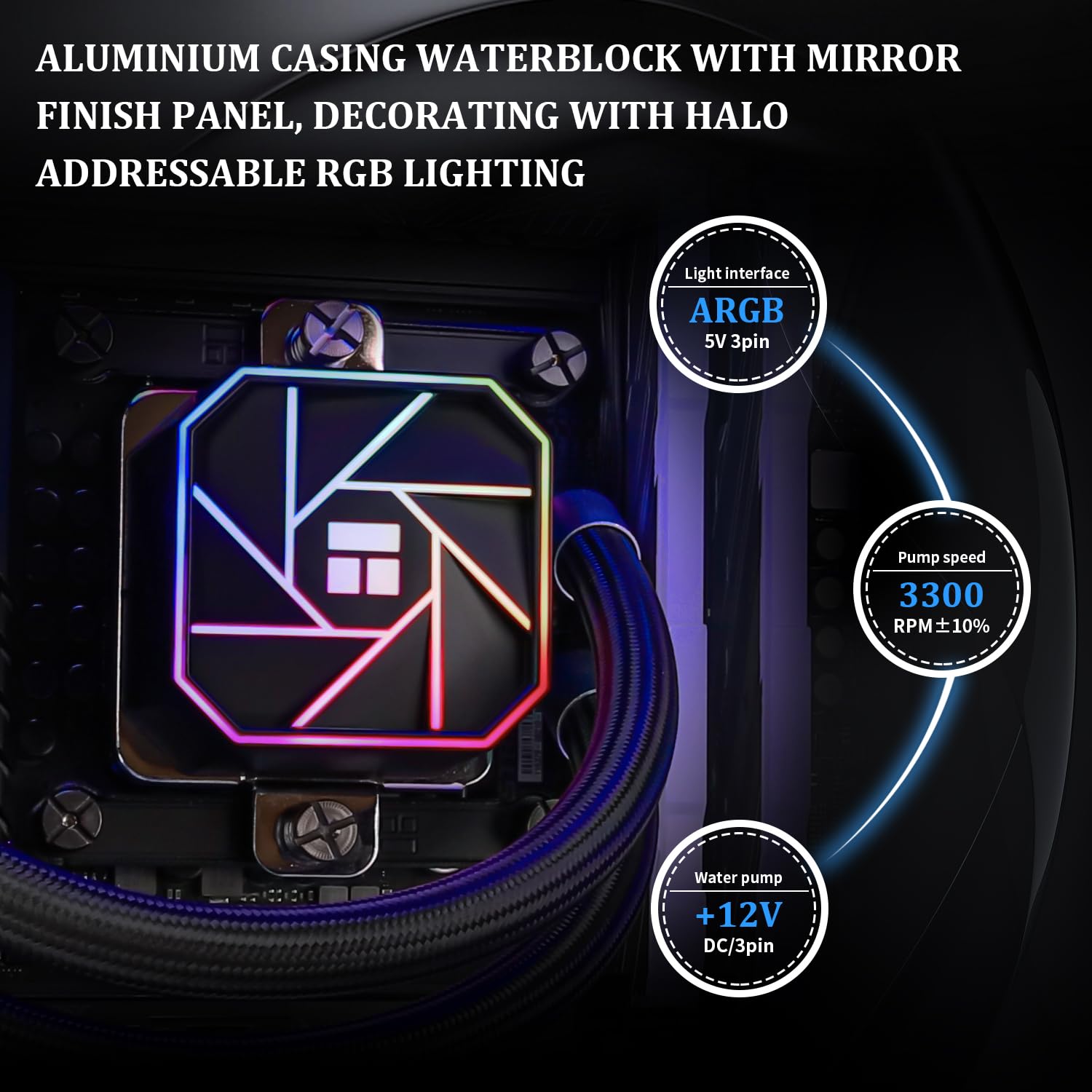
Worth noting that the listing mentions ARGB light effect “1600 W” in the base description. That’s a wording/format oddity rather than something you should treat as a useful spec—what matters more is that the cooler is set up for 5 V/3-pin ARGB control.
How to use it (installation and setup tips)
AIO installations usually feel straightforward until you hit bracket alignment and fan orientation. With this cooler, the listing says it includes accessories for the relevant platforms and that installation follows instructions and tutorial support.
A practical way to approach it: - Plan radiator placement in your case first (top, front, etc.), because the radiator position affects airflow and noise. - Once mounted, connect the PWM fan lead to the correct PWM header and the ARGB connection to a 5 V/3-pin ARGB header, so the motherboard can control the lighting and fan behaviour. - After booting, set a sensible fan curve—if you want quieter idle/low-load behaviour, you’ll generally need to avoid an aggressive “always fast” curve.
The micro-experience you can expect: at desktop tasks your CPU fans should have room to slow down via PWM, under heavier loads they ramp based on CPU temperature, while the ARGB stays synced to your motherboard’s lighting profile.
Tech specs
- Type: Liquid CPU Cooler (AIO)
- Size: 240 (cooling row size)
- Radiator / Fan set-up: 2 x 120mm PWM fans
- Fan model: TL-C12B-S V2
- Fan speed: 1500 RPM ± 10%
- Fan noise: ≤ 23 dBA
- Fan dimensions: 120 x 120 x 25 mm
- Pump head lifespan: up to 40,000 hours (per listing)
- Pump rotation: up to 3,300 RPM ± 10%
- PWM interface: 4-pin PWM
- ARGB interface: 5 V / 3-pin
- Airflow: 66.17 CFM (max.)
- Supported mounting: AMD AM4/AM5, Intel LGA1150/1151/1155/1156/1200/2011/1700/1851 (and 2066 mentioned)
Should you buy it?
This is a strong buy if you want a 240mm AIO that supports both PWM fan control and motherboard-synchronised ARGB, with broad AMD and Intel socket compatibility listed for modern desktop builds.
You may want to skip it if your case can’t fit a 240mm radiator comfortably, or if you don’t have the right headers for PWM/ARGB control and you don’t want to work around that.
It makes sense if you’re upgrading from basic cooling and want smoother temperature control over time, especially for gaming and everyday multitasking where CPU loads can spike.
Final verdict: worth considering if your priority is an all-in-one, fit-and-go liquid cooler with predictable control options, but don’t expect it to magically replace higher-end cooling setups if you’re aiming for maximum sustained performance.
Mini FAQ
Does the AQUA ELITE 240 V3 use PWM?
Yes. The included fans are stated to use a 4-pin PWM interface for temperature-based speed adjustment.
What ARGB connection does it need?
The listing specifies 5 V / 3-pin ARGB for synchronised lighting with the motherboard.
Which CPU sockets is it compatible with?
The cooler is listed as compatible with AMD AM4 and AM5, and Intel LGA1150/1151/1155/1156/1200/2011/1700/1851, with LGA2066 also mentioned.
Is it mainly for desktop PCs?
Yes, it’s described as a desktop CPU cooler AIO.
Will it be quiet?
It’s rated at ≤ 23 dBA for the fans on paper, but real noise depends on case airflow and your fan curve.