

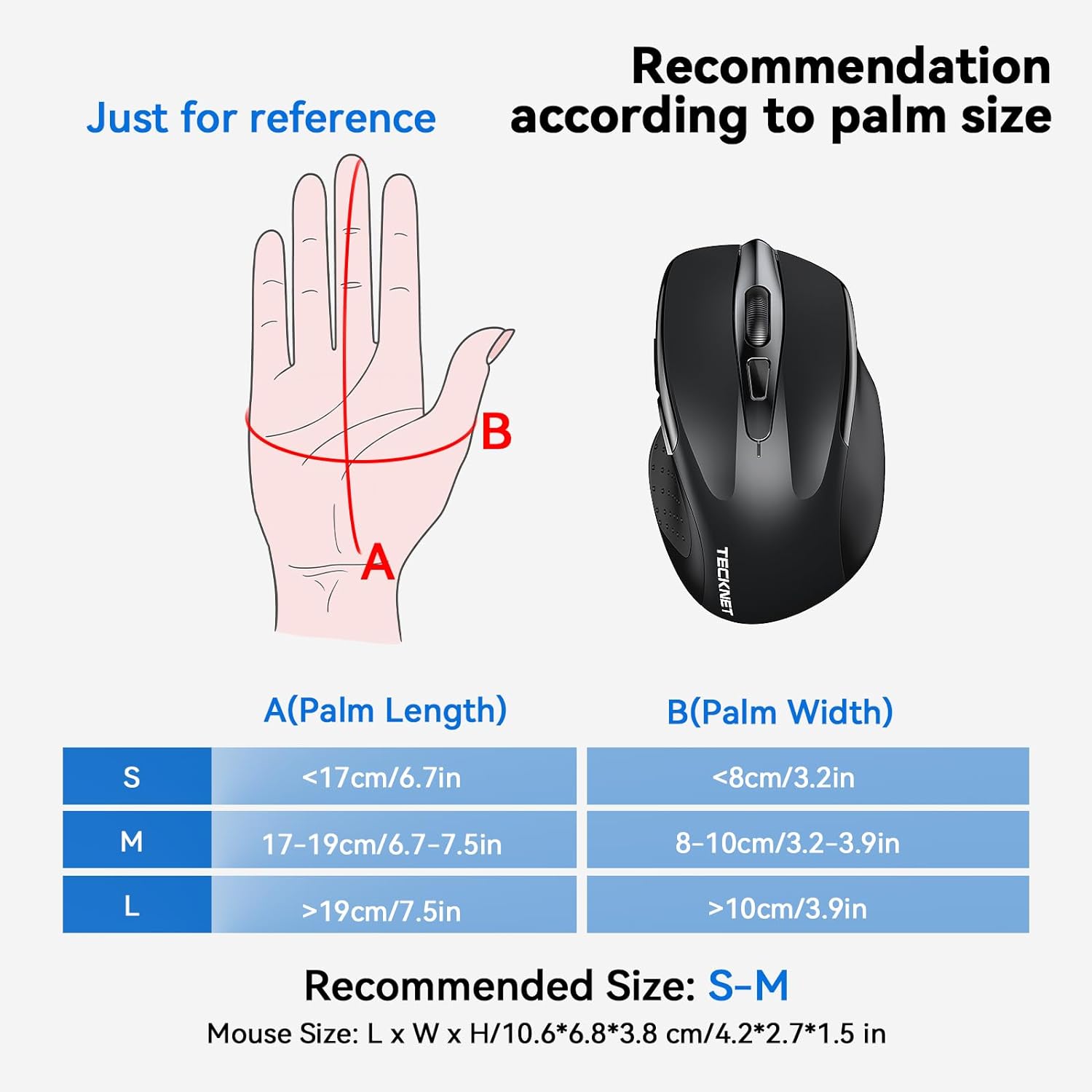
TECKNET Tri-Mode Bluetooth Rechargeable Wireless Mouse (BT 5.0/3.0 + 2.4G, 4800DPI, 6 buttons) – Black
Product description
If you switch between devices during the day, a regular wireless mouse can start to feel like a faff. TECKNET’s tri-mode approach is designed for exactly that: one mouse, multiple connection paths, and a quick way to swap your workflow from a desktop to a laptop (or even a tablet) without packing up and pairing all over again.
That said, it’s not a gaming mouse in the traditional sense—its value is more about day-to-day usability, silent clicking and comfortable handling. If your priority is maximum low-latency esports-style performance, you may find other categories better suited.
Key takeaways
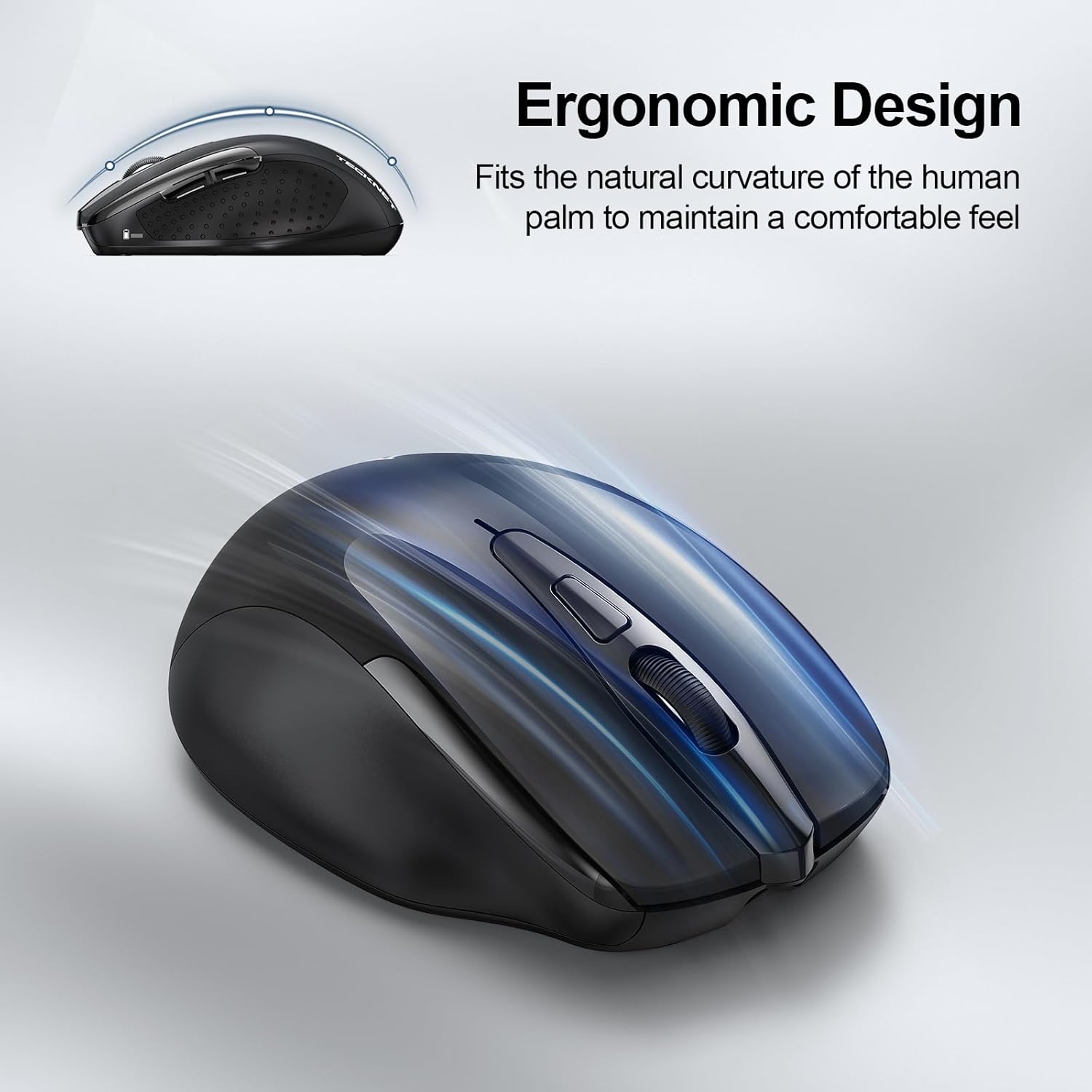
This TECKNET mouse sits in a sensible mid-range for office and general computer use. The big headline is multi-device connectivity (Bluetooth and 2.4G), plus adjustable DPI up to 4800. It’s rechargeable, can be used while charging, and includes a sleep/power-saving approach. Comfort-wise, the design is described as ergonomic with 6 buttons, and the clicking is intended to be notably quieter.
The practical question is whether you’ll actually benefit from tri-mode swapping. If you mainly use one device, you might not need quite this much connectivity flexibility.
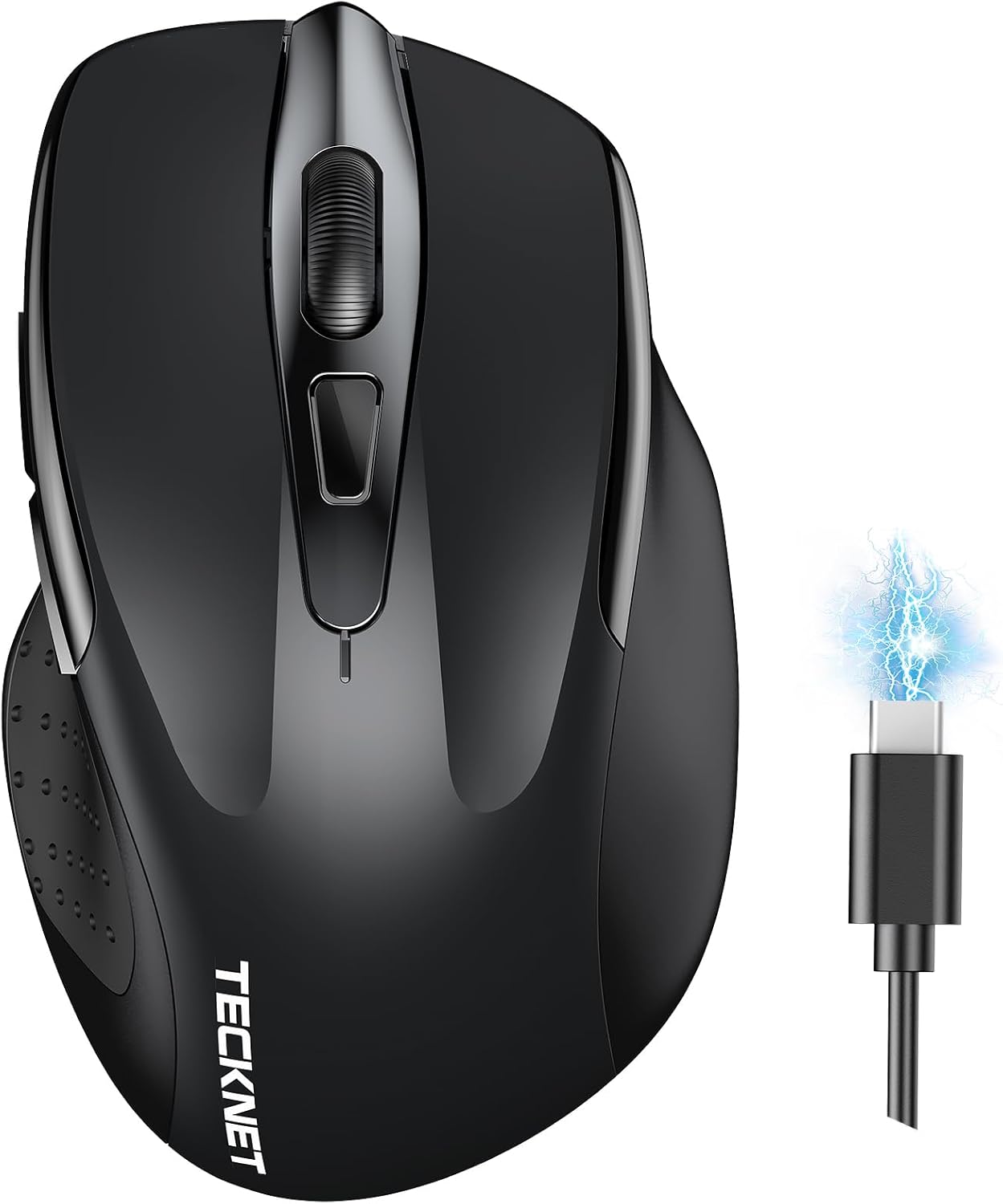
The essentials (what it is and how it helps)
This is a rechargeable wireless mouse that can connect in three ways: Bluetooth 5.0, Bluetooth 3.0, and 2.4G via a receiver. The point isn’t just “wireless”—it’s reducing the friction of moving between two devices. With the connection switch button, you can swap between paired devices, which is particularly useful if you work across a laptop plus another computer.
A micro “real-life” example: say you’ve got a laptop open for email and a desktop running your documents. Instead of changing peripherals, you switch the mouse to the other connection mode and keep going—no need to go through a fresh pairing routine every time.
What you’ll notice day to day
On paper, the standout daily features are:
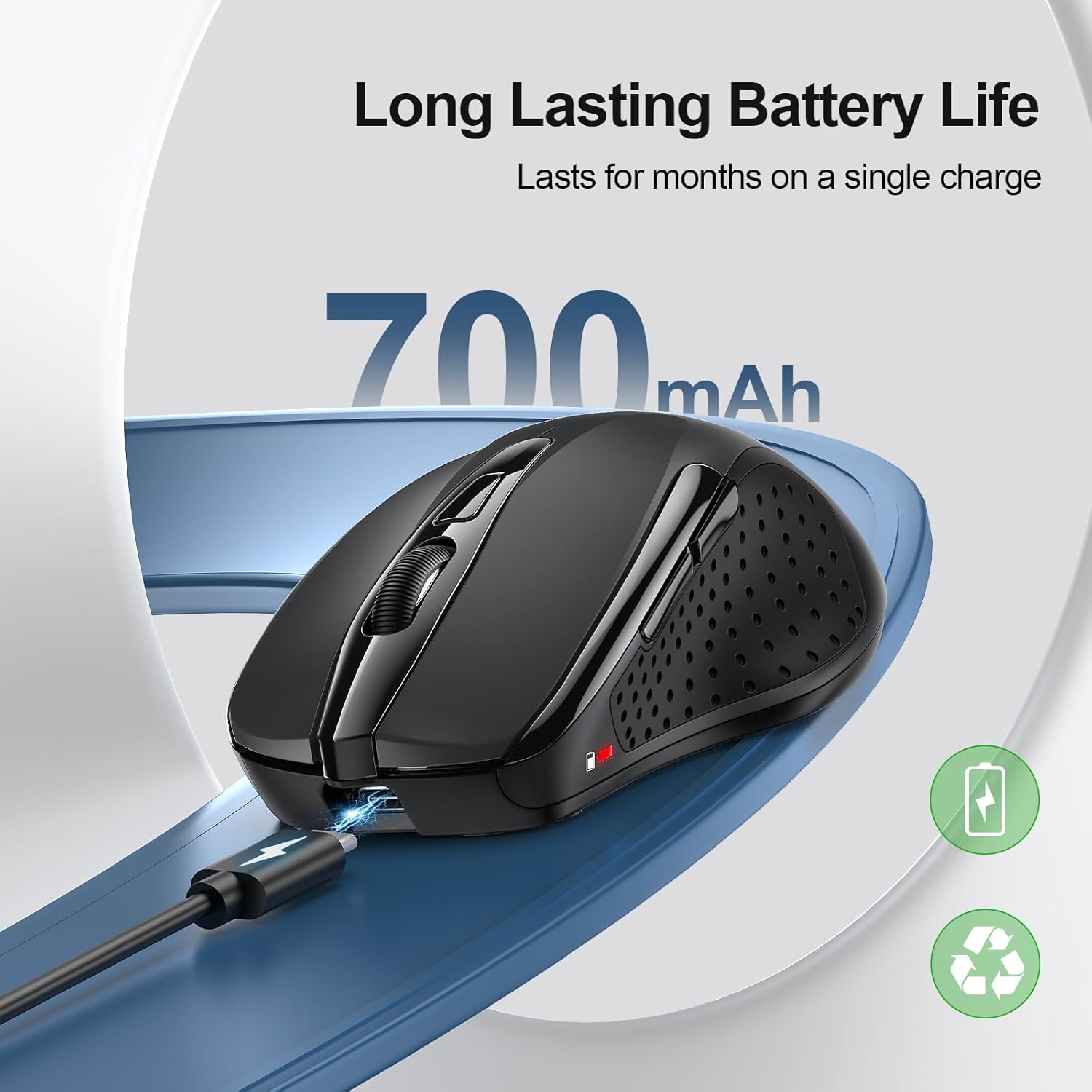
- Rechargeable battery and continued use while charging: after a charge, it’s claimed you can get around 1–2 months of use. The useful bit is that even when it runs low, you can keep using it while it charges.
- Silent clicking: the design is described as reducing noise significantly (up to 90%). If you share a workspace or work late, that can genuinely matter.
- Smooth control with adjustable DPI: it offers 6 DPI levels (4800/3200/2400/1600/1200/800). Depending on your screen and tasks, you can tune the pointer speed—handy for switching between general navigation and more precise work.
- Scrolling efficiency: there’s a high-speed scroll wheel intended to make moving through long pages and documents feel quicker.
One limitation to be aware of: the adjustment range is there, but you don’t get any mention of advanced gaming sensor technology or dedicated profiles beyond DPI steps. So, it’s more “work and browse” than “precision competitive play”.
Key specifications
- Name: TECKNET Bluetooth Mouse, Rechargeable Bluetooth Wireless Mouse (Tri-Mode: BT 5.0/3.0 + 2.4G)
- Type: Rechargeable wireless mouse (tri-mode connection)
- DPI: 4800 DPI adjustable (4800/3200/2400/1600/1200/800)
- Buttons: 6 buttons
- Connection modes: Bluetooth 5.0, Bluetooth 3.0, and 2.4G (with receiver)
- Power: Rechargeable built-in battery
- Noise claim: Silent design reduces noise up to 90%
Compatibility & requirements
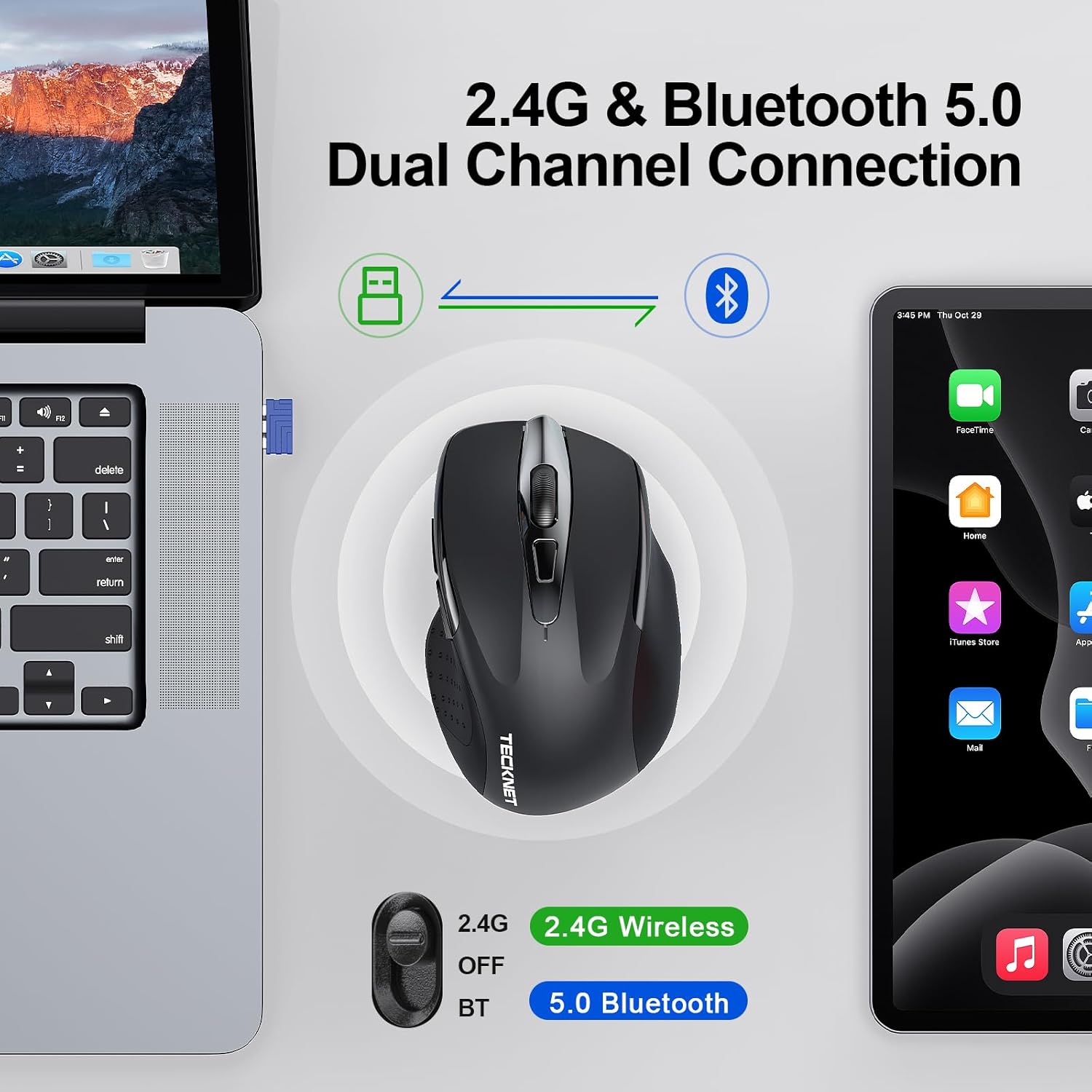
Compatibility is described broadly across Windows 11/10/8/7/XP/Vista and Mac OS/Linux/Android/iOS (10.4+).

A couple of practical notes based on the info provided:
- If your device supports the right Bluetooth version, you’ll be able to use the mouse via Bluetooth 5.0 or Bluetooth 3.0 depending on which mode you select.
- iOS (iPad and iPhone) is stated as compatible via BT 5.0, but it needs to be iOS 10.4 or later.
It’s worth double-checking your device’s OS version and Bluetooth support if you’re buying specifically for an older laptop, a particular tablet model, or an iOS device.
When it makes sense
It’s a solid pick if you:
- want a mouse that can swap between two devices without constant re-pairing
- work across desktop + laptop (or similar two-device setups)
- care about quieter clicking in shared environments
- prefer an ergonomic shape for everyday sessions
It might not be a great match if you’re looking for a high-end gaming-focused mouse or you only use a single device—then the tri-mode switching could be more feature than you’ll actually use.
Final verdict

Worth considering if your day-to-day involves device switching and you’d benefit from silent clicks and rechargeable convenience. The tri-mode setup is the key reason to buy here, and the DPI adjustment gives you some control without needing extra software.
You may want to skip it if you’re buying purely for one machine and already have a mouse you’re happy with, because the extra connectivity options won’t change your experience as much as they would for a multi-device workflow.
Mini FAQ
Can you use the mouse while it’s charging?
Yes—if the Bluetooth mouse’s battery runs low, you can continue using it while it charges.
How long does it last after charging?
The battery is described as lasting roughly 1–2 months after charging for 2 hours.
Does it work with both Windows and Mac?
Compatibility is stated for Windows 11/10/8/7/XP/Vista and Mac OS, alongside other platforms listed in the description.
Is it compatible with iPhone or iPad?
It’s stated as compatible via BT 5.0, but iOS needs to be 10.4 or later.