

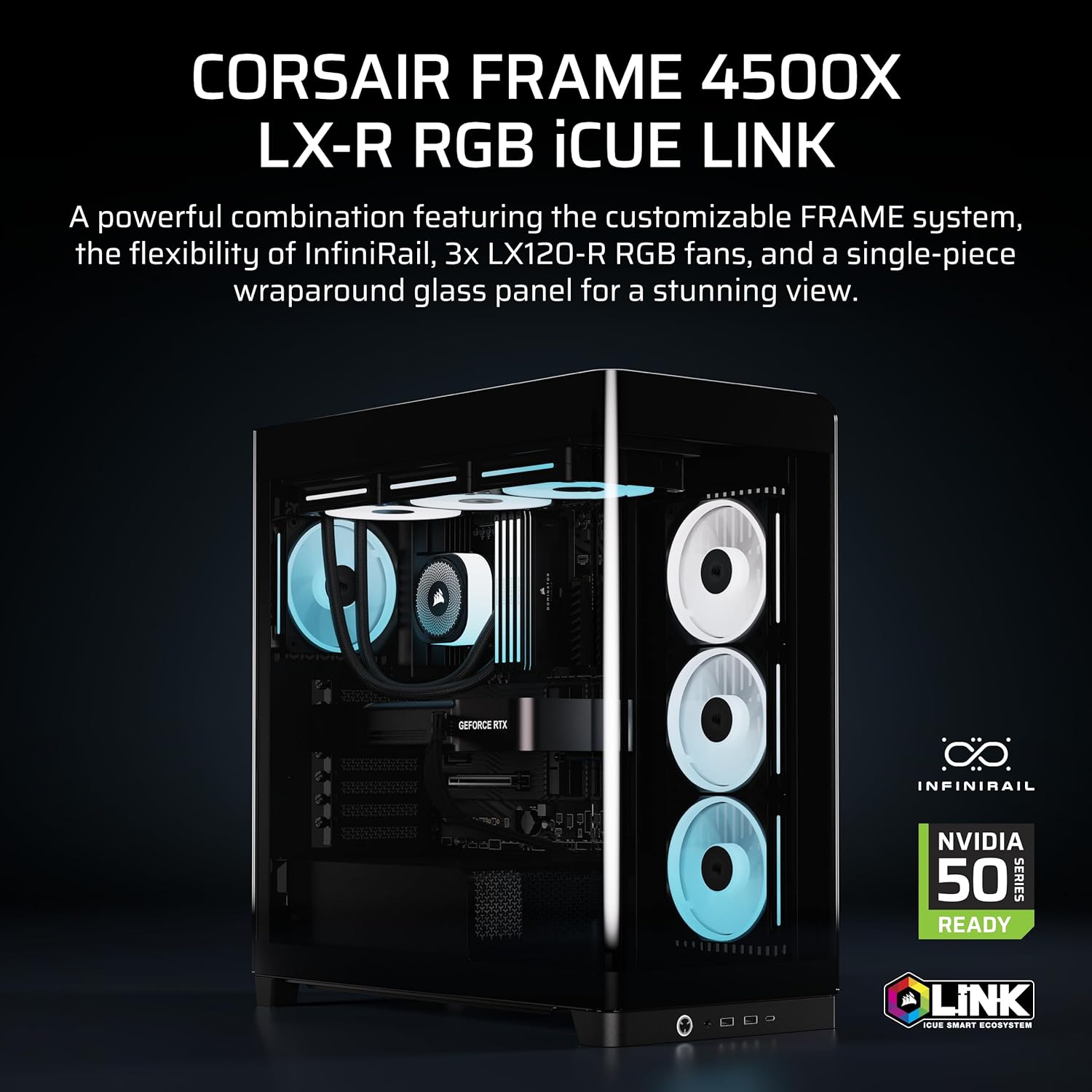
Corsair FRAME 4500X LX-R RGB LINK Mid-Tower PC Case with InfiniRail, dual 360mm radiator support and 3x LX120R RGB LINK fans
Reviews
Price
Product description
Overview: what this case is designed to do
If you like the look of a PC that feels more “built” than “assembled”, the Corsair FRAME 4500X LX-R is aimed squarely at that. On paper, it’s a mid-tower case that pairs a panoramic curved glass front/side experience with an RGB setup that’s ready to impress without you starting from scratch. The included side-mounted RGB fans are part of that visual story too, and the airflow approach is meant to keep temperatures in check while the hardware is on full display.
It’s also the sort of case that assumes you might want to change things later. Corsair’s modular FRAME system and the InfiniRail mounting approach are there for flexibility—so you’re not locked into one fixed fan layout from day one. That matters if you’re the kind of builder who tweaks cable routes, moves fans, or experiments with radiator positions.
Key takeaways
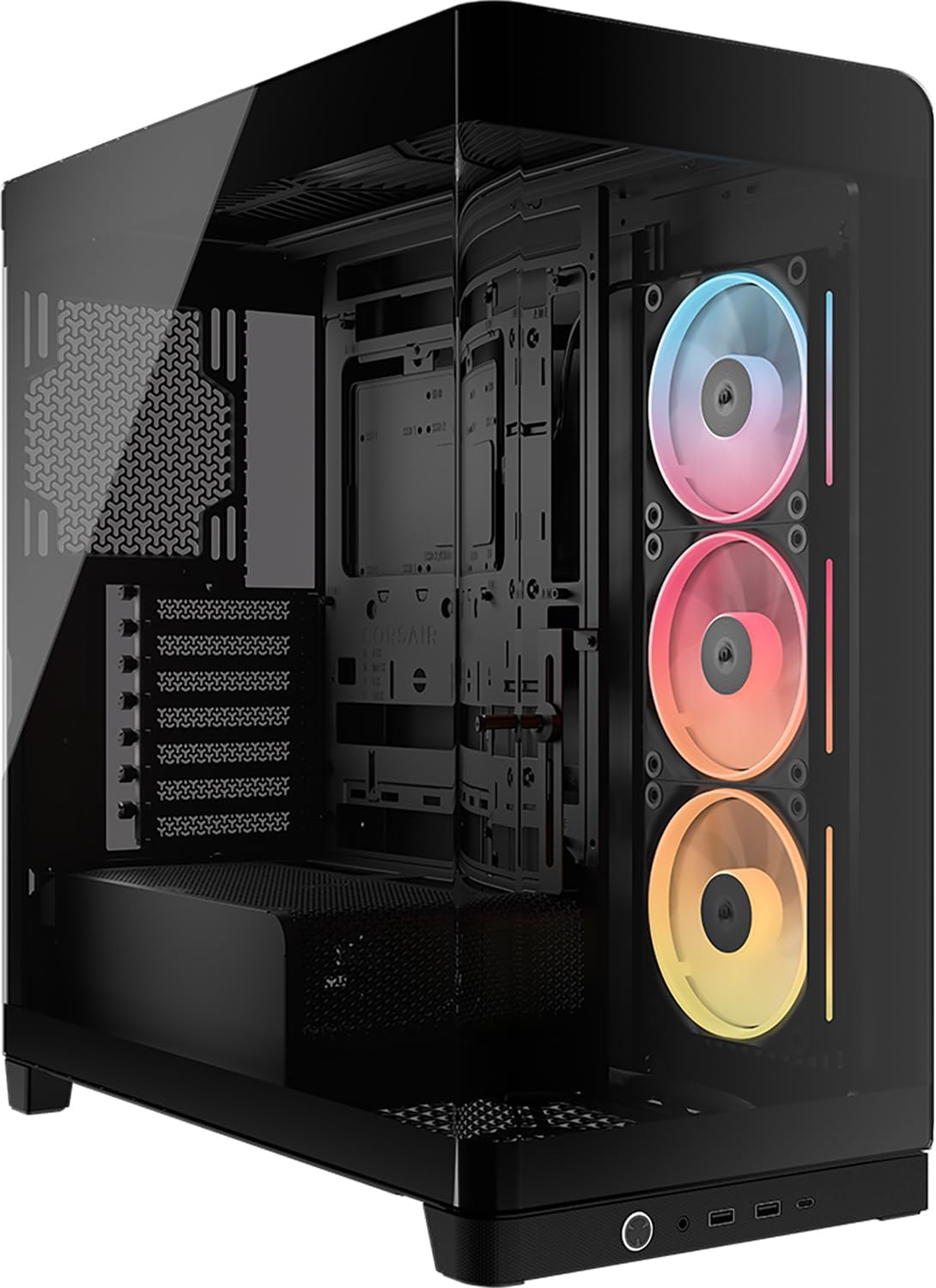
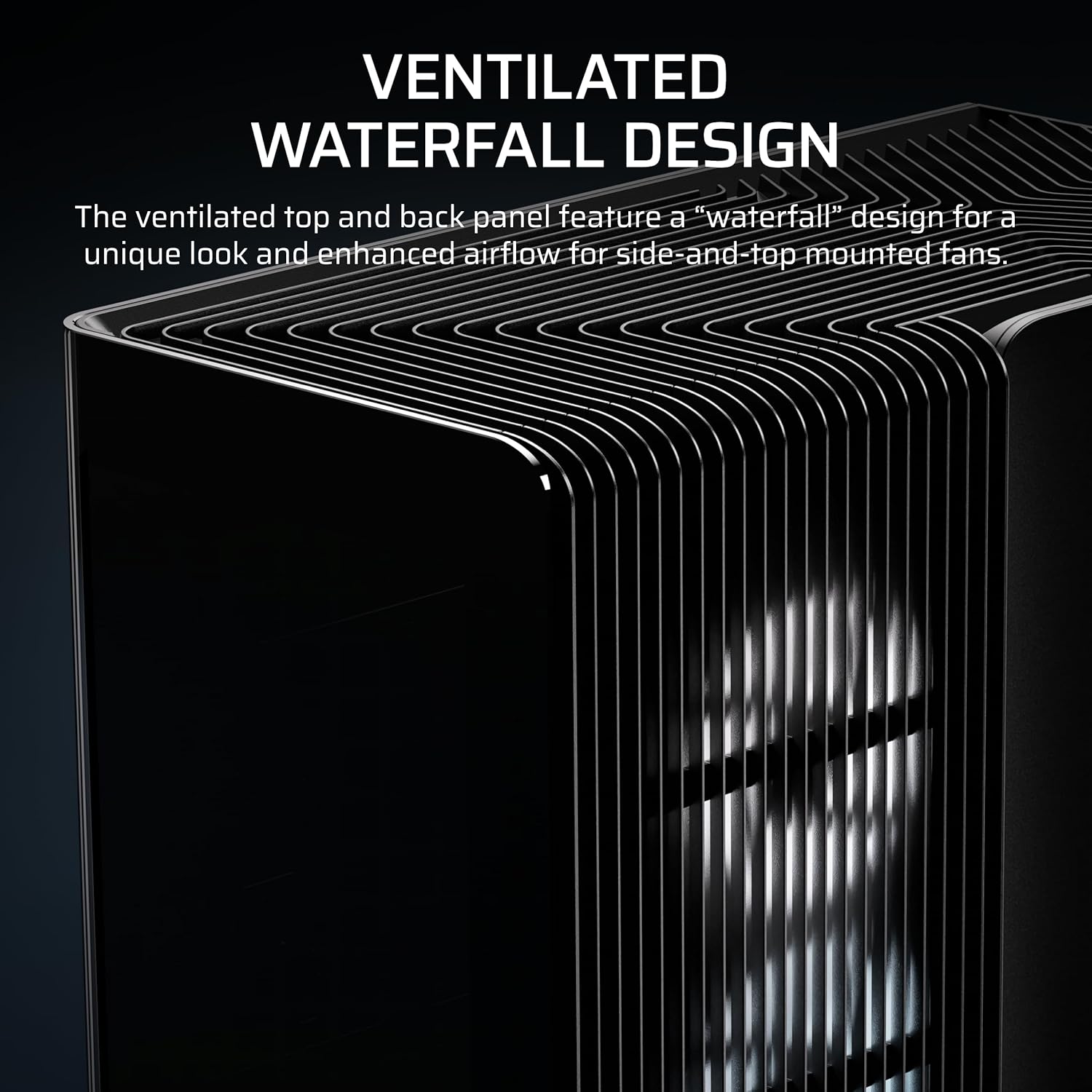
The standout theme here is flexibility plus visibility: one-piece panoramic curved glass, a distinctive “cascade” exterior design, and a chassis system that’s meant to support evolving layouts. The included 3x LX120R RGB LINK fans (with the specific side rotor-inverse concept described) give you lighting presence right away, while the InfiniRail mounting system is a practical way to place 120/140 mm fans on the top area where you want them.
One thing to be honest about: a case like this is easier to appreciate if you care about the build aesthetic and airflow planning. If you just want a plain, minimalist box and never intend to tinker, the extra complexity could feel like more than you need.
What you’ll notice day to day (in use)
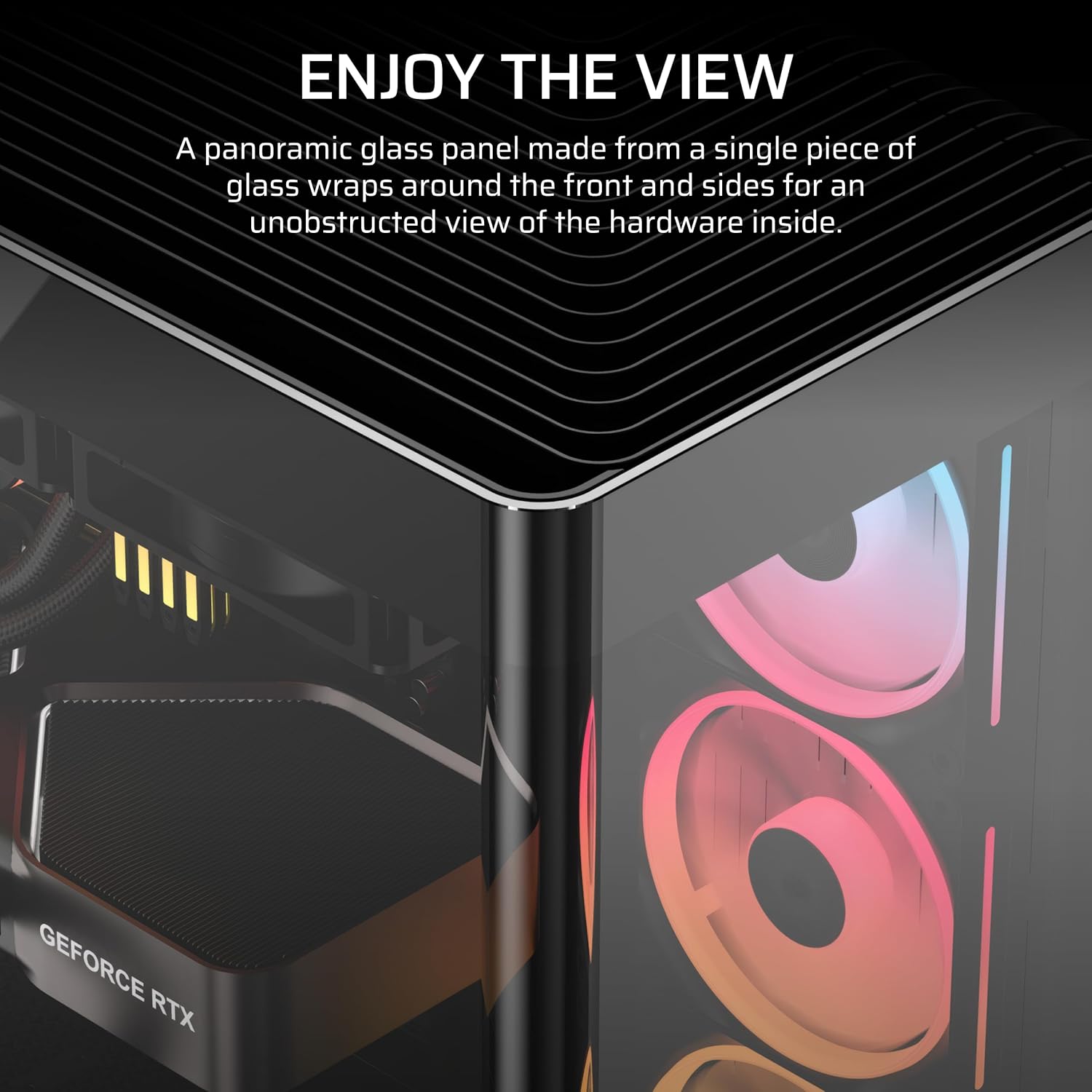
The most immediate difference is the panoramic curved glass panel. Instead of seeing “breaks” where the front and side meet, you get a more continuous view, which helps when you’re showing off a clean GPU area and well-lit components. It’s the kind of case where cable management becomes part of the aesthetic—because the glass makes it visible.
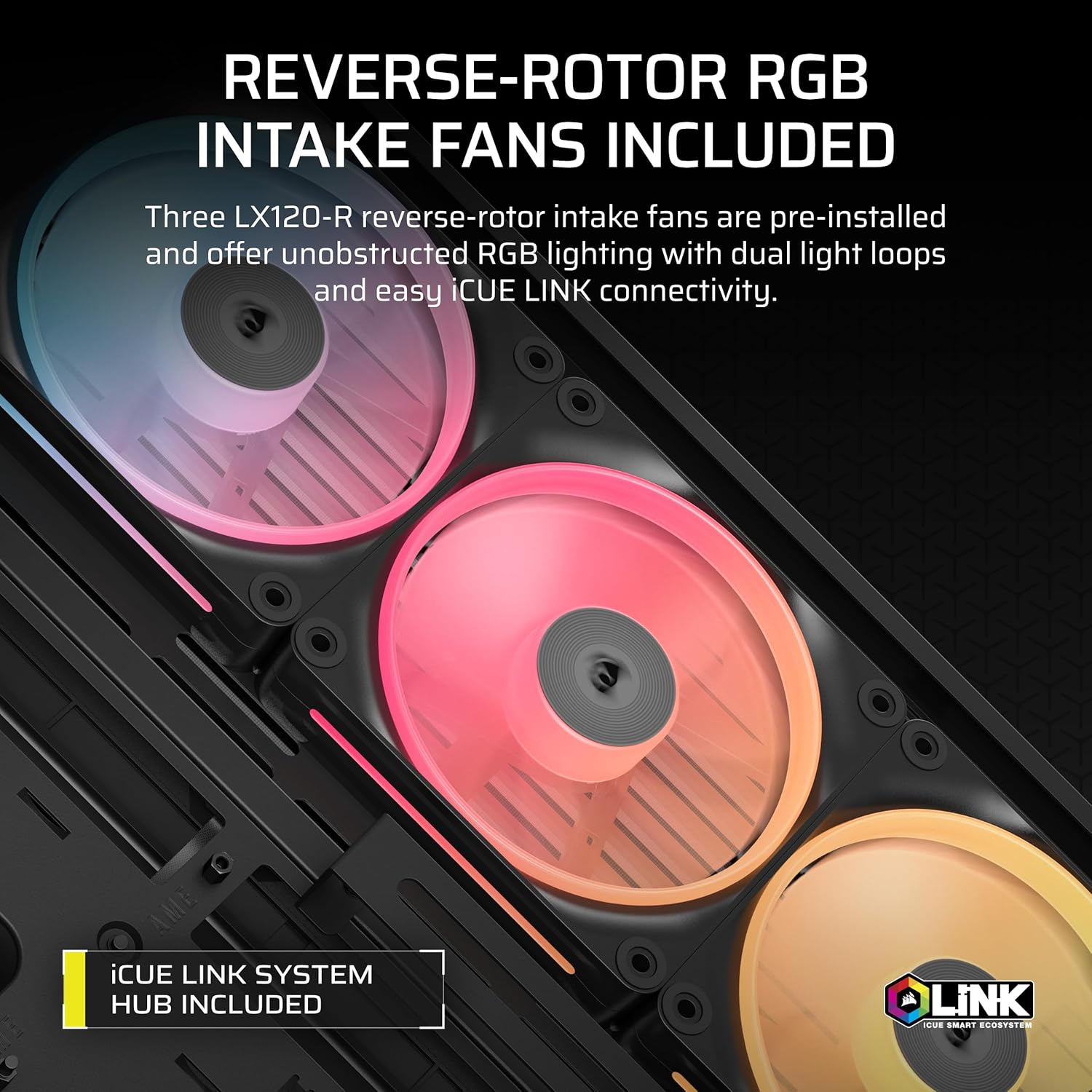
Cooling-wise, the included side fans are described as using a reverse-flow rotor design to push cool air into the chassis while keeping the RGB visible. That’s a thoughtful compromise on style: the fans aren’t hiding behind a flat, boring grille, and they’re positioned with an intent to support internal airflow rather than simply adding lights.
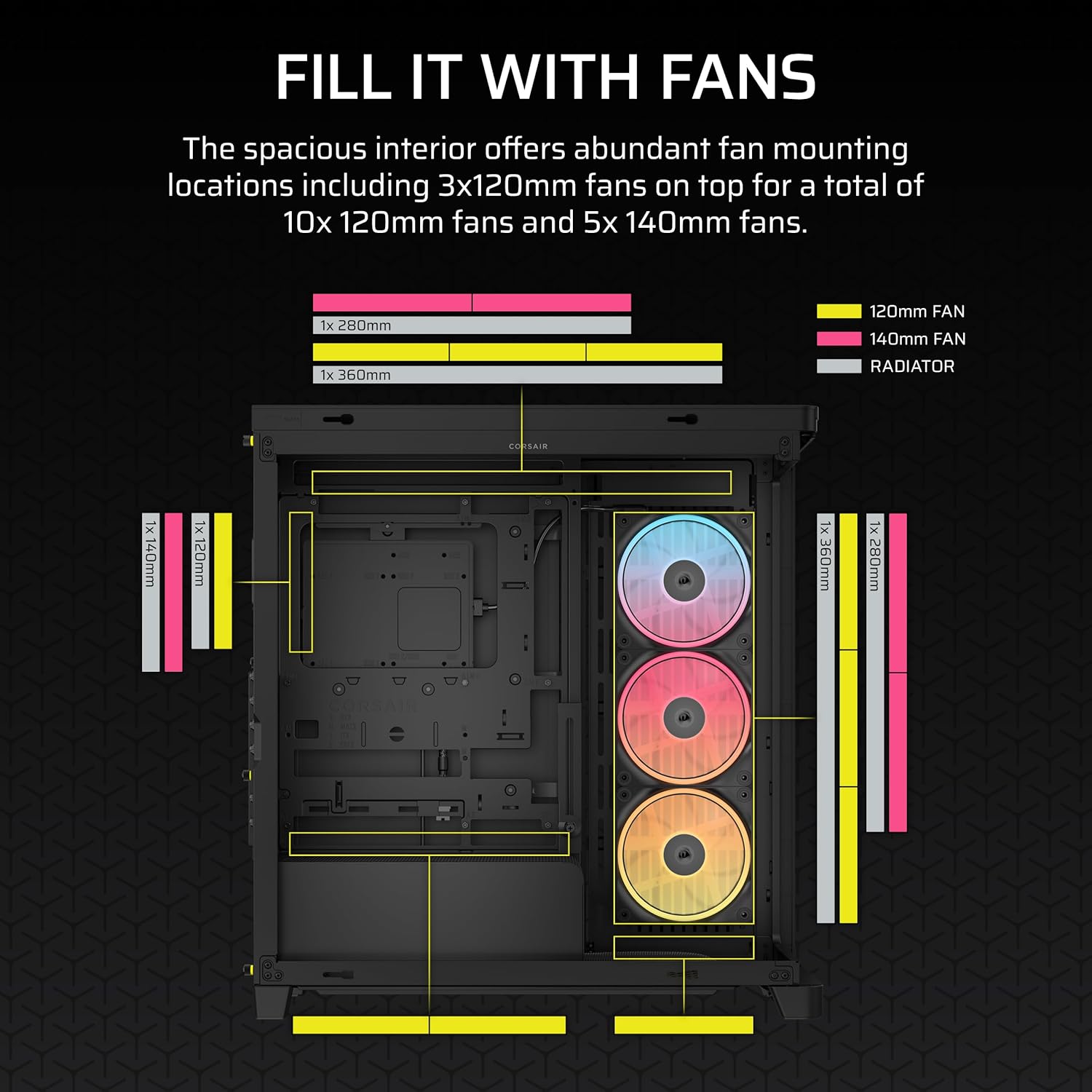
If you’re running a radiator loop, the case is described as fitting dual 360 mm radiators. Whether you can use that fully depends on your specific parts and layout, so it’s worth double-checking clearances once you know your motherboard size, radiator thickness, and GPU dimensions.
Where the case makes sense (and where it doesn’t)
It makes sense if you want a showpiece mid-tower with modular building features. The FRAME system is designed around the idea that you may swap components like the motherboard tray, side fan-related parts, or even change what the PSU cover looks like—so it suits builders who care about ongoing personalisation.
Worth considering if: - You want panoramic glass with minimal visual obstruction. - You plan to refine your cooling layout (especially around the top area using InfiniRail). - You want RGB presence without sourcing fans separately.
It might not suit you if: - You prefer a straightforward, plug-and-forget build with minimal configuration. - You’re not planning any radiator/fan planning and just want basic airflow. - You’d rather avoid modular panels/attachments that add more decisions during assembly.
And a practical note: “fits dual 360 mm radiators” tells you the case is capable, but real-world success still depends on your exact radiator setup and thickness. Don’t assume every combo will be painless.
Tech details you should actually check before buying
This case is pitched around its mounting flexibility and glass design. The key items to verify for your specific build are:
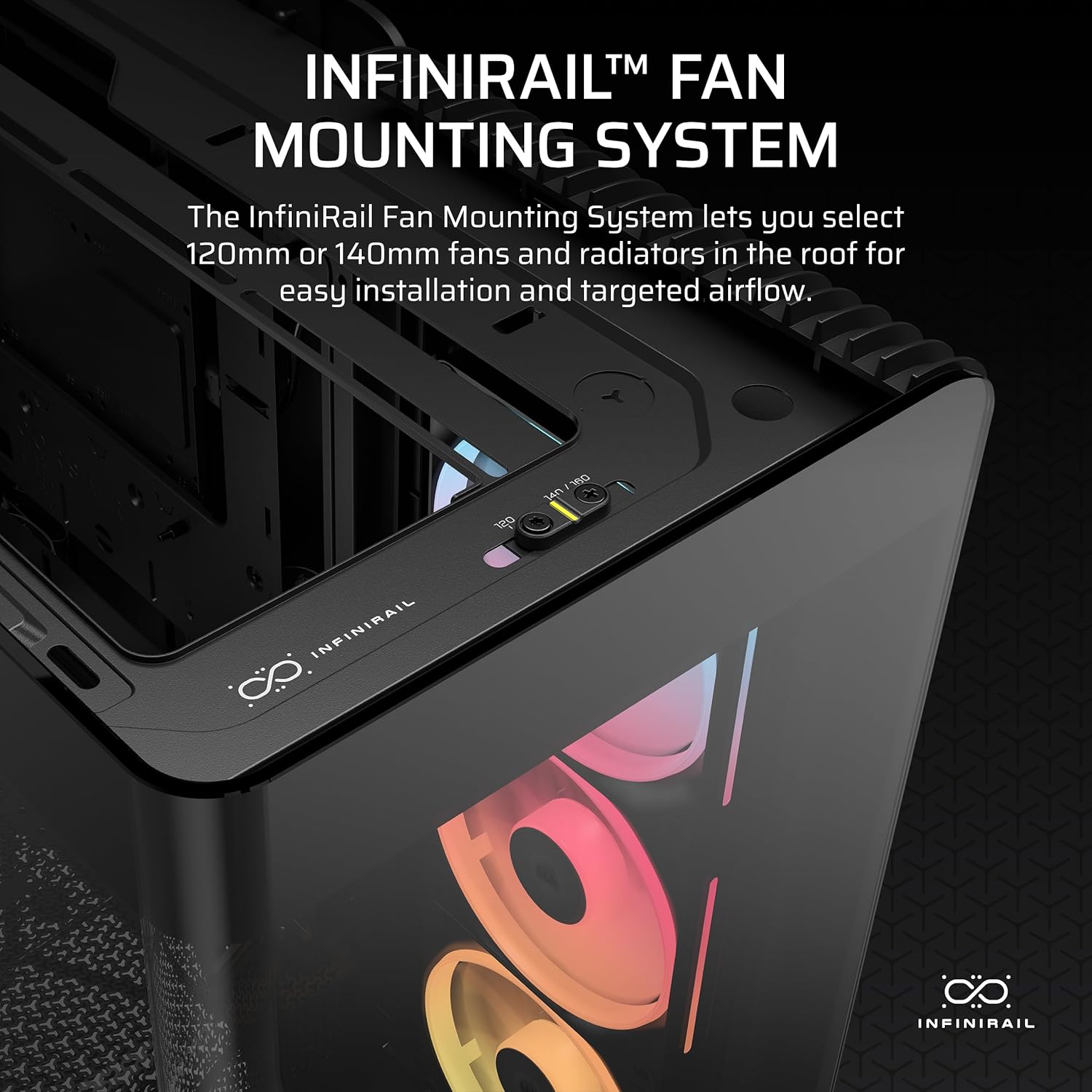
- InfiniRail mounting system: described as a multi-point steel mounting approach on the top area, where you slide the rail to mount 120 mm or 140 mm fans where you want them.
- Dual 360 mm radiator support: useful if you’re targeting a two-radiator water-cooling layout.
- GPU anti-sag support: included as part of the build support (so your graphics card isn’t left hanging unsupported).
Final verdict
It’s a solid pick if you’re building a mid-tower PC where the visual presentation matters, but you still want credible airflow planning via radiator support and adjustable fan mounting. The included LX120R RGB LINK fans and the reverse-rotor side approach sound like a more intentional lighting/cooling blend than you often get at this level.
You may want to skip it if you’re after a simple, no-fuss case, because the modular FRAME concept and the fan/radiator planning you’ll likely do can be more effort than necessary. If you do buy, make sure your radiator thickness and component spacing will work with the layout you intend—“support” and “will fit your exact parts comfortably” aren’t always the same.
Mini FAQ
What does the InfiniRail mounting system change?
It’s designed to let you reposition fan mounting options on the top area by sliding the rail, which can help you match your airflow plan without being stuck with a fixed pattern.
Does the case come with RGB fans?
Yes—3x LX120R RGB LINK fans are included, with the side-mounted fans described as using a reverse-flow rotor design for cooling while showing RGB effects.
Is panoramic curved glass included throughout the front and side?
The description says the front and side are made as a single piece of curved glass, aiming for a continuous panoramic view.
Will dual 360 mm radiators definitely fit my build?
The case is described as fitting dual 360 mm radiators, but you should still check your exact radiator thickness and the rest of your components for clearance.
Is the FRAME modular system worth it?
It depends on how you build. If you like tweaking—swapping panels, adjusting fan-related parts, and changing the look over time—it’s a real advantage. If you never plan to change anything, it may feel like extra complexity.