

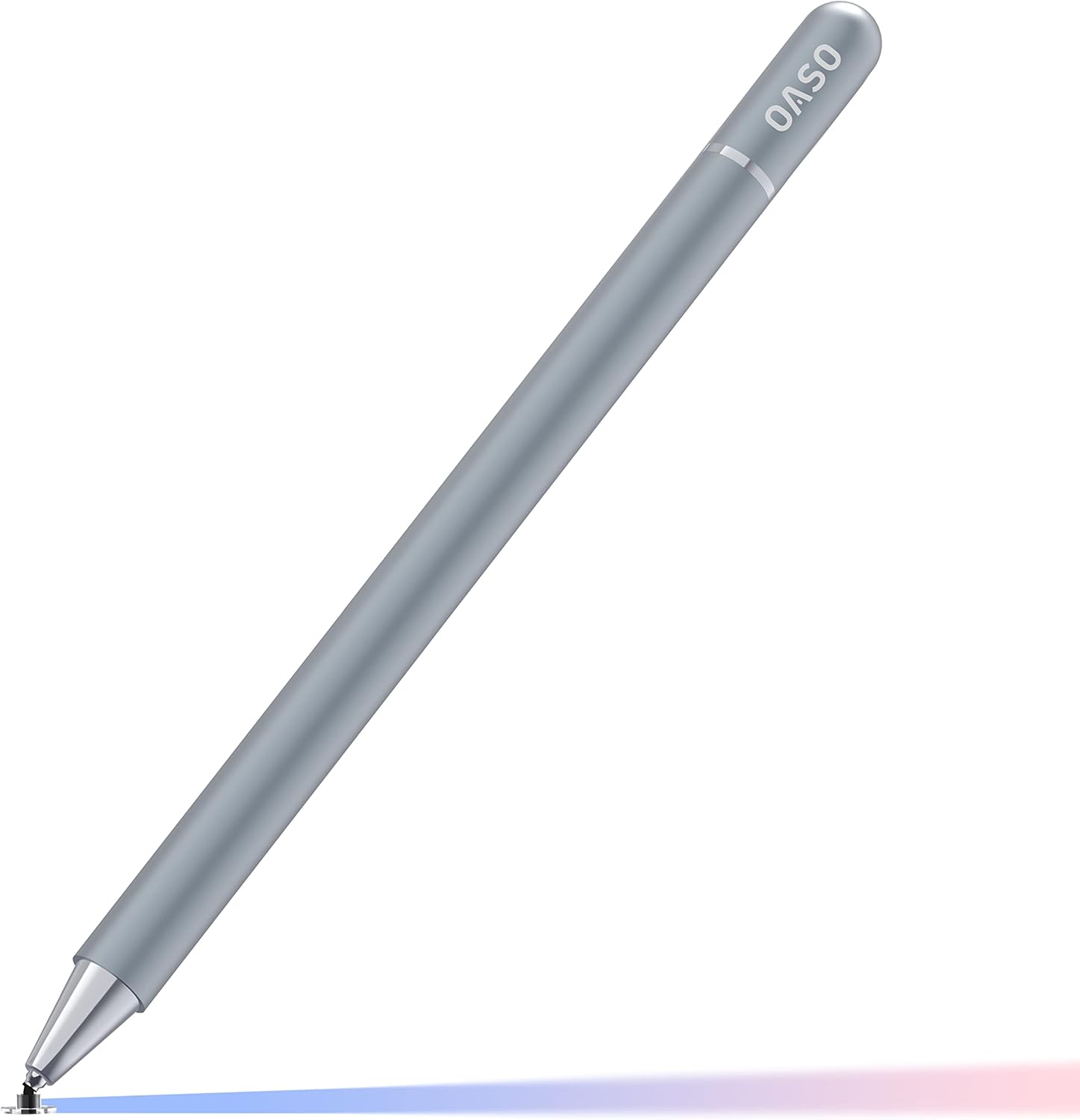
Stylus for Tablet (Capacitive Disc Tip) with Magnetic Cap – battery-free pen for touch screens
Product description
The essentials first
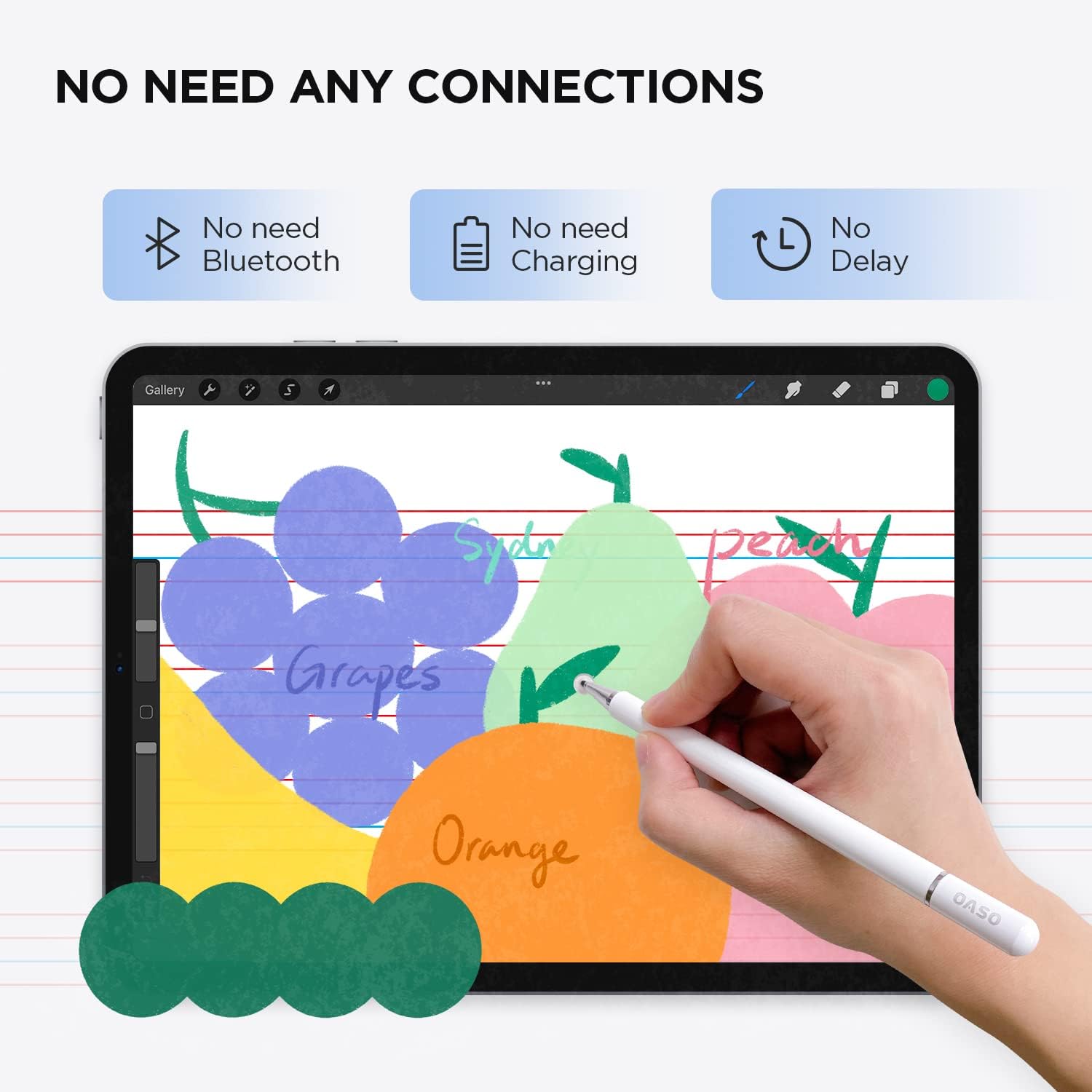
If you just want a stylus that behaves like a pen on a touch screen, this battery-free capacitive option is designed for exactly that. The disc tip is meant to mimic the way a finger interacts with touch displays, so on supported apps it’s aimed at everyday note-taking, sketching, scrolling and general screen use.
On paper, the appeal is simple: no charging, no pairing, no “set-up” routine before you can start drawing or writing. You also get a magnetic cap, which should help keep the stylus together with your device (or at least stop it vanishing as easily as a loose pen).
What it’s for (and what you can realistically expect)
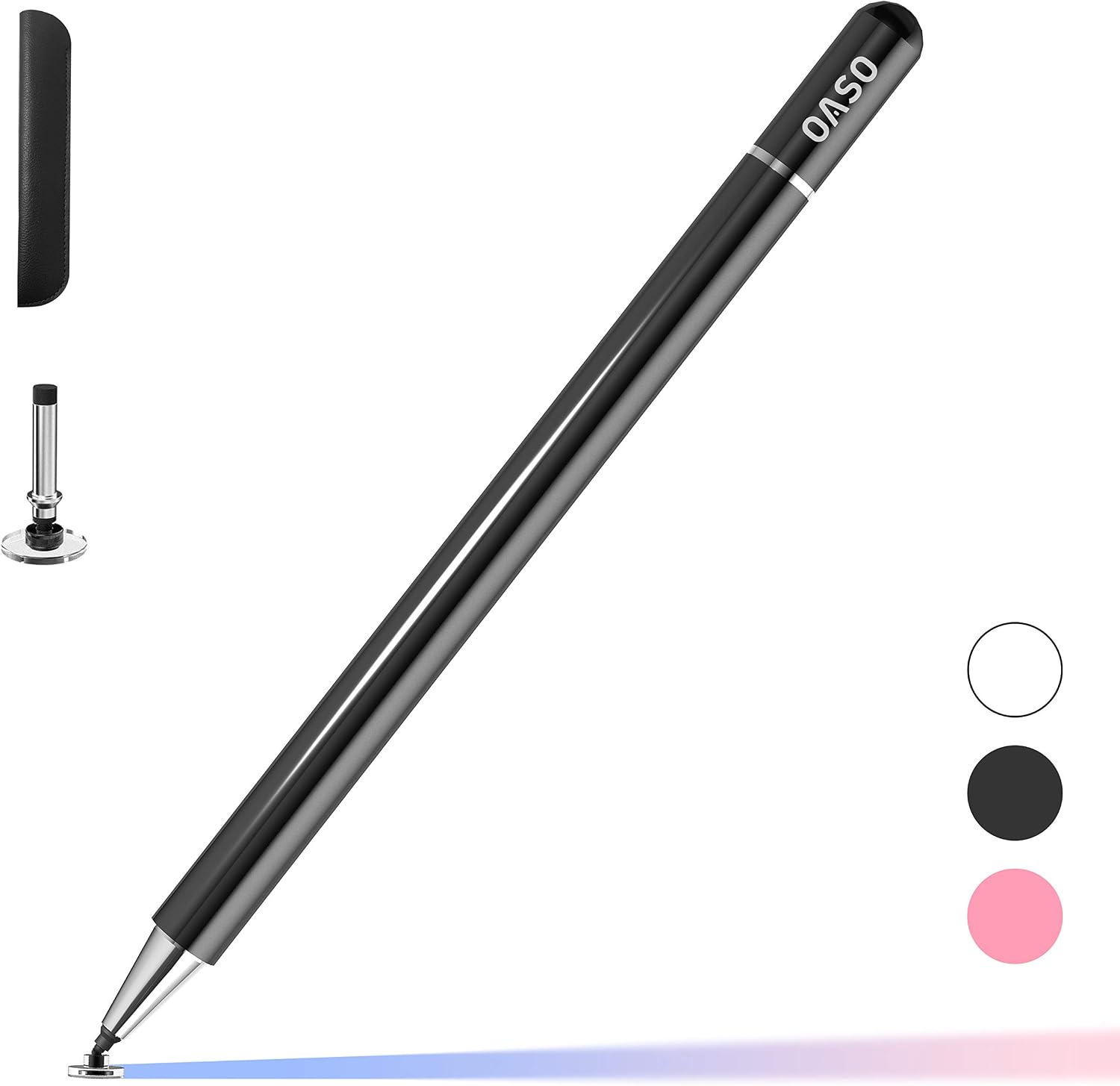
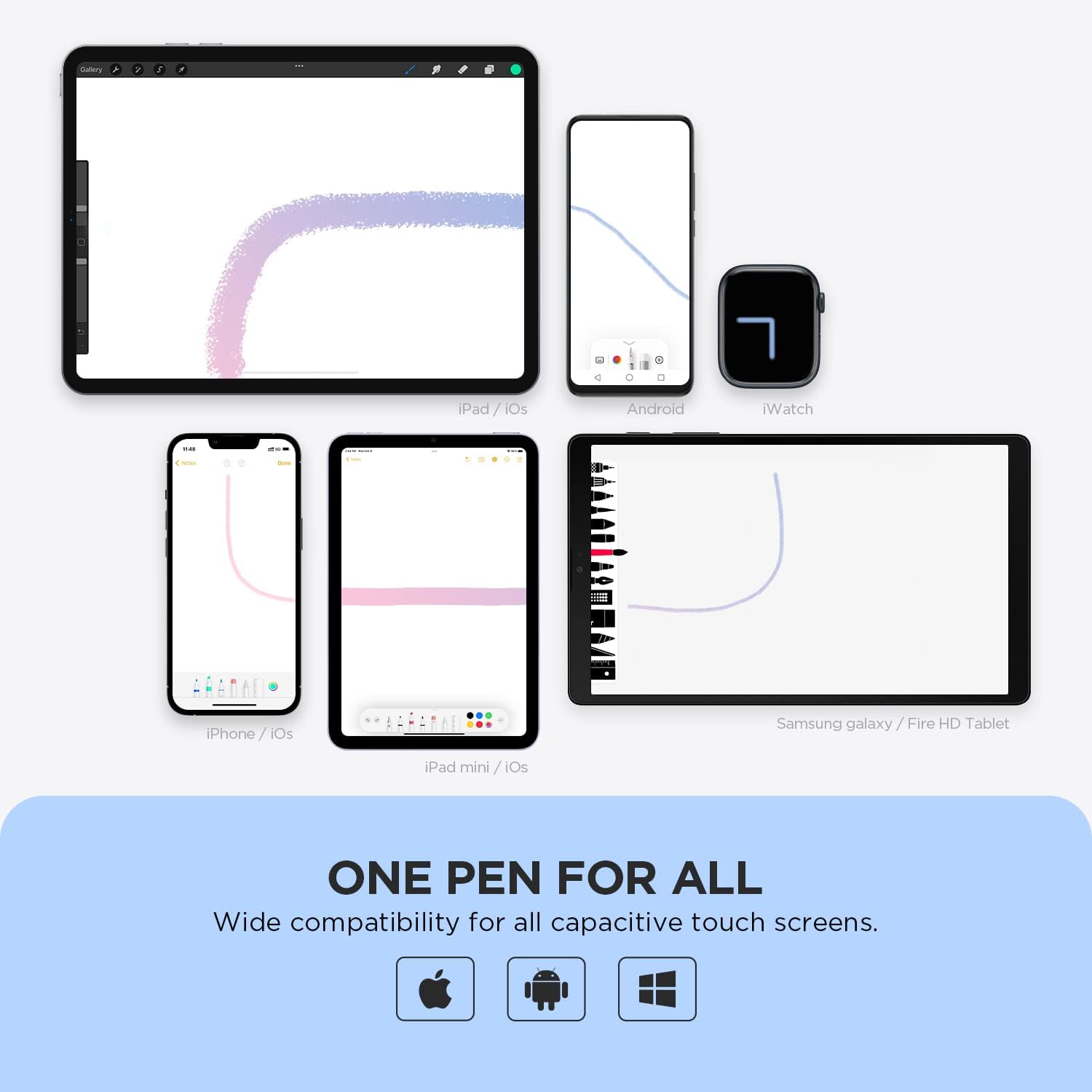
This stylus is intended for use with “all touch screens” thanks to its capacitive approach. The manufacturer’s description points to compatibility across a broad range of devices such as iPad/iPhone touch models, Samsung Galaxy Tab A7/S7 ranges, Chromebooks, and even Android phones and tablets, plus various touch-screen devices. In practice, that wide-brush compatibility is common for capacitive styli: they work best when your device/app responds to touch input.
Because it’s a disc tip that simulates finger contact, it won’t behave like an active stylus with advanced features on every device. If you’re expecting the kind of pressure sensitivity or palm-rejection experience associated with more dedicated stylus systems, you may feel it falls short. It’s more of a “solid everyday pen replacement” than a professional creative tool.
A quick example: imagine you’re on the train opening a drawing or notes app, sketching ideas on the go, then switching to reading and scrolling. This is the kind of workflow where not having to charge or connect the stylus can be a genuine convenience.
Where it shines day to day
Key features
The design centres on three practical ideas: battery-free use, finger-like touch simulation, and a magnetic cap.
- Battery-free: no charging or pre-use connection steps.
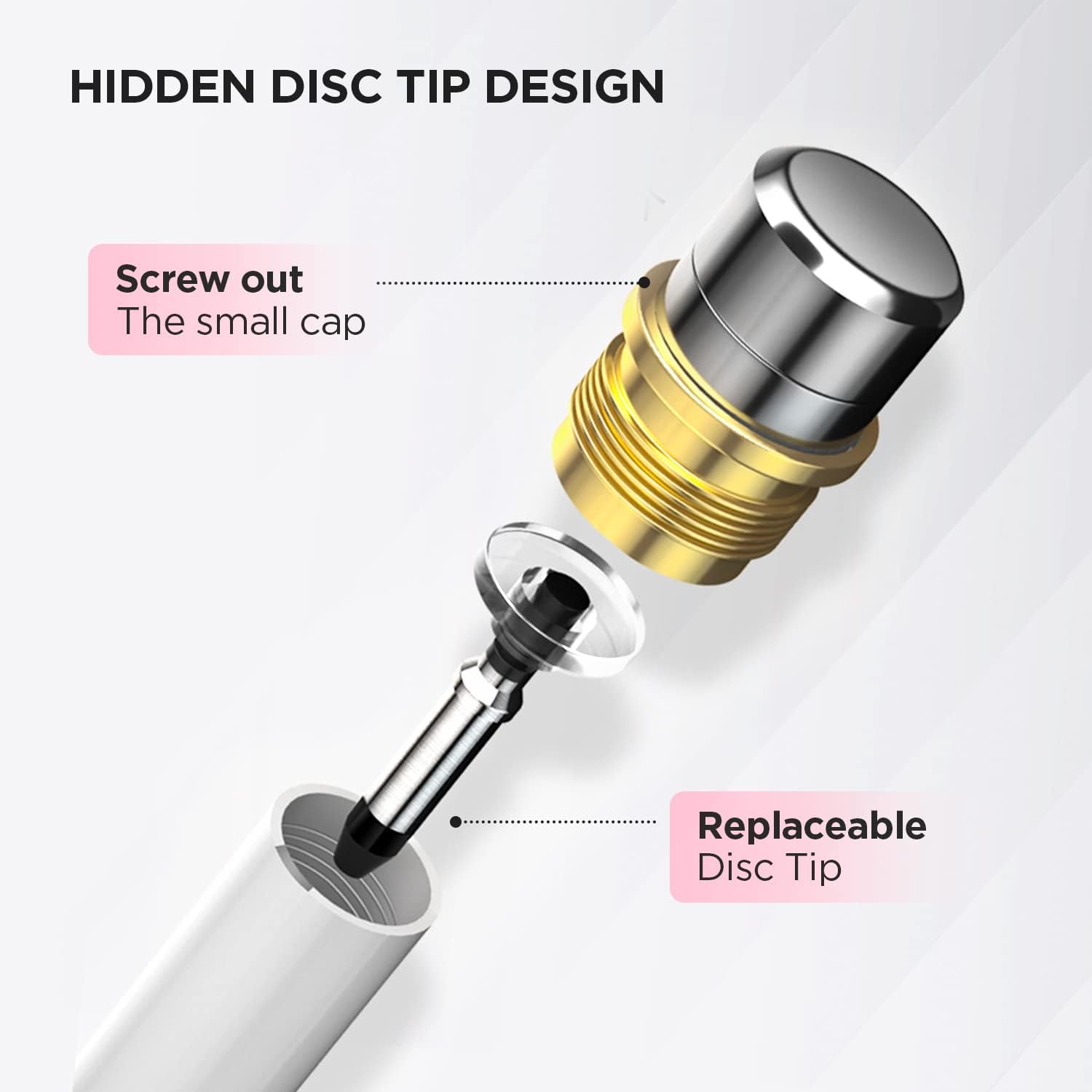
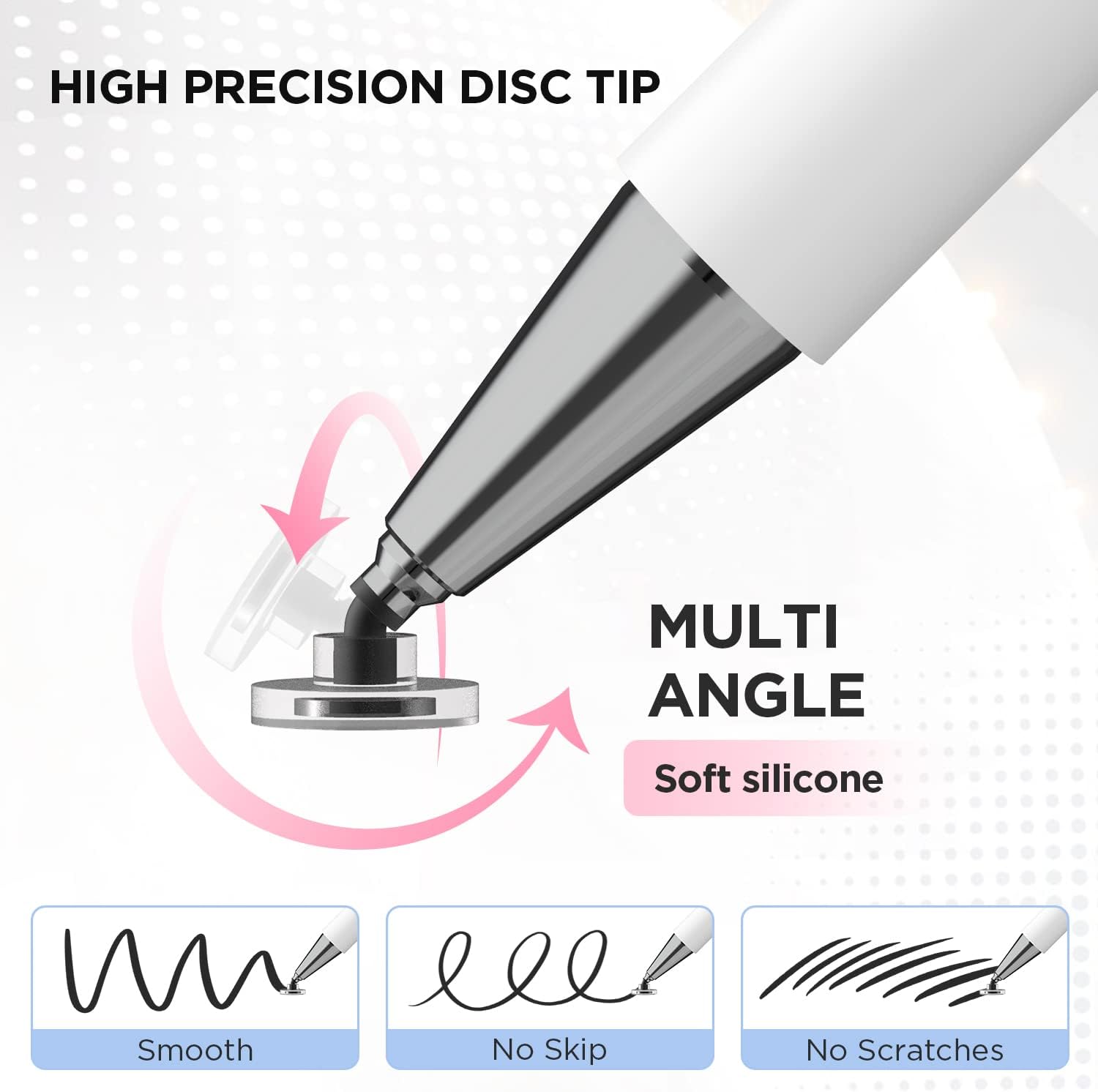
- Capacitive disc tip: designed to be used directly in touch screen apps, similar to how you’d write with your finger.
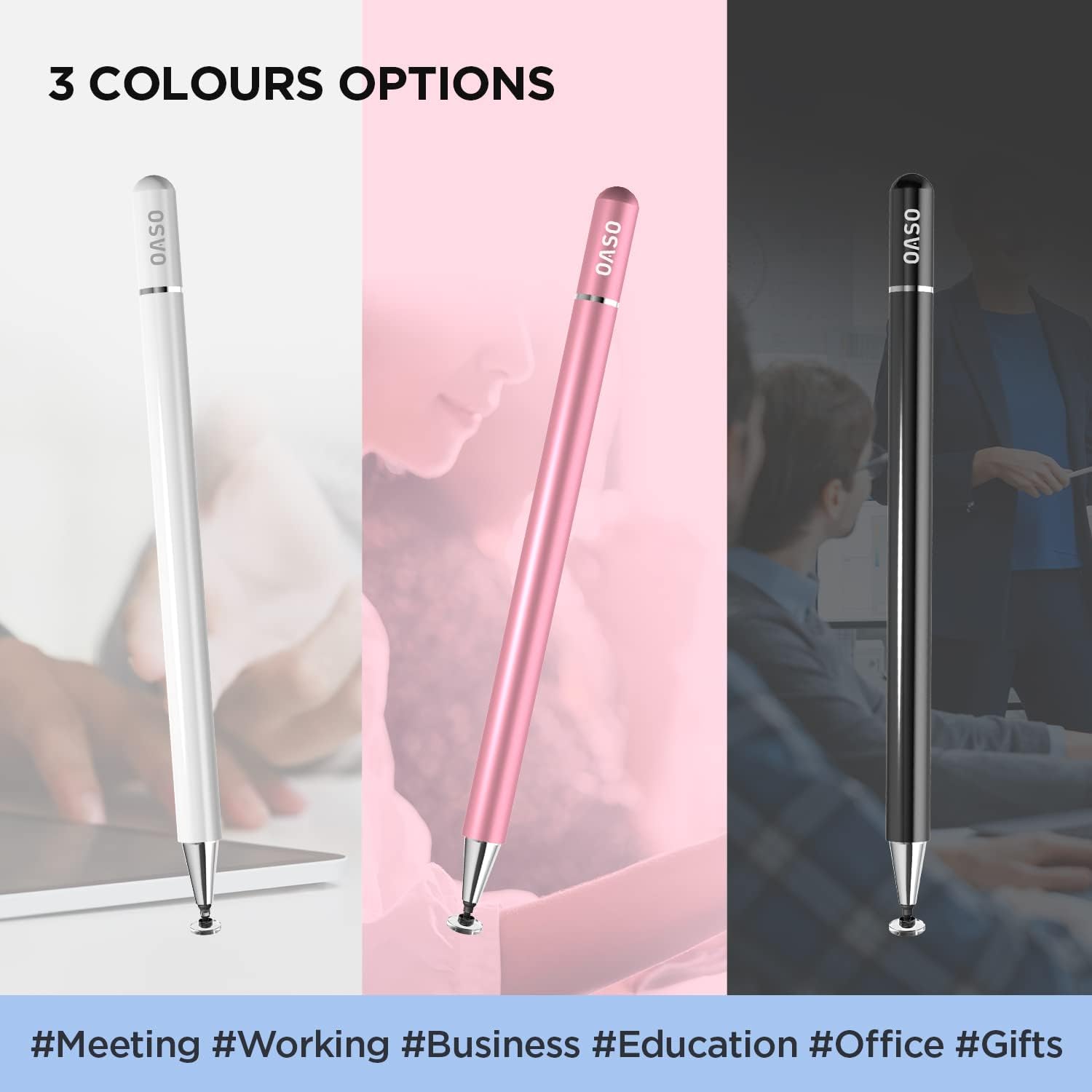
- Magnetic cap: helps with storage/handling so you’re less likely to misplace it.
What to consider before buying
This one has a big “it depends” factor. The listing explicitly notes that international products may be sold from abroad and may differ from local versions, including fit and instruction/labelling details. Even within the same device family, real-world compatibility can vary depending on how your specific tablet/phone and app interpret touch input.
It might not suit you if you’re trying to unlock device-specific stylus features (rather than basic touch-based drawing and note-taking). Also, if your priority is ultra-precise line control, a disc tip that behaves like a finger can feel less precise than finer, more advanced stylus setups.
Pros
- No battery and no connection required before use.
- Works like a familiar “touch pen” for drawing, notes, scrolling and reading.
- Magnetic cap is a small but useful handling feature.
Cons
- Capacitive finger-simulation style may not match the feel or responsiveness of dedicated active stylus systems.
- Compatibility is broad by claim, but real behaviour depends on your device and the apps you use.
Is it worth it?
Worth considering if you want a straightforward stylus for everyday touch-screen tasks: jotting notes, marking up, basic sketching, and comfortable scrolling without charging or pairing. It suits people who just want something that works on the screens they already have, including multi-device households.
Better avoided if you need advanced stylus features tied to specific devices (or you’re chasing the most precise, pen-like output available in stylus tech). In that case, this stays more in the “useful and convenient” tier than the “premium creative stylus experience”.
Mini FAQ
Usage tips
Do I need to charge or connect it first?
No—it's described as not requiring a battery and not needing a connection before use.
Is it compatible with different tablets and phones?
The listing claims compatibility across many touch screens, including iPad/iPhone touch models, Samsung Galaxy Tab A7/S7, Chromebooks and Android devices, but actual behaviour can depend on your device and app.
Can I use it in drawing and note apps?
Yes, it’s intended for drawing apps, taking notes, scrolling and reading news on supported touch screens.
What is the magnetic cap for?
It’s part of the design, intended to help with keeping the stylus together and handling.
Could international versions differ?
The listing warns that international products may differ from local versions, including fit and local labelling/instructions.