

BENFEI USB 3.0 7-Port Hub – Ultra-Slim, 3.3ft Cable, No Charging Port
Product description
What it is
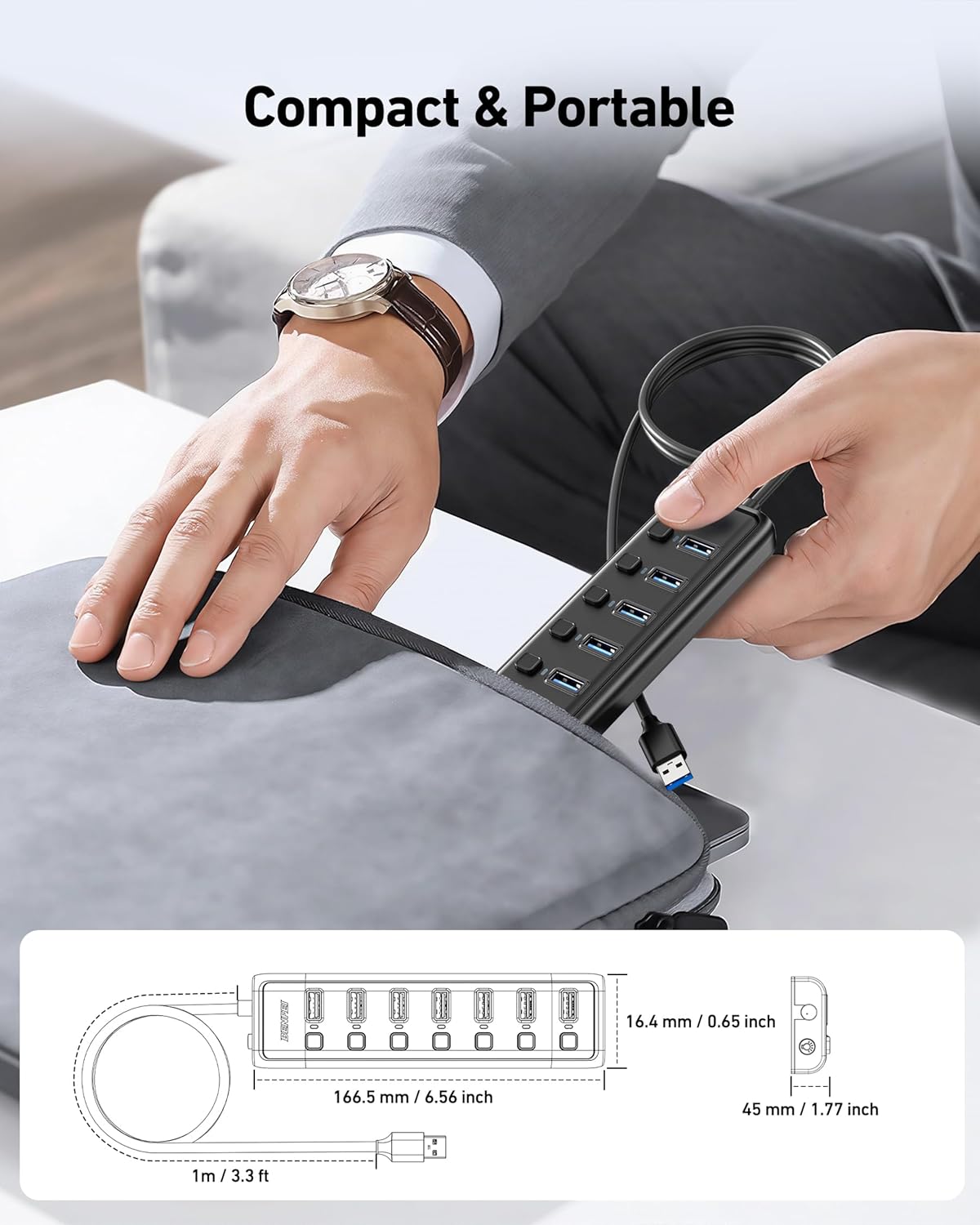
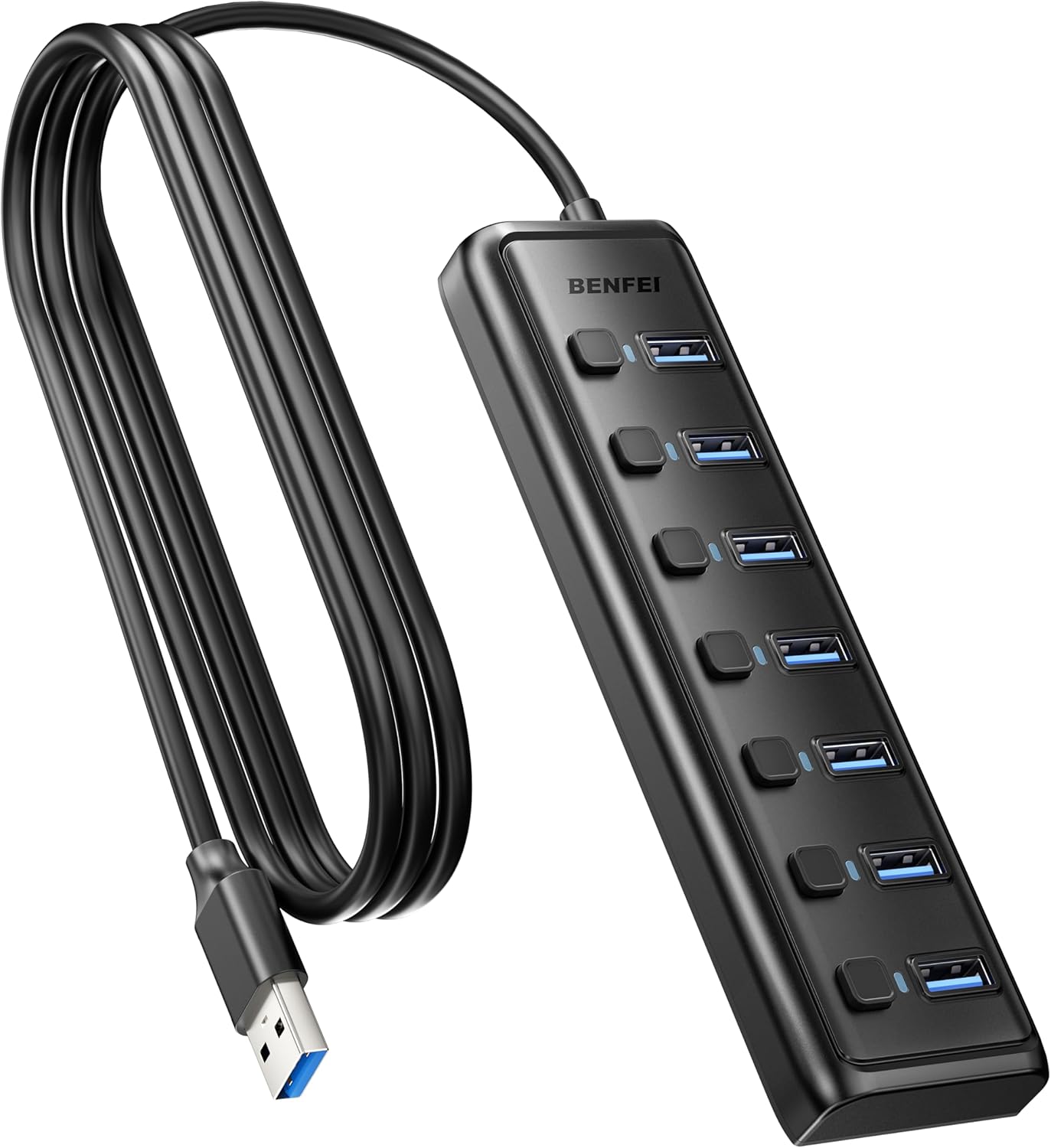
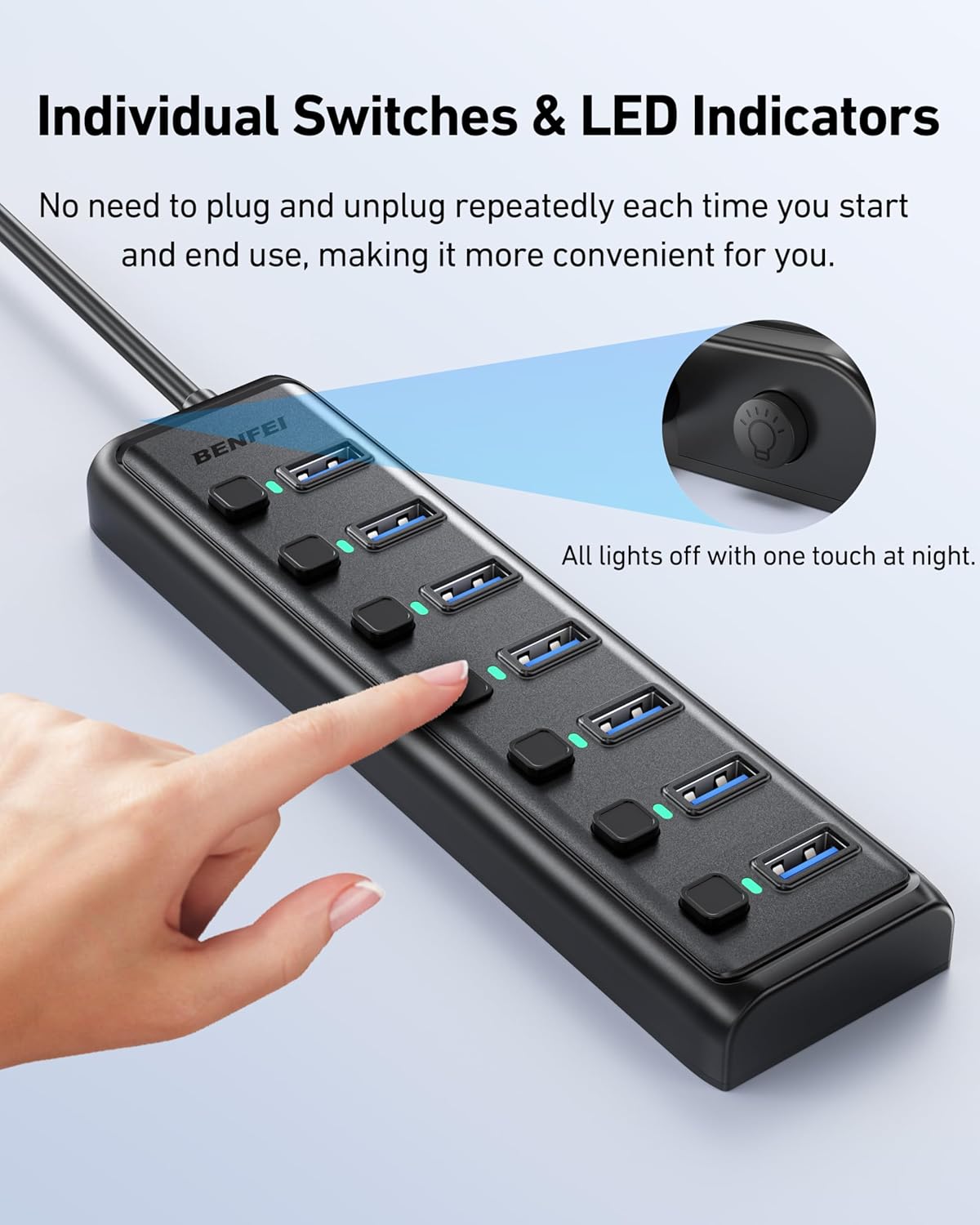
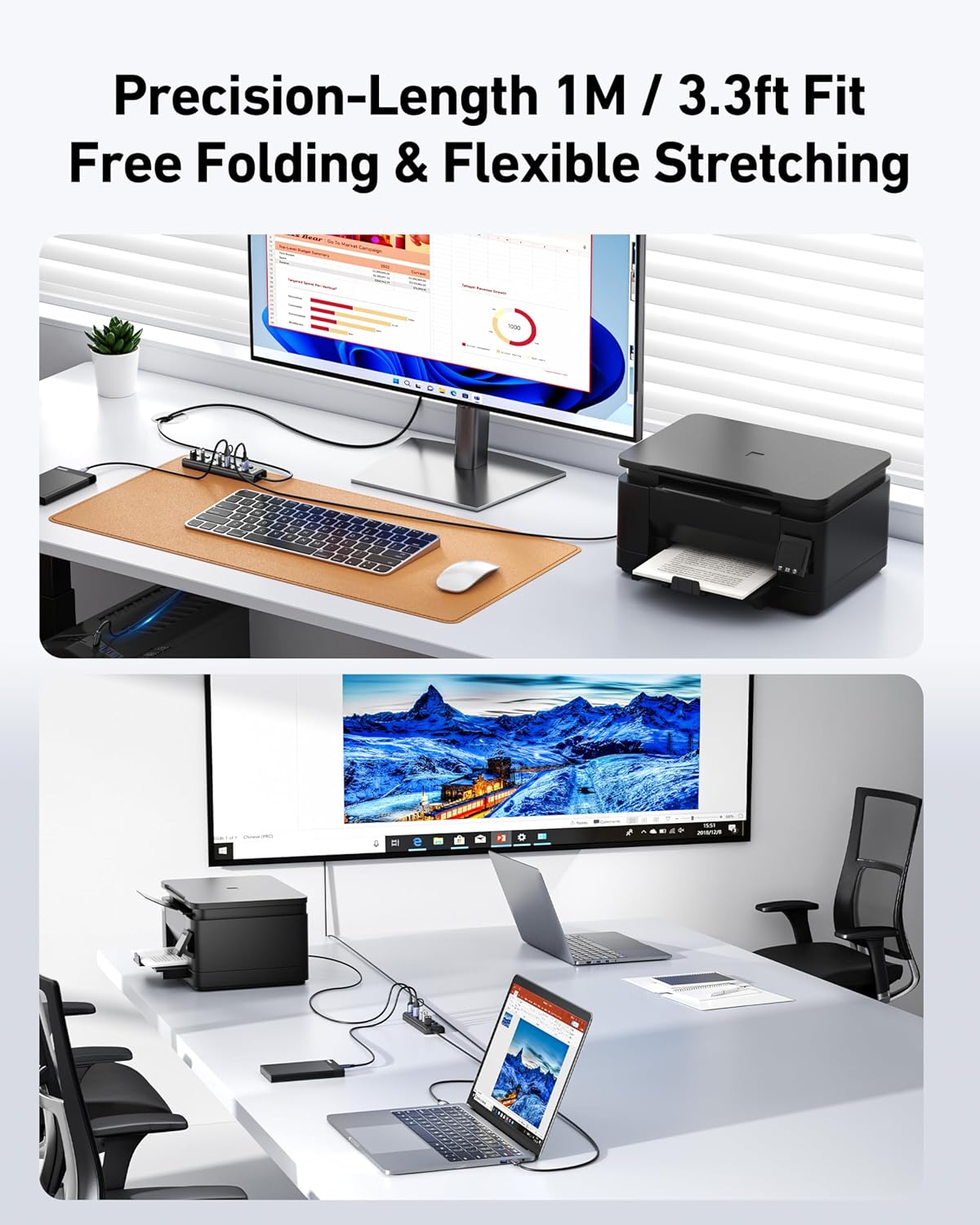
The BENFEI USB 3.0 Hub is a compact, seven-port USB splitter designed to expand a laptop or desktop setup without adding bulk. It focuses on data transfer and device connectivity, rather than charging. The hub ships with a 3.3ft (approximately 1 metre) cable for flexible placement and includes individual on/off switches with LED indicators for each port. On paper, it offers a practical solution for those who need quick access to multiple USB devices from a single computer.
The essentials
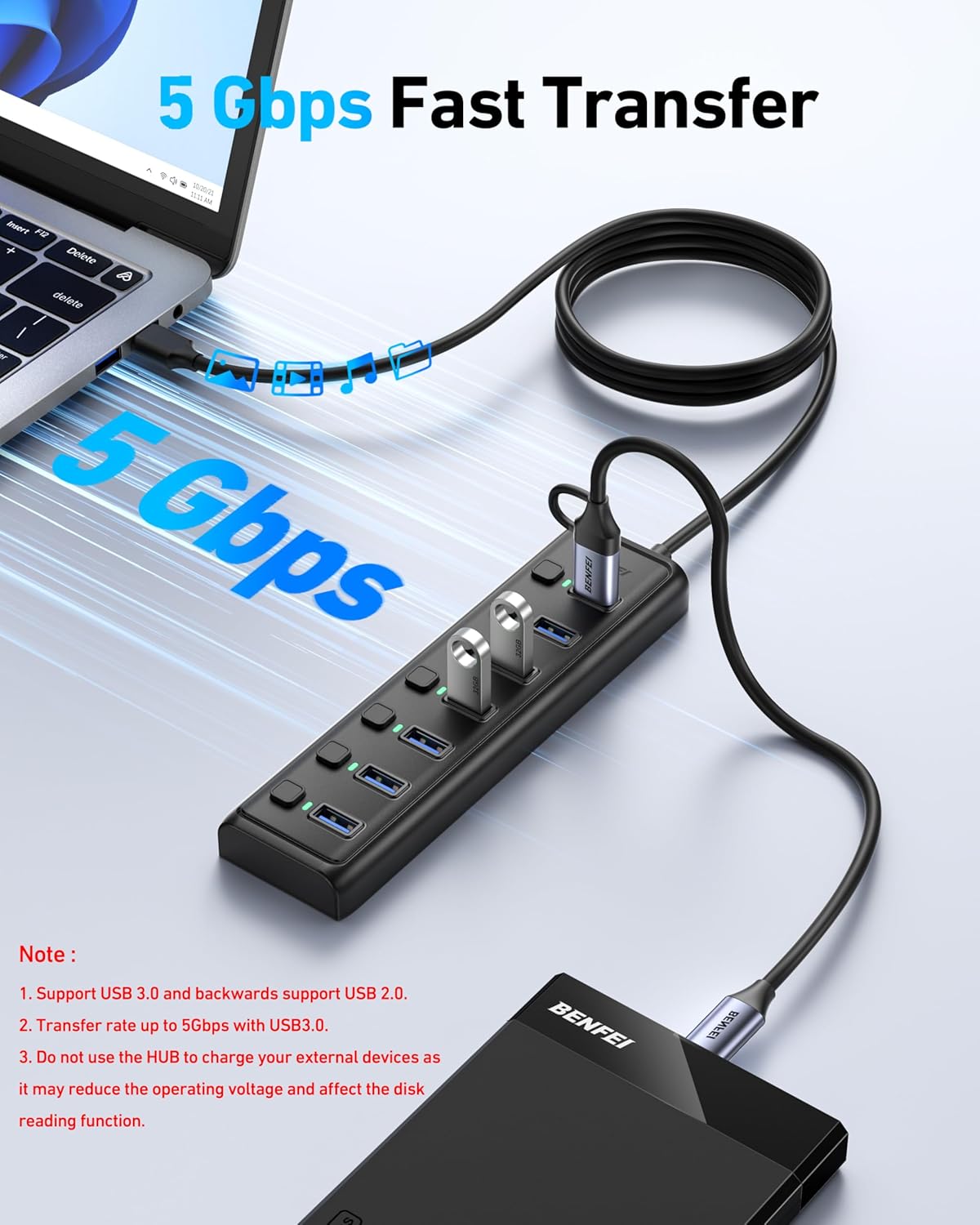
This is a plug‑and‑play USB 3.0 hub that supports up to 5Gbps data transfer, which is roughly ten times faster than USB 2.0. It is backward compatible with USB 2.0/1.0 devices, so you can connect a mix of older and newer peripherals without issue. The design emphasizes heat resistance and durability, aiming to remain reliable through regular day‑to‑day use. A key caveat is that, as stated, it cannot provide power to devices, it is strictly for data transfer.
What you’ll notice in use
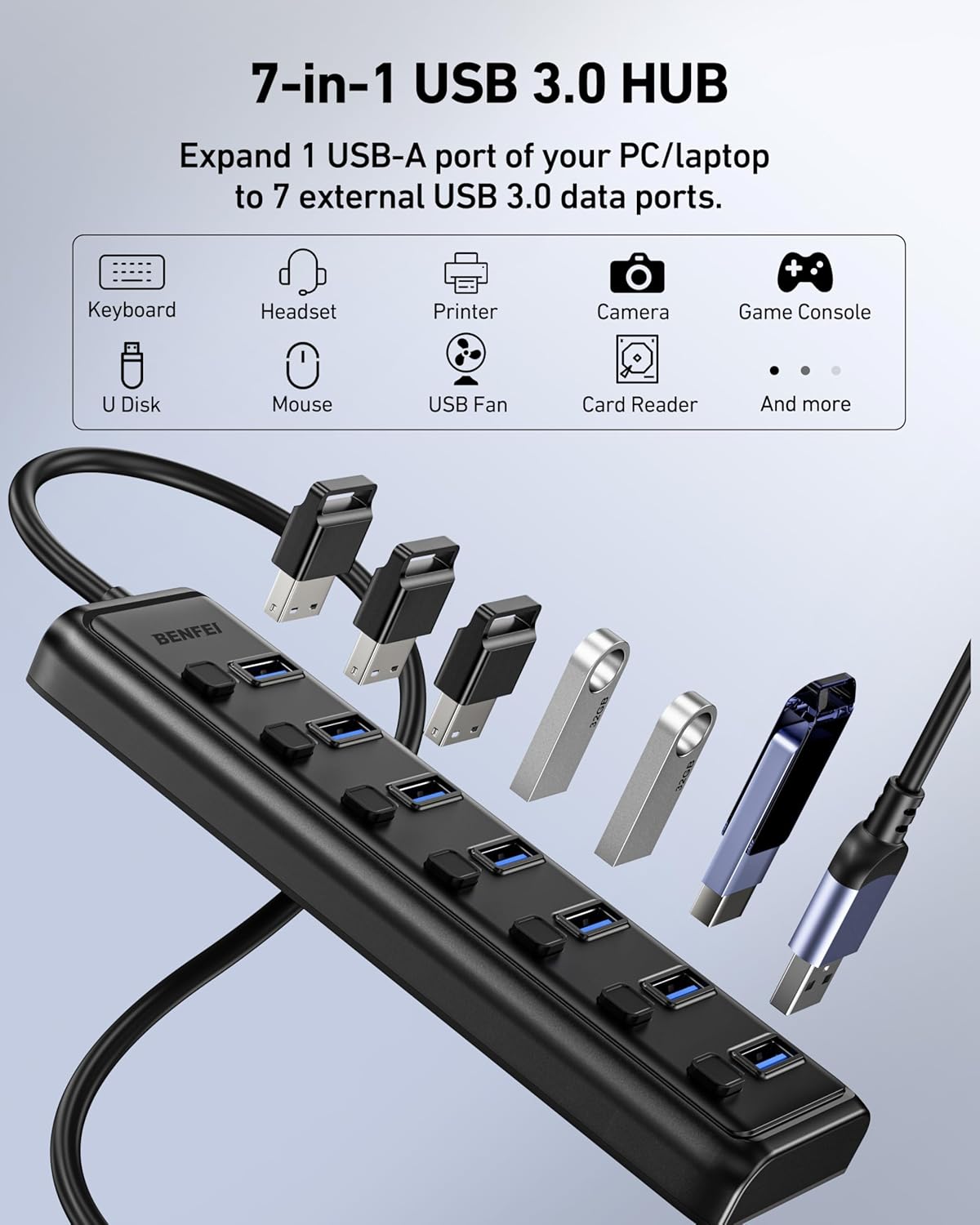
With seven ports, you can connect items like flash drives, a mouse, a keyboard, printers, or other USB peripherals simultaneously. The ability to individually control each port (turning them on or off) can help manage power draw and reduce desk clutter. The extended cable lets you position the hub where it’s most convenient, which is handy if your laptop’s ports are on the side or at the back.
Compatibility and limits
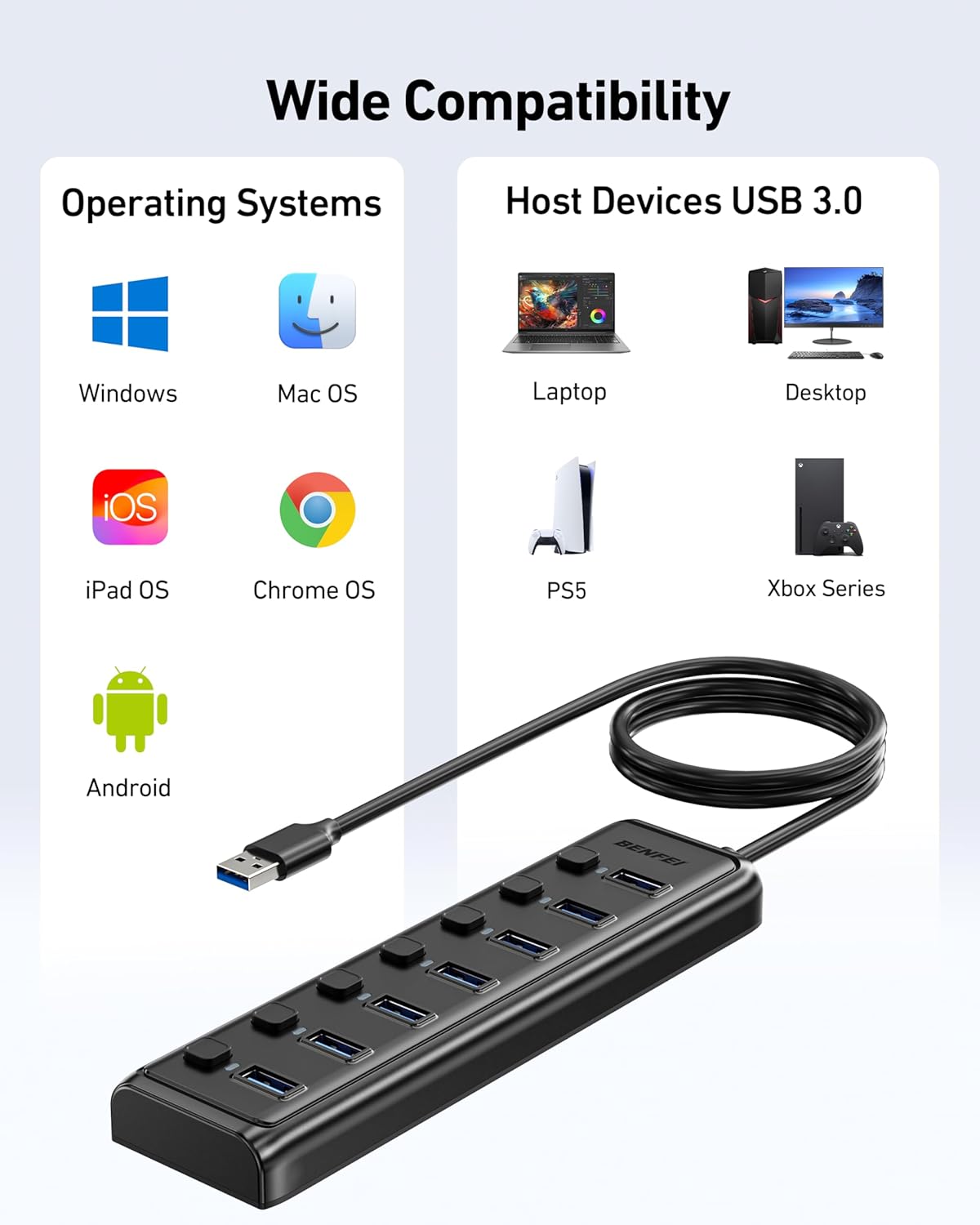
The BENFEI hub is designed for broad compatibility across Windows, Mac, Linux and Chrome OS platforms, including common systems such as Windows 10/8/8.1/7 and macOS. It’s important to note that this hub does not include a charging port, so it won’t charge devices—only data transfer. If you routinely rely on powered hubs for high‑draw devices (external hard drives with large storage needs, for example), you may need a separate power solution. While the device claims broad compatibility, real‑world performance can depend on the host computer’s own USB controller and the total bandwidth used by connected devices.
What to consider before buying
- Your primary need is extra USB ports for data transfer rather than charging. If charging is essential, this model isn’t the best fit.
- If you frequently move devices between multiple computers, the non‑powered nature means you’ll still rely on the host device’s power supply for bus power to connected peripherals.
- For large file transfers or multi‑device backups, 5Gbps is beneficial in theory, but actual speeds can vary with cable quality and other hardware constraints.
- The physical footprint is slim, but the 3.3ft cable length may influence placement depending on your workspace.
How it compares to other approaches
If you don’t need seven ports, a smaller 4–5 port hub with a combined power option can simplify charging management. For users who require charging along with data transfer, a powered hub or docking solution may be more appropriate. This BENFEI hub sits mid‑range in terms of size and scope: more ports than basic hubs, but without independent power, which makes it a practical choice for light to moderate use cases on the move or on a desk with a powered host computer.
Practical usage example
Imagine a laptop used for light photo editing and general productivity. You attach a flash drive for asset transfer, a wireless keyboard receiver, a mouse, and a compact printer. With the on/off switches, you can disable a device that isn’t in use to reduce clutter and potential bandwidth contention. The 5Gbps ceiling is enough for routine transfers, but you wouldn’t rely on this hub to power external drives that demand a lot of current.
FAQ (where data allows)
- Is it plug‑and‑play on Mac and Windows? Yes, it is described as compatible with both, plus Linux and Chrome OS.
- Can it charge devices? No, this hub is specifically a data‑transfer hub and lacks a charging port.
- Do all seven ports operate at 5Gbps simultaneously? Theoretically yes, but real speeds depend on the host controller and connected devices.
Buying decision
Is it worth it?
Worth considering if you prioritise expanded USB access for data transfer on a slim form factor and you don’t need extra charging capability. It suits users who regularly attach multiple peripherals to a single computer, value independent port control, and want a straightforward, durable hub for day‑to‑day tasks. It may be less ideal if your setup relies on powering devices through the hub or if you require ultra‑high sustained transfer speeds for multiple external drives. In short, a sensible option for portable expandability in a non‑charging context, with the caveat that you’ll still need to source separate power for power‑hungry peripherals if needed.