

Webcam for PC (USB) with Adjustable Gooseneck, 1080P Manual Focus & Noise-Cancelling Mic (Black)
Product description
The essentials
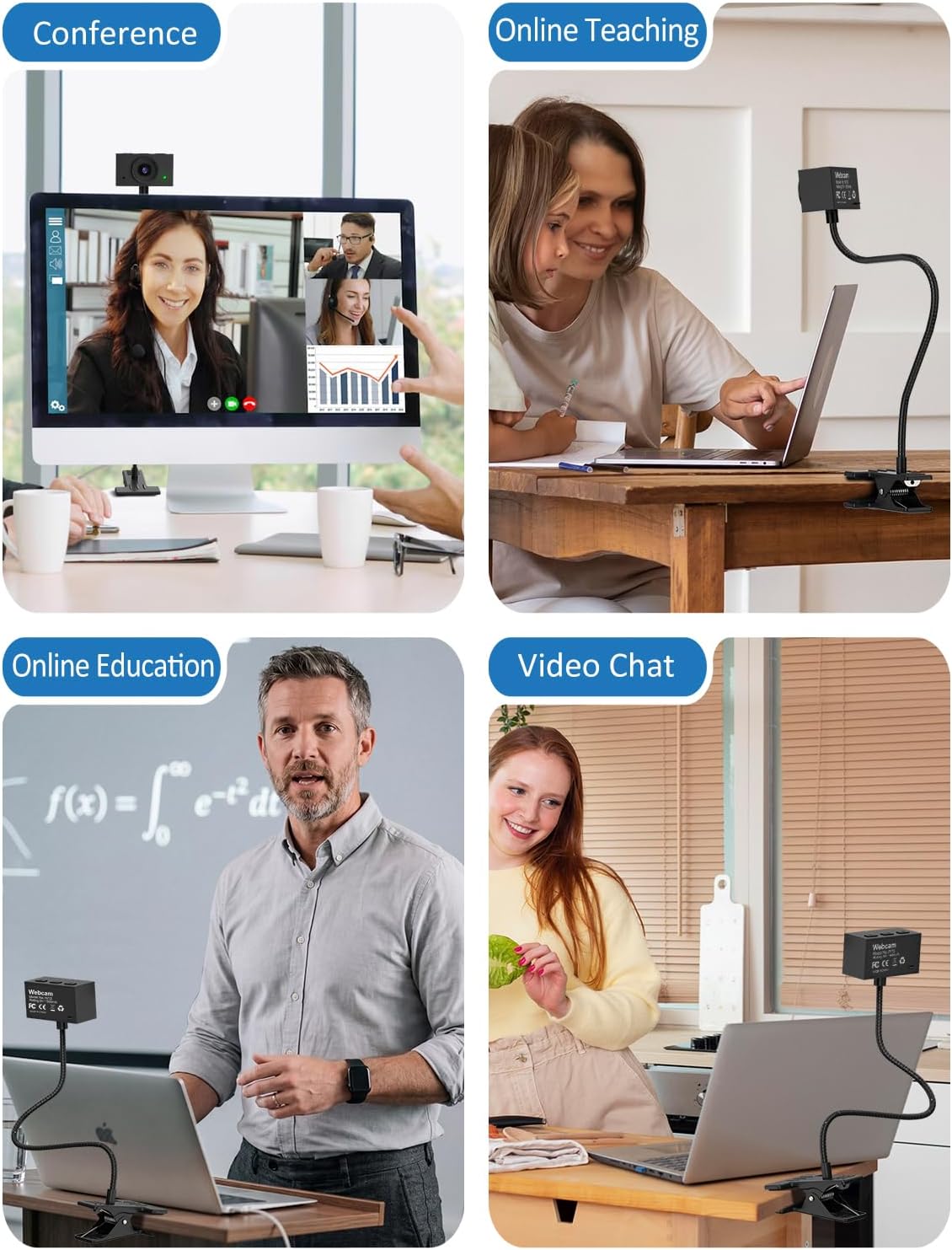
If you struggle to find a decent camera angle for presentations, document sharing or full-body shots, this USB webcam is built around a simple idea: give you flexible positioning. The adjustable gooseneck and clamp are meant to let you fine-tune where the lens sits, whether that’s on a desk, on a monitor, or somewhere else you can secure it.
It also leans into a more “use it for calls and learning” style setup. With a 1080P sensor at 1920×1080 and 30fps, plus manual focus and exposure control, it’s aimed at everyday video calls, remote teaching, and recording practical demos.
That said, it’s not a plug-and-play miracle for every scenario. Manual focus means you’ll need to take a moment to dial it in, especially for closer distances. And if you don’t actually need the flexible, gooseneck-based positioning, you might be spending effort where a fixed webcam would do the job.
Where it fits in your workflow
This webcam is positioned for people who want something more versatile than a typical top-of-the-laptop camera.
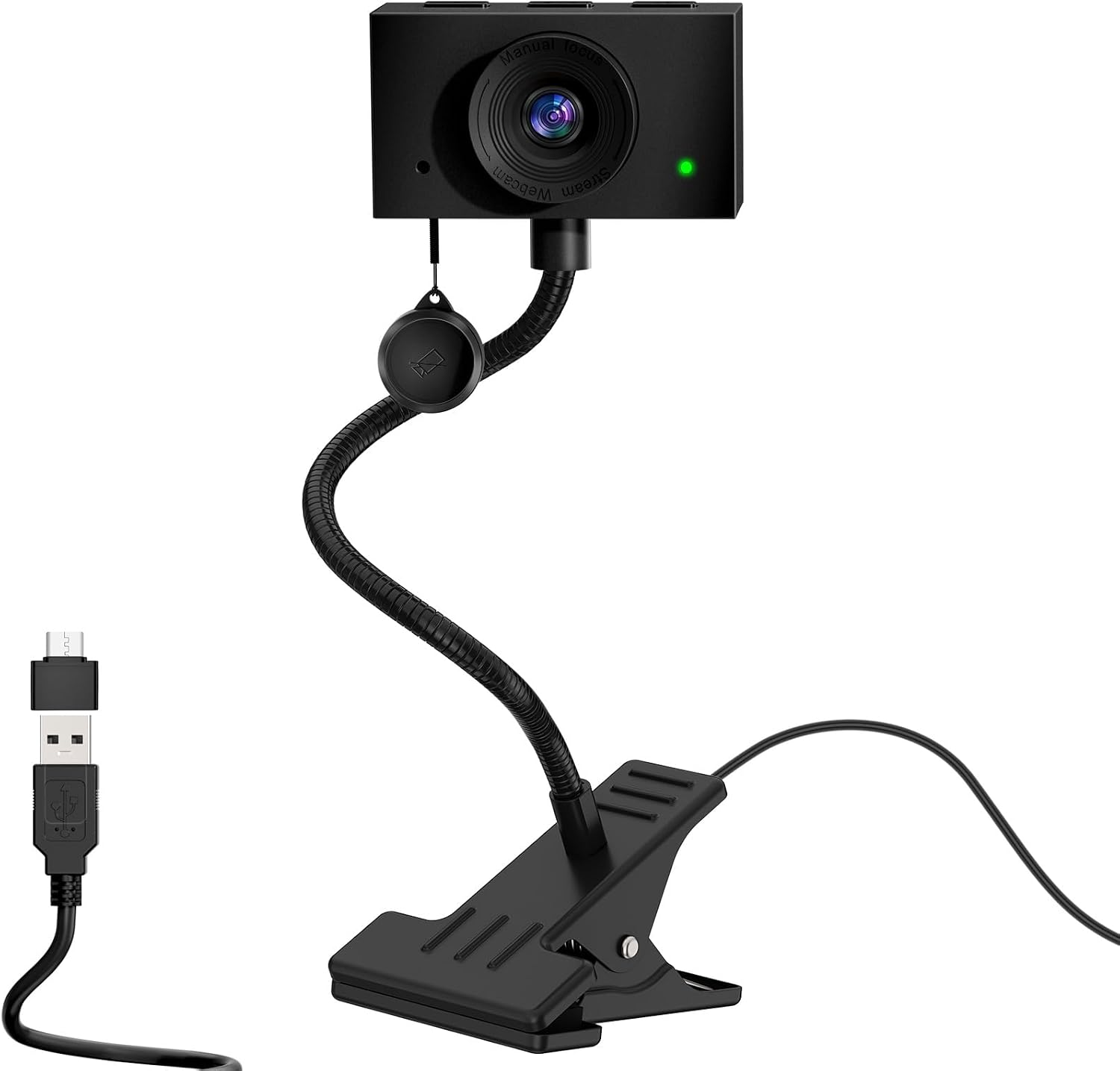
For example, during a study session or training call, you can clip it centrally and keep your eye line more natural. For hands-on content (like showing sketches, parts of a build or steps in a process), the included document camera angle is designed to help you capture files or paper work in view.
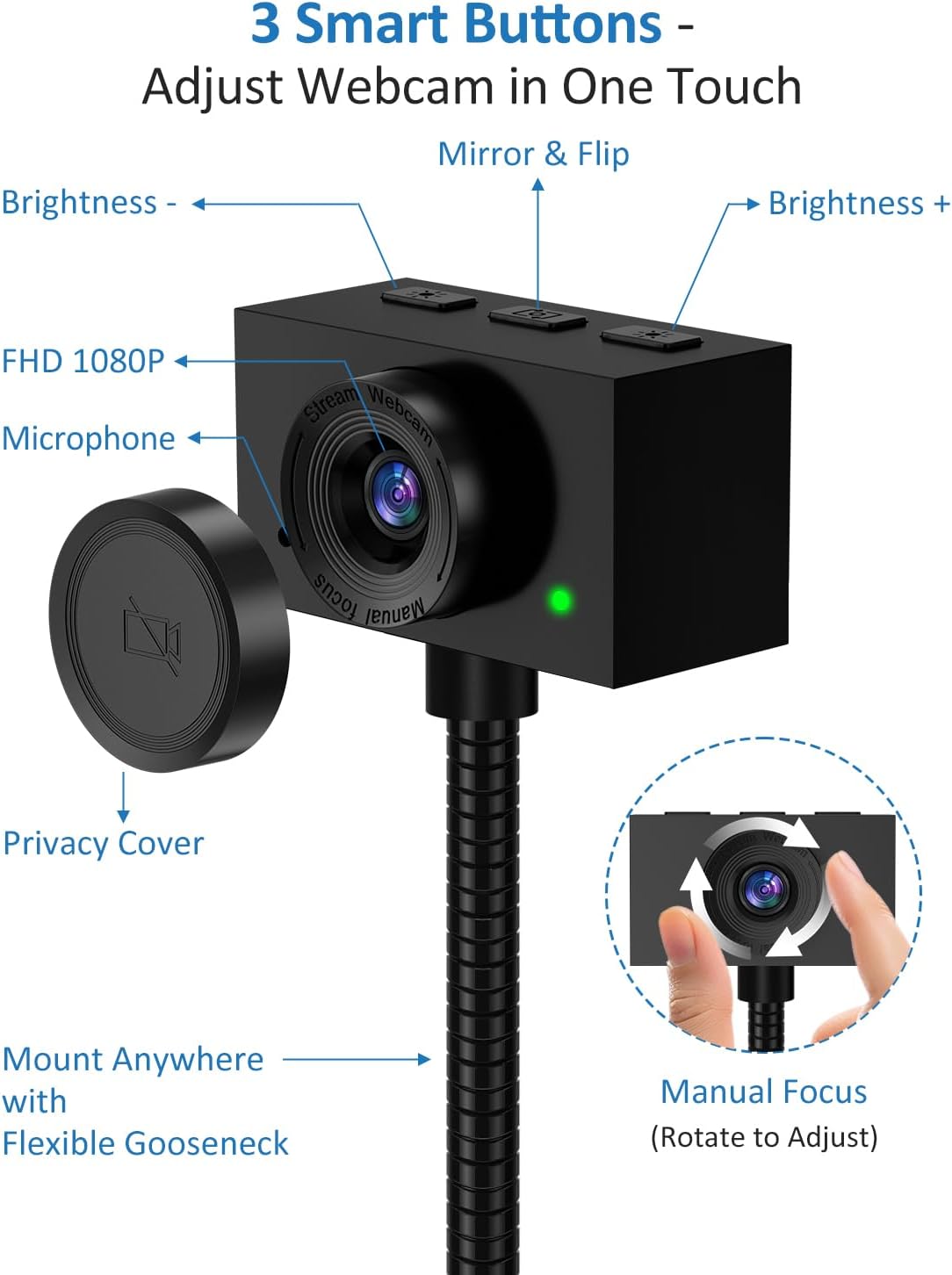
In use, the flex neck is the bit you’ll notice. Instead of moving your whole setup, you can adjust the lens height and angle until the framing looks right—useful when you’re alternating between face-to-camera talking and overhead-ish demos.
Key points
A flexible gooseneck webcam can be surprisingly practical when your needs change from call to call. This one is designed around angle control (with a clamp) and a centre-of-screen approach to keep communication feeling more direct. It also includes a document-style capture mode and a manual focus lens, which gives you control when lighting or distance isn’t consistent.
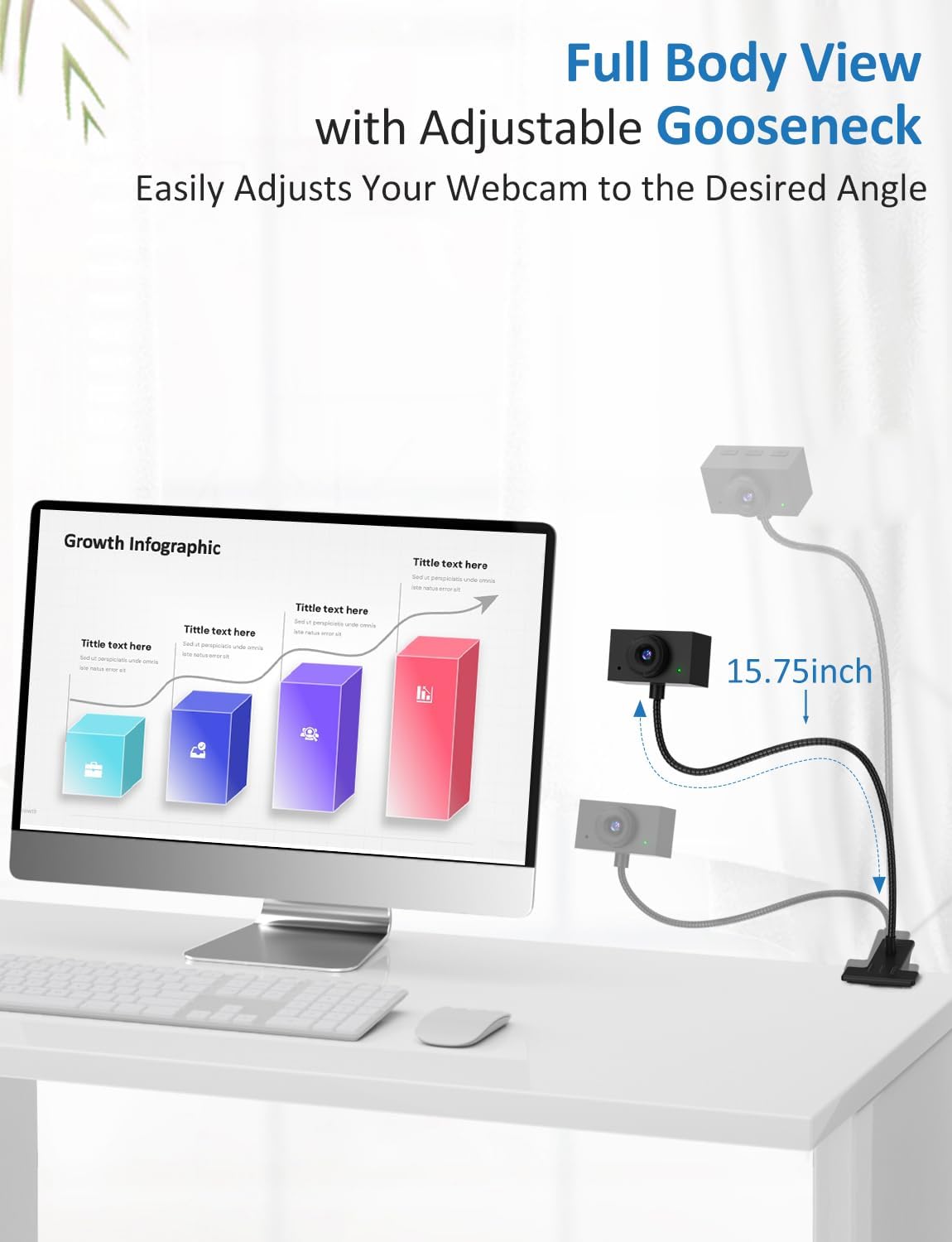
The audio side isn’t an afterthought either: there’s a noise-cancelling microphone included, aimed at keeping speech clearer during meetings, study sessions and team calls.
The essentials on the picture and focus
On the video side, you’re looking at Full HD 1080P output at 1920×1080 and 30fps. That’s the baseline you’d typically expect for video calls, presentations and recording a tutorial.
One detail worth taking seriously is the manual focus. The guidance provided is that for distances within 60cm/23.6in, you should manually adjust the focus knob to maintain clarity. That’s a limitation in day-to-day terms: if you expect the camera to nail focus automatically regardless of distance, this may feel a bit hands-on.
Exposure control is also mentioned, which should help performance when lighting isn’t ideal—common in home offices and study spaces.
What stands out in day-to-day use
Eye contact style placement
Instead of treating the webcam as something that always sits above your screen, this design is meant to clip to the centre of your monitor (or even between dual screens). The goal is a more level eye-line during Zoom, FaceTime, exams and team presentations.
If you’re often on camera, this is one of those small changes that can make meetings feel more natural.
Document camera with image flip
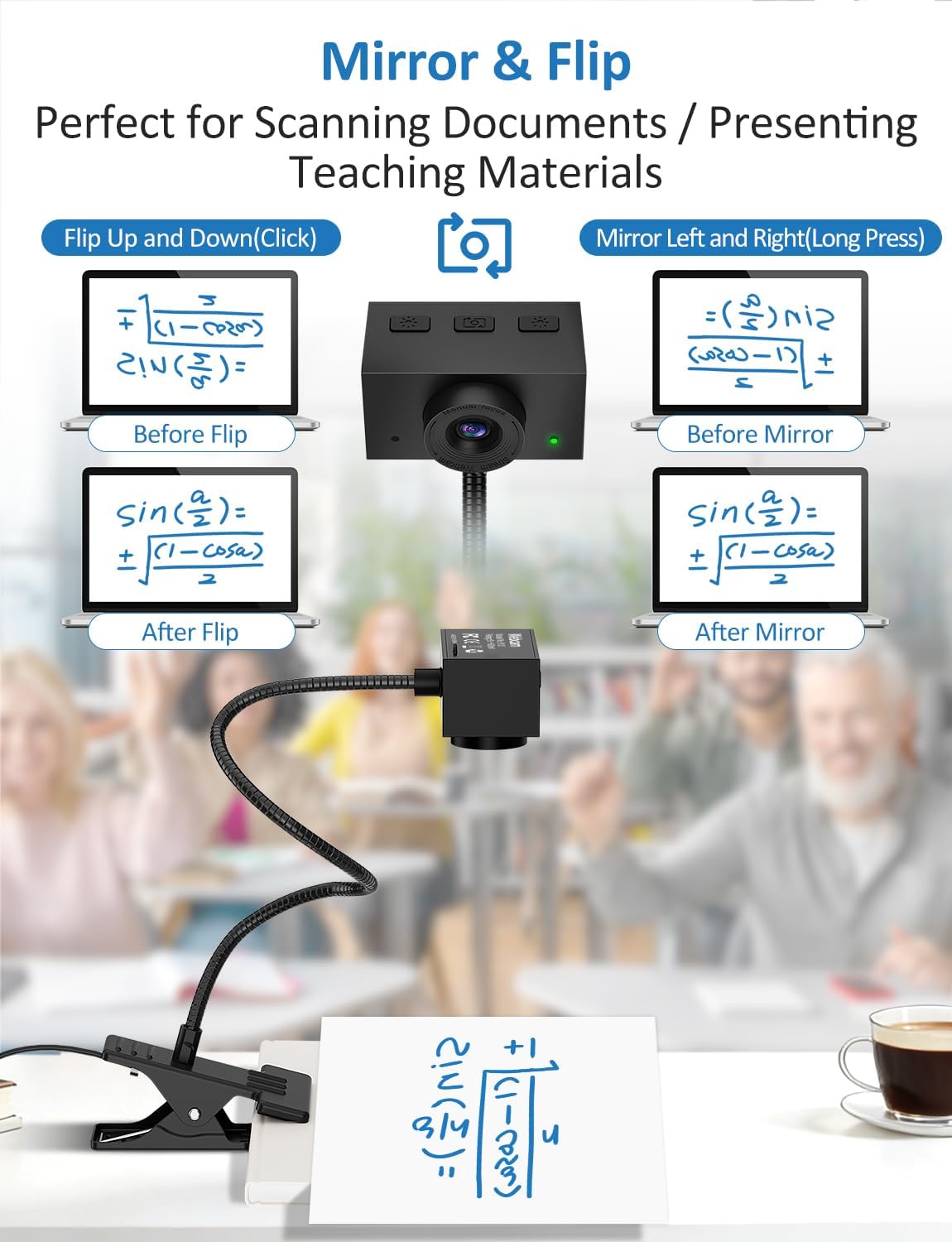
It can also function as a document camera for files, sketches and live hand-drawn illustrations. The image flip function is specifically called out to help adapt to different angles, which matters if you’re repositioning it for different desk or overhead setups.
This is the kind of feature that’s genuinely useful for tutors, remote learners and anyone who shares step-by-step visual work.
Tech specs
- Resolution: 1920×1080 (1080P)
- Frame rate: 30fps
- Focus: Manual focus
- Microphone: Noise-cancelling
- USB connection: USB (for PC/laptop setups)
- Clamp thickness to check: 1.38 inches
- Gooseneck length to check: 15.75 inches
- Audio reach (as stated): up to 26 feet away
Should you buy it?
A webcam like this makes sense if you want more control over framing than a fixed built-in laptop camera. It’s particularly worth considering if you frequently switch between face-to-camera calls and document-style demos, or if you prefer a centre-screen clip position for more natural eye contact.
It might not be the best match if you want fully automatic focus and zero fiddling—manual focus means you’ll need to adjust for your distance. And if you don’t need the flexible gooseneck or alternative placements, a simpler webcam setup could be easier and less fussy.
Worth considering if you’re doing online presentations, teaching online, taking exams remotely, or recording practical tutorials. Better avoided if you’re mainly after casual video calls from a set distance and you’d rather not touch focus controls.
Practical checklist before you buy
Before committing, double-check that your setup matches the physical constraints mentioned: clamp thickness (1.38 inches) and gooseneck length (15.75 inches). It’s also smart to think about where you’ll sit relative to the camera—especially if you plan close-up work within 60cm/23.6in, since manual focus is expected.
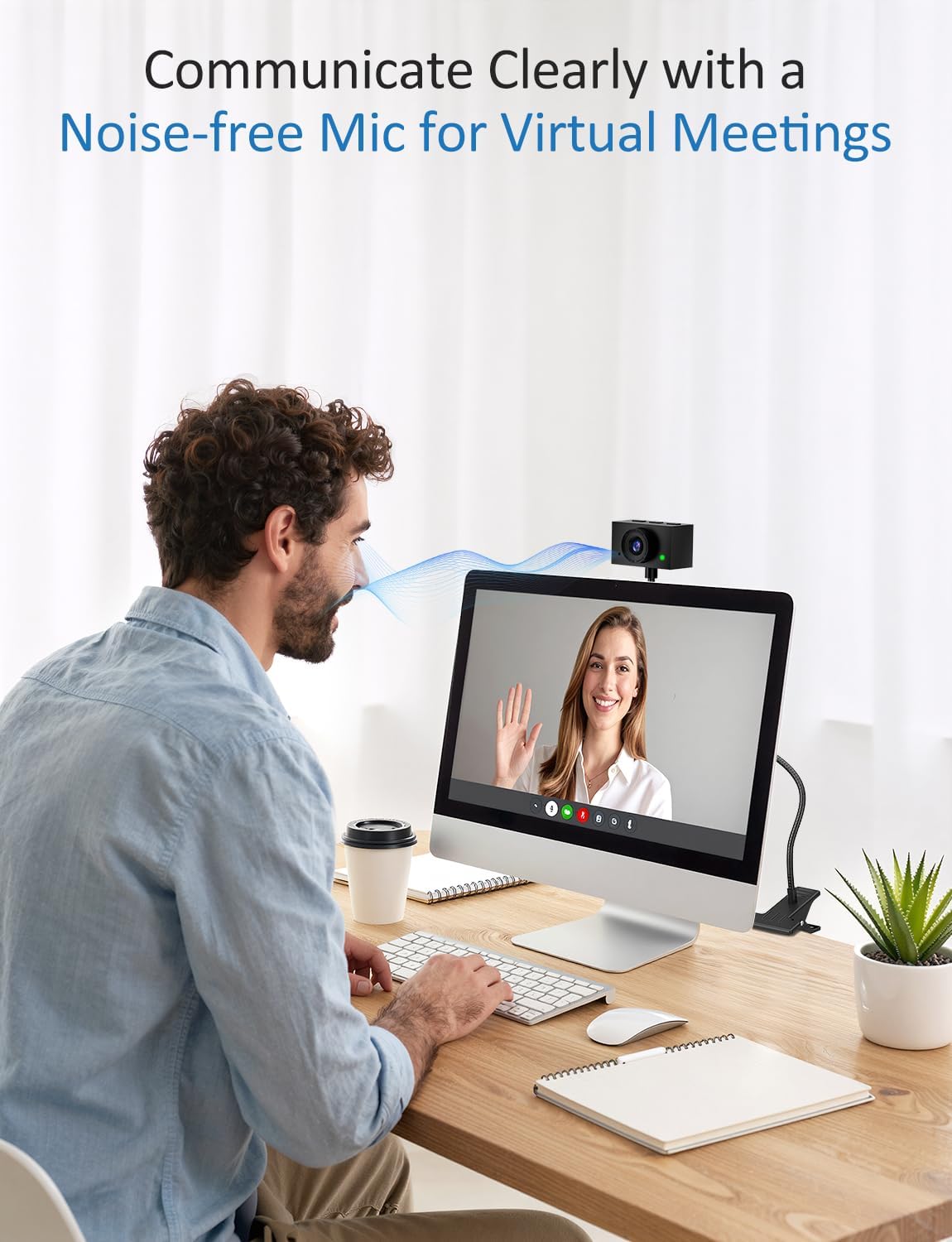
On the audio side, if you’re in a noisy room, the noise-cancelling mic is designed to help, but real results depend on how your desk and surroundings are set up.
Mini FAQ
Does it work with desktops and laptops?
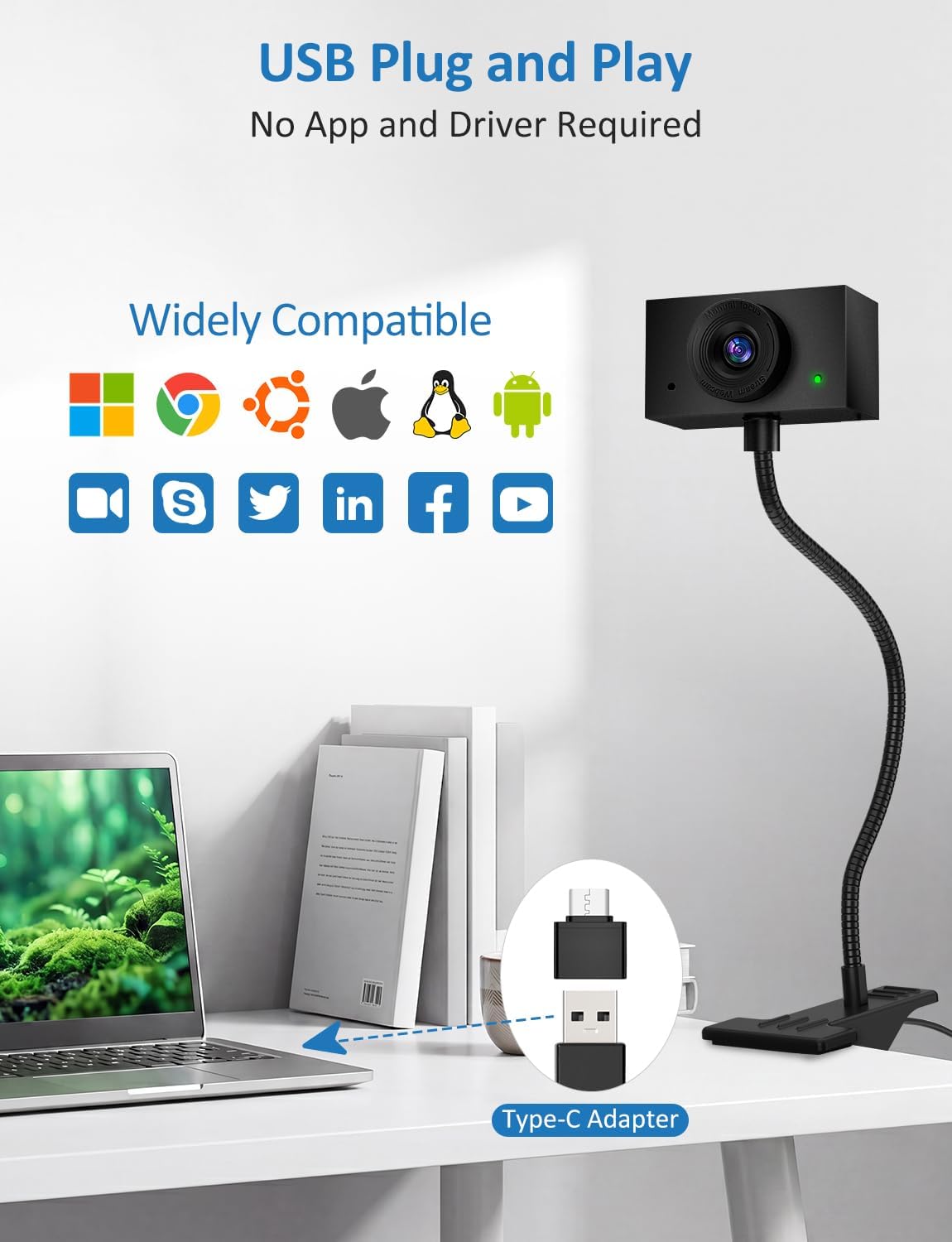
Yes, it connects via USB and is described as working with desktops and laptops.
Is the webcam auto-focus?
No—manual focus is mentioned. You may need to adjust focus using the knob, particularly for closer distances.
Can it capture documents or sketches?
It’s described as doubling as a document camera, with an image flip function to suit different viewing angles.
Where should I place it for better eye contact?
The design is intended to clip to the centre of your monitor (or between dual screens) so your eye line is more natural.
What should I check about fitting it to my setup?
Check the clamp thickness (1.38 inches) and the gooseneck length (15.75 inches) against your desk, monitor and storage positions.