

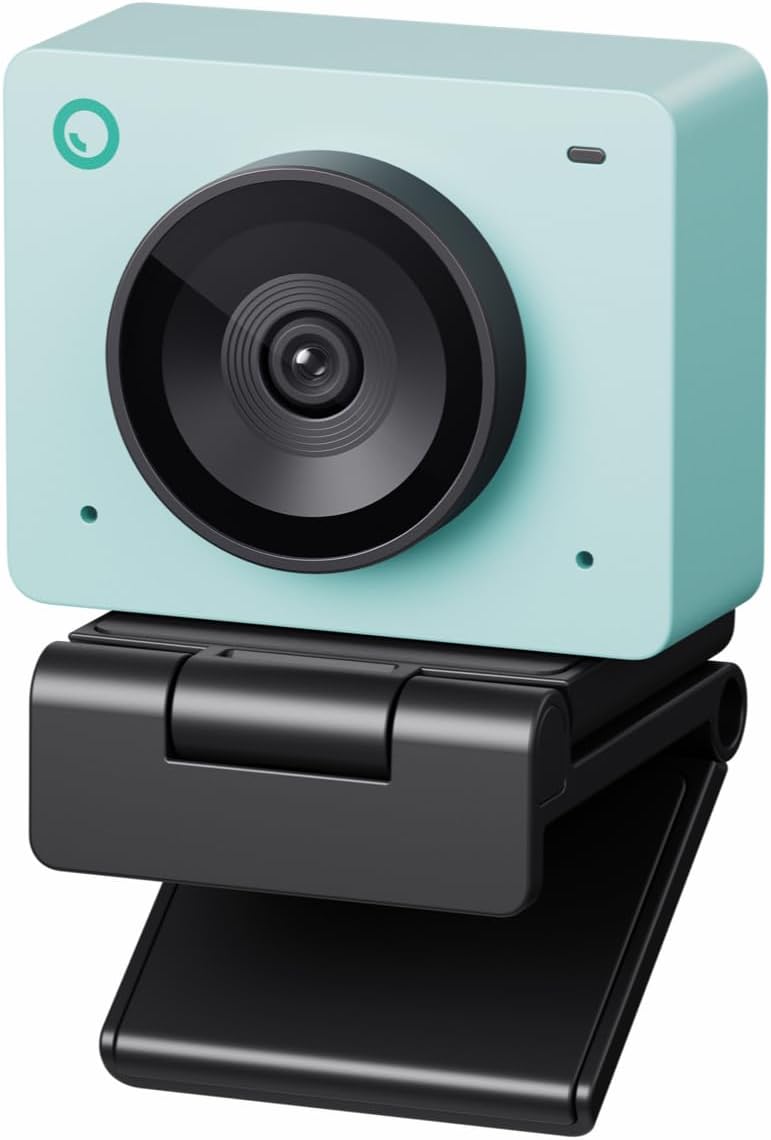
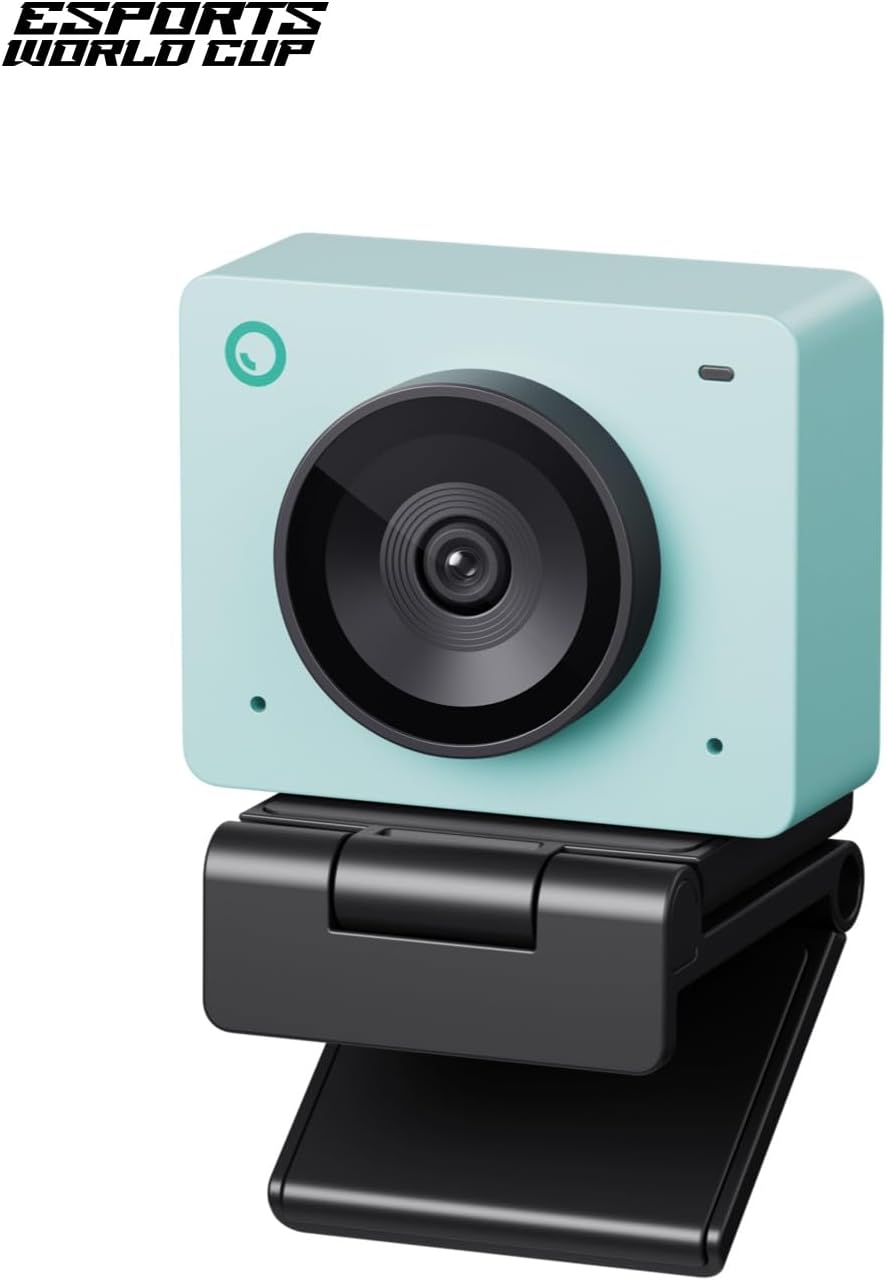
OBSBOT Meet SE 1080p 100fps Webcam
Product description
The essentials
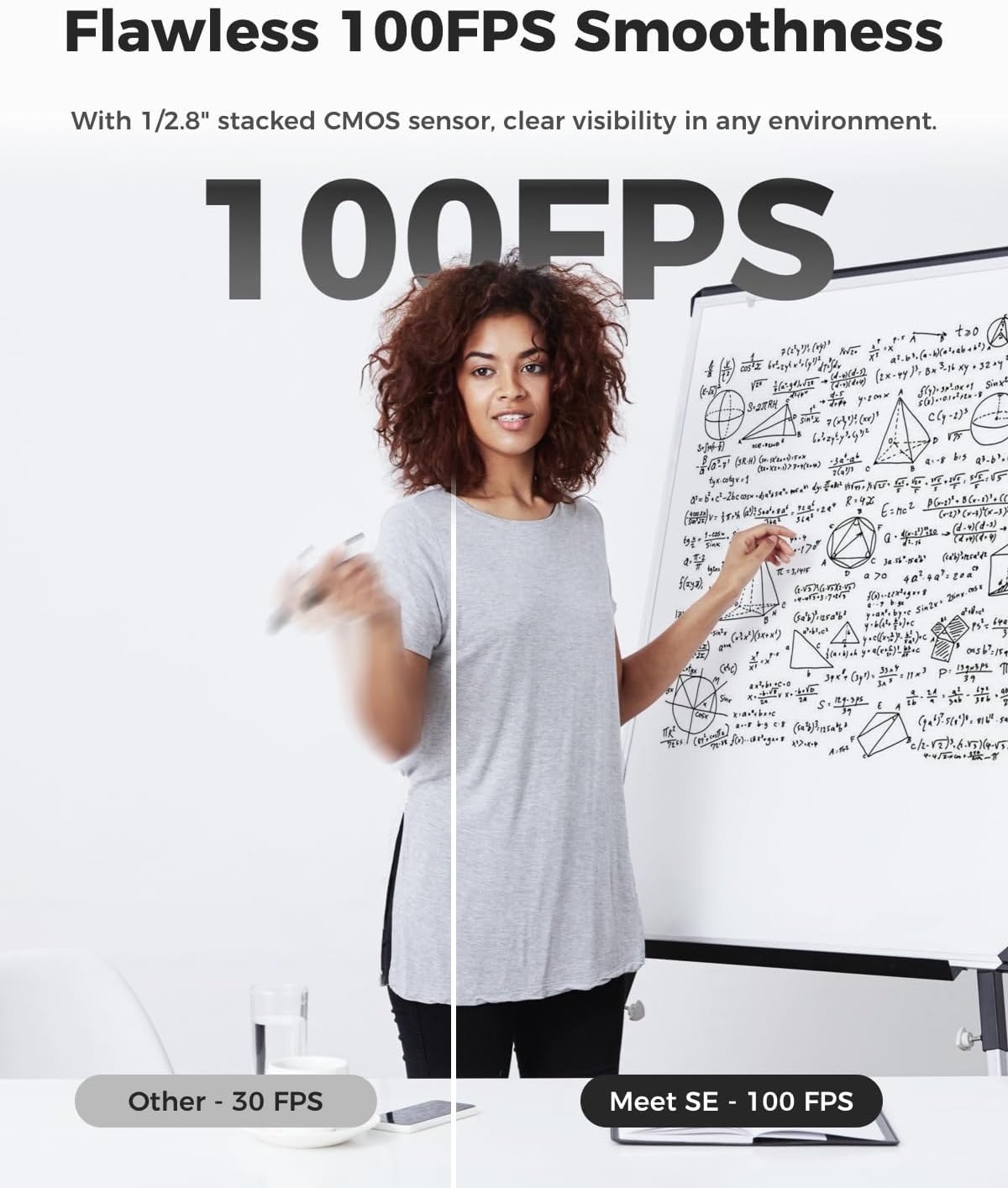
If you want a webcam that feels smooth in live meetings and streaming, the OBSBOT Meet SE is built around high frame rates and AI-assisted composition. It supports 1080P at up to 100FPS and also offers additional modes at different resolutions and frame rates, so motion looks steadier when you are presenting, gaming, or moving around in view. The Aurora Green finish adds a bit of personality, while the focus is on making framing and control easier during day-to-day use. 🎥
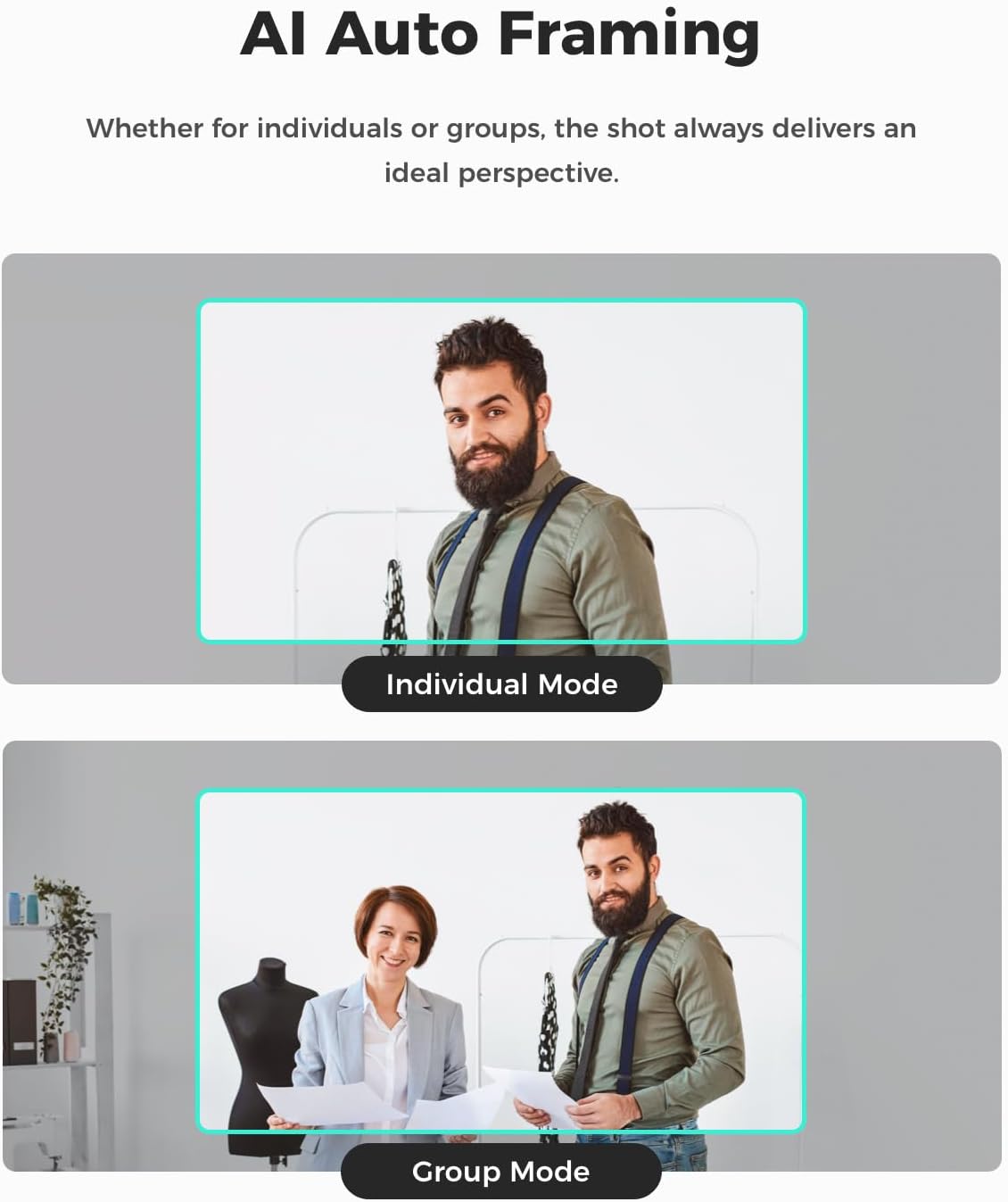
The key idea is that the camera helps you stay in the right shot, especially when more than one person is visible. With AI Framing group mode, it can recognise individuals or groups and then optimise composition and focus in real time. That means fewer manual adjustments before a call and less distraction while you are talking.
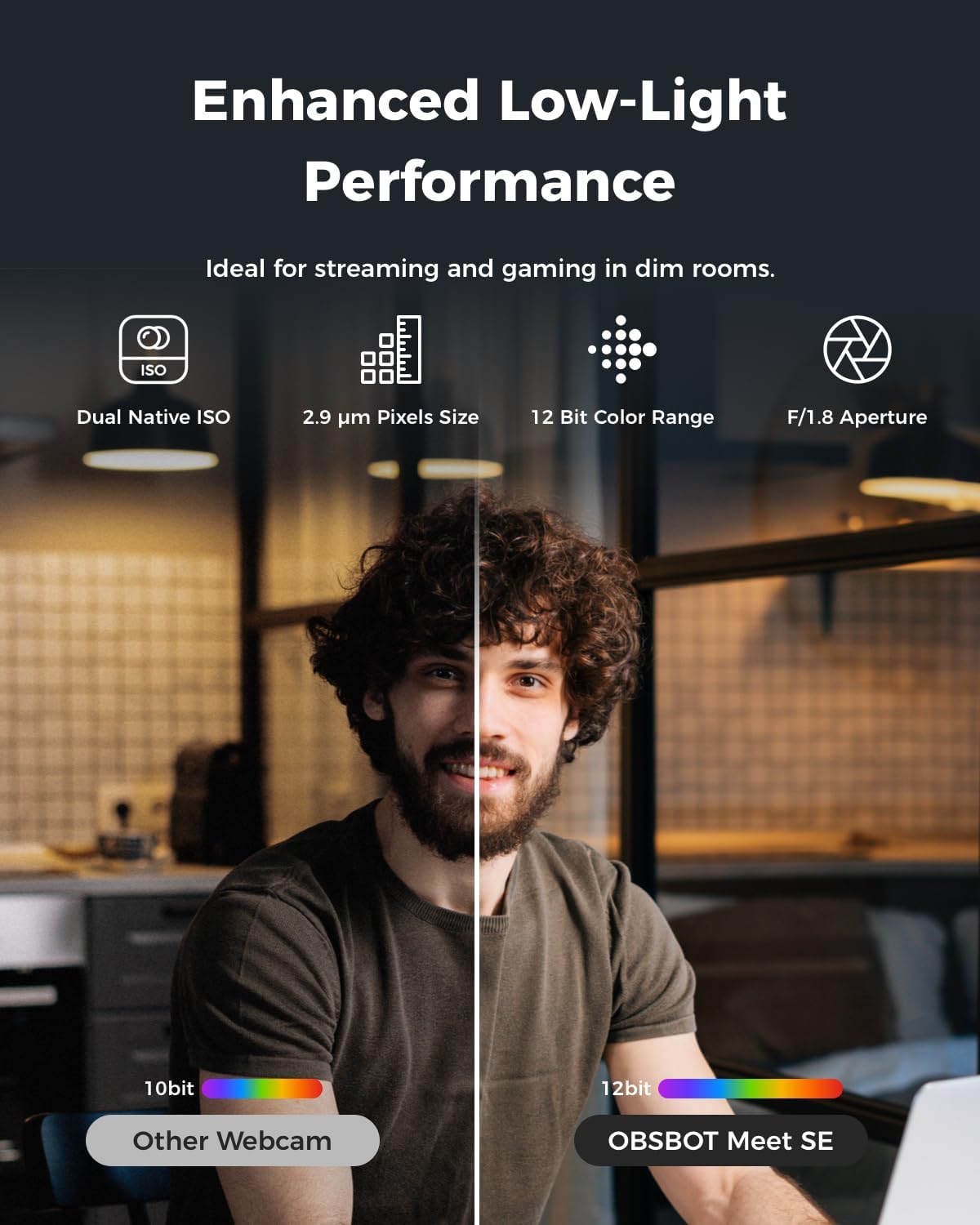
There is also a clear emphasis on lighting flexibility. The webcam uses a 1/2.8-inch sensor with stacked CMOS, plus Staggered HDR and 12 bit dynamic colour range, which can help video look more consistent across changing room conditions. If your workspace has mixed light, this kind of processing can make a noticeable difference. 🌙
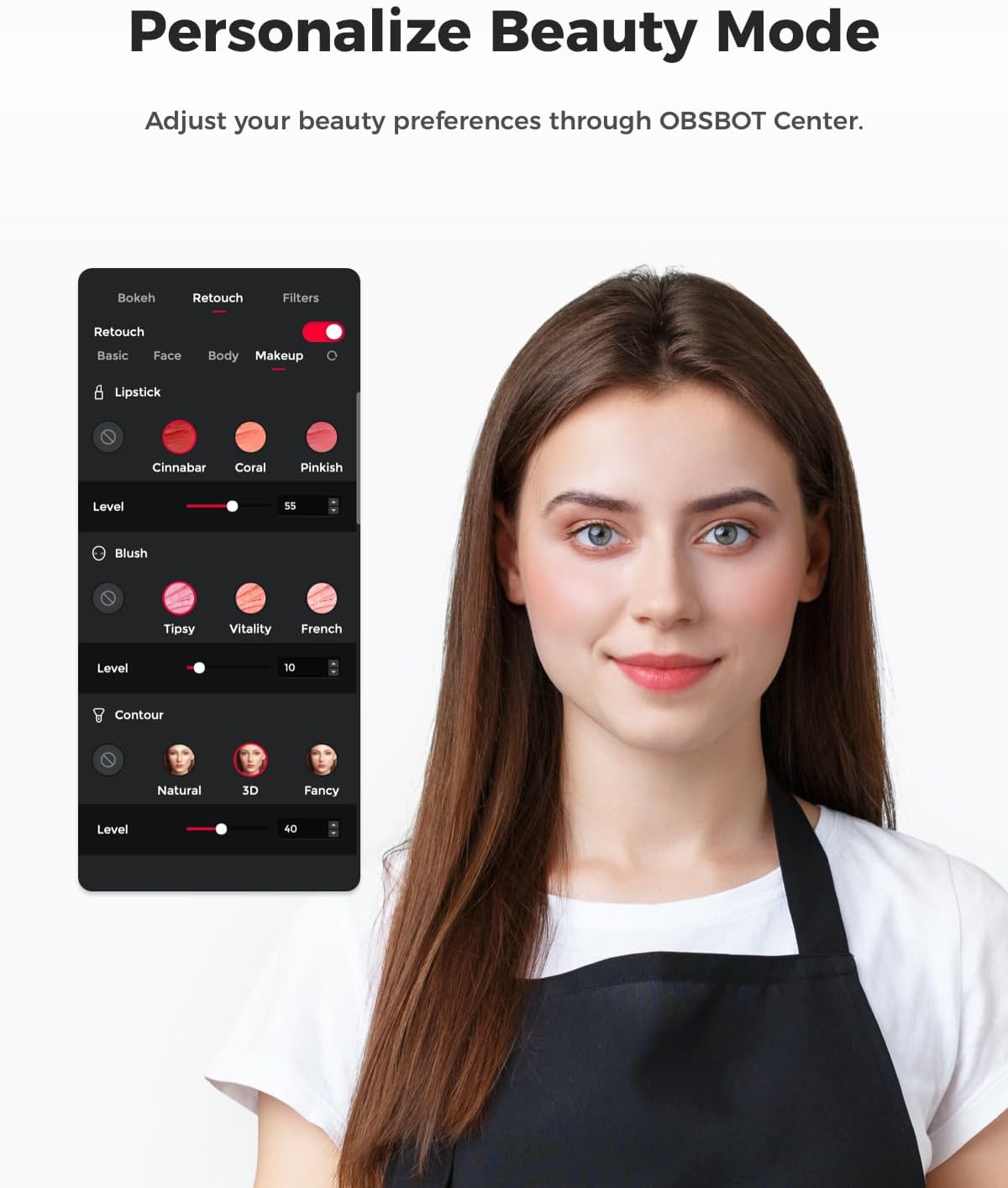
If you like a more natural look on camera, the beauty mode focuses on practical adjustments such as facial and body contouring and makeup modifications. Pair that with the ability to adjust brightness and hue via the accompanying software, and you get a useful level of control without needing to be an imaging expert.
Tech specs
- Name: OBSBOT Meet SE webcam
- Type: PC webcam for desktop computer and laptop
- Resolution: 1080P 100FPS, 1080P 60FPS, and 720P 150FPS
- Sensor: 1/2.8 inch stacked CMOS
- Pixel size: 2.9 μm pixels size
- HDR: Staggered HDR with 12 bit dynamic colour range
- Control methods: 2.0 dynamic gesture control with USB-C plug and play
Key features
OBSBOT Meet SE blends fast imaging with AI framing so you spend less time fiddling and more time communicating. For group calls, you can activate group mode and let the camera recognise people or groups, then optimise composition and focus as the scene changes. It is designed to reduce the awkward moment where someone is cut off, or the camera is pointed slightly wrong, when you are hosting a discussion or running a stream.
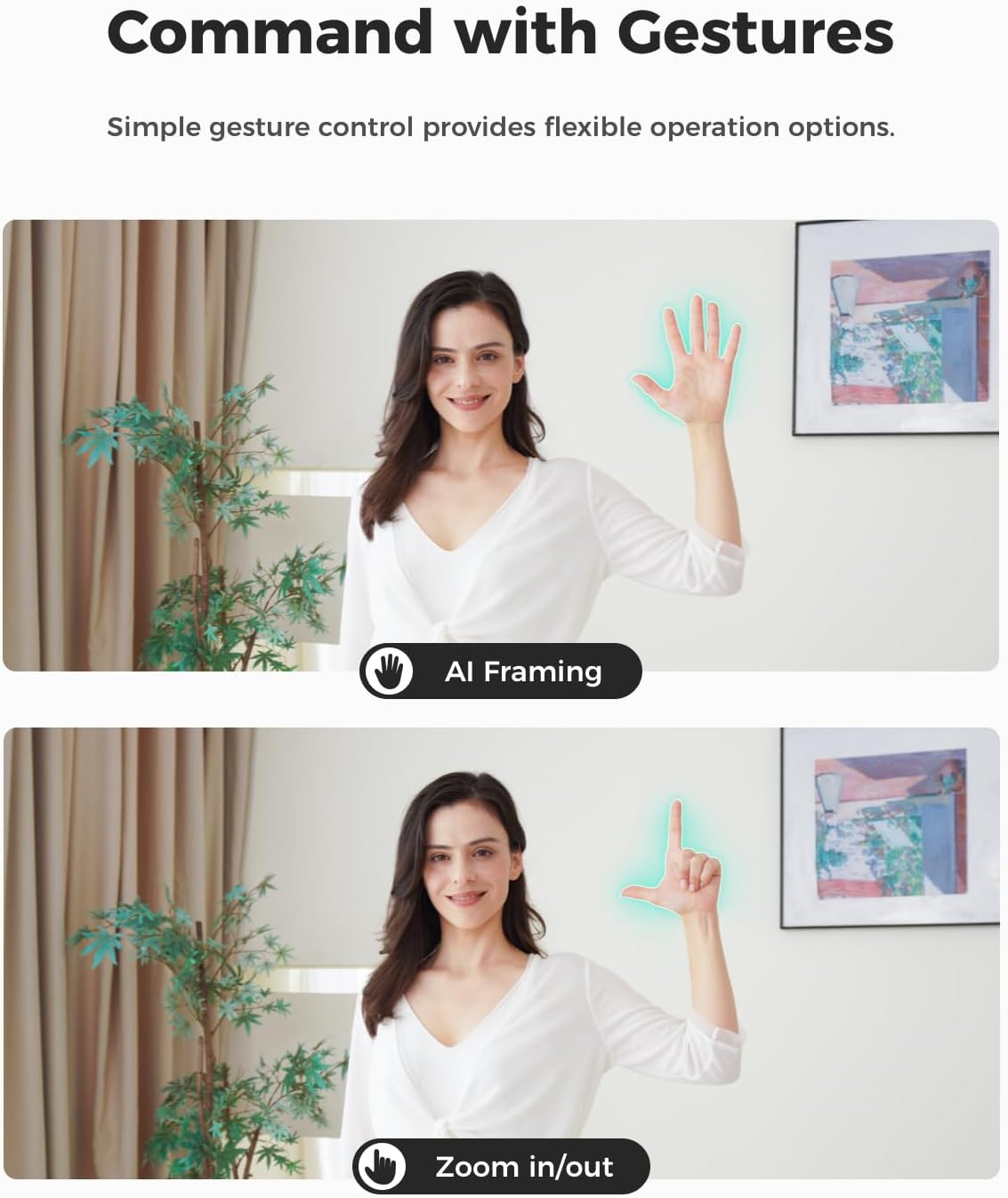
For control, the camera includes gesture control designed to make operation more hands free. You can use a hand gesture to open or close AI framing, and another gesture to control zoom, as long as you are facing the webcam. Tenor and timing can vary depending on lighting and how your gestures are seen, so it is worth testing your typical setup once you plug it in. ✋
For low light, the combination of stacked CMOS, Dual Native ISO, and Staggered HDR is used to help keep video quality strong even when your room lighting is not perfect. Dual Native ISO is a technique aimed at balancing performance across a range of brightness conditions, and it pairs with the camera’s dynamic colour range to support smoother tonal output. This is particularly relevant for everyday use, such as evening meetings or streaming from a dimmer desk area. 🟢
Beauty mode is handled through software adjustments that target natural presentation. The feature includes facial and body contouring plus makeup modifications, and it is intended to make it easier to look like yourself rather than changing the video into something unrecognisable. The accompanying OBSBOT Center software also provides settings for brightness and hue, which helps you tune results based on your lighting and personal preference.
A practical benefit for many buyers is the plug and play setup. With a single USB-C connection, the webcam turns on and is immediately ready for use. If you need more specialised control, the webcam supports SDK, OSC, Stream Deck, and global hotkey functions, which can be useful for streamers who like to integrate hardware controls into their workflow.
Worth noting
It is not just a camera that looks good on a desk, it is also designed around real usage patterns for meetings and streaming. If you often share a frame with others, the group AI framing is where you may feel the most day-to-day benefit, because it aims to keep individuals or groups properly composed. It can also reduce the need for constant zoom changes, since you can manage zoom through gesture control while you stay engaged in the conversation.
It might not be the best match if you prefer fully manual framing without any AI assistance at all. In that case, you would likely want a webcam workflow that relies purely on manual settings. Otherwise, if your priority is an easier setup, smooth high frame rate performance, and controllable on camera appearance, the OBSBOT Meet SE is a strong option for PC and laptop use.