

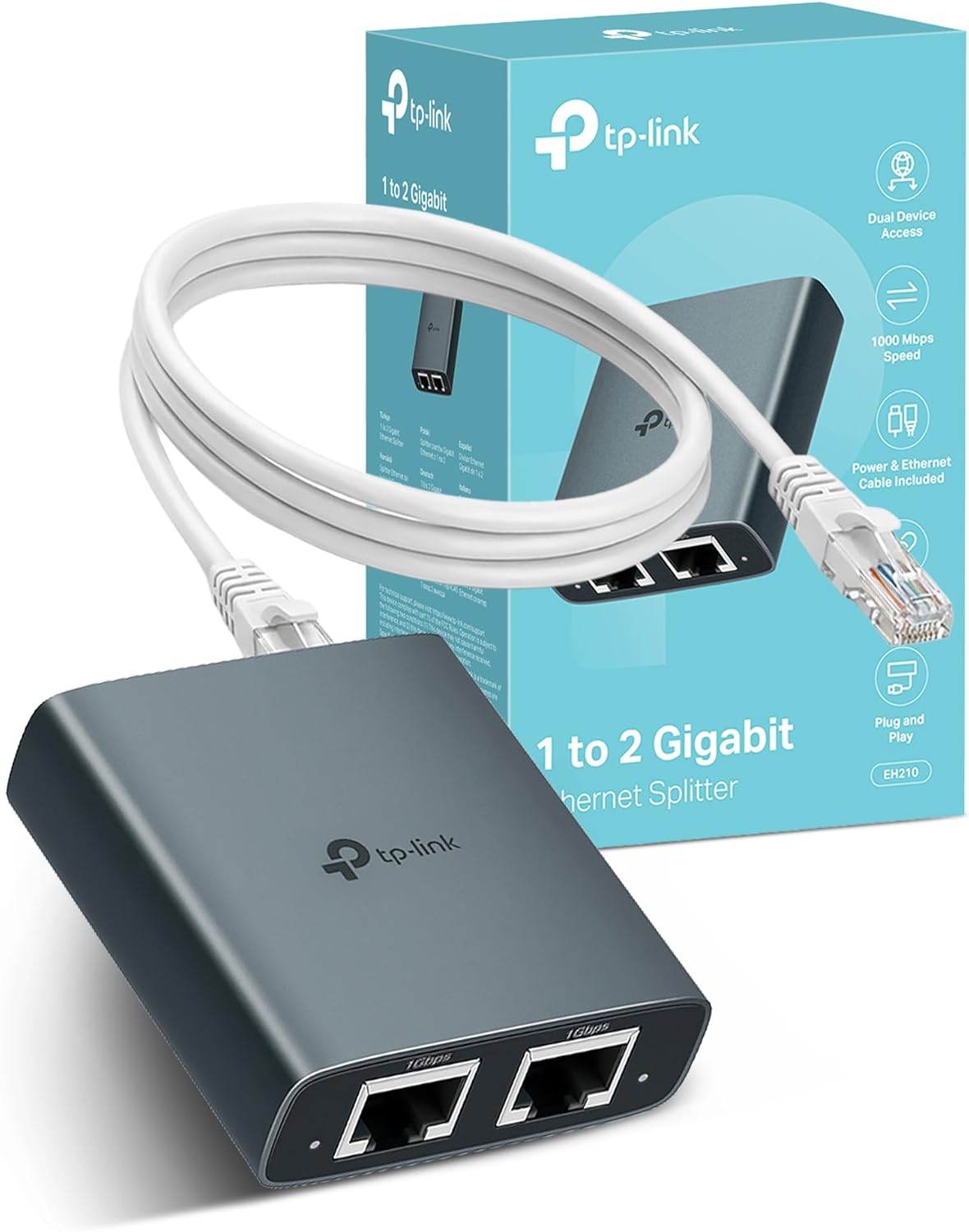
TP-Link EH310 Gigabit Ethernet splitter 1 to 3
Product description
If you want more wired connections without the hassle of complex setup, the TP-Link EH310 Ethernet Splitter is a practical option for home and small office use. It turns one Ethernet connection into multiple LAN ports, supporting up to 1000 Mbps Ethernet for fast, stable wired internet. This is the kind of plug and play networking accessory that helps when you need to connect a router, laptop or PC, TV, or gaming console using a straightforward wired layout.
With the EH310, you can split a single incoming Ethernet input into multiple outputs so different devices can share the same wired connection more neatly. According to the manufacturer, it supports up to 1 G Ethernet network connections and also works with older 100 Mbps and 10 Mbps speeds for backward compatibility. The automatic handling is designed to reduce day to day configuration effort, so you can focus on using your network rather than tuning it.
Key points
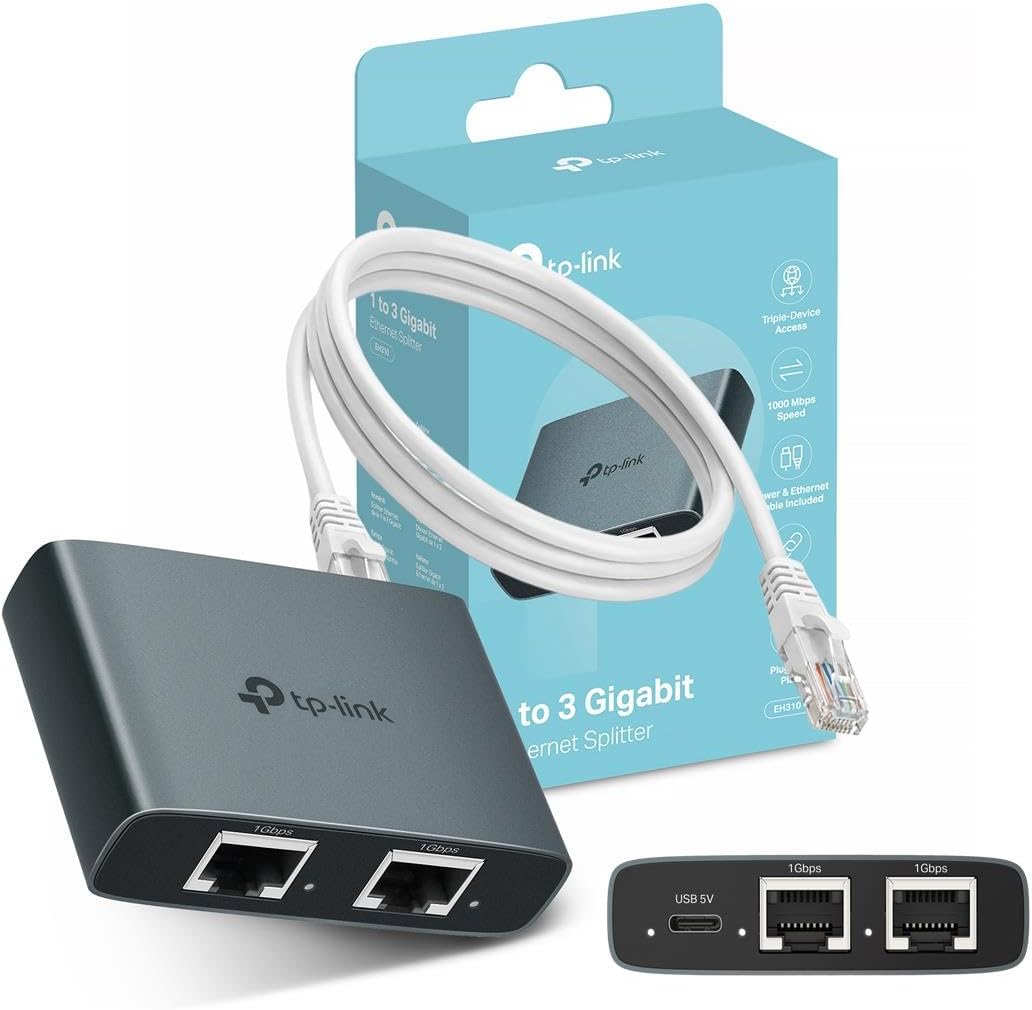
The EH310 Ethernet Splitter is built around a simple idea, one Ethernet connection in, multiple wired LAN connections out. You can select any one of the four LAN ports as the Internet input, and the remaining three ports then act as output ports for your devices. This makes it easy to rearrange your setup when you change where your router sits, or when you swap which room devices are using. 🧩
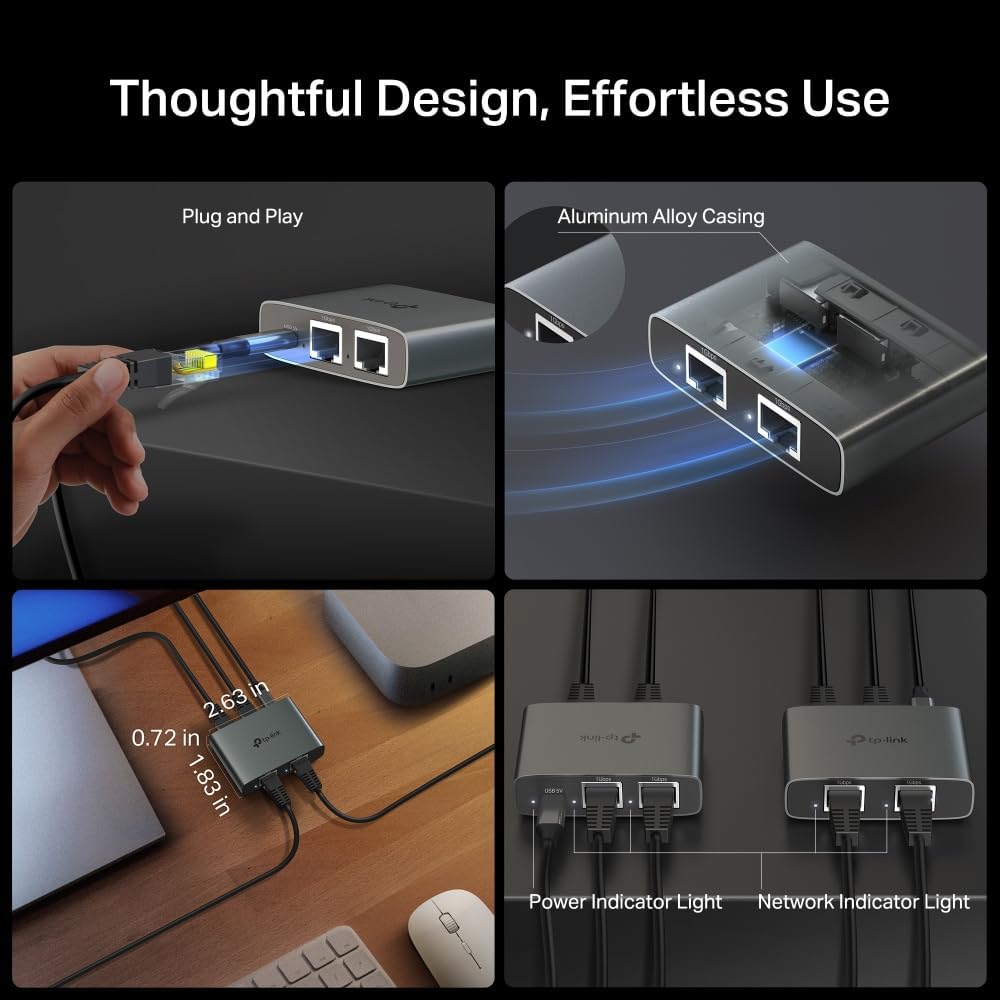
It is also designed to be reliable over time. The manufacturer highlights an aluminium alloy casing, which is intended to support long term reliability and improved heat dissipation, helping performance stay consistently stable during use. If your network equipment tends to run for hours, or you place it in an enclosed area, that heat management angle is worth considering.
Another helpful aspect is the compact layout. The two Ethernet ports per side arrangement is described as more space efficient than traditional designs, so it can fit more easily into crowded spaces. It is the sort of accessory that can clean up a network shelf, media unit, or home office desk without taking up extra room.
Worth noting, the unit is a splitter style Ethernet device, so it is for distributing one wired input rather than upgrading your internet speed beyond what your existing connection and router provide. If you are aiming for a specific performance target, it is still important to consider your overall internet plan and the capabilities of the devices you are connecting.
Tech specs
Here are the technical details provided for the TP-Link EH310 Ethernet Splitter:
- Type: Ethernet splitter, 1 to 3 Gigabit network switch
- Capacity: supports up to 1000M Ethernet connections
- Speed support: 1000 Mbps high speed Ethernet
- Backward compatibility: works with 100 Mbps and 10 Mbps network speeds
- Ports and roles: one LAN port can be selected as Internet input, other three act as outputs
- Network interface: LAN RJ45 Ethernet connections
Pros
The EH310 is built for straightforward, practical wired connectivity, especially when you have multiple devices that benefit from stable Ethernet. The plug and play approach and automatic handling can remove friction when you are setting up a living room or home office network, or when you simply want to avoid manual network configuration. ⚡
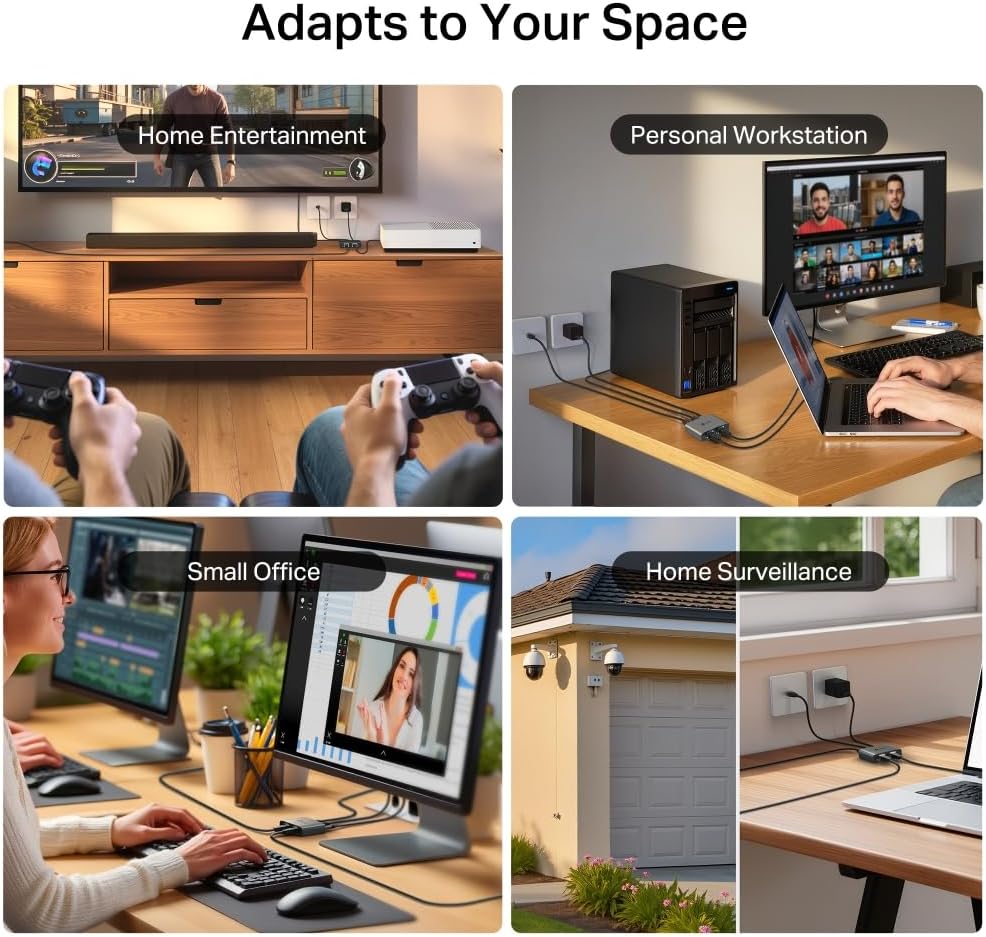
Support for gigabit level networking is a key strength. According to the manufacturer, it handles up to 1000 Mbps Ethernet and also remains compatible with slower speeds, so it can fit into mixed device setups without forcing you to replace older gear. That flexibility is useful in real homes where not every device needs or supports the same network speed.
The build and thermal approach are also a positive point. The aluminium alloy casing and heat dissipation focus are designed to help maintain stable operation, which matters when the switch is left running. For day to day use, that means fewer worries about reliability as the equipment sits in place week after week.
The compact design helps with placement too. If you have limited space near a router, TV, or gaming area, the slimmer profile can make installation feel more natural. 🔧
If you prioritise keeping your setup tidy and your devices connected via wired Ethernet, this EH310 gives a simple distribution method with gigabit support on the wired side.
What’s included
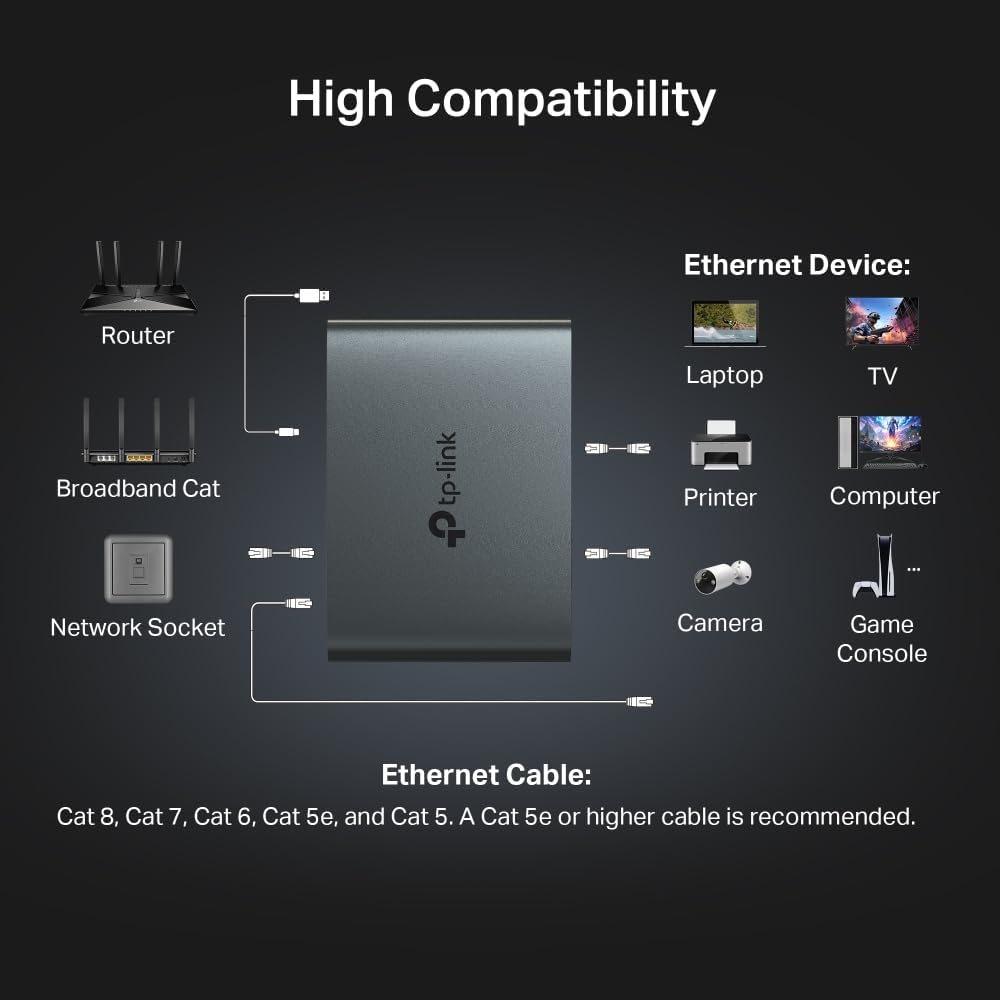
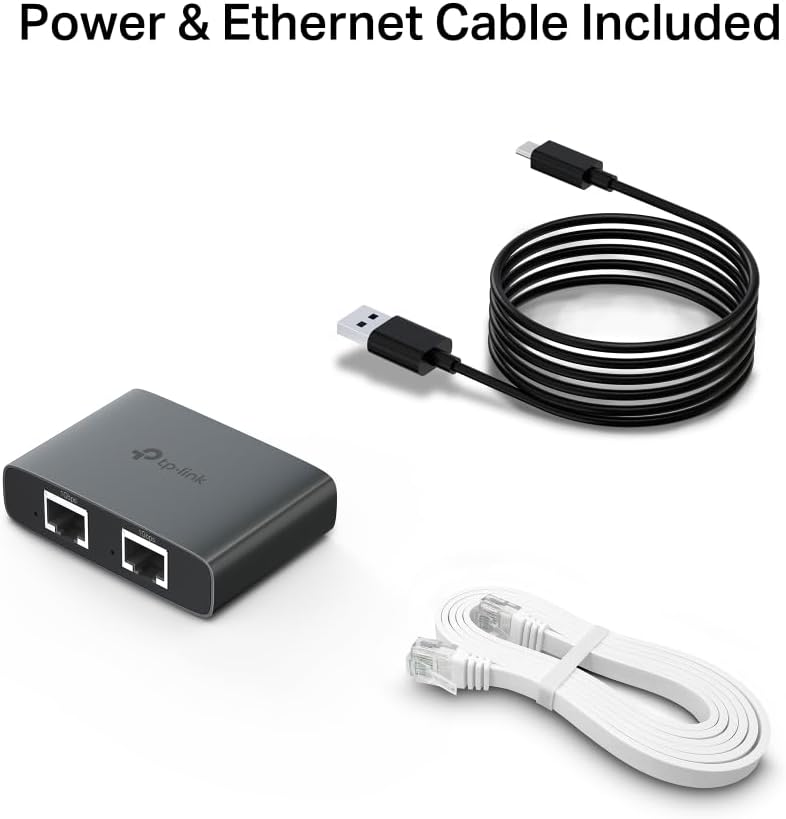
The EH310 is described as a plug and play LAN RJ45 internet splitter with an Ethernet and USB cable for use with a router, laptop or PC, TV, and Xbox. That means it is set up to connect into common home device scenarios where you want to distribute wired access using Ethernet cabling. The manufacturer also describes the configuration as handled automatically, which simplifies the practical setup process.
In many home setups, you will typically connect the device that provides the Internet input into the selected LAN port, then wire the remaining devices into the output ports. This can be helpful when you have a TV in one location and a gaming console in another, or when your laptop needs a dedicated wired link rather than relying on Wi Fi.
It is worth remembering that your device compatibility still depends on having appropriate Ethernet ports on the devices you plan to connect. When you do have Ethernet on the TV or console, or Ethernet on your laptop or PC, this type of splitter switch can quickly make the wired connection feel more flexible.
Usage tips
It makes sense if you want to expand wired connectivity from a single Ethernet connection without turning your network setup into a project. You can select one LAN port as the Internet input and let the other three become output ports for your devices, which keeps changes simple if you move equipment around. If your current setup is short on available Ethernet ports, this is a convenient way to add more wired endpoints.
It might not be a great match if you expect the splitter to change what your router or internet connection can deliver, because the EH310 is focused on distributing the wired connection rather than improving your broadband service. Also consider placement, especially if you plan to run it continuously in a tight space, since the aluminium alloy casing and heat dissipation are designed to help but airflow is still helpful. You will get the most value when the devices you connect can actually benefit from wired Ethernet, such as TVs, PCs, and consoles.
For day to day use, the main advantage is how quickly you can set up multiple wired connections. You can also keep the unit near your router or near the entertainment area, so you do not have to route extra wiring in complicated ways. That practical approach can save time whenever you add a new wired device or rearrange your desk.