

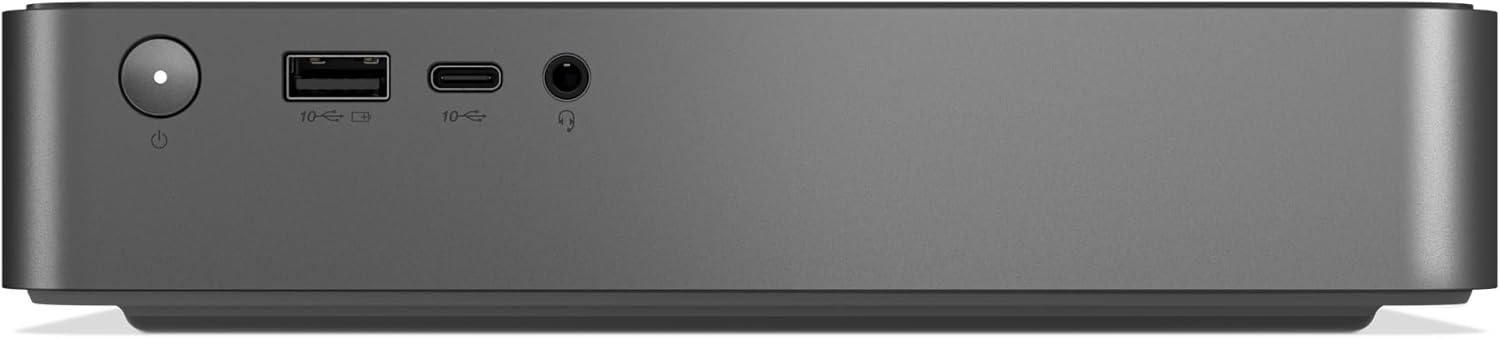
Lenovo IdeaCentre Mini Desktop (Intel Core 5 210H, 16GB RAM, 32GB SSD) – Luna Grey with Wi‑Fi 7, Thunderbolt 4 and Windows 11 Home
Product description
If you want a compact desktop that can keep up with everyday multitasking and still feel “modern” on the ports, this Lenovo IdeaCentre Mini Desktop is worth a closer look. On paper it’s built around an Intel Core 5 210H 8-core CPU, paired with 16GB of RAM and a 32GB SSD, plus connectivity options that suit home offices and media setups.
The trade-off with minis is usually the same: they’re great where desk space matters, but you still need to be realistic about storage and how many intensive tasks you expect it to handle at once. This one leans towards smooth day-to-day work and streaming, rather than being the biggest performance monster in its class.
The essentials
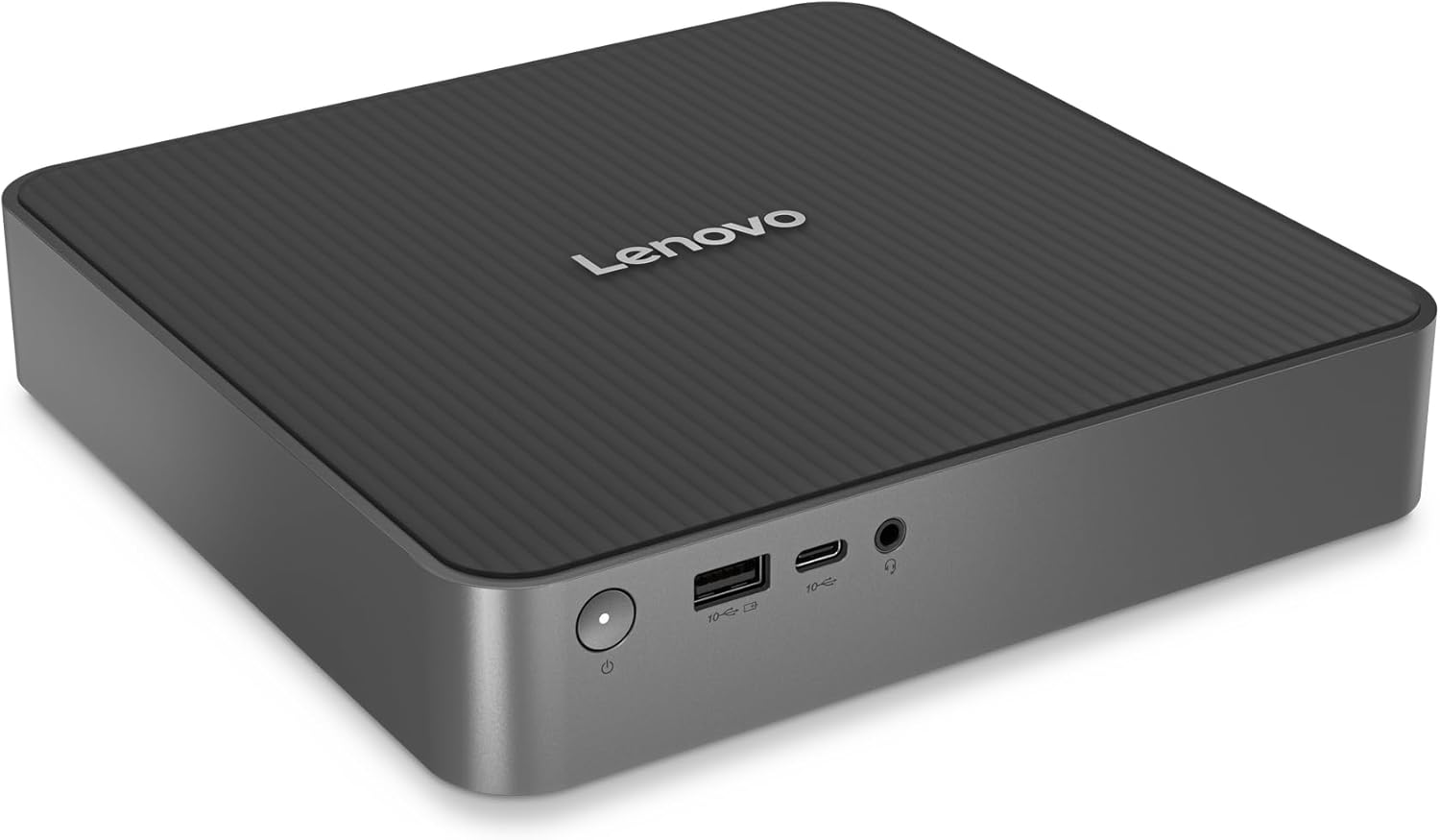
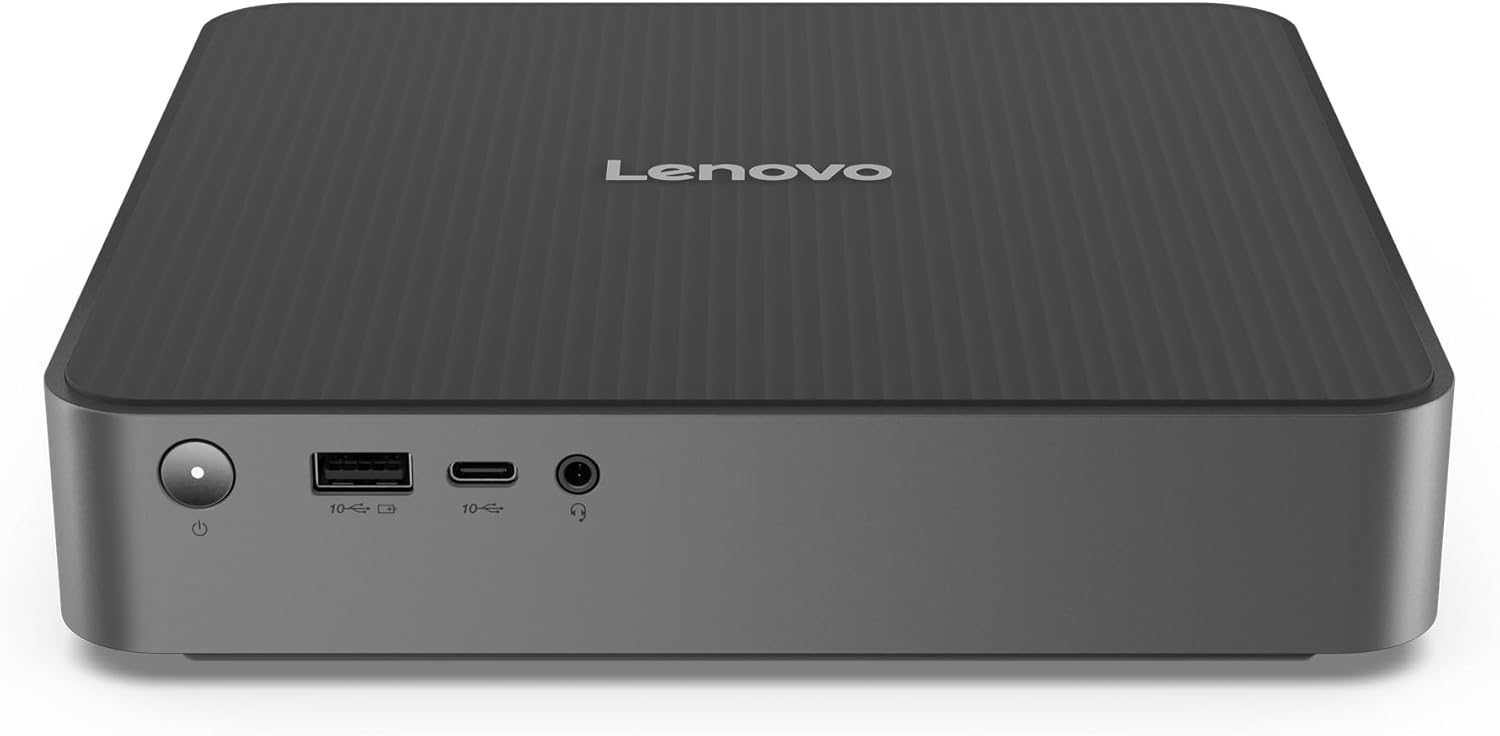
This is a small-form-factor IdeaCentre designed to sit neatly in a home workspace or behind a monitor. The focus is on responsive multitasking (“seamless” is the theme here) and quicker device connections via modern interfaces.
You’re getting a combination that should help with typical productivity workflows—think multiple browser tabs, documents, spreadsheets, and streaming at the same time—without feeling like it’s struggling. Lenovo also positions it as ready for resource-heavy applications, but do bear in mind that “heavy” varies a lot depending on your software and how demanding it is.
Where it shines in daily use
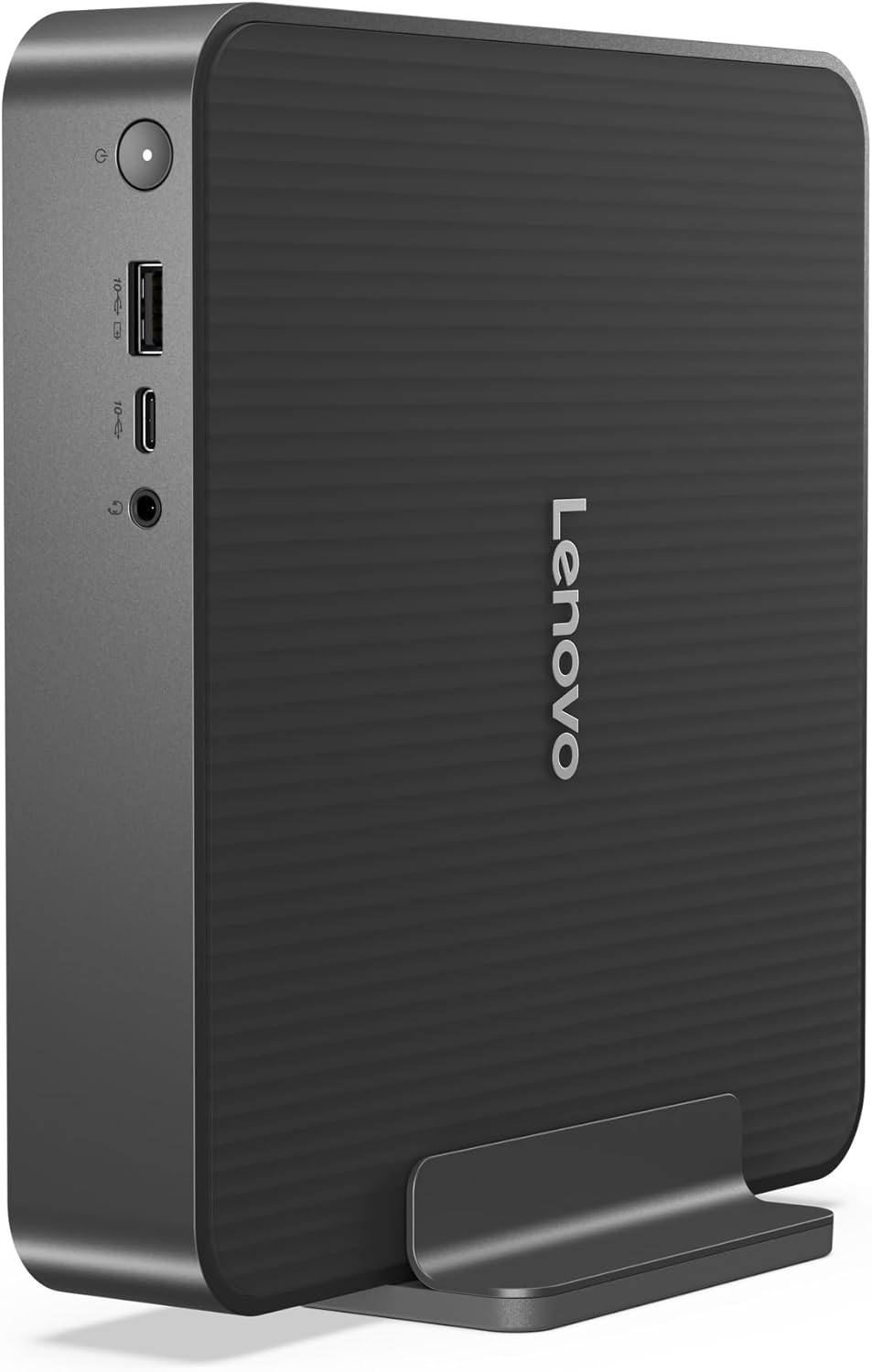
A mini PC like this tends to be most convincing when you care about clutter and setup speed. The description points to high-speed Wi‑Fi and uninterrupted LAN connectivity, which is exactly the sort of thing you notice when video streaming is involved.
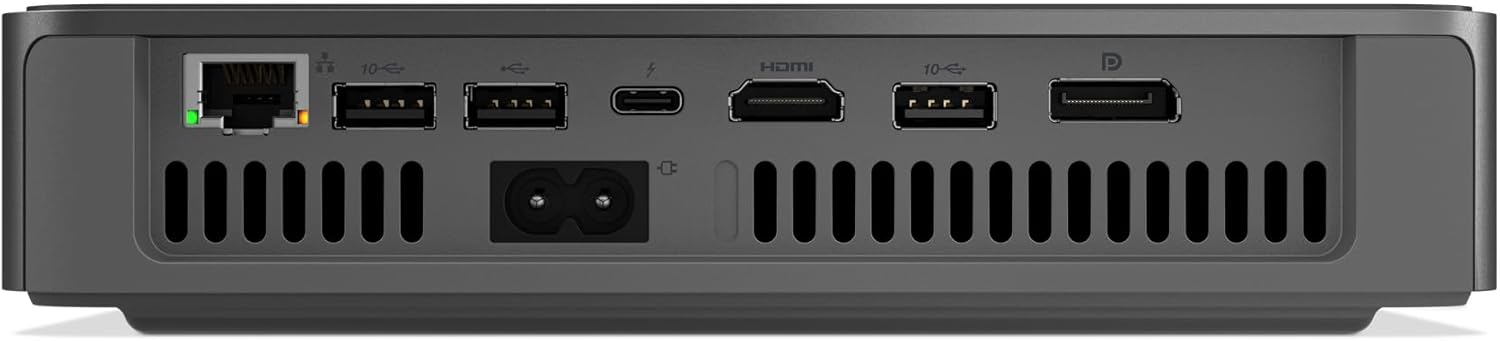
There are also practical connectivity wins: Thunderbolt 4 and DisplayPort 1.4 help with modern monitor and docking-style setups, while HDMI 2.1 is handy if your screen or TV uses HDMI-first. Add in RJ‑45 for wired reliability, and you’ve got a sensible mix for different home setups.
Mini example: if you’re working from a desk, you could use the HDMI output for a main screen, stay on a stable wired connection with RJ‑45 for video calls, and connect a secondary display or high-speed peripheral via the relevant port—without needing a full-size tower.
Cooling and noise: what Lenovo is aiming for
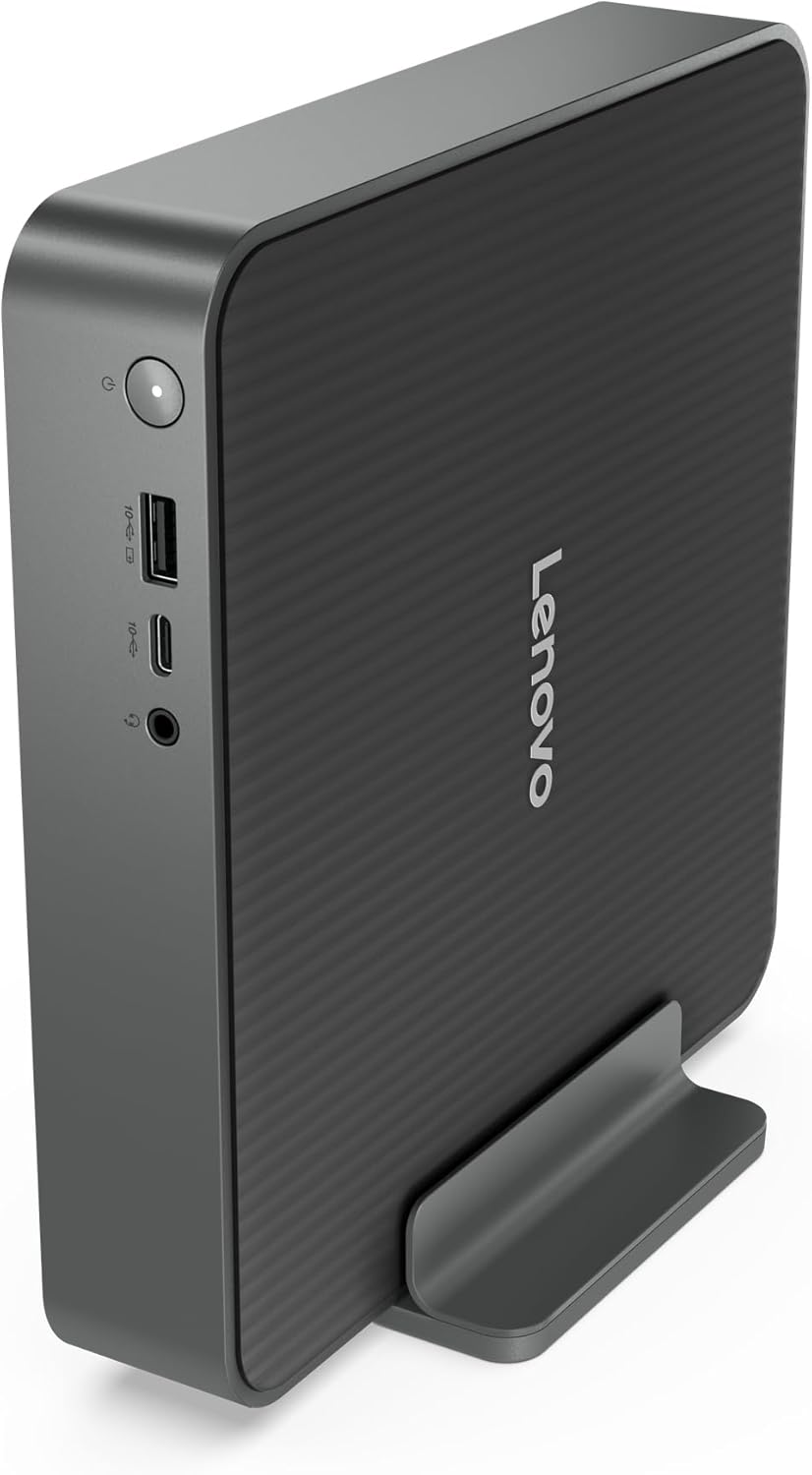
Lenovo’s angle here is “stay cool, stay focused”. With dual fans and an Intelligent Cooling Engine, the idea is to maintain stable performance even under heavier workloads, while also cutting noise and heat compared with less considered designs.
That said, cooling approaches don’t eliminate all noise. If you’re running sustained, demanding tasks for long periods, you may still hear fans—just that the intention is to keep it controlled and avoid overheating interruptions.
Upgrade-ready, but keep expectations sensible
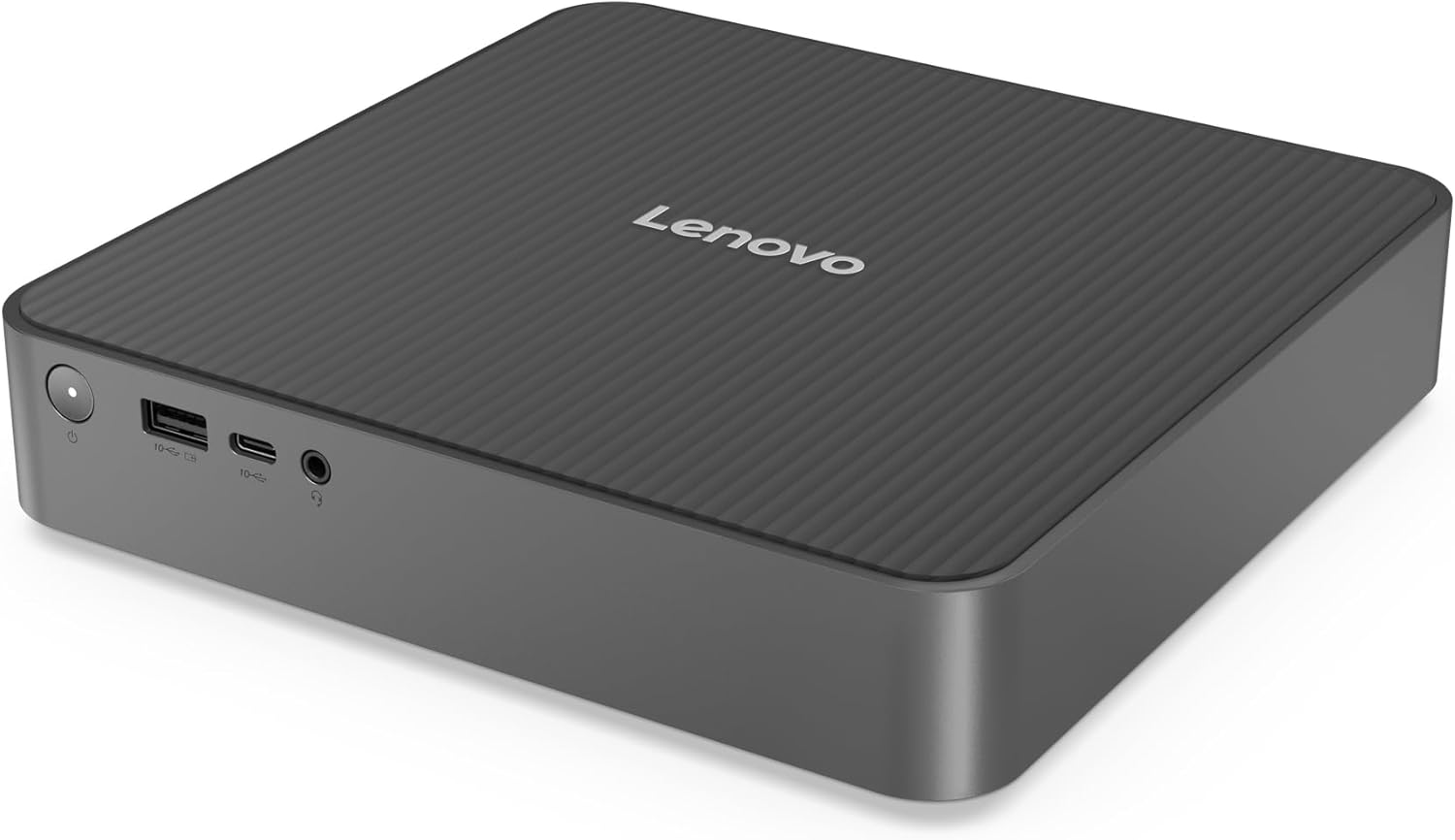
The compact IdeaCentre mini format is meant to be easy to live with: fewer cables, a power supply built in, and a design that’s “upgrade-ready”. The phrase matters—being upgrade-ready generally means you may be able to extend or refresh parts over time, but the specific upgrade paths aren’t listed in the information you provided.
So it’s a good approach if you like the idea of keeping a PC relevant longer, but it’s also worth checking what upgrades are actually supported before you buy, especially if you plan to move beyond the included storage.
Also, 32GB SSD storage is a small figure in day-to-day terms. Even if the PC feels snappy for light use, you’ll likely want to think about how you manage files—downloads, photos, and larger apps—otherwise you could run into space constraints sooner than you’d like.
What you need to know before buying
It’s running Windows 11 Home, so it suits the mainstream UK home and work setup where you want familiar software compatibility out of the box.
You should also sanity-check a few basics:
- Storage expectations: 32GB SSD may be fine for a minimalist “apps + cloud files” approach, but it can feel tight for lots of installed software and local media.
- Port planning: if your monitor setup relies on a particular connection type, make sure your screen matches DisplayPort 1.4 or HDMI 2.1, and think about what you’ll use Thunderbolt 4 for.
- Networking choice: you’ve got Wi‑Fi 7 and RJ‑45, so decide whether you prefer wireless convenience or wired stability for calls and streaming.
It might not be the best match if your priority is maximum local storage or you regularly run very heavy workloads for long stretches.
Is it worth it?
This Lenovo IdeaCentre Mini Desktop makes sense if you want a compact PC for everyday productivity, multitasking, and streaming, and you care about having modern connectivity (including Thunderbolt 4, DisplayPort 1.4, HDMI 2.1, Wi‑Fi 7, and RJ‑45). The dual-fan cooling approach is a positive sign for staying usable when things heat up.
You may want to skip it if you need more onboard storage straight away, or if your workflow is heavily dependent on large installations and local media libraries. In that case, you’ll either feel the limits of the SSD size or you’ll end up planning upgrades sooner than expected.
If you’re the kind of buyer who keeps most files in the cloud, uses the desktop for work and media, and values a tidy setup, it’s a solid “mini desktop” concept. Just make sure the storage and upgrade options fit your real usage, not just the idea of multitasking.
Quick FAQ
Is this good for multitasking?
On paper, yes: it pairs an 8-core Intel Core 5 210H with 16GB RAM, which should support typical multitasking like multiple applications and lots of browser tabs.
Will it be OK for video streaming?
The inclusion of Wi‑Fi 7 and RJ‑45 for LAN connectivity is aimed at reliable streaming, and HDMI 2.1 plus DisplayPort 1.4 should help with modern display setups.
Does the mini format reduce performance?
A compact design doesn’t automatically mean weak performance, but minis can be more sensitive to sustained workload and cooling. The description focuses on cooling stability, though fan noise can still vary depending on load.
Is the 32GB SSD enough?
It may suit a minimalist setup, but it could feel limiting if you install lots of apps or keep large files locally.
What operating system does it come with?
Windows 11 Home is included, so it’s ready to set up for mainstream home and office use.